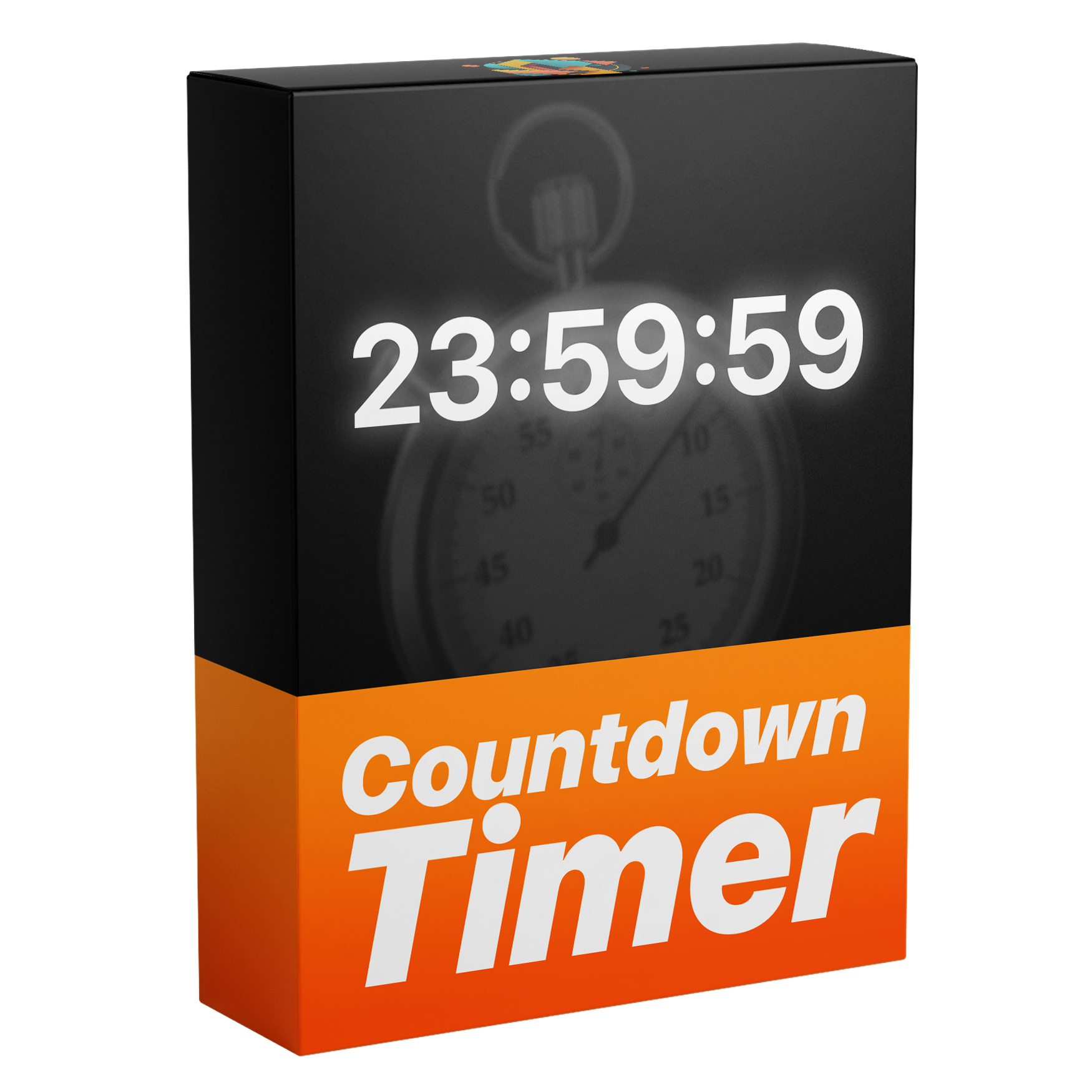

Countdown Timer Template
Introducing the ultimate fully customizable Countdown Timer for Premiere Pro. Create dynamic countdowns with full control over time, milliseconds, fonts, and a variety of text design settings — all without any plugins.
Works with Premiere Pro 2021-2026
Works with Windows & macOS
Instant Download
Lifetime Access + Free updates
Commercial license
Countdown Timer Template
Fully Customizable
Animate numbers easily – no keyframes needed.
No Plugins
No extra downloads needed.
Easy to use
Perfect for beginners and advanced editors.
Everything you need to make a countdown timer
This is the only template you need to create smooth, professional countdown timers. Build clean, dynamic timers in seconds with no keyframes or extra work, all directly inside Premiere Pro.

Edit Faster. Get Paid Sooner.
Create fully customizable countdown timers directly inside Premiere Pro. No need to switch to After Effects, save time on every project and speed up your workflow.

Fully Customizable.
With over 32 unique customization options, you have full control over every detail, from fonts and colors to stroke and custom time settings, and more.

Total Control
Customize every part of your countdown timer with flexible controls for start time, alignment, and formatting. Change the font, hide hours when they’re zero, enable milliseconds, and more to fit your exact needs.

Design It Your Way
Take full control over the look of your countdown timers with powerful customization options, including text color, stroke, tracking, and built-in shadow and glow.
One time purchase. Lifetime access.
Pay once and get lifetime access with all future updates included for free. No subscriptions, no hidden fees, and no extra costs.
See how this compares


Template guide

FAQs
What's included?
You get a fully customizable countdown timer template for Premiere Pro, designed to create clean, professional timers in seconds.
The template includes a range of customization options, allowing you to adjust fonts, colors, stroke, alignment, start time, formatting, and more.
Everything works directly inside Premiere Pro with no plugins required.
Who is this template for?
This template is perfect for video editors and creators who want to add clean, professional countdown timers directly inside Premiere Pro.
Whether you’re editing YouTube videos, social media content, or client work, it helps you create smooth, eye-catching timers quickly and efficiently.
It’s beginner-friendly and fully customizable, while still being powerful enough for advanced editors who want full control and faster workflows.
Why this template?
This template is designed to make creating countdown timers fast, easy, and professional, while adding the ability to build fully customizable timers directly inside Premiere Pro.
Instead of switching to After Effects, you can create smooth, high quality timers directly in your workflow. With fully customizable controls, you get complete flexibility without the complexity.
What software does this template work with?
This template works with Adobe Premiere Pro 2021-2026 — both licensed and cracked versions.
Fully compatible with both Windows and macOS, with no plugins or extra setup required.
How do I download the file?
After checkout, you can download the file instantly from the confirmation page. You will also receive an email with your download link, and you can access it anytime from your order page.
How do I import the template?
For Premiere Pro 2018–2024, open the Essential Graphics panel by going to Window > Essential Graphics. Then, drag and drop your MOGRT file into the panel.
In Premiere Pro 2025 or newer, use the Graphics Templates tab instead—enable it via Window > Graphics Templates—and drag your MOGRT file there. After importing, you can add the MOGRT to your timeline and customize it.
For a complete step-by-step guide, visit:
Do I need any plugins?
No. Everything is built to work natively in Premiere Pro with no additional plugins or setup required.
Will I get future updates?
Yes. All updates are free for life. You’ll receive a download link by email whenever a new version is released, and you can access the latest version anytime from your account.
Do you offer refunds?
As this is a digital product, refunds are not offered. If you have any questions or issues, we’re here to help. You can learn more in our Refund Policy.