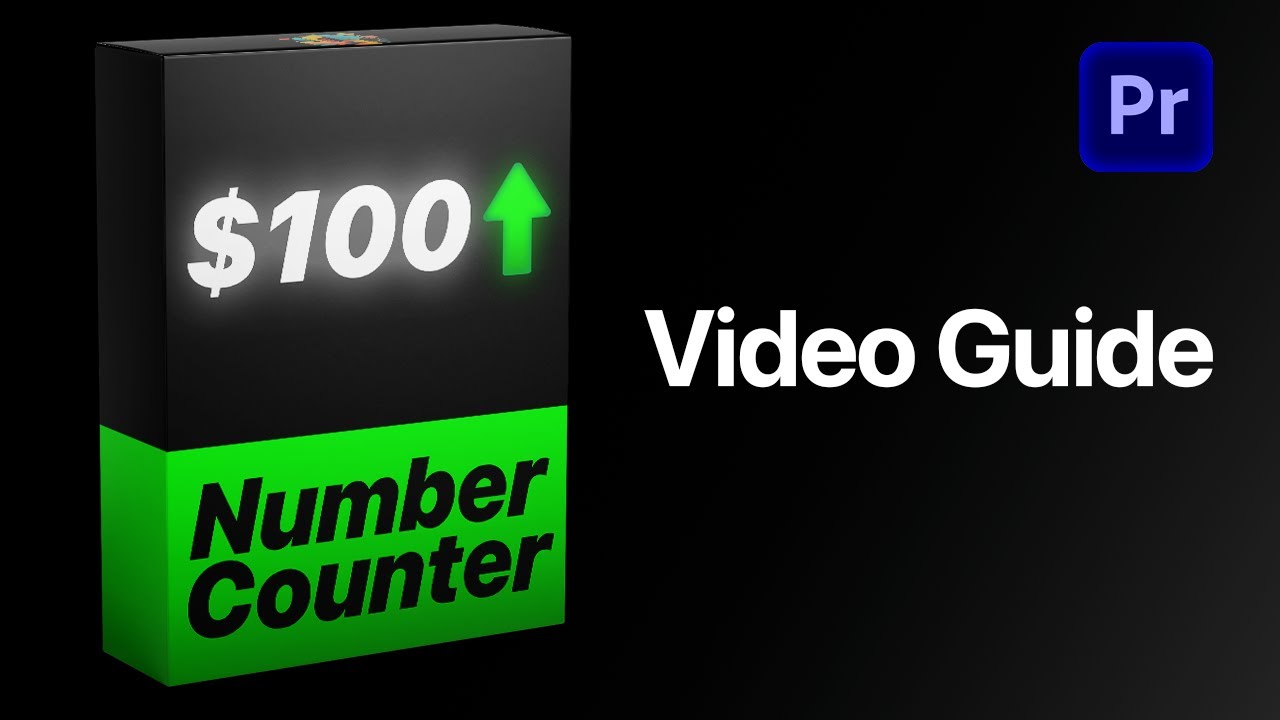
Highlights

  • Fully customizable

    Animate numbers without a single keyframe.

  • No plugins

    Runs natively in Premiere Pro.

  • Easy to use

    Simple for beginners. Fast for pros.

Try it yourself

Adjust the settings below, then press Play to see it in action.

Interactive number counter preview
Text Design
Text Position X Y

Custom fonts work in Premiere Pro. This preview uses a limited font list.

Gradient
Point 1 X Y
Point 2 X Y
Wiggle
Position X Y
Shadow
Glow
Animation
Motion Blur
Transform
Position X Y
Anchor Point X Y

Animate any number. In seconds.

Stats, counters and dynamic data—one template animates them all. Set your values, style it, and you're done. No keyframes, no extra work, all directly inside Premiere Pro.

Load video:

Edit faster. Deliver sooner.

Build number animations right inside Premiere Pro, with no trips to After Effects or other software. Save hours on every project.

Every detail, your call.

More than 35 controls put every detail in your hands—fonts and colors, start and end values, separators and more.

Pay once. Keep it forever.

One payment gets you lifetime access, with every future update included free. No subscription. No hidden fees.

Made for every edit

One template. Every number.

Prices, follower counts, percentages, statistics and financial data. Set your values, decimals and separators, and it counts on its own.

  • Prices

    Decimals
  • Follower counts

    Thousands separators
  • Financial data

    Text before and after
  • Statistics

    Any start and end value

Easy to use

Ready in three steps. No keyframes.

  1. 1

    Import the template

    Open Graphics Templates (Essential Graphics in older versions) and import the .mogrt file.

  2. 2

    Drag it onto your timeline

    Drop it above your footage like any other clip.

  3. 3

    Type your numbers

    Set the start and end values, style and timing in the Essential Graphics panel. It counts on its own.

  • Premiere Pro 2021–2026
  • Windows and macOS
  • No plugins needed
  • Instant download

See the difference

Stop rebuilding counters.

Get flexible, reusable number animation without switching apps or manually animating every value.

Features Number Counter (recommended) Manual keyframes
Any start and end value
Customization controls 35+Limited
Custom separators and labels
Built-in easing
Motion blur controls
Reusable workflow
Any Start & End Numbers
Custom fonts
Animation duration
Separator styles
Text alignment
Free updates
Quality HighLow
Beginner friendly
Lifetime Access
One-time purchase
Commercial license

Editor approved

Built for real editing workflows.

4.9 out of 5

Verified customer reviews

  • I honestly never leave reviews on anything, but this template is such a game changer for me. It's simple and easy to to use and comes with a ton of features.

    Vanessa Verified customer
  • saves HOURS, and just for 20 bucks dude, adobe basics has done wonders for the editing community, from the hundreds of tutorials to all the time saving mogrts and presets. lovely work.

    Neme Verified customer
  • Honestly if you are even thinking of getting it, then get it, its 100% worth the time you save doing it manually

    Alice Hill Verified customer
  • This template literally has everything I need and also some extra features. I find after effects and other animation software hard and this really helps me out

    Pulse Edits Verified customer

See how it works.

Load video:

Good to know

Questions? Answered.

Everything to know before adding the Number Counter Template to your Premiere Pro workflow.

Visit the full FAQ

Questions

9 items
  • What is included?

    You receive one reusable Number Counter MOGRT with more than 35 controls for values, timing, formatting, typography, alignment, transform, glow, and motion blur.

  • Who is this template for?

    It is made for editors who create counters, prices, percentages, statistics, follower counts, financial data, and other animated values.

  • Why choose this template?

    It replaces repetitive keyframing and After Effects round-trips with one flexible template that stays editable directly inside Premiere Pro.

  • What versions of Premiere Pro are supported?

    The template works with Adobe Premiere Pro 2021–2026 on Windows and macOS. No third-party plugins are required.

  • How do I receive my download?

    Your download is available immediately on the order confirmation page. We also email the download link to you, and it remains available from your order page.

  • How do I import the template?

    In Premiere Pro 2025 or newer, open Window > Graphics Templates. In earlier supported versions, open Window > Essential Graphics. Import the included .mogrt file, then drag it from the panel into your timeline.

  • Do I need any other plugins?

    No. Everything works natively in the supported versions of Premiere Pro, with no additional plugins required.

  • Are future updates included?

    Yes. Lifetime access and future updates are included. When a new version is released, you can use the updated link from your email or order page.

  • What is the refund policy?

    Because this is a digital product, purchases are not refundable after the files have been delivered. If something is not working as expected, contact us and we will help you get set up. Read the full Refund Policy.

Number Counting Animation Template

Bring your numbers to life. Starting today.

One template for every counter, price and stat you will ever need, right inside Premiere Pro.

$29.99 one-time

4.92 · 198 reviews

  • Instant download
  • Lifetime access and free updates
  • Premiere Pro 2021–2026
  • Commercial license