

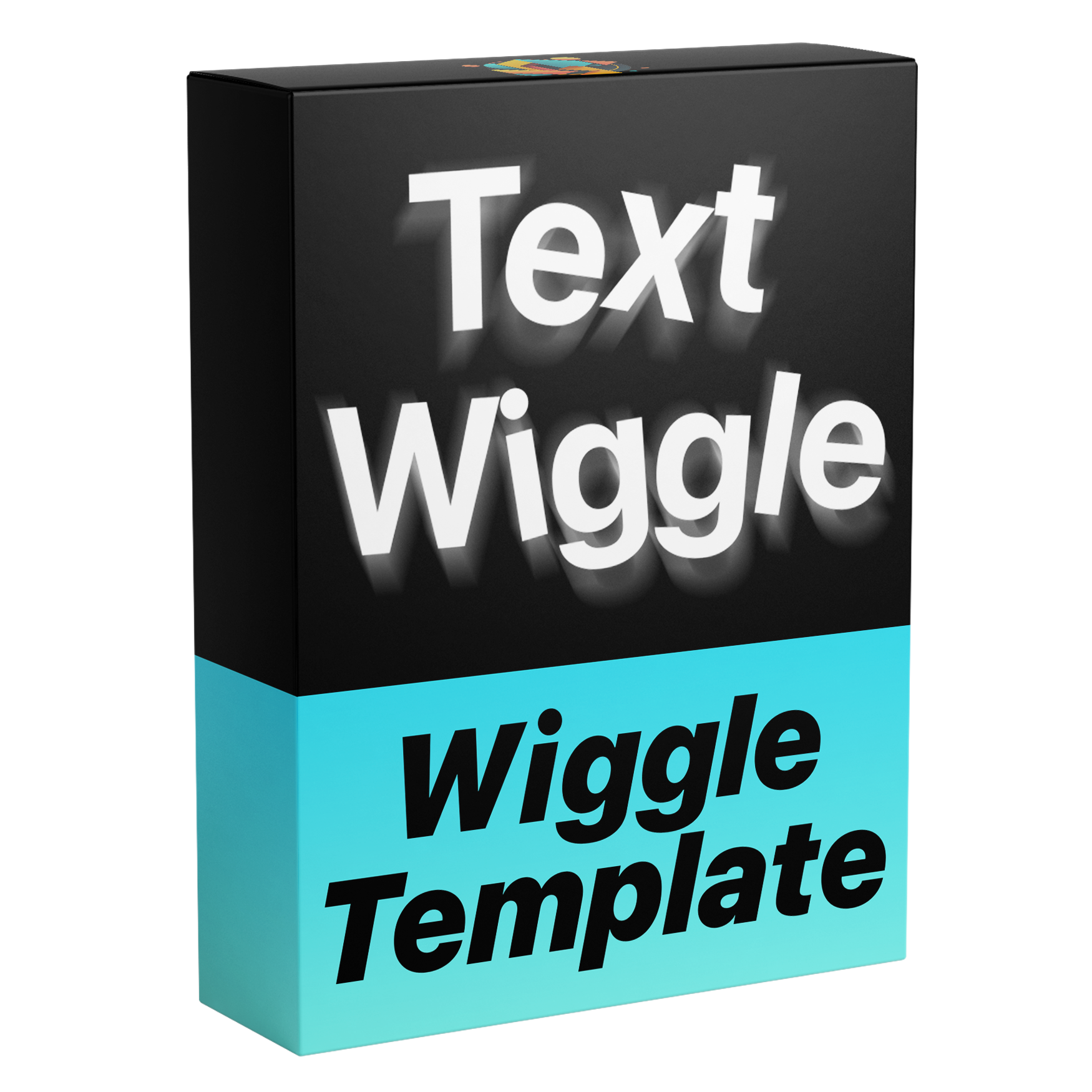

Text Wiggle Template
Bring your text to life with the Text Wiggle Animation template for Adobe Premiere Pro. Create smooth, organic text movement with complete control over your design, from customizing your text and font to adjusting wiggle behavior, anchor points, speed, correlation, and more.
Works with Premiere Pro 2021-2026
Instant Download
Lifetime Access + Free updates
Commercial license
Text Wiggle Template
Highlights
Fully customizable
Animate text without a single keyframe.
No plugins
Runs natively in Premiere Pro.
Easy to use
Simple for beginners. Fast for pros.
Every wiggle, your call.
Customize your text and font, then shape the movement: the amount, speed and correlation of the wiggle, and the anchor point every letter turns around, at the top, center or bottom.
Pay once. Keep it forever.
One payment gets you lifetime access, with every future update included free. No subscription. No hidden fees.
Made for every edit
Add energy. Letter by letter.
Captions, reactions, titles, music edits and social content. Type your text, pick a font, set the speed, correlation and anchor point, and every character wiggles without a single keyframe.
-
Captions
Your text, any font -
Reactions
Speed -
Titles
Anchor point -
Music edits
Correlation
Easy to use
Ready in three steps. No keyframes.
-
1
Import the template
Open Graphics Templates (Essential Graphics in older versions) and import the .mogrt file.
-
2
Drag it onto your timeline
Drop it above your footage like any other clip.
- 3
Type your text
Type your words, pick a font and set the speed, amount, correlation and anchor point in the Essential Graphics panel. It wiggles on its own.
- Premiere Pro 2021–2026
- Windows and macOS
- No plugins needed
- Instant download
See the difference
More motion. Fewer keyframes.
Get adjustable, reusable wiggle without animating individual characters by hand.


Make your text wiggle. Starting today.
One reusable template for captions, reactions, titles and music edits, right inside Premiere Pro.
- Instant download
- Lifetime access and free updates
- Premiere Pro 2021–2026
- Commercial license