

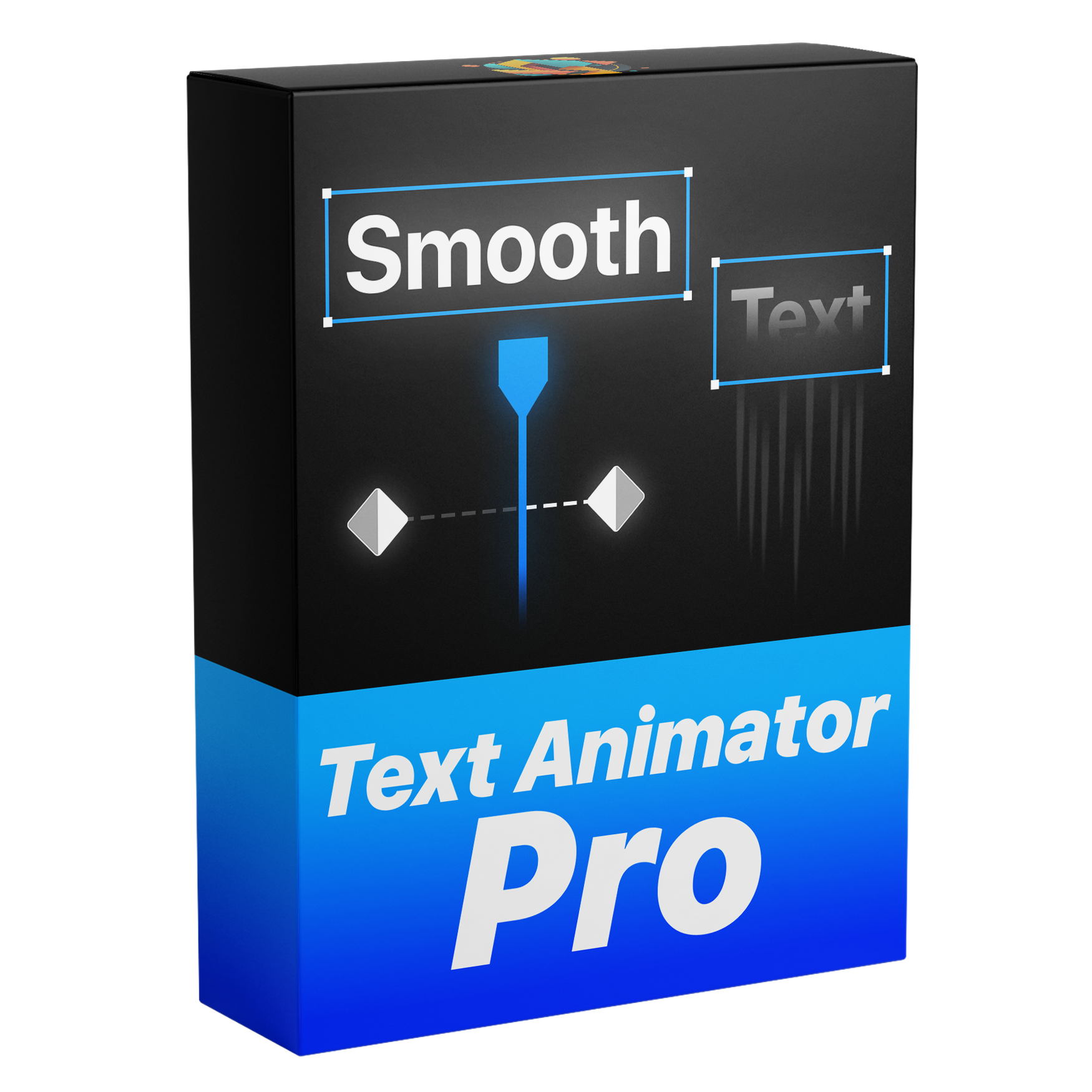

Smooth Text Animation Template
Create stunning, fully customizable text animations in Premiere Pro with no plugins required. Powered by our Dynamic Layer Logic, animations automatically sync to your layer’s In and Out points, keeping timing perfectly intact no matter how you trim or adjust your clip. With flexible creative controls and smart built-in features, you can design smooth, dynamic animations faster and with no hassle.
Works with Premiere Pro 2021-2026
Instant Download
Lifetime Access + Free updates
Commercial license
Smooth Text Animation Template
Fully Customizable
Animate text easily – no keyframes needed.
No Plugins
No extra downloads needed.
Easy to use
Perfect for beginners and advanced editors.
Everything you need to animate text
This is the only template you need to create clean, professional text animations, from titles and captions to dynamic motion effects. Create animations in seconds with powerful customization options, without keyframes or extra steps, all directly inside Premiere Pro.
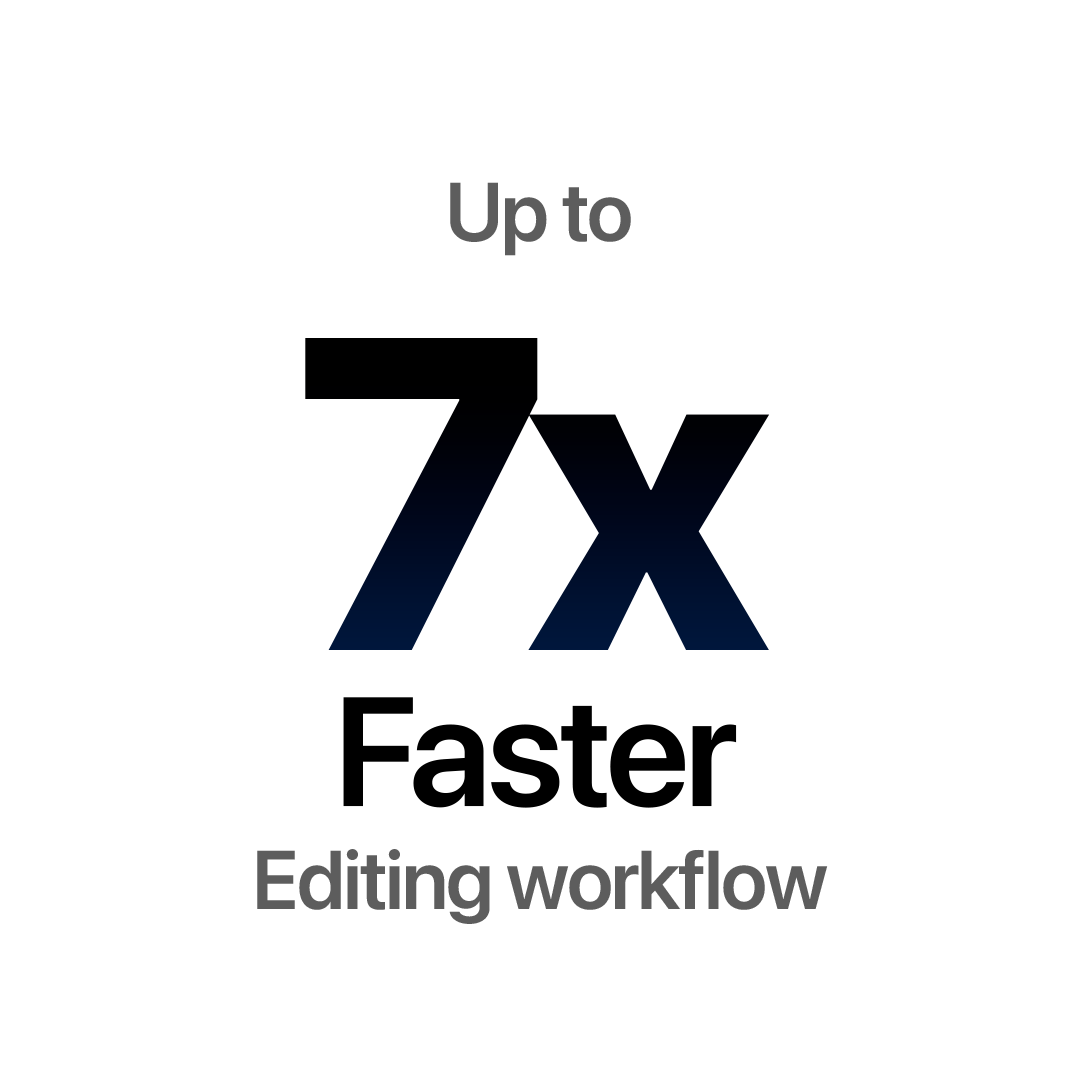
Edit Faster. Get Paid Sooner.
Create text animations directly inside Premiere Pro without switching to After Effects or other software. Save time on every project and speed up your workflow.
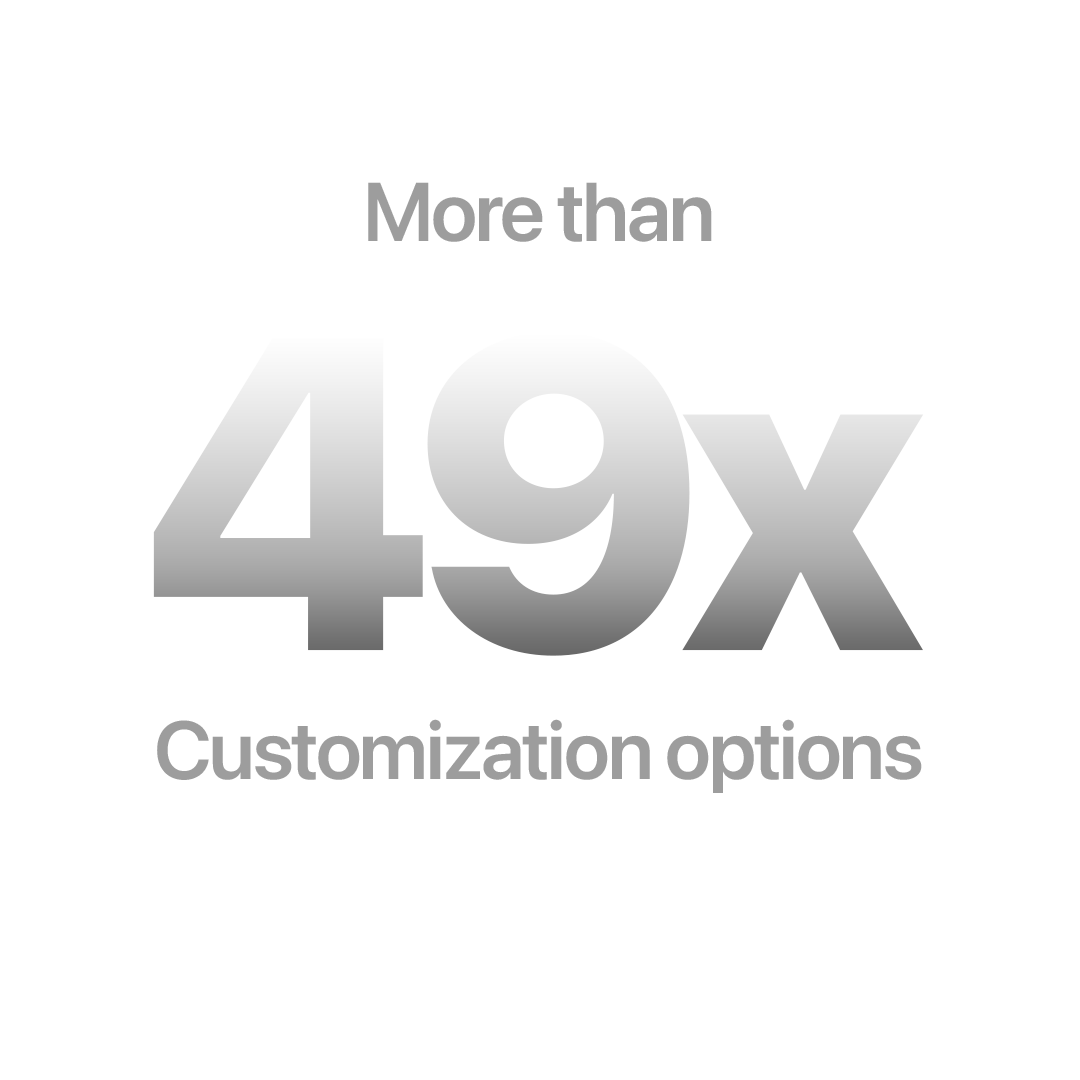
Fully Customizable.
With over 49 unique customization options, you have full control over every detail, from fonts and colors to start and end animations, motion blur, and more.
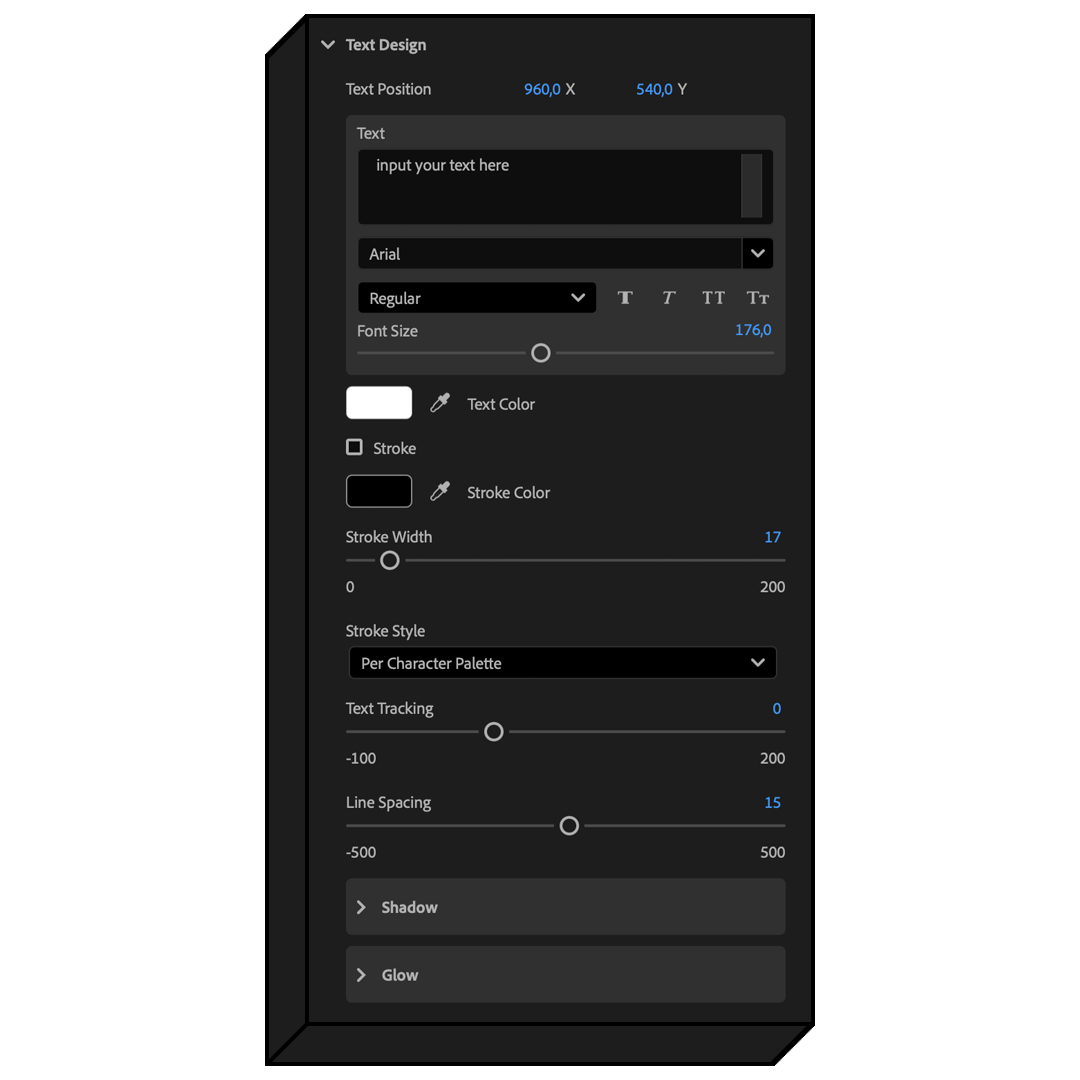
Design It Your Way
Take full control over your text animations with powerful customization options, including fonts, colors, stroke, spacing, glow, and more.
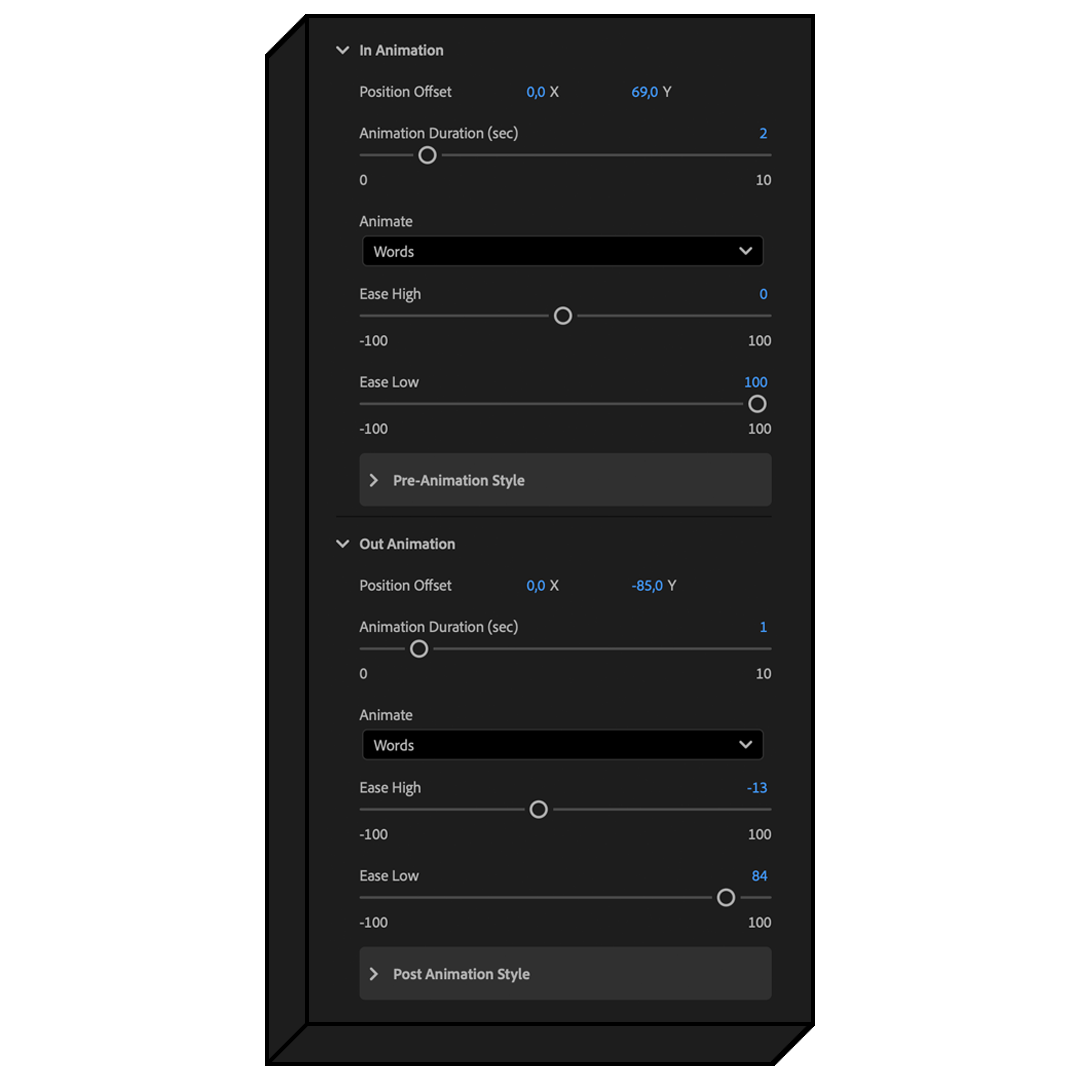
Animate with Precision
Fine tune every part of your text animations with full control over animation speed, easing, and position. Animate characters, words, or lines, and customize in and out animations independently for even more flexibility.
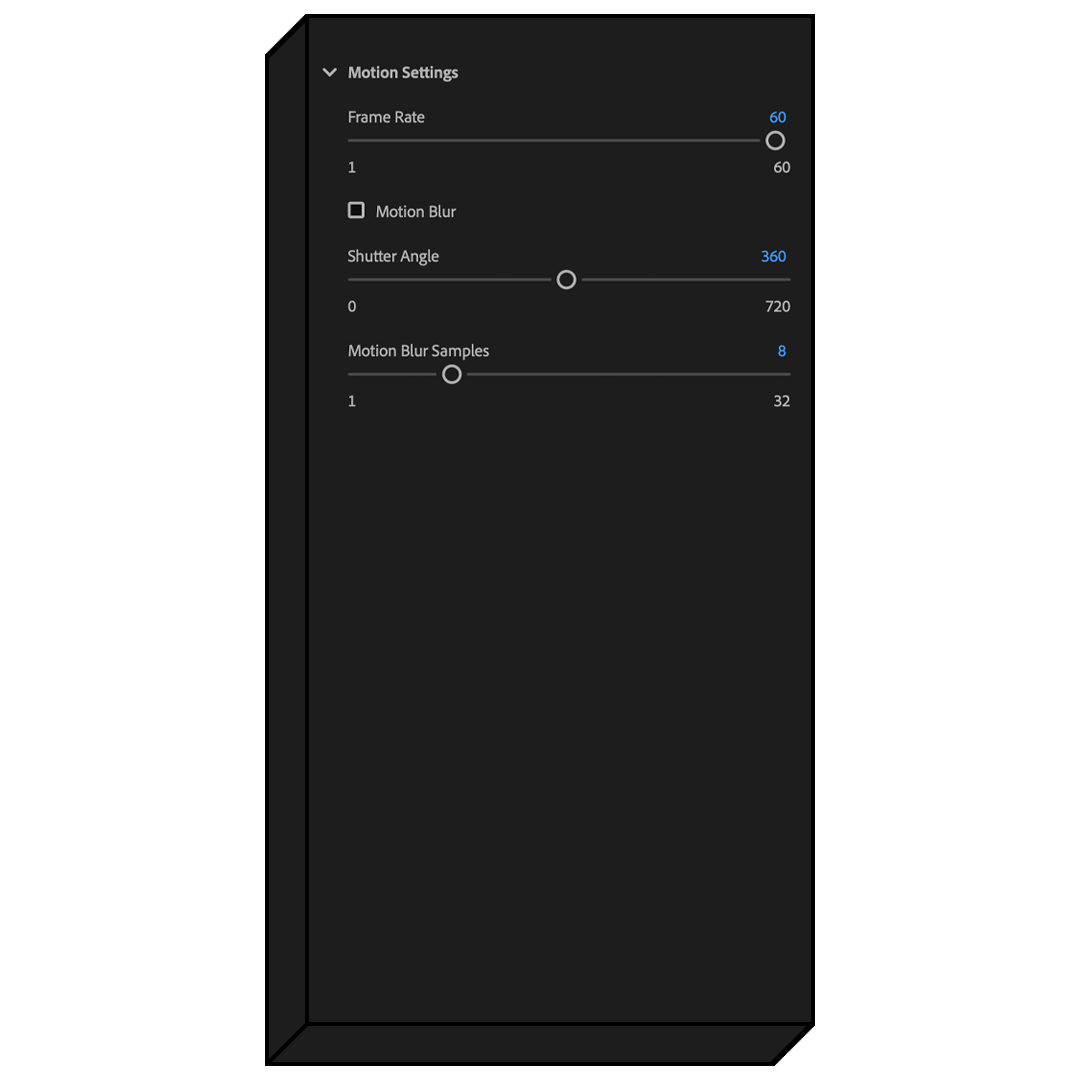
Make It Feel Real
Enhance your animations with built-in motion blur and full control over frame rate and shutter angle. Easily adjust the look to create fluid, natural motion.
One time purchase. Lifetime access.
Pay once and get lifetime access with all future updates included for free. No subscriptions, no hidden fees, and no extra costs.
See how this compares


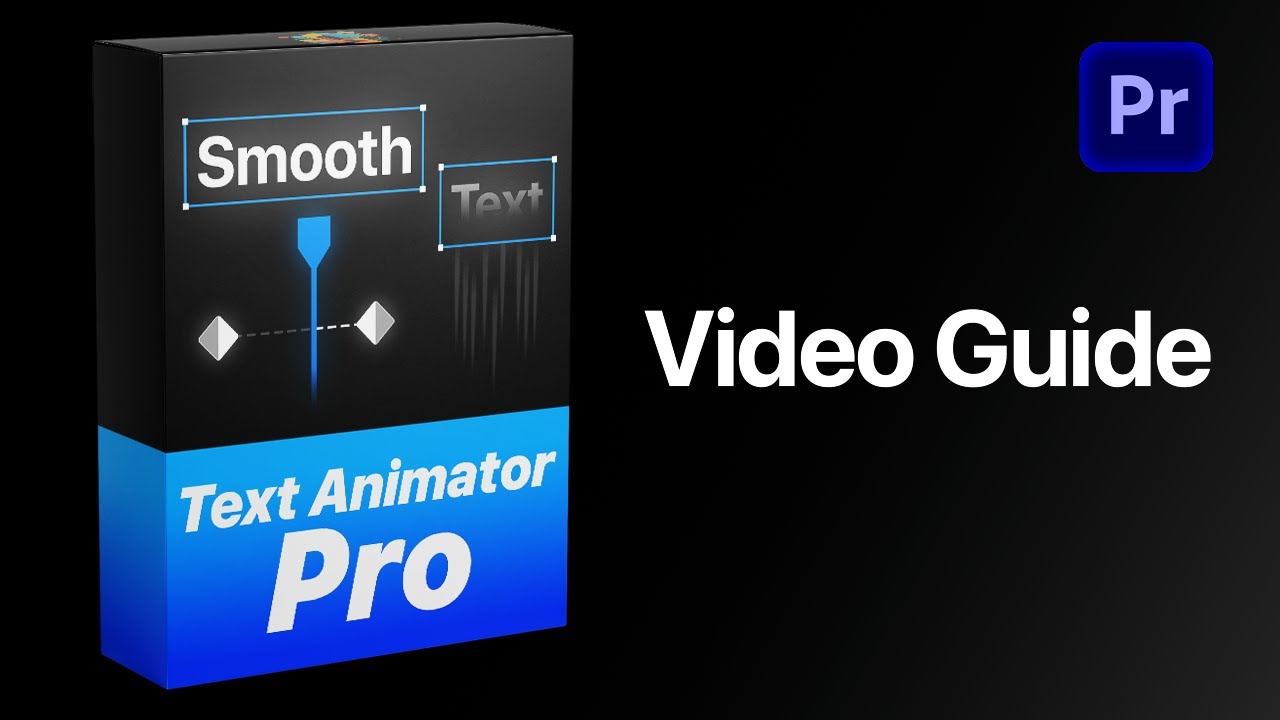
Template guide
FAQs
Need more help? Visit the full FAQ.
What's included?
You get a fully customizable text animation template for Premiere Pro, designed to create clean, professional titles and captions in seconds.
The template includes powerful customization options, allowing you to adjust fonts, size, colors, stroke, glow and shadow, animation speed, in and out animations, easing, and pre and post animation styles and more.
You can also animate characters, words, or full lines, with built-in motion blur for more realistic movement. Everything works directly inside Premiere Pro with no plugins required.
Who is this template for?
This template is designed to make creating text animations fast, simple, and professional.
Instead of switching to After Effects, you can create smooth, high quality text animations directly inside Premiere Pro. With powerful customization options and built-in controls, you get full flexibility without the complexity.
Why this template?
This template is designed to make creating number animations fast, easy, and professional.
Instead of switching to After Effects, you can create smooth, high quality number animations directly inside Premiere Pro. With powerful customization options and built-in controls, you get full flexibility without the complexity.
What software does this template work with?
This template works with Adobe Premiere Pro 2021-2026 — both licensed and cracked versions.
Fully compatible with both Windows and macOS, with no plugins or extra setup required.
How do I download the file?
After checkout, you can download the file instantly from the confirmation page. You will also receive an email with your download link, and you can access it anytime from your order page.
How do I import the template?
For Premiere Pro 2018–2024, open the Essential Graphics panel by going to Window > Essential Graphics. Then, drag and drop your MOGRT file into the panel.
In Premiere Pro 2025 or newer, use the Graphics Templates tab instead—enable it via Window > Graphics Templates—and drag your MOGRT file there. After importing, you can add the MOGRT to your timeline and customize it.
For a complete step-by-step guide, visit:
Do I need any plugins?
No. Everything is built to work natively in Premiere Pro with no additional plugins or setup required.
Will I get future updates?
Yes. All updates are free for life. You’ll receive a download link by email whenever a new version is released, and you can access the latest version anytime from your account.
Do you offer refunds?
As this is a digital product, refunds are not offered. If you have any questions or issues, we’re here to help. You can learn more in our Refund Policy.