Highlights

  • Fully customizable

    Fold images and video without a single keyframe.

  • No plugins

    Runs natively in Premiere Pro.

  • Easy to use

    Simple for beginners. Fast for pros.

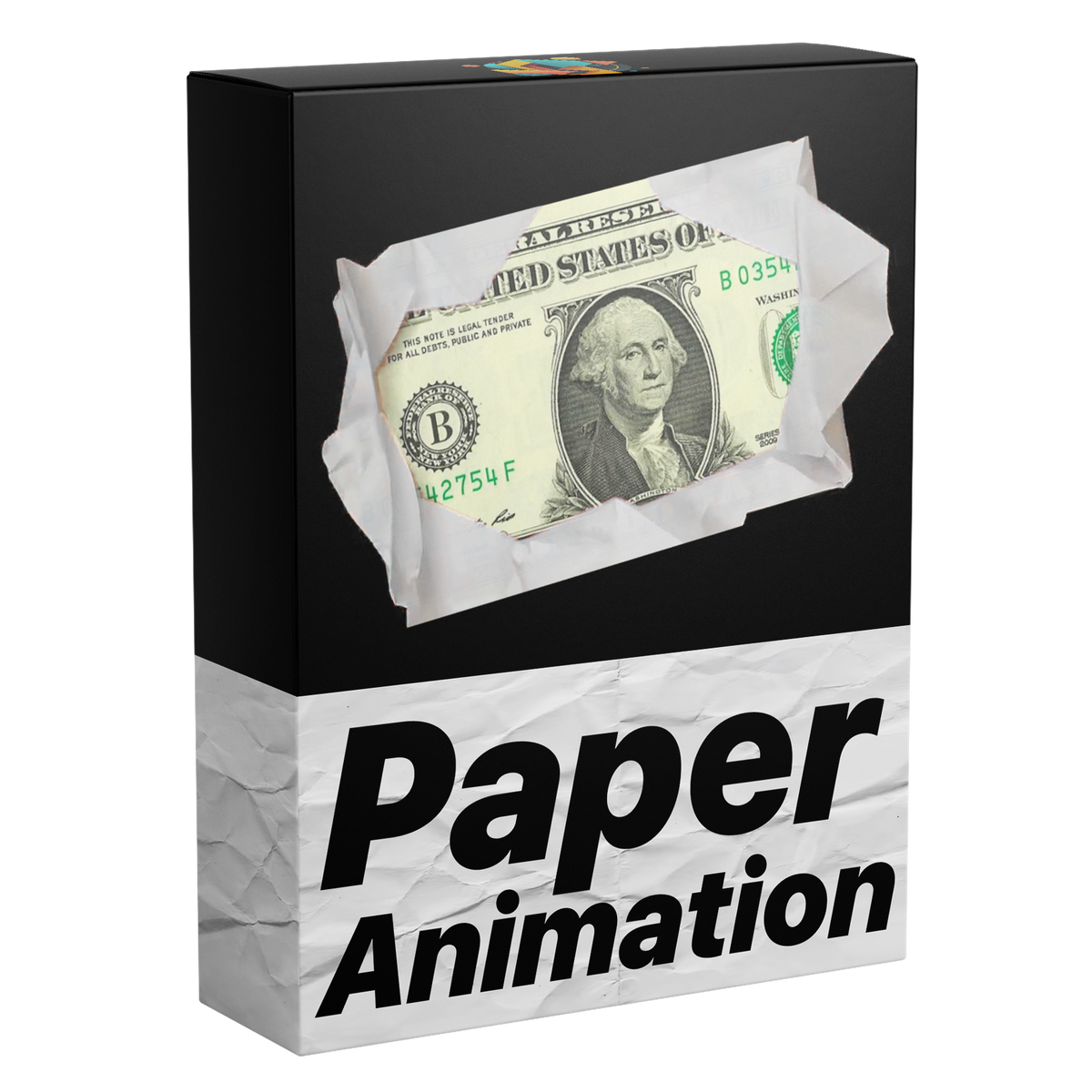
Paper fold animations. In seconds.

Smooth paper fold effects for your images and videos—clean, eye-catching and ready in seconds. No keyframes required, all directly inside Premiere Pro.
Video laden:
Edit faster. Deliver sooner.

Edit faster. Deliver sooner.

Build smooth paper folds for images and video right inside Premiere Pro, with no trips to After Effects. Save time on every project.
Sound, built right in.

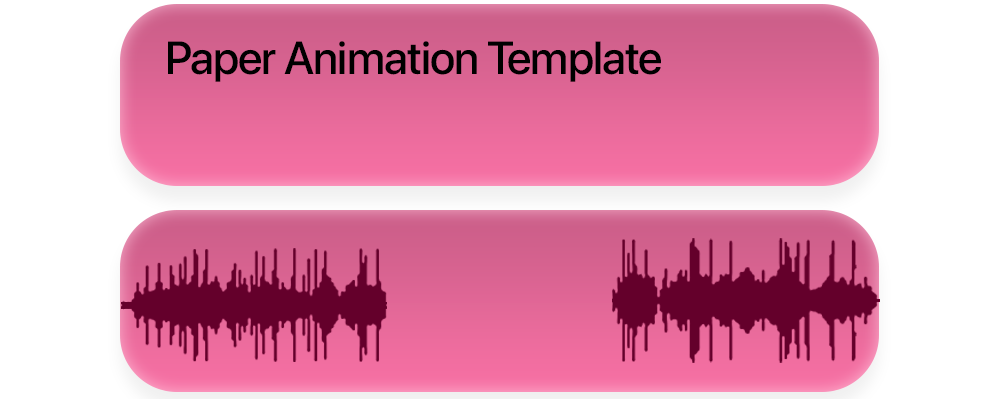
Sound, built right in.

Sound effects are built into the template and synced to every fold in and fold out, so each fold lands with a polished, immersive sound.
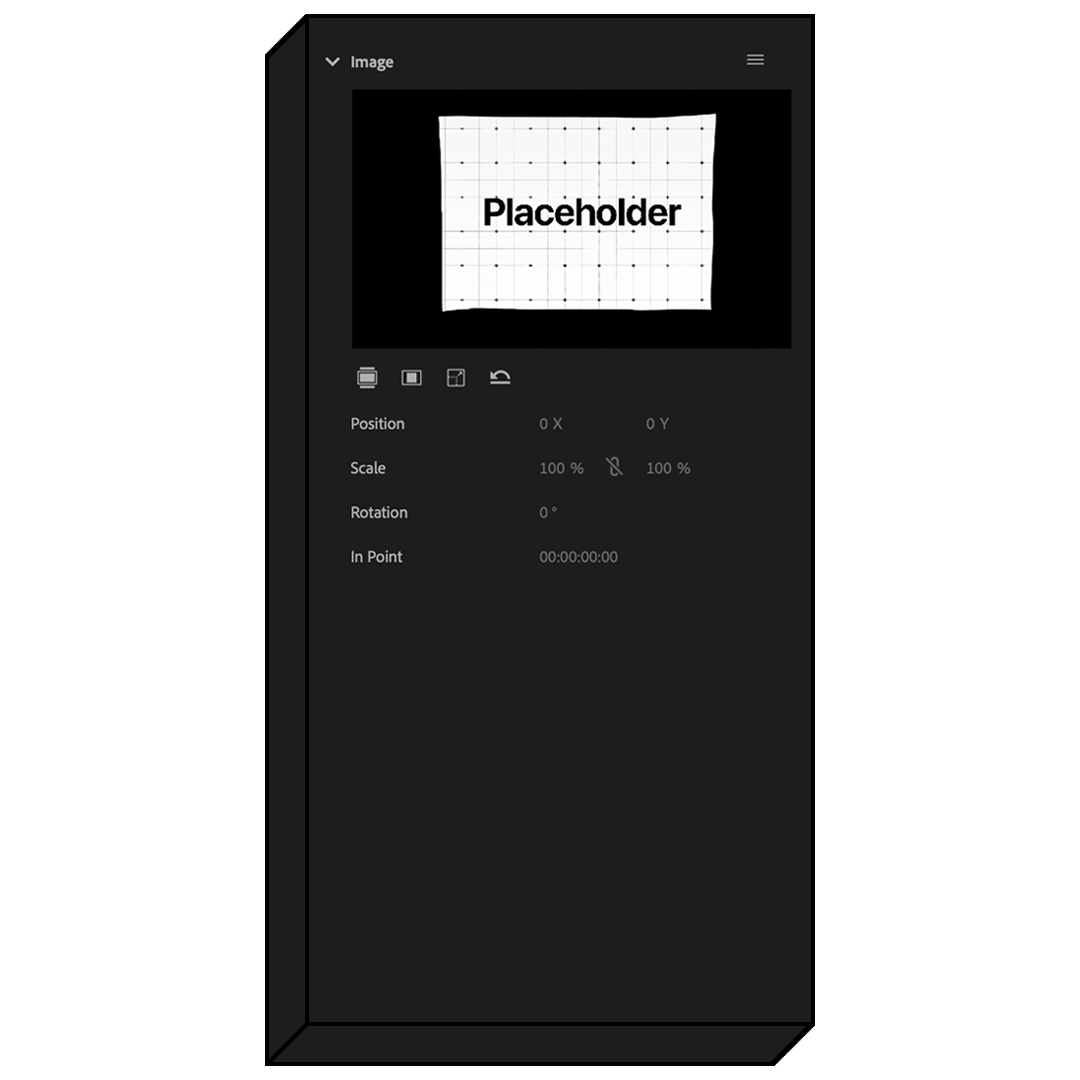
Drag and drop.

Drag and drop.

Simply drag and drop your images or videos into the template and it works instantly. No setup, no keyframes, just effortless results every time.
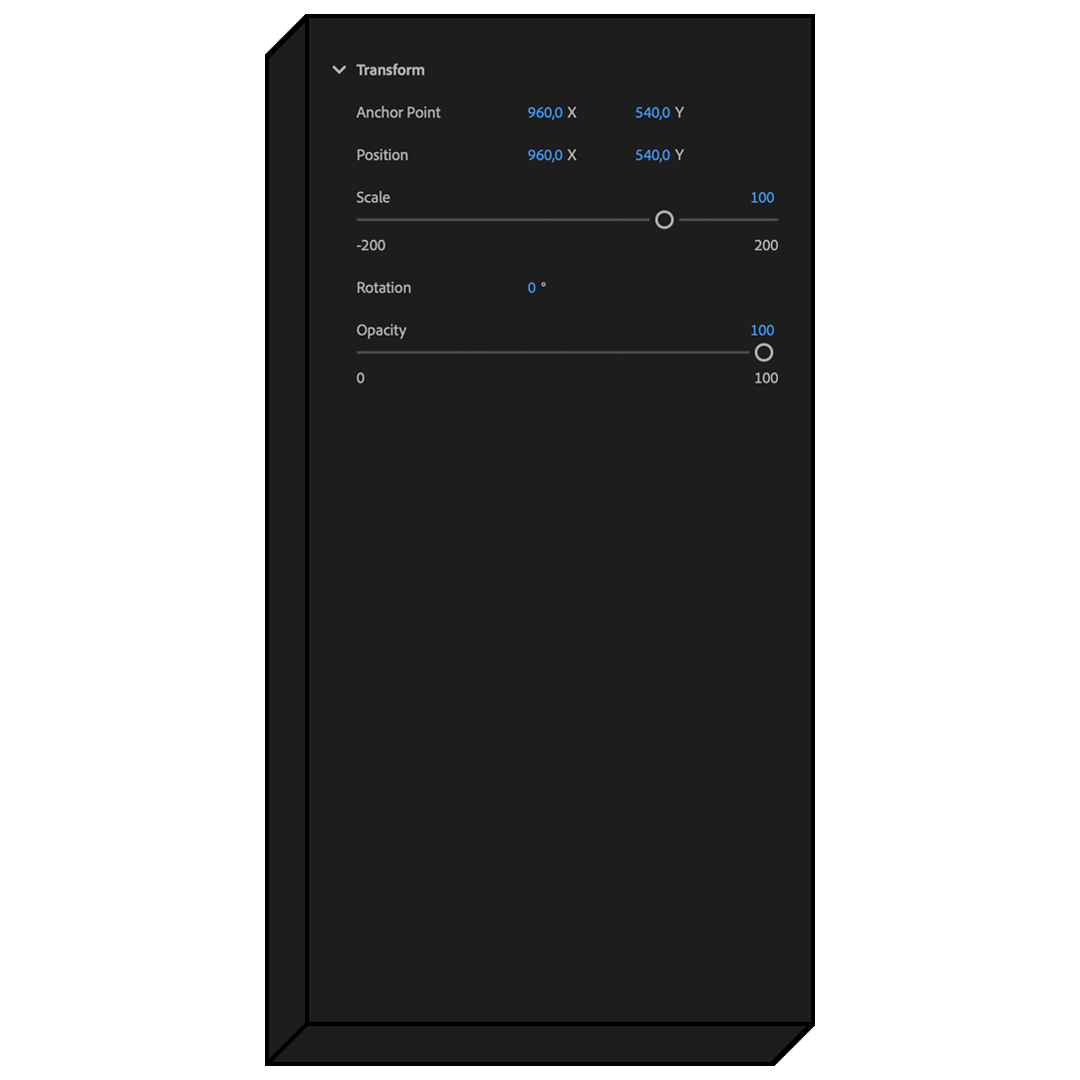
Put it anywhere.

Put it anywhere.

Adjust the position, size, and rotation of your element. Easily move it around the canvas to place it exactly where you want.
Pay once. Keep it forever.

Pay once. Keep it forever.

One payment gets you lifetime access, with every future update included free. No subscription. No hidden fees.

See the difference

The complete effect, already synchronized.

Get the fold motion and sound together instead of rebuilding masks, keyframes, and audio for every edit.

Features Paper Fold Template (recommended) Manual fold effects
Drag-and-drop media
Fold-in and fold-out
Synchronized sound
Transform controls
Reusable workflow
No plugins
Quality HighLow
Clean layout
Free updates
Beginner friendly
Lifetime Access
One-time purchase
Commercial license

See how it works.

Video laden:

Good to know

Questions? Answered.

Everything to know before adding the Paper Fold Template to your Premiere Pro workflow.

Visit the full FAQ

Questions

9 items
  • What is included?

    You receive one reusable Paper Fold MOGRT for images and videos, including fold-in and fold-out motion, synchronized sound effects, and transform controls.

  • Who is this template for?

    It is made for editors who want tactile photo or video reveals, playful transitions, scrapbook-inspired motion, and polished paper effects without building them manually.

  • Why choose this template?

    It combines the visual animation and synchronized sound in one drag-and-drop template, making a detailed effect quick to customize and reuse.

  • What versions of Premiere Pro are supported?

    The template works with Adobe Premiere Pro 2021–2026 on Windows and macOS. No third-party plugins are required.

  • How do I receive my download?

    Your download is available immediately on the order confirmation page. We also email the download link to you, and it remains available from your order page.

  • How do I import the template?

    In Premiere Pro 2025 or newer, open Window > Graphics Templates. In earlier supported versions, open Window > Essential Graphics. Import the included .mogrt file, then drag it from the panel into your timeline.

  • Do I need any other plugins?

    No. Everything works natively in the supported versions of Premiere Pro, with no additional plugins required.

  • Are future updates included?

    Yes. Lifetime access and future updates are included. When a new version is released, you can use the updated link from your email or order page.

  • What is the refund policy?

    Because this is a digital product, purchases are not refundable after the files have been delivered. If something is not working as expected, contact us and we will help you get set up. Read the full Refund Policy.