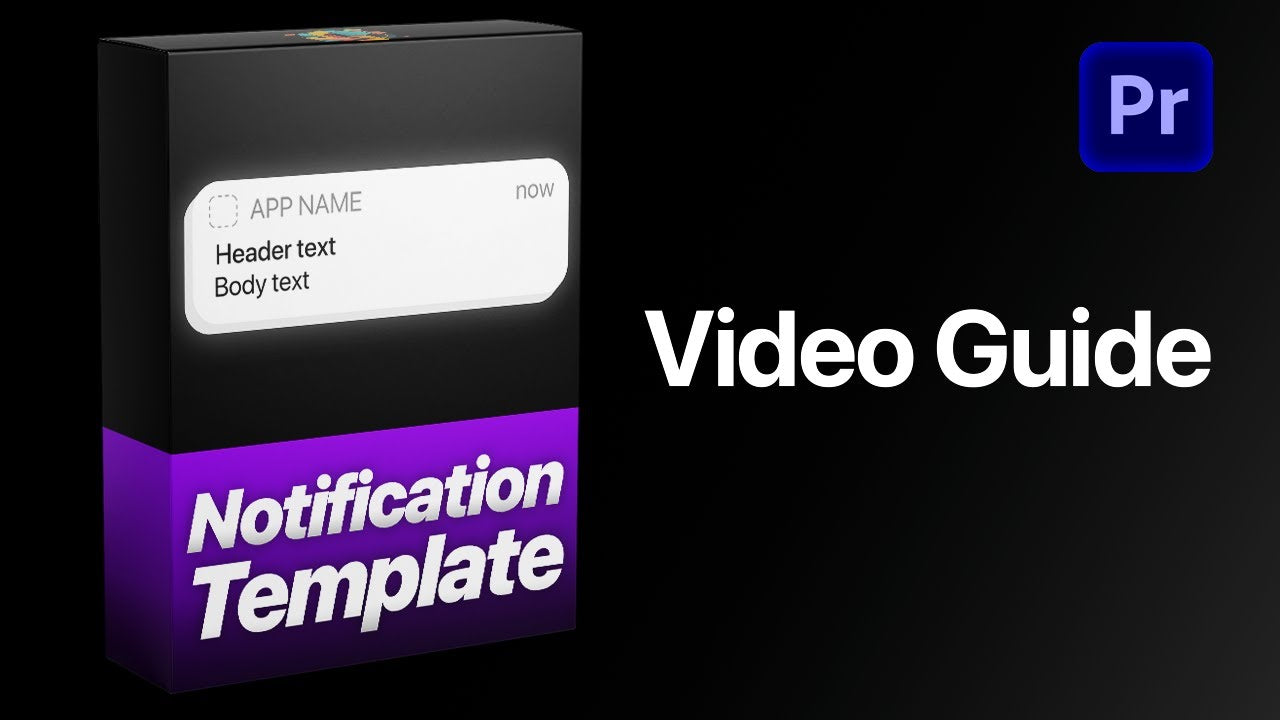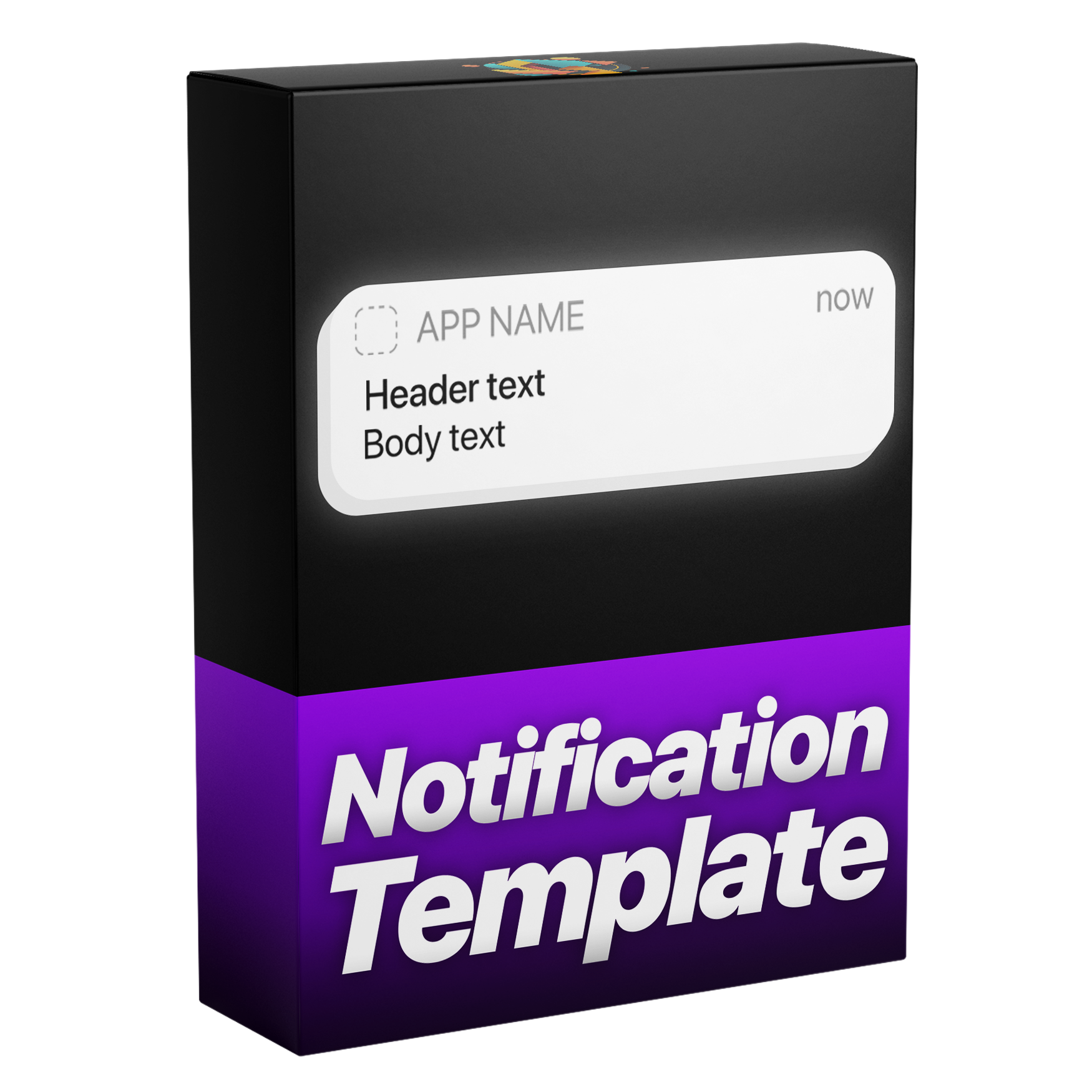

Benachrichtigungsanimationsvorlage
Erstellen Sie elegante, professionelle Benachrichtigungen für Ihre Videos mit dieser vielseitigen Vorlage. Entwickelt mit unserer dynamischen Ebenenlogik und anpassbaren Ein- und Ausblendegeschwindigkeiten, passt sich jede Animation automatisch dem Timing Ihrer Ebene an, um jedes Mal präzise Ergebnisse zu erzielen. Passen Sie einfach Text, Symbole, Farben und Bewegungsunschärfe an, um auffällige Benachrichtigungen zu gestalten, die Ihrem Stil entsprechen, alles in einer einfachen, benutzerfreundlichen Einrichtung.
Works with Premiere Pro 2021-2026
Instant Download
Lifetime Access + Free updates
Commercial license
Benachrichtigungsanimationsvorlage
Highlights
Fully customizable
Build iPhone notifications without a single keyframe.
No plugins
Runs natively in Premiere Pro.
Easy to use
Simple for beginners. Fast for pros.
iPhone-style notifications. In seconds.
Clean, realistic iPhone-style notifications, designed and animated in seconds. No keyframes, no extra work, all directly inside Premiere Pro.
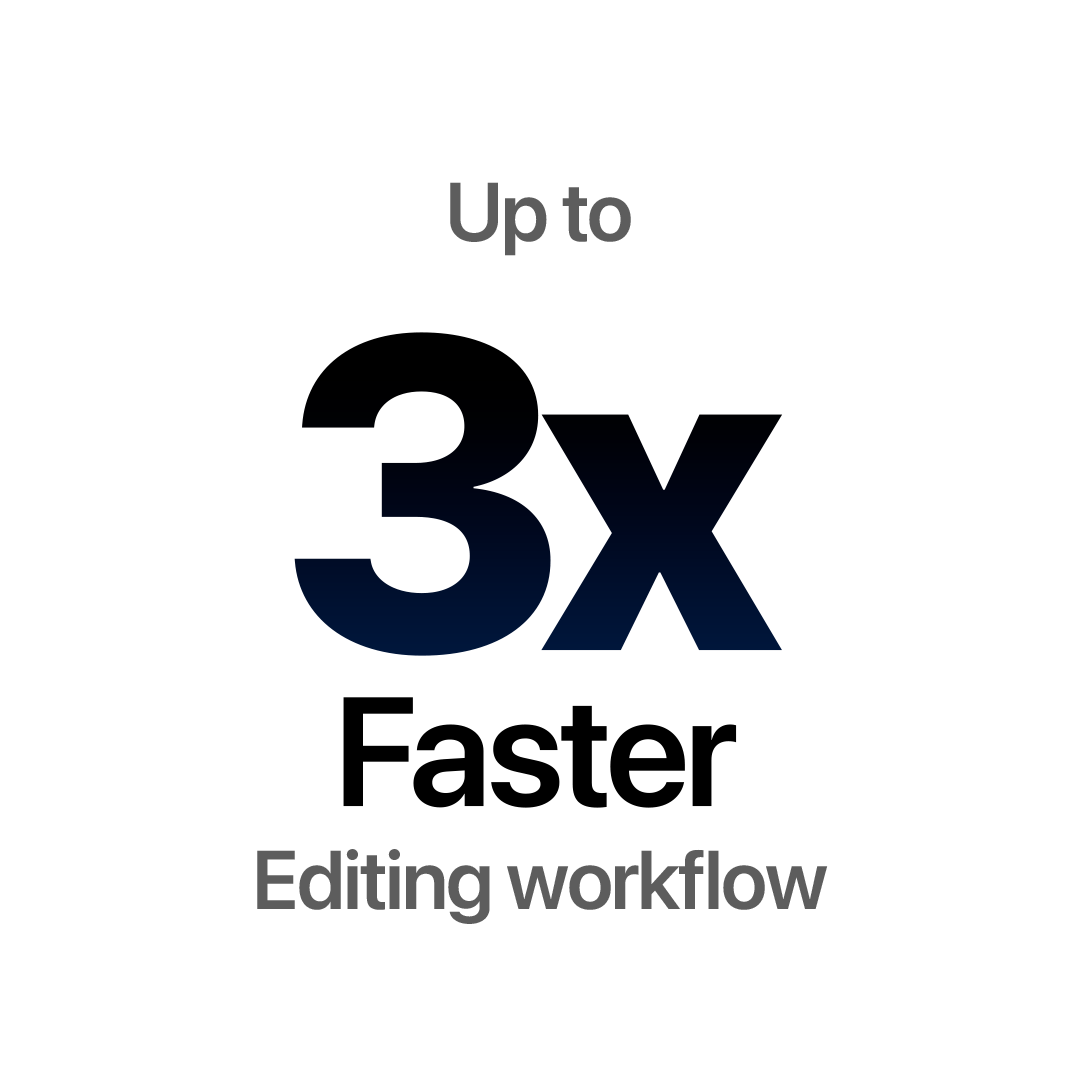
Edit faster. Deliver sooner.
Build iPhone-style notifications right inside Premiere Pro, with no trips to After Effects. Save time on every project.
Every detail, your call.
More than 43 controls put every detail in your hands—text and app icons, colors, opacity and the overall style of every notification.
Make it look real.
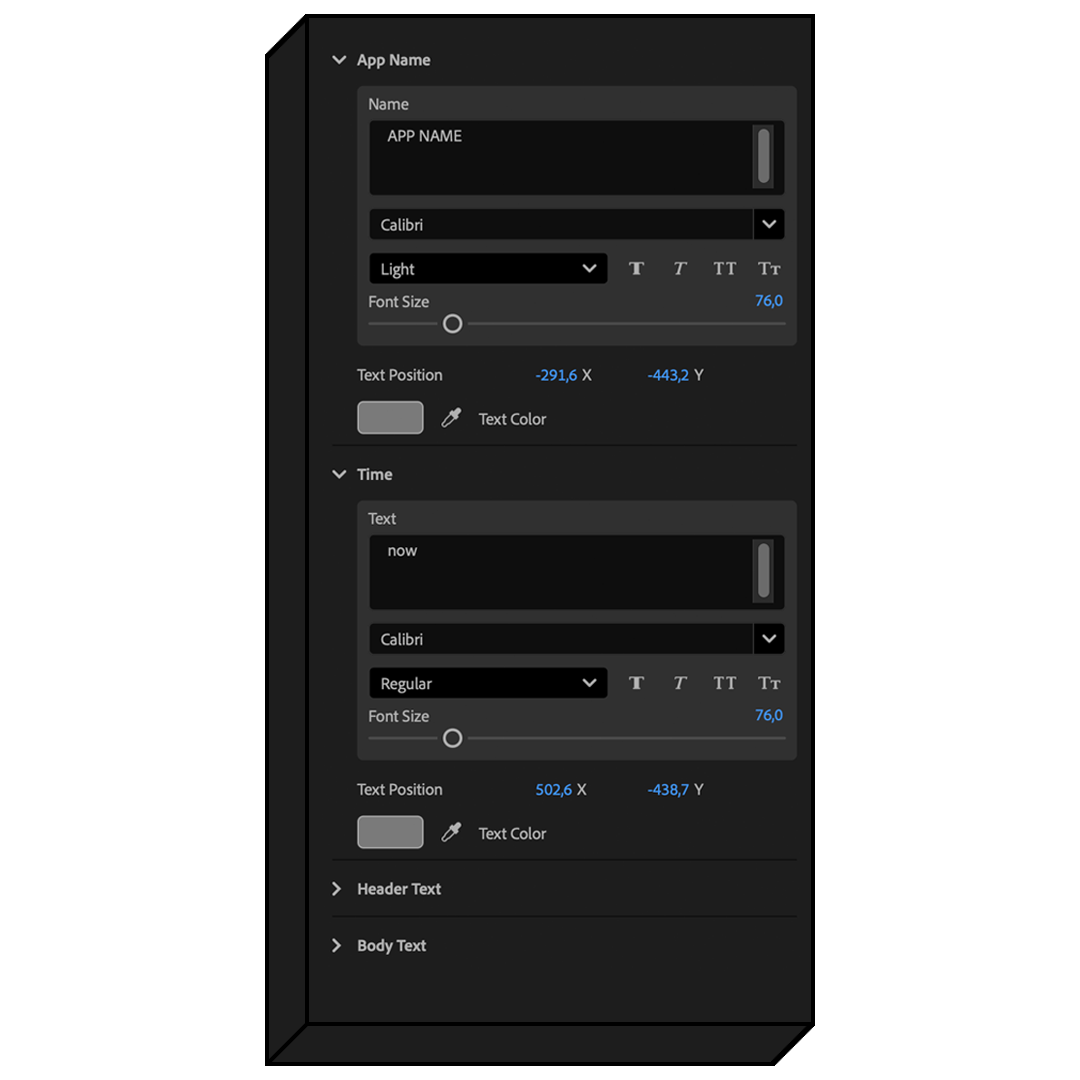
Customize every text element in the notification, from the header and app name to the message itself. Easily adjust font and color to create clean, consistent, and realistic results in seconds.
Design it your way.
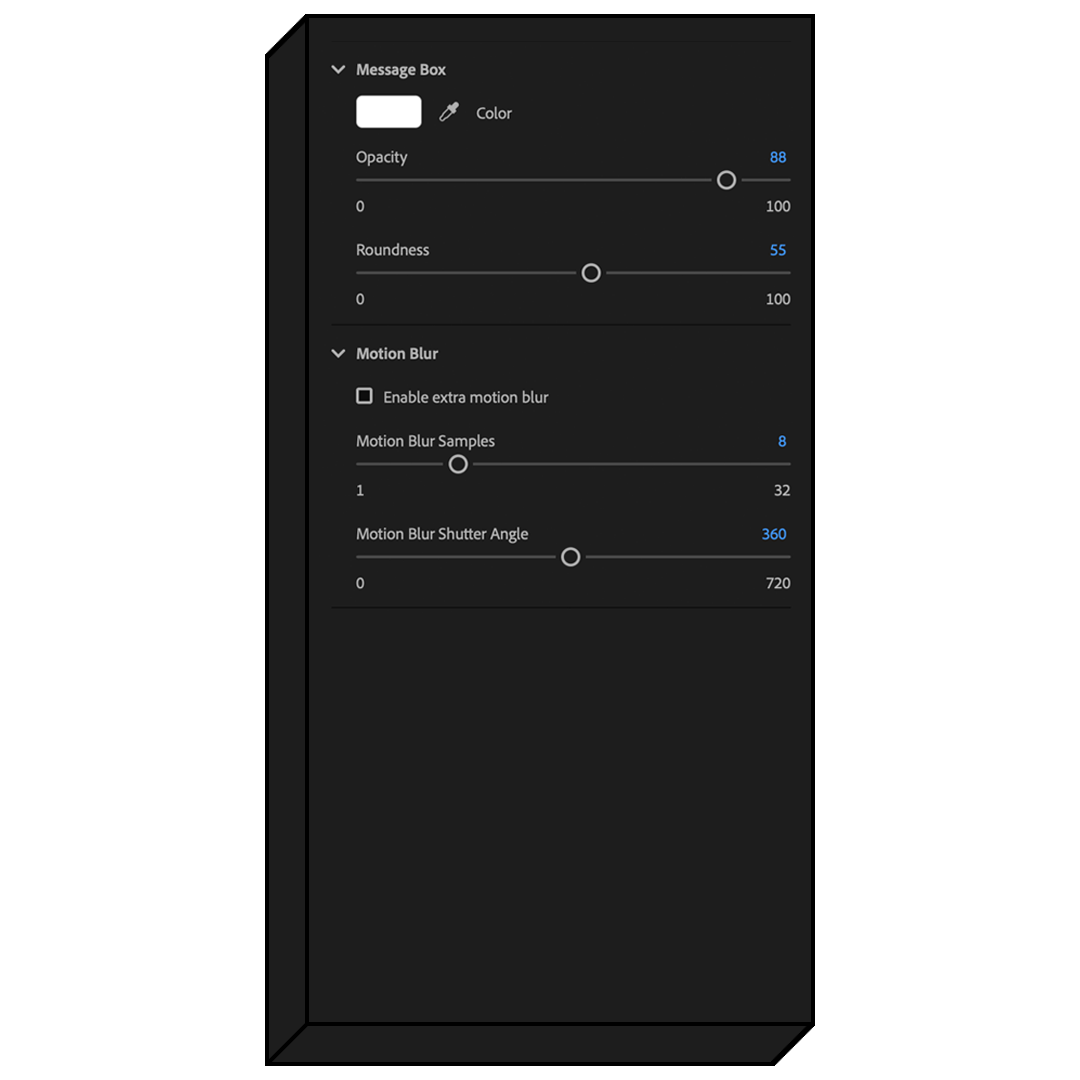
Take full control over the look of your notifications with powerful customization options, including opacity, color, corner roundness, motion blur settings, and more.
Drag and drop.
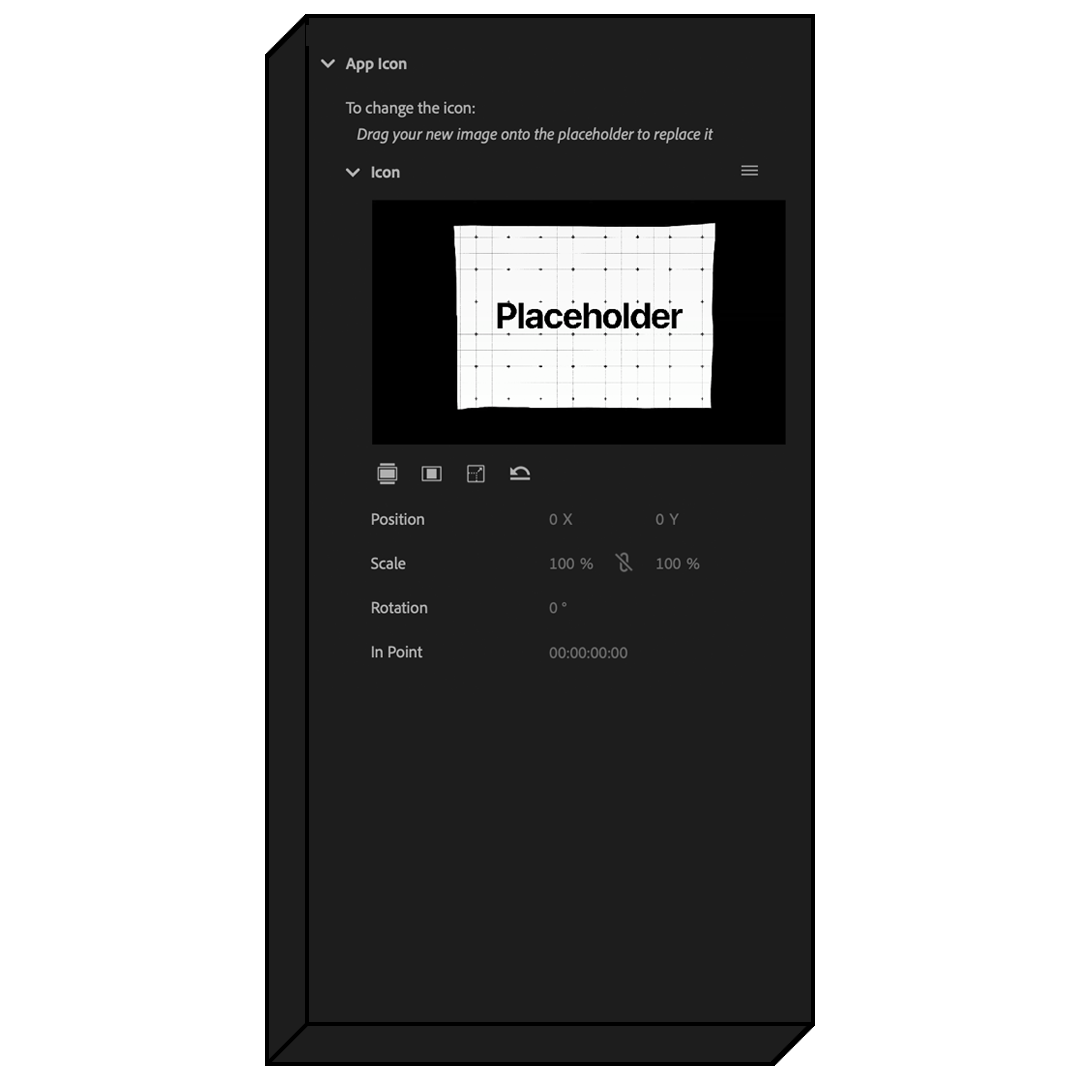
Just drag and drop to instantly swap the app icon and update your content. No setup, no keyframes, everything just works.
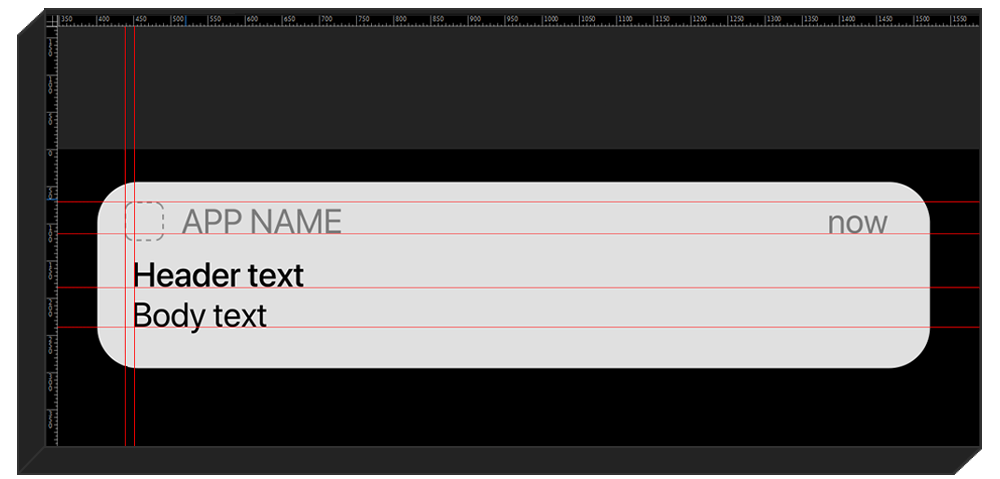
Pixel-perfect.
Every element is aligned to the pixel, so your notifications look clean, sharp and just like the real iPhone UI.
Pay once. Keep it forever.
One payment gets you lifetime access, with every future update included free. No subscription. No hidden fees.
See the difference
A notification that feels native.
Get realistic proportions and flexible controls without rebuilding an interface from separate layers.


See how it works.