


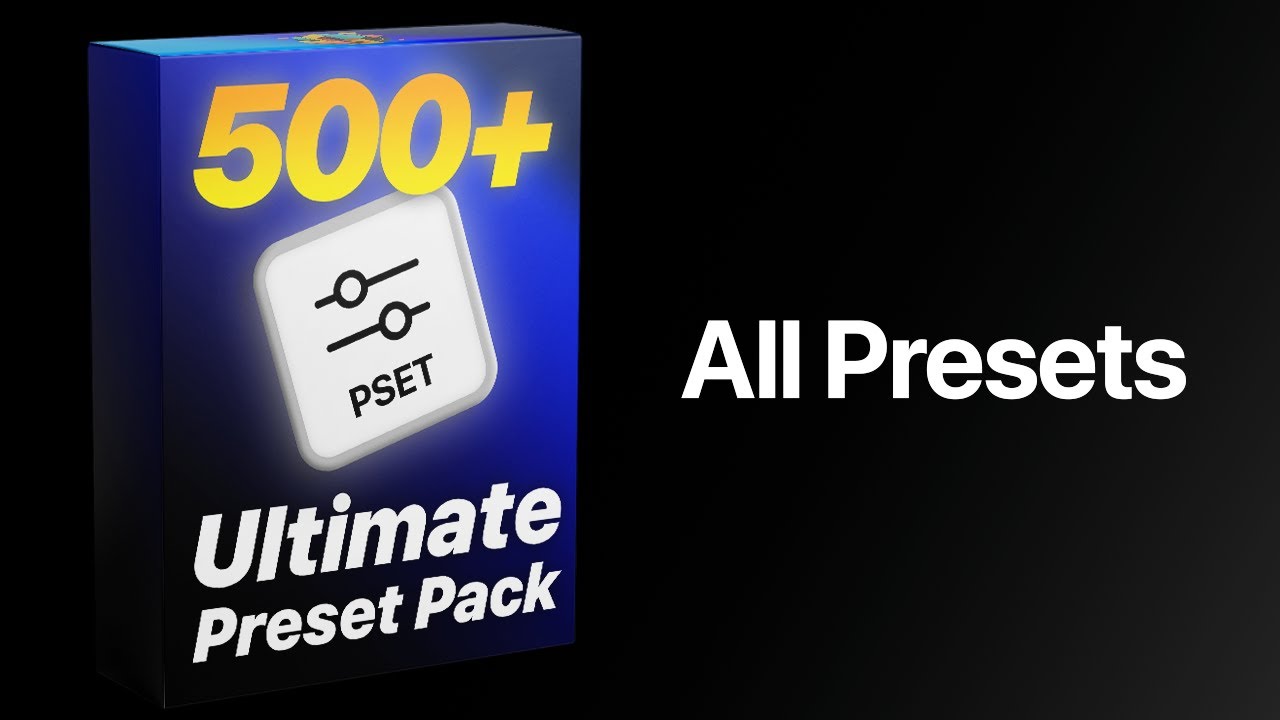
Ultimatives Premiere Pro Preset-Paket
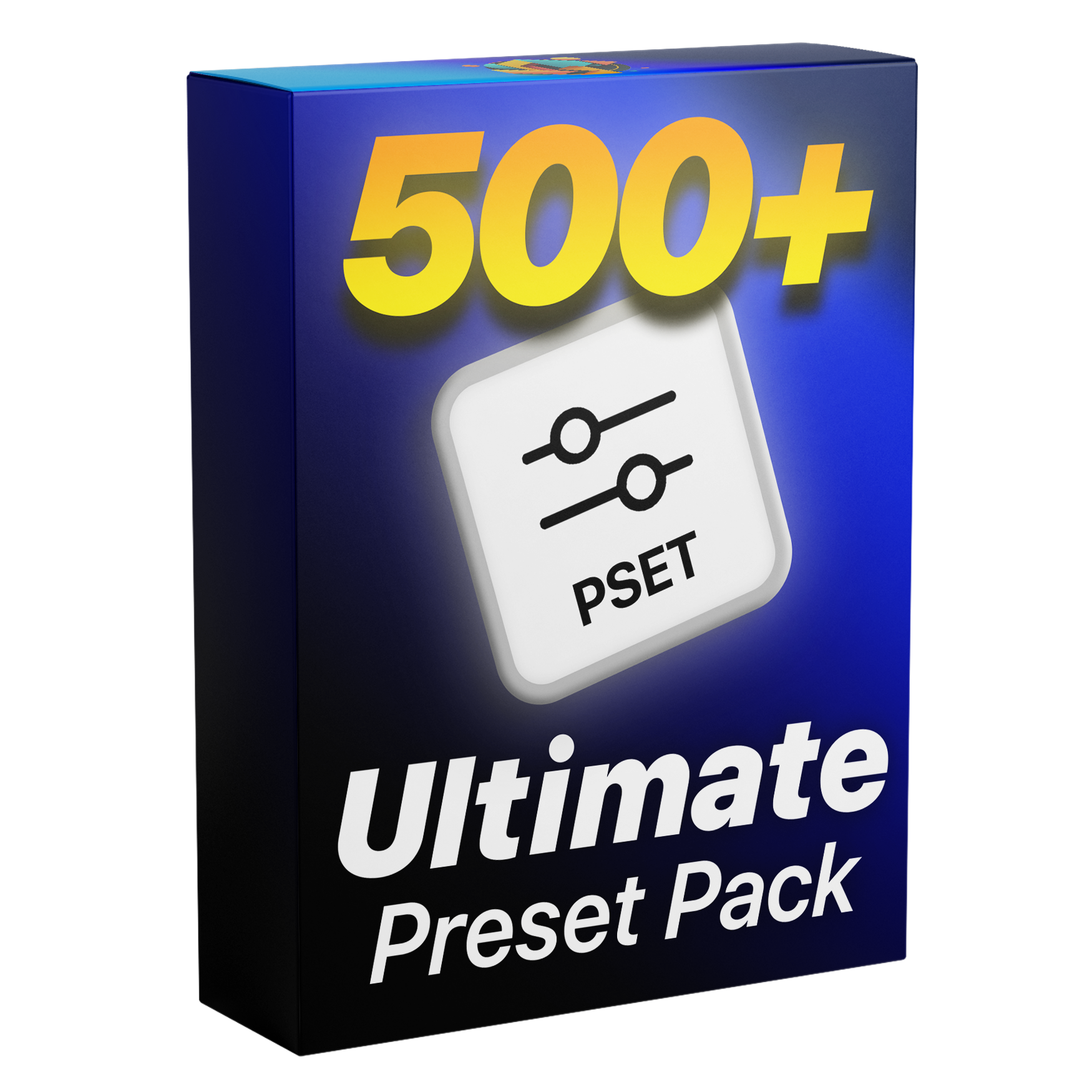
Schalte über 500 Premiere Pro Presets frei, die dir Stunden an Bearbeitungszeit sparen. Das ist das einzige Preset-Pack, das du jemals brauchst – eine komplette All-in-One-Lösung für Textanimationen, Slide-ups, Übergänge und mehr. Mit einfachem Drag & Drop funktioniert alles mit nur einem Klick. Perfekt für Anfänger und Profis – ganz ohne Plugins.
Premiere Pro 2019-2026
500+ presets included
Lifetime Access + Free Updates
Commercial license
- Instant download
- One-time payment
- Secure checkout
Ultimatives Premiere Pro Preset-Paket
Highlights
Drag and drop
Drop a preset on a clip and you're done.
No plugins
Runs natively in Premiere Pro.
Easy to use
Simple for beginners. Fast for pros.
See it in action
Watch what 517 presets can do.
See the effects, transitions, animations, and workflow before you add them to your own projects.
What's included
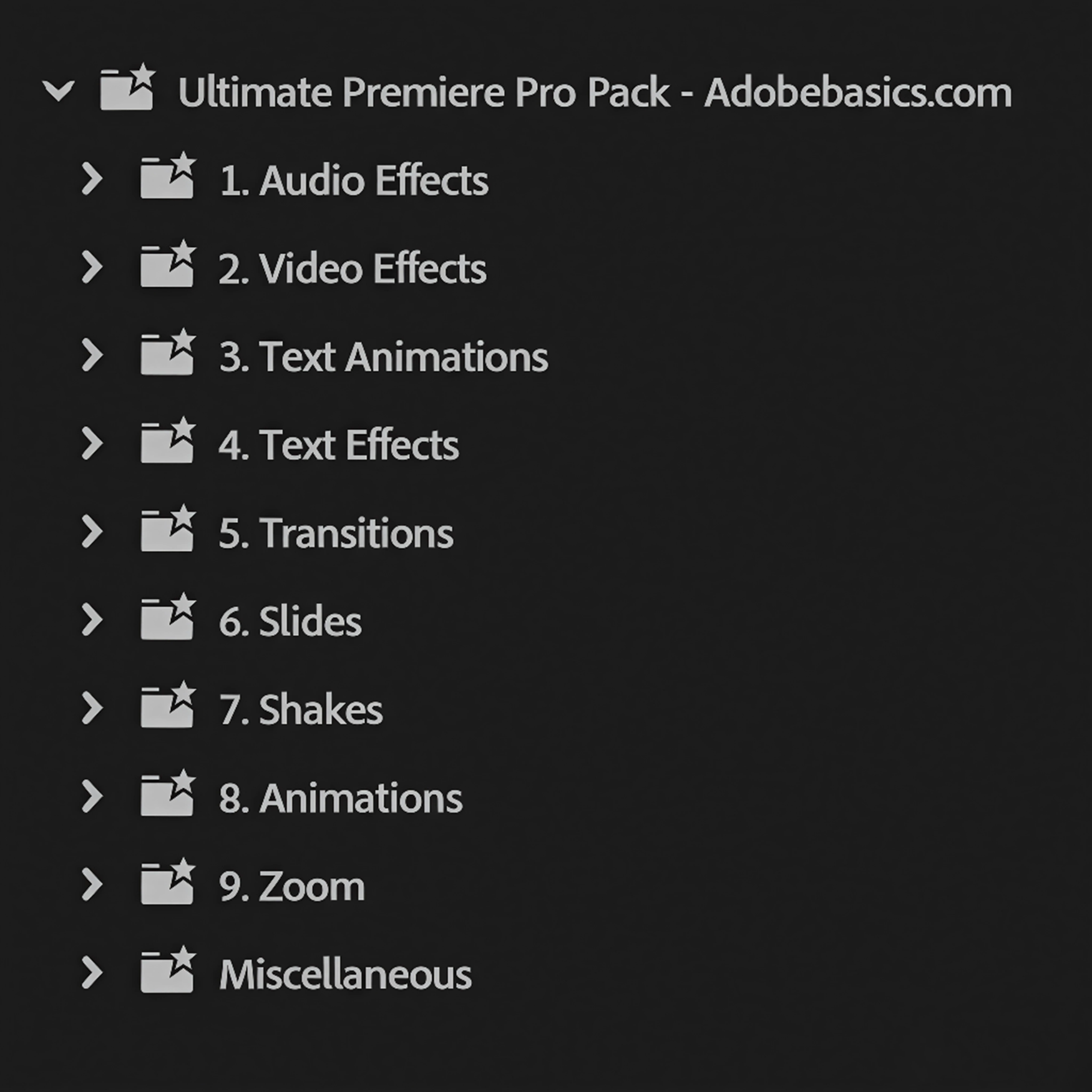
10 essential categories. One complete Premiere Pro toolkit.
-
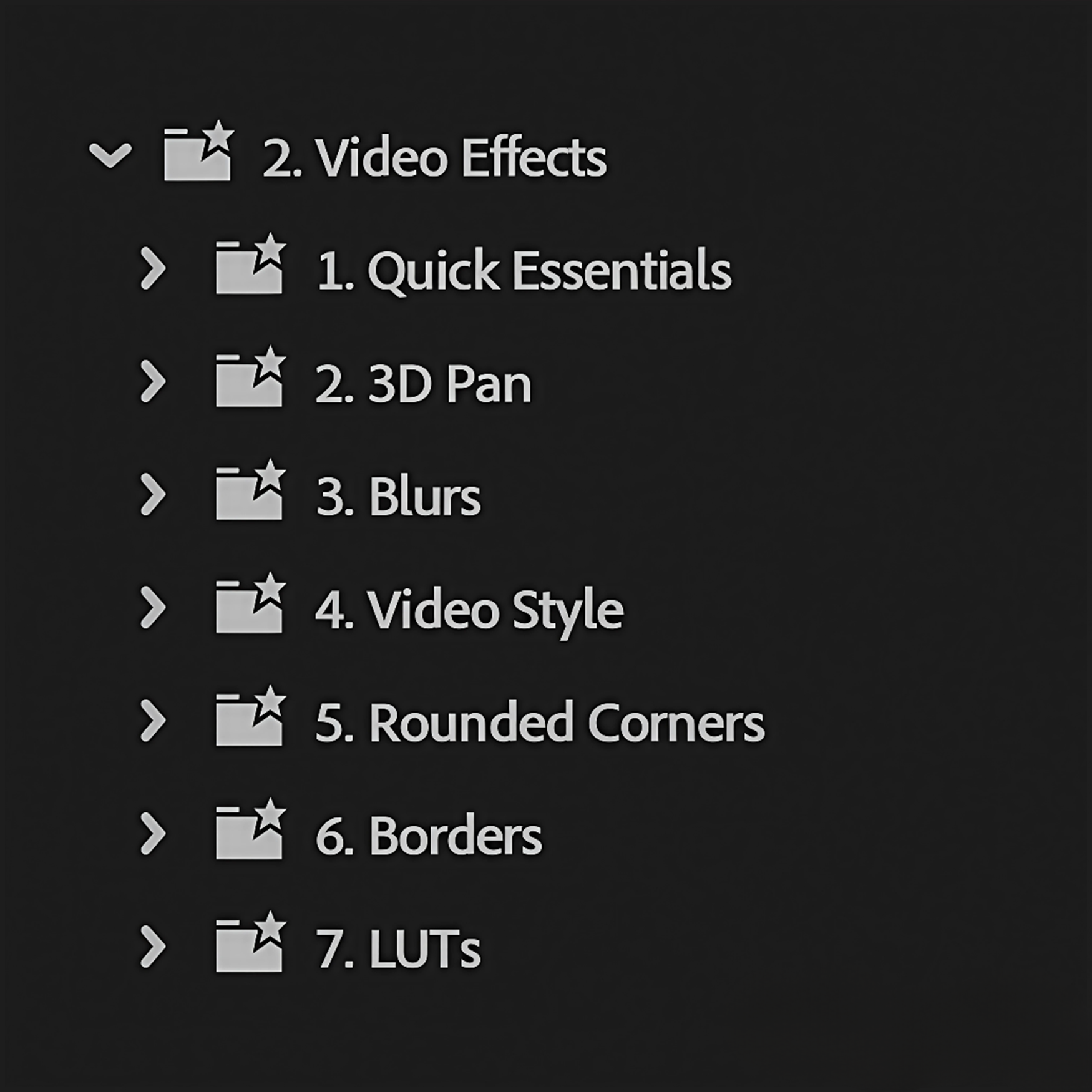
Video effects
148presets
Professional essentials, overlays, borders, blurs, LUTs, and more.
-
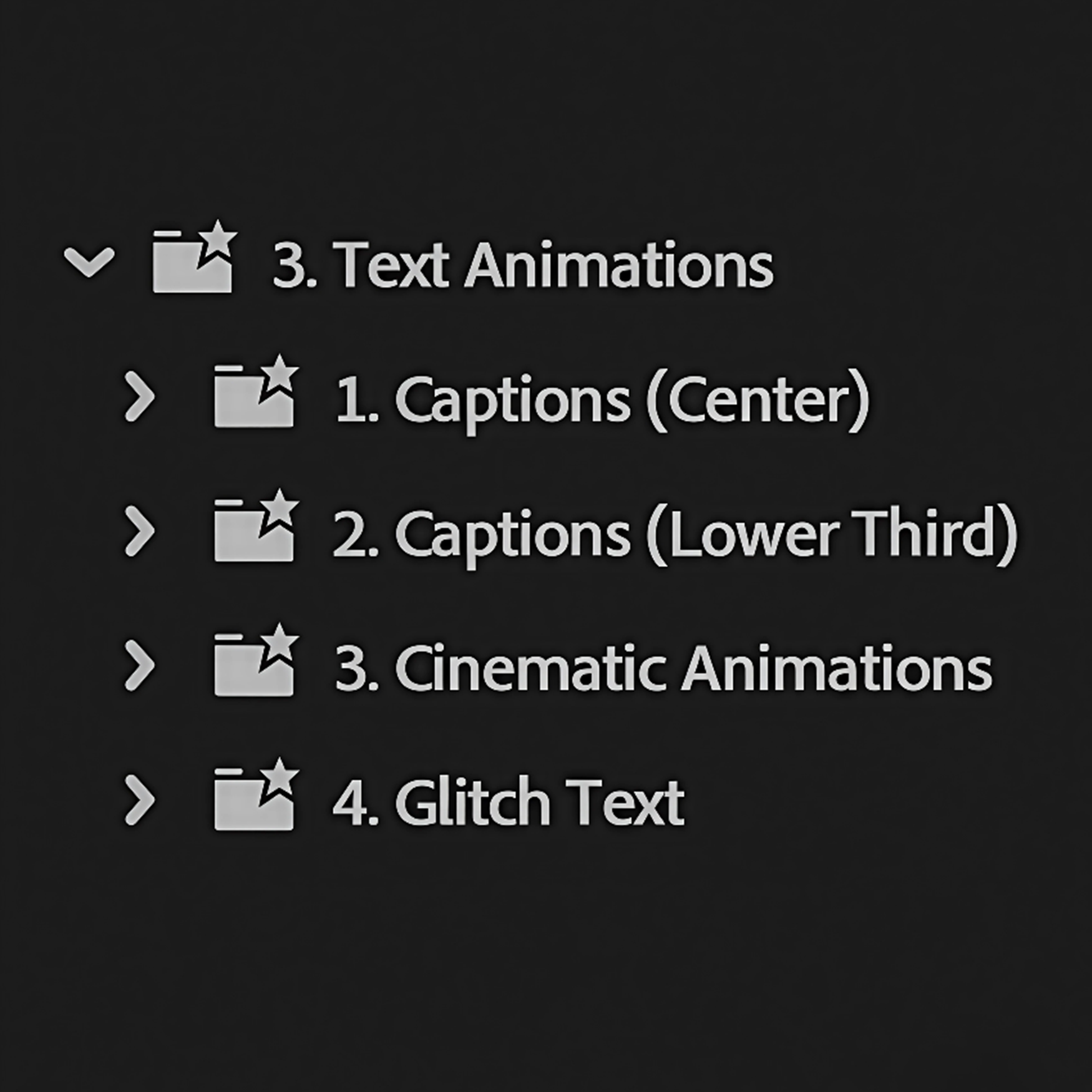
Text animations
100presets
Dynamic captions, pop-ins, stretches, bounces, slides, and glitches.
-
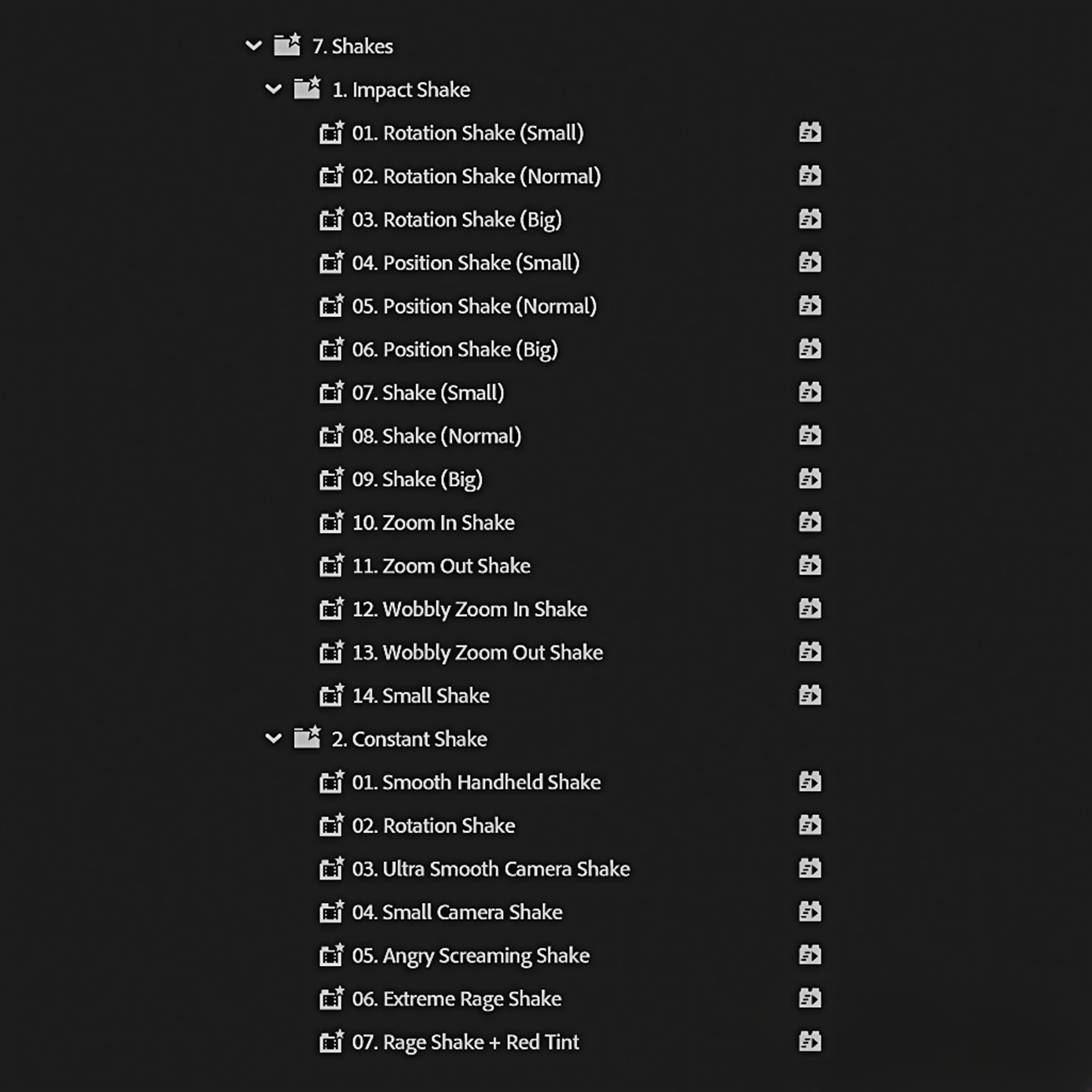
Video shakes
21presets
Rage, handheld, smooth, and impact shakes for every kind of edit.
-
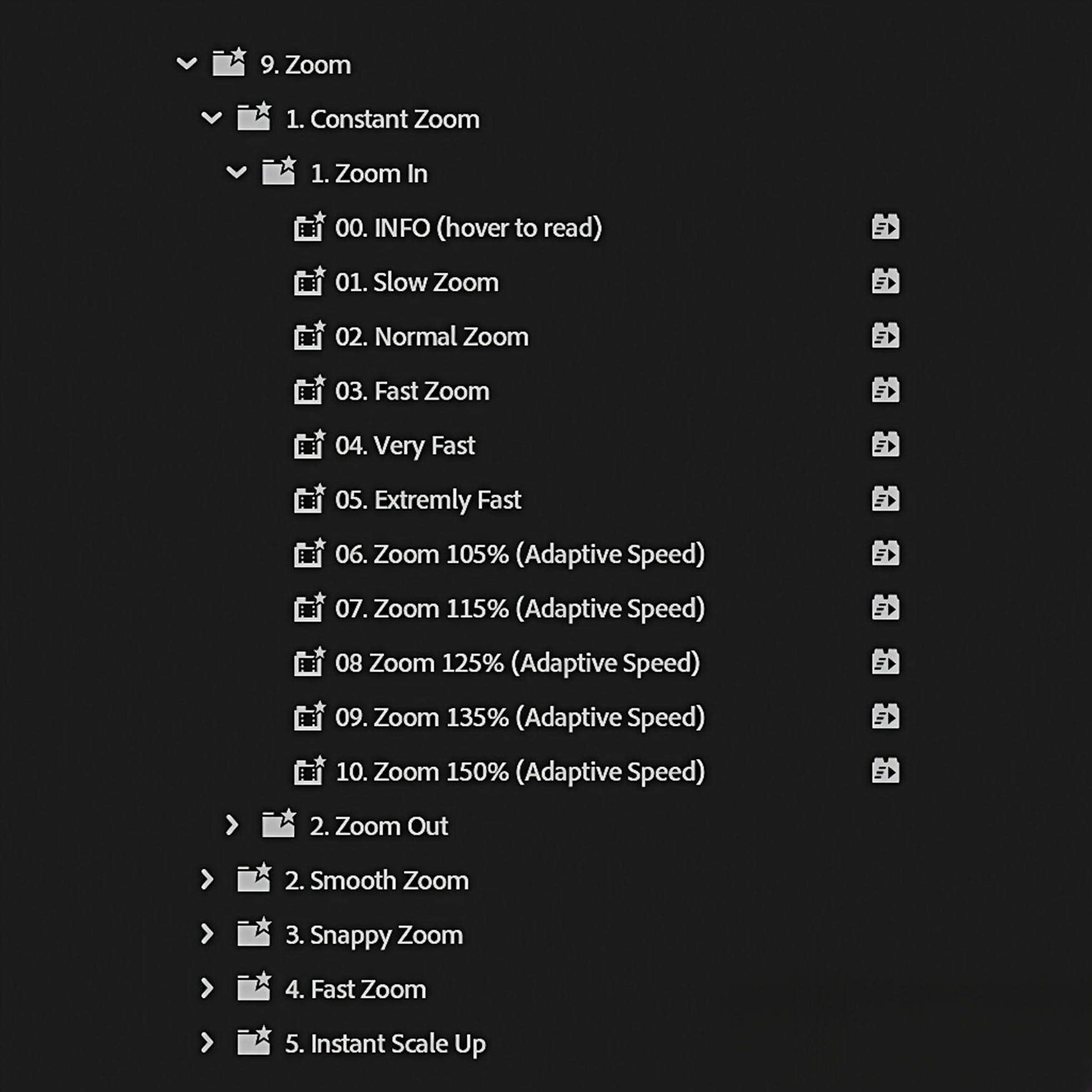
Zooms
102presets
Smooth, fast, directional, and dynamic zooms in every direction.
-
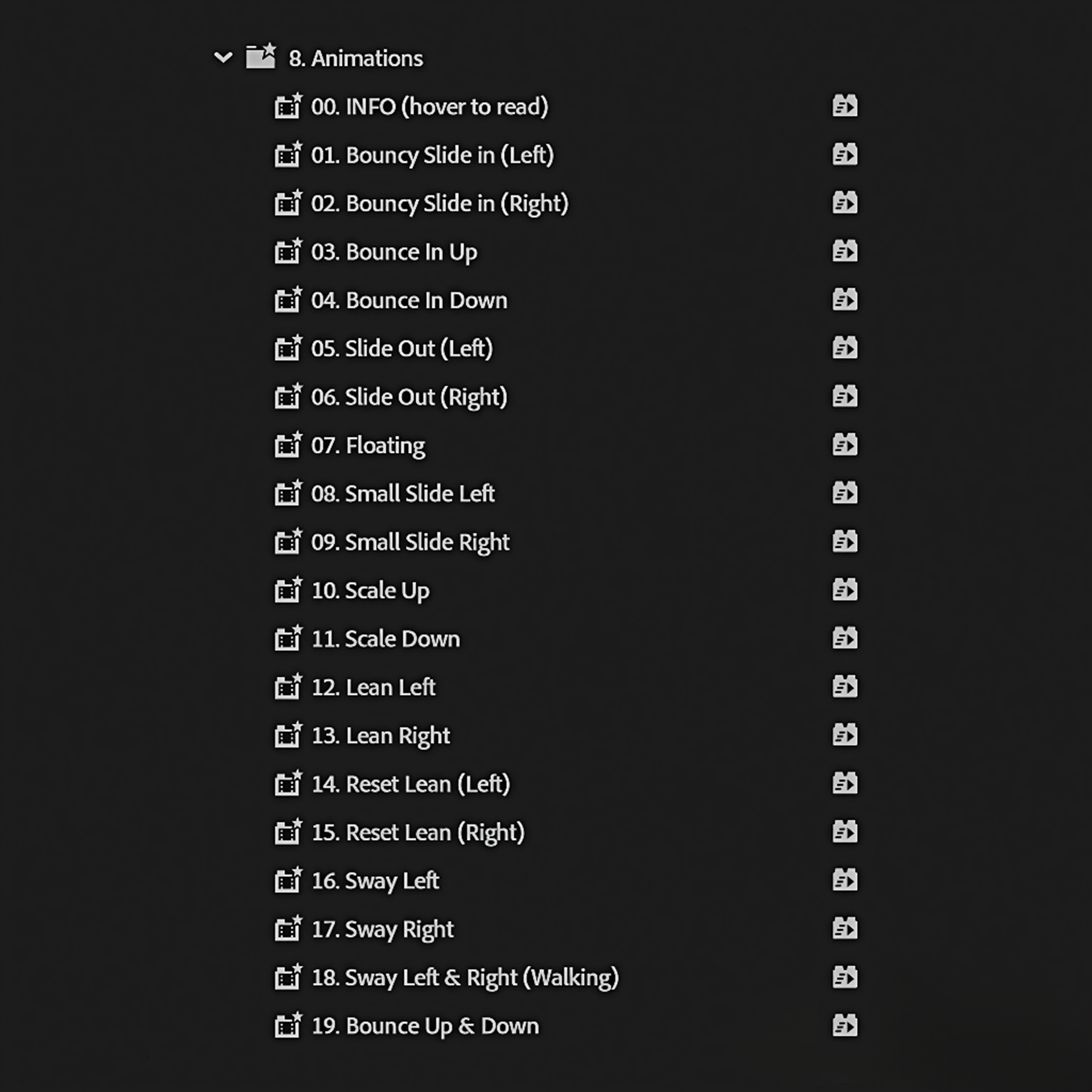
Character animations
19presets
Bring images, icons, characters, and video elements to life.
-
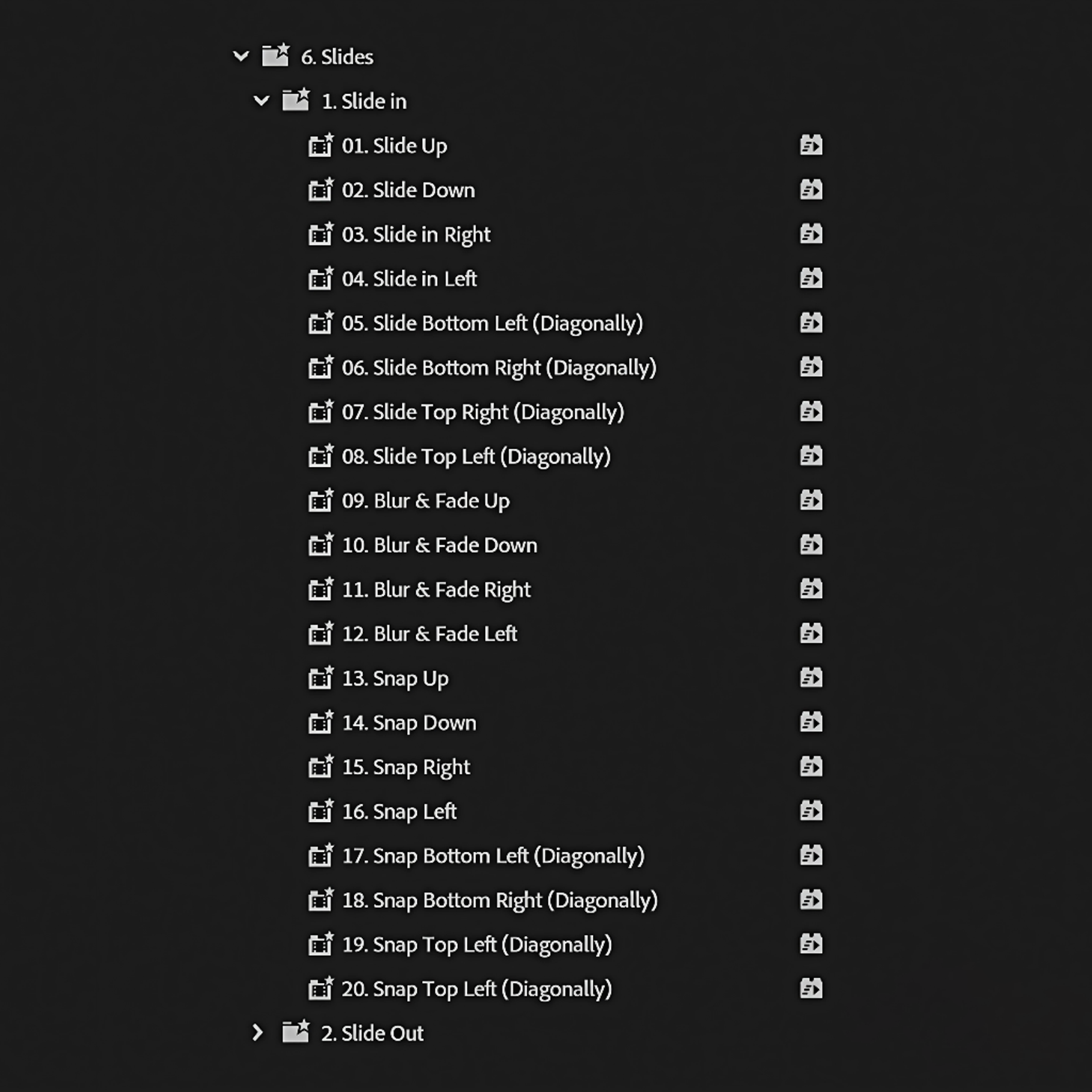
Slides
40presets
Clean, smooth, modern slide-in and slide-out animations.
-
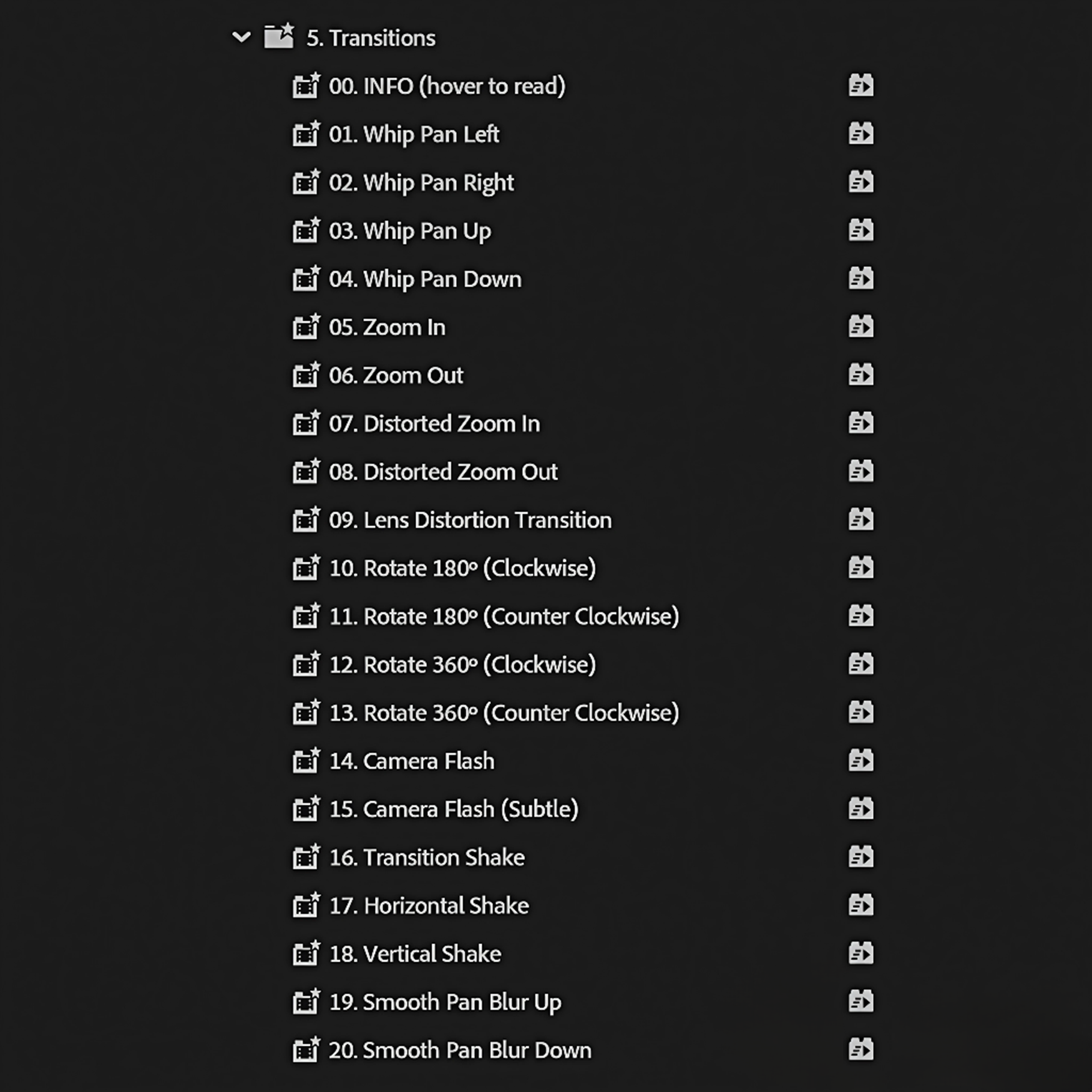
Transitions
20presets
Zooms, spins, and slides designed for seamless cuts.
-
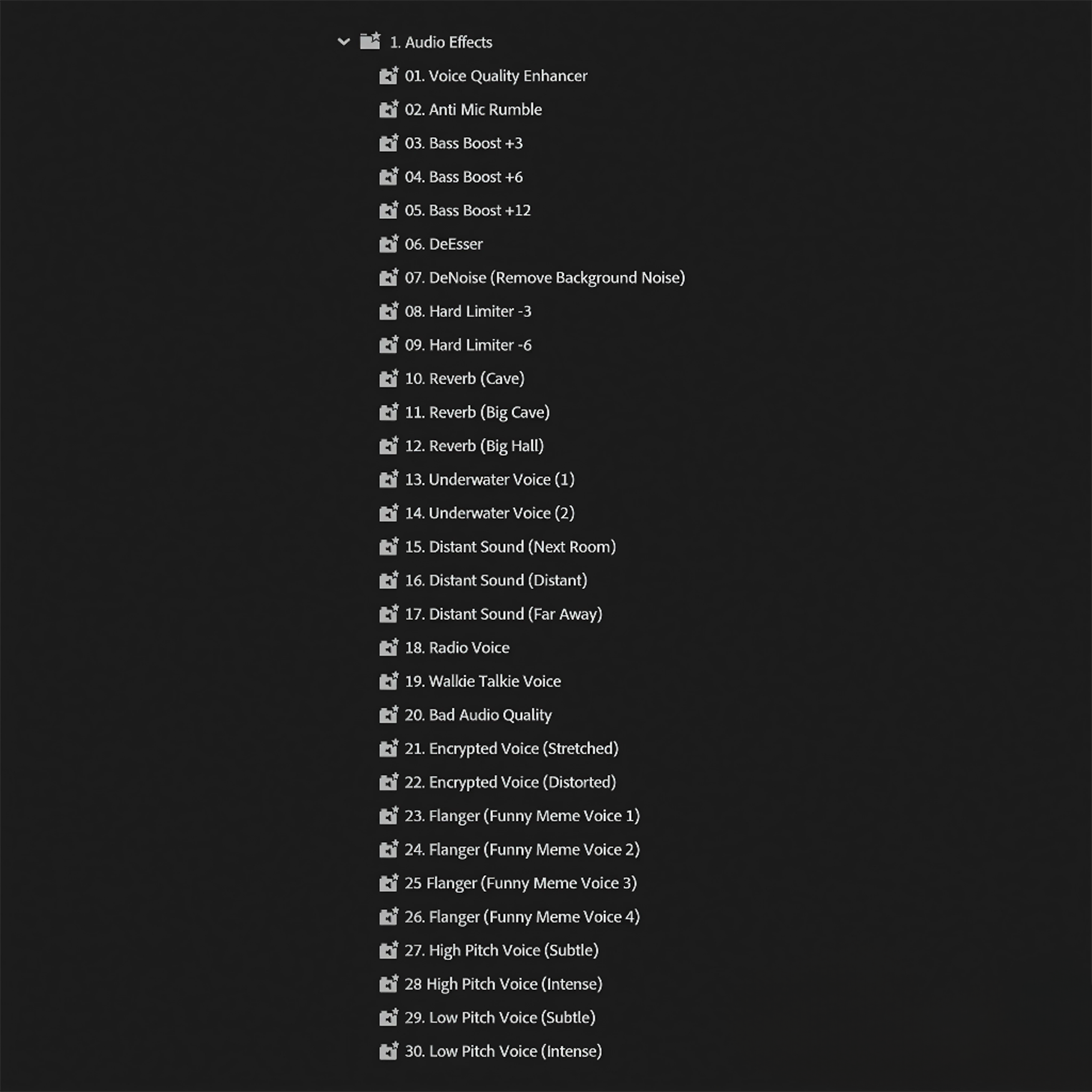
Audio effects
30presets
Essential and popular effects to instantly improve your sound.
-
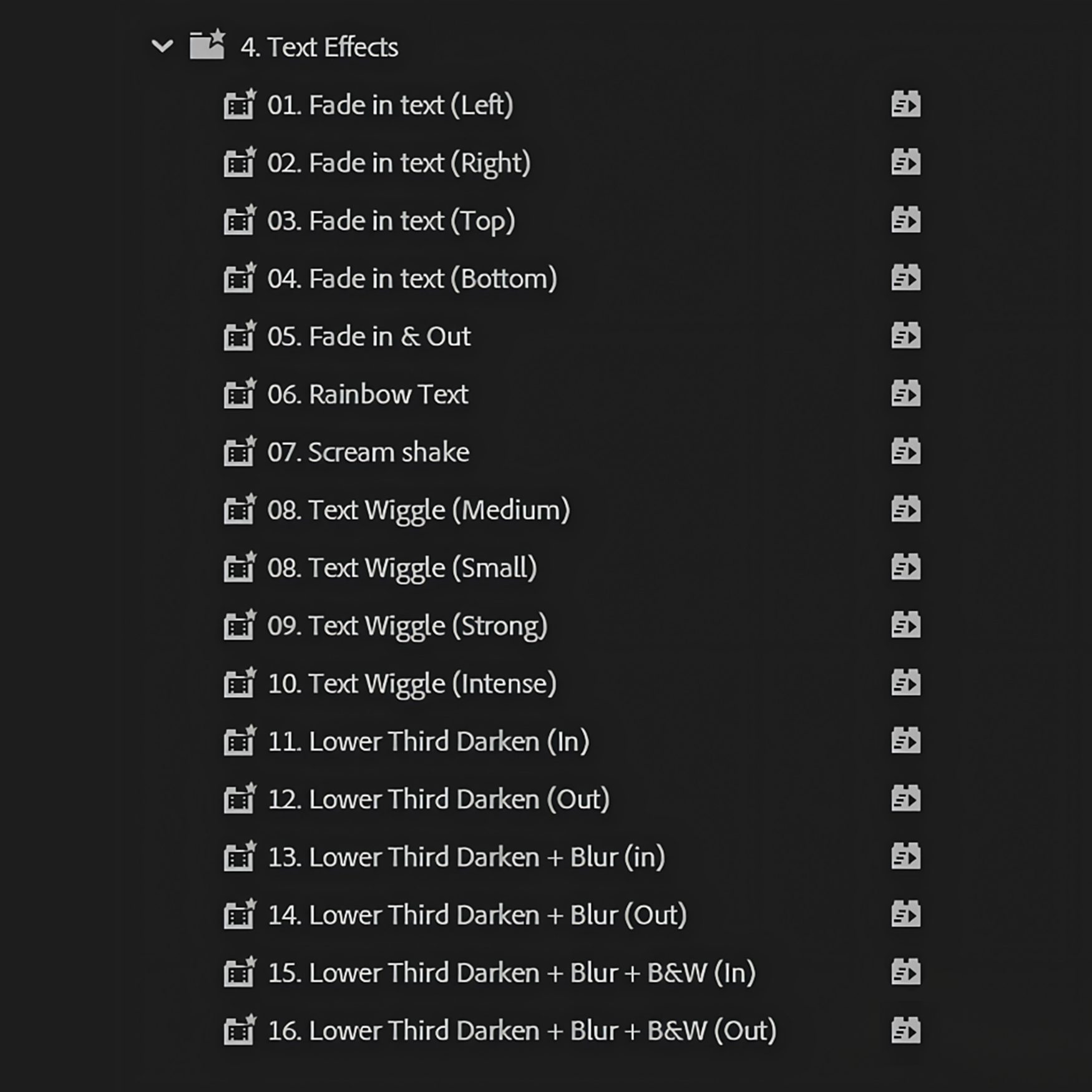
Text effects
16presets
Scream shakes, smooth fades, wiggles, and other dynamic styles.
-
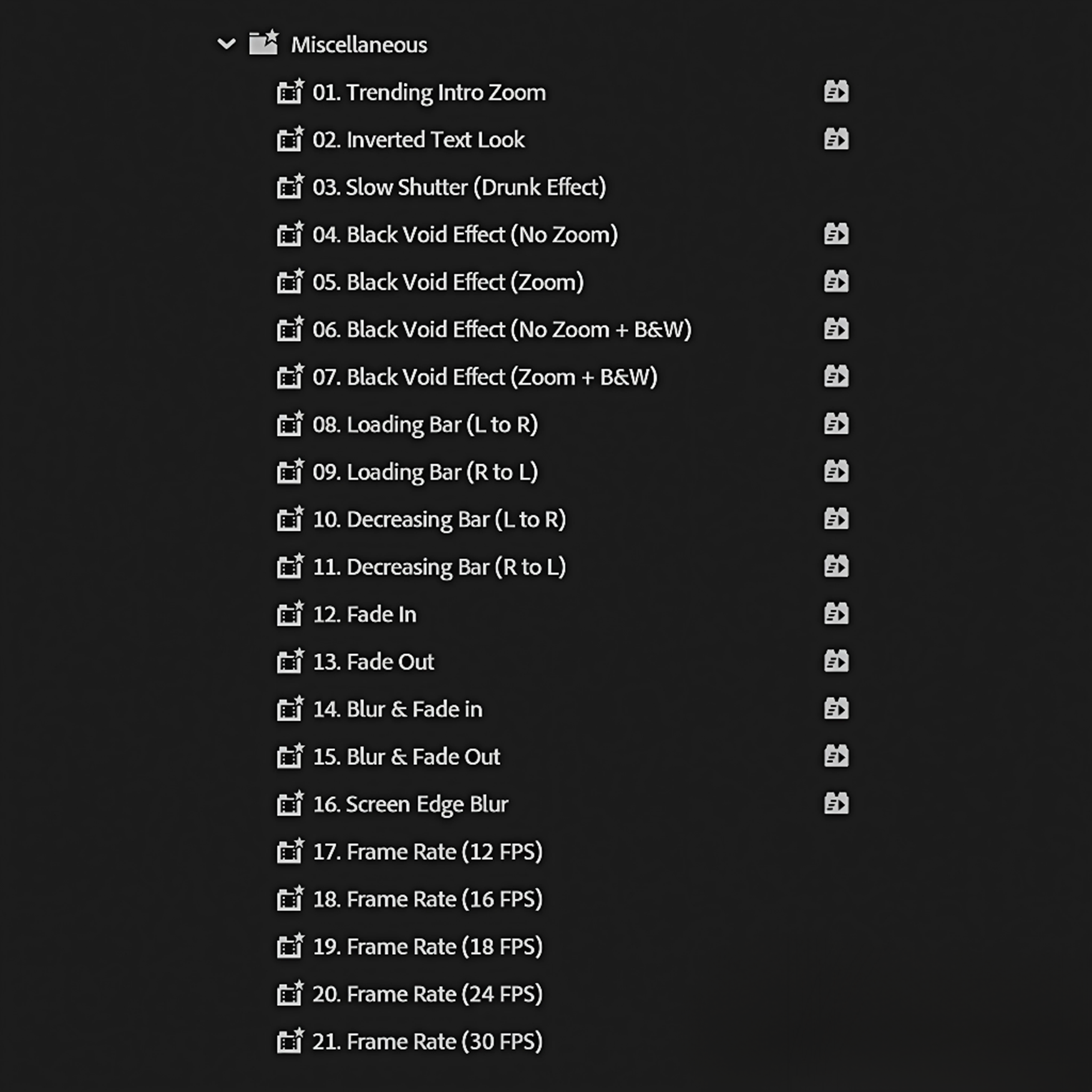
Miscellaneous
21presets
Trending intro zooms, viral text styles, and useful extras.
Built for better editing
Everything you need to keep creating.
A complete toolkit designed to save time, raise the quality of every edit, and stay yours for good.
-
The complete toolkit
517 presets
One pack. Every edit covered.
Text, video, audio, transitions, overlays, and more—everything organized in one complete pack.
-

Work smarter
Edit up to 10× faster.
Skip repetitive keyframing, finish projects sooner, and make room for more creative work.
-

Built to be useful
Premium presets. Zero filler.
Carefully crafted effects you will actually use—not hundreds of low-quality variations.
-

Yours for good
Pay once. Create forever.
Lifetime access and every future update are included. No subscription and no hidden fees.


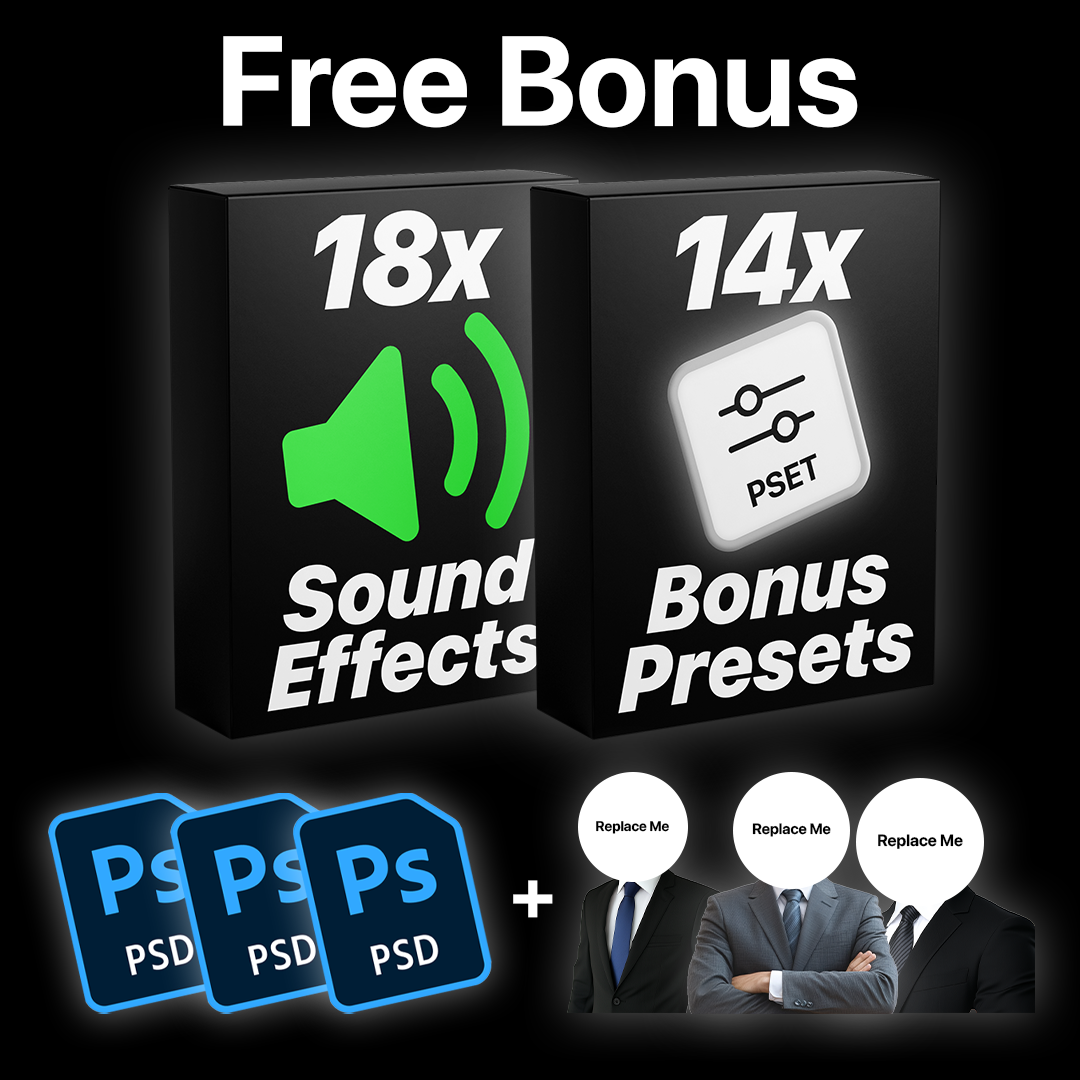
Included at no extra cost
More value. Included free.
Extra presets, sound effects, characters, and editable source files—all included with your pack.
-
 18 SFX
Essential sound pack
Add impact, movement, and polish to every edit with ready-to-use sound effects.
-
 14 presets
Bonus presets
Fourteen additional effects to give you even more creative options.
-
 3 PNGs
Customizable characters
Three ready-made character PNGs designed for quick, playful edits.
-
 3 PSDs
Editable source files
Customize every character in Photoshop and make each one your own.


Editor approved
Loved by editors who use it.
4.94 out of 5
See the difference
One pack. The better value.
A complete, polished toolkit with lifetime access—without collecting separate packs or paying again for updates.


Good to know
Questions? Answered.
Everything you need to know before adding the Ultimate Preset Pack to your workflow.
Visit the full FAQQuestions
10 items-
What's included?
- Everything is included in one complete pack, covering text effects, transitions, video effects, overlays, audio effects, and more.
- 30 Audio Effects (Essential & Popular Effects)
- 148 Video Effects (Essential Effects, Borders, Blurs, LUTs & More)
- 100 Text Caption Animations (Smooth pop in, Stretches, Bounces, Slides, Glitches & More)
- 16 Text Effects (Scream Shake, Smooth Fades, Wiggles & More)
- 20 Transitions (Zooms, Spins, Slides & More)
- 40 Slides (Smooth Slide in & Slide out animations)
- 21 Shakes (Impact Shakes, Rage Shakes, Smooth Shakes, Handheld Camera & More)
- 19 Character Animations (For images, icons, characters & video)
- 102 Zooms (Smooth Zooms, constant zoom, fast zoom & More. For all directions)
- 21 Miscellaneous (Trending Intro Zoom, Trending Text Effect & More)
- Total 517 Presets
- FREE BONUS: 14 Bonus Presets + Essential Sound Effects Pack (18 SFX) + 3 Character PNGs & 3 PSD Files
-
Who is this pack for?
This pack is for creators and editors who want to save time, skip manual keyframing and repetitive edits, and create professional videos with a simple drag and drop workflow. It includes everything you need in one complete pack, so you never have to search for or buy presets again, no matter your experience level.
-
Why this pack?
This preset pack gives you everything you need to edit faster and create professional videos with high quality presets, without the extra work.
No manual keyframing, no searching for more presets, just a complete solution you can rely on for every project.
-
Are the presets in the Ultimate Pack the same as the Advanced Text Pack?
No. Each pack is built to deliver its own unique value. The Ultimate Pack gives you a broad all in one toolkit, while the Advanced Text Pack goes deeper with more refined, specialized text animations. There is no overlap. Each pack includes exclusive presets designed for different use cases.
-
What software do these presets work with?
These presets work with Adobe Premiere Pro 2019–2026 on both Windows and macOS.
A licensed installation is recommended. No plugins or extra setup are required.
-
How do I download the file?
After checkout, you can download the file instantly from the confirmation page. You will also receive an email with your download link, and you can access it anytime from your order page.
-
How do I import the presets?
Open Premiere Pro and go to Window > Effects. In the Effects panel, click the menu icon and select Import Presets. Choose your downloaded file and click Open. Your presets will appear in the Presets folder and are ready to use. Just drag and drop them onto your clips.
For a step by step guide, watch this tutorial: https://www.youtube.com/watch?v=7bvBqbyPOhY
-
Do I need any plugins?
No. Everything is built to work natively in Premiere Pro with no additional plugins or setup required.
-
Will I get future updates?
Yes. All updates are free for life. You’ll receive a download link by email whenever a new version is released, and you can access the latest version anytime from your account.
-
Do you offer refunds?
As this is a digital product, refunds are not offered. If you have any questions or issues, we’re here to help. You can learn more in our Refund Policy.