What makes good kinetic type
- Per-word timing. The words have to arrive one after another, not as one block.
- Weight. Springs and overshoot make text feel physical. A plain ease feels like a slideshow.
- Variety with one rule. Pops for emphasis, soft rises for calm lines, a slam for the big moment.
- Your words, your font. Rebuilding the title inside a template kills the speed.

Our pick: Asteria
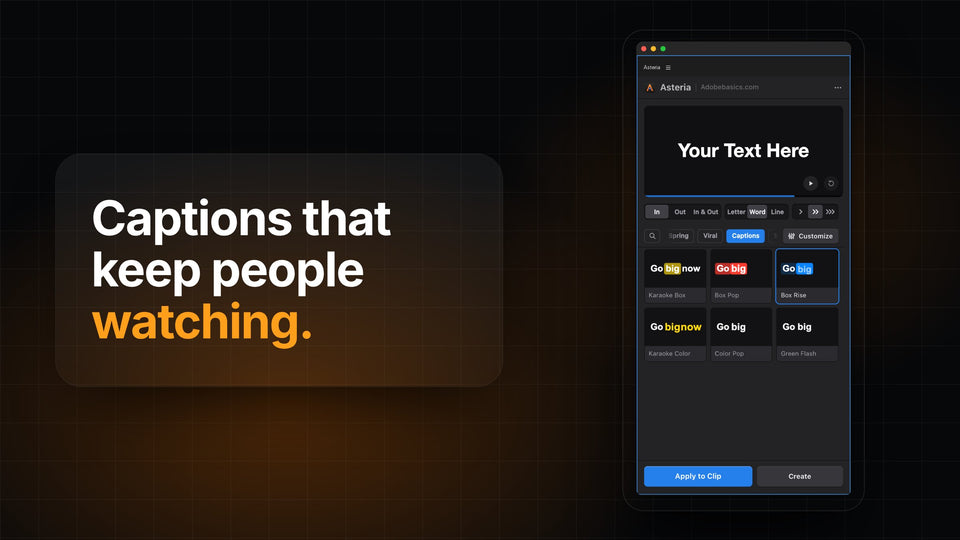
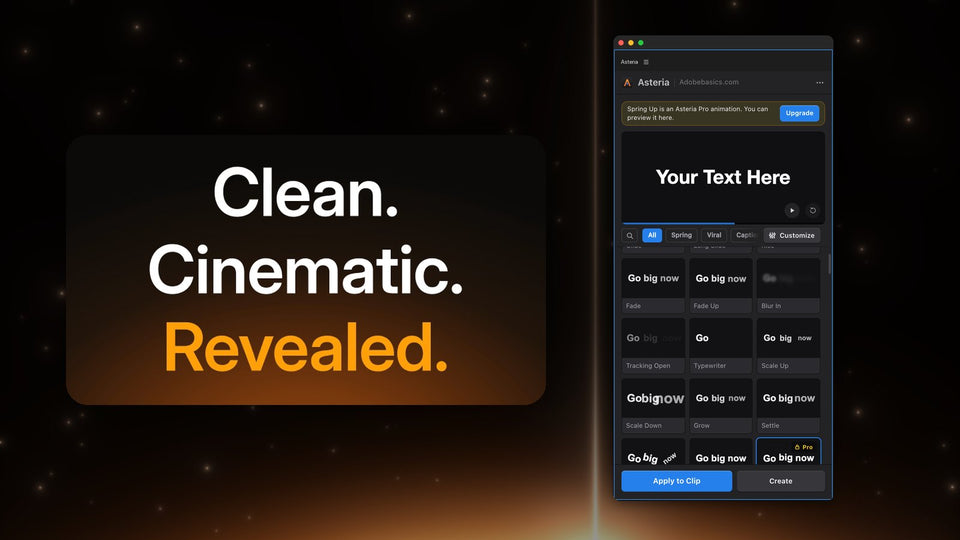
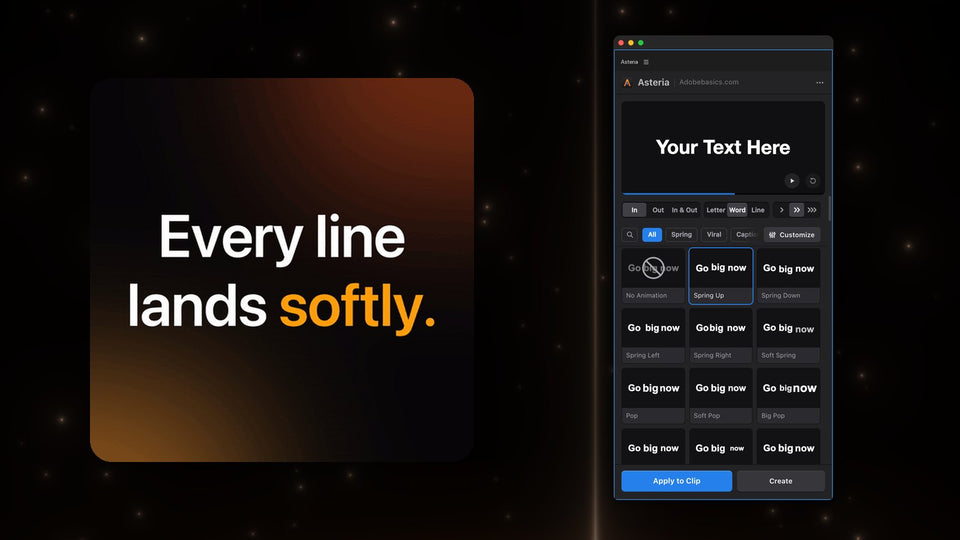
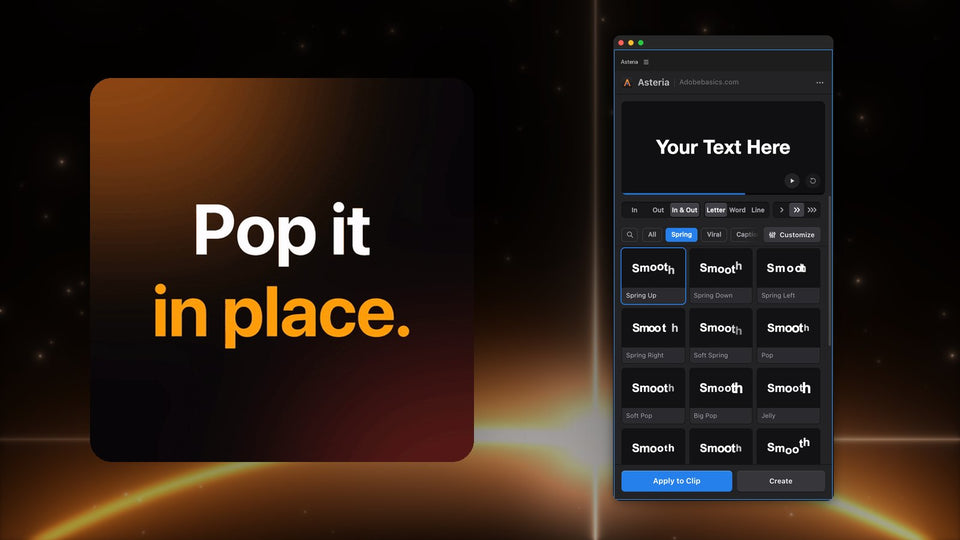
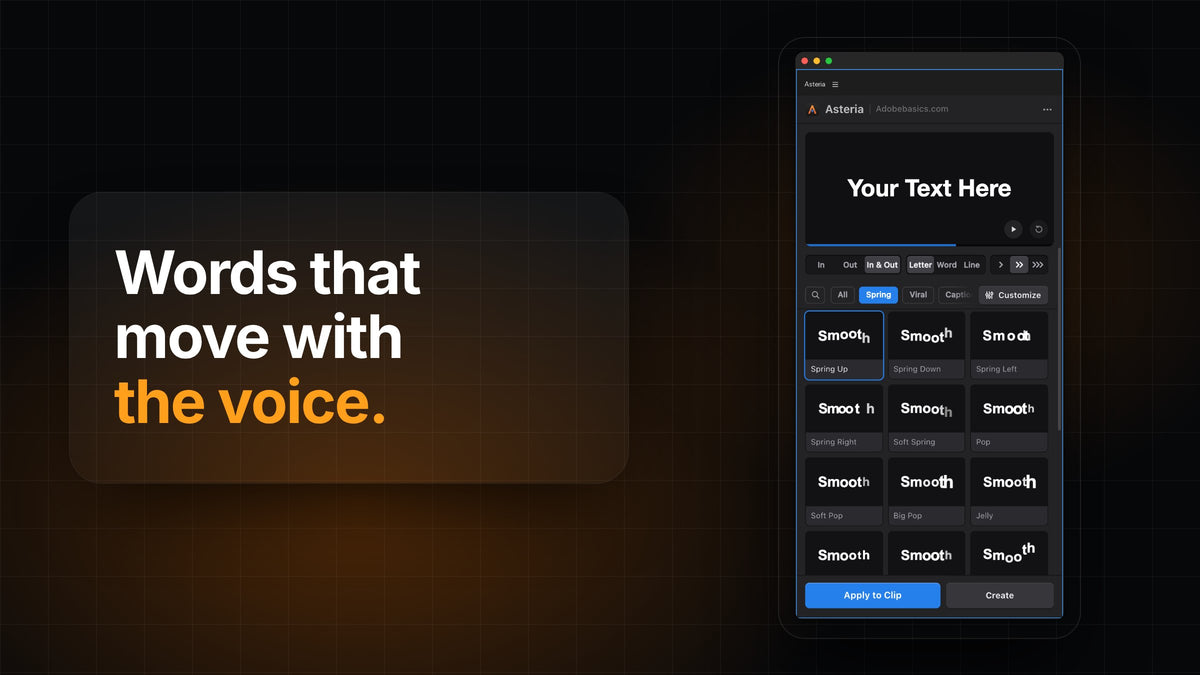
Asteria animates any text clip in Premiere Pro by Letter, Word or Line. Select the clip, click one of up to 206 animations, and it lands on your text with your font, size and position kept. Every tile plays as you hover, on your own words if you type them under the preview.

The moves editors reach for
Search the library by feel. Type bounce and you get Big Bounce, Slam Bounce, Drop Bounce, Hop, Toss and more. There's Spring Up and Soft Spring for steady lines, Pop and Big Pop for emphasis, Jelly and squash and stretch for comedy, reveals for cinematic titles, and typewriter, Decode and glitch for tech and gaming edits.
In, Out, or both
Choose In, Out or In & Out in Pro, so a word can land and leave on its own beat.

Tune it to the speaker
You'll want different timing for different voices. Pro opens the animation settings: curve, Speed, Bounce, Stagger, Order and timing. A fast talker wants a short stagger; a slow, cinematic voiceover wants a longer one. Save the result and it's yours on every video.
Fast on a busy timeline
Asteria is a native GPU effect (Metal on Mac, CUDA or OpenCL on Windows), and finished frames are cached. It runs in Premiere Pro 2021 to 2027.
Price
Asteria Standard is $69.99 with 40 essential animations. Asteria Pro is $79.99 with all 206, the caption styles, animation settings and your own saved animations. You pay once, updates are free, and you can upgrade from Standard to Pro later for $14.99.
For a walkthrough, see how to animate text letter by letter or how to animate text without keyframes.
Want kinetic type without leaving Premiere? Get Asteria for Premiere Pro.