






A frame made with Countdown Timer

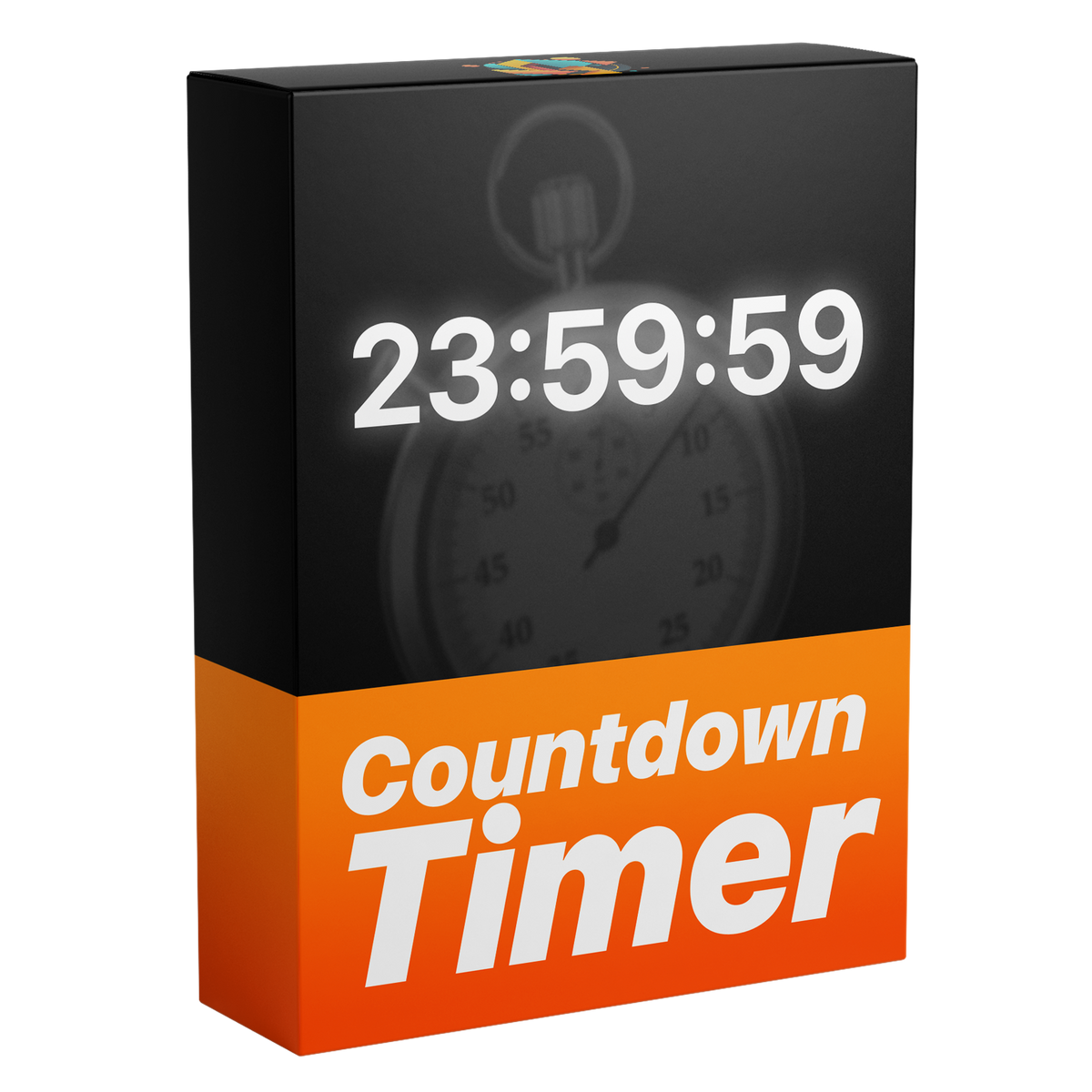
Countdown Timer
Waktu mulai apa pun, font apa pun.
Tambahkan hitung mundur yang rapi ke video apa pun dalam hitungan detik. Ketik waktu mulai dan ia menghitung mundur dengan sendirinya, untuk tantangan, video game, siaran langsung, dan peluncuran. Tampilkan jam, menit, detik, atau milidetik, dengan font, warna, garis tepi, dan bayangan apa pun.
 Premiere Pro 2021–2027
- Windows dan Mac
- Tanpa After Effects

On your phone? Get the link on your computer.
Garansi uang kembali Tidak berfungsi di Premiere Pro milikmu? Hubungi kami dalam 14 hari.
Countdown Timer
Dibuat oleh orang-orang yang mengajarkan Premiere Pro.
700+ tutorial dan ribuan komentar menunjukkan apa yang memperlambat editor. Jadi kami membuat tools yang kami inginkan sebagai editor: simpel dan tanpa ribet.
Tonton tutorialnya- 200K+editor memakai tools kami
- 30M+tayangan tutorial YouTube kami
- 90K+pengikut di media sosial
- 37K+editor di komunitas Discord kami


Waktu mulai bebas
Kontrol
Milidetik
Buat dan ubah langsung di Premiere Pro.
Semuanya di Essential Graphics
Tampilkan hanya satuan yang kamu butuhkan
Dibuat untuk setiap editan.

Premiere Pro 2021–2027
Tanpa perlu plugin.
Lihat sorotannya.
-
Hitung mundur
Ketik waktunya. Timer menghitung mundur.
Atur waktu mulai sekali. Timer berjalan sendiri selama klip diputar.
-
Satuan
Jam, menit, atau milidetik.
Tampilkan hanya satuan yang kamu butuhkan. Centang kotak untuk menyembunyikan jam atau menampilkan milidetik.

-
Gaya
Font, warna, dan outline apa pun.
Pilih tampilanmu sendiri, terbaca di atas footage apa pun.

-
Satu kolom
Atur waktu di satu kolom.
Ketik di panel Essential Graphics. Tanpa keyframe.

Dalam unduhan
-
File template
Satu file template (.mogrt). Impor sekali, lalu seret ke timeline mana pun.
-


Start time
Any start time. One field.
Type the start time into the Timer field as hours, minutes and seconds. 03:00:00 counts down from three hours, 00:10:00 from ten minutes. It runs while the clip plays.
- Timer fieldOne field, written as hours:minutes:seconds.
- No keyframesType the time once. It counts down on its own.
- AlignmentLeft, center or right.
Visible units
Show the hours. Or hide them.
Tick Hide Hours When Zero and the hours disappear once they reach zero. Leave it off and the hours stay on screen for the whole countdown.

- Hours shown03:00:00, for long countdowns like the wait before a live stream.
- Hours hiddenOnly minutes and seconds, for short ones like a ten-minute break.
- One tick boxHide Hours When Zero, in the panel.
Milliseconds
Count every millisecond.
Tick Show Milliseconds and three more digits appear after the seconds. They race past as the timer counts, for a race-clock look.
- Three more digitsThousandths of a second, right after the seconds.
- One tick boxShow Milliseconds, in the panel.
- Or leave them offThe timer then changes once a second.
Style
Your font. Your colors.
The digits are live text. Pick any installed font, set Text Color and tick Stroke for an outline, so the timer stays readable over any footage.

- Any fontAny installed font, in any size.
- Text ColorAny color for the digits, like white or a warning red.
- Stroke and shadowAn outline and a shadow, each with its own settings.
Essential Graphics
One panel. 32+ controls.
Set the timer right in Premiere Pro. No keyframes, no After Effects.

- No After EffectsEverything is set inside Premiere Pro.
- 32+ controlsTime, units, font, color, stroke, shadow and alignment.
- Premiere Pro 2021–2027On Windows and Mac.
32+ kontrol. Satu panel.
Waktu
- Waktu mulai apa pun. Ketik jam, menit, dan detik awalnya.
- Satuan yang tampil. Tampilkan jam, atau hanya menit dan detik.
- Milidetik. Nyalakan untuk menampilkan tiga digit tambahan.
Tampilan
- Font apa pun. Font terpasang apa pun, dalam gaya dan ukuran apa pun.
- Warna. Warna apa pun untuk angkanya.
- Stroke dan bayangan. Tetap terbaca di atas footage apa pun.
- Perataan. Kiri, tengah, atau kanan.
Specifications
- Works with
- Premiere Pro 2021–2027, Windows and Mac
- You get
- 1 template (.mogrt) with 32+ controls
- No need for
- After Effects or plugins
- Works offline
- Updates
- Free, from your order page
- Payment
- One-time, no subscription
- License
- Unlimited personal and commercial videos, one user
- Download
- Instant after checkout, 0.8 MB zip
Tiga langkah. Tanpa keyframe.
Impor template ke Premiere Pro sekali saja. Tanpa plugin atau pengaturan tambahan.

1Import template-nya
Buka Graphics Templates (Essential Graphics di versi lama) lalu import file .mogrt.

2Seret ke timeline-mu
Taruh di atas footage-mu seperti klip lainnya.

3Atur waktunya
Pilih waktu mulai, satuan, dan tampilannya di Properties panel. Timer menghitung mundur sendiri.


Premiere Pro 2021–2027 · Windows dan Mac · Tanpa plugin · Unduhan langsung
Ketik satu waktu, bukan setiap detik.
Secara manual, hitung mundur satu menit berarti 60 klip teks, satu untuk setiap detik. Dengan template ini, kamu cukup mengetik satu waktu mulai.


Lihat cara kerjanya.


Mulai hitungannya.
Waktu mulai apa pun, font apa pun, langsung di Premiere Pro.
- Premiere Pro 2021–2027
- Windows dan Mac
Garansi uang kembali jika tidak berfungsi
- Hubungi kami dalam 14 hari setelah membeli.
- Bantuan dalam 24 jam untuk memperbaikinya.
- Jika tidak bisa kami perbaiki, uangmu kembali.