





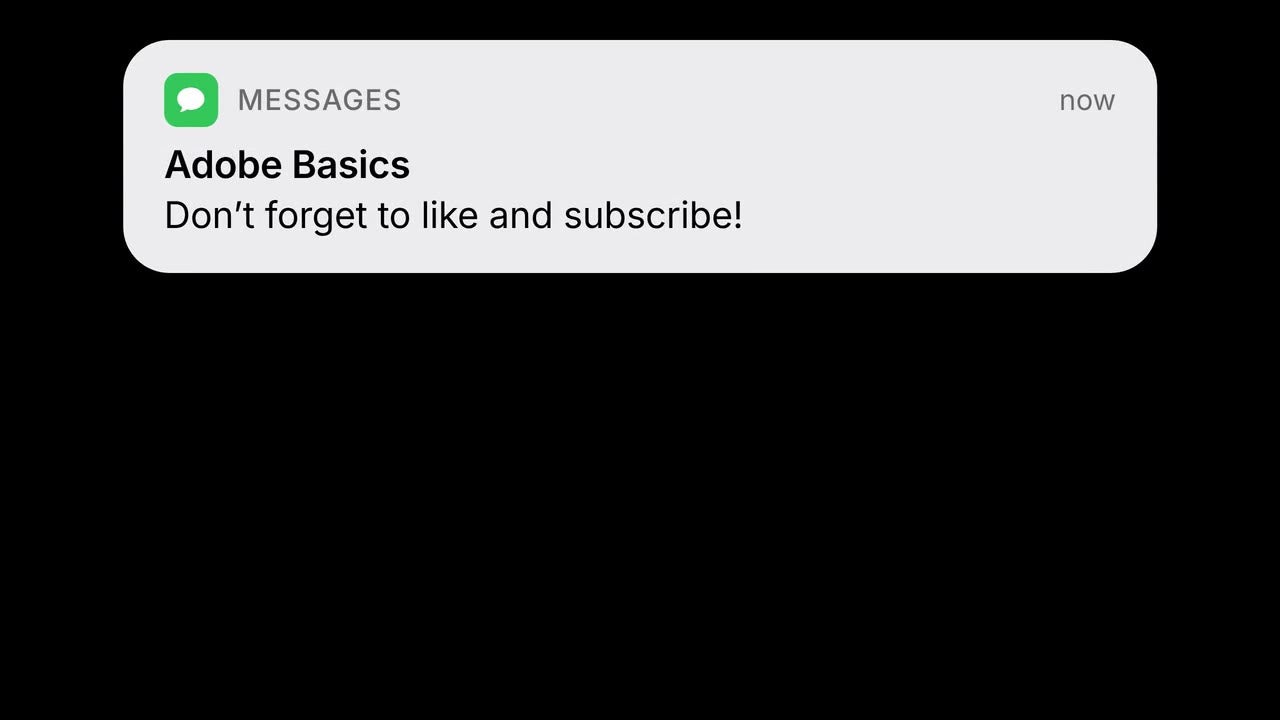
A frame made with Notification

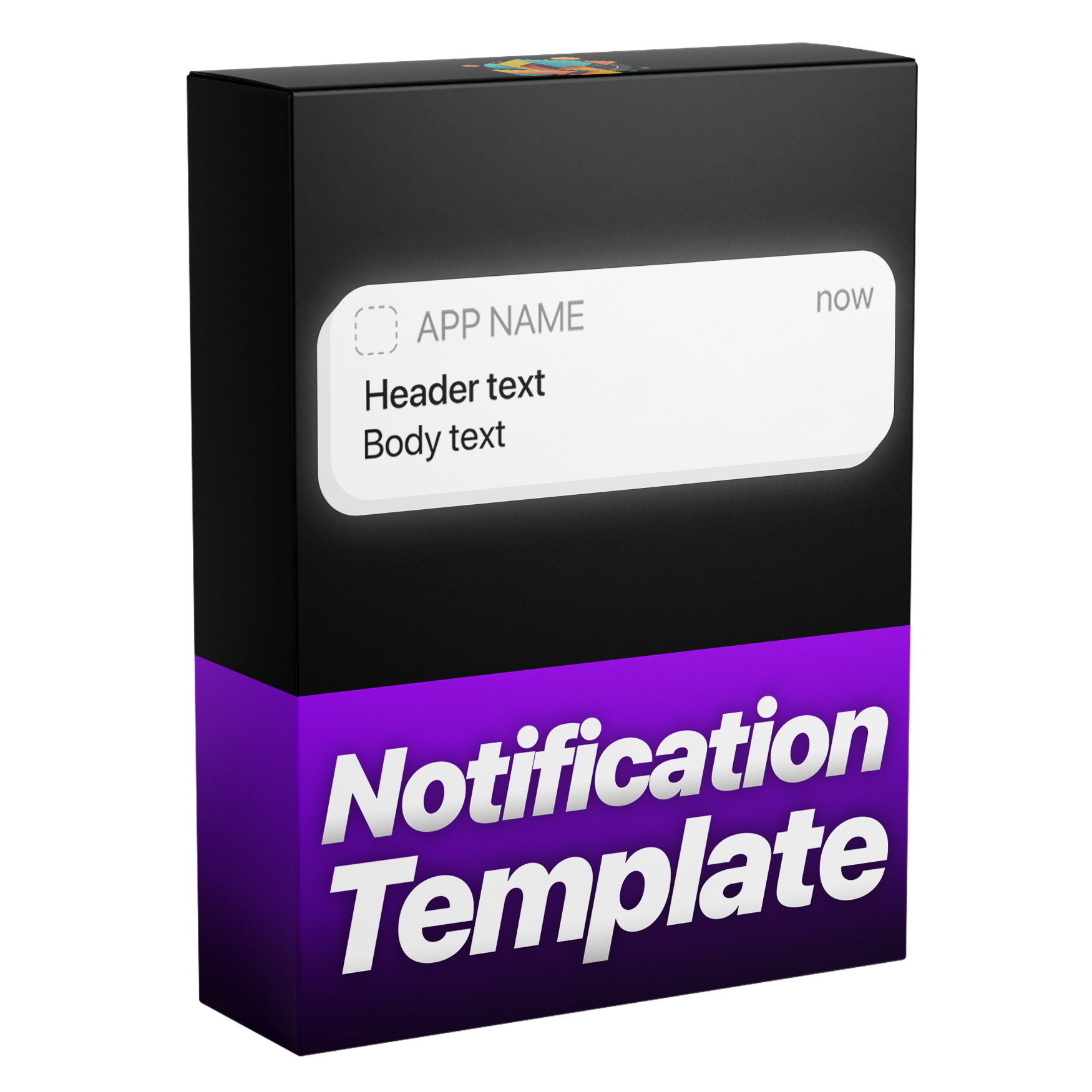
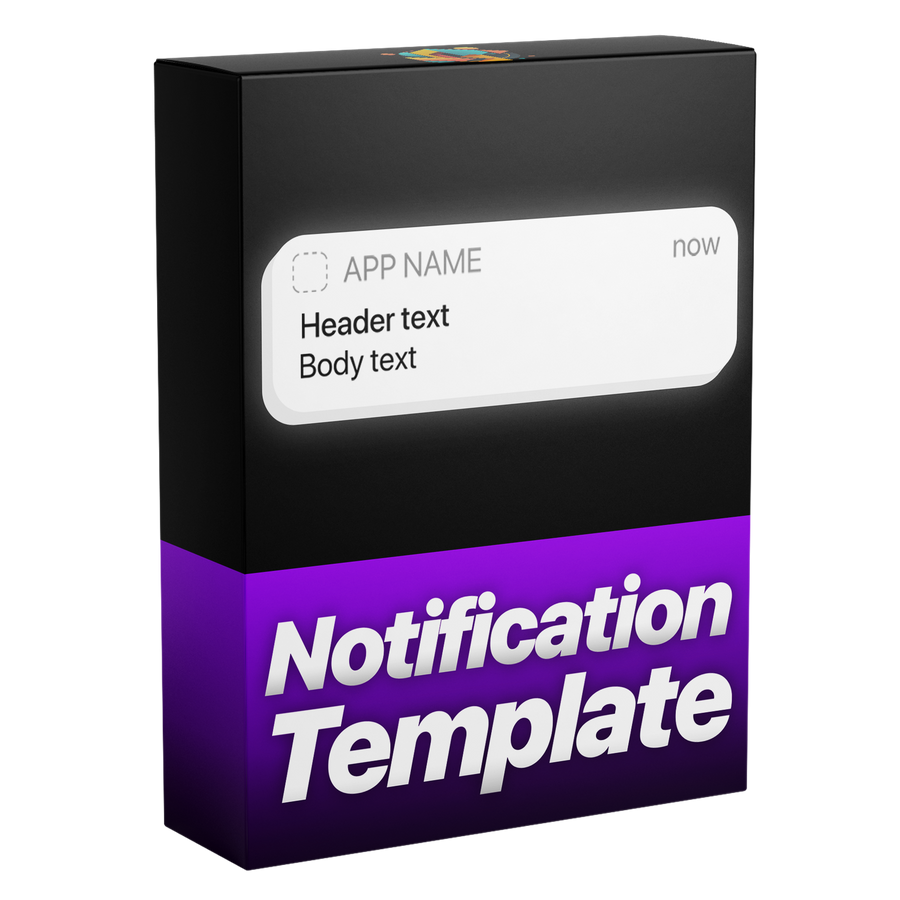
Notification
Terlihat asli. Ketik pesanmu sendiri.
Tambahkan notifikasi yang tampak seperti berasal dari ponsel sungguhan. Masukkan ikon aplikasi apa pun dan ketik pesan Anda sendiri. Notifikasi meluncur masuk dan keluar dengan motion blur, mengikuti trim Anda, dan tersedia dalam terang, gelap, atau warna apa pun.
 Premiere Pro 2021–2027
- Windows dan Mac
- Tanpa After Effects

On your phone? Get the link on your computer.
Garansi uang kembali Tidak berfungsi di Premiere Pro milikmu? Hubungi kami dalam 14 hari.
Notification
Dibuat oleh orang-orang yang mengajarkan Premiere Pro.
700+ tutorial dan ribuan komentar menunjukkan apa yang memperlambat editor. Jadi kami membuat tools yang kami inginkan sebagai editor: simpel dan tanpa ribet.
Tonton tutorialnya- 200K+editor memakai tools kami
- 30M+tayangan tutorial YouTube kami
- 90K+pengikut di media sosial
- 37K+editor di komunitas Discord kami

Pixel-perfect, persis seperti UI iPhone asli
Kontrol
Buat dan ubah langsung di Premiere Pro.
Semuanya di Essential Graphics
Warna apa pun
Dibuat untuk setiap editan.

Premiere Pro 2021–2027
Tanpa perlu plugin.
Lihat sorotannya.
-
Animasi
Meluncur masuk seperti aslinya.
Dengan motion blur. Lalu diam sejenak dan meluncur keluar.
-
Pesanmu
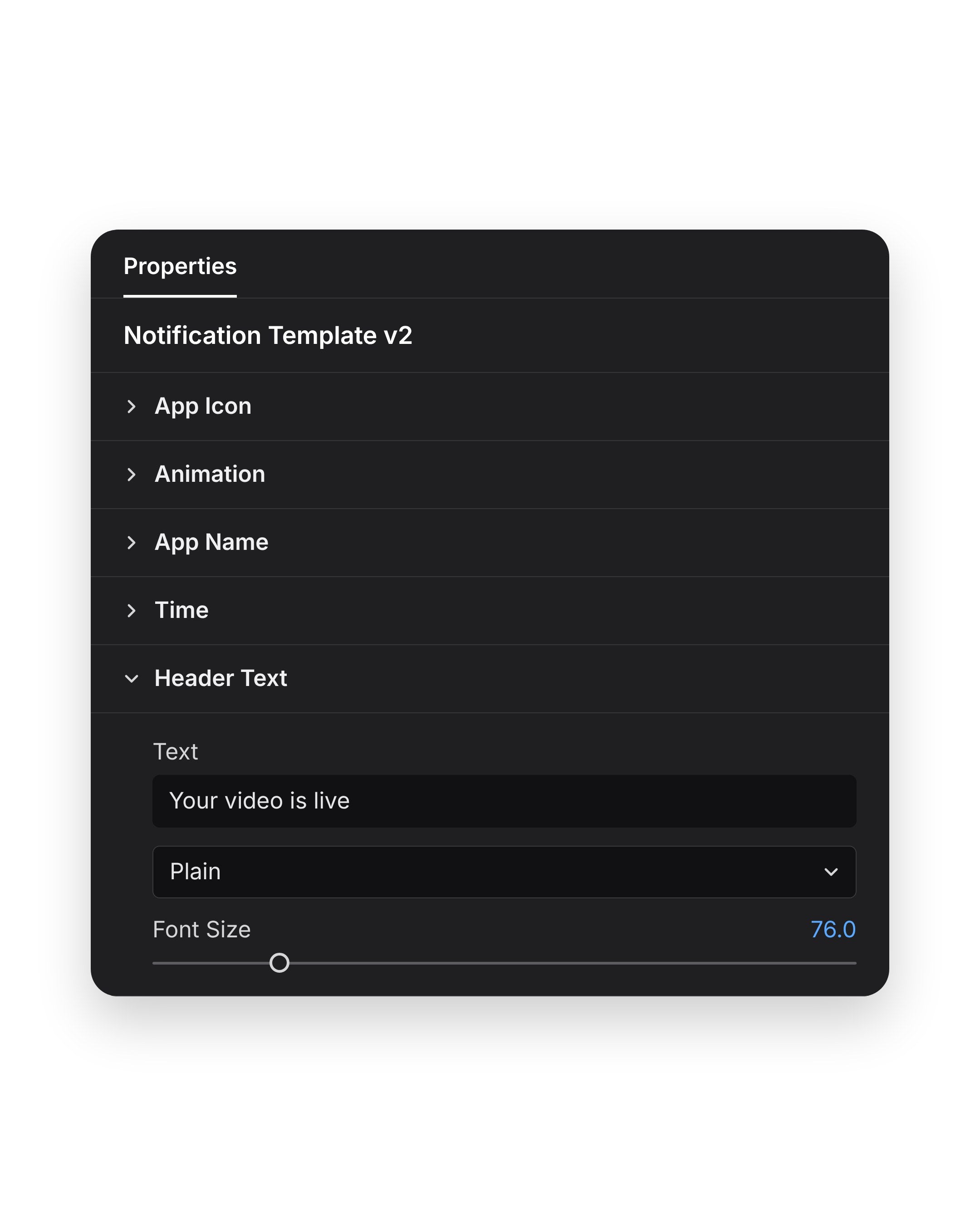
Ketik aplikasi, judul, dan pesanmu.
Lalu atur warna dan opacity di panel yang sama.
-
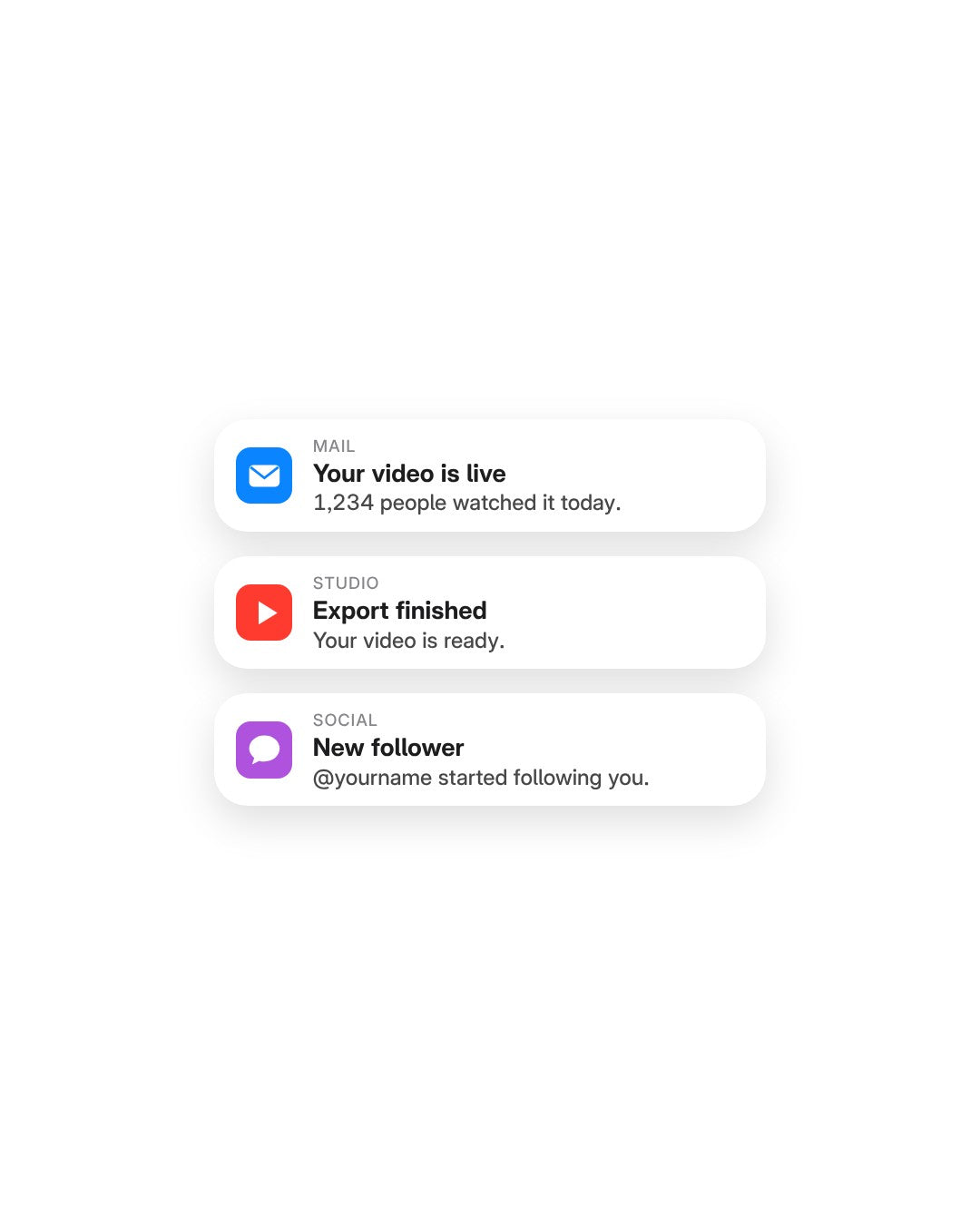
Ikonmu
Ikon aplikasi apa pun, terang atau gelap.
Atau pilih warna apa pun agar sesuai dengan brand-mu.
-
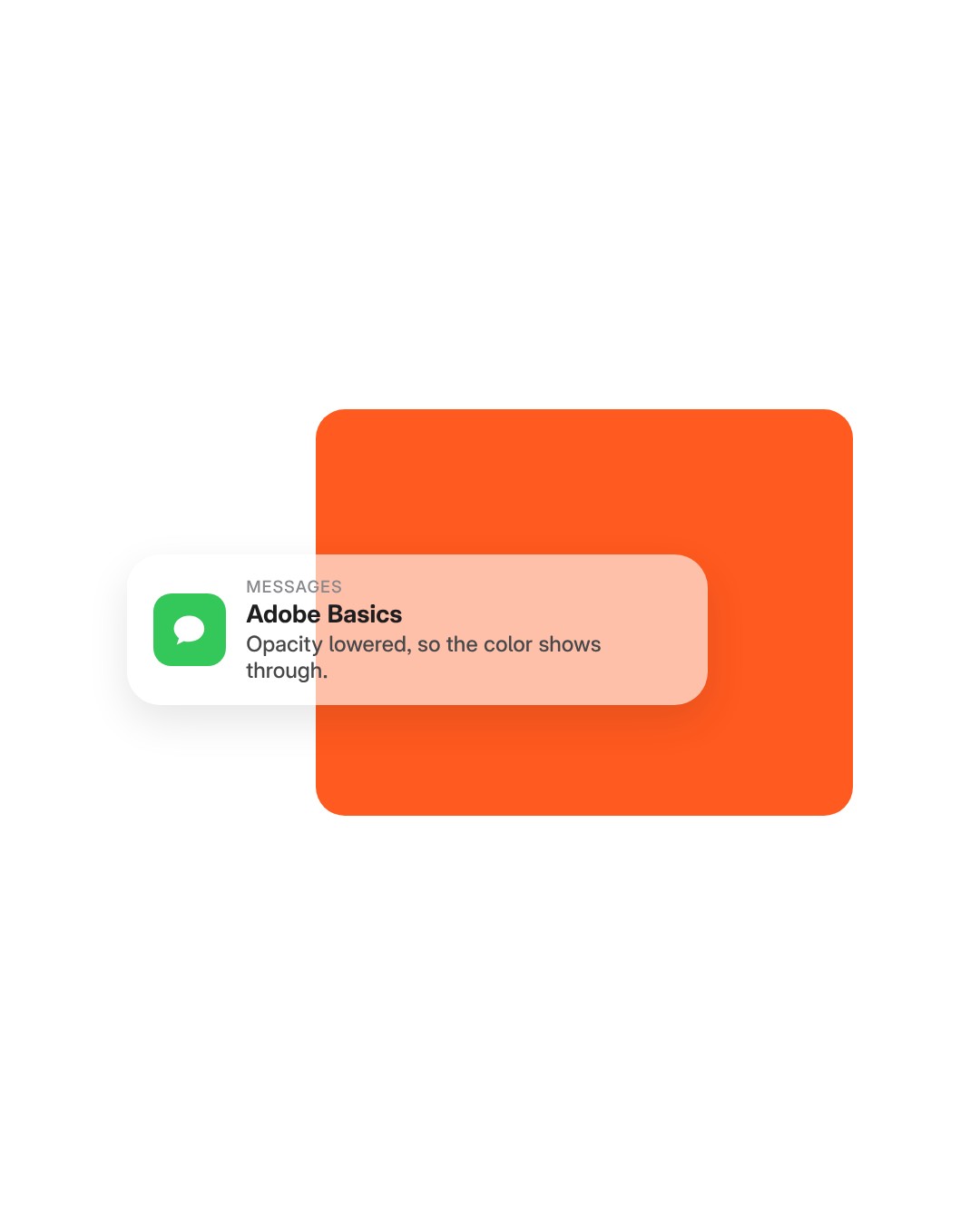
Opacity
Biarkan footage-mu terlihat.
Turunkan opacity untuk banner tembus pandang.
Dalam unduhan
-
File template
Satu file template (.mogrt). Impor sekali, lalu seret ke timeline mana pun.
-

Motion
It slides in. Holds. Slides out.
The banner slides in, holds on screen and slides out again. You set how fast it arrives and how fast it leaves, and motion blur is built in.
- Slides in and outAnd it holds on screen in between.
- In and out speedTwo separate speeds, one for arriving and one for leaving.
- Motion blurBuilt in. Tick Enable extra motion blur for more.
Timing
It follows your trim.
The banner stays for as long as the clip does. Trim the clip to 3 seconds or stretch it to 10, and the slide out moves with the end of the clip.

- Longer clipThe banner holds for longer.
- Shorter clipIt leaves sooner.
- No keyframesTrim the clip like any other.
Light or dark
Light mode. Dark mode.
Match the banner to a phone in light or dark mode.

- LightA white banner with dark text.
- DarkA dark banner with light text.
- Corner roundnessThe Roundness slider goes from sharp corners to fully round.
Any color
Or your brand’s color.
Pick any color for the message box, like your brand’s orange. Then set Opacity to choose how much of your footage shows through.

- Any colorThe Color control, under Message Box.
- Opacity88 by default. Lower it and more of your footage shows through.
- One groupColor, Opacity and Roundness sit together under Message Box.
App icon
Any app. Any icon.
Drop in the icon of any app or brand as a picture, then type the app’s name next to it.

- Any app iconDrop in the icon of any app or brand.
- App nameType it in the Name field, like MESSAGES.
- Light, dark or colorThe icon sits on any banner.
Your message
Your words. One panel.
Three lines of text are yours: the app name, the title and the message. Type each one in the Essential Graphics panel in Premiere Pro. No After Effects needed.

- Its own groupsApp Icon, App Name, Time and Header Text each open on their own.
- Any fontAny installed font.
- 43+ controlsAll in the Essential Graphics panel.
43+ kontrol. Satu panel.
Pesan
- Teksmu sendiri. Nama aplikasi, judul, dan pesan, dengan kata-katamu.
- Ikon aplikasi apa pun. Masukkan ikon aplikasi atau brand apa pun.
- Font apa pun. Pilih font terpasang apa pun.
Tampilan
- Terang atau gelap. Atau warna apa pun pilihanmu.
- Opacity. Biarkan footage-mu terlihat di balik banner.
- Kelengkungan sudut. Dari tajam sampai lembut.
Gerakan
- Meluncur masuk dan keluar. Dan diam di layar di antaranya.
- Kecepatan masuk dan keluar. Atur seberapa cepat muncul dan pergi.
- Motion blur. Sudah ada, untuk gerakan yang alami.
- Mengikuti trim-mu. Timing-nya mengikuti titik In dan Out kamu.
Specifications
- Works with
- Premiere Pro 2021–2027, Windows and Mac
- You get
- 1 template (.mogrt) with 43+ controls
- No need for
- After Effects or plugins
- Works offline
- Updates
- Free, from your order page
- Payment
- One-time, no subscription
- License
- Unlimited personal and commercial videos, one user
- Download
- Instant after checkout, 0.4 MB zip
Tiga langkah. Tanpa keyframe.
Impor template ke Premiere Pro sekali saja. Tanpa plugin atau pengaturan tambahan.
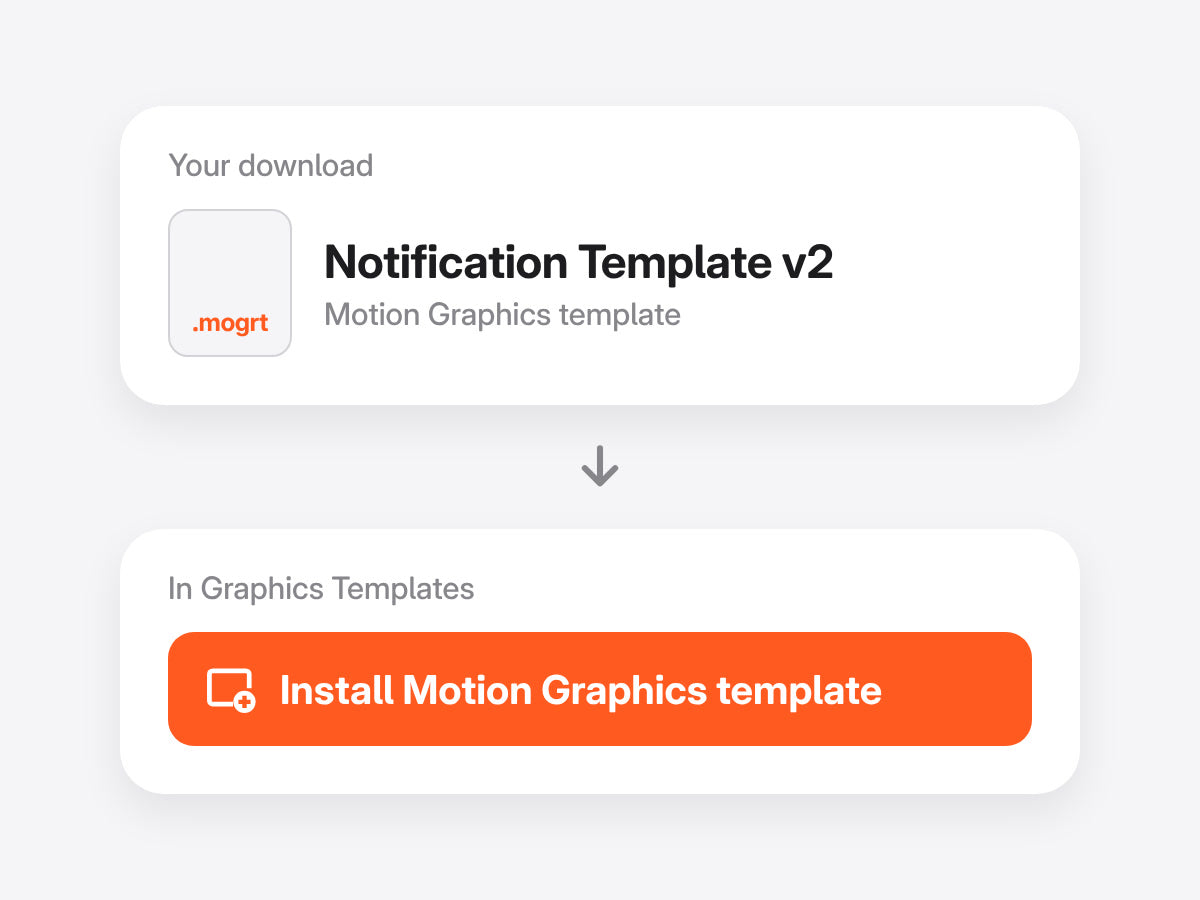
1Import template-nya
Buka Graphics Templates (Essential Graphics di versi lama) lalu import file .mogrt.
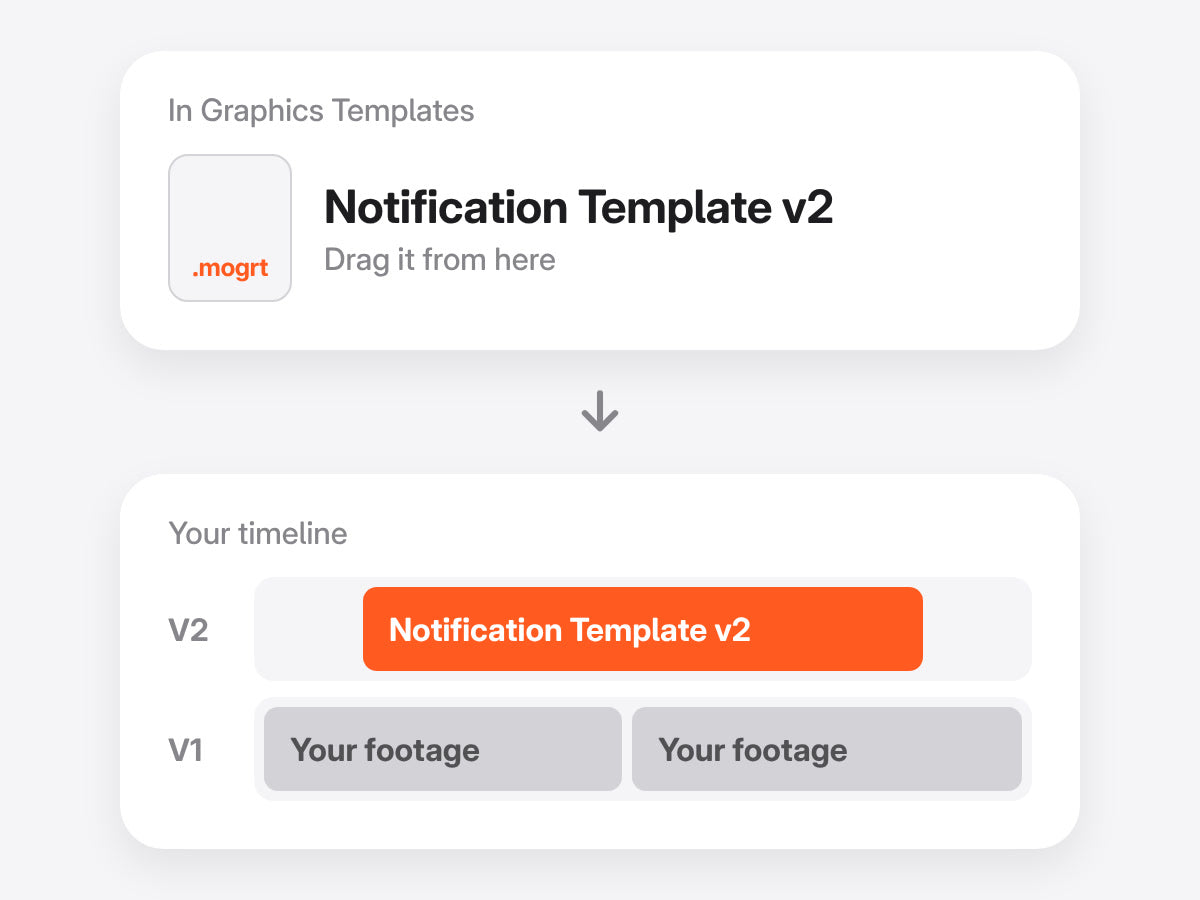
2Seret ke timeline-mu
Taruh di atas footage-mu, lalu pangkas sesukamu. Animasinya mengikuti titik In dan Out-mu.
3Ketik pesanmu
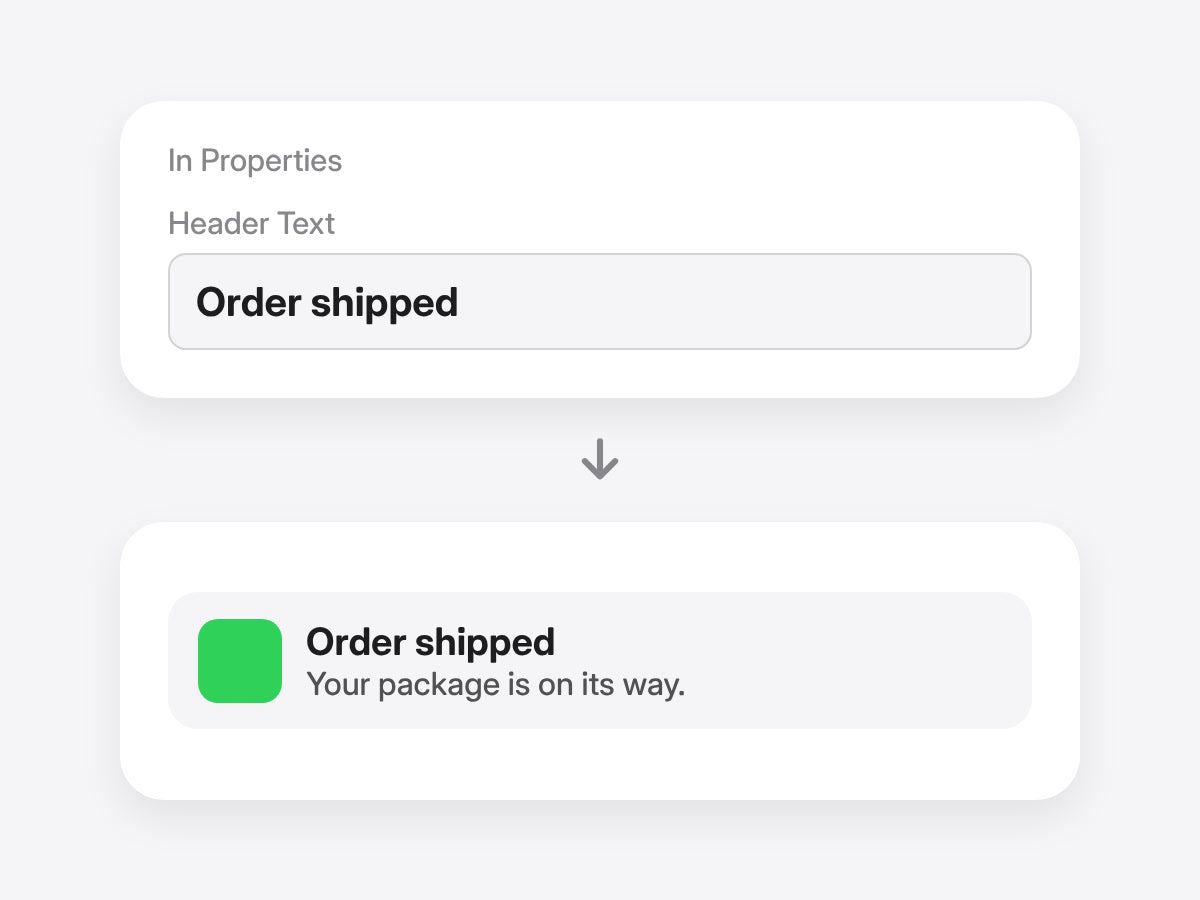
Tulis teks header dan isi, ganti ikon aplikasi, dan pilih warna kotak di Properties panel. Tanpa keyframe.
Premiere Pro 2021–2027 · Windows dan Mac · Tanpa plugin · Unduhan langsung
Ketik pesan, bukan layout.
Secara manual, kamu membangun banner dari shape, teks, dan keyframe. Dengan template ini, kamu cukup mengetik pesanmu.


Lihat cara kerjanya.

Ketik. Langsung meluncur masuk.
Notifikasi ala ponsel, langsung di Premiere Pro.
- Premiere Pro 2021–2027
- Windows dan Mac
Garansi uang kembali jika tidak berfungsi
- Hubungi kami dalam 14 hari setelah membeli.
- Bantuan dalam 24 jam untuk memperbaikinya.
- Jika tidak bisa kami perbaiki, uangmu kembali.