Premiere Pro 튜토리얼

텍스트 효과부터 트랜지션, 오디오까지 스크린샷과 함께하는 단계별 Premiere Pro 튜토리얼.

A red padlock over the Premiere Pro timeline with a video clip and its linked audio clip

Premiere Pro에서 비디오와 오디오 링크 해제하는 방법

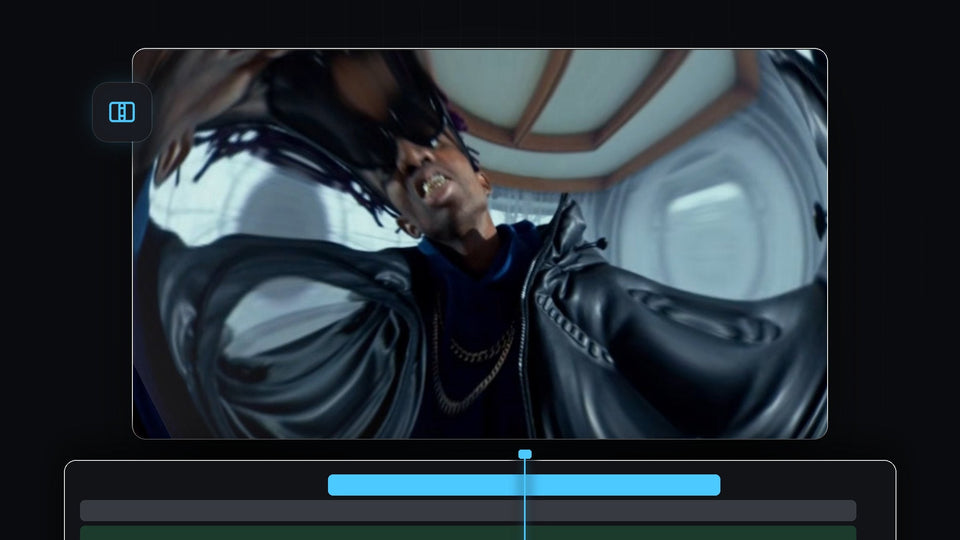
Fisheye lens distortion transition in Premiere Pro with the picture warped around a man in sunglasses and a leather jacket

Premiere Pro에서 렌즈 왜곡 전환을 만드는 방법

Skater crouching behind ripped white paper strips in a paper transition made in Premiere Pro

Premiere Pro에서 찢어진 종이 전환 효과 만드는 방법

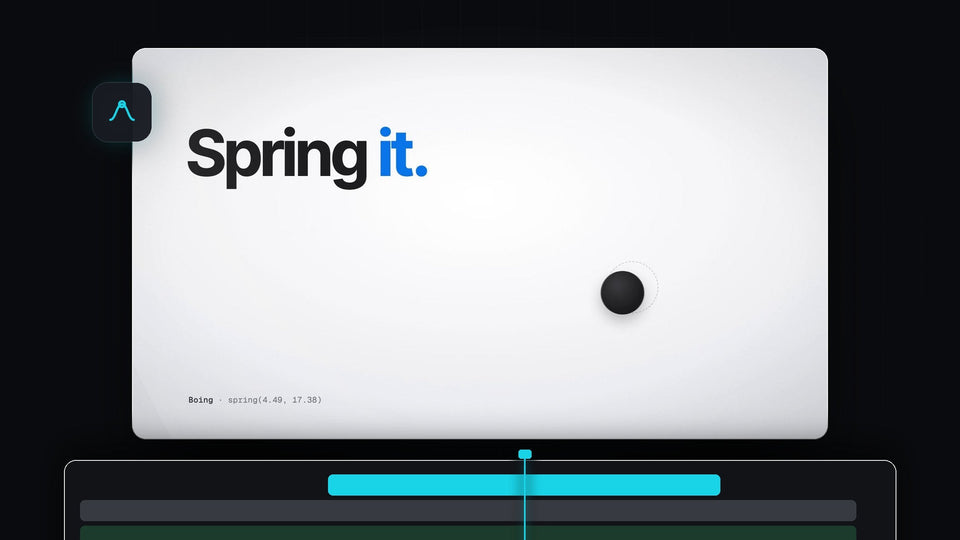
The words Spring it with a black ball settling on a light background, from the EaseFlow launch film

Premiere Pro용 최고의 Kease 대안: EaseFlow

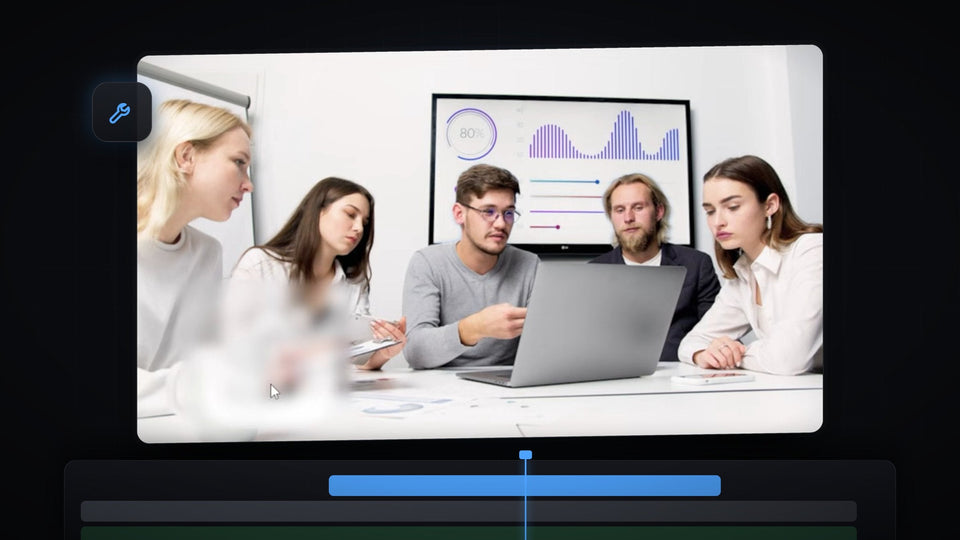
Premiere Pro Program Monitor showing a meeting scene with a watermark blurred into a soft patch

Premiere Pro에서 영상의 워터마크를 지우는 방법

Black icon on a blue background in the Premiere Pro Program Monitor, used for the floating icon effect

Premiere Pro에서 떠다니는 아이콘 만드는 방법

A colorful logo pinned in perspective onto the wooden floor of a hallway in Premiere Pro

Premiere Pro에서 오브젝트를 표면에 붙이는 방법

Mako, the free Premiere Pro panel with 13 one-click tools: adjustment layers, staircase, freeze frame, nest and unnest, colors and shortcuts

최고의 무료 Premiere Pro 패널: Mako, 클릭 한 번으로 쓰는 13가지 도구

Yellow brush highlight swiped across a line of text in Premiere Pro

Premiere Pro에서 브러시 하이라이트 애니메이션 만드는 방법
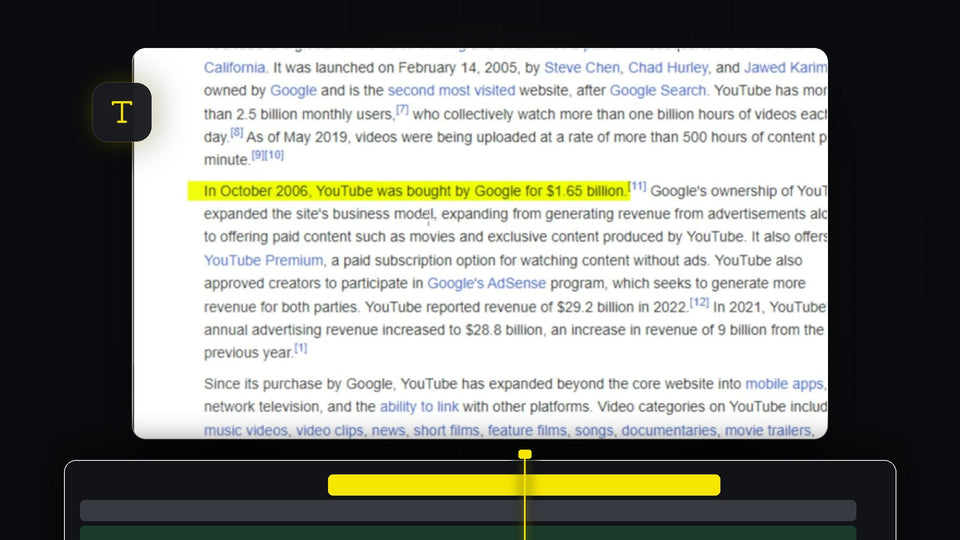
Yellow highlight effect over a sentence of text in the Premiere Pro Program Monitor

Premiere Pro에서 텍스트 강조하는 방법

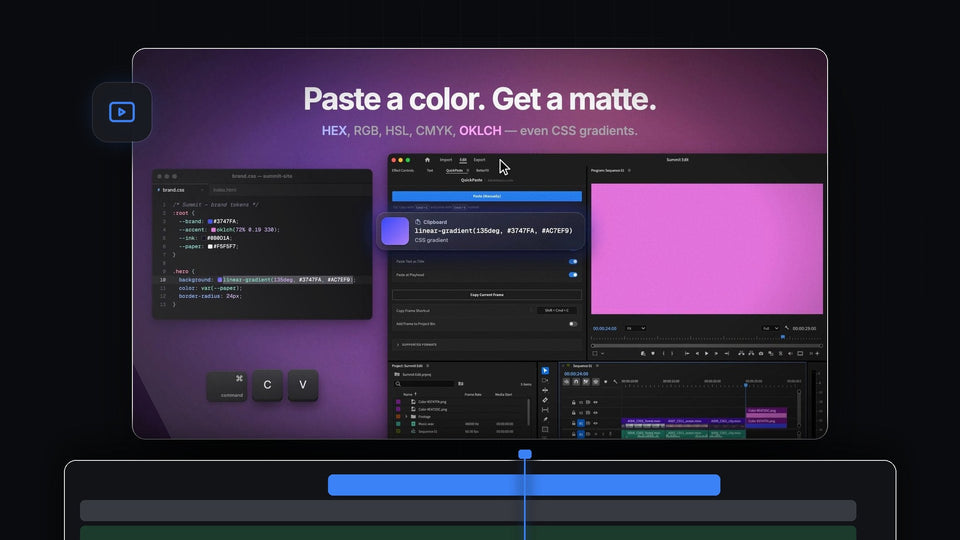
Paste a color, get a matte: a CSS gradient copied from a stylesheet and pasted into Premiere Pro with QuickPaste as a pink color

Premiere Pro용 최고의 ToothPaste 대안: QuickPaste

Premiere Pro workspace with an empty Effect Controls panel, program monitor and timeline

Premiere Pro에서 사라진 Effect Controls와 툴바 복구하는 방법

Premiere Pro timeline with a video clip and a green external audio clip synced by waveform

Premiere Pro에서 오디오와 비디오를 동기화하는 방법

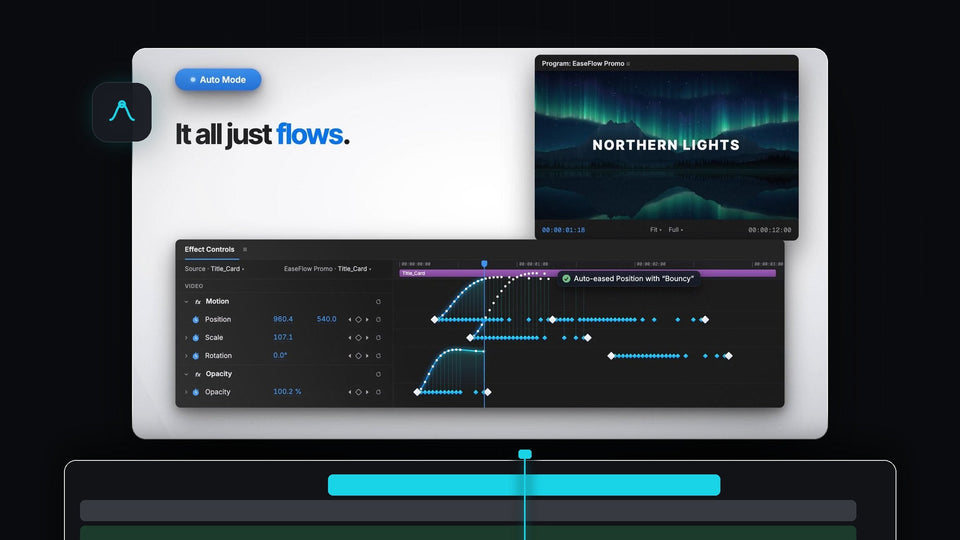
EaseFlow Auto Mode easing Position, Scale and Opacity keyframes in Premiere Pro Effect Controls under a Northern Lights title

Premiere Pro용 최고의 Eaze 대안: EaseFlow

White Flicker Animation title text on a dark background for a Premiere Pro text flicker effect

Premiere Pro에서 텍스트 깜빡임 효과 만드는 방법

A preset file icon on a green background for the free obsolete effects preset pack for Premiere Pro

Premiere Pro에서 단종된 효과 복원하는 방법

Four steps of an iPhone style notification, from rounded shape to app icon, text and animation, built in Premiere Pro

Premiere Pro에서 iPhone 알림 애니메이션 만드는 방법

Premiere Pro 2026 with the QuickPaste panel open and a client message asking for a still of the shot

Premiere Pro 2026 최고의 붙여넣기 플러그인

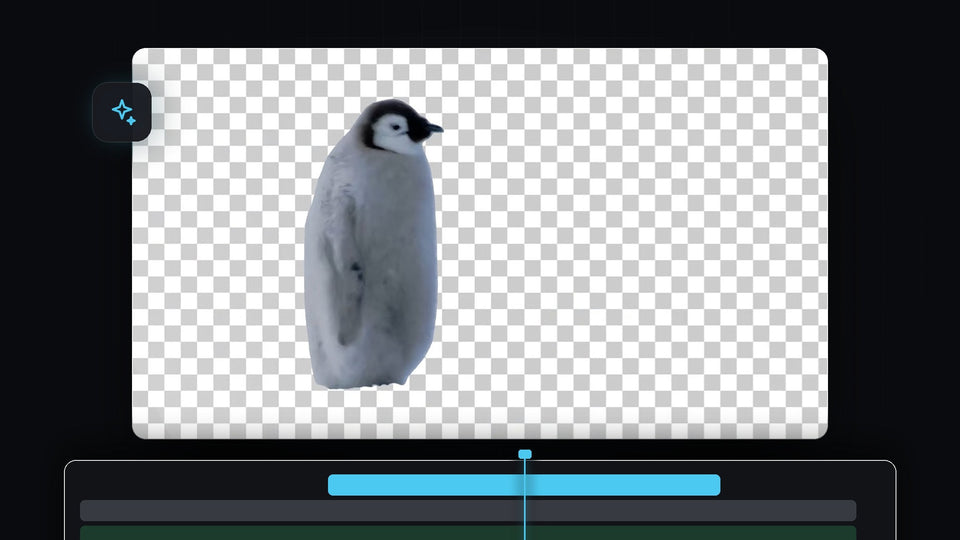
Penguin cut out from its background on a transparent checkerboard in Premiere Pro

Premiere Pro에서 영상 배경을 자동으로 제거하는 방법

A red rounded rectangle graphic over a talking head clip in the Premiere Pro Program Monitor, edited through After Effects Dynamic Link

Premiere Pro와 After Effects를 함께 사용하는 방법

Small video clip floating in the middle of a black screen in the Premiere Pro Program Monitor

Premiere Pro에서 검은색 줌 아웃 효과 만드는 방법

Premiere Pro Preferences window on the Media Cache page with the Remove Media Cache Files Delete button

Premiere Pro에서 캐시를 지우는 방법

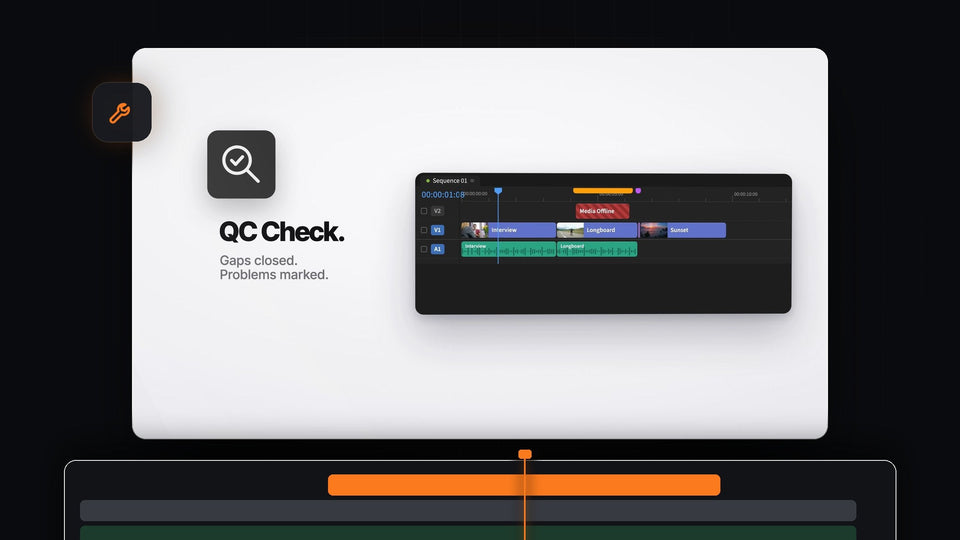
Mako QC Check for Premiere Pro: a timeline with gaps closed and markers over offline media and a tiny clip

Premiere Pro용 최고의 Sequence Inspector 대안: Mako

White GLOW text with a soft bright halo on a black background

Premiere Pro에서 빛나는 텍스트 효과 만드는 방법

Distorted glitch effect with color fringing and pixel blocks over a basketball hoop and a smeared figure

Premiere Pro에서 글리치 효과 만드는 방법