Premiere Pro 튜토리얼

텍스트 효과부터 트랜지션, 오디오까지 스크린샷과 함께하는 단계별 Premiere Pro 튜토리얼.

Rapper in sunglasses in a motion blurred flutter cut frame in Premiere Pro

Premiere Pro에서 Flutter Cut 만드는 방법

Pitch Shifter Clip Fx Editor with semitones and cents lowered in Premiere Pro

Premiere Pro에서 암호화된 목소리 효과 만드는 방법

Red sports car at night on a city street with its tail lights glowing, used for a luma fade transition in Premiere Pro

Premiere Pro에서 샘 콜더 스타일 루마 페이드 트랜지션 만드는 방법

Premiere Pro workspace with a yellow gradient shape in the Program Monitor and Effect Controls open, used to create a preset

Premiere Pro에서 프리셋 만드는 방법

Blue and red train passing a man sitting by a waterfall, an object mask transition made in Premiere Pro

Premiere Pro에서 Object Mask 트랜지션 만드는 방법

Cyan liquid blob with wobbly edges on a black background, made with Turbulent Displace in Premiere Pro

Premiere Pro에서 리퀴드 효과 만드는 방법

Radial gradient background fading from bright cyan to deep blue, made with the Ramp effect in Premiere Pro

Premiere Pro에서 그라데이션 배경 만드는 방법

Rally car driving along a dirt road, flipped horizontally in Premiere Pro

Premiere Pro에서 영상 뒤집는 방법

Glowing red brush stroke cross on a black background, the MrBeast elimination animation made in Premiere Pro

Premiere Pro에서 MrBeast 탈락 애니메이션 만드는 방법

Woman with raised arms on a mountain at sunrise, color graded in Premiere Pro with Lumetri Color

Premiere Pro에서 영상 색 보정하는 방법

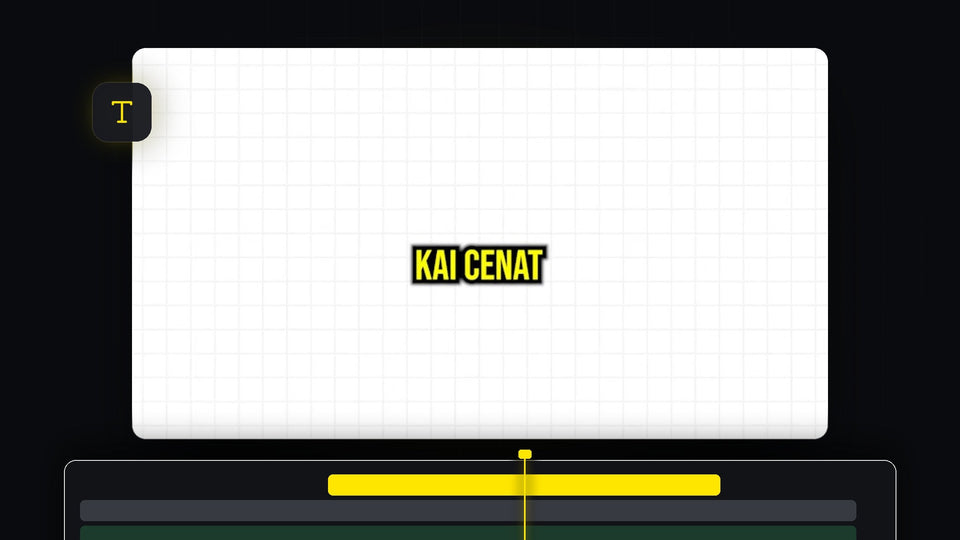
Yellow Kai Cenat style caption with a thick black outline on a white background, made in Premiere Pro

Premiere Pro에서 Kai Cenat 스타일 자막 만드는 방법

Smiling woman with an enlarged head from the big brain effect, made with Spherize in Premiere Pro

Premiere Pro에서 빅 브레인 효과 만드는 방법

Premiere Pro timeline with an enlarged V1 video track and the audio tracks below it

Premiere Pro에서 트랙 높이를 조절하는 방법

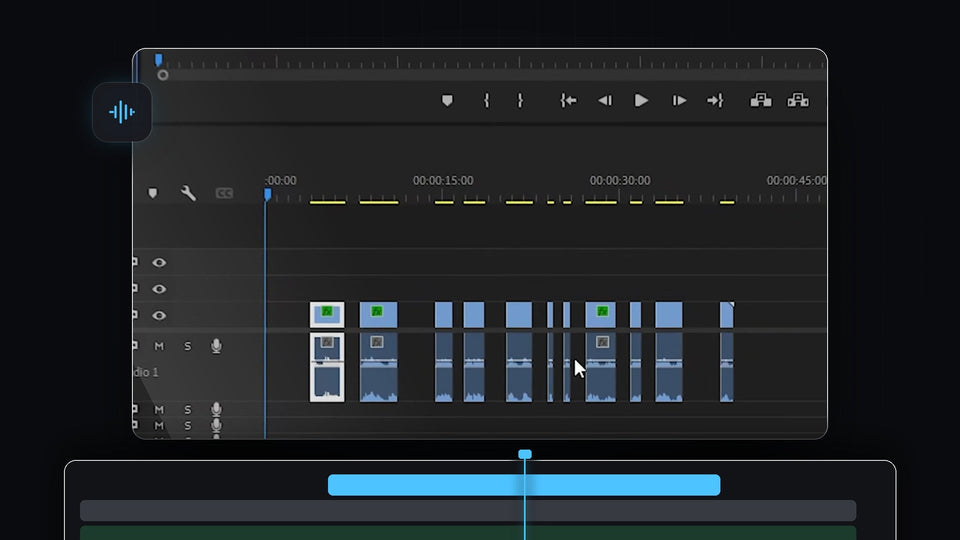
Premiere Pro timeline with a talking-head clip cut into sections after the silences were lifted out

Premiere Pro에서 무음 구간을 자동으로 제거하는 방법

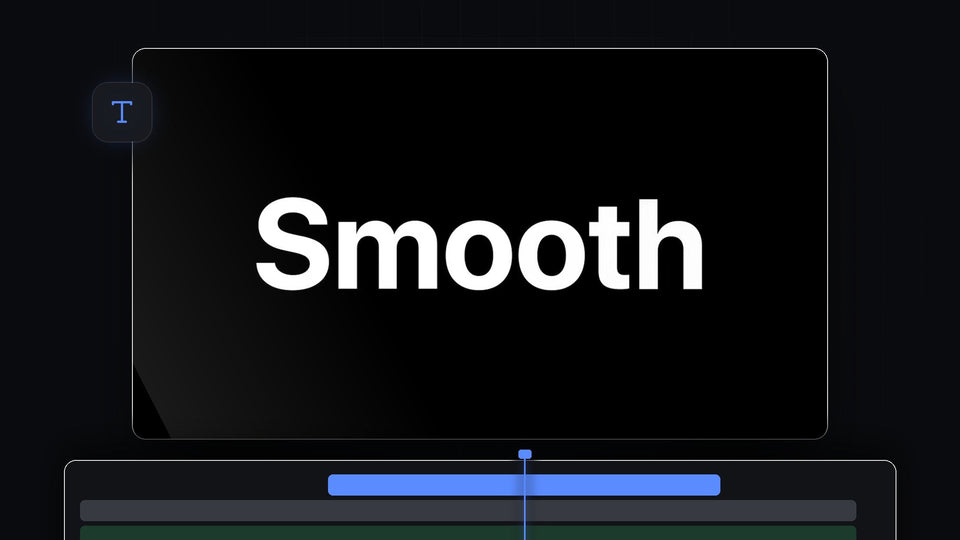
Large white Smooth title text on a black background, a smooth text animation in Premiere Pro

Premiere Pro에서 부드러운 텍스트 애니메이션 만드는 방법

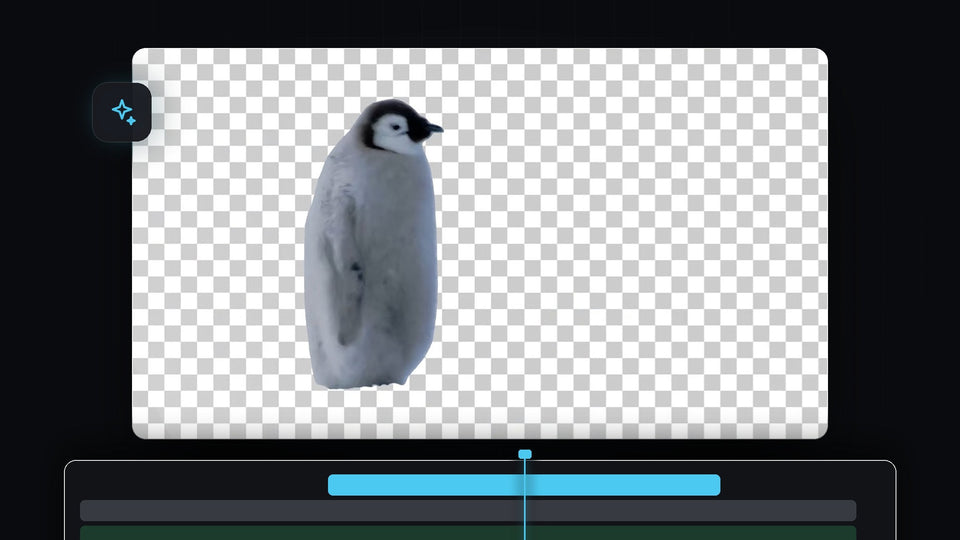
Penguin cut out from its background on a transparent checkerboard in Premiere Pro

Premiere Pro에서 영상 배경을 자동으로 제거하는 방법

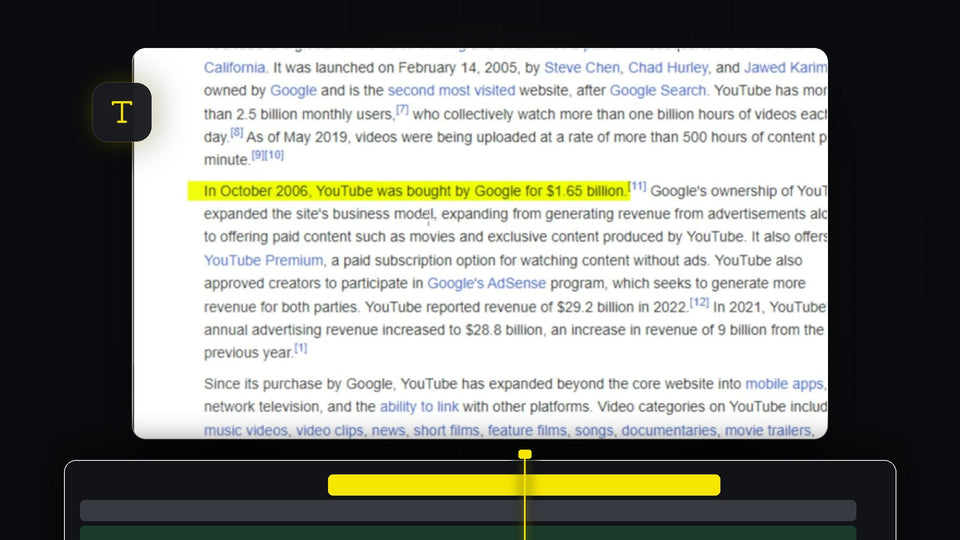
Yellow highlight effect over a sentence of text in the Premiere Pro Program Monitor

Premiere Pro에서 텍스트 강조하는 방법

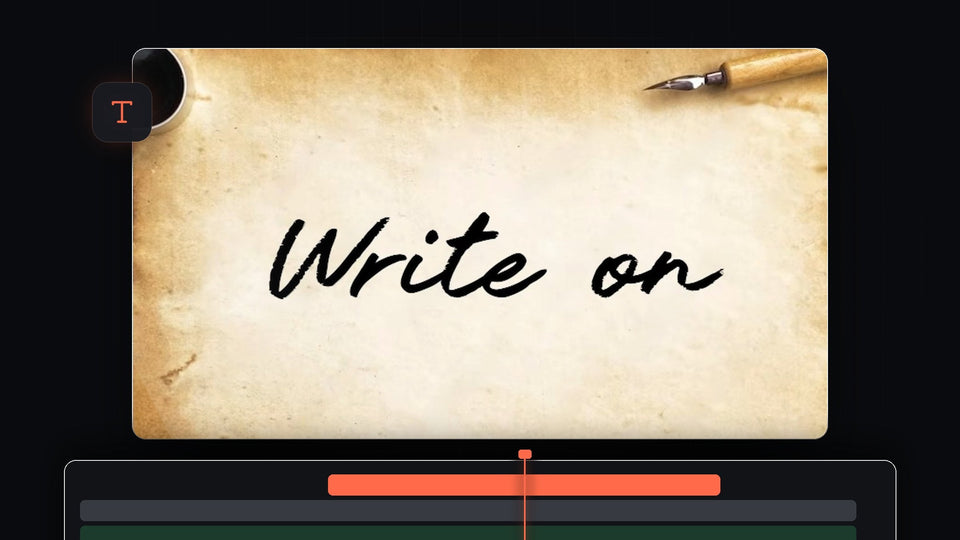
Black cursive handwriting on parchment paper with an ink pot and fountain pen in the Premiere Pro Program Monitor

Premiere Pro에서 손글씨 Write On 효과 만드는 방법
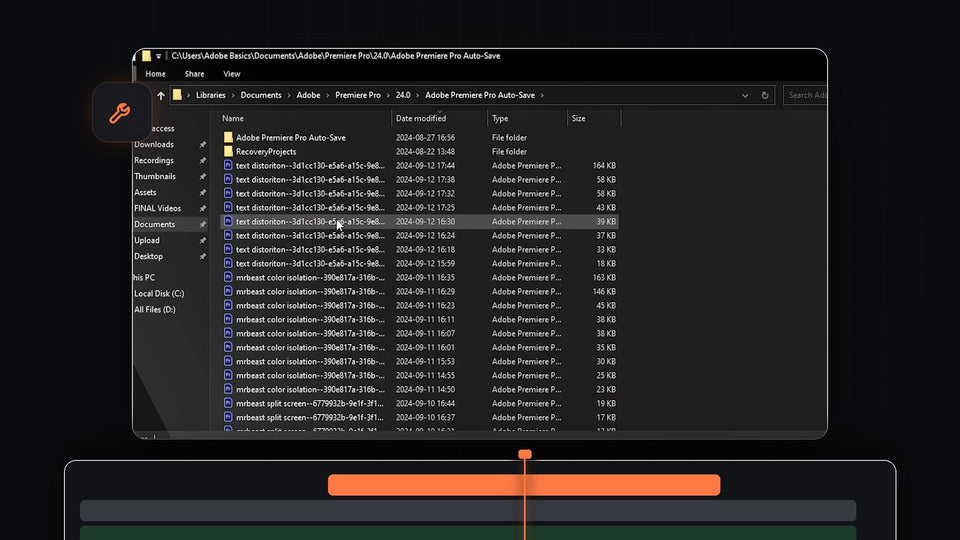
File Explorer showing the Adobe Premiere Pro Auto-Save folder with backup project files used to recover a project

Premiere Pro에서 프로젝트 복구하는 방법

Ink splash spreading over a forest river shot while a drone view of a green island appears inside it

Premiere Pro에서 잉크 트랜지션 만드는 방법

Before and after comparison of a dancer in a handstand showing smooth slow motion in Premiere Pro

Premiere Pro에서 부드러운 슬로우 모션 만드는 방법

Anime character surrounded by an orange flickering aura glow effect made in Premiere Pro

Premiere Pro에서 오라 글로우 효과 만드는 방법

Premiere Pro Program Monitor showing a clip with softly darkened vignette edges

Premiere Pro에서 비네트 만드는 방법

Wide cinematic 21:9 drone shot of a castle surrounded by green forest, framed in Premiere Pro

Premiere Pro에서 21:9 화면 비율 만드는 방법

A red sports car driving through a city at night, used to show the Morph Cut transition in Premiere Pro

Premiere Pro에서 Morph Cut 트랜지션을 만드는 방법