





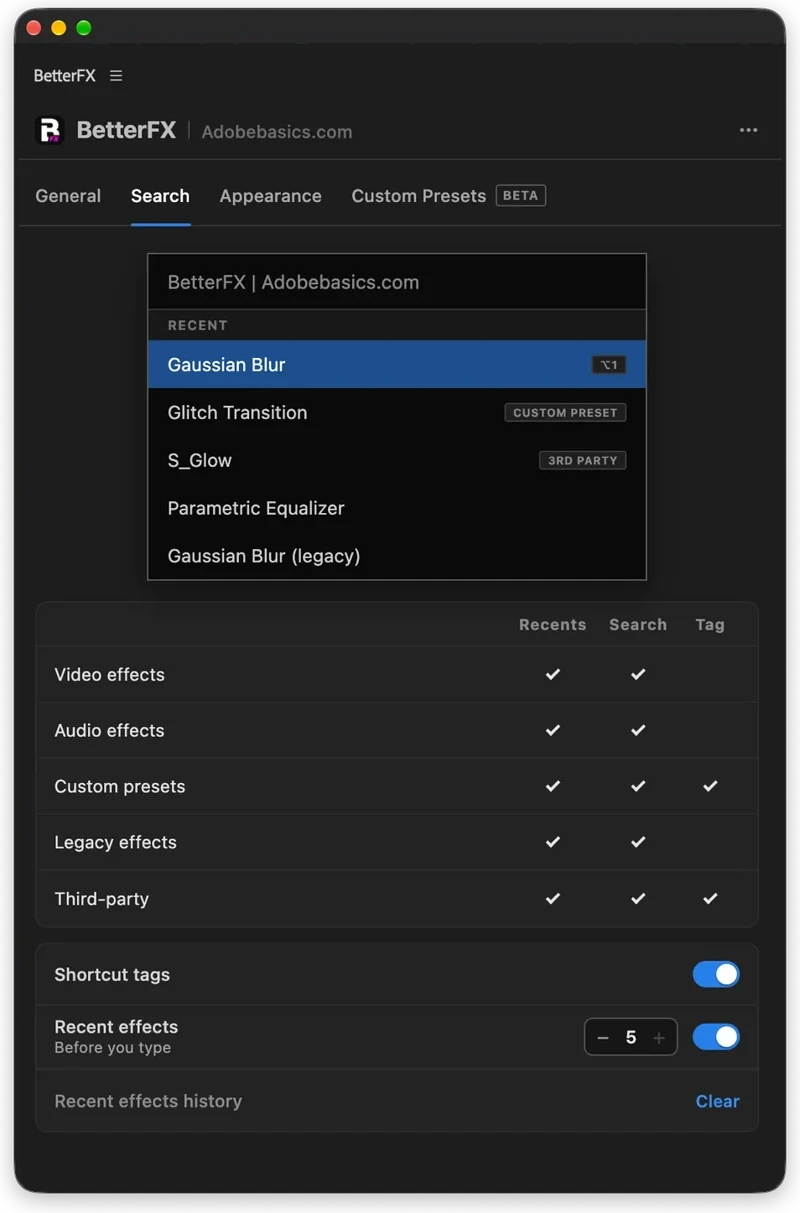
The BetterFX search, inside Premiere Pro




BetterFX
모든 이펙트를 단축키 하나로.
타임라인을 떠나지 않고 어떤 효과든 몇 초 만에 적용하세요. 단축키 하나를 누르고, 몇 글자를 입력한 뒤 Enter를 누르면 됩니다. BetterFX는 기본 효과, 직접 만든 프리셋, 설치된 플러그인을 찾아 주고 가장 자주 쓰는 것을 맨 앞에 보여 줍니다.
 Premiere Pro 2021–2027
- Windows 및 Mac
- 무료 업데이트

환불 보장 사용 중인 Premiere Pro에서 작동하지 않나요? 14일 이내에 문의해 주세요.
BetterFX
만든 사람은 Premiere Pro를 가르치는 저희입니다.
700개가 넘는 튜토리얼과 수천 개의 댓글이 편집자를 느리게 만드는 게 뭔지 알려줬어요. 그래서 편집자로서 원했던 도구를 만들었어요. 간단하고 번거롭지 않게.
튜토리얼 보기- 200K+명의 편집자가 사용 중
- 30M+회 YouTube 튜토리얼 조회수
- 90K+명의 SNS 팔로워
- 37K+명의 편집자가 Discord 커뮤니티에
검색은 줄이고. 편집은 더 많이.

단축키 하나로. 모든 효과를.
몇 글자만 입력하세요
기본 효과, 커스텀 프리셋, 서드파티 플러그인.
안 쓰는 효과 숨기기
레거시 효과를 검색 결과에서 빼 두세요.
나만의 단축키
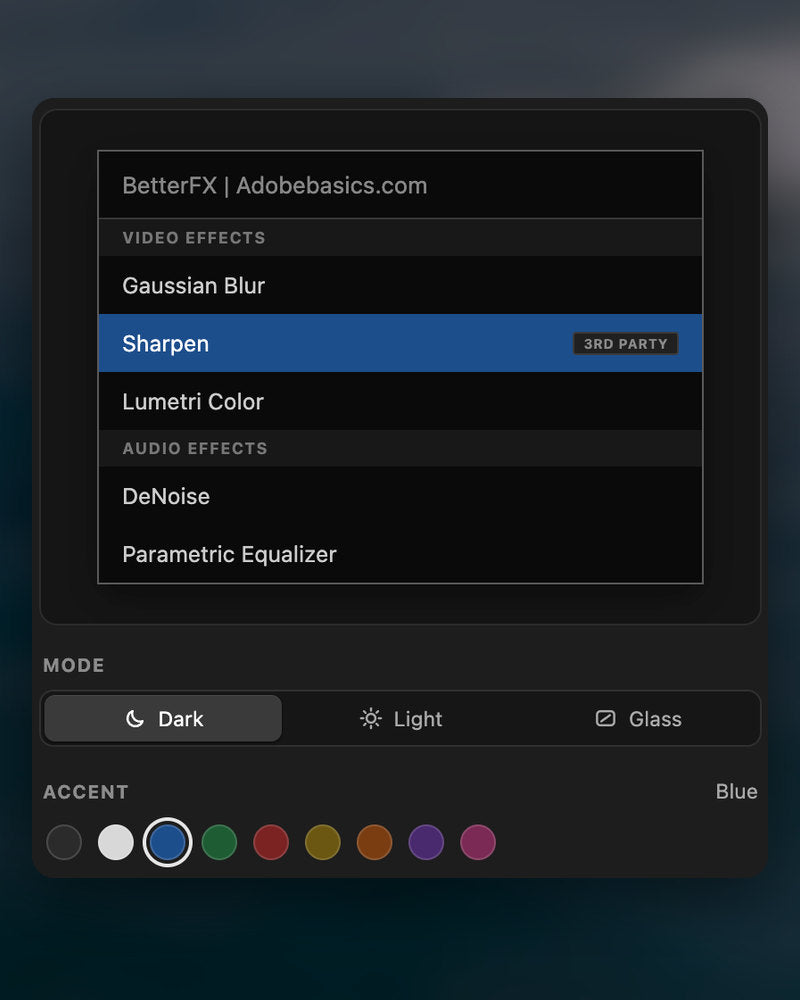
다크, 라이트, 글래스
9가지 강조 색상과 함께.

Premiere Pro 2021–2027
핵심 기능.
-
검색하고 적용
두 글자 입력. Enter.
어떤 효과, 프리셋, 플러그인이든 몇 글자로 찾아요. 선택한 클립에 바로 적용돼요.
-
스마트 순위
가장 자주 쓰는 효과가 먼저.
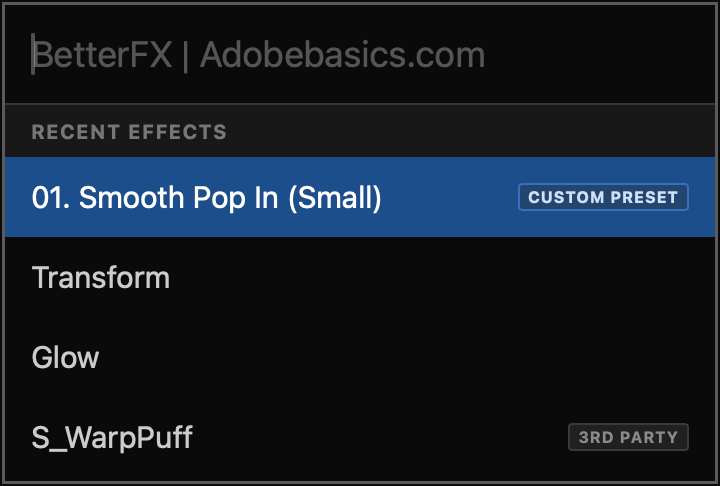
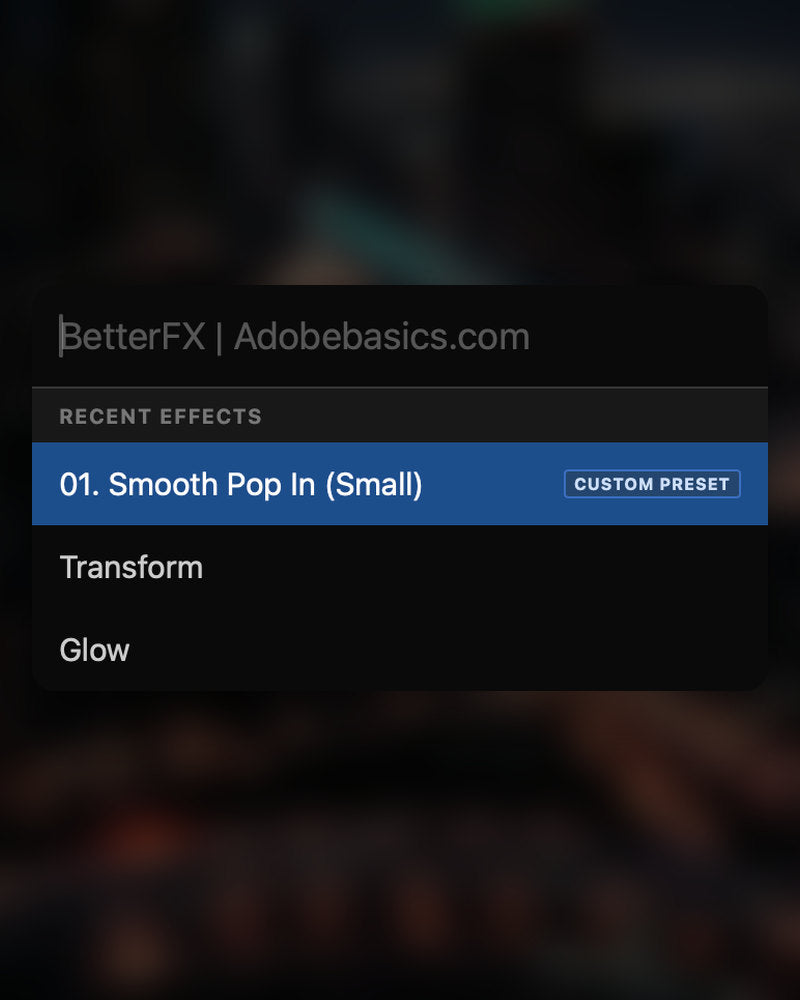
최근 효과가 맨 위에 있어요. 직접 만든 프리셋도 함께, Custom Preset 태그와 함께 표시돼요.
-
단축키
모든 효과에 나만의 키를.
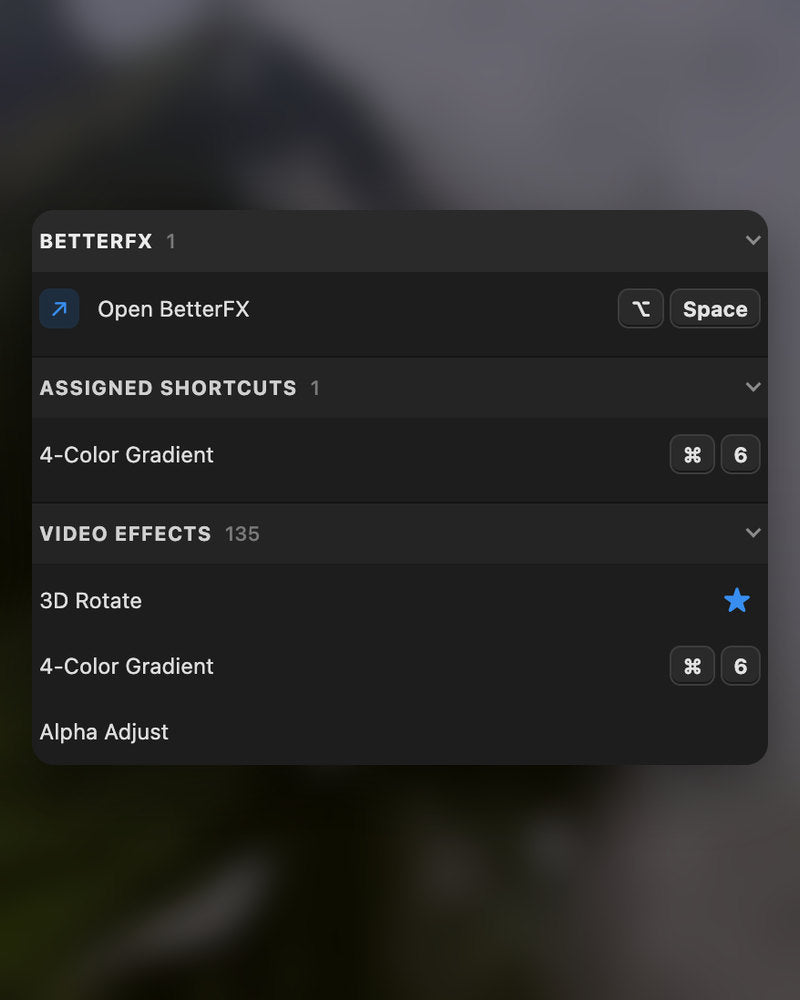
효과에 단축키를 지정하세요. 클립을 선택하고 키를 누르면 끝.
-
모양
Dark, Light, Glass.
원하는 모양과 9가지 강조 색상 중 하나를 골라 Premiere Pro와 잘 어울리게 하세요.
다운로드 구성
-
BetterFX 앱
-
라이선스 키
-
Premiere Pro 플러그인
앱과 라이선스 키. 둘 다 결제 시 바로 받고, 설치 프로그램이 Premiere Pro 플러그인을 추가해요.
-

Intelligent search
Type a few letters. The right effect is on top.
Short forms, half-remembered names and typos all work. Press Enter and it lands on your selected clips.
- Short formsgb finds Gaussian Blur. cs finds Camera Shake.
- Every selected clipOne Enter applies the effect to all of them.
- Opens at your cursorYour pointer stays on the timeline.
All-in-one search
Every effect you own. One search bar.
Premiere Pro’s own effects, your third-party plugins and your custom presets, in one list.

- Third-party pluginsTagged, so you know where an effect comes from.
- Legacy copiesMarked as Legacy, or hidden if you never use them.
- Custom presetsYour own presets show up next to the effects.
Recent effects
Your go-to effects. Before you type.
Open the bar and your recent effects are already there, with your custom presets and their shortcuts.

- Recent effectsYour last effects, the moment the bar opens.
- Custom presetsTagged Custom Preset and one Enter away.
- Shortcuts shownEach effect shows the keys you gave it.
Custom shortcuts
Any effect. Its own shortcut.
Pick an effect and press your keys. Then apply it straight from the timeline.
- Effects and presetsGive any effect or custom preset its own keys.
- Clash warningsBetterFX tells you when Premiere Pro already uses those keys.
- In your profileYour shortcuts move with your profile.
Favorites
Star an effect. Find it first.
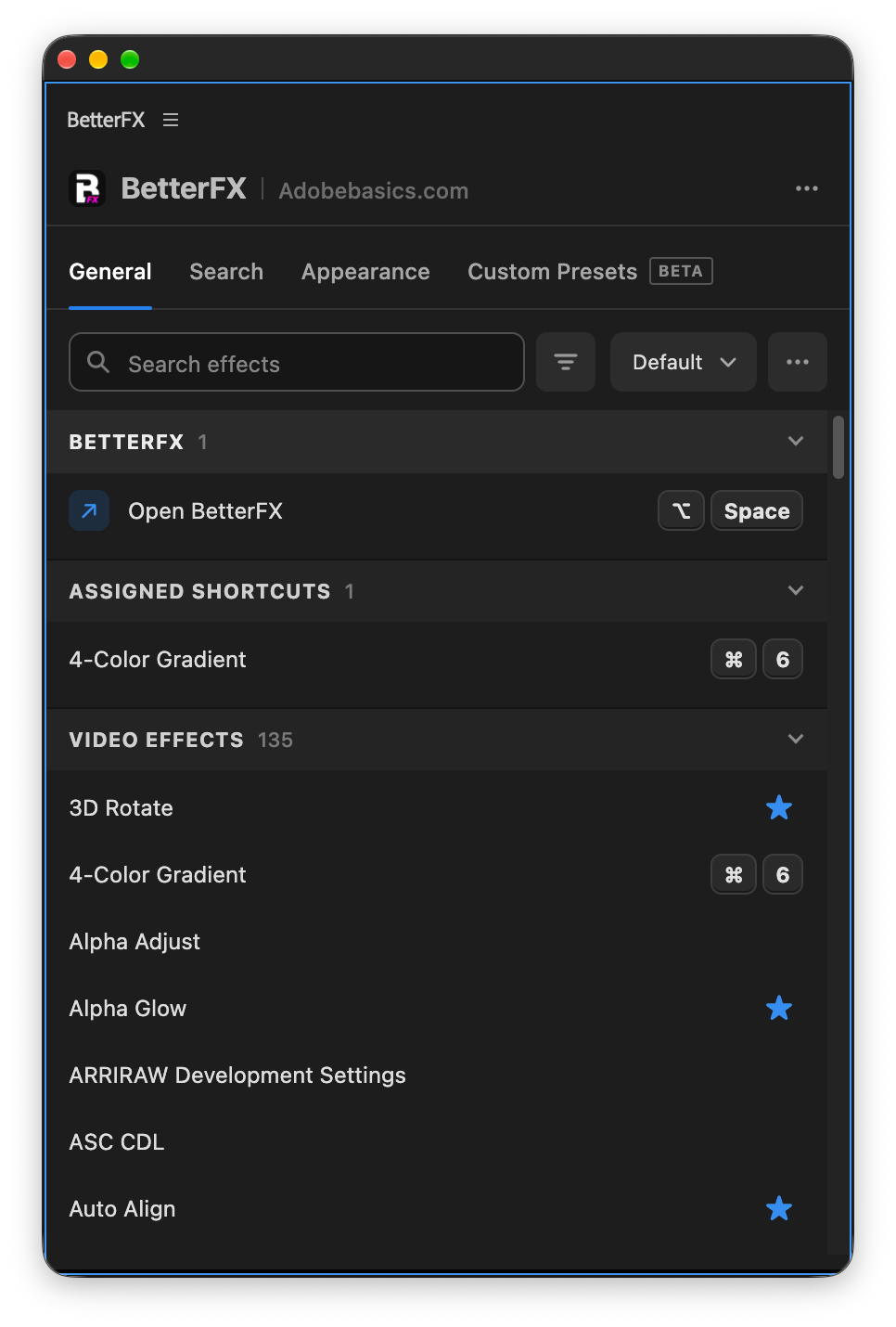
Click the star next to any effect. Your favorites rank higher every time you search.
- Ranked higherStarred effects come first in your searches.
- Favorites filterThe button next to the search shows only your stars.
- In your profileYour favorites move with you to another computer.
Hide effects
Never use it? Hide it.
Click the eye next to an effect. It stays out of your searches until you bring it back.
- Cleaner resultsHidden effects never show up in the search bar.
- Legacy copiesHide the old versions of effects you never pick.
- UnhideThe Hidden filter lists them. One click brings each back.
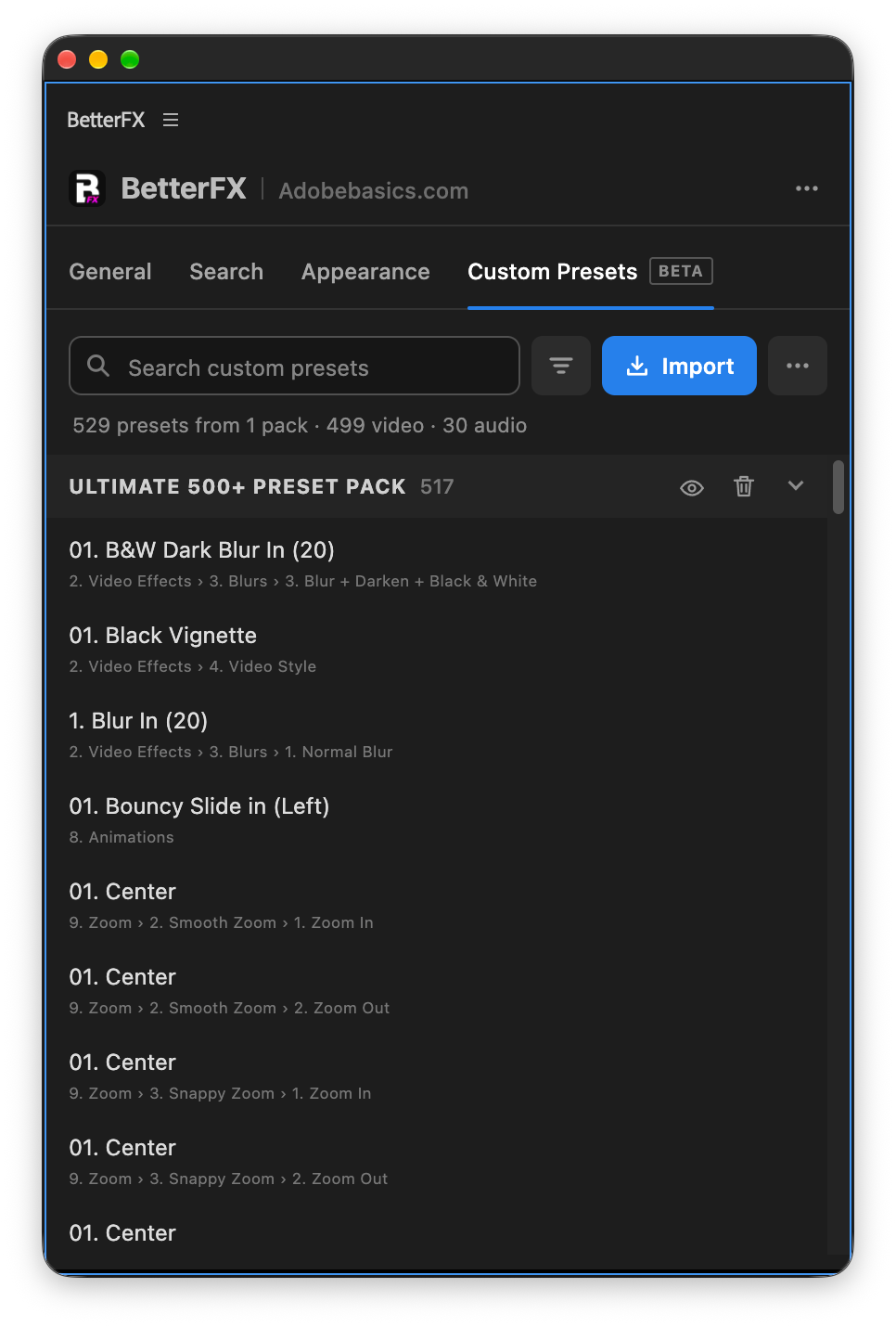
Custom presetsBeta
Your presets. Searchable.
Import the .prfpset files you saved in Premiere Pro. Each preset then works like an effect, with its own search and shortcut.
- Search and shortcutsFind a preset by name, or give it its own keys.
- One ⌘ZUndoes the whole preset at once. Ctrl+Z on Windows.
- Any languagePresets work whatever language Premiere Pro is set to.
Your search bar
Your search bar. Your colors.
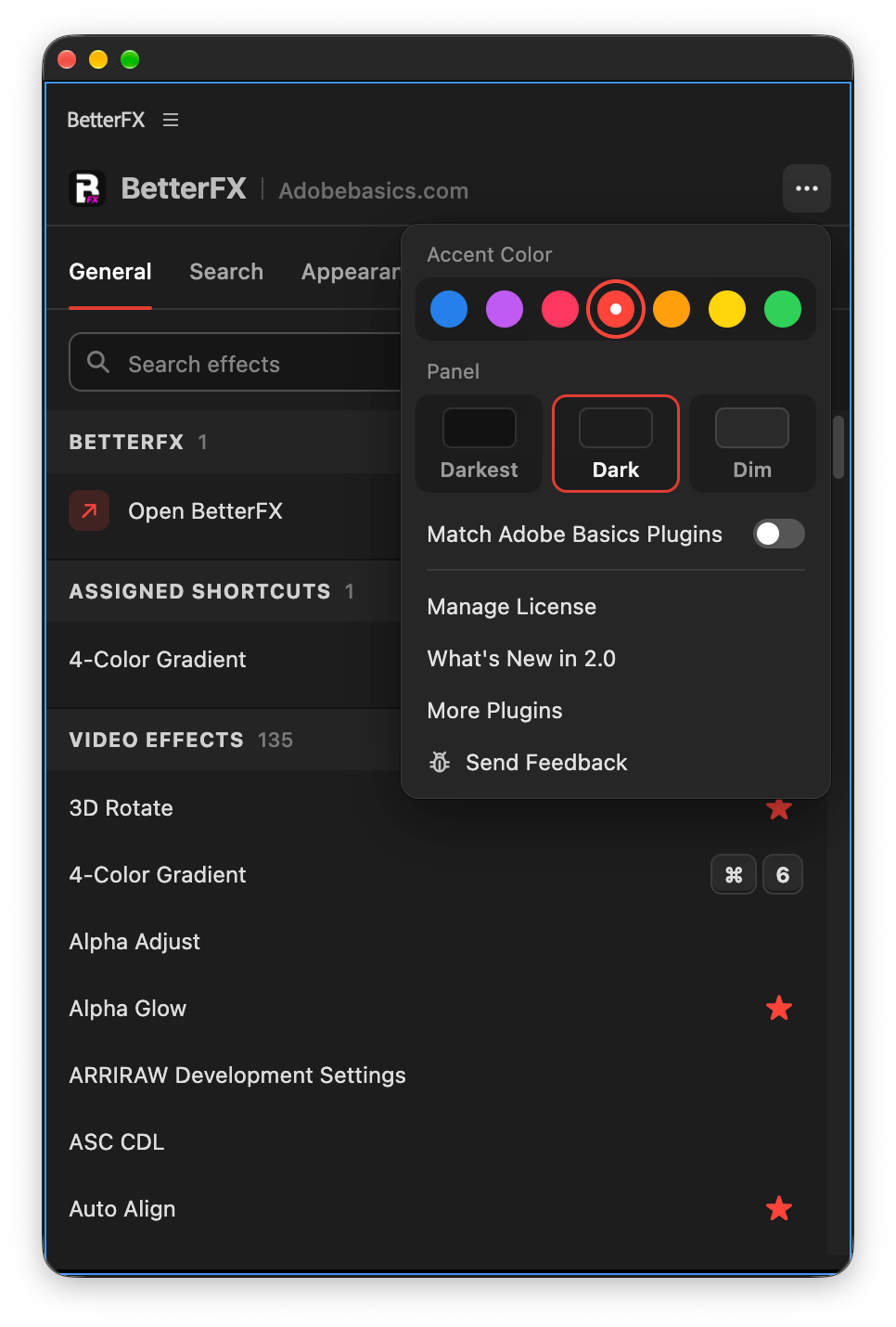
Pick Dark, Light or Glass and an accent color. A preview shows the search bar as you change it.
- Three modesDark, Light or Glass, on Mac and Windows 11.
- Nine accent colorsThe highlight on the effect you are about to apply.
- Live previewSee the search bar before you open it.
Profiles
Your setup. On every computer.
Save your shortcuts, favorites, hidden effects and look as a profile. Export it and import it on another computer.
- Everything in oneShortcuts, favorites, hidden effects, search settings and look.
- Switch in a clickKeep one profile per kind of edit.
- Import and exportTake your setup to another computer as a file.
In Premiere Pro
The real thing. On your timeline.


세 단계. 단축키 하나.
안내형 설치 프로그램 하나가 앱과 Premiere Pro 플러그인을 알아서 설치해 줘요.
1BetterFX 다운로드
다운로드와 라이선스 키는 결제 직후 바로 표시돼요. 이메일로도 보내 드려요.
2설치 프로그램 실행
설치 프로그램을 열고 단계를 따르세요. 앱과 플러그인이 설치되면 키를 붙여 넣으면 돼요.
3단축키 누르기
Premiere에서 클립을 선택하고 Alt+Space를 누르세요.
BetterFX가 더해 주는 것.
Premiere Pro용 다른 효과 검색 플러그인과 BetterFX 비교.

번들로 15% 할인
Premiere 키트를 한 번에.
- EaseFlow Pro부드러운 이징
- BetterFX모든 효과를, 단축키 하나로
- SuperGlow프리미엄 글로우
- QuickPaste이미지와 파일 붙여넣기
- Asteria ProSmooth text animations
- Number Counter ProAnimated numbers
효과는 단축키 하나로.
한 번 결제로 평생 소장.
- Premiere Pro 2021–2027
- Windows 및 Mac
- 라이선스당 컴퓨터 2대
환불 보장 작동하지 않으면
- 구매 후 14일 이내에 문의해 주세요.
- 24시간 이내에 해결을 도와드립니다.
- 해결하지 못하면 환불해 드립니다.