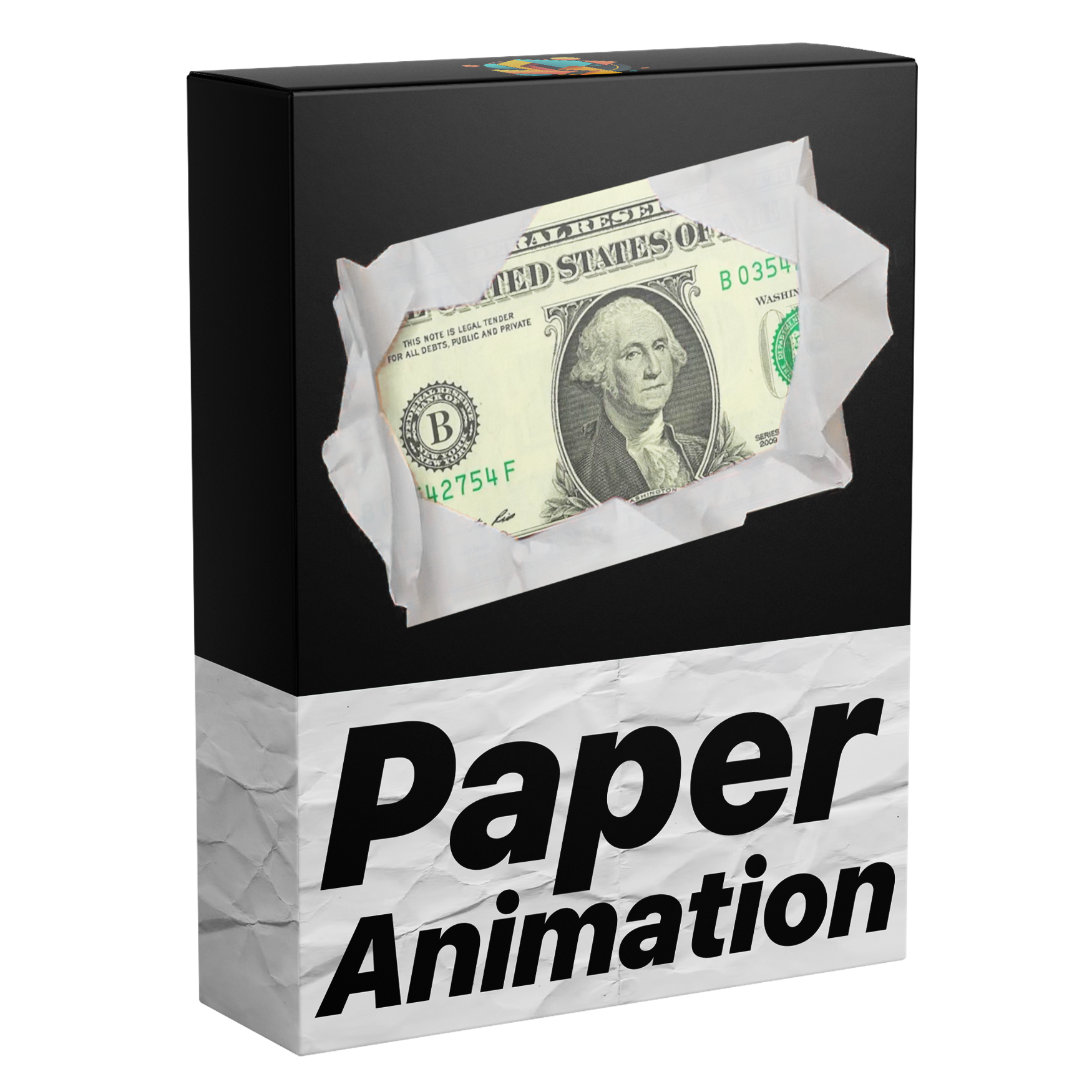

Paper Fold Animation Template
Introducing the ultimate Paper Fold Animation template for Premiere Pro. Just drag and drop your images to create smooth, stylish paper-style animations. Clean, modern, and easy to use. No plugins needed.
Works with Premiere Pro 2021-2026
Works with Windows & macOS
Instant Download
Lifetime Access + Free updates
Commercial license
Paper Fold Animation Template
Fully Customizable
Create fold animations easily – no keyframes needed.
No Plugins
No extra downloads needed.
Easy to use
Perfect for beginners and advanced editors.
Everything you need to make fold animations
This is the only template you need to animate images and videos with smooth paper fold effects. Create clean, eye-catching animations in seconds with powerful customization, no keyframes required, all directly inside Premiere Pro.

Edit Faster. Get Paid Sooner.
Create smooth paper fold animations for images and videos directly inside Premiere Pro. No need to switch to After Effects, save time on every project and speed up your workflow.

Sound Effects Included.
Sound effects are built directly into the template and perfectly synced with the fold in and fold out animations, enhancing every fold automatically for a more polished, immersive result.

Drag & Drop.
Simply drag and drop your images or videos into the template and it works instantly. No setup, no keyframes, just effortless results every time.

Transform.
Adjust the position, size, and rotation of your element. Easily move it around the canvas to place it exactly where you want.
One time purchase. Lifetime access.
Pay once and get lifetime access with all future updates included for free. No subscriptions, no hidden fees, and no extra costs.
See how this compares


Template guide

FAQs
What's included?
You get a ready-to-use paper fold animation template for Premiere Pro, designed to create clean, professional animations for images and videos in seconds.
Simply drag and drop your content into the template and it works instantly, no setup, no keyframes, no adjustments needed.
Everything runs directly inside Premiere Pro with no plugins required.
Who is this template for?
This template is perfect for video editors and creators who want to add clean, professional paper fold animations to their images and videos without any manual work or switching to After Effects.
Whether you’re editing YouTube videos, social media content, or client projects, it helps you create eye-catching visuals quickly and effortlessly.
It’s beginner-friendly and ideal for anyone who wants fast, polished results with zero setup.
Why this template?
This template is designed to make creating paper fold animations fast, easy, and professional.
Instead of switching to After Effects, you can create smooth, high quality animations directly inside Premiere Pro. No setup, no keyframes, just clean, polished results in seconds.
What software does this template work with?
This template works with Adobe Premiere Pro 2021-2026 — both licensed and cracked versions.
Fully compatible with both Windows and macOS, with no plugins or extra setup required.
How do I download the file?
After checkout, you can download the file instantly from the confirmation page. You will also receive an email with your download link, and you can access it anytime from your order page.
How do I import the template?
For Premiere Pro 2018–2024, open the Essential Graphics panel by going to Window > Essential Graphics. Then, drag and drop your MOGRT file into the panel.
In Premiere Pro 2025 or newer, use the Graphics Templates tab instead—enable it via Window > Graphics Templates—and drag your MOGRT file there. After importing, you can add the MOGRT to your timeline and customize it.
For a complete step-by-step guide, visit:
Do I need any plugins?
No. Everything is built to work natively in Premiere Pro with no additional plugins or setup required.
Will I get future updates?
Yes. All updates are free for life. You’ll receive a download link by email whenever a new version is released, and you can access the latest version anytime from your account.
Do you offer refunds?
As this is a digital product, refunds are not offered. If you have any questions or issues, we’re here to help. You can learn more in our Refund Policy.