The manual way
Premiere doesn't have a bounce ease, so you'll build the overshoot out of keyframes yourself. Say you've got a logo that should pop in with Scale:
- At the start, set Scale to 0.
- About 8 frames later, set it to 115.
- 4 frames after that, set it to 95.
- 4 frames after that, set it to 100.
- Select all four keyframes, right-click and choose Ease In and Ease Out.
It works. But every bounce is four or more keyframes you have to space by hand, and if you don't like the feel, you're moving all of them again. On a video with ten pops, that's an afternoon.
The one-click way: a spring
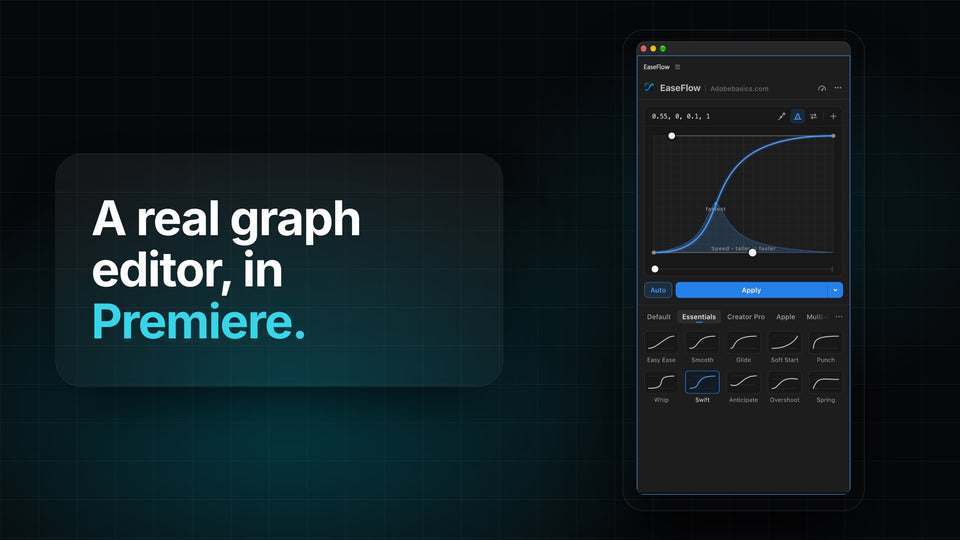
A spring curve does the overshoot and settle inside a single ease, between two keyframes. You don't space anything. Here's how it goes with EaseFlow.
Step 1: Set two keyframes
Keyframe where it starts and where it ends. For the logo, Scale 0 and Scale 100, about 20 frames apart. Springs need a little time to settle, so don't make it too short.
Step 2: Pick a spring
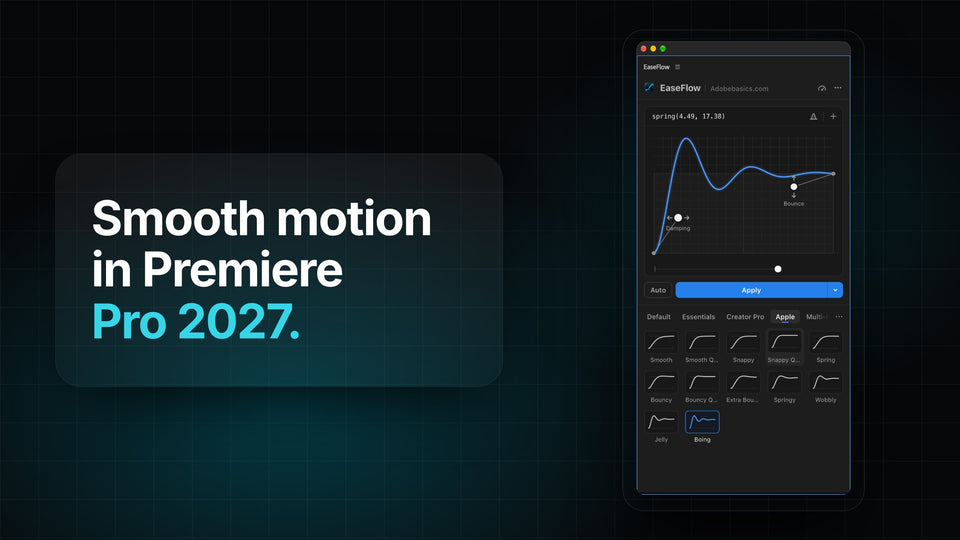
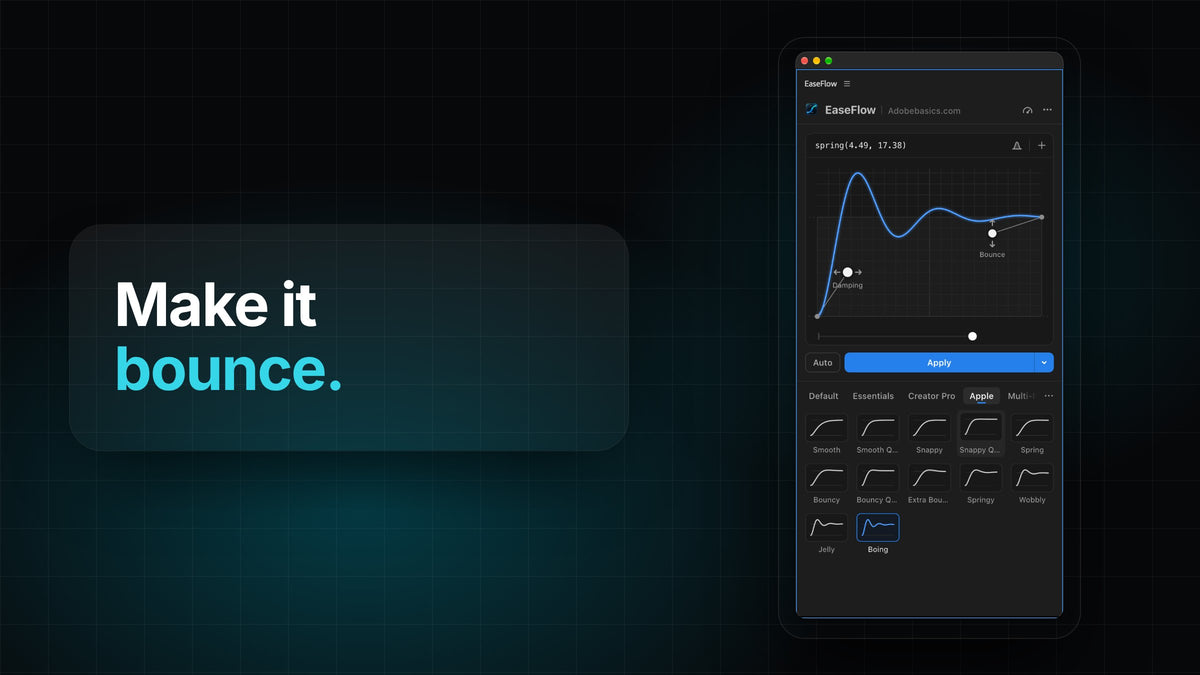
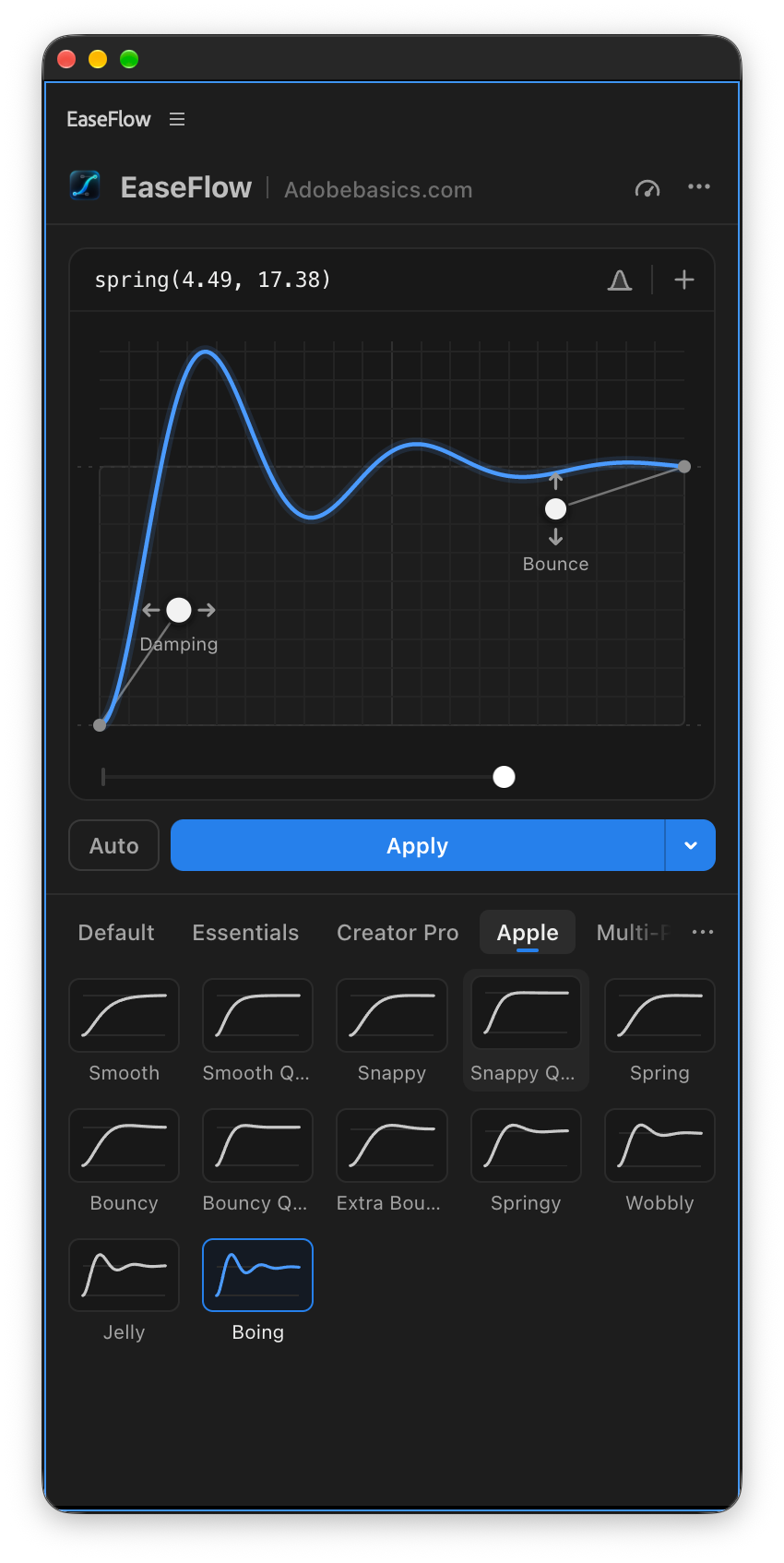
Put the playhead between the keyframes. In EaseFlow Pro, open the Apple pack and pick one. Snappy barely overshoots, Bouncy and Extra Bouncy rebound more, and Jelly and Boing wobble for comedy.
Step 3: Tune the bounce
Drag the Bounce handle on the graph for a bigger or smaller rebound, and Damping for how quickly it settles. You can also paste a spring as numbers under the graph, like spring(4.49, 17.38).
Step 4: Apply
Press Apply. EaseFlow writes the spring between your two keyframes, adding only the ones it needs, and leaves yours where they are. Didn't like it? One Cmd+Z (Ctrl+Z on Windows) takes it back off, and you can try Jelly instead.
Where bounces work best
- Logo pops on Scale.
- Titles dropping in on Position.
- Punch-in zooms on Scale, with a small bounce so the zoom lands.
- Stickers and emojis on Scale and Rotation together.
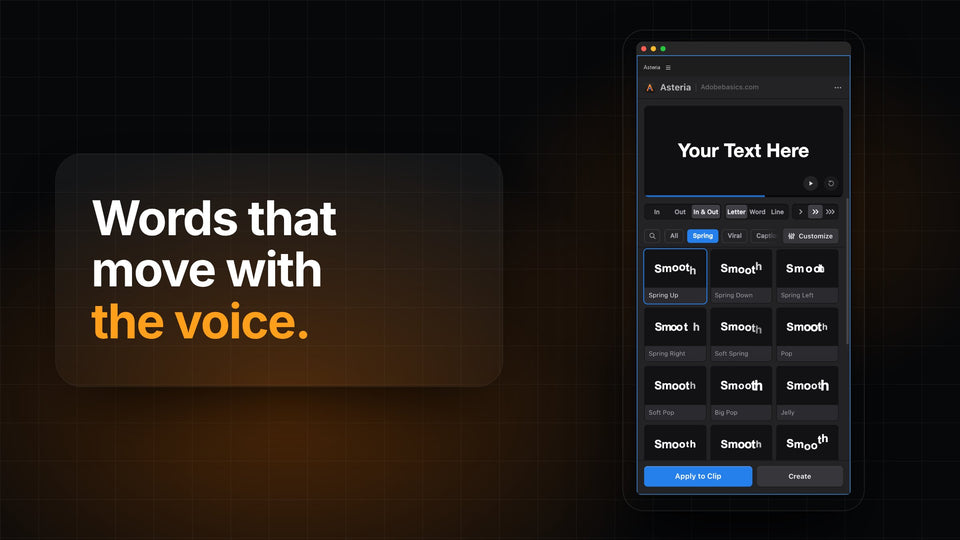
Animating text letter by letter? Asteria has springs and bounces built into its text animations. For everything else, EaseFlow does it on any keyframe.
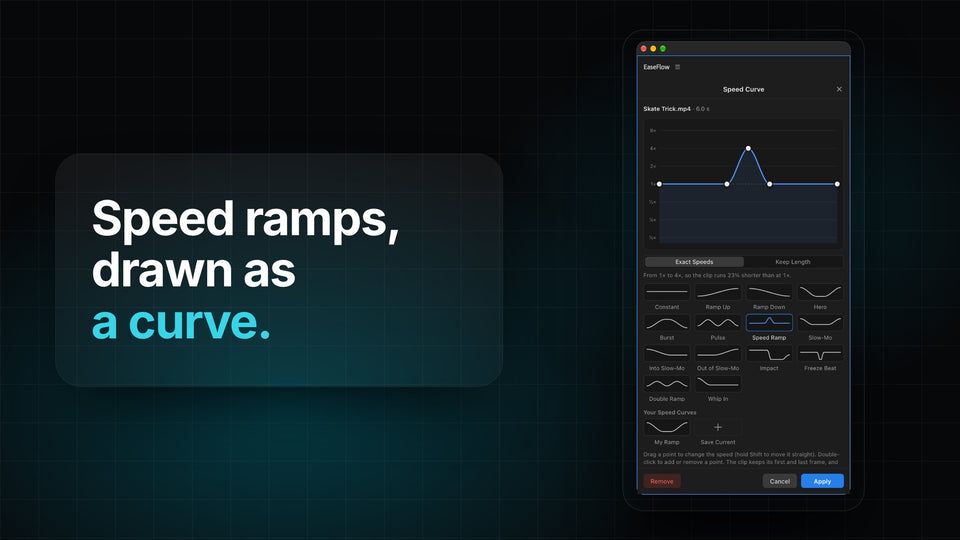
EaseFlow Standard is $34.99. EaseFlow Pro is $44.99 and adds Speed Curve, curve points, the Essentials, Apple, Creator Pro and Multi-Point packs, and every pack added later. You pay once, updates are free, and you can upgrade from Standard to Pro later for $14.99.
Want motion that lands? Get EaseFlow for Premiere Pro.