


Ultimate Premiere Pro Preset Paketi
$59.99tek seferlik
Zaten sepetinde
Sepetinle iyi gider
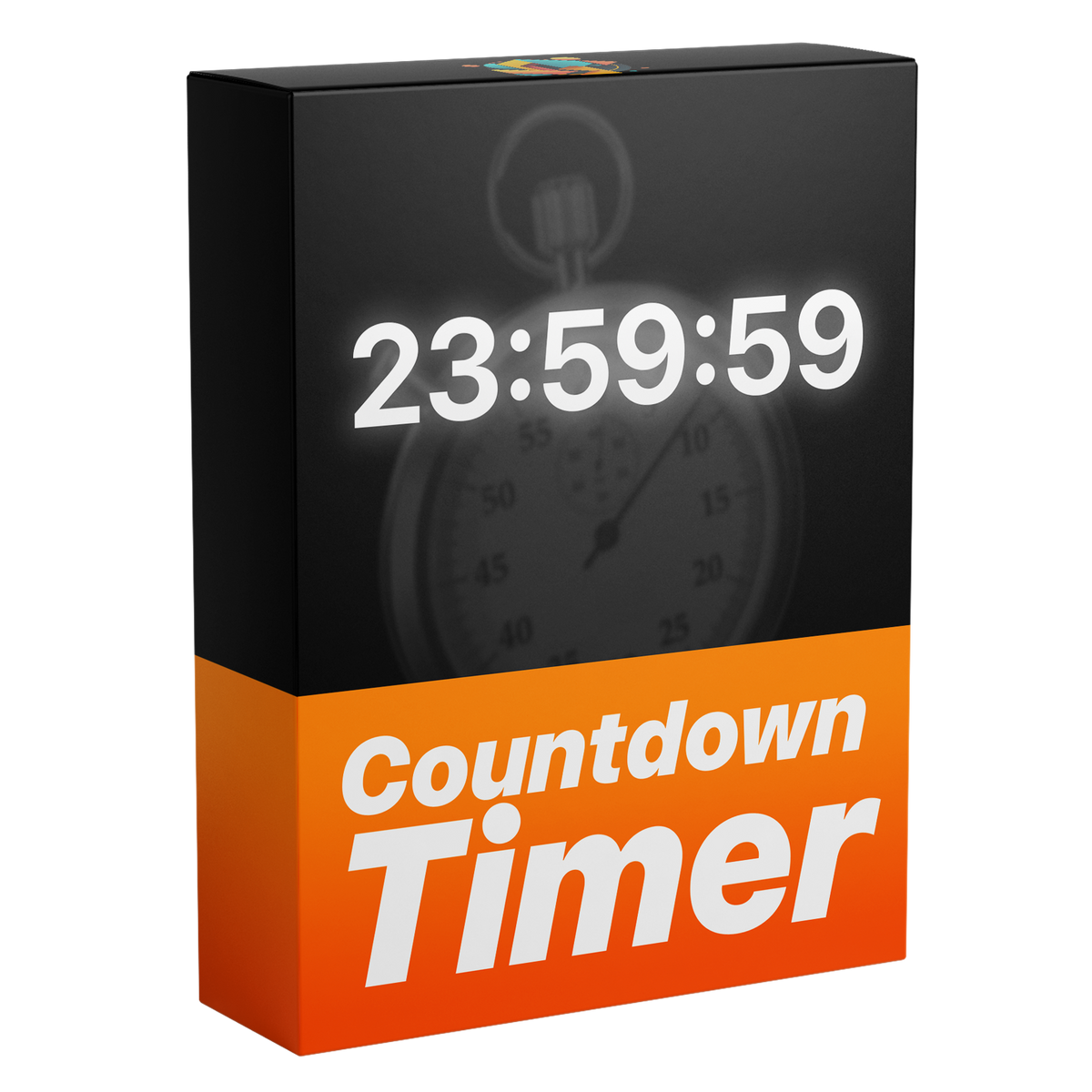

A frame made with Countdown Timer

İstediğin başlangıç süresi, istediğin font.
Her videoya saniyeler içinde temiz bir geri sayım ekle. Bir başlangıç süresi yaz, kendiliğinden geri saysın: meydan okumalar, oyun videoları, yayınlar ve lansmanlar için. Saatleri, dakikaları, saniyeleri veya milisaniyeleri istediğin yazı tipi, renk, kontur ve gölgeyle göster.
 Premiere Pro 2021–2027
Para iade garantisi Premiere Pro’nda çalışmıyor mu? 14 gün içinde bize ulaş.
Countdown Timer
700’den fazla eğitim ve binlerce yorum, editörleri neyin yavaşlattığını gösterdi. Biz de editör olarak istediğimiz araçları yaptık: basit ve zahmetsiz.
Eğitimleri izle

İstediğin başlangıç süresi
Kontroller
Milisaniye
Premiere Pro'da oluştur, Premiere Pro'da değiştir.
Her şey Essential Graphics'te
Yalnızca ihtiyacın olan birimleri göster
Her kurgu için tasarlandı.

Premiere Pro 2021–2027
Eklenti gerekmez.
Geri sayım
Başlangıcı bir kez ayarla. Kendi kendine işler, klip oynarken.
Birimler
Sadece ihtiyacın olan birimleri göster. Saatleri gizlemek veya milisaniyeleri göstermek için bir kutuyu işaretle.

Stil
Kendi görünümünü seç, her görüntüde okunaklı.

Tek alan
Essential Graphics panelinde yaz. Ayarlanacak keyframe yok.

Şablon dosyası
Tek şablon dosyası (.mogrt). Bir kez içe aktar, sonra herhangi bir zaman çizelgesine sürükle.
Start time
Type the start time into the Timer field as hours, minutes and seconds. 03:00:00 counts down from three hours, 00:10:00 from ten minutes. It runs while the clip plays.
Visible units
Tick Hide Hours When Zero and the hours disappear once they reach zero. Leave it off and the hours stay on screen for the whole countdown.

Milliseconds
Tick Show Milliseconds and three more digits appear after the seconds. They race past as the timer counts, for a race-clock look.
Style
The digits are live text. Pick any installed font, set Text Color and tick Stroke for an outline, so the timer stays readable over any footage.

Essential Graphics
Set the timer right in Premiere Pro. No keyframes, no After Effects.

Şablonu Premiere Pro'ya bir kez içe aktar. Eklenti veya ek kurulum yok.

Graphics Templates'i (eski sürümlerde Essential Graphics) aç ve .mogrt dosyasını içe aktar.

Diğer klipler gibi görüntülerinin üstüne bırak.

Başlangıç süresini, birimleri ve görünümü Properties panel'de seç. Kendi kendine geri sayar.
Premiere Pro 2021–2027 · Windows ve Mac · Eklenti gerekmez · Anında indirme
Elle bir dakikalık geri sayım 60 metin klibidir, her saniyeye bir tane. Şablonla tek bir başlangıç süresi yazarsın.


İstediğin başlangıç süresi, istediğin font, doğrudan Premiere Pro'da.
Para iade garantisi çalışmazsa


