





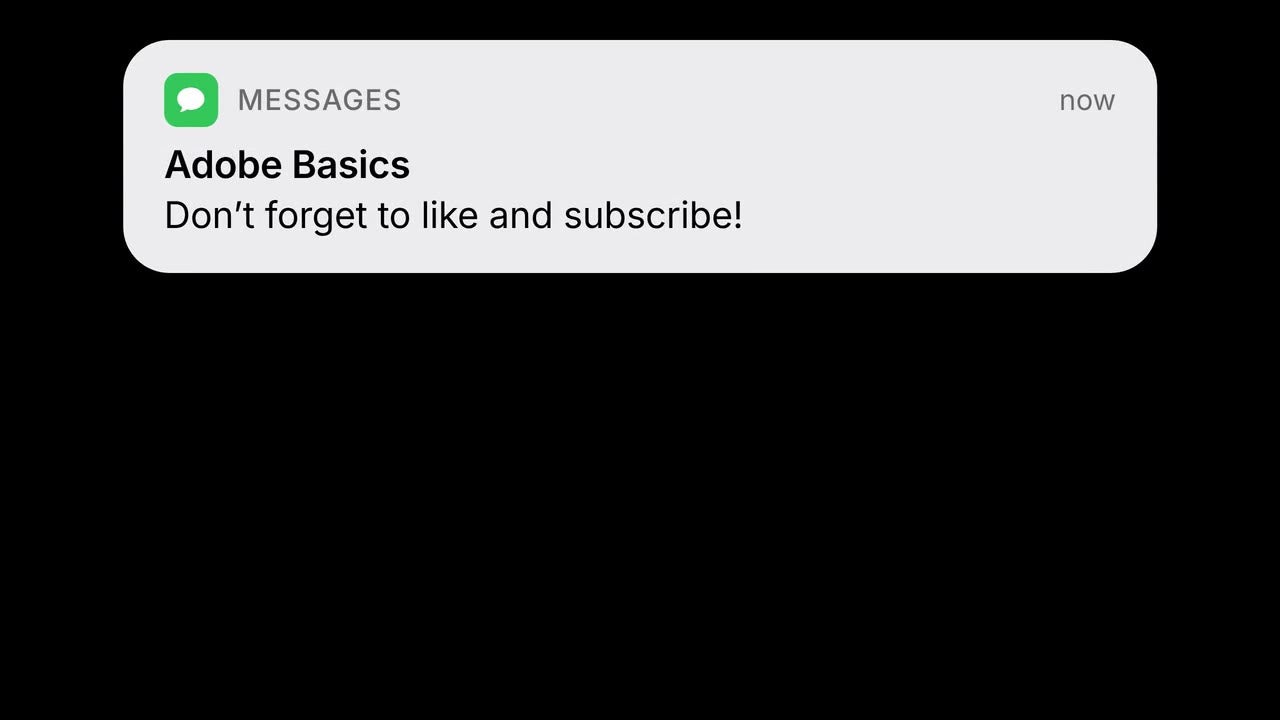
A frame made with Notification

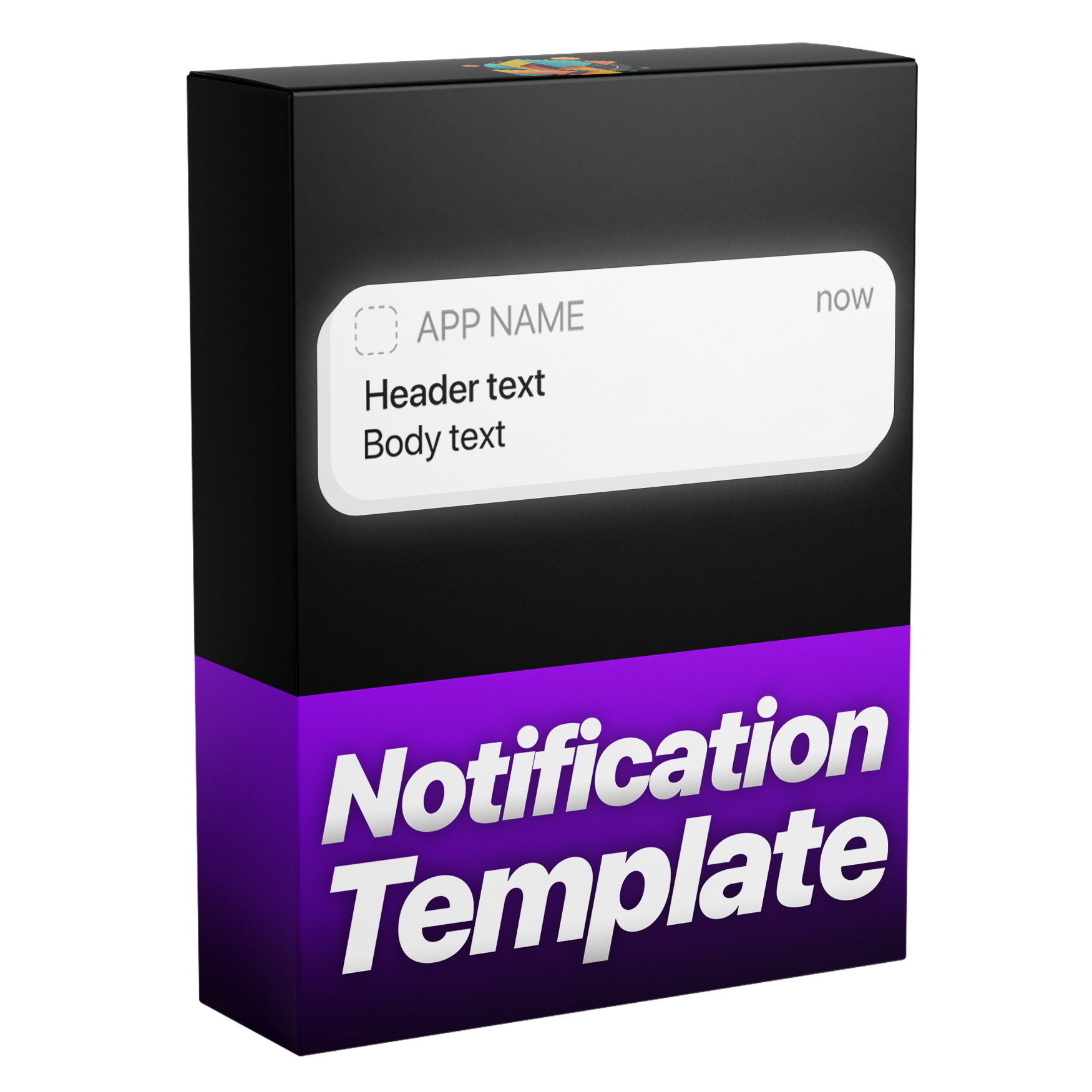
Notification
看起來像真的。輸入你自己的訊息。
加入一則看起來像來自真實手機的通知。放入任何 App 圖示,再輸入你自己的訊息。它會帶著動態模糊滑入滑出,跟著你的修剪長度調整,並提供淺色、深色或任何顏色。
 Premiere Pro 2021–2027
- Windows 與 Mac
- 不需要 After Effects

On your phone? Get the link on your computer.
退款保證 在你的 Premiere Pro 中無法使用?請在 14 天內與我們聯絡。
Notification
- 200K+位剪輯師使用我們的工具
- 30M+次 YouTube 教學觀看
- 90K+位社群追蹤者
- 37K+位剪輯師在我們的 Discord 社群
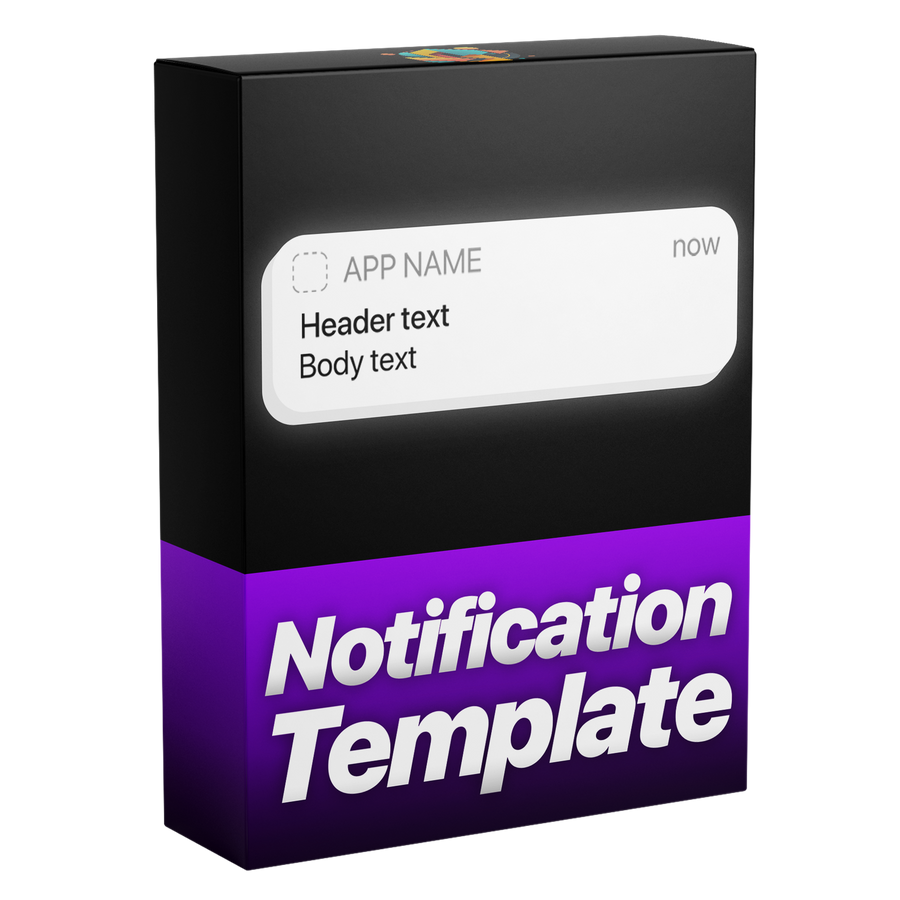

像素級精準,就像真的 iPhone 介面
控制項
在 Premiere Pro 中製作與修改。
一切都在基本圖形面板中
任意顏色
適用於每一種剪輯。

Premiere Pro 2021–2027
無需外掛。
重點一覽。
-
動畫
像真的一樣滑入。
帶著動態模糊。停留一下再滑出。
-
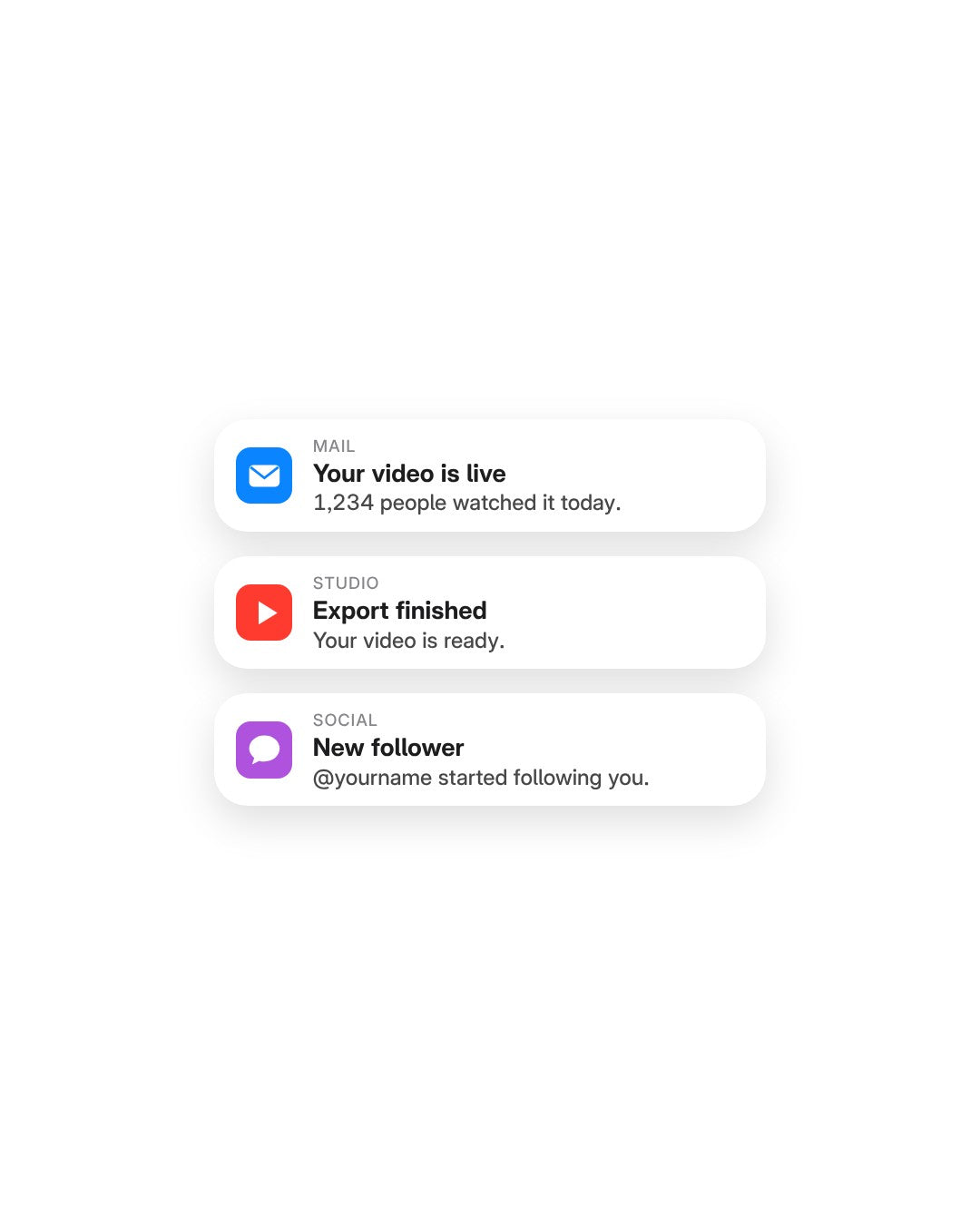
你的訊息
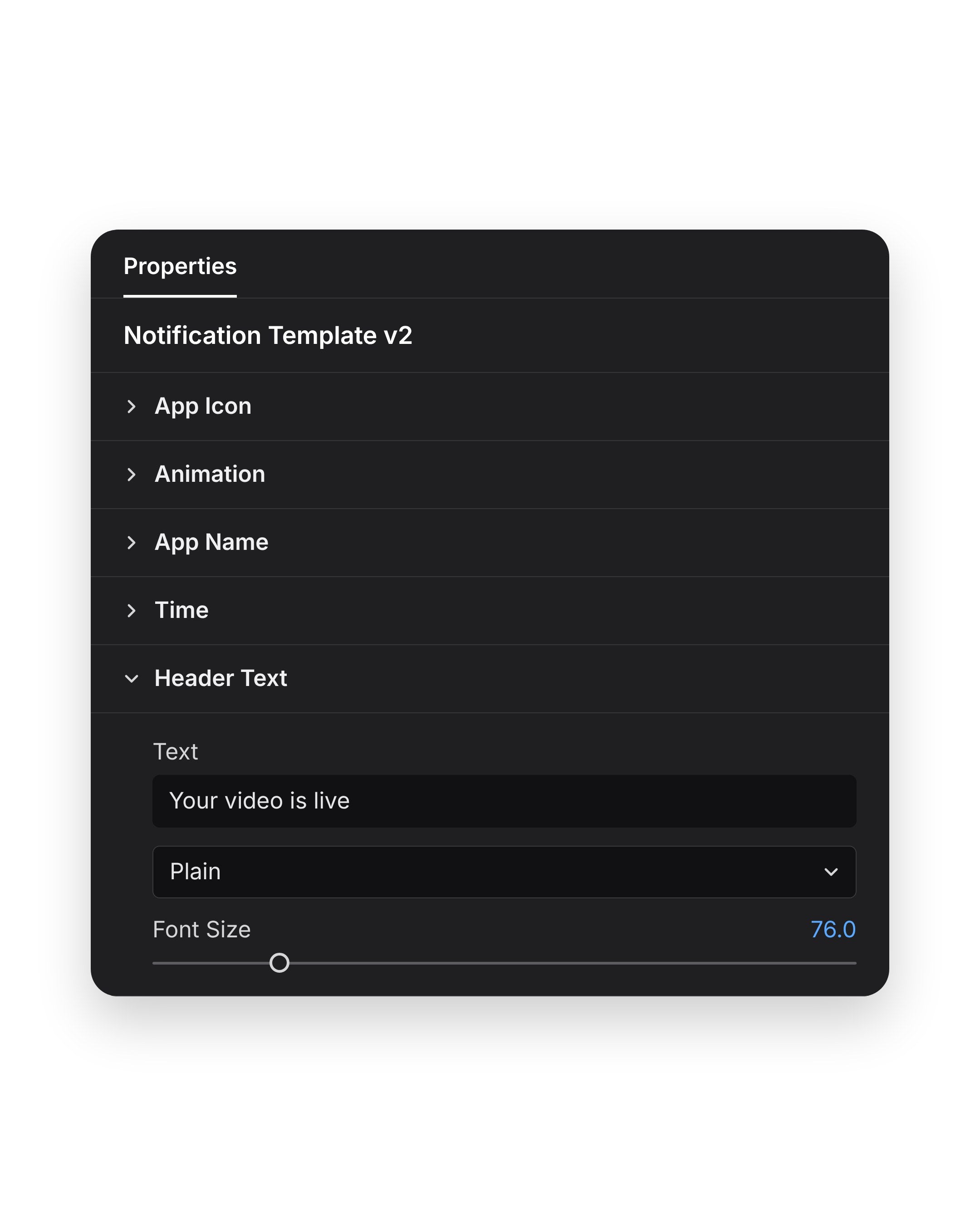
輸入 App、標題和訊息。
再在同一個面板設定顏色和不透明度。
-
你的圖示
任何 App 圖示,淺色或深色。
或選任何顏色來搭配你的品牌。
-
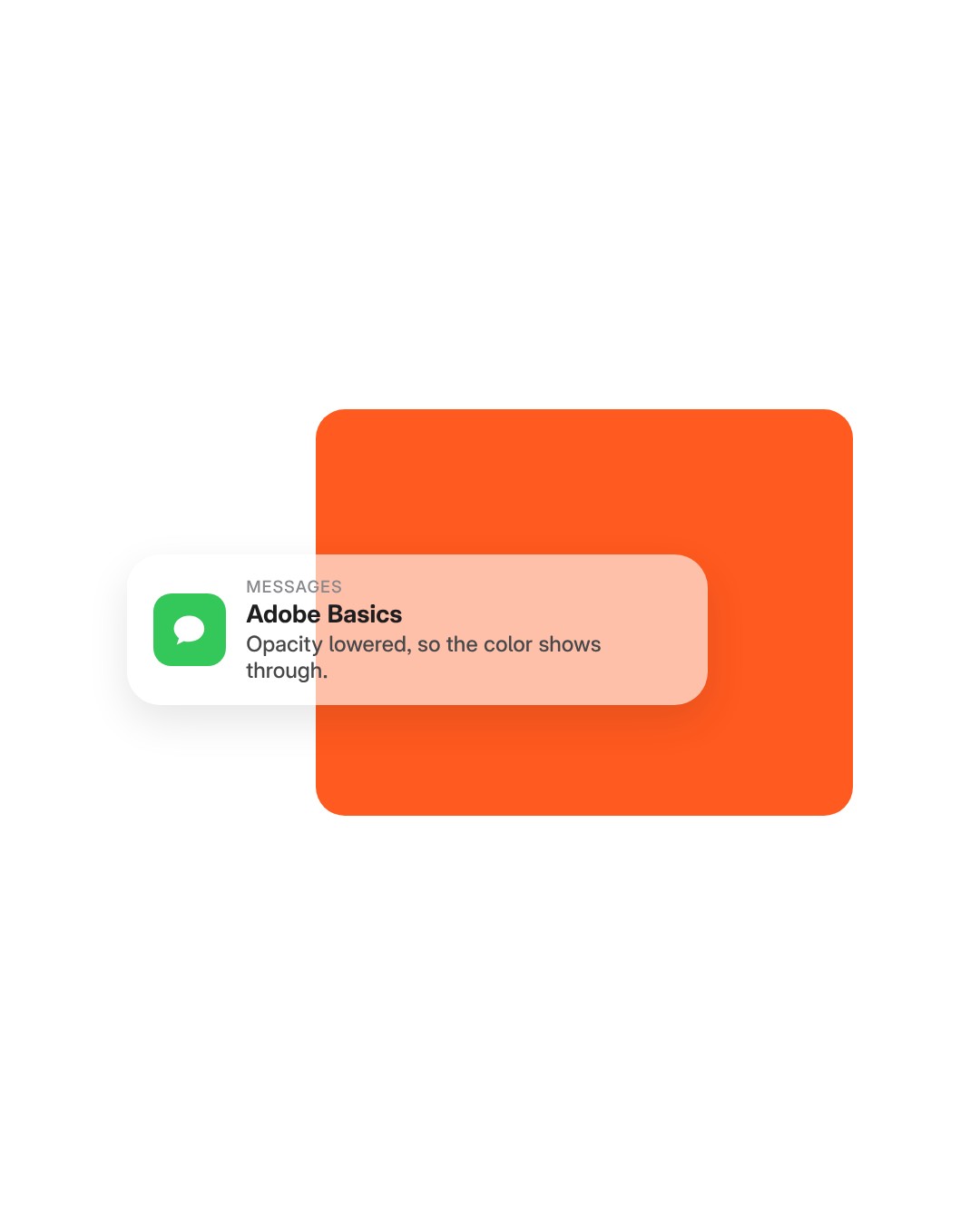
Opacity
讓畫面透出來。
降低不透明度,就是半透明橫幅。
下載內容
-
範本檔案
一個範本檔案 (.mogrt)。匯入一次,之後拖到任何時間軸上。
-

Motion
It slides in. Holds. Slides out.
The banner slides in, holds on screen and slides out again. You set how fast it arrives and how fast it leaves, and motion blur is built in.
- Slides in and outAnd it holds on screen in between.
- In and out speedTwo separate speeds, one for arriving and one for leaving.
- Motion blurBuilt in. Tick Enable extra motion blur for more.
Timing
It follows your trim.
The banner stays for as long as the clip does. Trim the clip to 3 seconds or stretch it to 10, and the slide out moves with the end of the clip.

- Longer clipThe banner holds for longer.
- Shorter clipIt leaves sooner.
- No keyframesTrim the clip like any other.
Light or dark
Light mode. Dark mode.
Match the banner to a phone in light or dark mode.

- LightA white banner with dark text.
- DarkA dark banner with light text.
- Corner roundnessThe Roundness slider goes from sharp corners to fully round.
Any color
Or your brand’s color.
Pick any color for the message box, like your brand’s orange. Then set Opacity to choose how much of your footage shows through.

- Any colorThe Color control, under Message Box.
- Opacity88 by default. Lower it and more of your footage shows through.
- One groupColor, Opacity and Roundness sit together under Message Box.
App icon
Any app. Any icon.
Drop in the icon of any app or brand as a picture, then type the app’s name next to it.

- Any app iconDrop in the icon of any app or brand.
- App nameType it in the Name field, like MESSAGES.
- Light, dark or colorThe icon sits on any banner.
Your message
Your words. One panel.
Three lines of text are yours: the app name, the title and the message. Type each one in the Essential Graphics panel in Premiere Pro. No After Effects needed.

- Its own groupsApp Icon, App Name, Time and Header Text each open on their own.
- Any fontAny installed font.
- 43+ controlsAll in the Essential Graphics panel.
43+ 個控制項。一個面板。
訊息
- 你自己的文字. App 名稱、標題和訊息,用你的話說。
- 任何 App 圖示. 放入任何 App 或品牌的圖示。
- 任何字型. 從已安裝的字型中任選。
外觀
- 淺色或深色. 或任何你選的顏色。
- 不透明度. 讓畫面從橫幅後透出來。
- 圓角. 從俐落到柔和。
動態
- 滑入和滑出. 中間停留在畫面上。
- 進出速度. 設定出現和離開的速度。
- 動態模糊. 已內建,動作更自然。
- 跟著你的修剪長度. 時間配合你的入點和出點。
Specifications
- Works with
- Premiere Pro 2021–2027, Windows and Mac
- You get
- 1 template (.mogrt) with 43+ controls
- No need for
- After Effects or plugins
- Works offline
- Updates
- Free, from your order page
- Payment
- One-time, no subscription
- License
- Unlimited personal and commercial videos, one user
- Download
- Instant after checkout, 0.4 MB zip
三個步驟。不需要關鍵影格。
只要把範本匯入 Premiere Pro 一次。不需要外掛或額外設定。
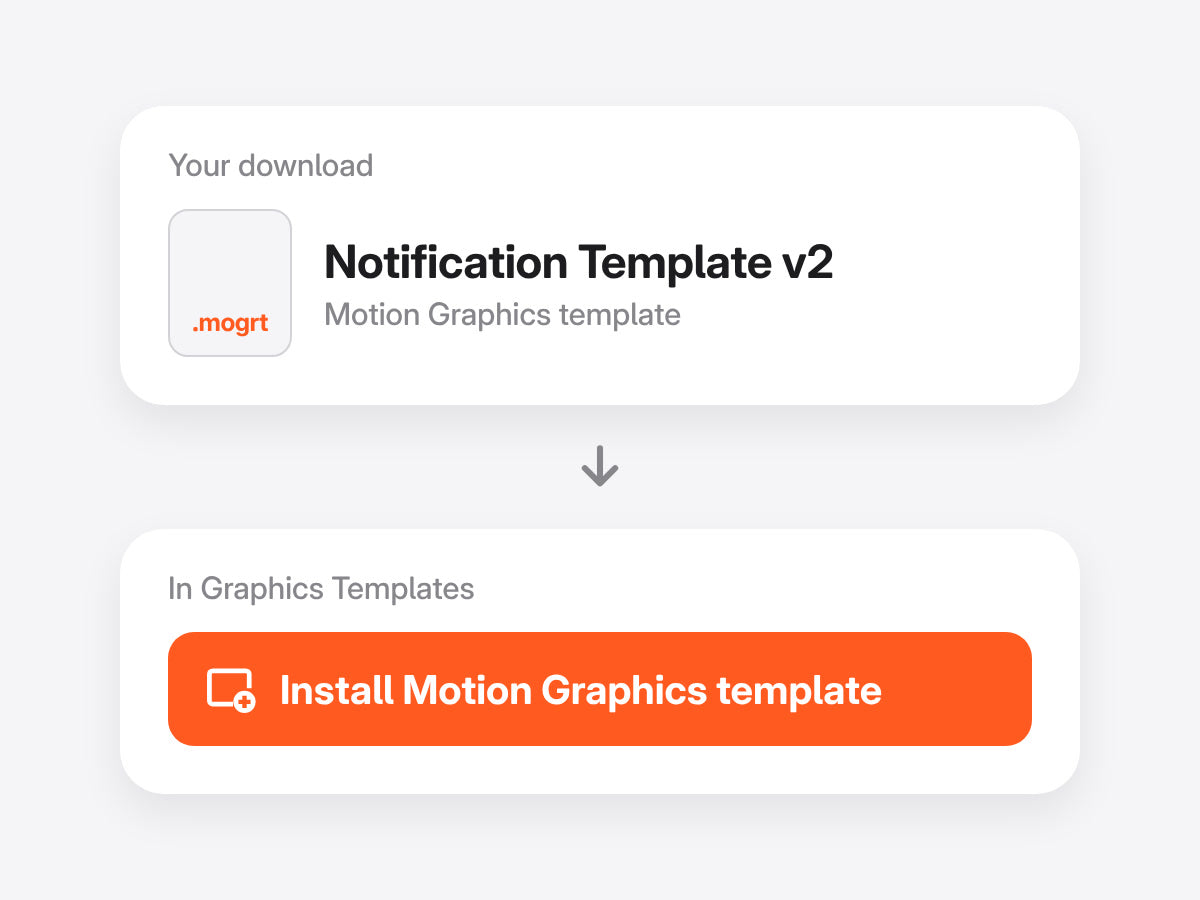
1匯入範本
開啟「圖形範本」(舊版為「基本圖形」),然後匯入 .mogrt 檔案。
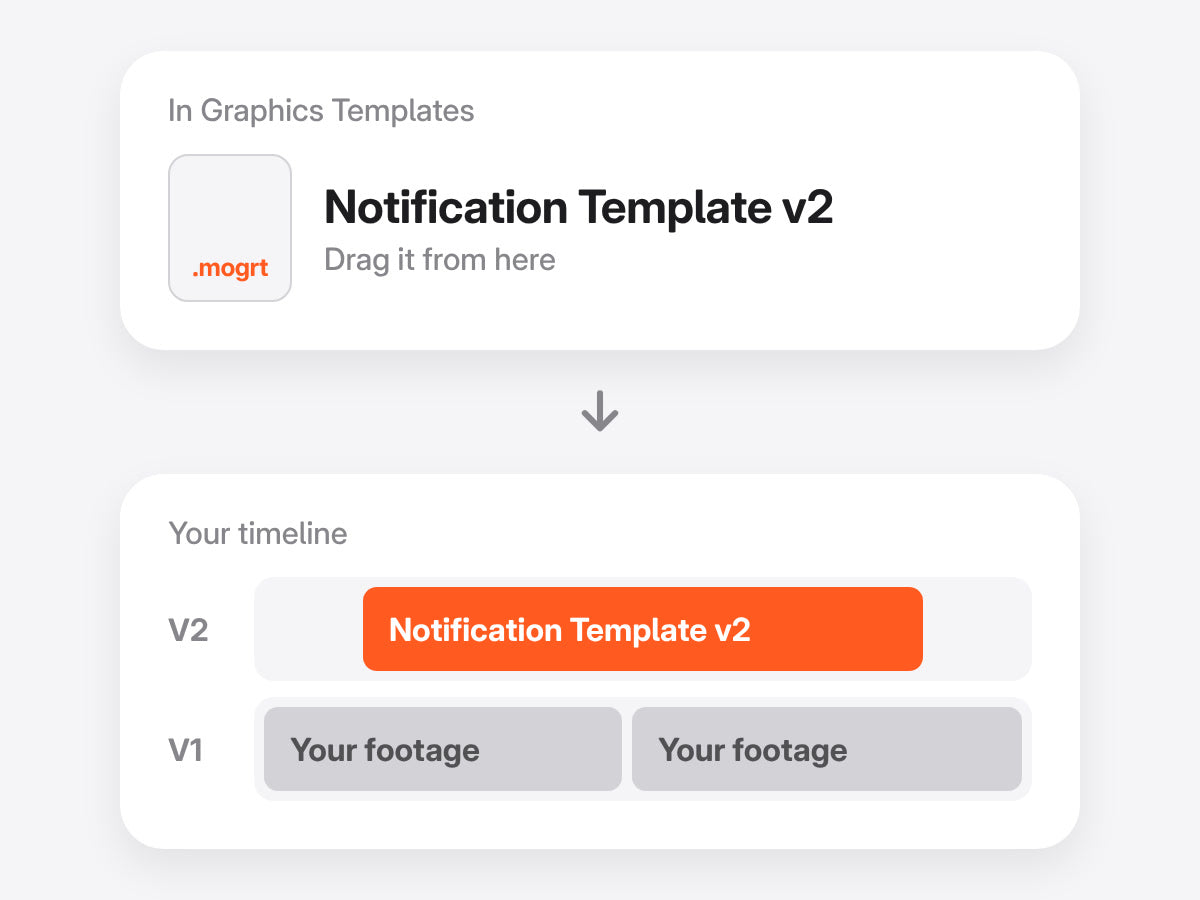
2拖曳到時間軸上
放到素材上方,然後隨意修剪。動畫會跟著你的入點與出點走。
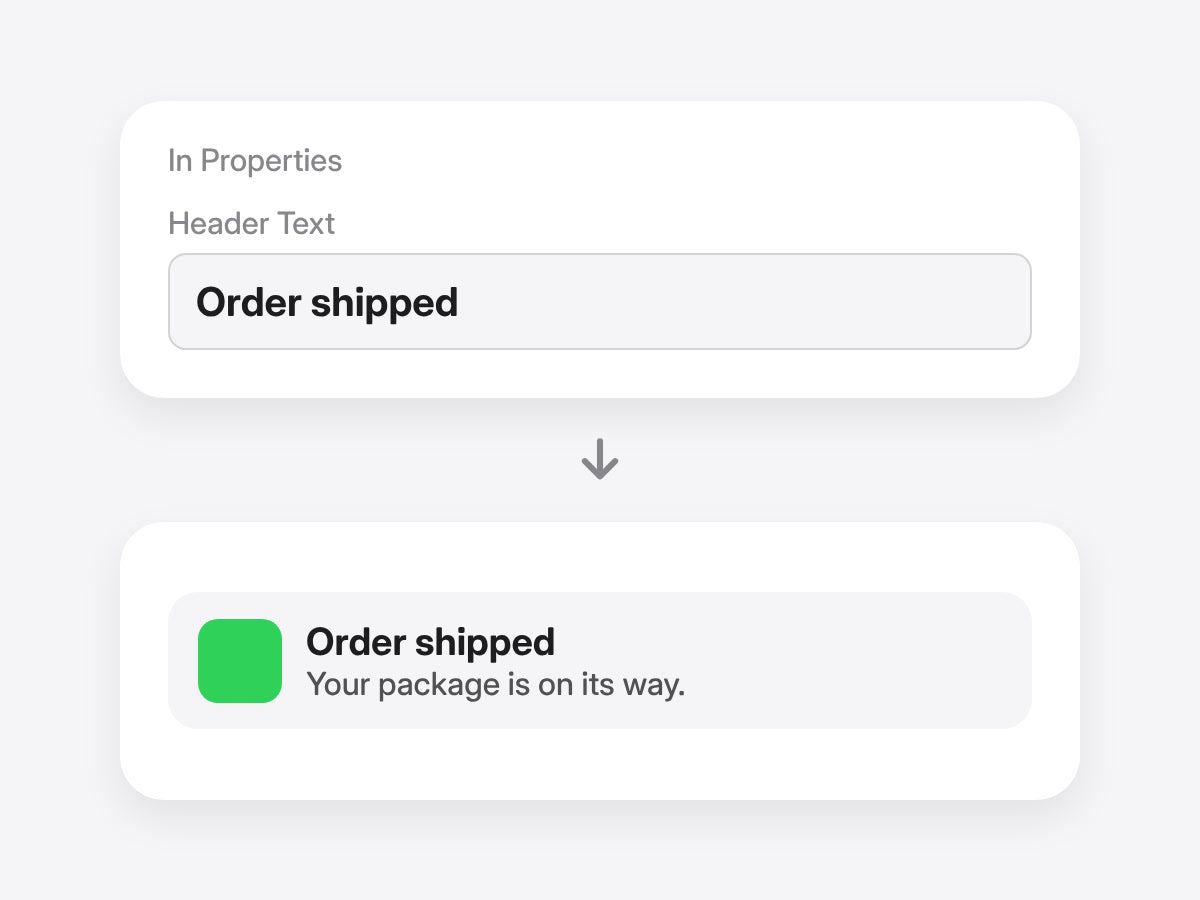
3輸入你的訊息
在 Properties 面板中寫好標題和內文、更換 App 圖示並選擇方塊顏色。不需要關鍵影格。
Premiere Pro 2021–2027 · Windows 和 Mac · 不需要外掛 · 立即下載
輸入訊息,而不是排版面。
手動做的話,要用形狀、文字和關鍵影格拼出橫幅。用範本,你只要輸入訊息。


看看它如何運作。

輸入文字。它就滑入。
手機風格通知,直接在 Premiere Pro 裡。
- Premiere Pro 2021–2027
- Windows 與 Mac
退款保證 無法使用時
- 購買後 14 天內與我們聯絡。
- 24 小時內協助你解決問題。
- 如果無法解決,我們會退款給你。