





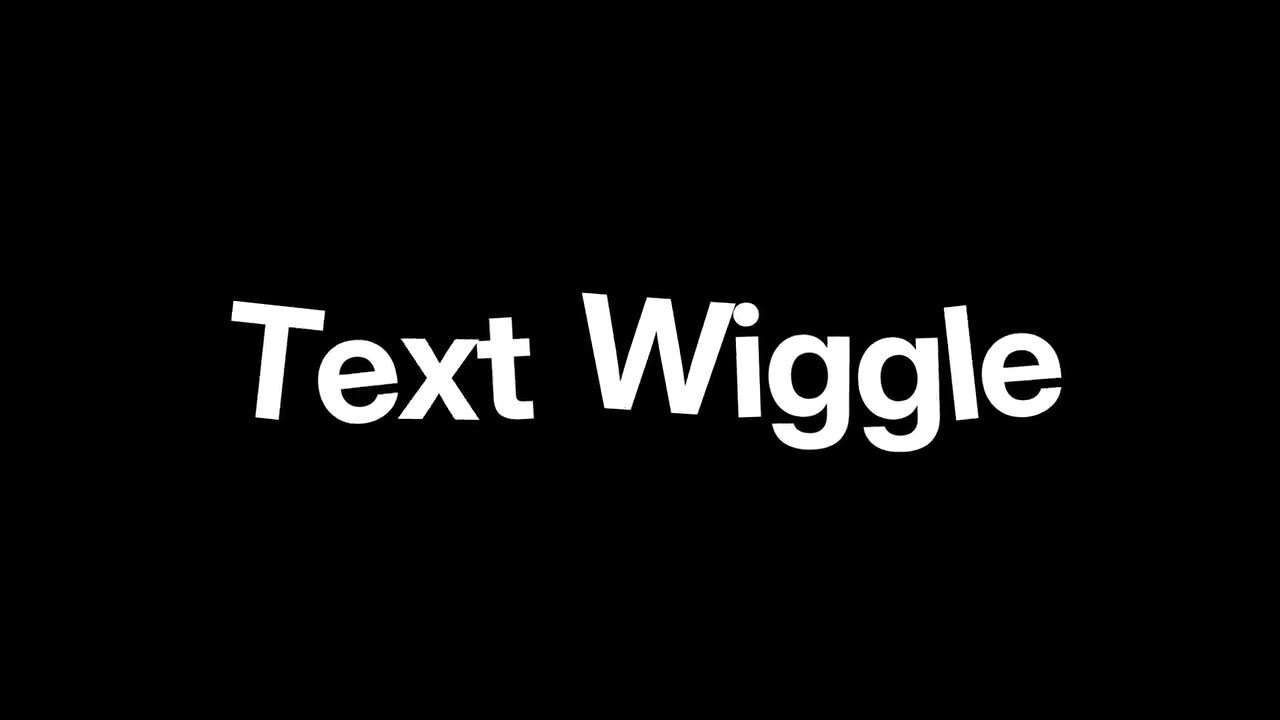
A frame made with Text Wiggle

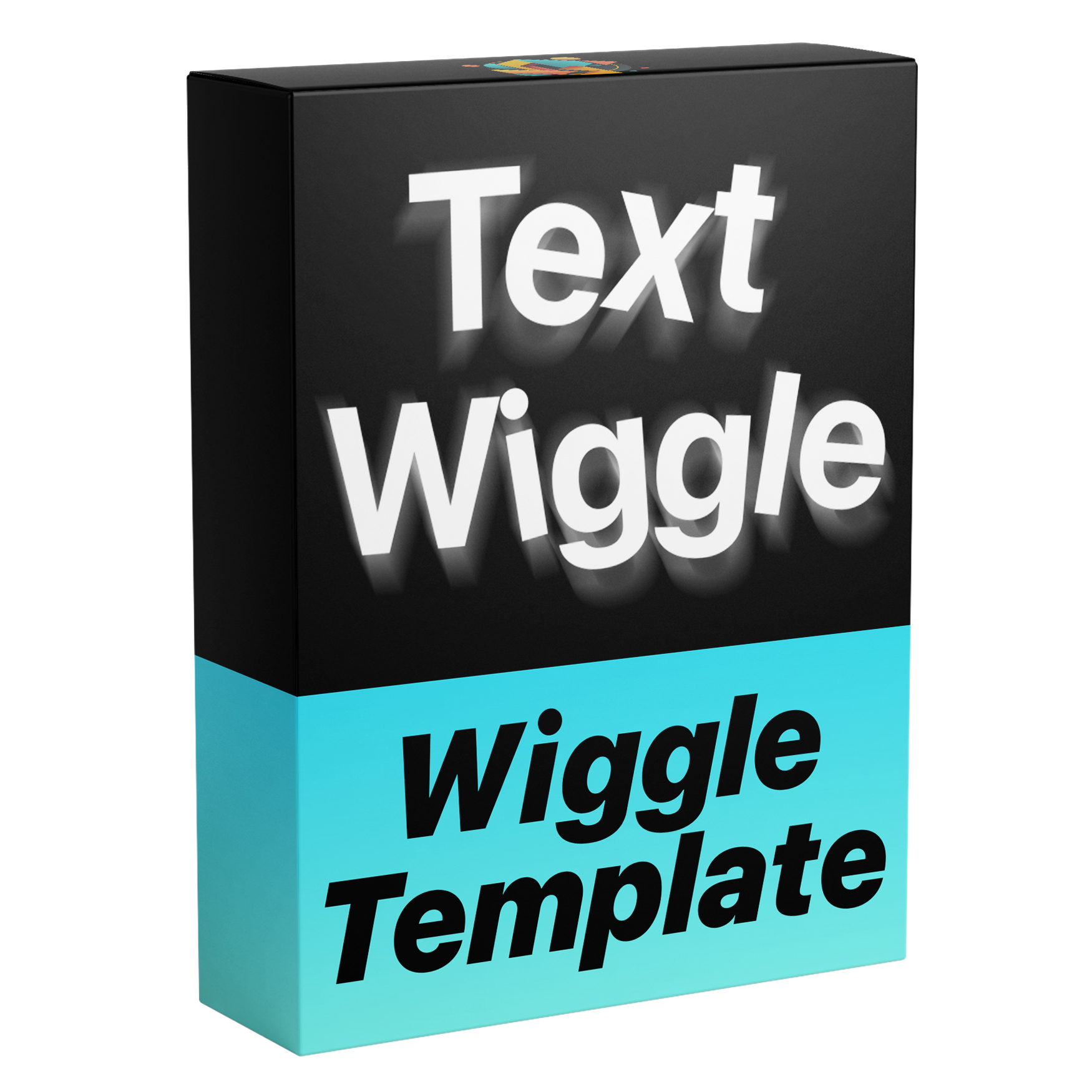
Text Wiggle
俏皮的文字,逐字晃動。
讓你的文字變得俏皮,每個字母各自擺動。用任何字型輸入文字。設定擺動幅度,從輕微顫動到劇烈搖晃,再設定速度,以及字母是各自移動還是一起移動。
 Premiere Pro 2021–2027
- Windows 與 Mac
- 不需要 After Effects

On your phone? Get the link on your computer.
退款保證 在你的 Premiere Pro 中無法使用?請在 14 天內與我們聯絡。
Text Wiggle
- 200K+位剪輯師使用我們的工具
- 30M+次 YouTube 教學觀看
- 90K+位社群追蹤者
- 37K+位剪輯師在我們的 Discord 社群


每個字母都有俏皮的抖動
在 Premiere Pro 中製作與修改。
一切都在基本圖形面板中
隨心調整
幅度、速度與關聯性。
適用於每一種剪輯。

Premiere Pro 2021–2027
無需外掛。
重點一覽。
-
Wiggle
每個字母各自晃動。
從輕微顫動到劇烈搖晃。
-
速度和幅度
設定晃動的程度。
速度、幅度,以及每個字母的旋轉中心。
-
照你的意思
每種晃法,照你的意思。
大或小,字母一起或分開。
-
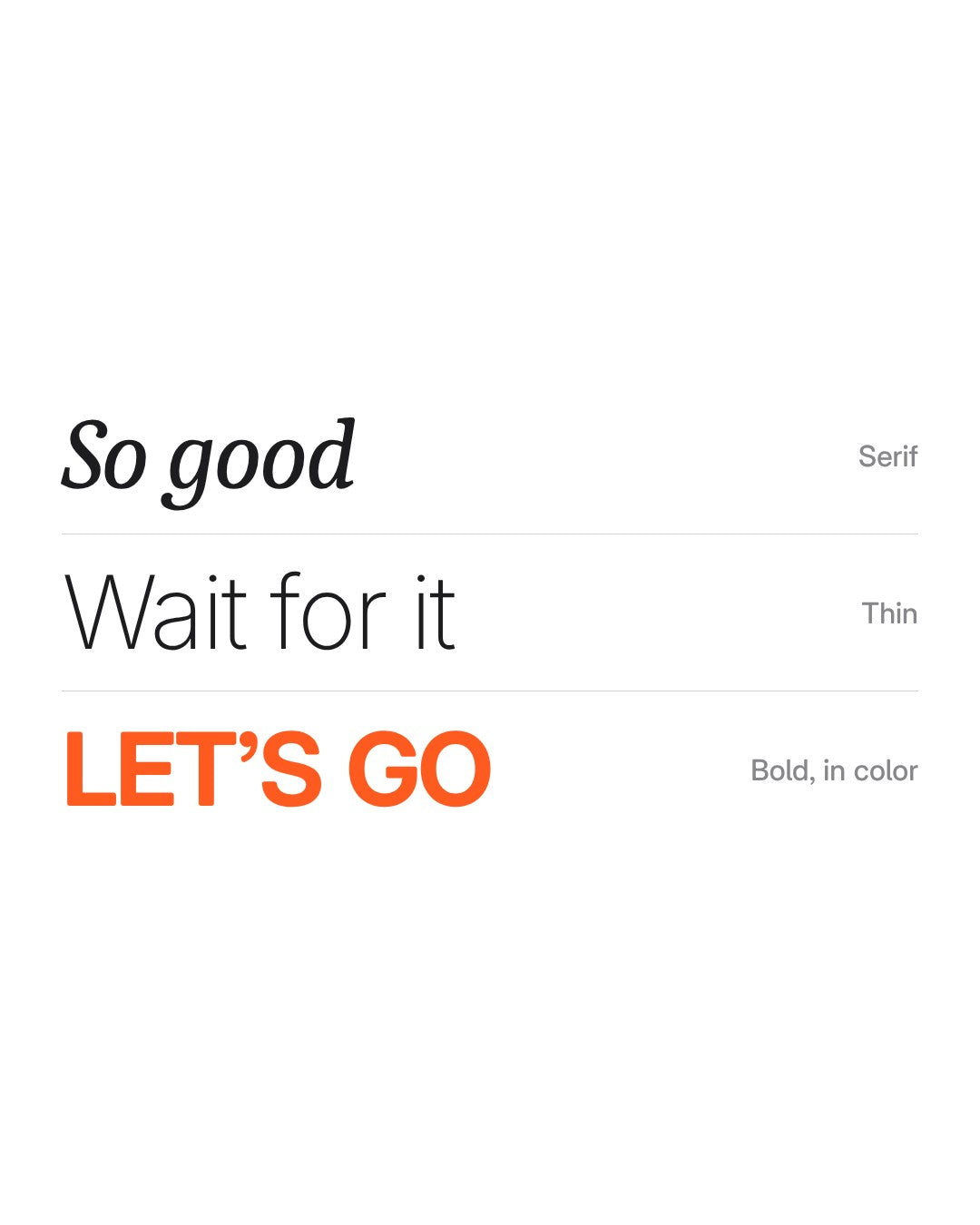
字型
任何文字,任何字型。
粗或細,從已安裝的字型中選。
下載內容
-
範本檔案
一個範本檔案 (.mogrt)。每支影片都能重複使用,包括客戶專案。
-

Always moving
Set it once. It keeps wiggling.
Type your words in Premiere Pro. They wiggle for the whole clip.
- No keyframesIt runs on its own for the length of the clip.
- Any wordsType your text in the panel.
- Any fontAny installed font and size.
Amount and speed
A gentle shiver. Or a wild shake.
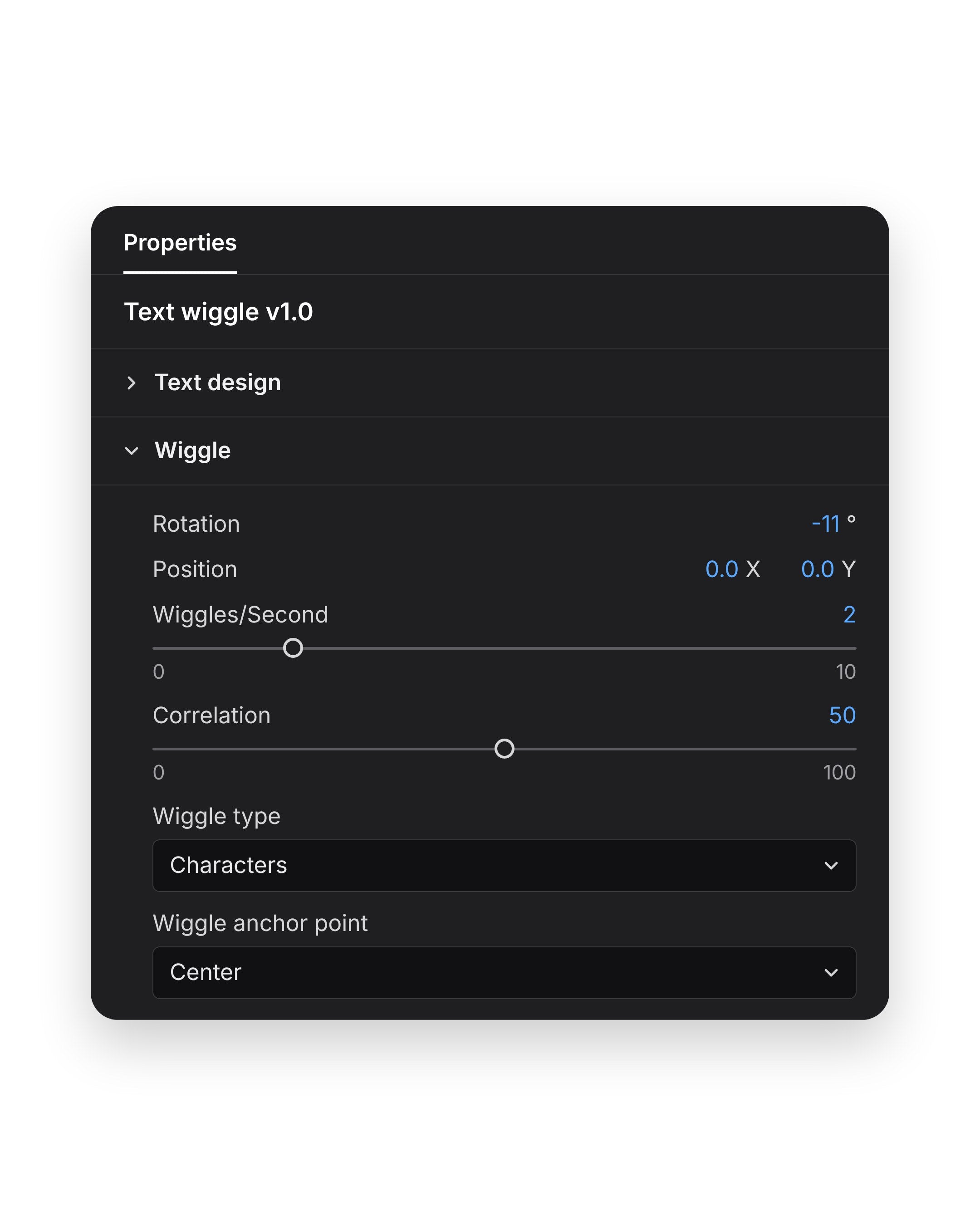
Rotation and Position set how far each letter turns and moves. Wiggles/Second sets how fast, from 0 to 10. Keep them low for a gentle shiver, or raise them for a wild shake.
- Rotation and PositionHow far the letters turn and how far they move.
- Wiggles/SecondHow fast they wiggle, on a slider from 0 to 10.
- One groupAll three sit under Wiggle in the panel.
Correlation
Apart or together. You choose.
Correlation is a slider from 0 to 100. At 0 every letter wiggles on its own. At 100 the whole word moves as one.
- 0Every letter moves by itself.
- 100The whole word moves as one.
Anchor point
Top, center or bottom.
Wiggle anchor point is the point each letter turns around. Pick Top, Center or Bottom from one menu.

- Three choicesTop, center or bottom.
- One menuWiggle anchor point, in the panel.
Essential Graphics
One panel. No keyframing needed.
Set it once in Premiere Pro. Then reuse it in every project.

- Reuse itInstall once, use it in every project.
- Your wordsType any text you like.
- Premiere Pro 2021–2027On Windows and Mac.
每個字母。不需要關鍵影格。
Wiggle
- 幅度. 從輕微顫動到劇烈搖晃。
- 速度. 慢而平靜,或快而充滿活力。
- 關聯性. 字母各自動,或一起動。
- 錨點. 上、中或下。
文字
- 你的文字. 輸入任何你想要的文字。
- 任何字型. 從已安裝的字型中任選。
Specifications
- Works with
- Premiere Pro 2021–2027, Windows and Mac
- You get
- 1 template (.mogrt)
- No need for
- After Effects or plugins
- Works offline
- Updates
- Free, from your order page
- Payment
- One-time, no subscription
- Download
- Instant after checkout, 1.3 MB zip
三個步驟。不需要關鍵影格。
只要把範本匯入 Premiere Pro 一次。不需要外掛或額外設定。
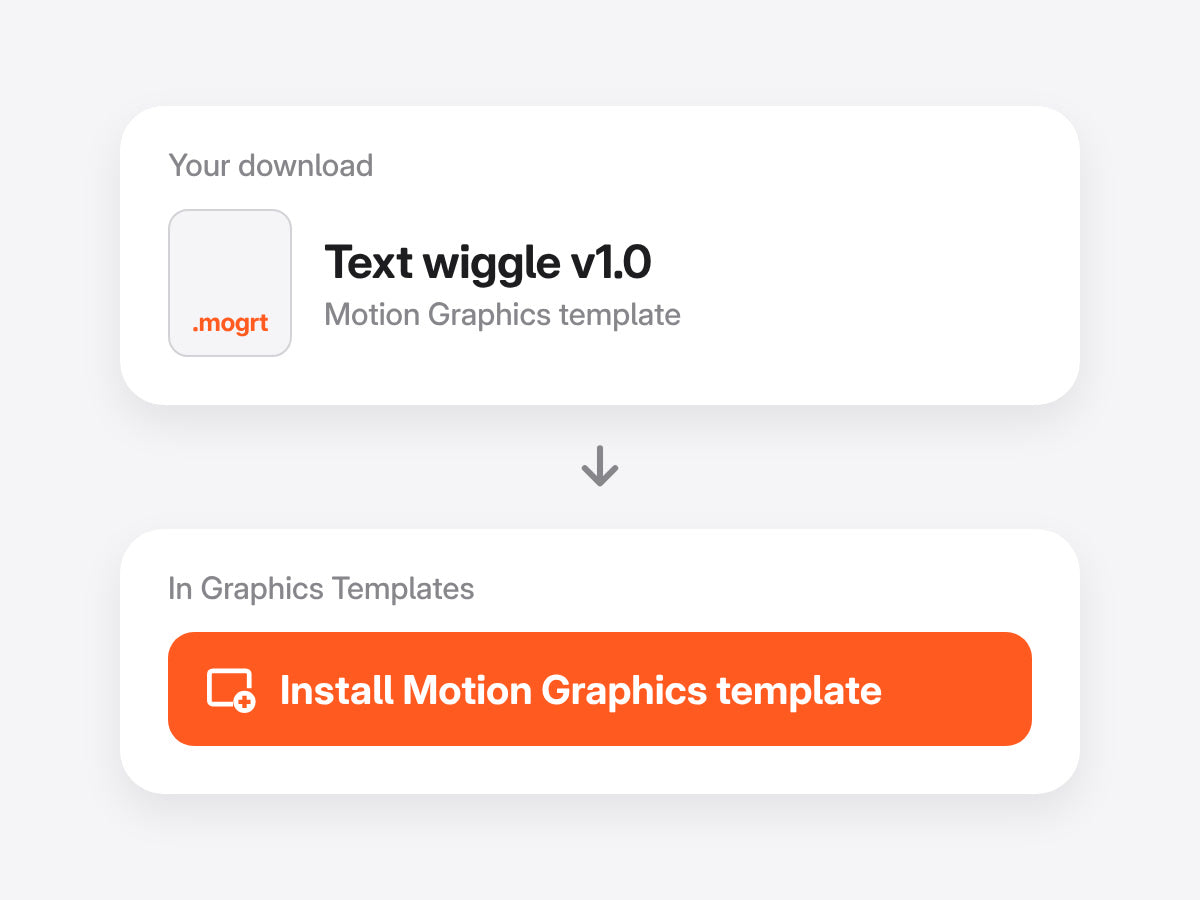
1匯入範本
開啟「圖形範本」(舊版為「基本圖形」),然後匯入 .mogrt 檔案。
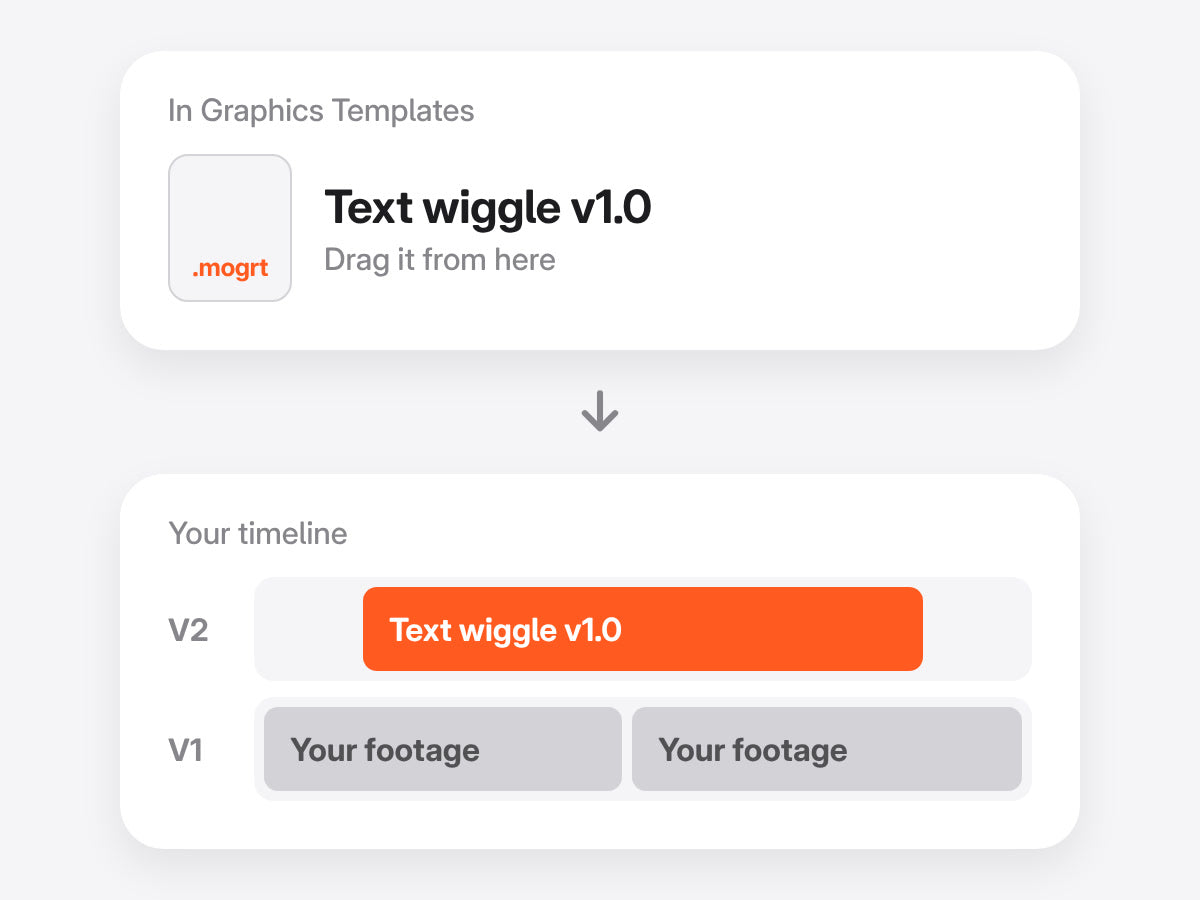
2拖曳到時間軸上
像其他片段一樣,放到素材上方。
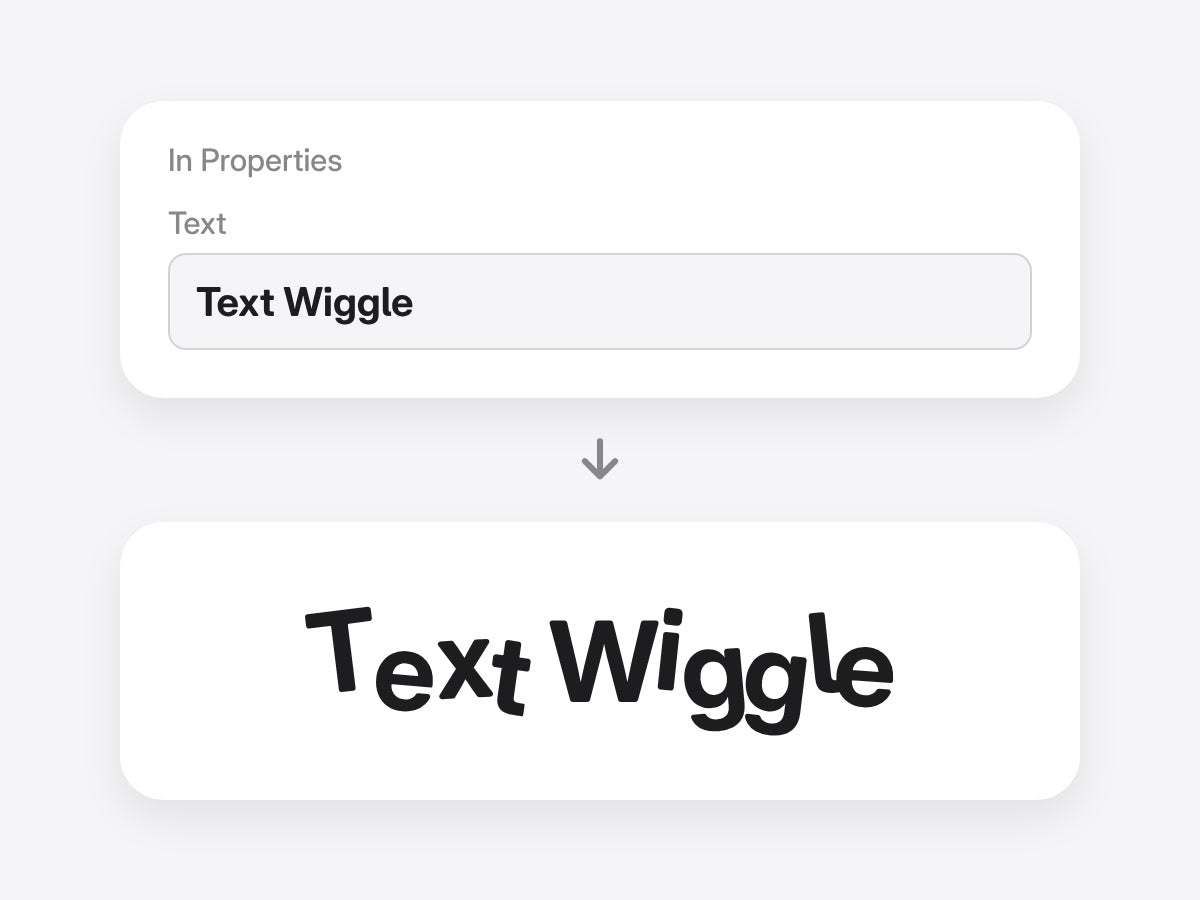
3輸入你的文字
輸入文字、選擇字型,再設定速度和幅度。全都在 Properties 面板(舊版為 Essential Graphics)中。
Premiere Pro 2021–2027 · Windows 和 Mac · 不需要外掛 · 立即下載
輸入整個字,而不是每個字母。
手動做的話,要把字拆成字母,再逐一設定關鍵影格。用範本,你只要輸入。


讓你的文字晃起來。
俏皮的逐字動作,直接在 Premiere Pro 裡。
- Premiere Pro 2021–2027
- Windows 與 Mac
退款保證 無法使用時
- 購買後 14 天內與我們聯絡。
- 24 小時內協助你解決問題。
- 如果無法解決,我們會退款給你。