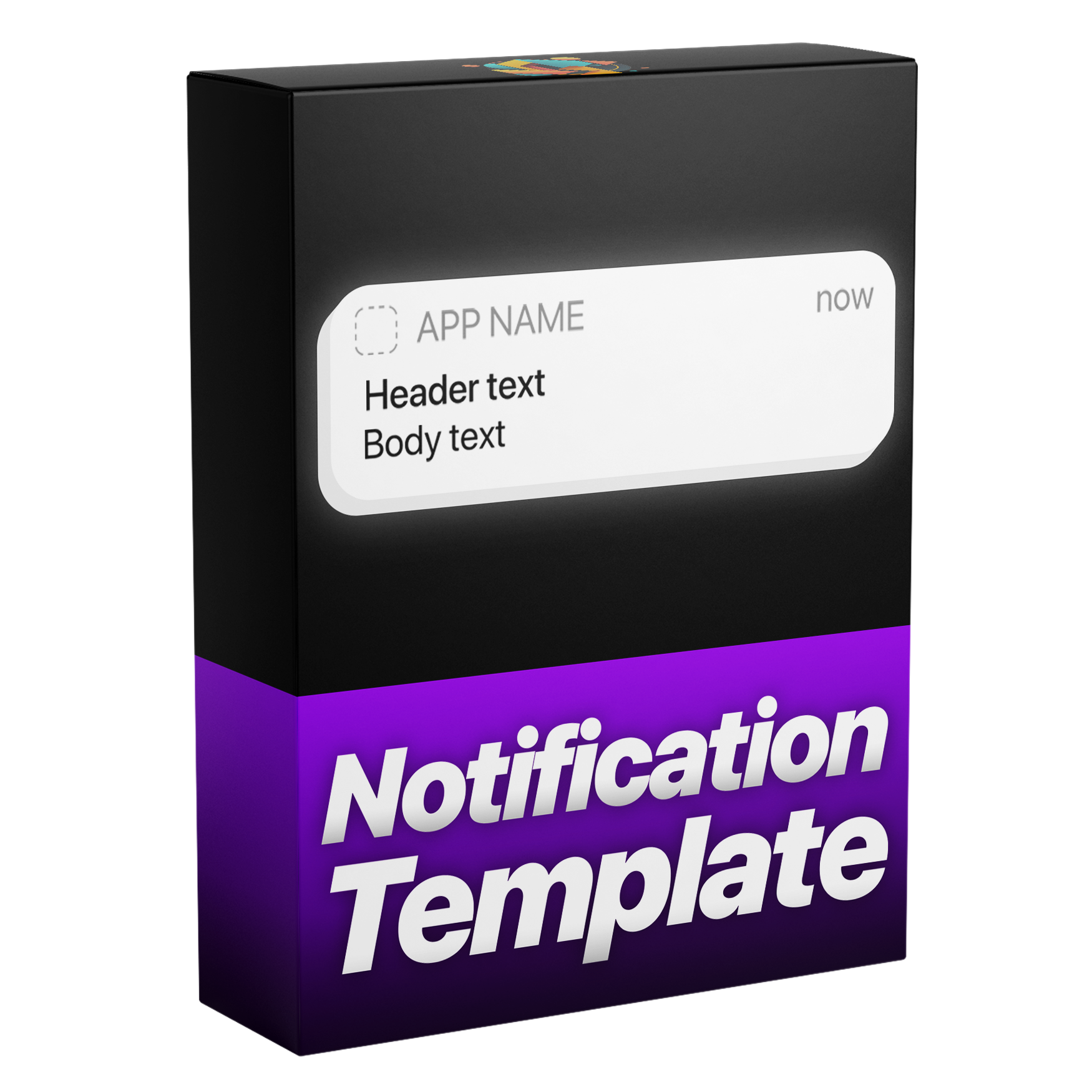

Notification Animation Template
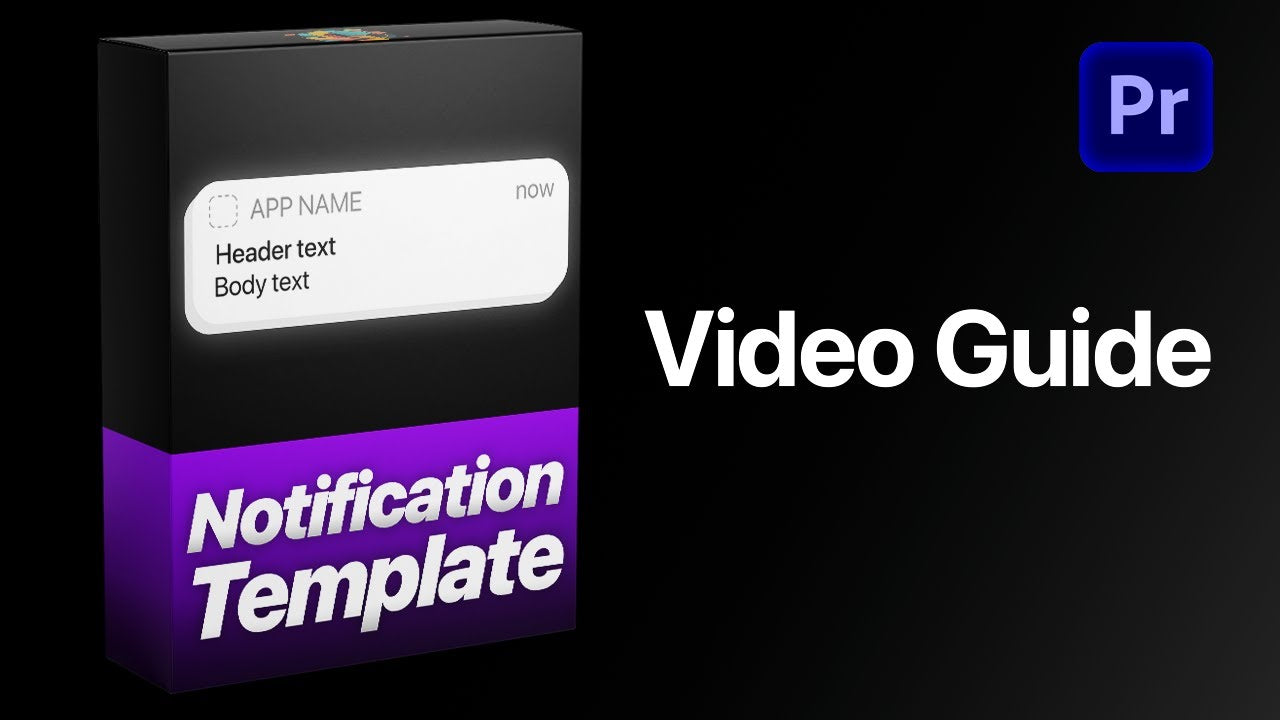
Create sleek, professional notifications for your videos with this versatile template. Built with our Dynamic Layer Logic and custom In and Out speed controls, each animation automatically aligns with your layer’s timing for precise results every time. Easily customize text, icons, colors, and motion blur to design eye catching notifications that match your style, all in a simple, user friendly setup.
Works with Premiere Pro 2021-2026
Instant Download
Lifetime Access + Free updates
Commercial license
Notification Animation Template
Highlights
Fully customizable
Build iPhone notifications without a single keyframe.
No plugins
Runs natively in Premiere Pro.
Easy to use
Simple for beginners. Fast for pros.
iPhone-style notifications. In seconds.
Clean, realistic iPhone-style notifications, designed and animated in seconds. No keyframes, no extra work, all directly inside Premiere Pro.
Edit faster. Deliver sooner.
Build iPhone-style notifications right inside Premiere Pro, with no trips to After Effects. Save time on every project.
Every detail, your call.
More than 43 controls put every detail in your hands—text and app icons, colors, opacity and the overall style of every notification.
Pixel-perfect.
Every element is aligned to the pixel, so your notifications look clean, sharp and just like the real iPhone UI.
Pay once. Keep it forever.
One payment gets you lifetime access, with every future update included free. No subscription. No hidden fees.
Made for every edit
A notification for every story.
App stories, message scenes, social videos, tutorials and ads. Swap the icon, type your text, pick the color and opacity, and it slides in like the real thing.
-
Message scenes
Your own text -
Ads
Any color -
Social videos
Opacity -
Tutorials
Dark style
Easy to use
Ready in three steps. No keyframes.
-
1
Import the template
Open Graphics Templates (Essential Graphics in older versions) and import the .mogrt file.
-
2
Drag it onto your timeline
Drop it above your footage, then trim it any way you like. The animation follows your In and Out points.
- 3
Type your message
Write your header and body text, swap the app icon and pick the box color in the Essential Graphics panel. No keyframes.
- Premiere Pro 2021–2026
- Windows and macOS
- No plugins needed
- Instant download
See the difference
A notification that feels native.
Get realistic proportions and flexible controls without rebuilding an interface from separate layers.


See how it works.

Your next notification. Ready in seconds.
Clean, realistic iPhone-style notifications, right inside Premiere Pro.
- Instant download
- Lifetime access and free updates
- Premiere Pro 2021–2026
- Commercial license