





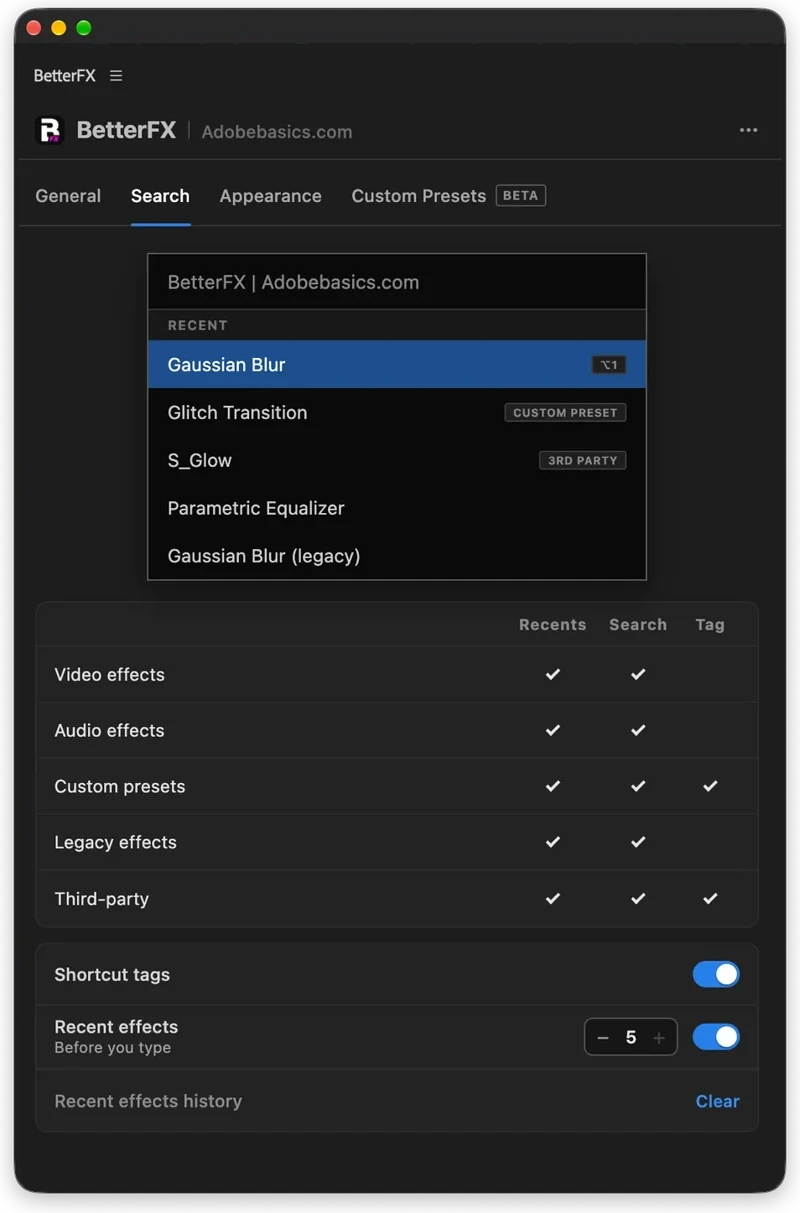
The BetterFX search, inside Premiere Pro




BetterFX
Cada efecto. Un atajo.
Aplica cualquier efecto en segundos, sin salir de tu línea de tiempo. Pulsa un atajo, escribe unas letras y pulsa Enter. BetterFX encuentra los efectos integrados, tus propios presets y tus plugins instalados, y pone primero los que más usas.
 Premiere Pro 2021–2027
- Windows y Mac
- Actualizaciones gratis

Garantía de reembolso ¿No funciona en tu Premiere Pro? Escríbenos en un plazo de 14 días.
BetterFX
Hecho por quienes enseñan Premiere Pro.
Más de 700 tutoriales y miles de comentarios nos mostraron qué frena a los editores. Así que creamos las herramientas que queríamos como editores: simples y sin complicaciones.
Ver los tutoriales- 200K+editores usan nuestras herramientas
- 30M+visualizaciones de nuestros tutoriales en YouTube
- 90K+seguidores en redes sociales
- 37K+editores en nuestra comunidad de Discord
Menos buscar. Más editar.

Un atajo. Todos los efectos.
Escribe unas letras
Efectos integrados, presets propios y plugins de terceros.
Oculta los efectos que no usas
Deja los efectos heredados fuera de tus resultados.
Tus propios atajos
Oscuro, claro o cristal
Con nueve colores de acento.

Premiere Pro 2021–2027
Lo más destacado.
-
Buscar y aplicar
Escribe dos letras. Pulsa Enter.
Encuentra cualquier efecto, preset o plugin con unas letras. Se aplica a tus clips seleccionados.
-
Orden inteligente
Tus efectos más usados, primero.
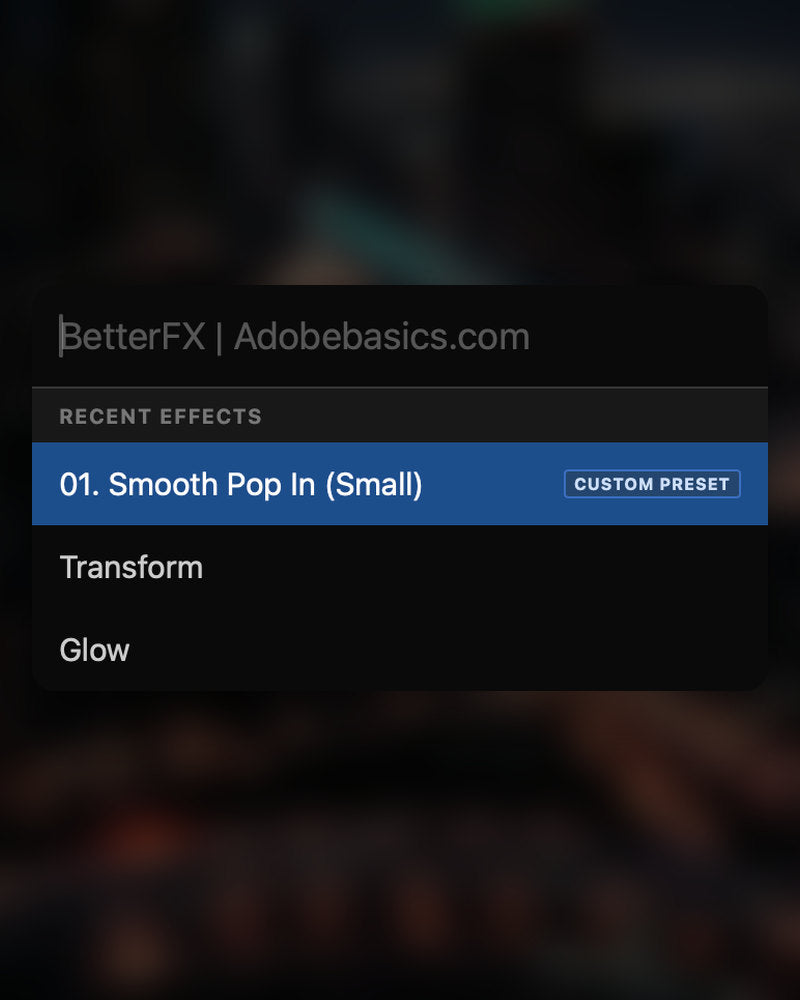
Los efectos recientes están arriba. Tus propios presets también aparecen, con una etiqueta Custom Preset.
-
Atajos
Tus propias teclas para cualquier efecto.
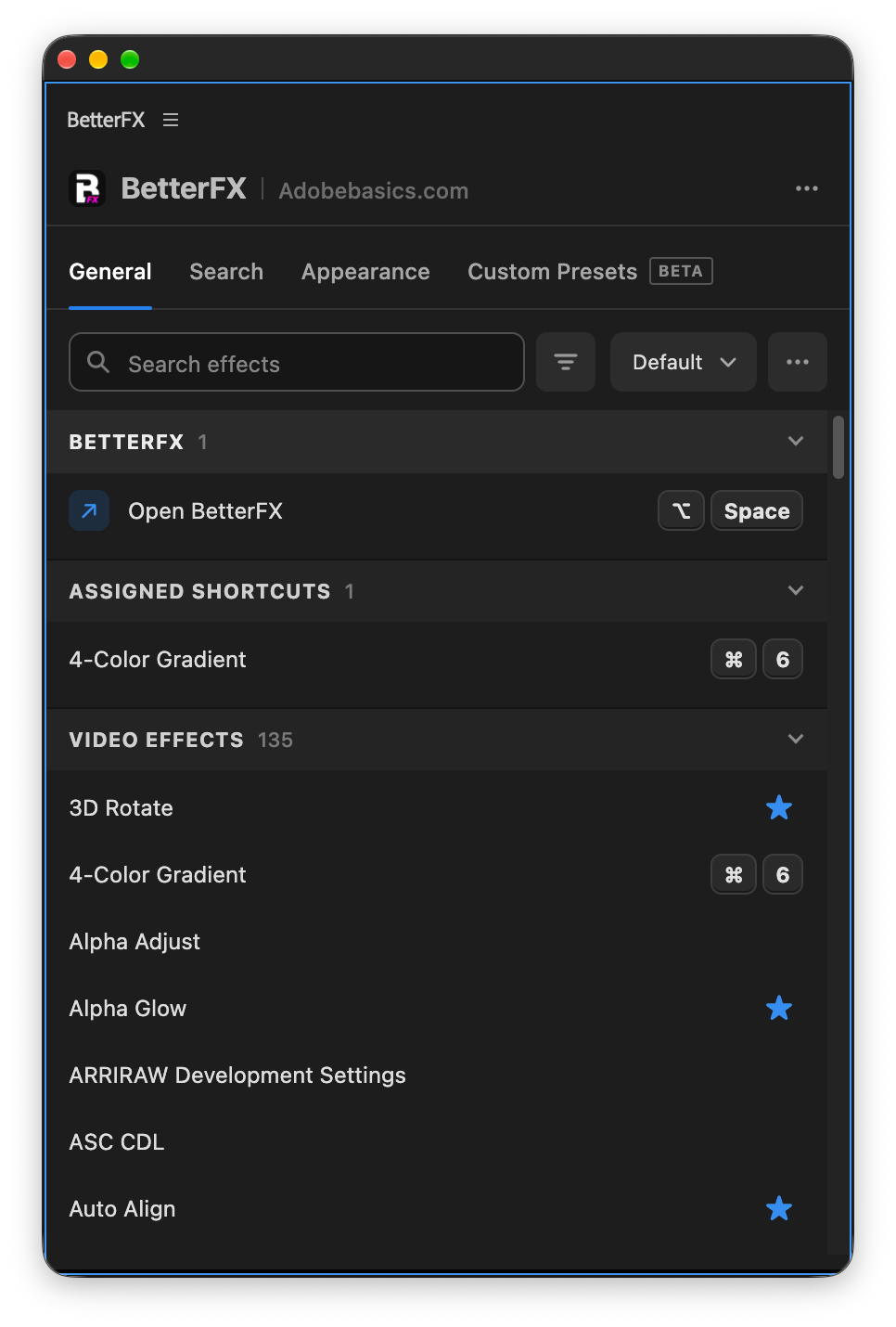
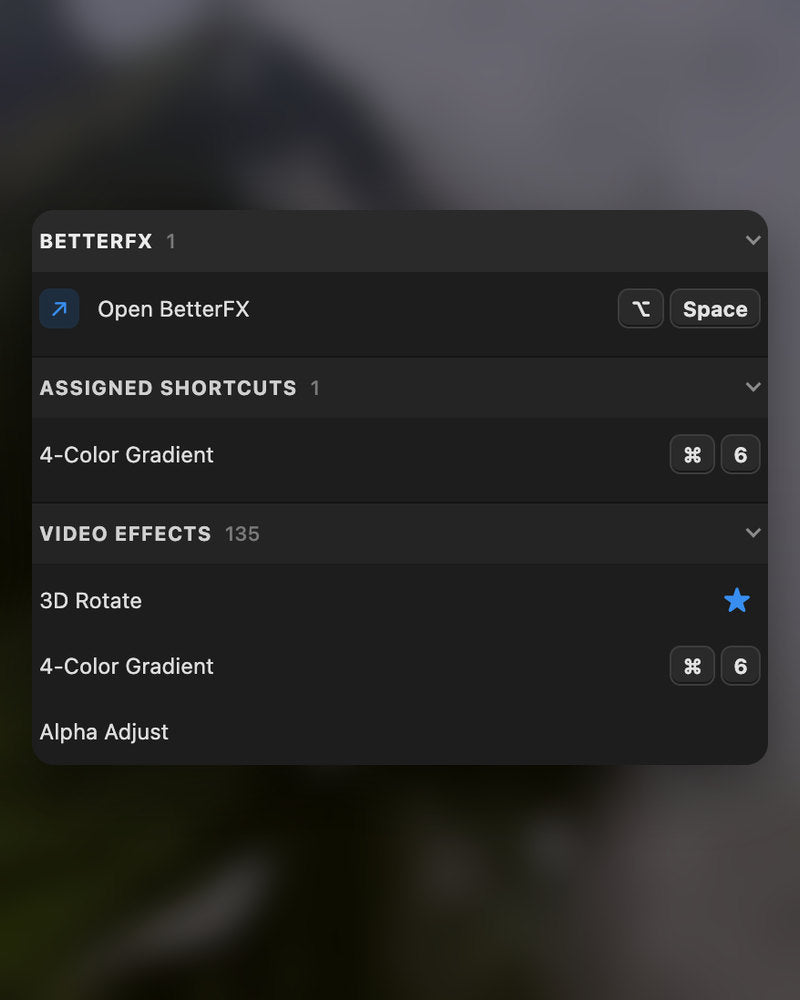
Asigna un atajo a un efecto. Selecciona clips, pulsa las teclas y listo.
-
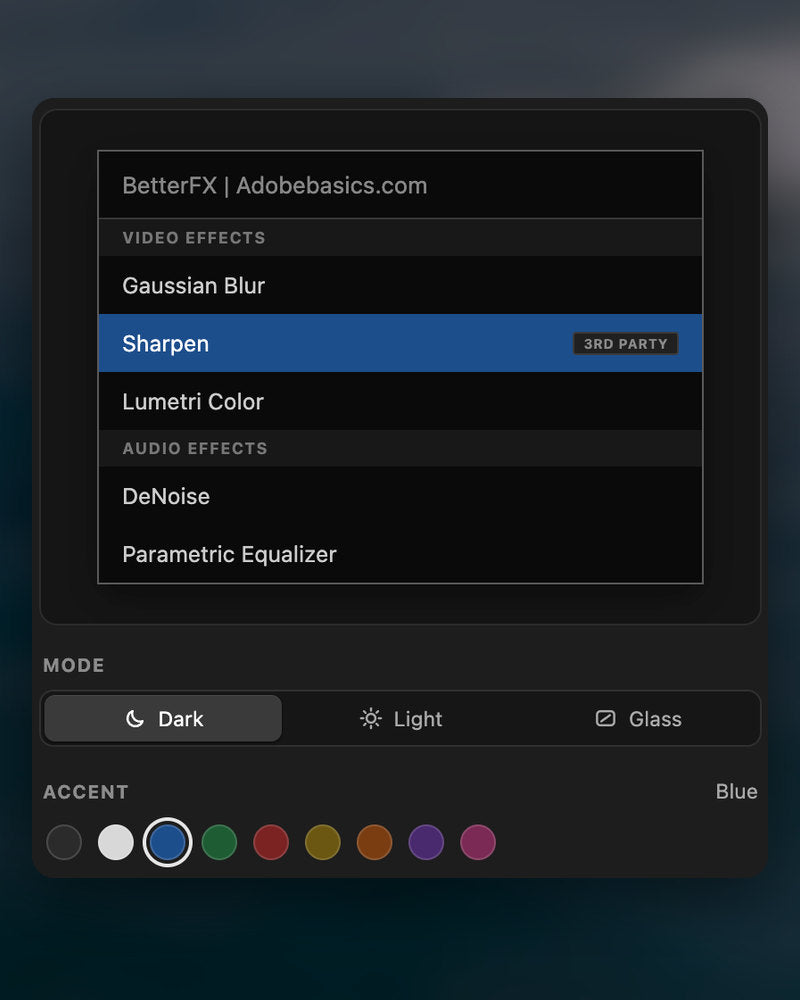
Apariencia
Dark, Light o Glass.
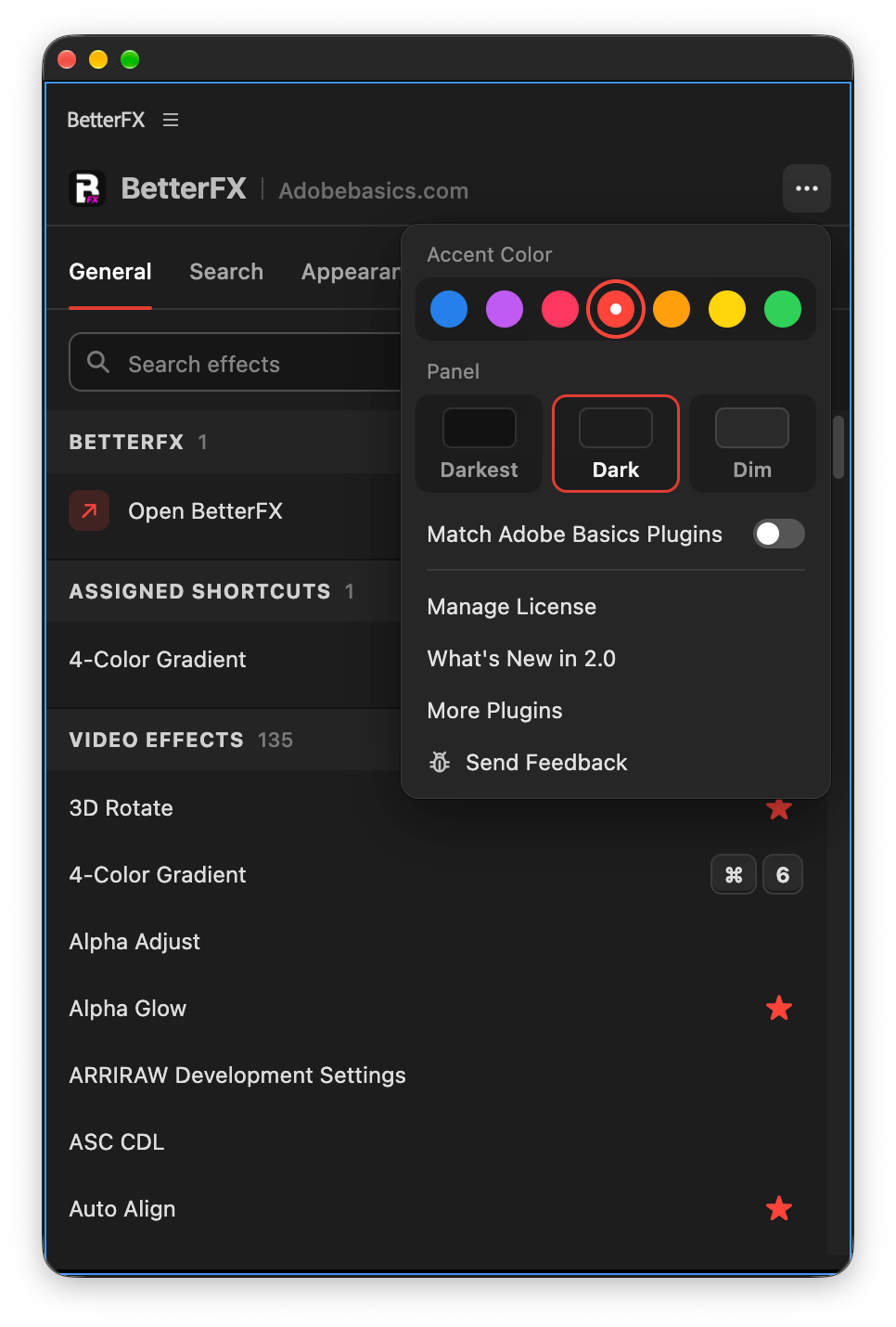
Elige un estilo y uno de nueve colores de acento, para que encaje con tu Premiere Pro.
En la descarga
-
App BetterFX
-
Clave de licencia
-
Plugin de Premiere Pro
La app y tu clave de licencia. Las dos llegan al comprar, y el instalador añade el plugin de Premiere Pro.
-

Intelligent search
Type a few letters. The right effect is on top.
Short forms, half-remembered names and typos all work. Press Enter and it lands on your selected clips.
- Short formsgb finds Gaussian Blur. cs finds Camera Shake.
- Every selected clipOne Enter applies the effect to all of them.
- Opens at your cursorYour pointer stays on the timeline.
All-in-one search
Every effect you own. One search bar.
Premiere Pro’s own effects, your third-party plugins and your custom presets, in one list.

- Third-party pluginsTagged, so you know where an effect comes from.
- Legacy copiesMarked as Legacy, or hidden if you never use them.
- Custom presetsYour own presets show up next to the effects.
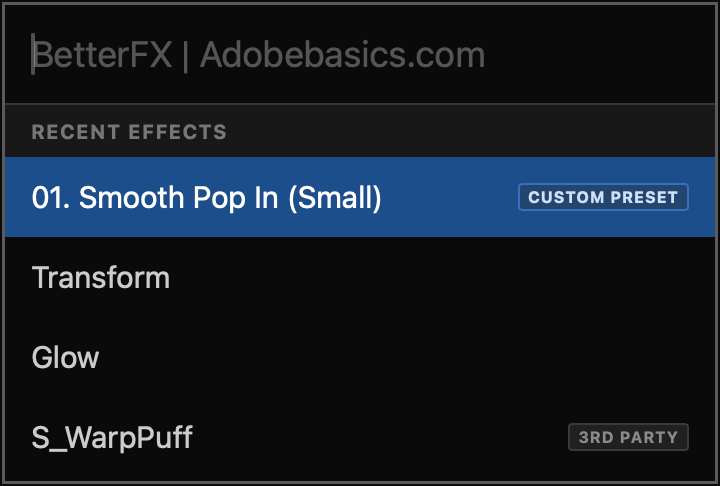
Recent effects
Your go-to effects. Before you type.
Open the bar and your recent effects are already there, with your custom presets and their shortcuts.

- Recent effectsYour last effects, the moment the bar opens.
- Custom presetsTagged Custom Preset and one Enter away.
- Shortcuts shownEach effect shows the keys you gave it.
Custom shortcuts
Any effect. Its own shortcut.
Pick an effect and press your keys. Then apply it straight from the timeline.
- Effects and presetsGive any effect or custom preset its own keys.
- Clash warningsBetterFX tells you when Premiere Pro already uses those keys.
- In your profileYour shortcuts move with your profile.
Favorites
Star an effect. Find it first.
Click the star next to any effect. Your favorites rank higher every time you search.
- Ranked higherStarred effects come first in your searches.
- Favorites filterThe button next to the search shows only your stars.
- In your profileYour favorites move with you to another computer.
Hide effects
Never use it? Hide it.
Click the eye next to an effect. It stays out of your searches until you bring it back.
- Cleaner resultsHidden effects never show up in the search bar.
- Legacy copiesHide the old versions of effects you never pick.
- UnhideThe Hidden filter lists them. One click brings each back.
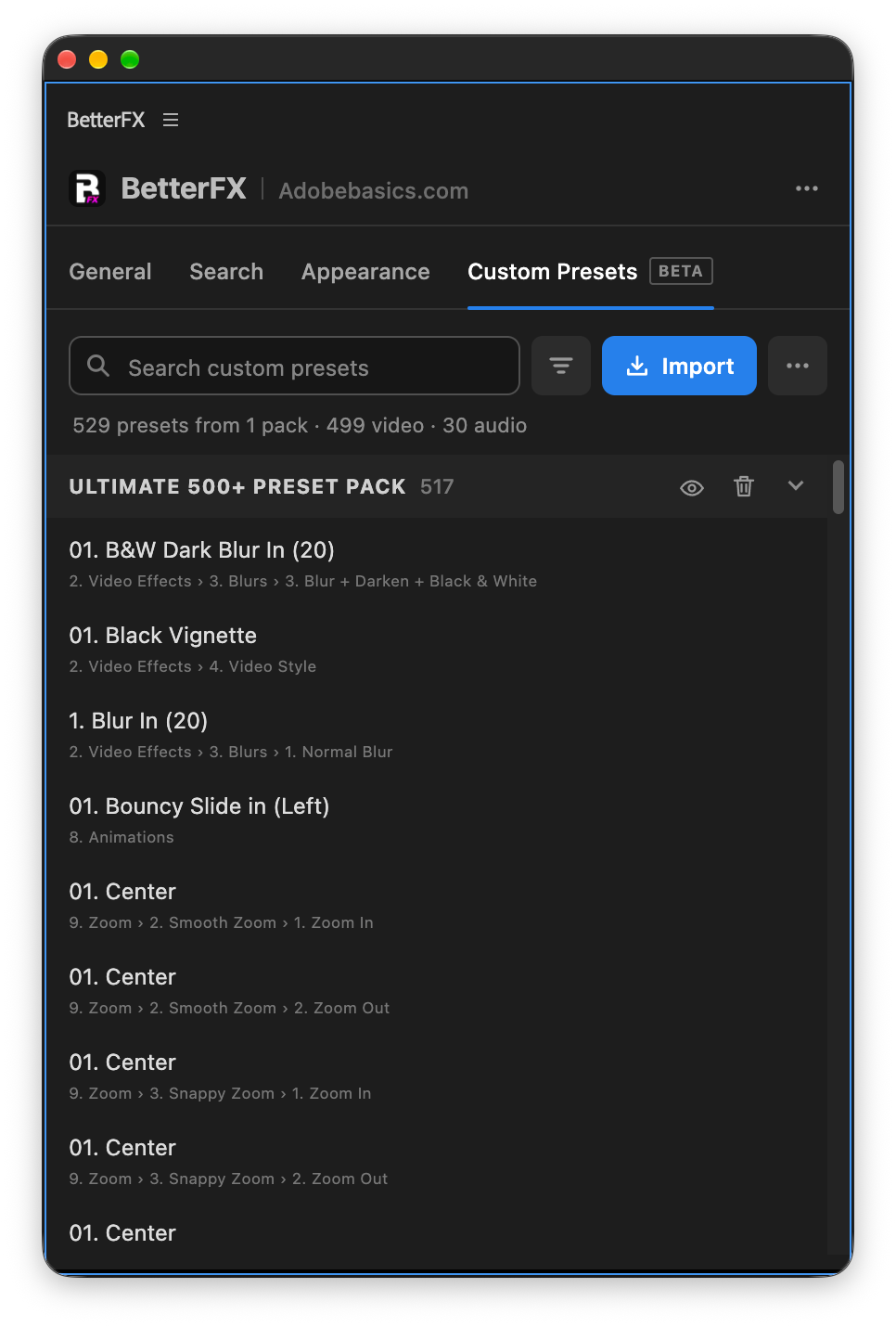
Custom presetsBeta
Your presets. Searchable.
Import the .prfpset files you saved in Premiere Pro. Each preset then works like an effect, with its own search and shortcut.
- Search and shortcutsFind a preset by name, or give it its own keys.
- One ⌘ZUndoes the whole preset at once. Ctrl+Z on Windows.
- Any languagePresets work whatever language Premiere Pro is set to.
Your search bar
Your search bar. Your colors.
Pick Dark, Light or Glass and an accent color. A preview shows the search bar as you change it.
- Three modesDark, Light or Glass, on Mac and Windows 11.
- Nine accent colorsThe highlight on the effect you are about to apply.
- Live previewSee the search bar before you open it.
Profiles
Your setup. On every computer.
Save your shortcuts, favorites, hidden effects and look as a profile. Export it and import it on another computer.
- Everything in oneShortcuts, favorites, hidden effects, search settings and look.
- Switch in a clickKeep one profile per kind of edit.
- Import and exportTake your setup to another computer as a file.
In Premiere Pro
The real thing. On your timeline.


Tres pasos. Un atajo.
Un instalador guiado configura por ti la app y el plugin para Premiere Pro.
1Descarga BetterFX
Tu descarga y tu clave de licencia aparecen justo después de la compra. También te las enviamos por correo.
2Ejecuta el instalador
Abre el instalador y sigue los pasos. Instala la app y el plugin, y luego pegas tu clave.
3Pulsa tu atajo
Selecciona un clip en Premiere y pulsa Alt+Espacio.
Lo que añade BetterFX.
BetterFX frente a otros plugins de búsqueda de efectos para Premiere Pro.

Compra el pack y ahorra un 15%
Todo el kit para Premiere.
- EaseFlow ProEasing fluido
- BetterFXTodos los efectos, un atajo
- SuperGlowResplandor premium
- QuickPastePegar imágenes y archivos
- Asteria ProSmooth text animations
- Number Counter ProAnimated numbers
Tus efectos. A un atajo.
Pagas una vez y es tuyo para siempre.
- Premiere Pro 2021–2027
- Windows y Mac
- Dos ordenadores por licencia
Garantía de reembolso si no funciona
- Escríbenos en un plazo de 14 días desde la compra.
- Ayuda en menos de 24 horas para solucionarlo.
- Si no podemos solucionarlo, te devolvemos el dinero.