



The best tools for Premiere Pro. That's the whole plan.
We make plugins, presets and templates for Premiere Pro, and we teach the rest for free on YouTube. Everything we make has one job: get you from idea to export faster.
- 30M+ views on YouTube
- 70K+ subscribers
- 700+ free tutorials
- 200K+ editors on adobebasics.com
Who's behind it. A student who got tired of waiting.
I started Adobe Basics in November 2022, while I was still in school. I was learning Premiere Pro myself, and every tutorial took ten minutes to answer a ten-second question. So I made the short version. The first one, How To Zoom in Premiere Pro, ran 43 seconds.
It didn't catch on fast. It took 64 videos to get 100 subscribers, and I thought about quitting more than once. In 2024 I stopped for 109 days. I came back in April 2025, and nine days later a Short passed a million views.
I still build everything from Stockholm, next to my studies. Every plugin starts where that first video did: something in Premiere that takes too long, and I want it shorter.
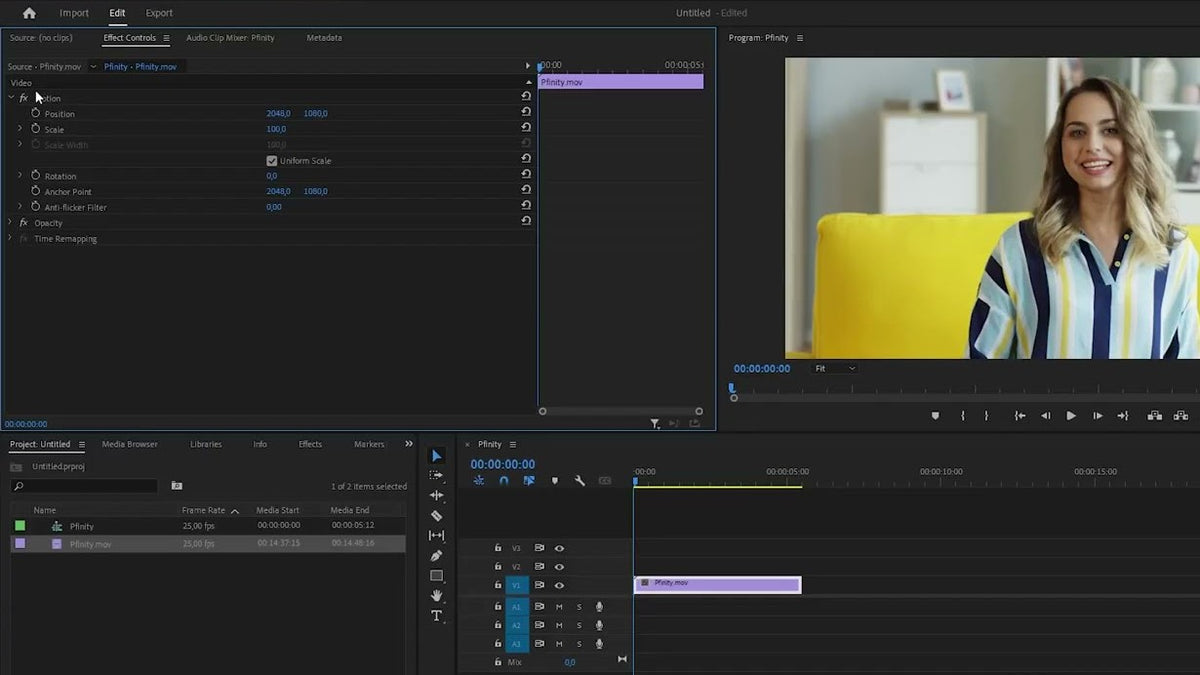
How we build. Three principles.
-
User-friendly.
Every panel is built to be understood at a glance. Clear controls, no manual and no setup, so you can start working the moment it opens.
-
Intuitive design.
Clean interfaces with thoughtful defaults. The essentials sit up front, and advanced settings stay out of the way until you need them.
-
Built for speed.
Fewer clicks, keyboard shortcuts and native panels inside Premiere Pro, on Mac and Windows. Every feature is measured by the time it saves you.
One goal. The best editing plugins and assets you can get.
Not the most. The best. We'd rather ship one tool that saves you an hour every week than ten you open once. If something we make isn't good enough yet, it gets another update until it is.
What we make. All of it for Premiere Pro.
-
Plugins
7 productsPlugins that take the slow parts off your timeline.
Browse -
Presets
9 productsText, color, glow and shake presets you drop on a clip.
Browse -
Templates Motion Graphics
7 productsAnimated titles, counters and graphics you edit right in Premiere.
Browse -
Ressources gratuites
18 productsTransitions, overlays, sound effects and presets, free to download.
Browse
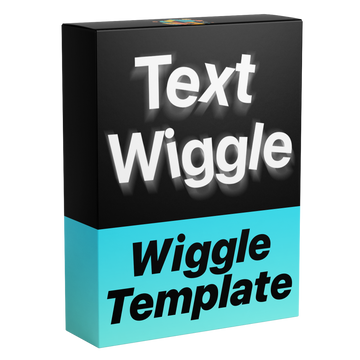
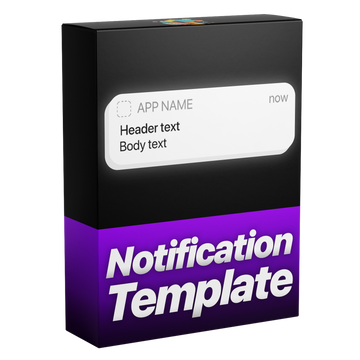
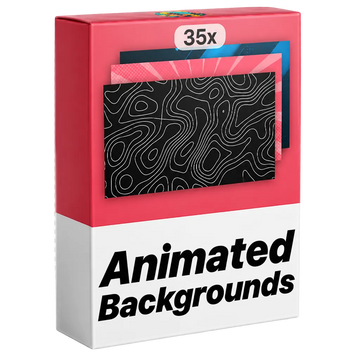
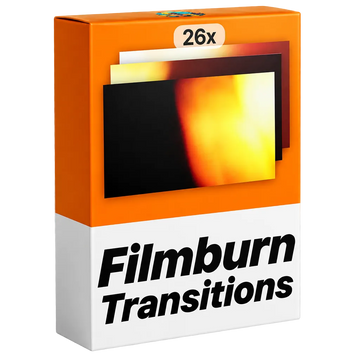
Since 2022. A few dates that got us here.
-
Nov 23, 2022
The first tutorial
How To Zoom in Premiere Pro. 43 seconds long.
-
Mar 3, 2023
The video that took off
How To Motion Track Objects, now past 1.1 million views.
-
Nov 7, 2024
adobebasics.com opens
Templates, free overlays and free presets in one place.
-
Jun 17, 2025
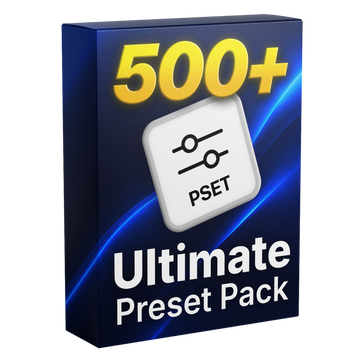
Ultimate Preset Pack
517 presets in one pack.
-
Aug 19, 2026
The first plugin
BetterFX: all your effects, one shortcut.
-
Nov 15, 2026
Four years in
More than 700 free tutorials and 30 million views.
Made for editors. By editors.
Try a plugin, grab something free, or learn a new trick in under a minute. Then get back to editing.