



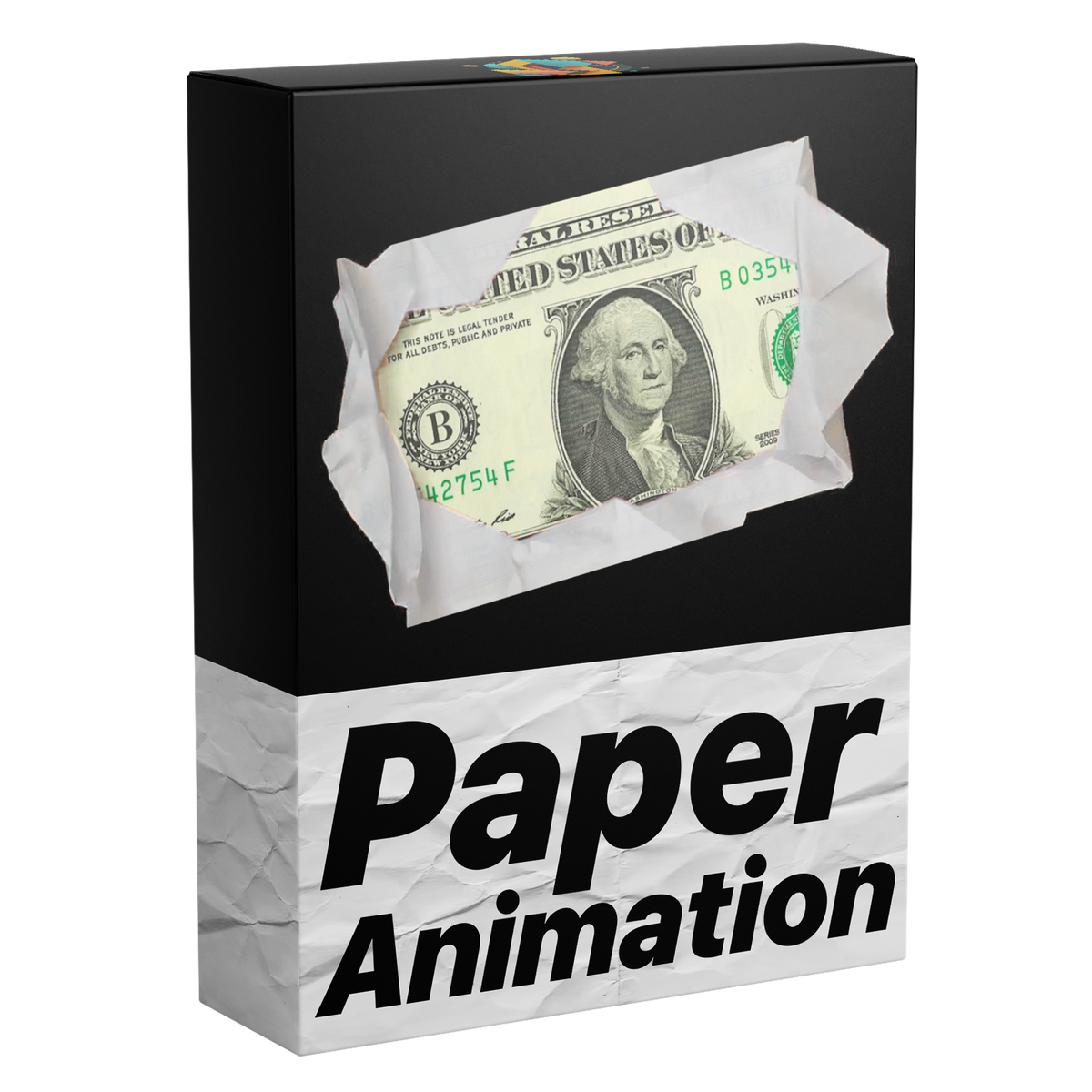
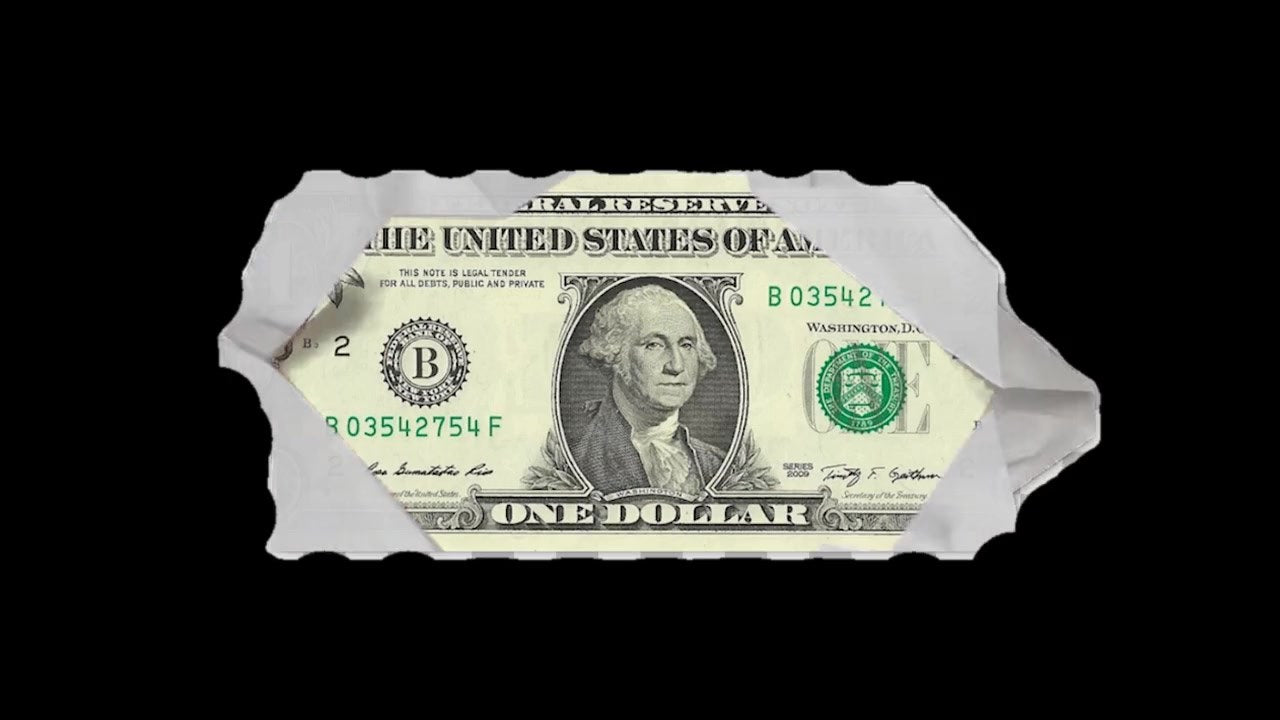
A photo unfolding, made with Paper Fold

Paper Fold
写真が紙から広がる。サウンド付き。
どんな写真、動画、PNG切り抜きも、くしゃくしゃの紙から開くように登場。ドロップするだけで開き、また折りたたまれ、折り目ごとに紙の音が鳴ります。キーフレームもAfter Effectsも不要です。
 Premiere Pro 2021–2027
- WindowsとMac
- After Effects不要

返金保証 お使いのPremiere Proで動作しない場合は、14日以内にご連絡ください。
Paper Fold
作ったのは、 Premiere Proを教えている私たち。
700本以上のチュートリアルと数千件のコメントから、編集者の作業を遅くするものが見えてきました。 だから、編集者として欲しかったツールを作りました。シンプルで、手間いらず。
チュートリアルを見る- 200K+人の編集者が使用中
- 30M+回のYouTubeチュートリアル再生
- 90K+人のSNSフォロワー
- 37K+人の編集者がDiscordコミュニティに参加


折りたたんで、開いて。
どんな画像や動画にも。
Premiere Proで作って、そのまま変更。
サウンド内蔵
すべての折りに、効果音がぴったり同期。
すべてエッセンシャルグラフィックスで
どんな編集にも。

Premiere Pro 2021–2027
プラグイン不要。
主な特長。
-
広がる
写真が紙から広がる。
折るたびに紙の音が鳴り、また折りたたまれます。
-
どんな画像でも
どんな写真や動画でも入れられます。
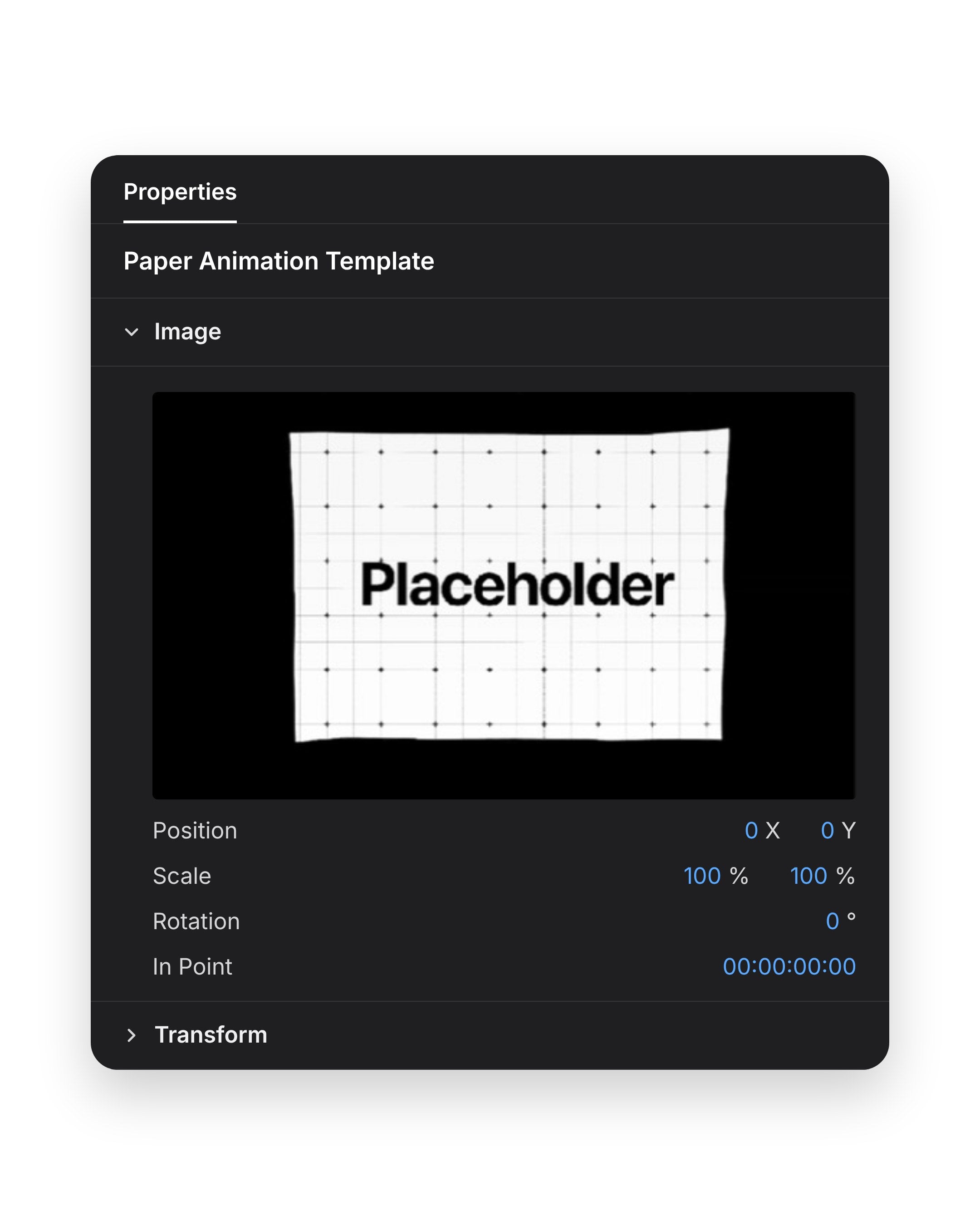
さらにスケール、位置、回転を設定。
ダウンロード内容
-
テンプレートファイル
テンプレートファイル(.mogrt)1つ。クライアント案件を含むすべての動画で再利用できます。
-

The fold
It unfolds. Then folds away.
A crumpled ball opens into your picture, with a sound on every fold.
- Folds in and outIt unfolds into view, then folds away again.
- Synced soundA paper sound on every fold.
- No keyframesDrop it on the timeline and it plays.
Your picture
Photos. Videos. Cutouts.
Drop in any photo or video clip. Cutouts keep their shape on the paper.

- Photos and videosDrop in any photo or video clip.
- PNG cutoutsThe paper follows the shape.
- Swap it any timeRight in Premiere Pro.
Placement
Place it anywhere.
The picture sits in the Image box in the panel. Position, Scale and Rotation right below it place it in the frame.

- ScaleMake it fill the frame or sit small.
- PositionMove it anywhere in the frame.
- RotationTurn it to any angle.
折り込んで、折りたたむ。サウンド付き。
メディア
- 写真と動画. どんな写真や動画クリップでも入れられます。
- 切り抜きPNG. 紙が形に沿います。
- トランスフォーム. フレーム内で配置、拡大縮小、回転。
モーションとサウンド
- 折り込みと折りたたみ. 広がって現れ、また折りたたまれる。
- 同期したサウンド. 折るたびに効果音。
Specifications
- Works with
- Premiere Pro 2021–2027, Windows and Mac
- You get
- 1 template (.mogrt) with synced sound effects
- No need for
- After Effects or plugins
- Works offline
- Updates
- Free, from your order page
- Payment
- One-time, no subscription
- Download
- Instant after checkout, 2.0 MB zip
3ステップ。キーフレームは不要。
テンプレートをPremiere Proに一度読み込むだけ。プラグインも追加設定も不要。
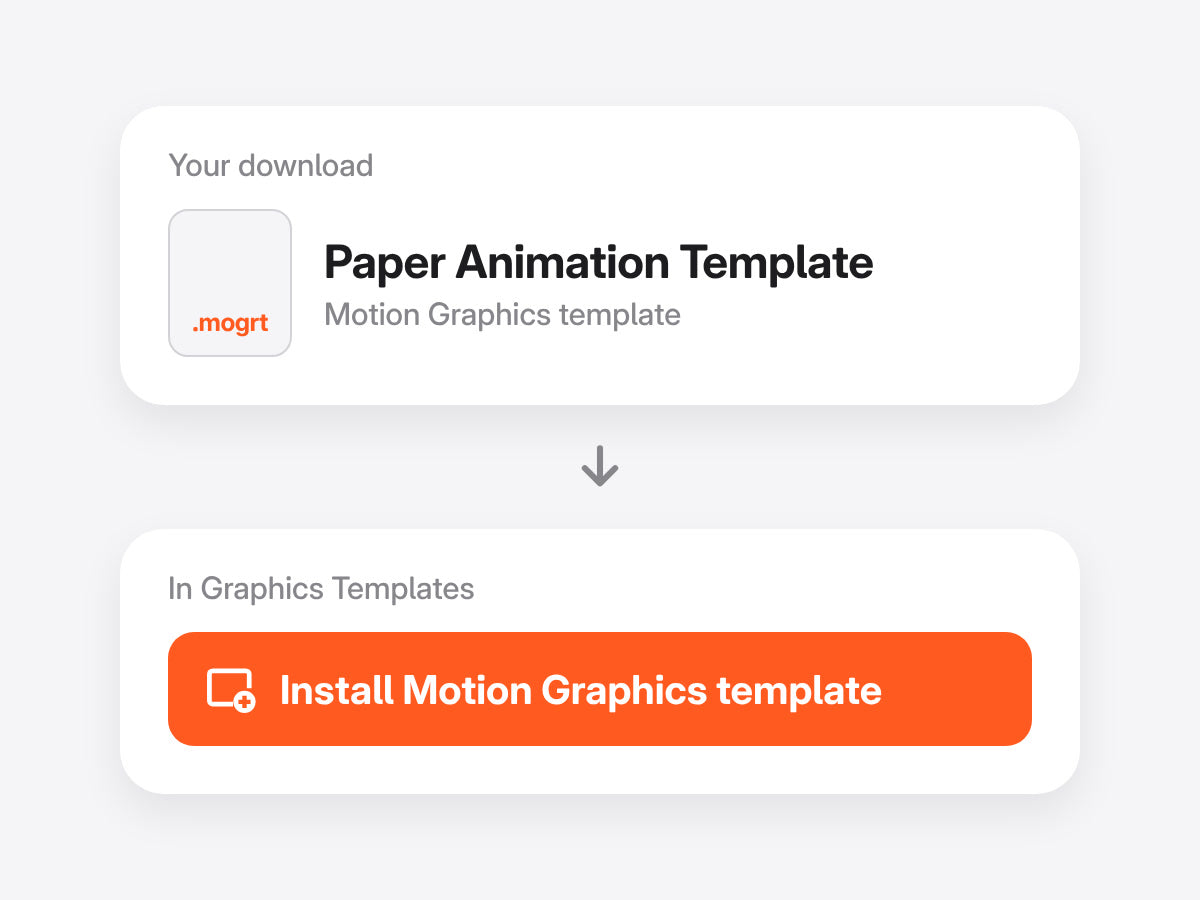
1テンプレートを読み込む
グラフィックテンプレートパネル(旧バージョンではエッセンシャルグラフィックス)を開き、.mogrtファイルを読み込みます。
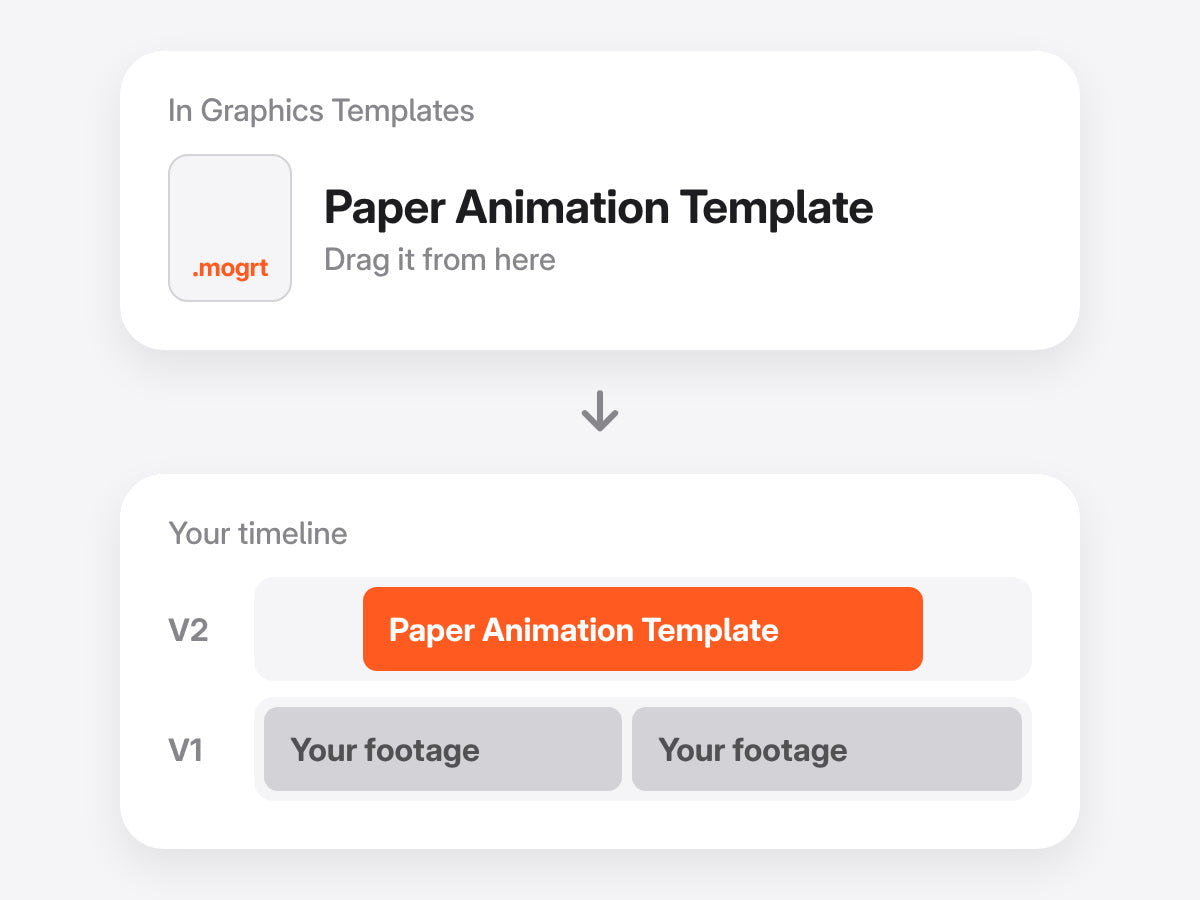
2タイムラインにドラッグ
ほかのクリップと同じように、映像の上のトラックにドロップします。
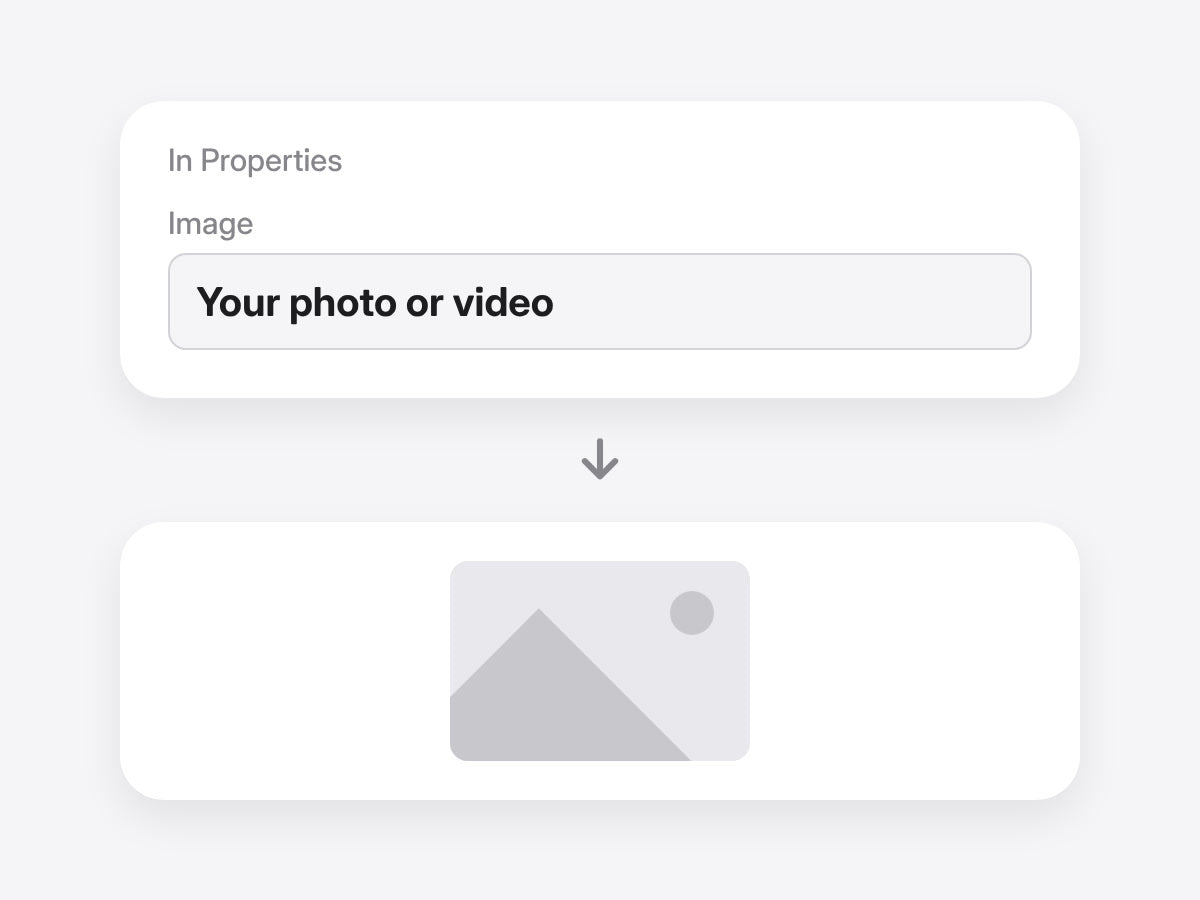
3メディアをドロップ
写真や動画をテンプレートのメディアボックスにドラッグ。サウンド付きで折り込み、折りたたまれます。
Premiere Pro 2021–2027 · WindowsとMac · プラグイン不要 · すぐにダウンロード
入れるのはメディアだけ。マスクは不要。
手作業だと、マスク、キーフレーム、サウンドで折り目を作ります。テンプレートならメディアを入れるだけ。


使い方を見る。


写真を広げよう。
写真や動画を入れるだけ。折るたびに音を鳴らしながら、広がって折りたたまれます。
- Premiere Pro 2021–2027
- WindowsとMac
返金保証 動作しない場合
- 購入から14日以内にご連絡ください。
- 24時間以内に解決をサポートします。
- 解決できない場合は返金します。