

Mako
Gratis
Zit al in je winkelwagen
Ook gratis


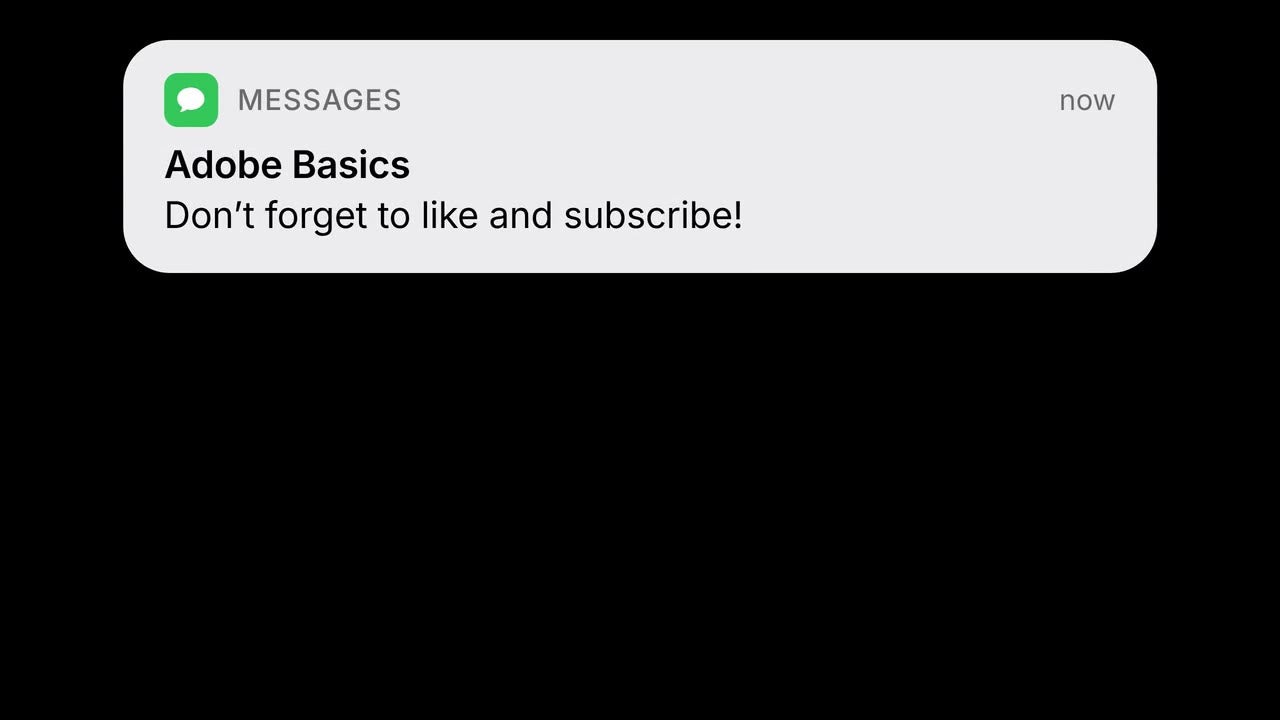
A frame made with Notification

Ziet er echt uit. Typ je eigen bericht.
Voeg een melding toe die eruitziet alsof ze van een echte telefoon komt. Zet er een app-icoon naar keuze in en typ je eigen bericht. Ze schuift in en uit met bewegingsonscherpte, volgt je trim en is er in licht, donker of elke kleur.
 Premiere Pro 2021–2027
Geld-teruggarantie Werkt het niet in je Premiere Pro? Neem binnen 14 dagen contact met ons op.
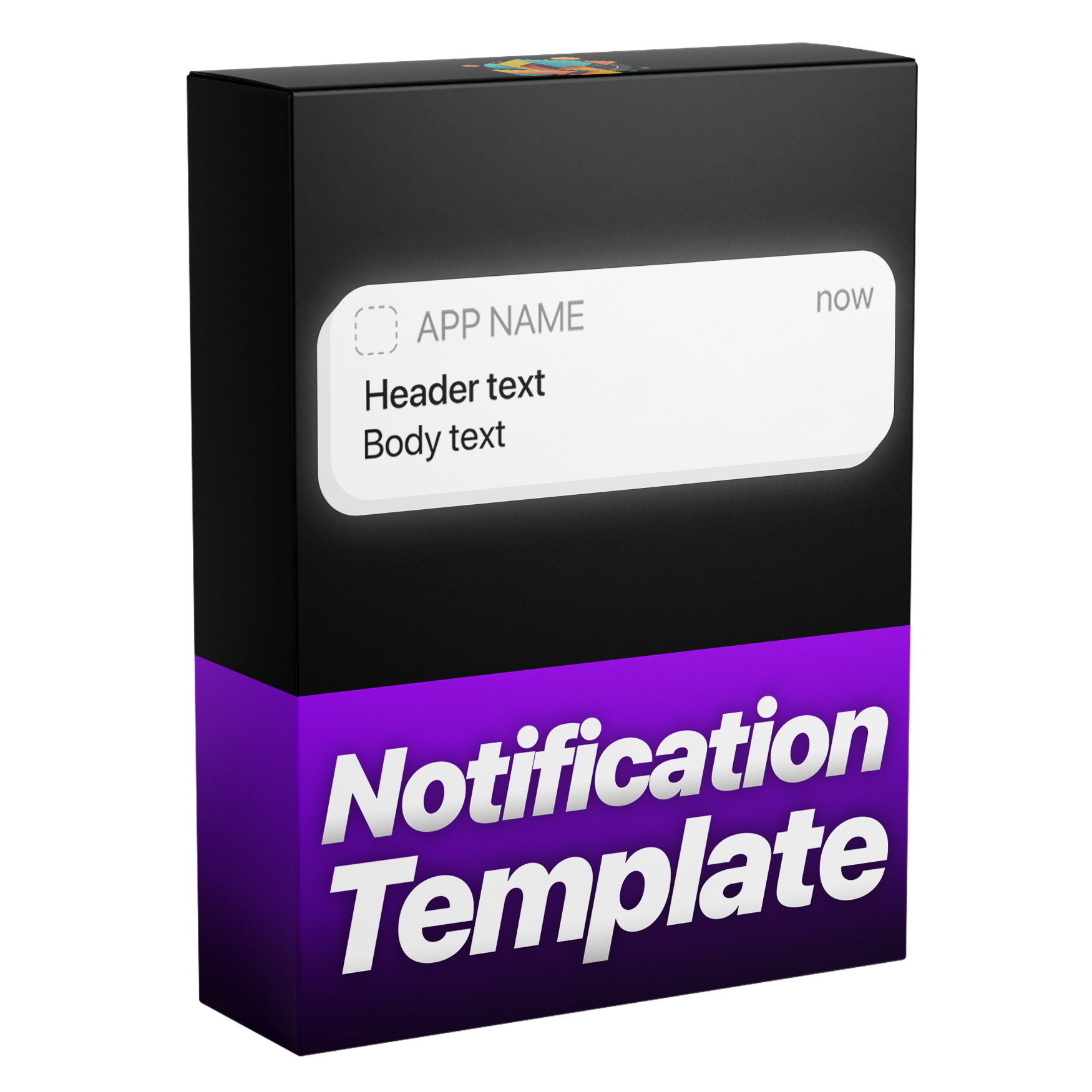
Notification
700+ tutorials en duizenden reacties lieten ons zien wat editors ophoudt. Dus bouwden we de tools die we zelf als editors wilden: simpel en zonder gedoe.
Bekijk de tutorials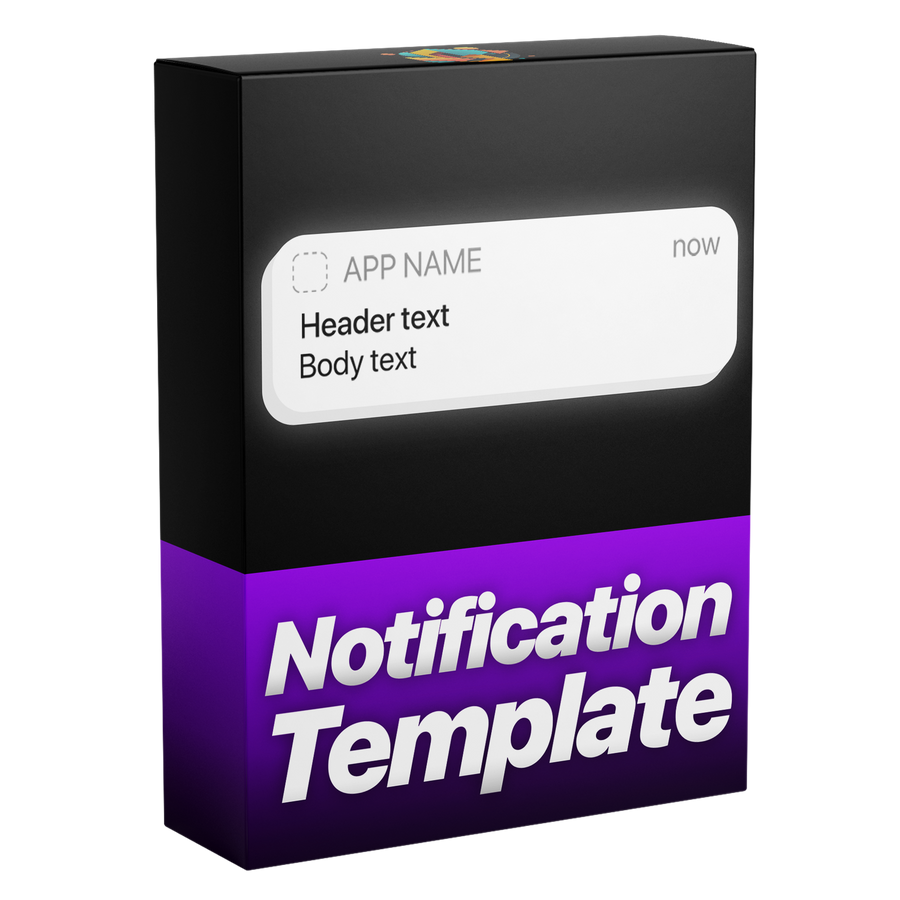

Pixelperfect, net als de echte iPhone-interface
Instellingen
Bouw en wijzig hem in Premiere Pro.
Alles in Essential Graphics
Elke kleur
Gemaakt voor elke edit.

Premiere Pro 2021–2027
Geen plugins nodig.
Animatie
Met bewegingsonscherpte. Dan blijft hij staan en schuift hij weg.
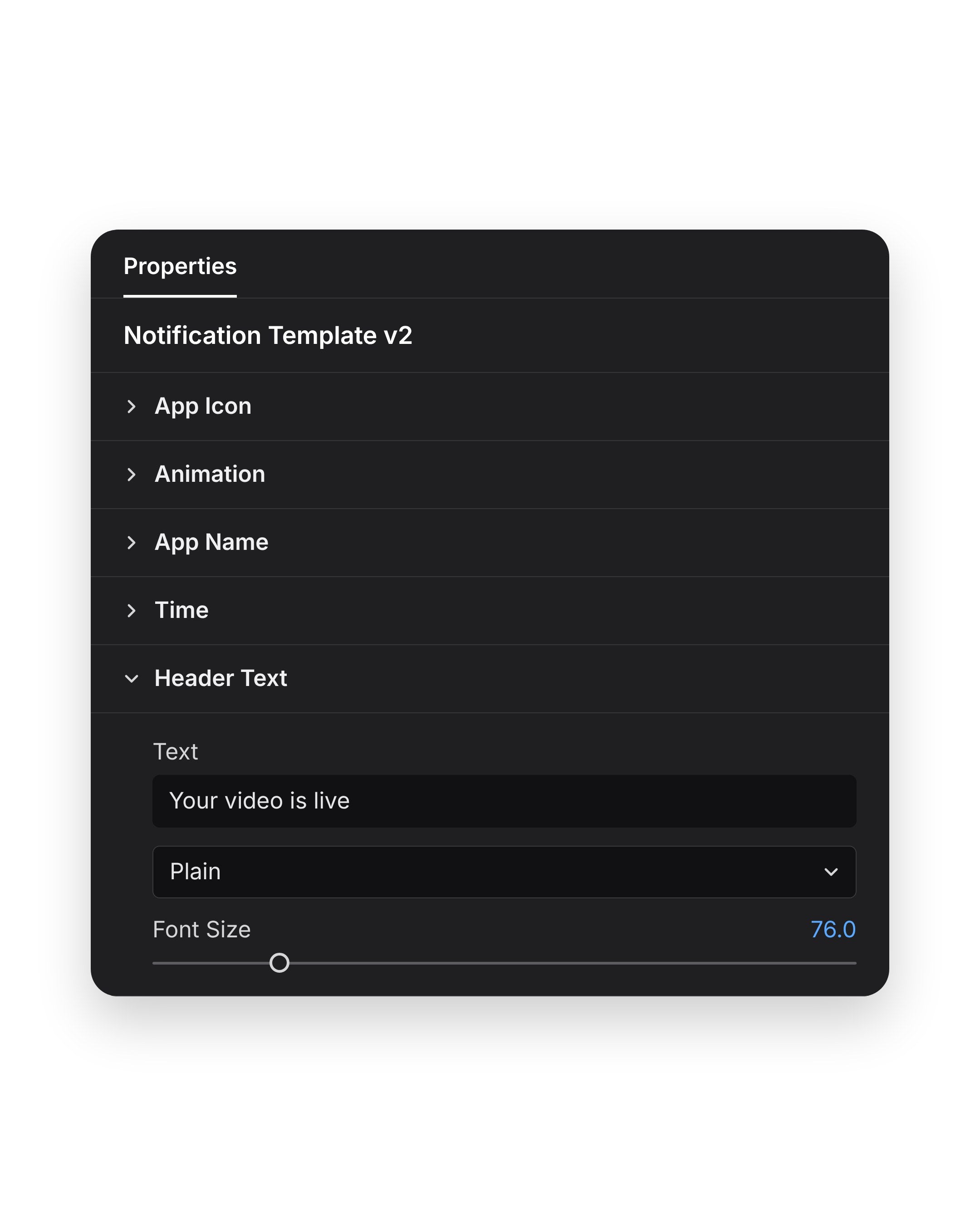
Je bericht
Stel daarna kleur en dekking in hetzelfde paneel in.
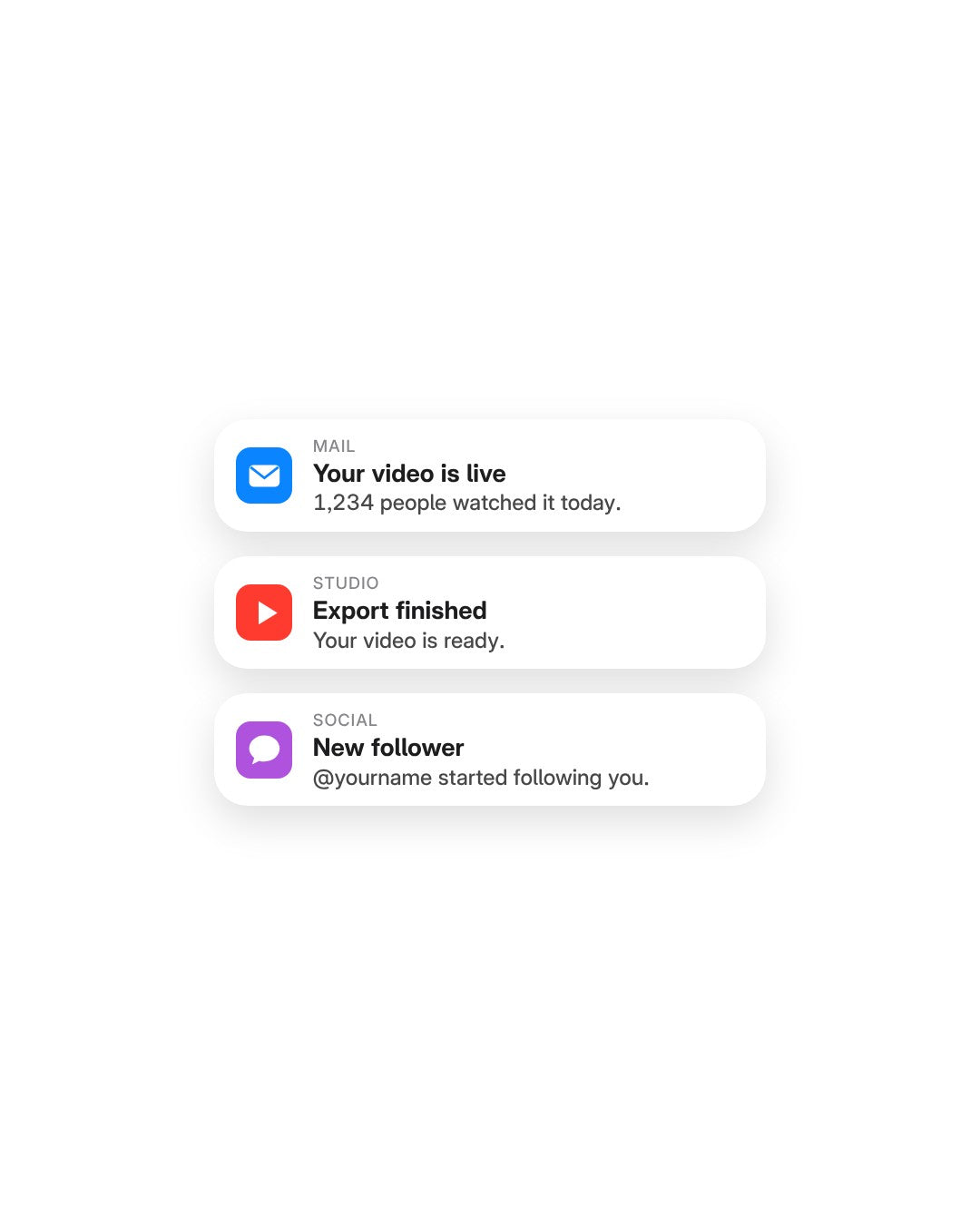
Je icoon
Of kies een kleur die bij je merk past.
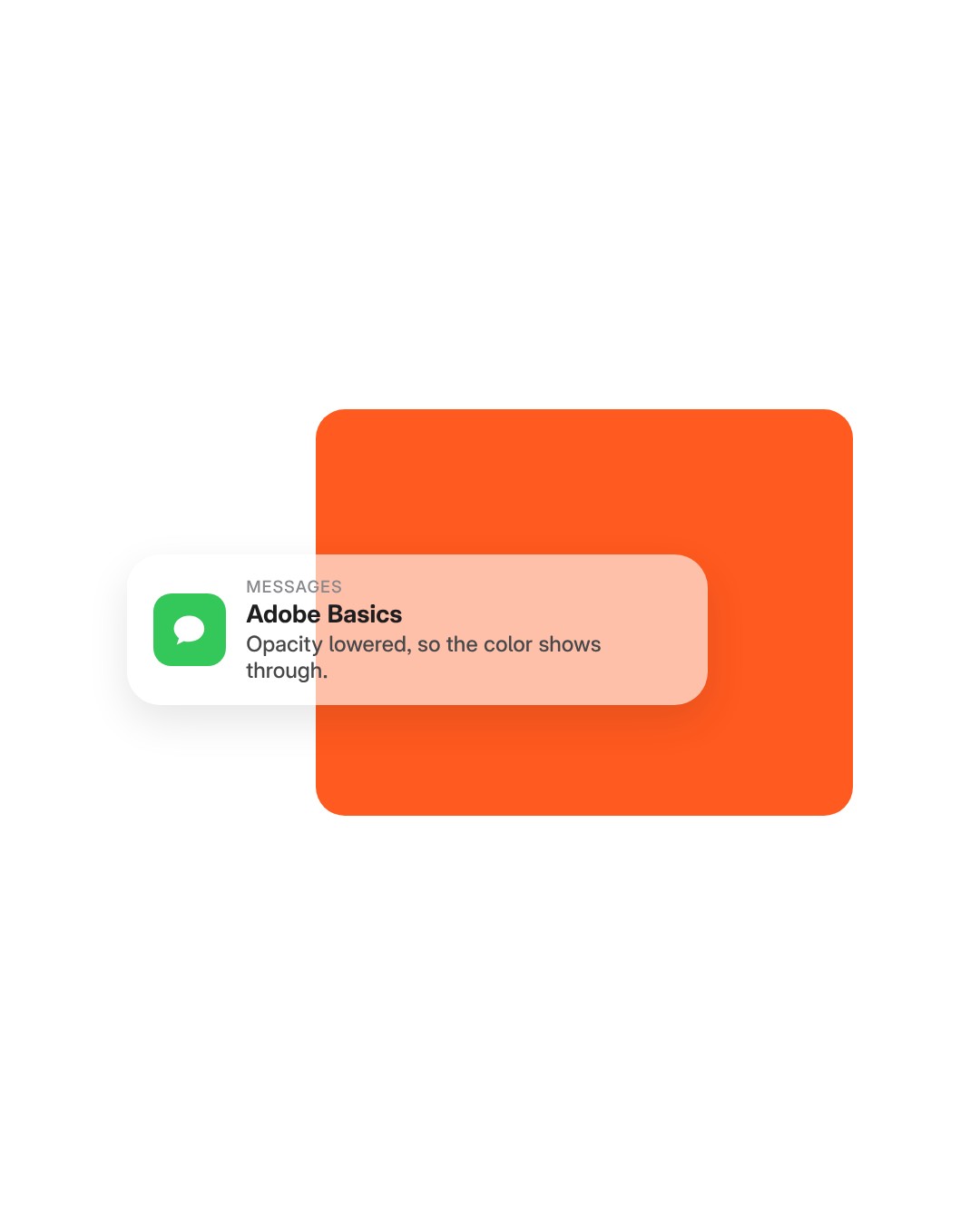
Opacity
Verlaag de dekking voor een doorzichtige banner.
Templatebestand
Eén templatebestand (.mogrt). Eén keer importeren, dan op elke tijdlijn slepen.
Motion
The banner slides in, holds on screen and slides out again. You set how fast it arrives and how fast it leaves, and motion blur is built in.
Timing
The banner stays for as long as the clip does. Trim the clip to 3 seconds or stretch it to 10, and the slide out moves with the end of the clip.

Light or dark
Match the banner to a phone in light or dark mode.

Any color
Pick any color for the message box, like your brand’s orange. Then set Opacity to choose how much of your footage shows through.

App icon
Drop in the icon of any app or brand as a picture, then type the app’s name next to it.

Your message
Three lines of text are yours: the app name, the title and the message. Type each one in the Essential Graphics panel in Premiere Pro. No After Effects needed.

Importeer de template één keer in Premiere Pro. Geen plugins of extra installatie.
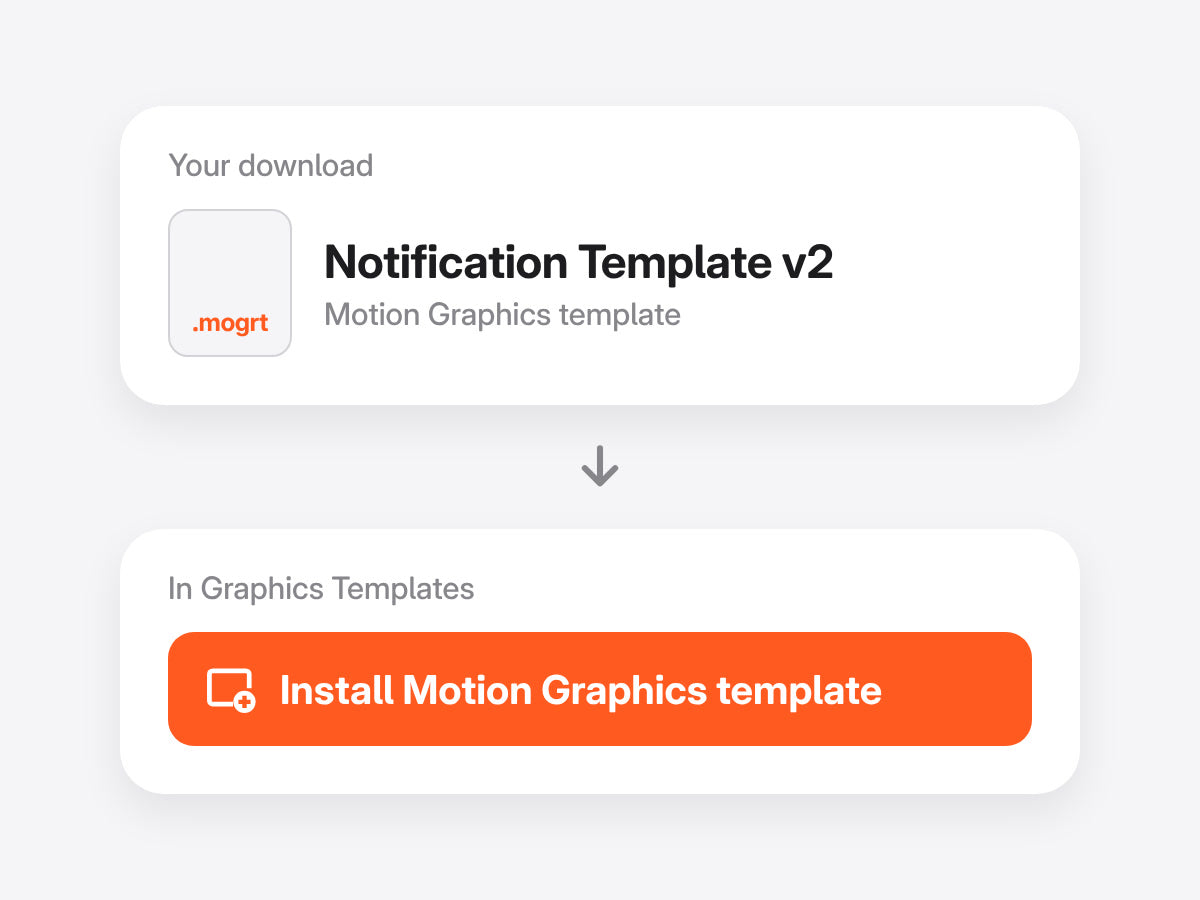
Open Graphics Templates (Essential Graphics in oudere versies) en importeer het .mogrt-bestand.
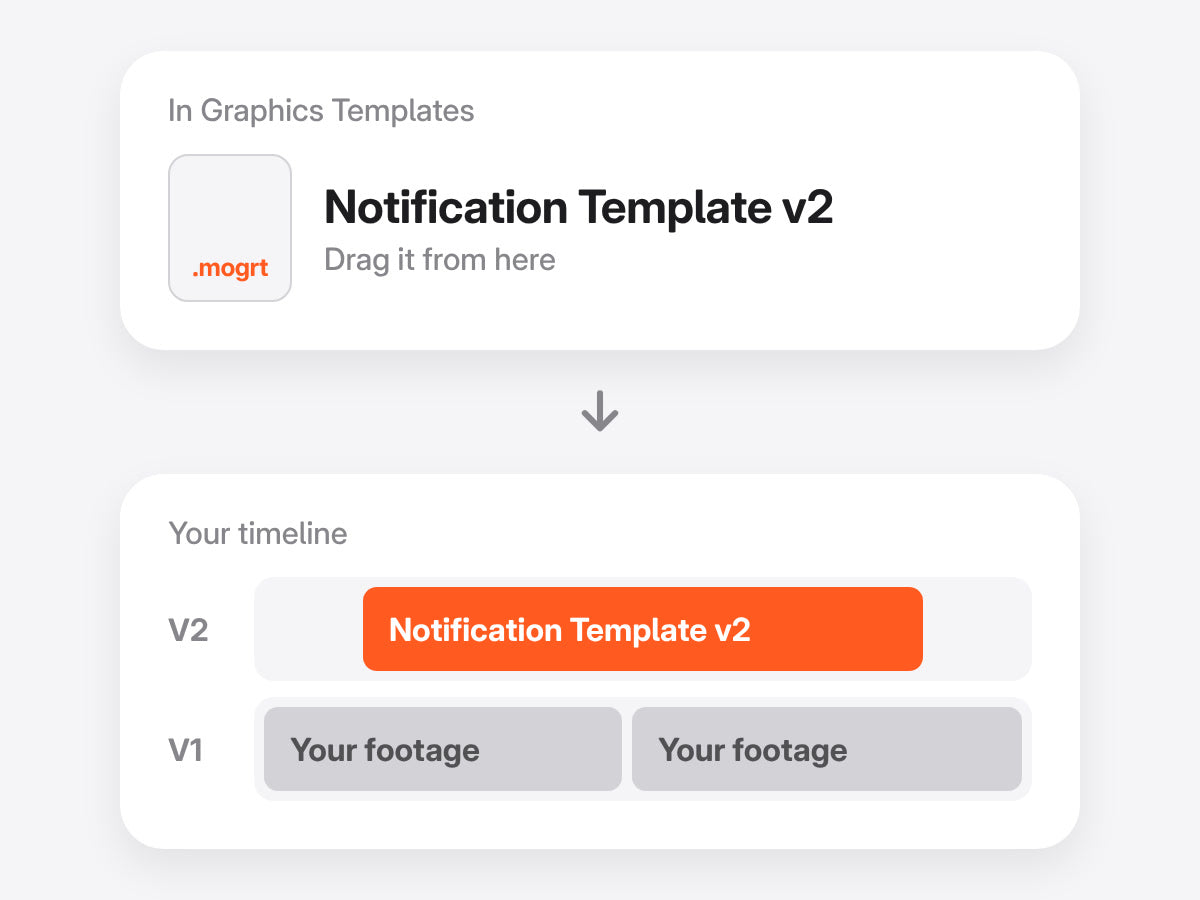
Zet hem boven je beeldmateriaal en knip hem bij zoals je wilt. De animatie volgt je in- en uitpunten.
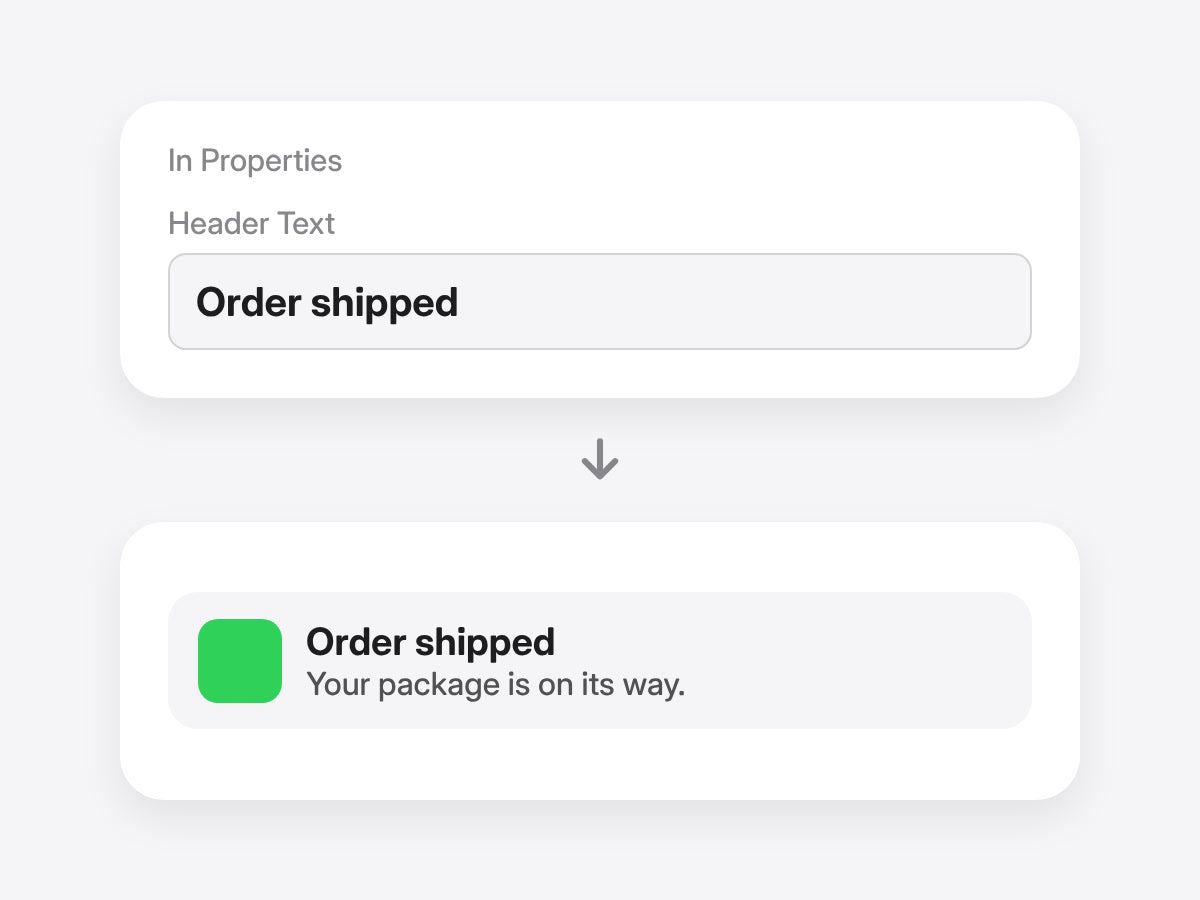
Schrijf je kop en tekst, wissel het app-icoon en kies de kleur van het kader in het Properties-paneel. Geen keyframes nodig.
Premiere Pro 2021–2027 · Windows en Mac · Geen plugins nodig · Directe download
Met de hand bouw je de banner uit vormen, tekst en keyframes. Met de template typ je je bericht.
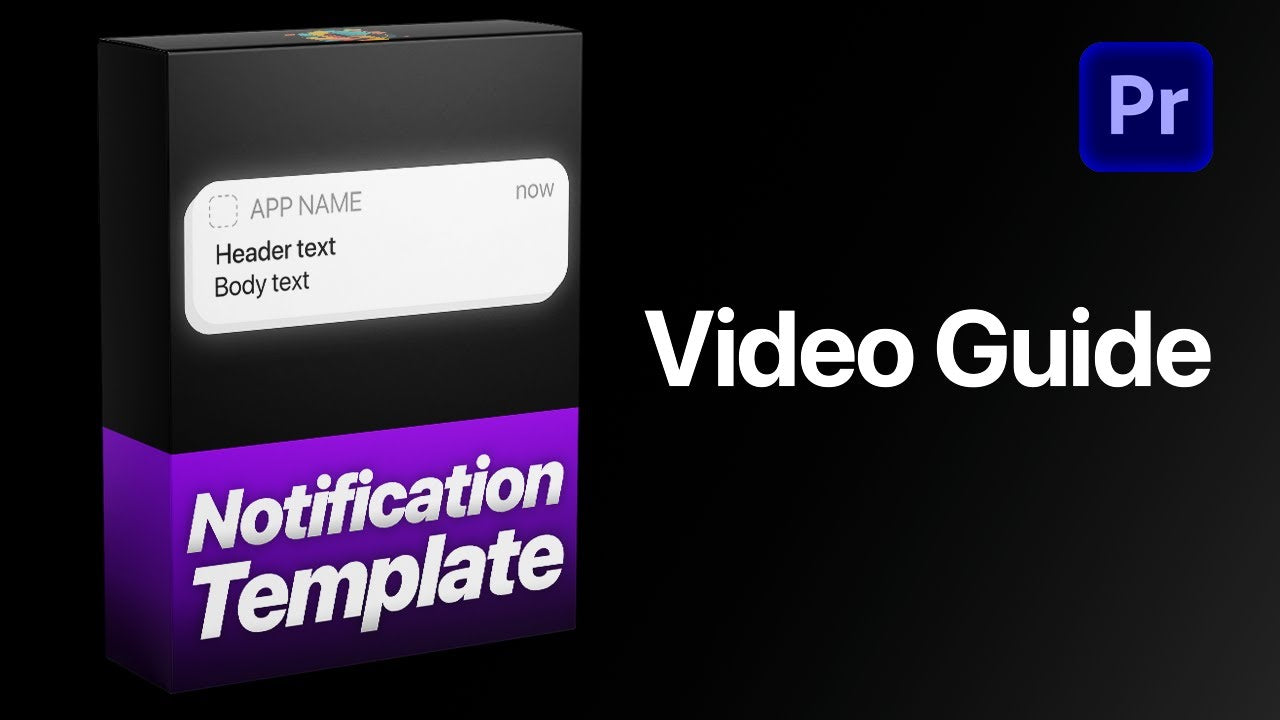

Meldingen in telefoonstijl, gewoon in Premiere Pro.
Geld-teruggarantie als het niet werkt


