Here's how to find all of them in one go with Blind Spot Scan in ClearFrame Pro.
Step 1: Finish your captions
Run the scan last, once your text is in place. Premiere's own captions, text clips, stickers and graphics all count. If you're still building captions, our viral captions tutorial covers that part.
Step 2: Pick the app
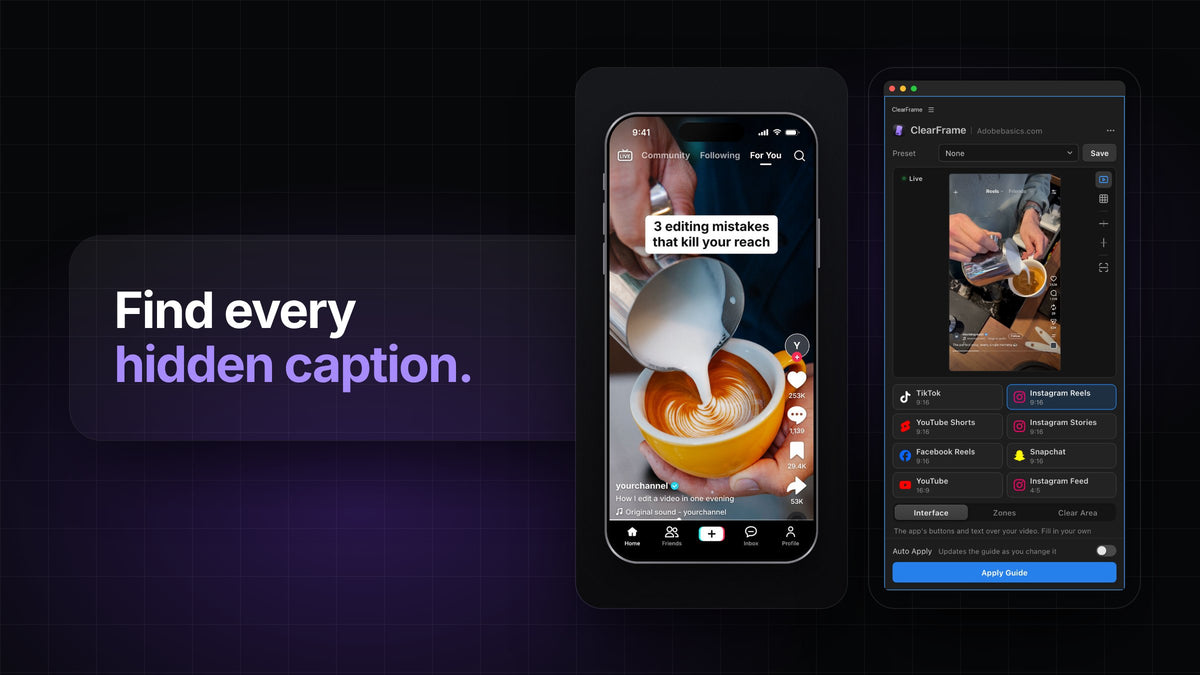
Open Window › Extensions › ClearFrame and choose where the video is going, for example TikTok. The scan looks under that app's buttons and captions, so pick the one you care about most, or the one that covers the most. On a 1080 × 1920 frame that's usually Facebook Reels at the bottom and TikTok on the right.
Step 3: Run Blind Spot Scan
Press Blind Spot Scan next to the preview. ClearFrame goes through the sequence frame by frame and looks for text and graphics that land under the app's interface. You can stop it early, and it tells you what it found up to that point.
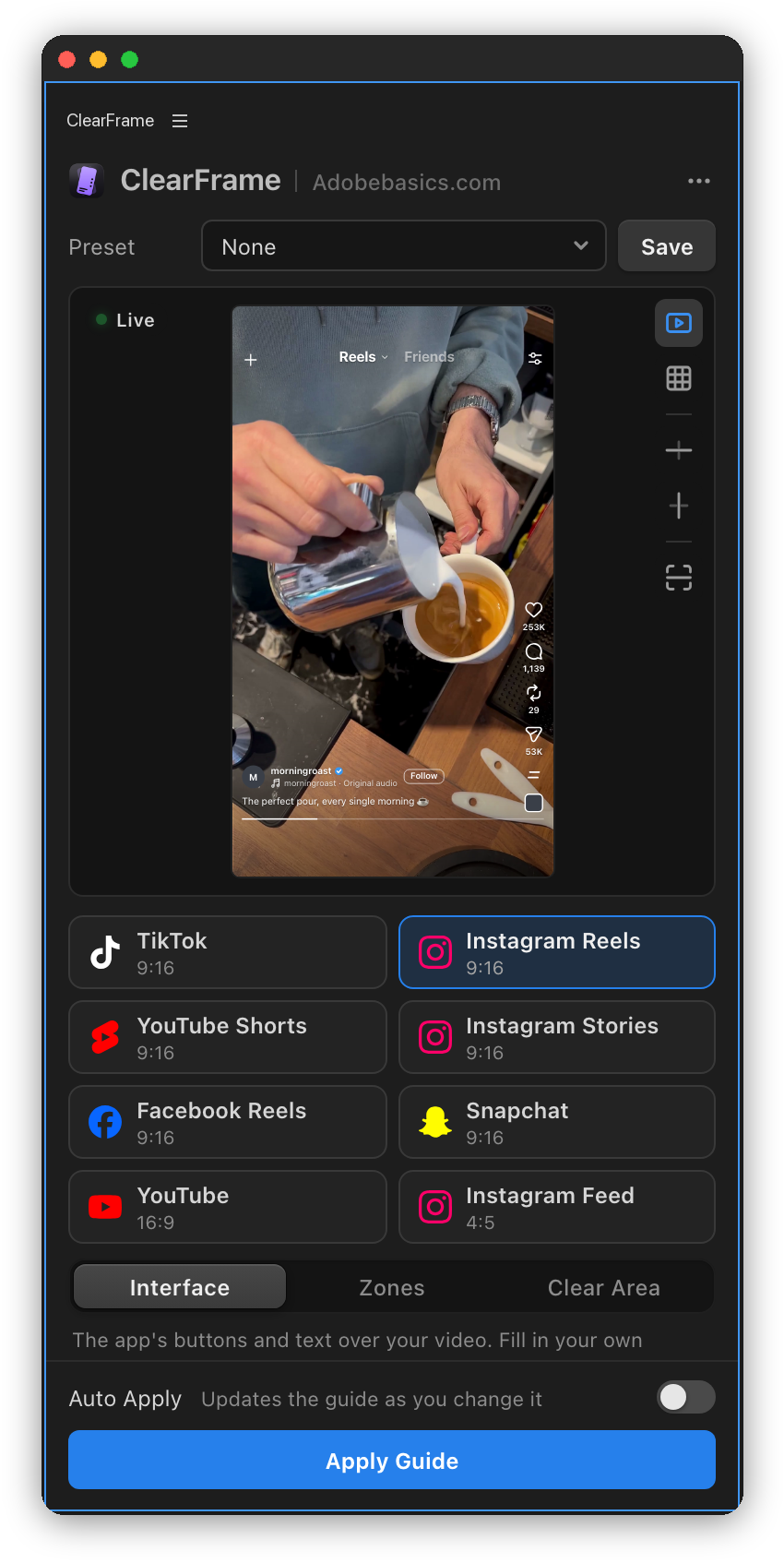
Step 4: Fix each blind spot
Every blind spot gets an outline, the time, the frame and what covers it, like the caption or the button rail. Jump to it. Nudge the text up or left, then move on to the next one. When the scan says No blind spots, you're done.
Step 5: Check the next app
Posting to Reels and Shorts too? Switch the platform and run the scan one more time, since each app covers a slightly different part of the frame. Or set your layout to the Clear Area first so one pass covers all of them.
Tips that save a rescan
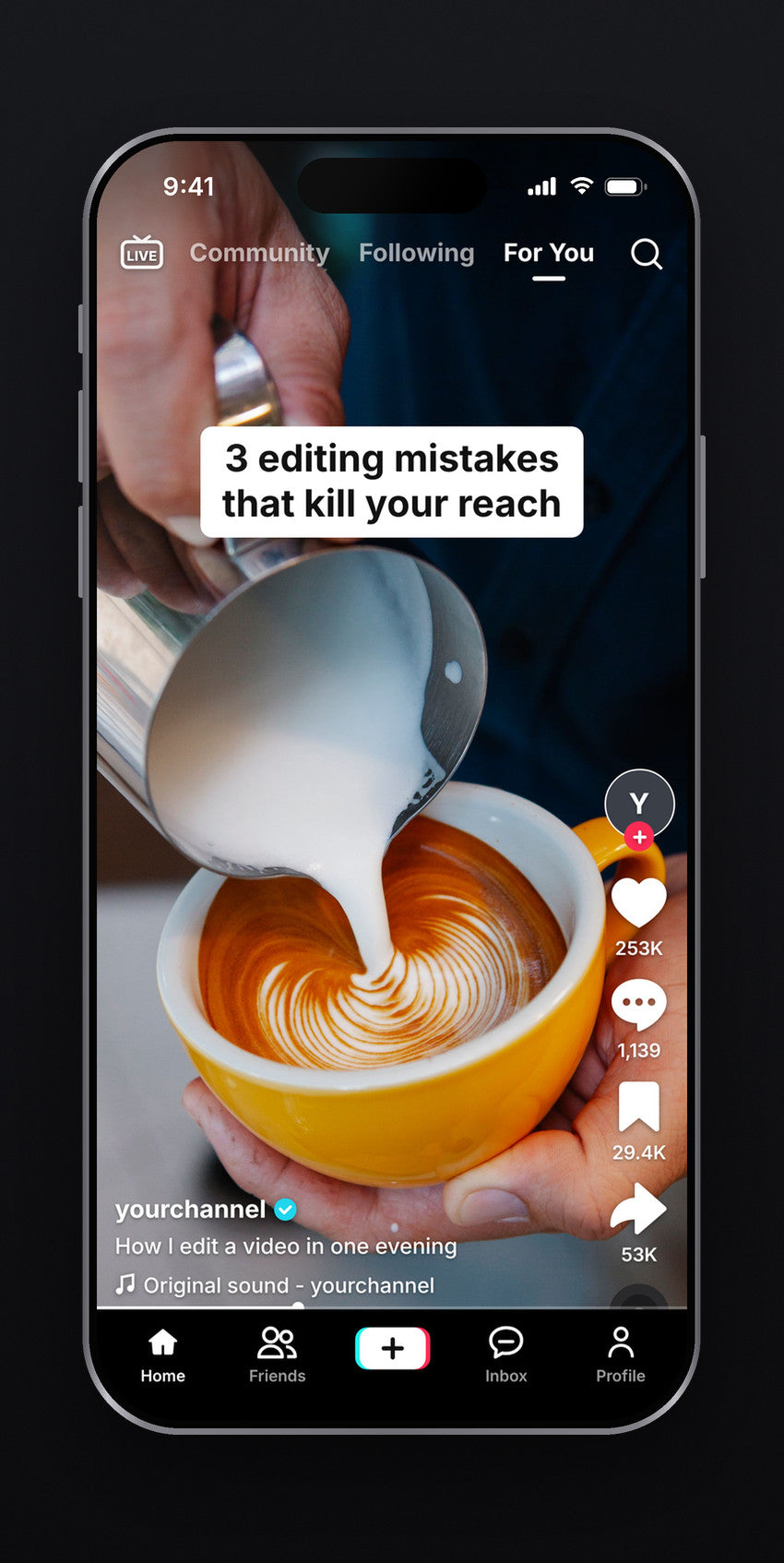
- Keep captions just under the middle of the frame. The bottom 300 to 450 px is covered on most apps.
- Give lower thirds room on the right, where the buttons start about halfway down.
- Animate text in from the left or the middle, not from the bottom edge.
- Save your layout as a preset in Pro and every video starts in the clear.
Blind Spot Scan is part of ClearFrame Pro ($29.99). ClearFrame Standard ($19.99) has all six vertical apps and the three views, and you can upgrade later for $12.99.
Stop checking captions by eye. Get ClearFrame for Premiere Pro.