What Premiere gives you
Twirl open a property in Effect Controls and you'll see its value and velocity graphs. Right-click a keyframe for Ease In, Ease Out or Bezier, then drag the handles. It's fine for one move. It gets slow when you want the same curve on twenty.
A graph editor in a panel
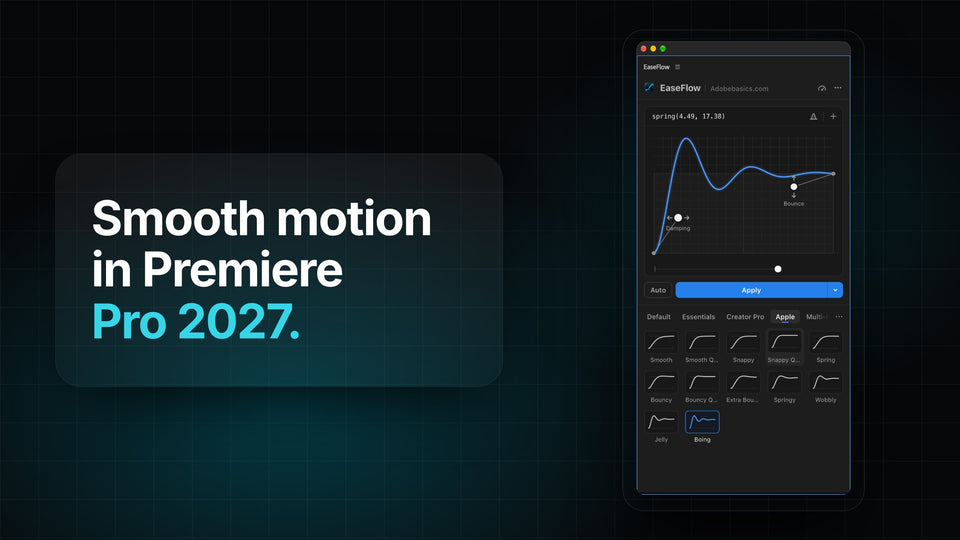
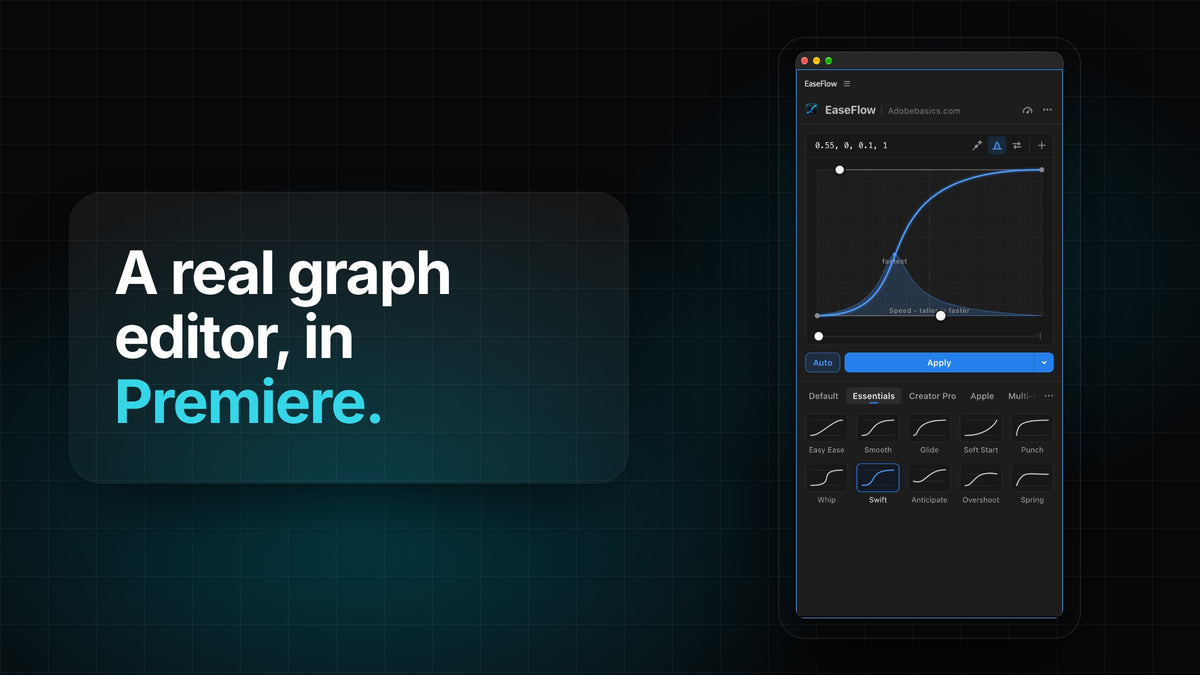
EaseFlow adds a proper graph editor to Premiere Pro. You shape the curve once in a big graph, then apply it to any pair of keyframes with one click.
What you can do in it
- Drag handles with snapping, and hold Shift to move one straight.
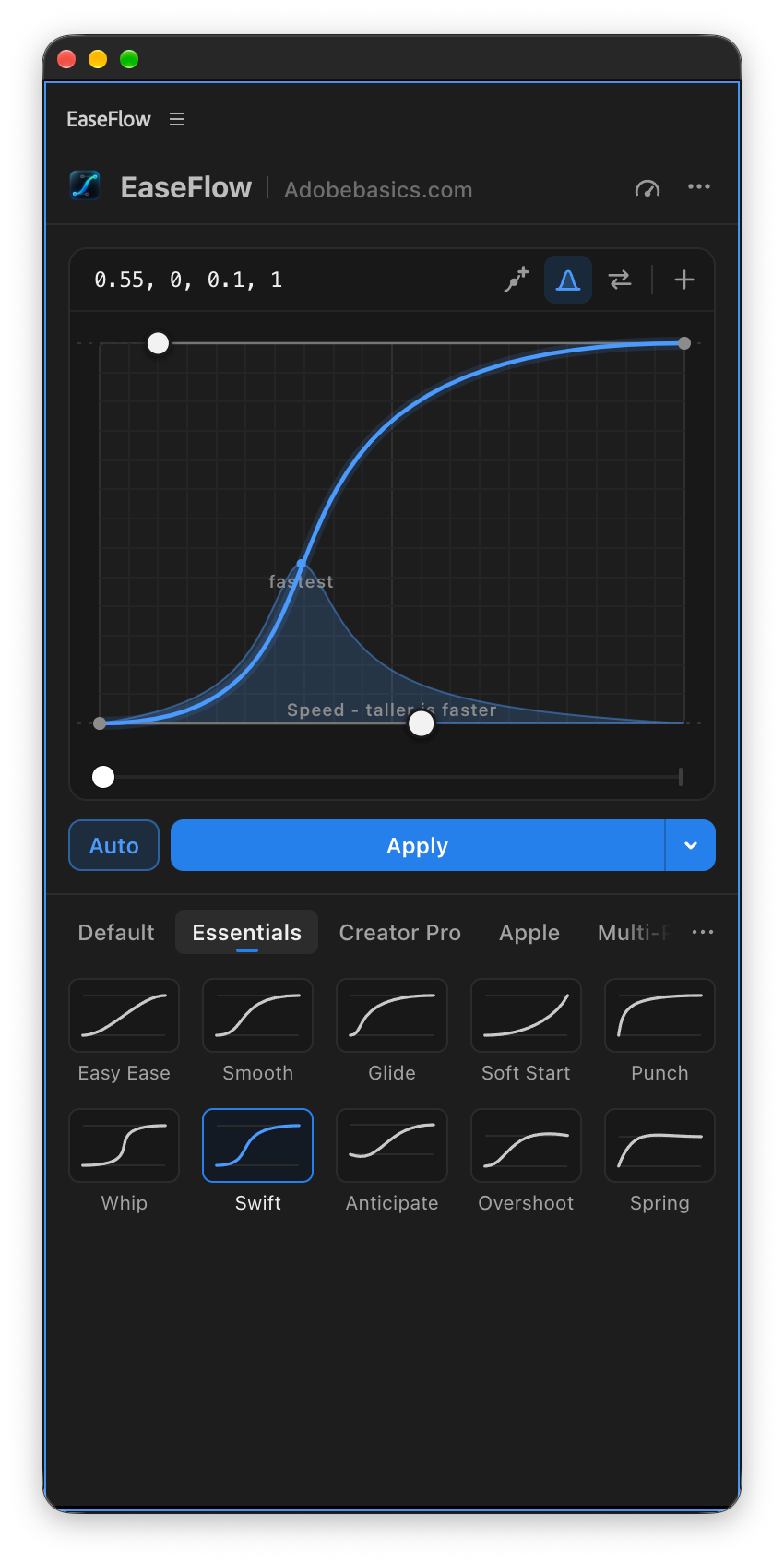
- Add curve points in Pro, so one ease can speed up and slow down more than once.
- Show Speed: a hill under the curve that's tallest where the motion is fastest, like the speed graph in After Effects.
- Paste a curve: a cubic-bezier(), a cubic-bezier.com link, four numbers, or spring(damping, frequency).
- Save it as a preset, star it, and give it a keyboard shortcut.
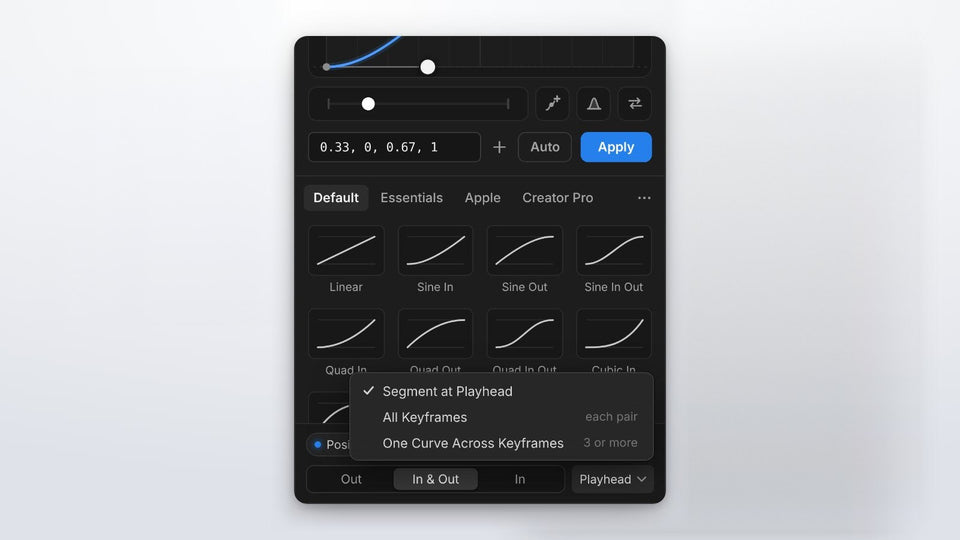
- Ease in, out or both, right from the Apply button.
How to use it
- Open Window › Extensions › EaseFlow.
- Pick a preset close to what you want, or start from Linear.
- Shape it in the graph. Turn on the speed view to check where it's fastest.
- Put the playhead between two keyframes and press Apply.
EaseFlow follows the curve on every frame between your keyframes, adding only the keyframes it needs. Your own keyframes don't move, and one Cmd+Z (Ctrl+Z on Windows) takes the easing back off.
Bring your After Effects curves
If you have favorite curves from After Effects or the web as cubic-bezier numbers, paste them under the graph and save them with +. Your whole library can be exported as a .json file and imported on another computer.
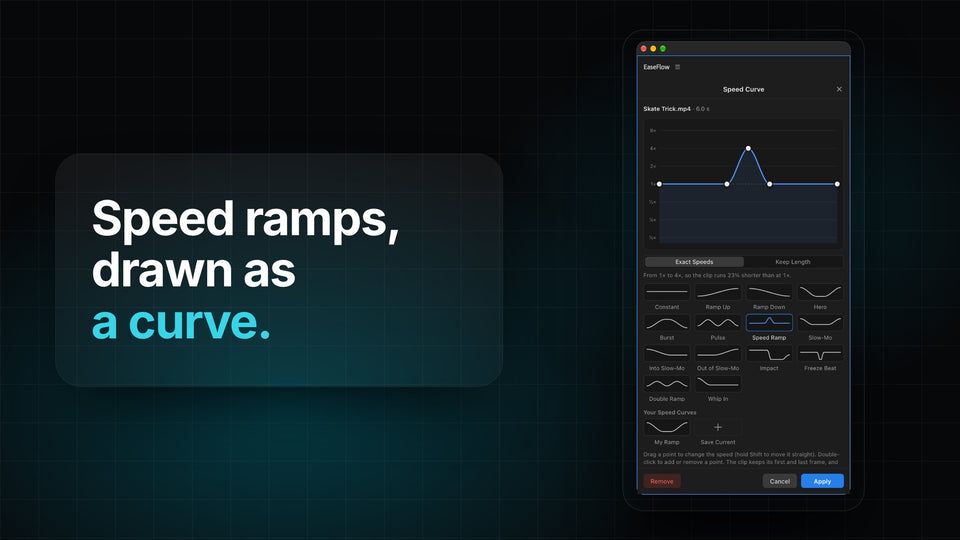
EaseFlow Standard is $34.99. EaseFlow Pro is $44.99 and adds Speed Curve, curve points, the Essentials, Apple, Creator Pro and Multi-Point packs, and every pack added later. You pay once, updates are free, and you can upgrade from Standard to Pro later for $14.99.
For the basics, read how to ease keyframes in Premiere Pro.
Want After Effects-style easing in Premiere? Get EaseFlow for Premiere Pro.