Step 1: Make the captions
You've probably done this part before. Open the Text panel, choose Transcript and press Transcribe. Fix names and brand words in the transcript, then press Create captions. Keep each caption to one line of about 20 characters. Why? People read them on a phone, in a second, while the video keeps going.
Step 2: Set the look on all of them
Select every caption on the caption track. Then go to the Essential Graphics panel and set the font, size, fill and stroke you want, and Premiere applies it to the whole selection in one go. Done. If you'd like to reuse the look on your next video, save it as a Track Style. You'll thank yourself later.
Step 3: Place them in the clear
Where should they sit? Just below the middle of the frame, comfortably above the username and caption that every app draws along the bottom of the screen. Our safe zone sizes guide has the numbers for each app.

Step 4: Animate them all in one click
- Keep every caption selected and open Window › Extensions › Asteria.
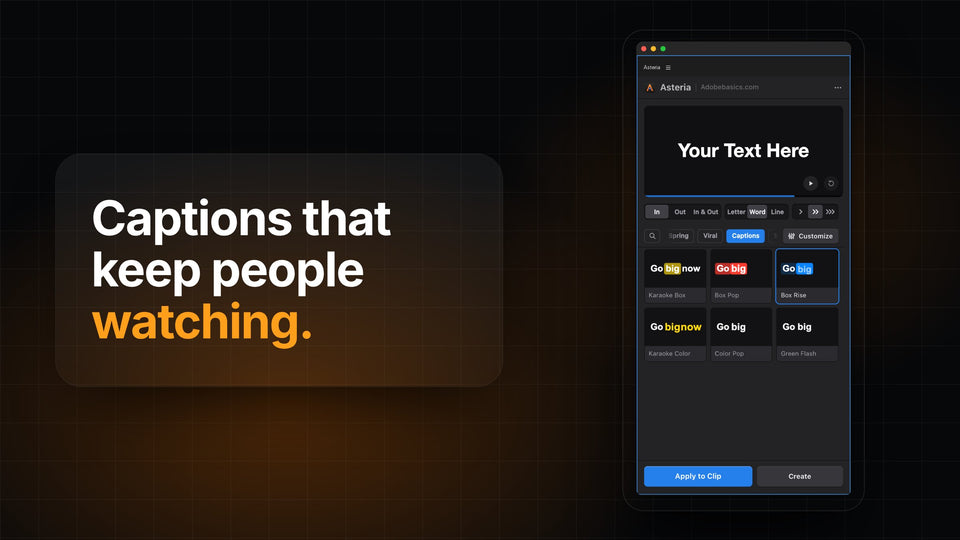
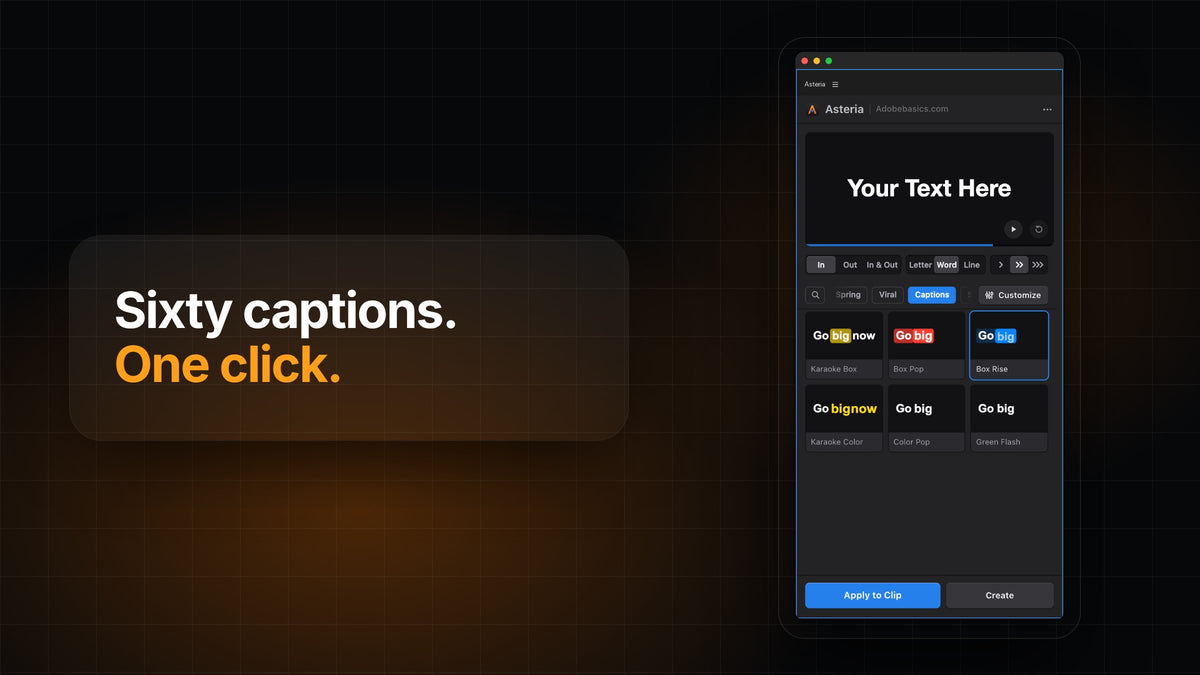
- Choose Word, then open the Captions group, or any other group you like.
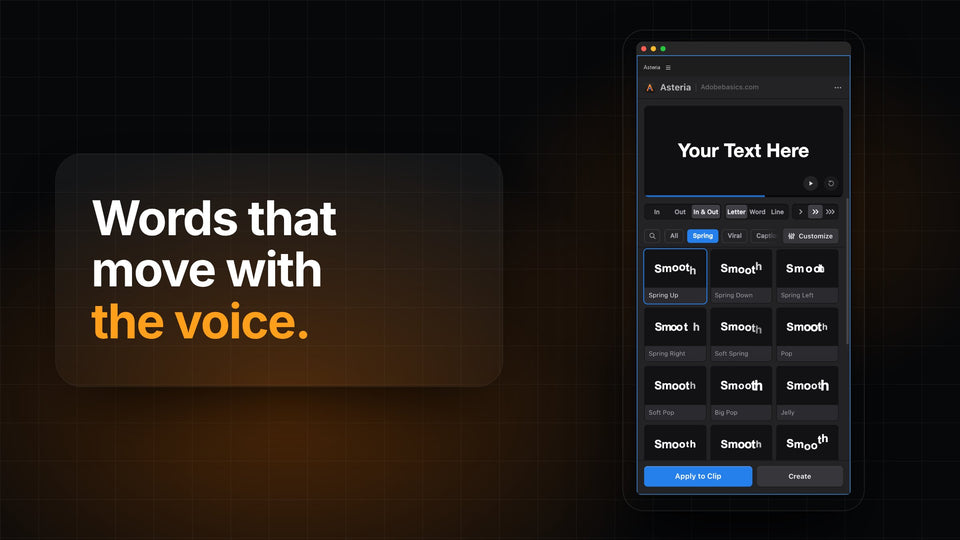
- Hover the tiles to see them play on your own words.
- Click one and press Apply to Clip.
Asteria gives every selected caption the same animation in one go. Each one keeps its own words, its place on screen, and the font, stroke and shadow you set back in Step 2. Nothing jumps.
Step 5: Change your mind in one click too
Didn't like it? That's fine. Keep the captions selected and click another tile. A caption that already has Asteria keeps its words and takes the new animation.

Step 6: Save the house style
In Pro, press Customize to set Speed, Bounce, Stagger and Order so the highlight lands as each word is spoken. Save it. Next time, your channel's caption style is one click away, on every video you make from now on. You can export saved animations and share them with an editor on another computer.
Quick checklist
- One line, about 20 characters per caption.
- Look set once in Essential Graphics, saved as a Track Style.
- Captions above the app's own caption area.
- All captions selected, one click in Asteria.
- Your timing saved as your own animation.
Multi-select works in both editions. Asteria Standard is $69.99 with 40 essential animations. Asteria Pro is $79.99 with all 206, the caption styles, animation settings and your own saved animations. You pay once, updates are free, and you can upgrade from Standard to Pro later for $14.99.
Get the evening back. Get Asteria for Premiere Pro.