

Premiere Pro Eğitimleri

Ekran görüntüleriyle adım adım Premiere Pro eğitimleri: metin efektlerinden geçişlere ve sese kadar.

Black icon on a blue background in the Premiere Pro Program Monitor, used for the floating icon effect

Premiere Pro'da Süzülen İkonlar Nasıl Yapılır

A colorful logo pinned in perspective onto the wooden floor of a hallway in Premiere Pro

Premiere Pro'da Nesneleri Bir Yüzeye Sabitleme

Mako, the free Premiere Pro panel with 13 one-click tools: adjustment layers, staircase, freeze frame, nest and unnest, colors and shortcuts

En iyi ücretsiz Premiere Pro paneli: Mako, tek tıkla 13 araç

Yellow brush highlight swiped across a line of text in Premiere Pro

Premiere Pro'da Fırça Vurgu Animasyonu Nasıl Yapılır
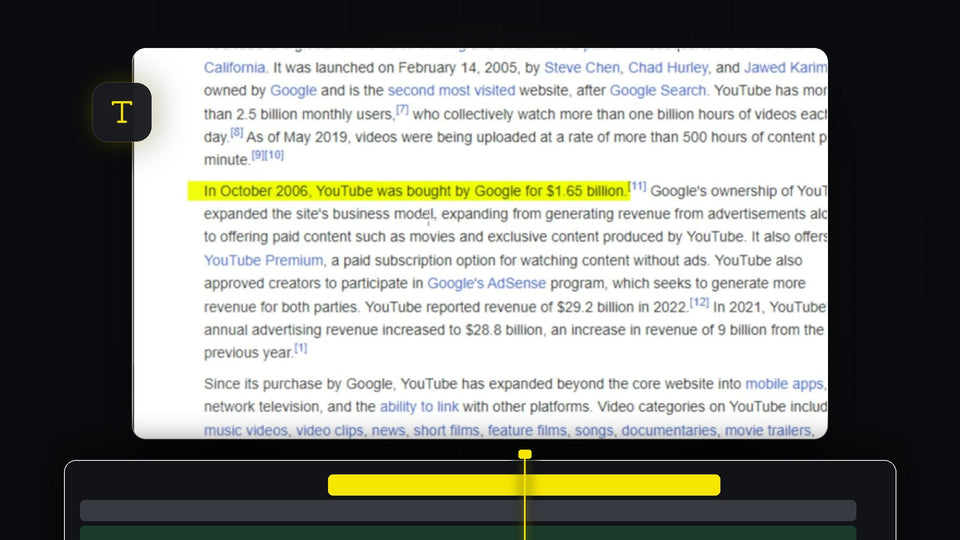
Yellow highlight effect over a sentence of text in the Premiere Pro Program Monitor

Premiere Pro'da Metin Nasıl Vurgulanır

Premiere Pro workspace with an empty Effect Controls panel, program monitor and timeline

Premiere Pro'da Kaybolan Effect Controls ve Araç Çubuğu Nasıl Geri Getirilir

Premiere Pro timeline with a video clip and a green external audio clip synced by waveform

Premiere Pro'da ses ve görüntü nasıl senkronize edilir

White Flicker Animation title text on a dark background for a Premiere Pro text flicker effect

Premiere Pro'da Yazı Titreme Efekti Nasıl Yapılır

A preset file icon on a green background for the free obsolete effects preset pack for Premiere Pro

Premiere Pro'da Eski Efektler Nasıl Geri Getirilir

Four steps of an iPhone style notification, from rounded shape to app icon, text and animation, built in Premiere Pro

Premiere Pro'da iPhone Bildirim Animasyonu Nasıl Yapılır

Premiere Pro 2026 with the QuickPaste panel open and a client message asking for a still of the shot

Premiere Pro 2026 için en iyi yapıştırma eklentisi
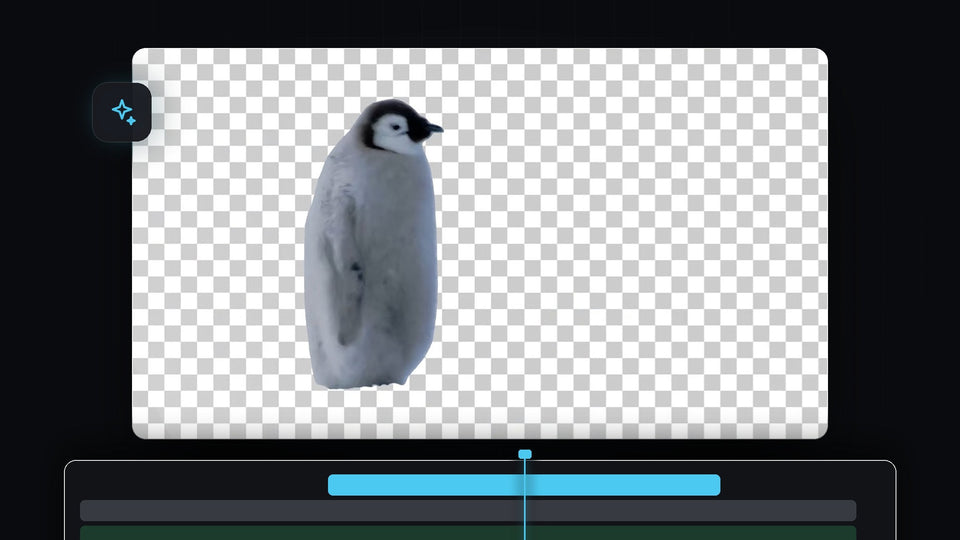
Penguin cut out from its background on a transparent checkerboard in Premiere Pro

Premiere Pro'da Video Arka Planı Otomatik Olarak Nasıl Kaldırılır

A red rounded rectangle graphic over a talking head clip in the Premiere Pro Program Monitor, edited through After Effects Dynamic Link

Premiere Pro ve After Effects Birlikte Nasıl Kullanılır

Small video clip floating in the middle of a black screen in the Premiere Pro Program Monitor

Premiere Pro'da Siyah Zoom Out Efekti Nasıl Yapılır

Premiere Pro Preferences window on the Media Cache page with the Remove Media Cache Files Delete button

Premiere Pro'da Önbellek Nasıl Temizlenir

White GLOW text with a soft bright halo on a black background

Premiere Pro'da Parlayan Yazı Efekti Nasıl Yapılır

Distorted glitch effect with color fringing and pixel blocks over a basketball hoop and a smeared figure

Premiere Pro'da Glitch Efekti Nasıl Yapılır

Misty forest still frame shown in the Premiere Pro Program Monitor

Premiere Pro'da Ekran Görüntüsü Nasıl Alınır

Northern lights over mountains from the EaseFlow launch film, an eased shot for Premiere Pro 2025

Premiere Pro 2025 için en iyi easing eklentisi
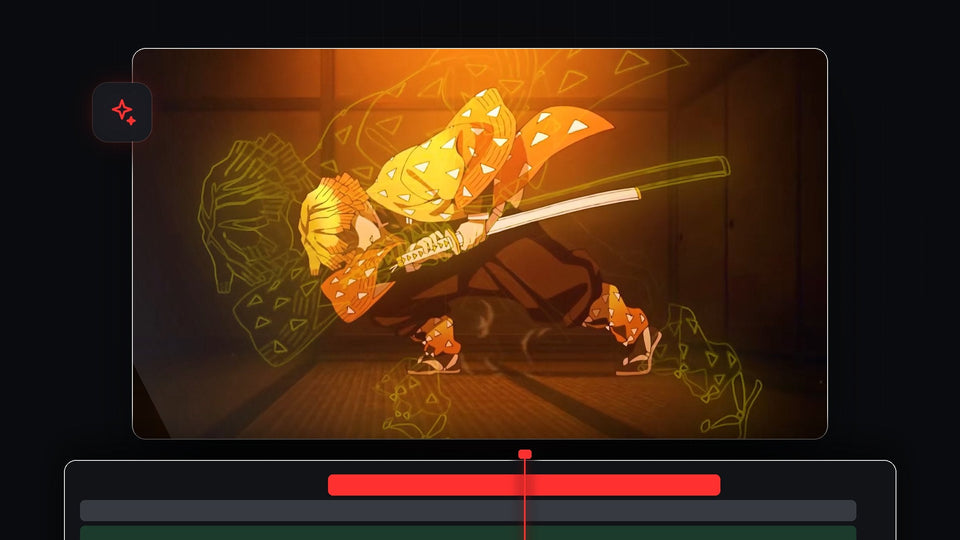
Anime swordsman with a glowing yellow outline pulsing around him, made in Premiere Pro

Premiere Pro'da Parlayan Kontur Efekti Nasıl Yapılır

Lowpass Cutoff keyframes drawn on a green audio clip in the Premiere Pro timeline

Premiere Pro'da Su Altı Ses Efekti Nasıl Yapılır
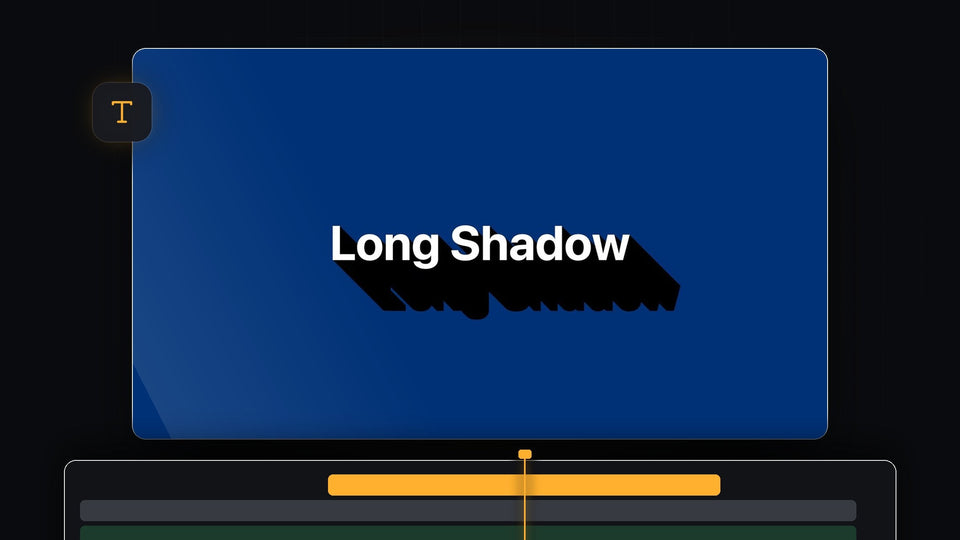
White text with a long black shadow on a blue background in Premiere Pro

Premiere Pro'da Long Shadow Nasıl Eklenir
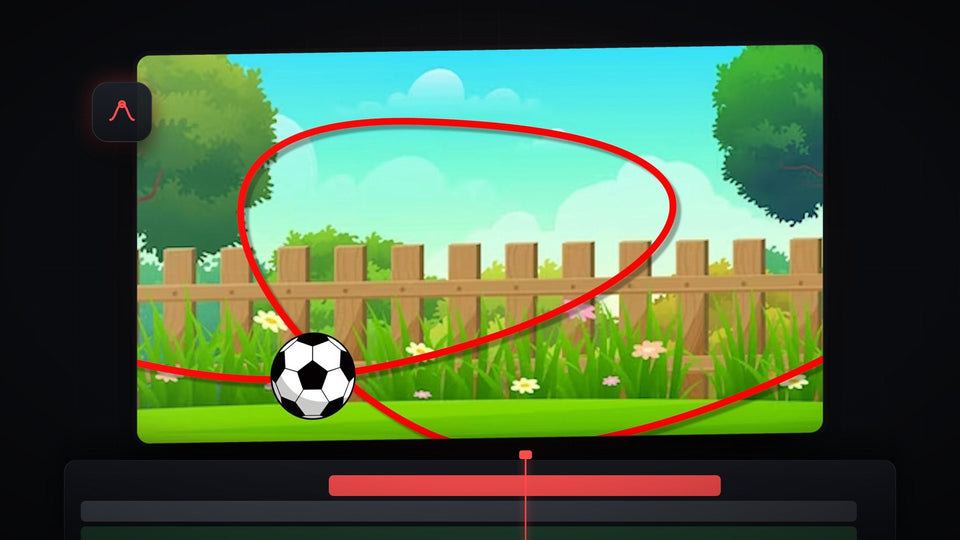
Football flying along a red curved path over a cartoon garden, an object animated along a path in Premiere Pro

Premiere Pro'da Bir Nesne Yol Boyunca Nasıl Hareket Ettirilir

Close-up of a gold watch with a bright sparkle glint across its green dial

Premiere Pro'da Parıltılı Işıltı Efekti Nasıl Yapılır

Woman sitting on a sunny beach with warm red halation glow around the highlights in the sand

Premiere Pro'da film halasyonu nasıl eklenir