

Premiere Pro Eğitimleri

Ekran görüntüleriyle adım adım Premiere Pro eğitimleri: metin efektlerinden geçişlere ve sese kadar.

Misty forest still frame shown in the Premiere Pro Program Monitor

Premiere Pro'da Ekran Görüntüsü Nasıl Alınır

Premiere Pro New Team Project window with the Owner and Invite Pending collaborators listed

Premiere Pro'da Team Project Nasıl Oluşturulur
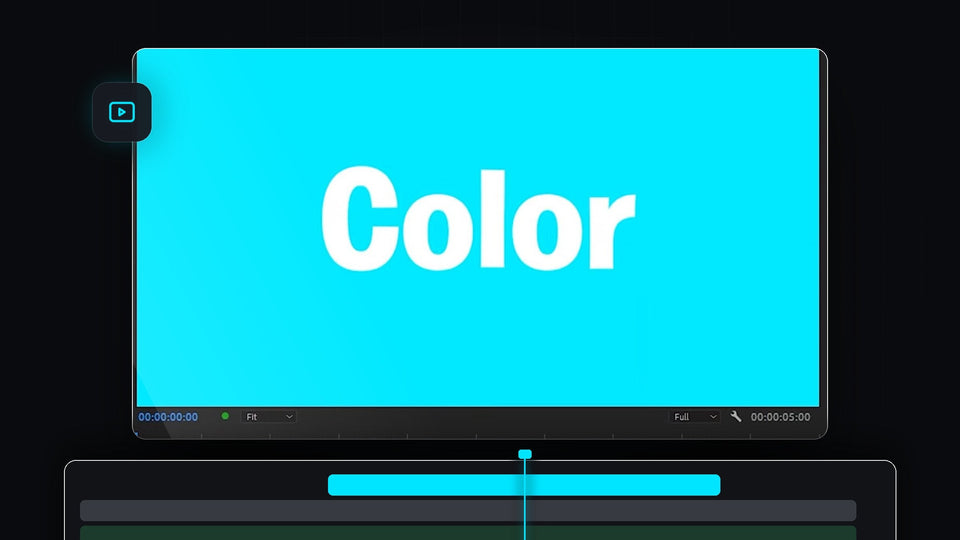
Bright cyan solid background with white text in the Premiere Pro program monitor

Premiere Pro'da Düz Renk Arka Plan Nasıl Yapılır

Premiere Pro timeline with the playhead mid-clip and a green audio meter during J K L playback

Premiere Pro'da Video Nasıl Tersten Oynatılır

Premiere Pro editing workspace with a cloud clip in the Program monitor and a timeline with all gaps closed

Premiere Pro'da tüm boşlukları tek tıkla kapatma

A snowy mountain peak under a teal sky from a photo slideshow made in Premiere Pro

Premiere Pro'da Fotoğraf Slayt Gösterisi Nasıl Yapılır

An aerial view of waves hitting a rocky coast in a Premiere Pro project with merged clips

Premiere Pro'da Klipler Nasıl Birleştirilir

Premiere Pro workspace with an autumn forest aerial clip in the Program Monitor and a clip on the timeline

Premiere Pro'da Video Nasıl Kesilir

Premiere Pro Text panel with a highlighted transcript next to the Program Monitor and a multi-track timeline

Premiere Pro'da Metin Tabanlı Düzenleme Nasıl Kullanılır

Red add b roll marker with its duration tooltip on the Premiere Pro timeline ruler

Premiere Pro'da Marker Nasıl Yapılır

Premiere Pro workspace with a long multi-track timeline and a product graphic in the Program Monitor

Premiere Pro'da Zaman Çizelgesinde Akıcı Kaydırma Nasıl Yapılır

The Premiere Pro timeline zoomed in far beyond frame level with audio time units on the ruler

Premiere Pro Zaman Çizelgesinde Daha Fazla Yakınlaştırma Nasıl Yapılır

A red padlock over the Premiere Pro timeline with a video clip and its linked audio clip

Premiere Pro'da Video ile Ses Bağlantısı Nasıl Kaldırılır

The Premiere Pro timeline panel recolored with a magenta highlight color

Premiere Pro'da Arayüz Rengi Nasıl Değiştirilir
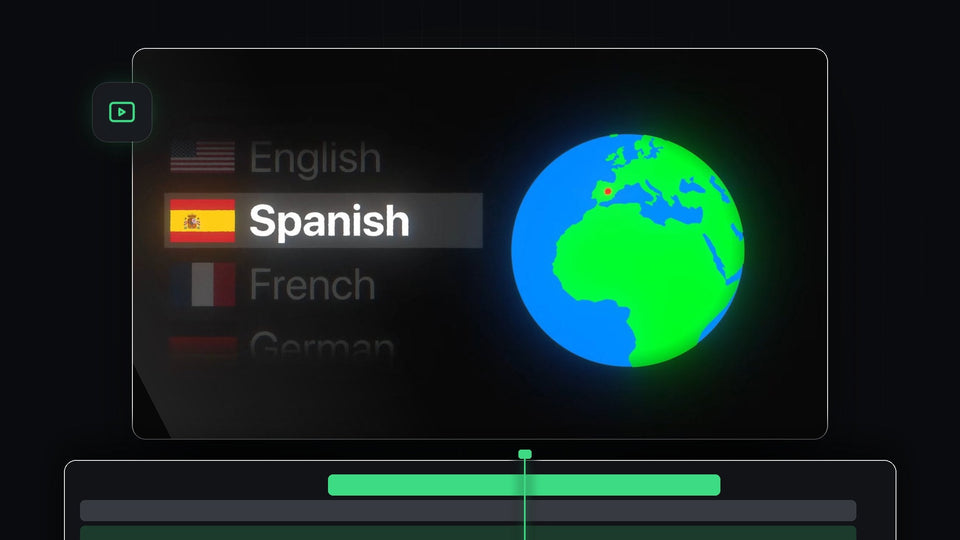
Spinning globe with a language list highlighting Spanish for changing the language in Premiere Pro

Premiere Pro'da Dil Nasıl Değiştirilir
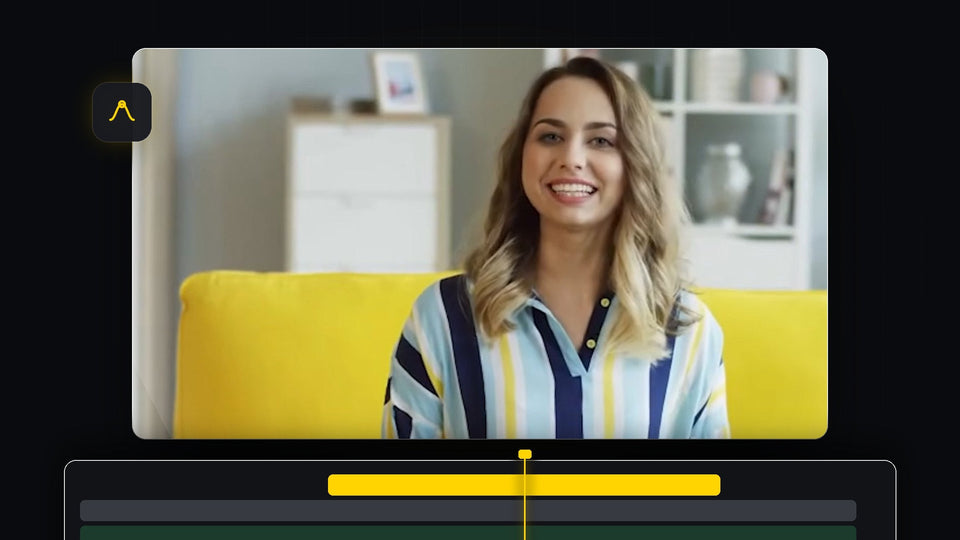
Smiling woman in a striped shirt on a yellow sofa, framed for a zoom in Premiere Pro

Premiere Pro'da Videoya Zoom In Nasıl Yapılır

Premiere Pro timeline with clips recolored to yellow, green, orange and magenta labels

Premiere Pro'da Video Kliplerinin Rengi Nasıl Değiştirilir

A phone showing a vertical jellyfish video next to a landscape monitor showing the rotated version of the same clip

Premiere Pro'da Dikey Videoyu Yataya Çevirme

A colorful app logo overlaid on drone footage of ocean waves and rocks in Premiere Pro

Premiere Pro'da Görseller Nasıl Üst Üste Bindirilir

Two men posing together in a 16:9 frame, used to demonstrate changing the aspect ratio in Premiere Pro

Premiere Pro'da En Boy Oranı Nasıl Değiştirilir

Logo watermark placed in the bottom left corner of a forest stream video in Premiere Pro

Premiere Pro'da Filigran Nasıl Eklenir

Drift car sliding on a track in a clip being sped up in Premiere Pro

Premiere Pro'da Klipleri Kusursuz Hızlandırma

Project template dropdown listing custom templates in the new project window in Premiere Pro

Premiere Pro'da Proje Şablonu Nasıl Yapılır

Premiere Pro workspace with a yellow gradient shape in the Program Monitor and Effect Controls open, used to create a preset

Premiere Pro'da Preset Nasıl Oluşturulur

Premiere Pro timeline with an enlarged V1 video track and the audio tracks below it

Premiere Pro'da Parça Yüksekliği Nasıl Ayarlanır