The best easing plugin for Premiere Pro 2027
For creators on Premiere Pro 2027, the best easing plugin is EaseFlow. You put the playhead between two keyframes, pick a curve and press Apply. That's it. EaseFlow works with every version from Premiere Pro 2021 to 2027, on Mac and Windows.
What it does
- One click, or one key. Apply at the playhead, or give a favorite curve its own shortcut.
- Auto Mode. Make two keyframes and they're eased for you.
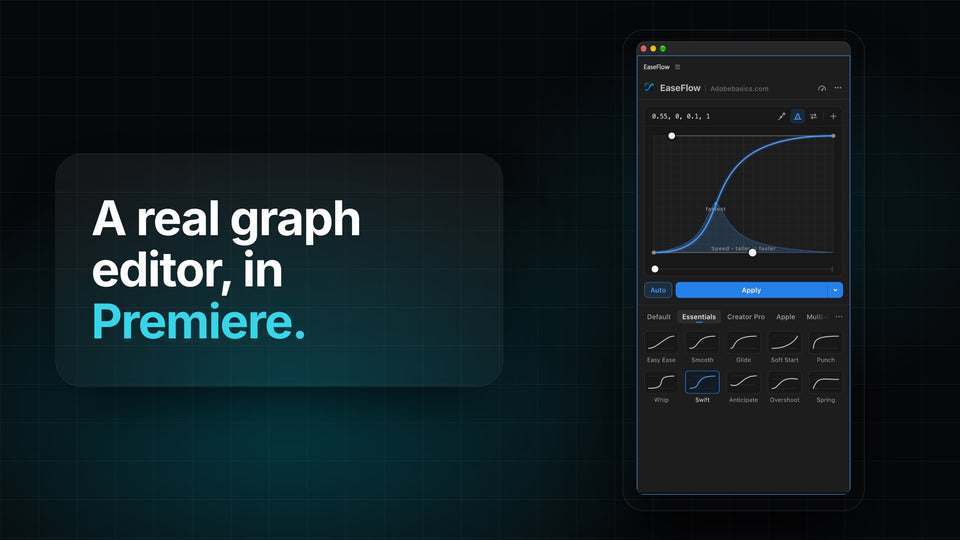
- A real graph editor. Shape any curve by hand, with snapping and straight Shift-drags.
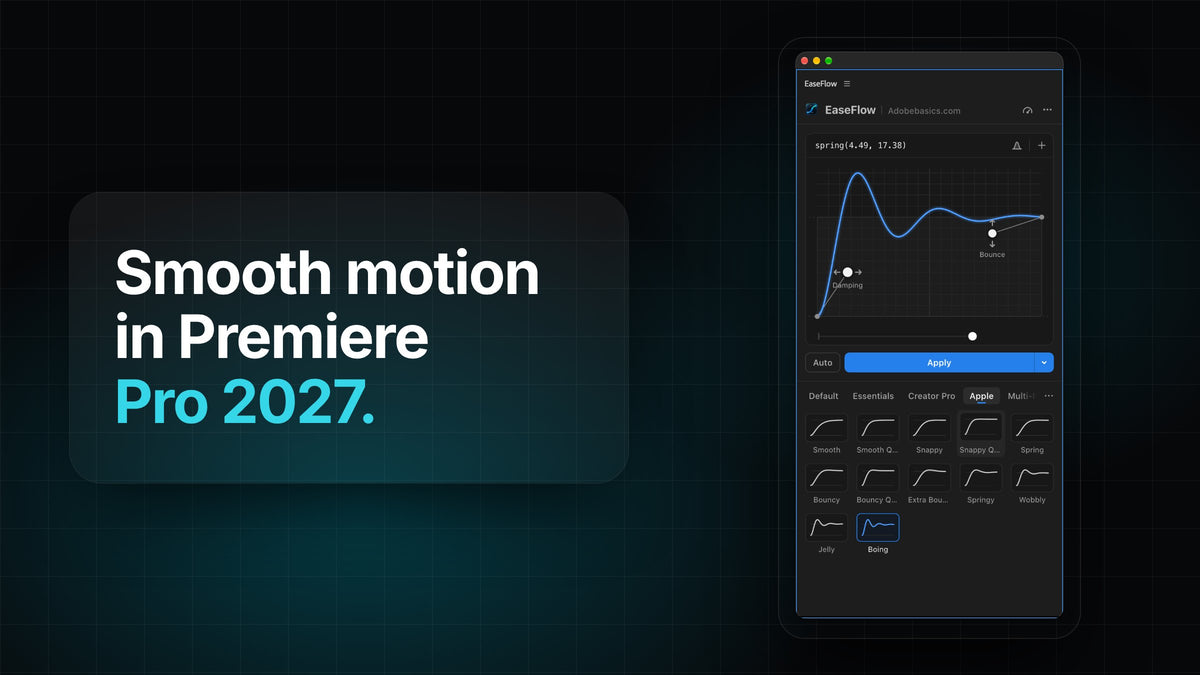
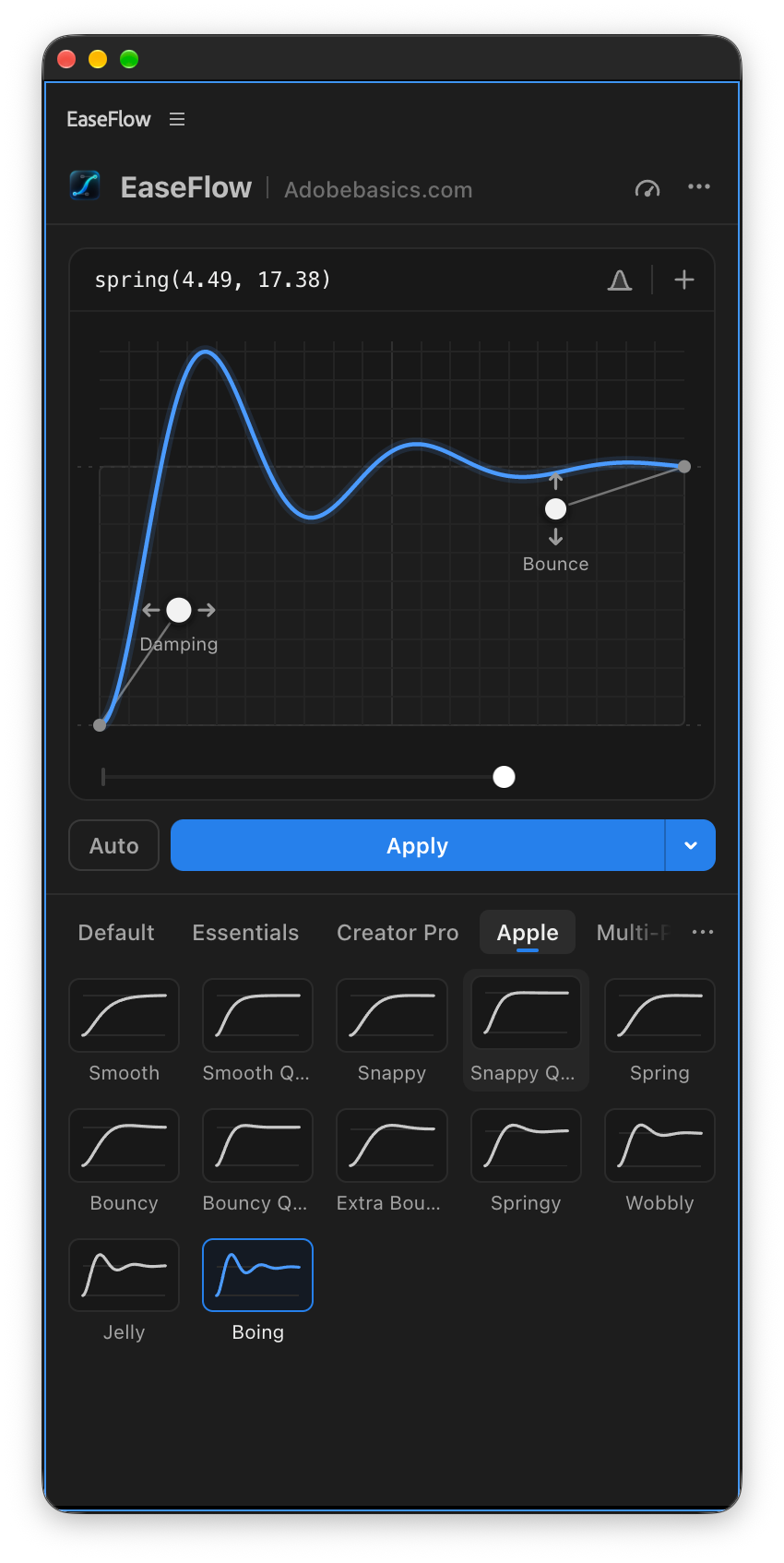
- Springs. Bounce and settle like an iPhone animation, with the damping and bounce right on the graph.
- Curve points in Pro. One ease can speed up and slow down more than once.
- Speed view. See where the motion is fastest before you apply it.
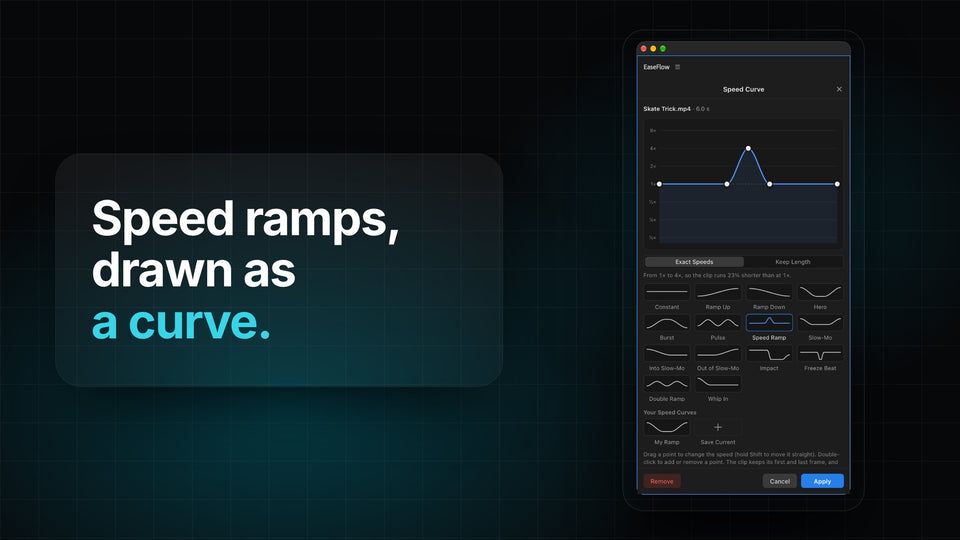
- Speed Curve in Pro. Smooth speed ramps on whole clips, with 14 presets.
- Clean timelines. EaseFlow adds only the keyframes a curve needs and never moves yours.
- Undo. One Cmd+Z (Ctrl+Z on Windows) takes EaseFlow's easing back off.
Packs for every look
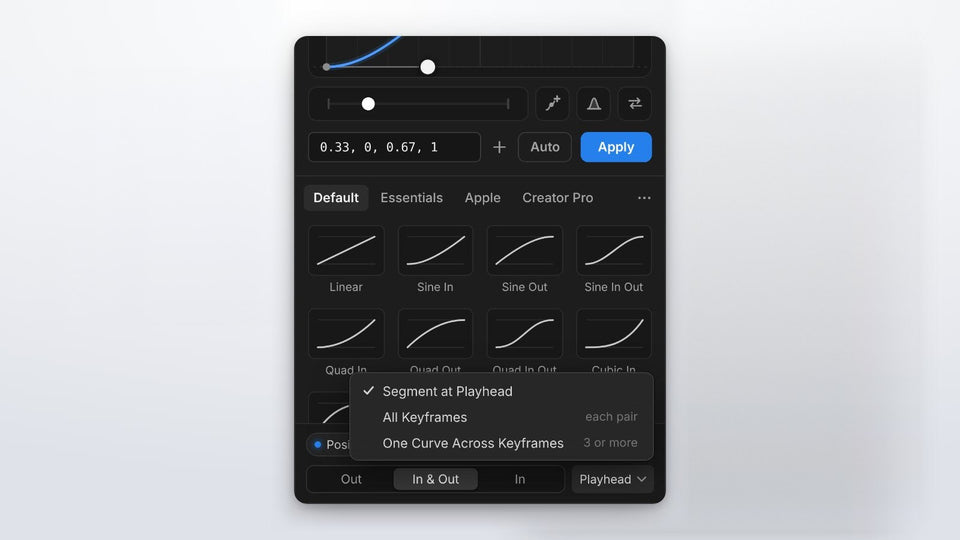
Standard comes with the Default curves: sine, quad, cubic, quart, quint, expo and circ, in, out and both. Pro adds Essentials, Apple springs like Snappy, Bouncy, Jelly and Boing, Creator Pro moves like Snap Zoom, Whip Brake and Title Pop, and the Multi-Point library with 14 multi-step moves.
How to start
- Pick Standard or Pro on the EaseFlow page. Your license and download links arrive by email.
- Run the installer. It sets up the panel and a small menu bar app that keeps EaseFlow up to date.
- Open Window › Extensions › EaseFlow, put the playhead between two keyframes and press Apply.
Price
EaseFlow Standard is $34.99. EaseFlow Pro is $44.99 and adds Speed Curve, curve points, the Essentials, Apple, Creator Pro and Multi-Point packs, and every pack added later. You pay once, updates are free, and you can upgrade from Standard to Pro later for $14.99.
FAQ
Does EaseFlow work with Premiere Pro 2027?
Yes. EaseFlow works with Premiere Pro 2027 and every version back to 2021, on Mac and Windows.
Do I need After Effects?
No. You don't leave Premiere Pro at all. EaseFlow eases keyframes right on your timeline.
Will it mess up my keyframes?
No. Your keyframes stay where they are. EaseFlow adds a few of its own in between, and if you don't like the result, one Undo takes them away.
Earlier years: 2026, 2025 and 2024.
Want smooth motion in one click? Get EaseFlow for Premiere Pro 2027.