What to look for
- It uses Premiere's captions. Transcription is already built in and it's free. A plugin should animate what you have, not make you start over somewhere else.
- Word-by-word styles. A highlight box, a color sweep or a pop on each word. That's the look people expect now.
- Many captions at once. A one-minute short has 30 to 60 captions. Styling them one by one isn't a workflow.
- Your font stays your font. Size, fill, stroke and shadow should carry over.
- Timing you can tune. A fast talker and a slow one need a different stagger.
- Fast playback. A GPU effect keeps the timeline smooth with dozens of animated captions on it.

Our pick: Asteria
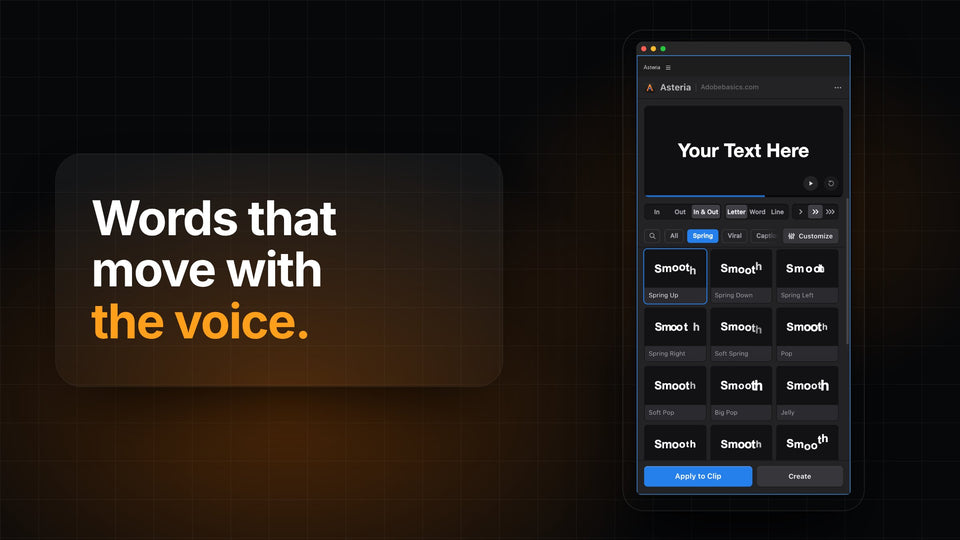
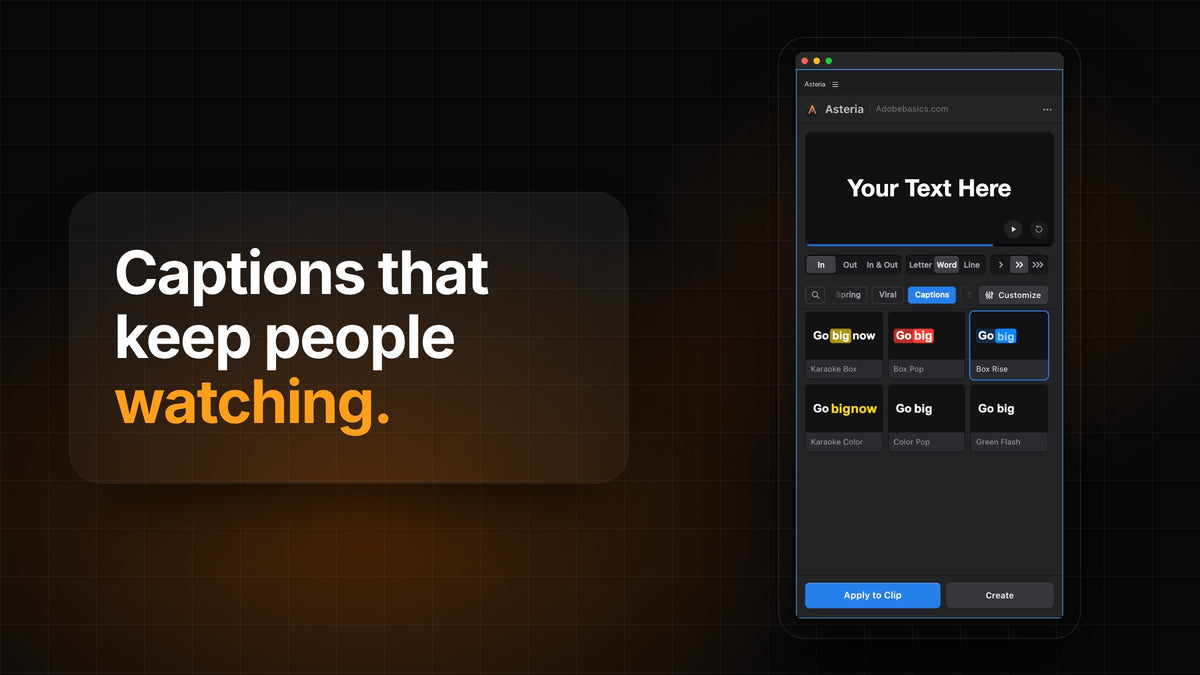
Asteria is a text animation plugin for Premiere Pro with a full Captions group: Karaoke Box, Box Pop, Box Rise, Karaoke Color, Color Pop and more. Select your captions, hover a tile to preview it on your own words, and click.
Style every caption in one click
Select as many captions as you like on the timeline and give them one style at once. Each caption keeps its own words and its place on screen. Since Asteria 1.0.8 that works in Standard too.

Make the timing match the voice
In Pro, Customize opens the animation settings: curve, Speed, Bounce, Stagger, Order and timing, with a live preview. Save the result as your own animation and every video on the channel matches.
Not just captions
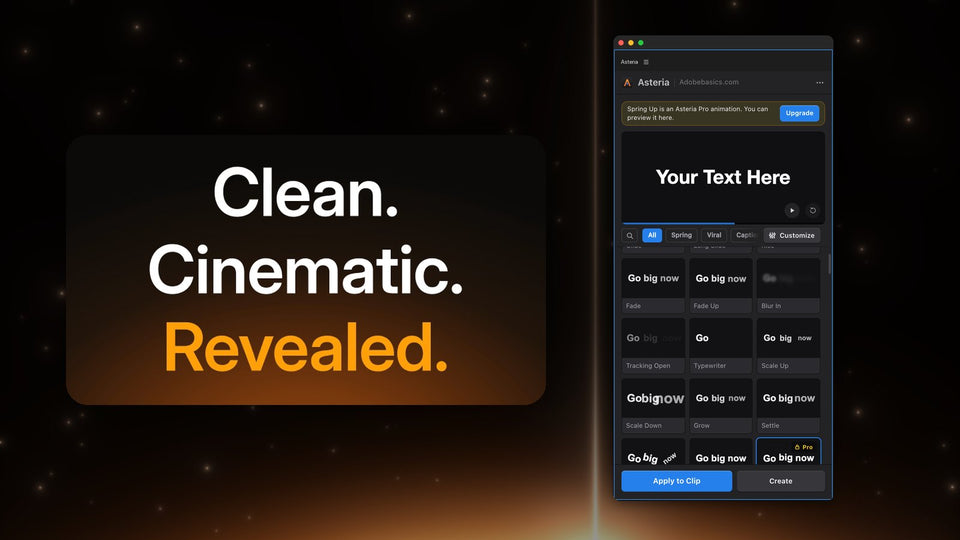
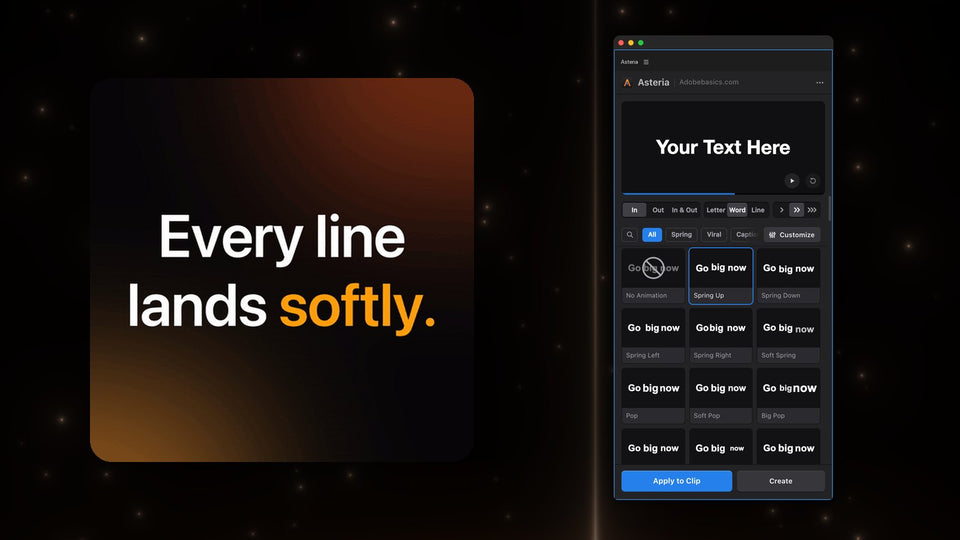
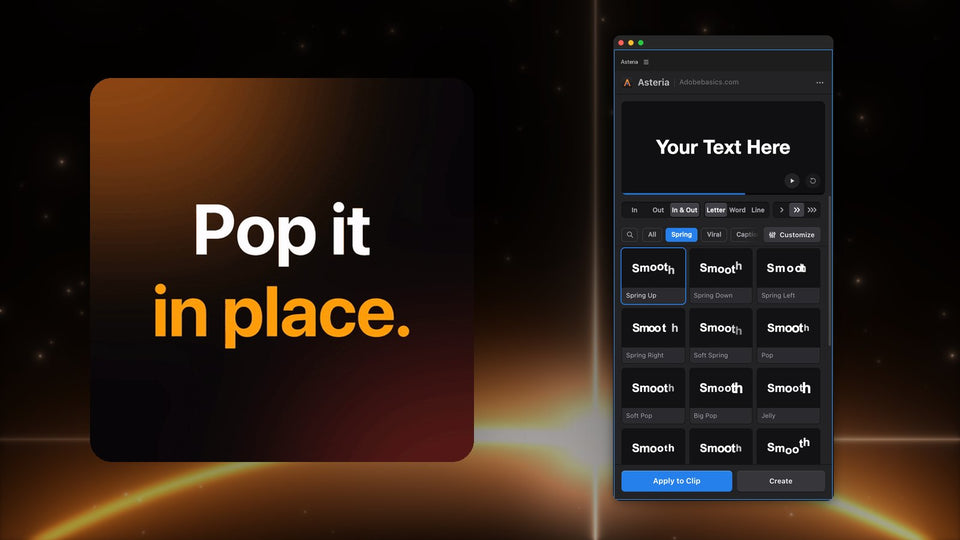
The same panel animates titles, hooks and lower thirds, with 206 animations in total: springs, pops, reveals, typewriter, decode and glitch. Asteria runs as a native GPU effect in Premiere Pro 2021 to 2027 on Mac and Windows, and it handles right-to-left text like Arabic and Persian.
Price
Asteria Standard is $69.99 with 40 essential animations. Asteria Pro is $79.99 with all 206, the caption styles, animation settings and your own saved animations. You pay once, updates are free, and you can upgrade from Standard to Pro later for $14.99.
FAQ
Does Asteria transcribe my video?
No. Premiere Pro does that very well already, in the Text panel. Asteria animates the captions you get from it, or any text clip you make with the Type tool.
Can I use my own font?
Yes. Asteria keeps the font, size, color, stroke and position you set in Premiere.
Which version has the caption styles?
The word-by-word caption styles are in Pro. Standard has 40 essential title animations.
Want captions that keep people watching? Get Asteria for Premiere Pro.