

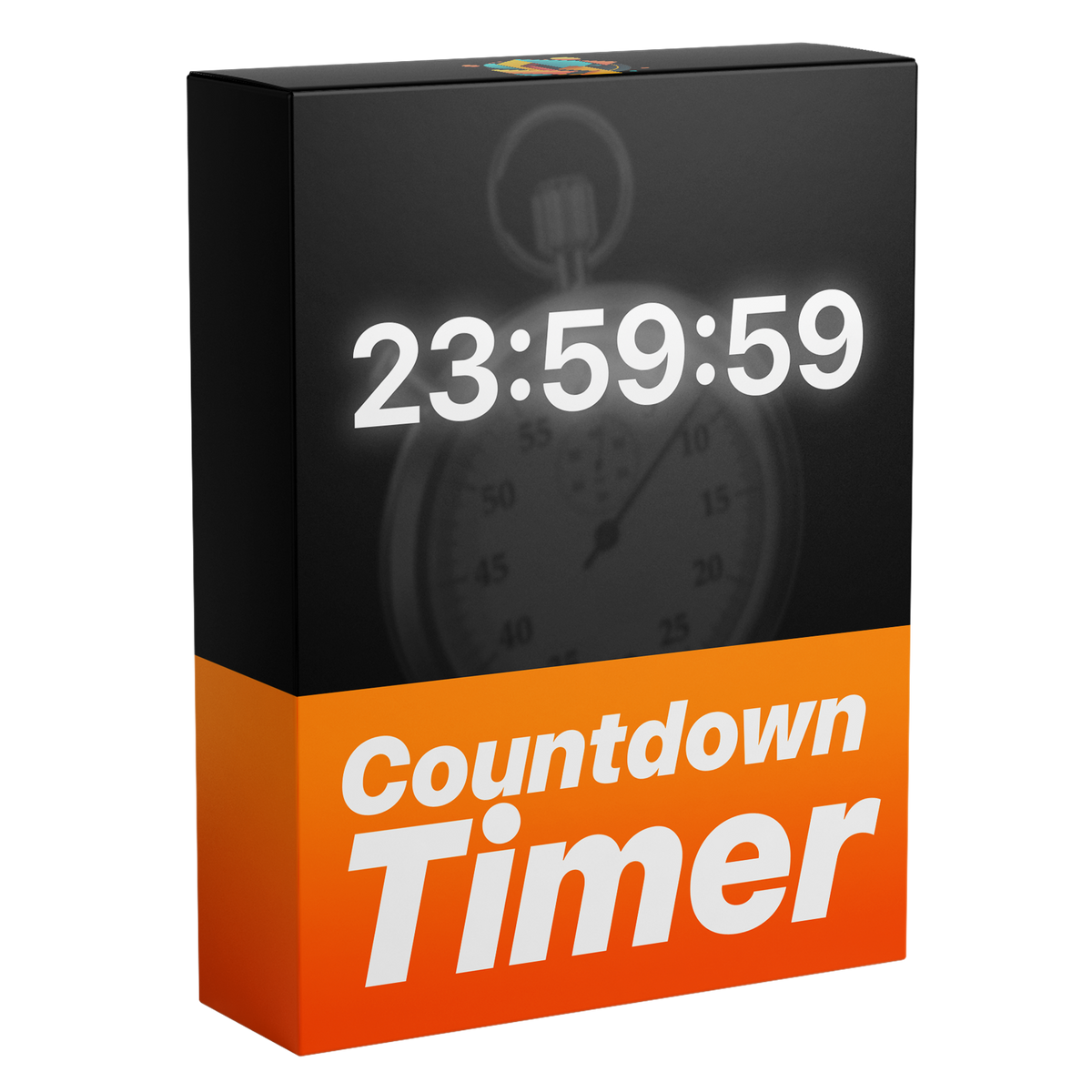

Countdown-Timer-Template
Der ultimative, voll anpassbare Countdown-Timer für Premiere Pro. Erstelle dynamische Countdowns mit voller Kontrolle über Zeit, Millisekunden, Schriftarten und zahlreiche Textdesign-Einstellungen – ganz ohne Plugins.

Funktioniert mit Premiere Pro 2021-2026
Funktioniert mit Windows & macOS
Sofort-Download
Lebenslanger Zugriff + kostenlose Updates
Kommerzielle Lizenz
Countdown-Timer-Template
Highlights
Voll anpassbar
Animiere Zahlen ohne einen einzigen Keyframe.
Keine Plugins
Läuft nativ in Premiere Pro.
Einfach zu bedienen
Einfach für Einsteiger. Schnell für Profis.


Beliebige Startzeit
Einstellungen
Millisekunden
Erstellen und ändern – direkt in Premiere Pro.
Alles in Essential Graphics
Zeig nur die Einheiten, die du brauchst
Gemacht für jeden Edit.

Premiere Pro 2021–2026
Keine Plugins nötig.
Gemacht für jeden Edit
Ein Countdown für jeden Moment.
Launches, Challenges, Sport-Edits, Streams und Erklärvideos. Startzeit festlegen, die gewünschten Einheiten zeigen – und der Countdown läuft von selbst.
-
Launches
Eigene Startzeit -
Sport-Edits
Millisekunden -
Challenges
Stunden, Minuten und Sekunden -
Streams
Kontur und Glow
Flüssige Countdown-Timer. In Sekunden.
Cleane, dynamische Countdown-Timer, in Sekunden erstellt. Keine Keyframes, kein Extra-Aufwand – alles direkt in Premiere Pro.
Voll anpassbar
Ändere alles. In Premiere Pro.
Alles im Bedienfeld „Essential Graphics“. Keine Keyframes, kein After Effects.
32+
Einstellungen in einem Template
-
Eigene Startzeit
Zehn Sekunden oder eine Stunde. Eintippen, und es zählt.
-
Sichtbare Einheiten
Minuten und Sekunden – und Stunden, wenn du sie brauchst.
-
Millisekunden
Schalt sie ein für jeden letzten Sekundenbruchteil.
-
Typografie
Wähl eine beliebige Schrift für einen Timer, der zu deinem Edit passt.
-
Farbe
Jede Farbe – passend zu deiner Marke oder deiner Stimmung.
-
Kontur
Eine Kontur hält ihn über allen Aufnahmen lesbar.
-
Schatten
Ein Schlagschatten hebt ihn von unruhigen Hintergründen ab.
-
Ausrichtung
Links, zentriert oder rechts ausrichten.
Schneller schneiden. Früher liefern.
Erstelle voll anpassbare Countdown-Timer direkt in Premiere Pro – ganz ohne Umweg über After Effects. Spar bei jedem Projekt Zeit.
Jedes Detail, deine Entscheidung.
Mehr als 32 Einstellungen geben dir die volle Kontrolle über jedes Detail – Schriften und Farben, Kontur, eigene Zeiteinstellungen und mehr.
Einmal zahlen. Für immer behalten.
Eine Zahlung, lebenslanger Zugriff – alle zukünftigen Updates inklusive. Kein Abo. Keine versteckten Kosten.
Einfach zu bedienen
Drei Schritte. Keine Keyframes.
-
1
Template importieren
Öffne „Grafikvorlagen“ (in älteren Versionen „Essential Graphics“) und importiere die .mogrt-Datei.
-
2
In die Timeline ziehen
Leg es wie jeden anderen Clip über deine Aufnahmen.
- 3
Zeit festlegen
Wähle Startzeit, Einheiten und Look im Bedienfeld „Essential Graphics“. Der Countdown läuft von selbst.
- Premiere Pro 2021–2026
- Windows und macOS
- Keine Plugins nötig
- Sofort-Download
Einfach von Anfang an
Direkt in deine Timeline.
Installiere das Template einmal in Premiere Pro. Keine Plugins, kein Extra-Setup.


Premiere Pro 2021–2026 · Windows & macOS · Keine Plugins nötig
Sieh den Unterschied
Mehr Kontrolle über jede Sekunde.
Ein wiederverwendbarer Countdown mit präzisem Timing und Design-Einstellungen statt einer festen Animation.


So funktioniert's.


Lass jede Sekunde zählen.
Cleane, voll anpassbare Countdowns – direkt in Premiere Pro erstellt.
- Sofort-Download
- Lebenslanger Zugriff und kostenlose Updates
- Premiere Pro 2021–2026
- Kommerzielle Lizenz