





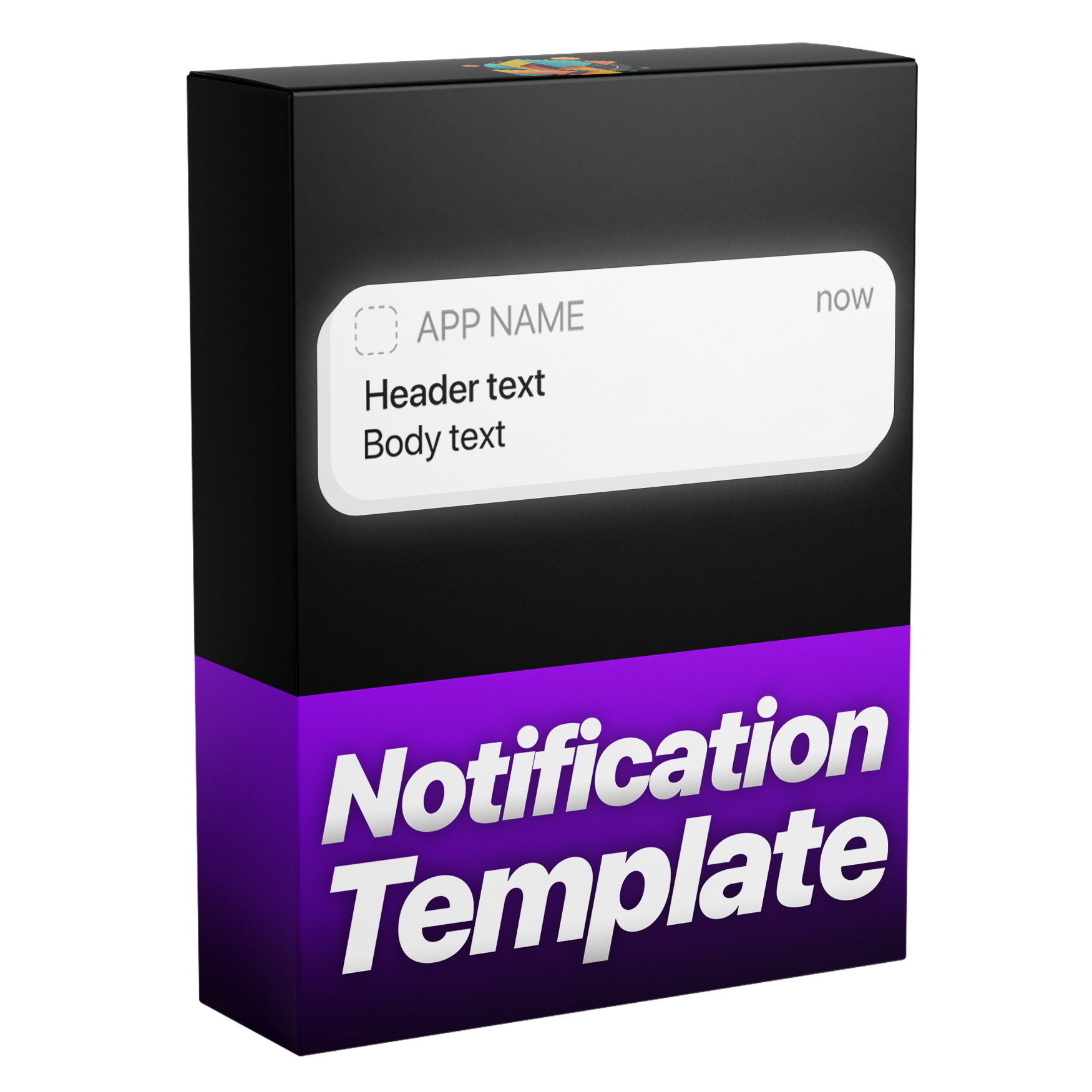
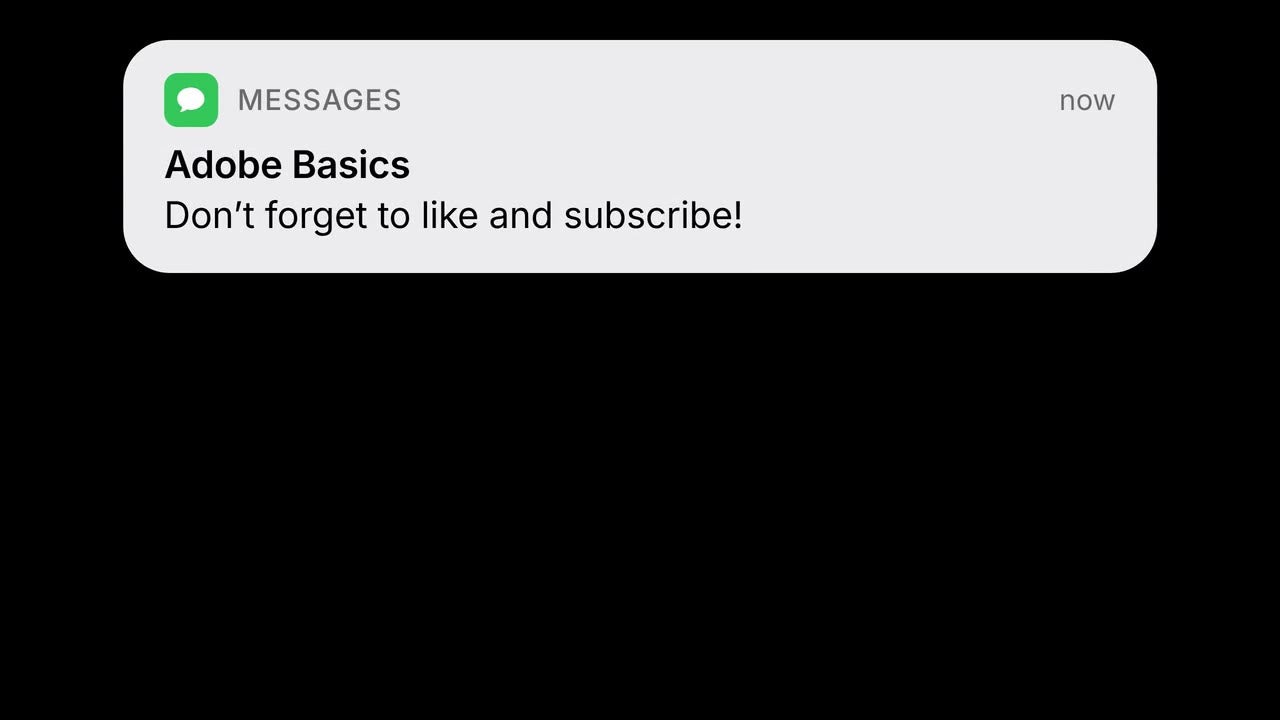
A frame made with Notification

Notification
असली जैसा दिखता है। अपना मैसेज टाइप करें।
ऐसा नोटिफ़िकेशन जोड़ें जो असली फ़ोन से आया लगे. कोई भी ऐप आइकन डालें और अपना संदेश टाइप करें. यह मोशन ब्लर के साथ अंदर-बाहर स्लाइड करता है, आपके ट्रिम के साथ चलता है, और लाइट, डार्क या किसी भी रंग में आता है.
 Premiere Pro 2021–2027
- Windows और Mac
- After Effects की ज़रूरत नहीं

On your phone? Get the link on your computer.
मनी-बैक गारंटी आपके Premiere Pro में नहीं चल रहा? 14 दिनों के अंदर हमसे संपर्क करें।
Notification
उन लोगों ने बनाया जो Premiere Pro सिखाते हैं।
700+ ट्यूटोरियल और हज़ारों कमेंट्स ने हमें दिखाया कि एडिटर्स को क्या धीमा करता है। इसलिए हमने वे टूल बनाए जो हम एडिटर के तौर पर चाहते थे: आसान और बिना झंझट।
ट्यूटोरियल देखें- 200K+एडिटर हमारे टूल इस्तेमाल करते हैं
- 30M+हमारे YouTube ट्यूटोरियल पर व्यूज़
- 90K+सोशल मीडिया पर फ़ॉलोअर्स
- 37K+एडिटर हमारी Discord कम्युनिटी में

पिक्सेल-परफ़ेक्ट, बिल्कुल असली iPhone UI जैसा
कंट्रोल्स
Premiere Pro में ही बनाएं और बदलें।
सब कुछ Essential Graphics में
कोई भी कलर
हर एडिट के लिए बना।

Premiere Pro 2021–2027
किसी प्लगइन की ज़रूरत नहीं।
ख़ास बातें देखें।
-
एनिमेशन
असली की तरह स्लाइड होकर आता है।
मोशन ब्लर के साथ। फिर रुकता है और स्लाइड होकर चला जाता है।
-
आपका मैसेज
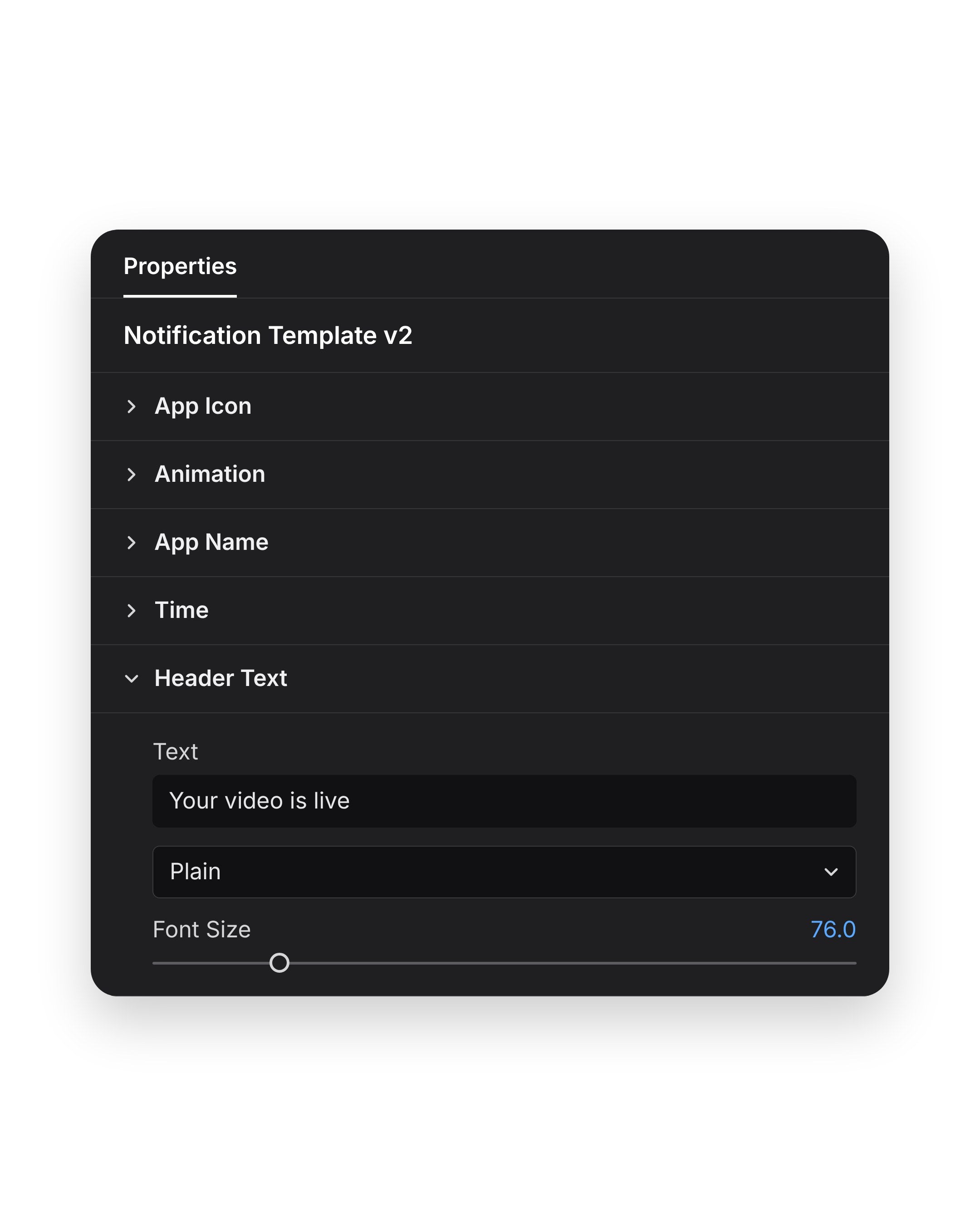
अपना ऐप, टाइटल और मैसेज टाइप करें।
फिर रंग और ओपेसिटी सेट करें उसी पैनल में।
-
आपका आइकन
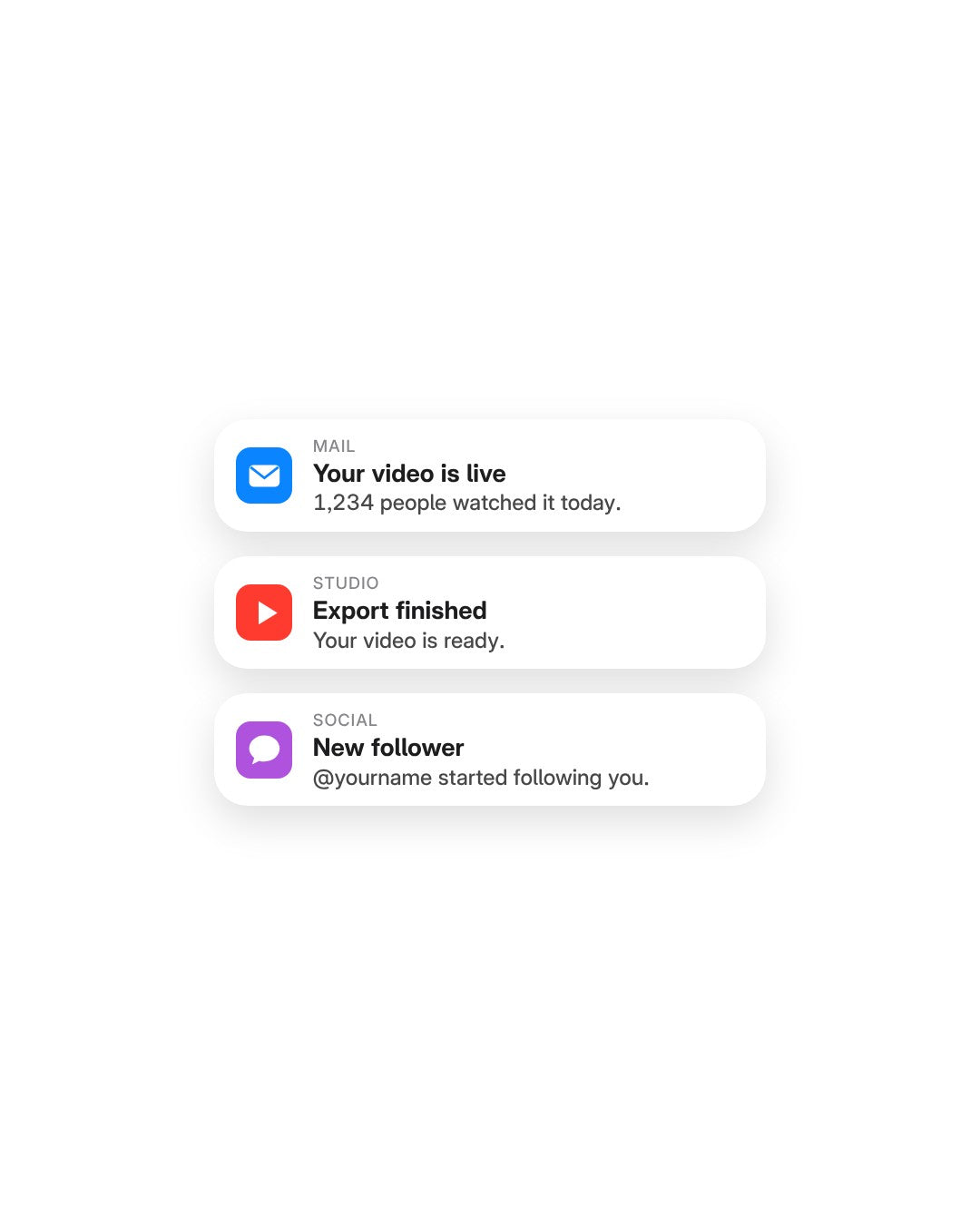
कोई भी ऐप आइकन, लाइट या डार्क।
या कोई भी रंग चुनें जो आपके ब्रांड से मेल खाए।
-
Opacity
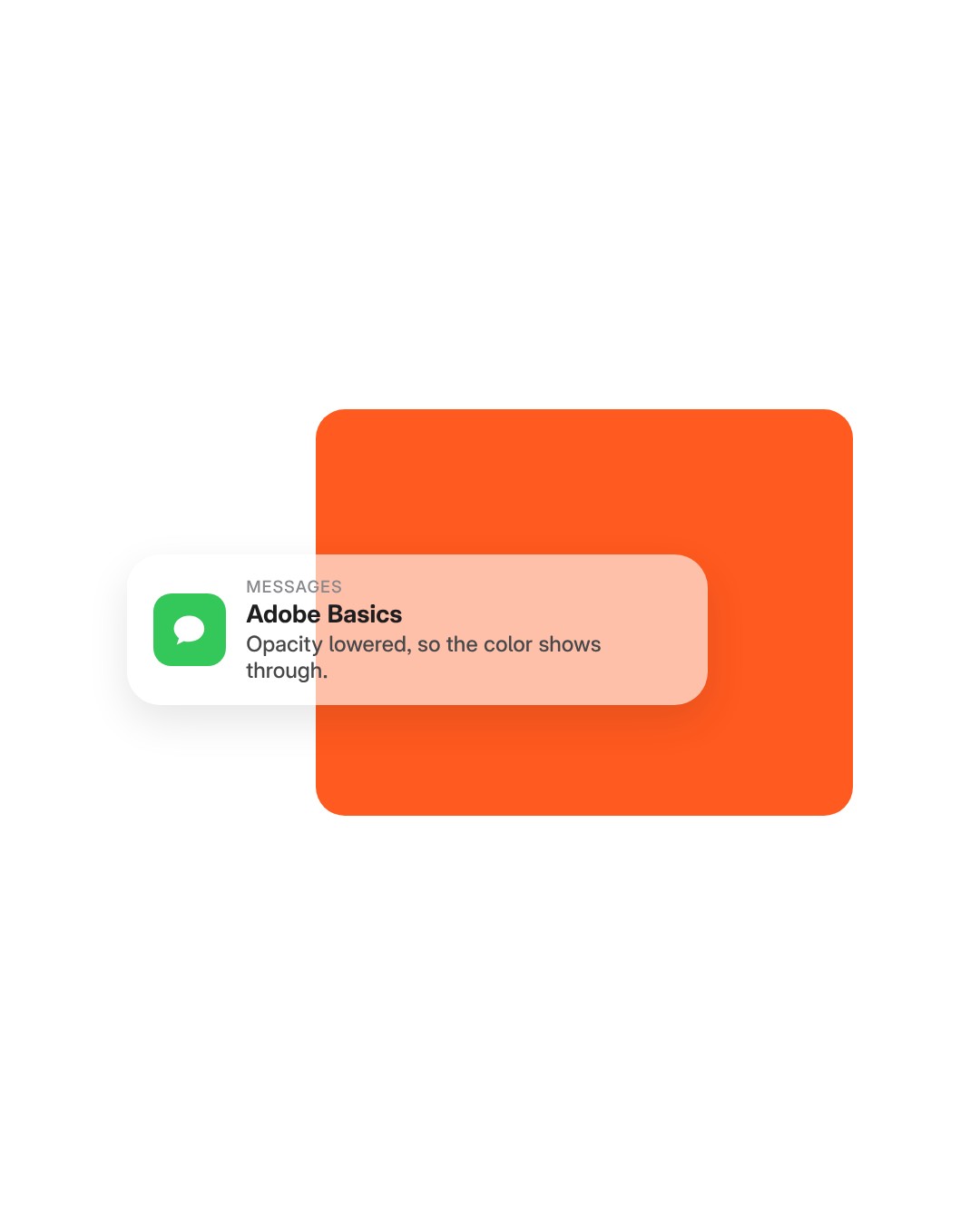
अपनी फ़ुटेज को झलकने दें।
ओपेसिटी कम करें पारदर्शी बैनर के लिए।
डाउनलोड में
-
टेम्पलेट फ़ाइल
एक टेम्पलेट फ़ाइल (.mogrt)। इसे एक बार इम्पोर्ट करें, फिर किसी भी टाइमलाइन पर ड्रैग करें।
-

Motion
It slides in. Holds. Slides out.
The banner slides in, holds on screen and slides out again. You set how fast it arrives and how fast it leaves, and motion blur is built in.
- Slides in and outAnd it holds on screen in between.
- In and out speedTwo separate speeds, one for arriving and one for leaving.
- Motion blurBuilt in. Tick Enable extra motion blur for more.
Timing
It follows your trim.
The banner stays for as long as the clip does. Trim the clip to 3 seconds or stretch it to 10, and the slide out moves with the end of the clip.

- Longer clipThe banner holds for longer.
- Shorter clipIt leaves sooner.
- No keyframesTrim the clip like any other.
Light or dark
Light mode. Dark mode.
Match the banner to a phone in light or dark mode.

- LightA white banner with dark text.
- DarkA dark banner with light text.
- Corner roundnessThe Roundness slider goes from sharp corners to fully round.
Any color
Or your brand’s color.
Pick any color for the message box, like your brand’s orange. Then set Opacity to choose how much of your footage shows through.

- Any colorThe Color control, under Message Box.
- Opacity88 by default. Lower it and more of your footage shows through.
- One groupColor, Opacity and Roundness sit together under Message Box.
App icon
Any app. Any icon.
Drop in the icon of any app or brand as a picture, then type the app’s name next to it.

- Any app iconDrop in the icon of any app or brand.
- App nameType it in the Name field, like MESSAGES.
- Light, dark or colorThe icon sits on any banner.
Your message
Your words. One panel.
Three lines of text are yours: the app name, the title and the message. Type each one in the Essential Graphics panel in Premiere Pro. No After Effects needed.

- Its own groupsApp Icon, App Name, Time and Header Text each open on their own.
- Any fontAny installed font.
- 43+ controlsAll in the Essential Graphics panel.
43+ कंट्रोल। एक पैनल।
मैसेज
- आपका अपना टेक्स्ट. ऐप का नाम, टाइटल और मैसेज, आपके शब्दों में।
- कोई भी ऐप आइकन. किसी भी ऐप या ब्रांड का आइकन डालें।
- कोई भी फ़ॉन्ट. कोई भी इंस्टॉल किया फ़ॉन्ट चुनें।
लुक
- लाइट या डार्क. या आपका चुना कोई भी रंग।
- ओपेसिटी. अपनी फ़ुटेज को बैनर से झलकने दें।
- कोनों की गोलाई. तीखे से मुलायम तक।
मोशन
- स्लाइड होकर आता-जाता है. और बीच में स्क्रीन पर रुकता है।
- आने और जाने की स्पीड. सेट करें कि यह कितनी तेज़ी से आए और जाए।
- मोशन ब्लर. बिल्ट-इन, नैचुरल मूवमेंट के लिए।
- आपकी ट्रिम के हिसाब से. टाइमिंग आपके In और Out पॉइंट के हिसाब से रहती है।
Specifications
- Works with
- Premiere Pro 2021–2027, Windows and Mac
- You get
- 1 template (.mogrt) with 43+ controls
- No need for
- After Effects or plugins
- Works offline
- Updates
- Free, from your order page
- Payment
- One-time, no subscription
- License
- Unlimited personal and commercial videos, one user
- Download
- Instant after checkout, 0.4 MB zip
तीन स्टेप। कोई keyframing नहीं।
टेम्पलेट को Premiere Pro में एक बार इम्पोर्ट करें। कोई प्लगइन या अलग सेटअप नहीं।
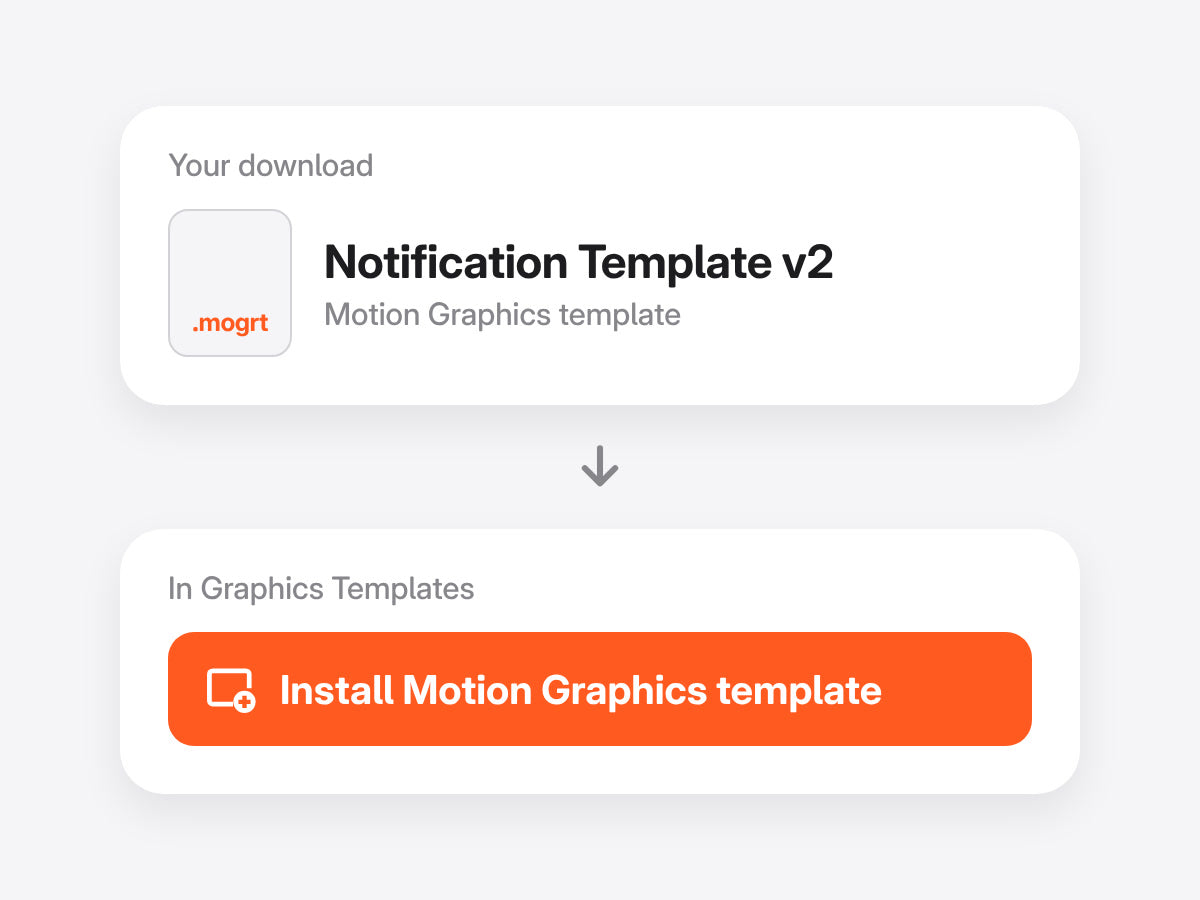
1टेम्पलेट इम्पोर्ट करें
Graphics Templates (पुराने वर्ज़न्स में Essential Graphics) खोलें और .mogrt फ़ाइल इम्पोर्ट करें।
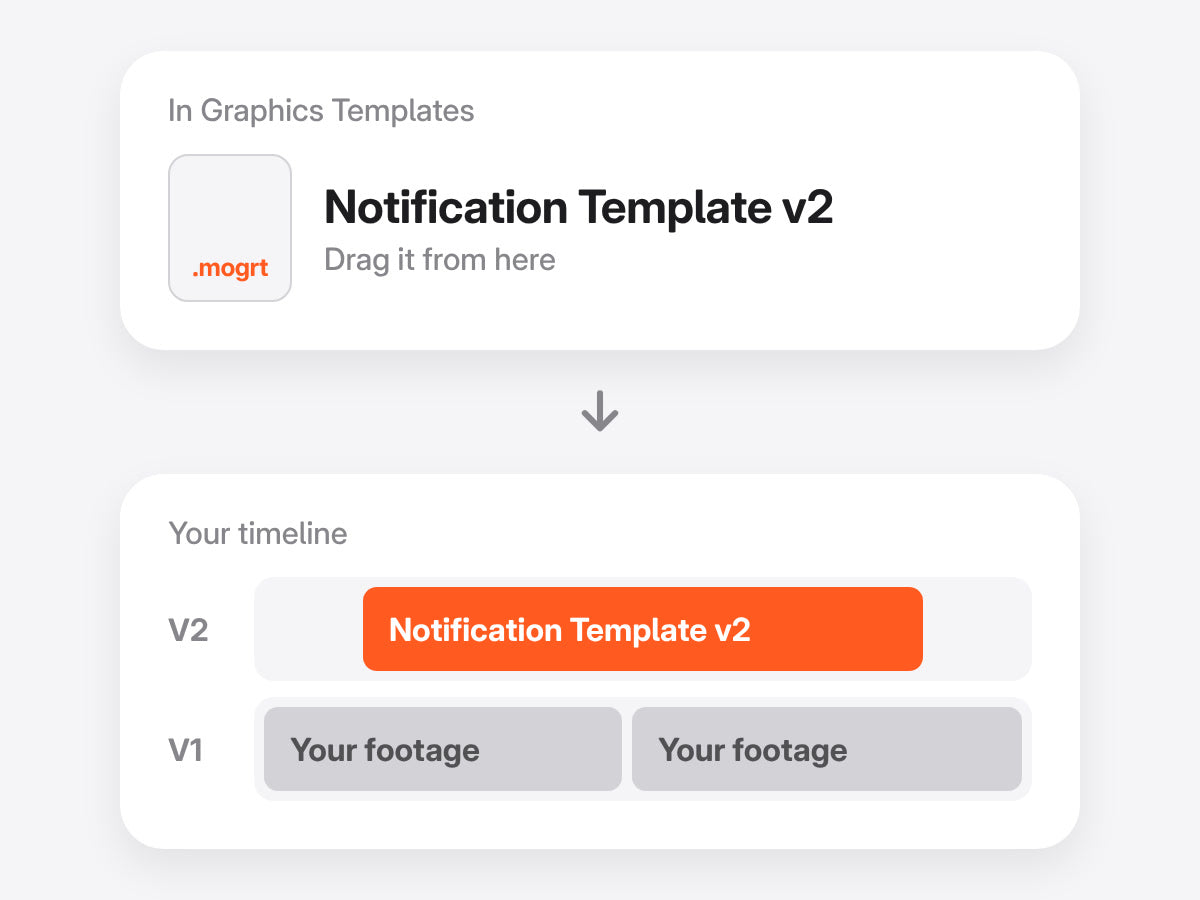
2इसे अपनी टाइमलाइन पर ड्रैग करें
इसे अपनी फ़ुटेज के ऊपर ड्रॉप करें, फिर जैसे चाहें ट्रिम करें। एनिमेशन आपके In और Out पॉइंट्स को फ़ॉलो करता है।
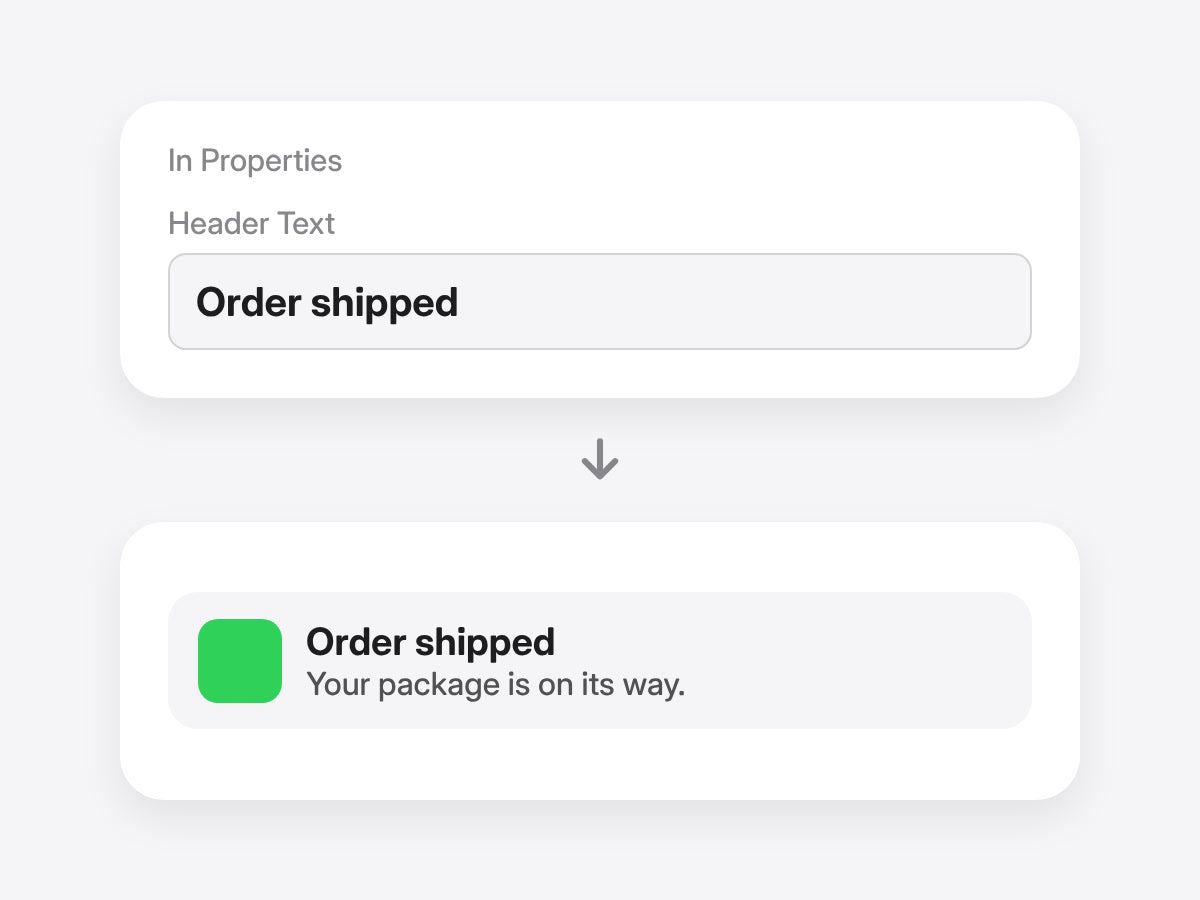
3अपना मैसेज टाइप करें
Properties panel में अपना हेडर और मुख्य टेक्स्ट लिखें, ऐप आइकन बदलें और बॉक्स का रंग चुनें। कोई keyframing नहीं।
Premiere Pro 2021–2027 · Windows और Mac · प्लगइन की ज़रूरत नहीं · तुरंत डाउनलोड
मैसेज टाइप करें, लेआउट नहीं।
हाथ से, आप बैनर को शेप, टेक्स्ट और keyframe से बनाते हैं। टेम्पलेट के साथ, आप अपना मैसेज टाइप करते हैं।


देखें यह कैसे काम करता है।

टाइप करें। यह स्लाइड होकर आता है।
फ़ोन जैसे नोटिफ़िकेशन, सीधे Premiere Pro में।
- Premiere Pro 2021–2027
- Windows और Mac
मनी-बैक गारंटी अगर यह न चले
- ख़रीद के 14 दिनों के अंदर हमसे संपर्क करें।
- ठीक करने के लिए 24 घंटों के अंदर मदद।
- अगर हम इसे ठीक न कर पाएँ, तो आपको पैसे वापस मिलेंगे।