





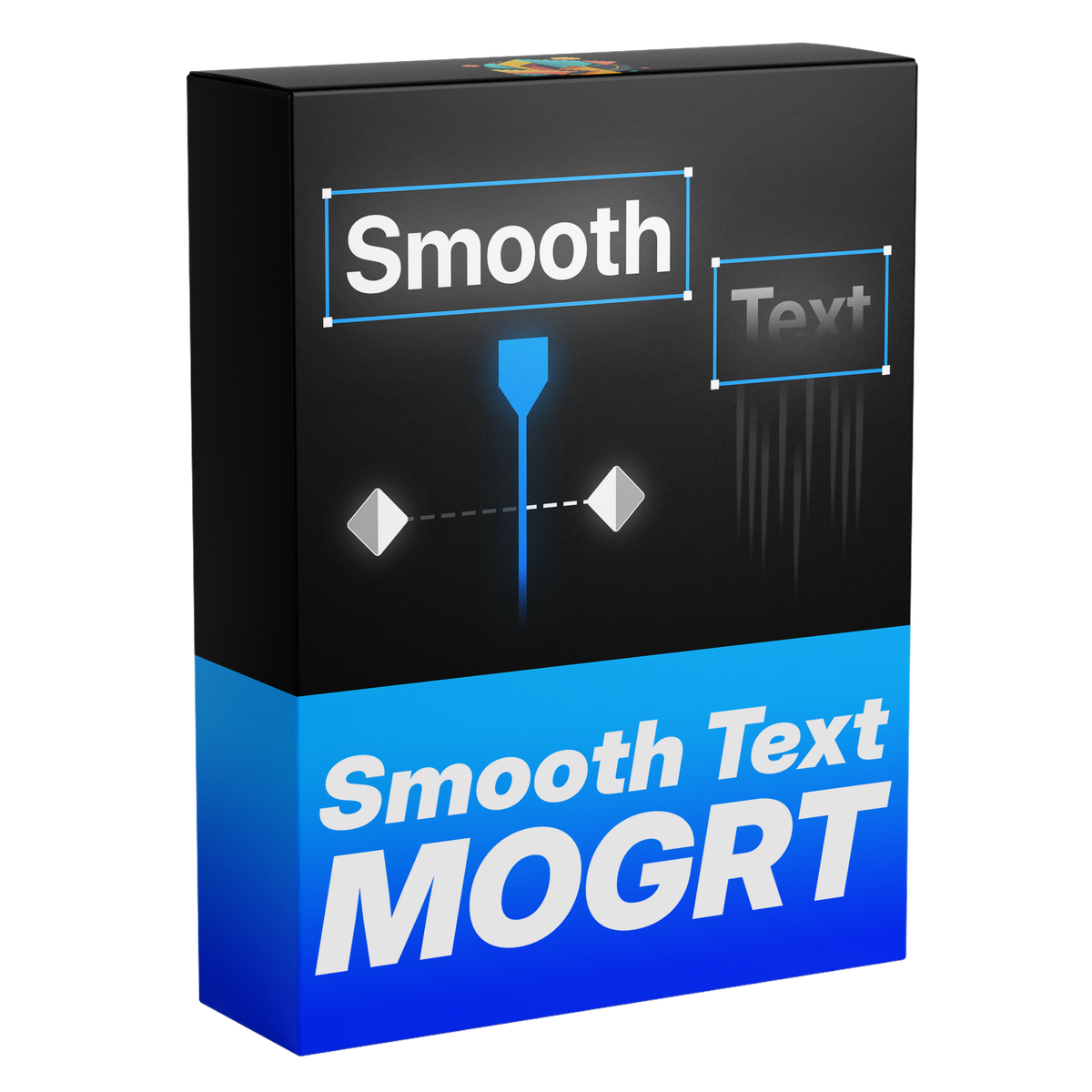
A frame made with Smooth Text

Smooth Text
स्मूद टाइटल और कैप्शन। बस टाइप करें।
सिर्फ़ टाइप करके ब्लर से उभरते स्मूद टाइटल और कैप्शन पाएँ. आपका टेक्स्ट ब्लर से अक्षर, शब्द या लाइन के हिसाब से अंदर आता है. दिशा, ईज़िंग और गति चुनें, और टाइमिंग आपके ट्रिम के साथ चलती है.
 Premiere Pro 2021–2027
- Windows और Mac
- After Effects की ज़रूरत नहीं

On your phone? Get the link on your computer.
मनी-बैक गारंटी आपके Premiere Pro में नहीं चल रहा? 14 दिनों के अंदर हमसे संपर्क करें।
Smooth Text
उन लोगों ने बनाया जो Premiere Pro सिखाते हैं।
700+ ट्यूटोरियल और हज़ारों कमेंट्स ने हमें दिखाया कि एडिटर्स को क्या धीमा करता है। इसलिए हमने वे टूल बनाए जो हम एडिटर के तौर पर चाहते थे: आसान और बिना झंझट।
ट्यूटोरियल देखें- 200K+एडिटर हमारे टूल इस्तेमाल करते हैं
- 30M+हमारे YouTube ट्यूटोरियल पर व्यूज़
- 90K+सोशल मीडिया पर फ़ॉलोअर्स
- 37K+एडिटर हमारी Discord कम्युनिटी में


स्मूथली स्लाइड होकर आते टाइटल्स
कंट्रोल्स
ईज़िंग
Premiere Pro में ही बनाएं और बदलें।
सब कुछ Essential Graphics में
एक टेम्पलेट, टेक्स्ट मूव करने का हर तरीका।
हर एडिट के लिए बना।

Premiere Pro 2021–2027
किसी प्लगइन की ज़रूरत नहीं।
ख़ास बातें देखें।
-
एनिमेशन
टाइटल ब्लर से निकलकर आराम से आते हैं।
अक्षर दर अक्षर, ईज़िंग पहले से शामिल।
-
अक्षर, शब्द या लाइन
चुनें कि यह कैसे चले।
अक्षर, शब्द या लाइन से, आपकी चुनी किसी भी दिशा से।
-
टाइमिंग
आपकी अवधि, आपकी ईज़िंग।
अपना टेक्स्ट टाइप करें, फिर उसी पैनल में अवधि और ईज़िंग सेट करें।
डाउनलोड में
-
टेम्पलेट फ़ाइल
एक टेम्पलेट फ़ाइल (.mogrt)। इसे हर वीडियो में दोबारा इस्तेमाल करें, क्लाइंट के काम में भी।
-

Glide
From a blur. Into focus.
Type your title in Premiere Pro. Each part starts blurred and away from its spot, then glides into place and sharpens. The easing is built in.
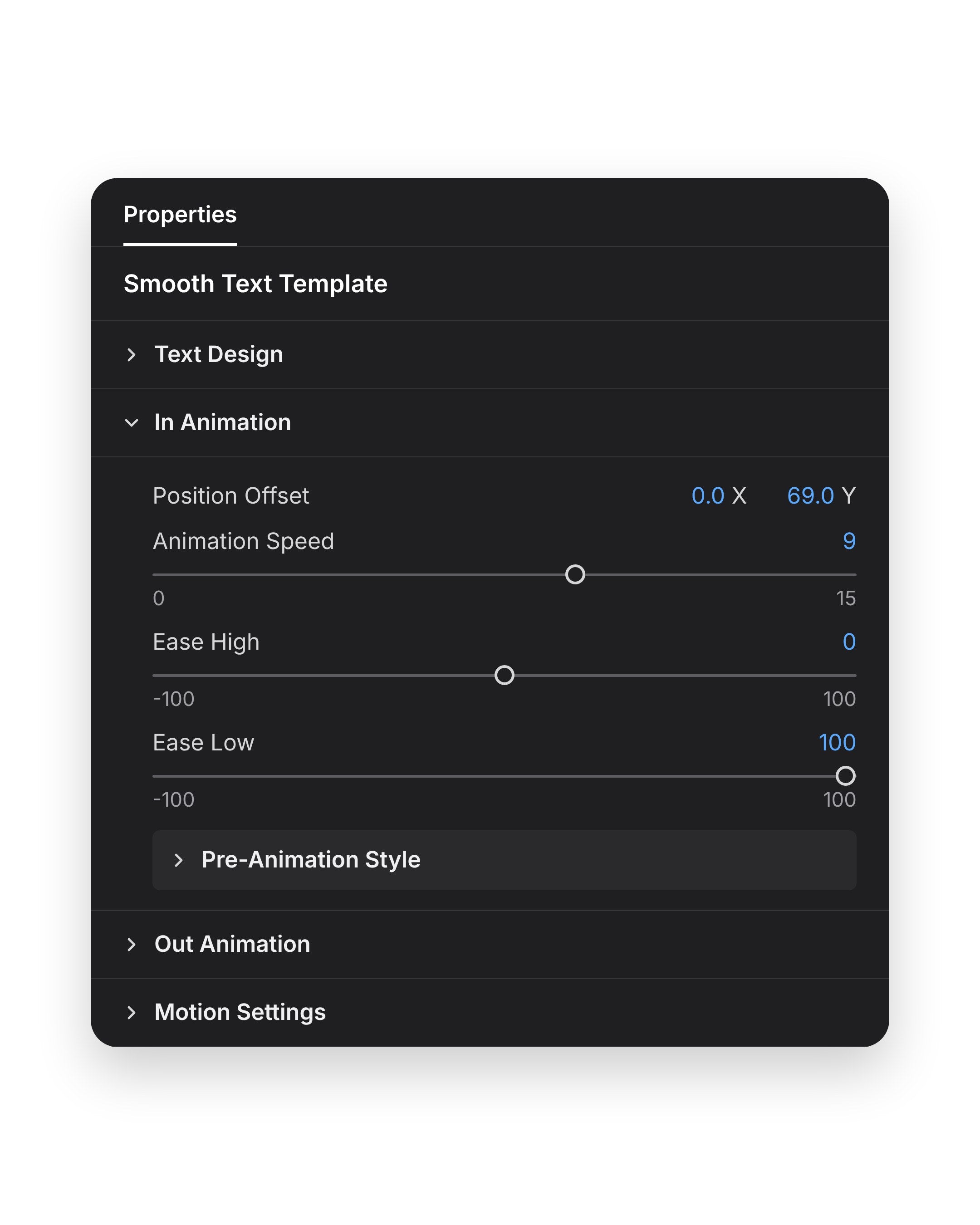
- EasingEase High and Ease Low, each from -100 to 100, shape how it starts and settles.
- Animation SpeedOne slider, from 0 to 15.
- Follows your trimIt keeps to your In and Out points.
Letters, words or lines
Letter by letter. Or line by line.
One menu sets what moves on its own: Characters, Words or Lines. Change it at any time without retyping the title.
- CharactersOne letter after another, for short titles.
- WordsOne word after another, for captions and quotes.
- LinesA whole line in one move, for longer text.
Direction
Any direction. In and out.
Position Offset sets where the text starts, as an X and a Y value. Use X to bring it in from the left or right, and Y from the top or bottom. It leaves the same smooth way.
- Position OffsetTwo numbers, X and Y, for the point the text glides in from.
- In and outIn Animation and Out Animation are separate groups, each with its own settings.
- Motion blurBuilt in, with control over shutter angle.
Essential Graphics
One panel. 49+ controls.
Every setting sits in Premiere Pro. No After Effects, no keyframes.

- Any fontFor titles and captions alike.
- Color and trackingSet the color and the letter spacing.
- TransformMove, scale and rotate the whole title.
49+ कंट्रोल। एक पैनल।
मोशन
- कोई भी दिशा. बाएँ, दाएँ, ऊपर या नीचे से।
- इन और आउट. हर एक को अलग से सेट करें।
- ईज़िंग. मोशन जो तेज़ होती है और ठहरती है।
- मोशन ब्लर. बिल्ट-इन, अपने कंट्रोल के साथ।
टेक्स्ट
- कोई भी फ़ॉन्ट. टाइटल और कैप्शन, दोनों के लिए।
- रंग और ट्रैकिंग. रंग और अक्षरों के बीच की जगह सेट करें।
- ट्रांसफ़ॉर्म. कहीं भी पोज़िशन, स्केल और रोटेट करें।
टाइमिंग
- आपकी ट्रिम के हिसाब से. एनिमेशन आपके In और Out पॉइंट के हिसाब से रहता है।
- एनिमेशन स्पीड. इसे तेज़ या धीमा बनाएँ।
Specifications
- Works with
- Premiere Pro 2021–2027, Windows and Mac
- You get
- 1 template (.mogrt) with 49+ controls
- No need for
- After Effects or plugins
- Works offline
- Updates
- Free, from your order page
- Payment
- One-time, no subscription
- Download
- Instant after checkout, 0.4 MB zip
तीन स्टेप। कोई keyframing नहीं।
टेम्पलेट को Premiere Pro में एक बार इम्पोर्ट करें। कोई प्लगइन या अलग सेटअप नहीं।
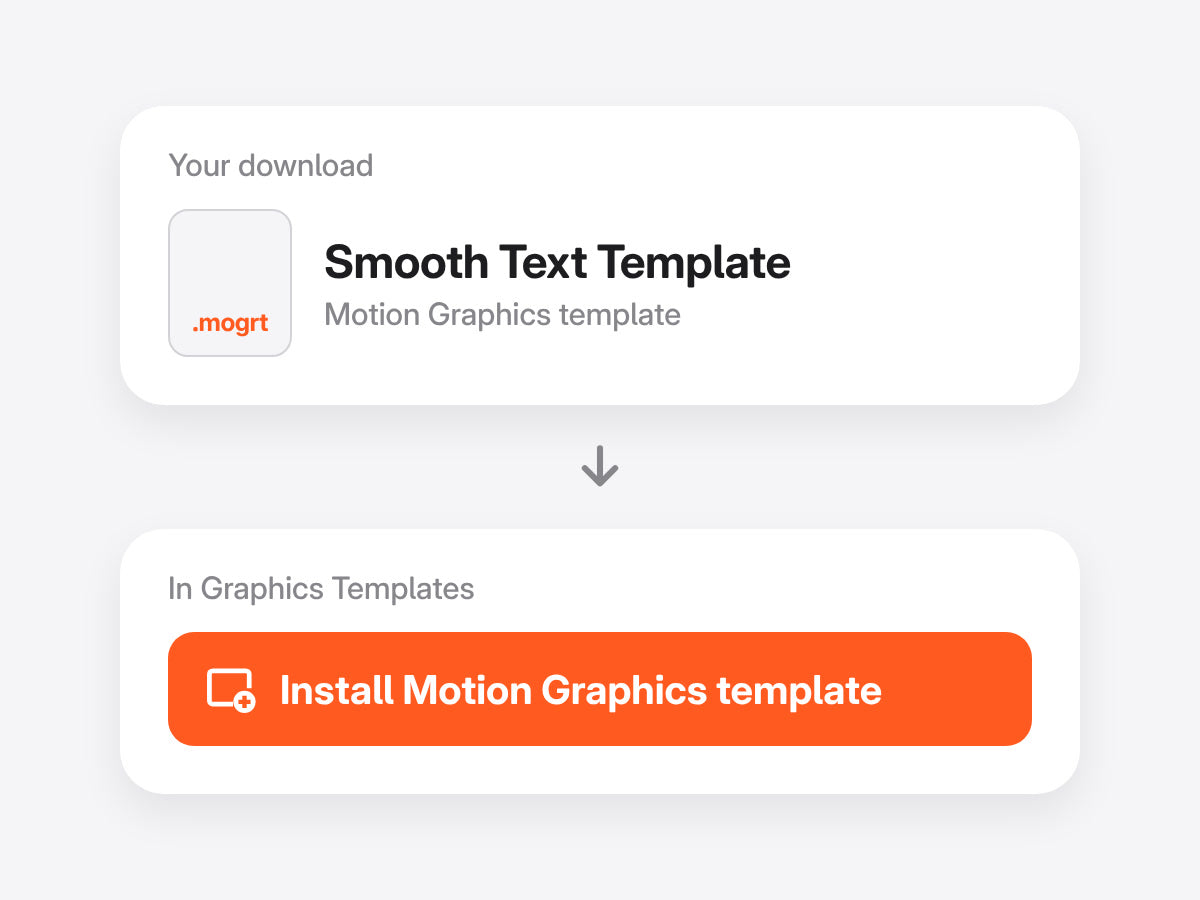
1टेम्पलेट इम्पोर्ट करें
Graphics Templates (पुराने वर्ज़न्स में Essential Graphics) खोलें और .mogrt फ़ाइल इम्पोर्ट करें।
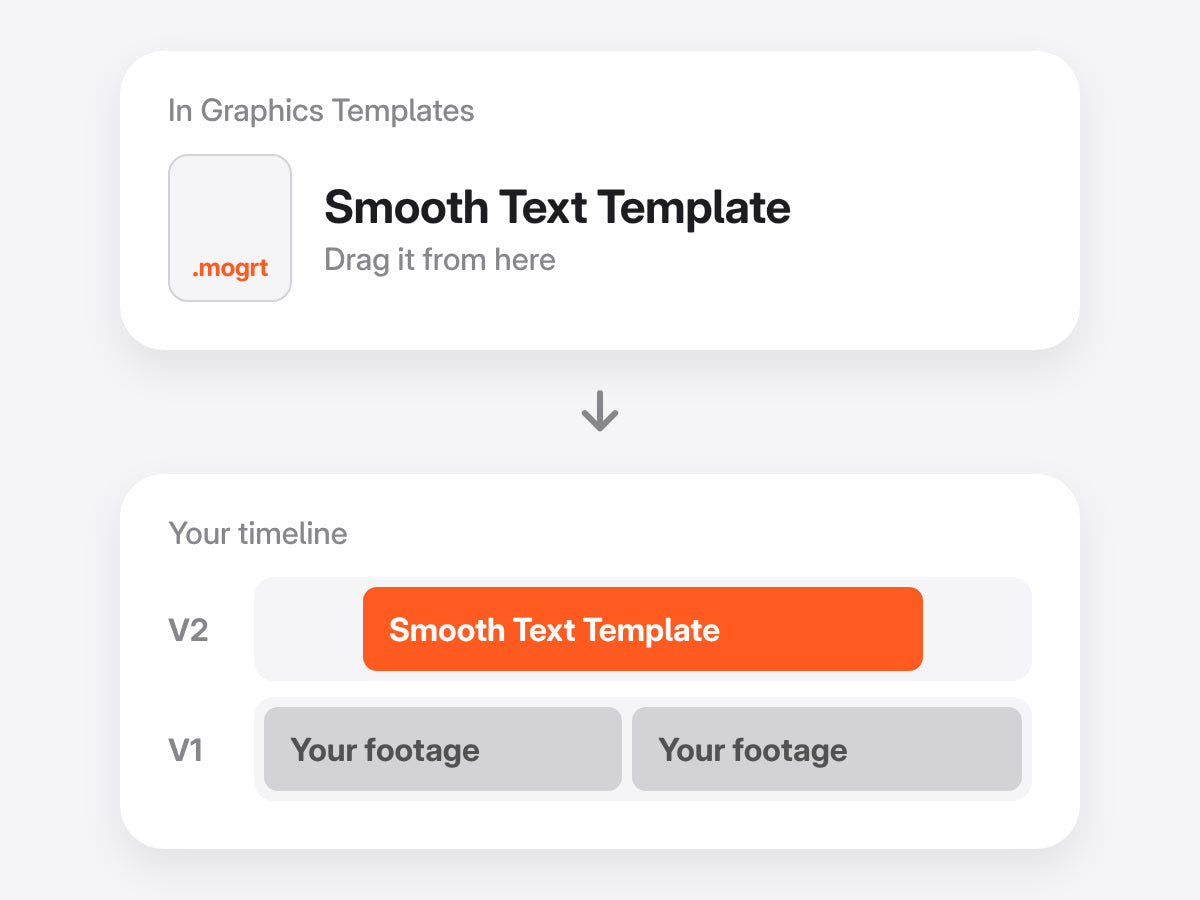
2इसे अपनी टाइमलाइन पर ड्रैग करें
इसे अपनी फ़ुटेज के ऊपर ड्रॉप करें, फिर जैसे चाहें ट्रिम करें। एनिमेशन आपके In और Out पॉइंट्स को फ़ॉलो करता है।
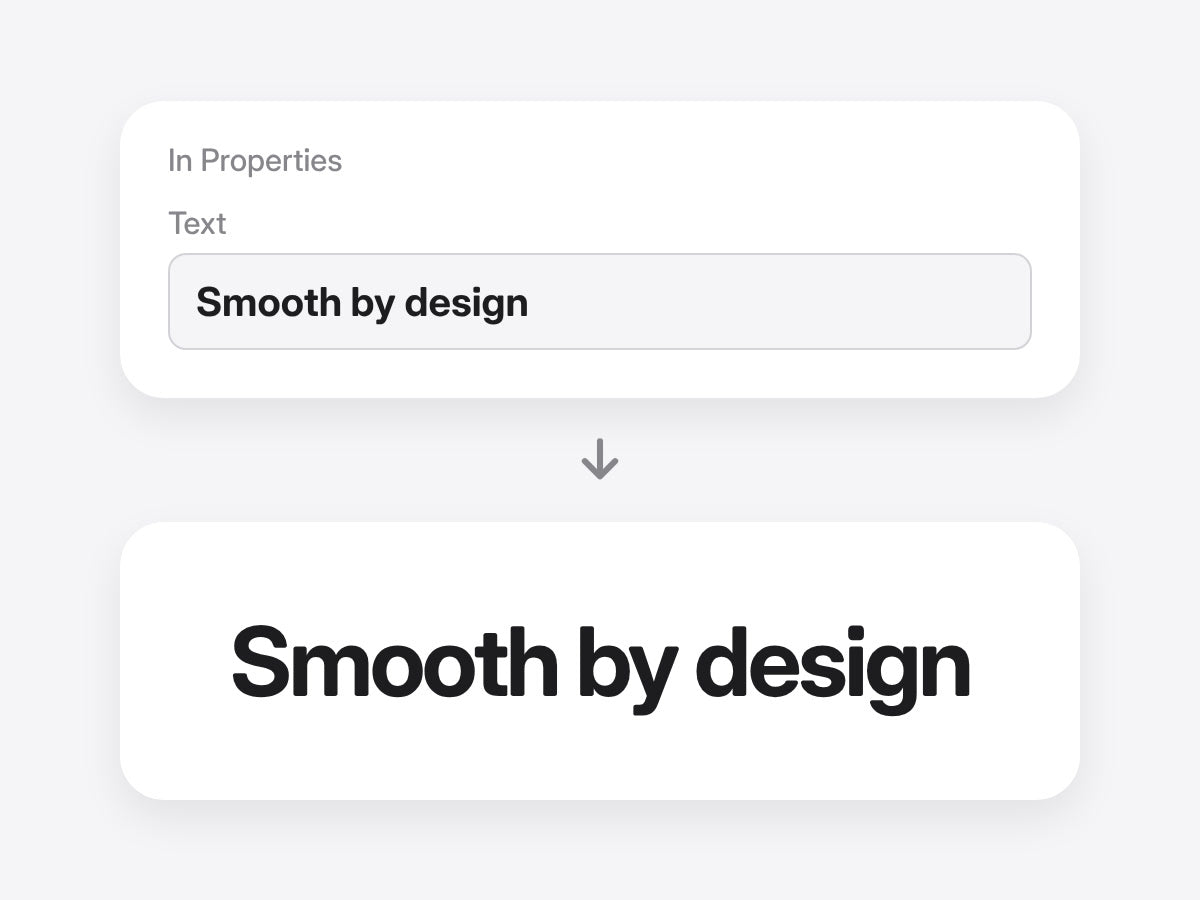
3अपना टेक्स्ट टाइप करें
अपने शब्द टाइप करें, फिर चुनें कि वे कैसे चलें: अक्षर, शब्द या लाइन से। सब कुछ Properties panel में है (पुराने वर्ज़न में Essential Graphics)।
Premiere Pro 2021–2027 · Windows और Mac · प्लगइन की ज़रूरत नहीं · तुरंत डाउनलोड
एक बार टाइप करें। यह एनिमेट होता है।
हाथ से, आप टेक्स्ट को क्लिप में बाँटते हैं और हर एक पर keyframe लगाते हैं। टेम्पलेट के साथ, आप इसे एक बार टाइप करते हैं।


देखें यह कैसे काम करता है।

अपने टाइटल्स में जान डालें।
49+ कंट्रोल के साथ स्मूद टेक्स्ट एनिमेशन, सीधे Premiere Pro में।
- Premiere Pro 2021–2027
- Windows और Mac
मनी-बैक गारंटी अगर यह न चले
- ख़रीद के 14 दिनों के अंदर हमसे संपर्क करें।
- ठीक करने के लिए 24 घंटों के अंदर मदद।
- अगर हम इसे ठीक न कर पाएँ, तो आपको पैसे वापस मिलेंगे।