

Tutorial Premiere Pro

Tutorial Premiere Pro langkah demi langkah dengan tangkapan layar, dari efek teks hingga transisi dan audio.
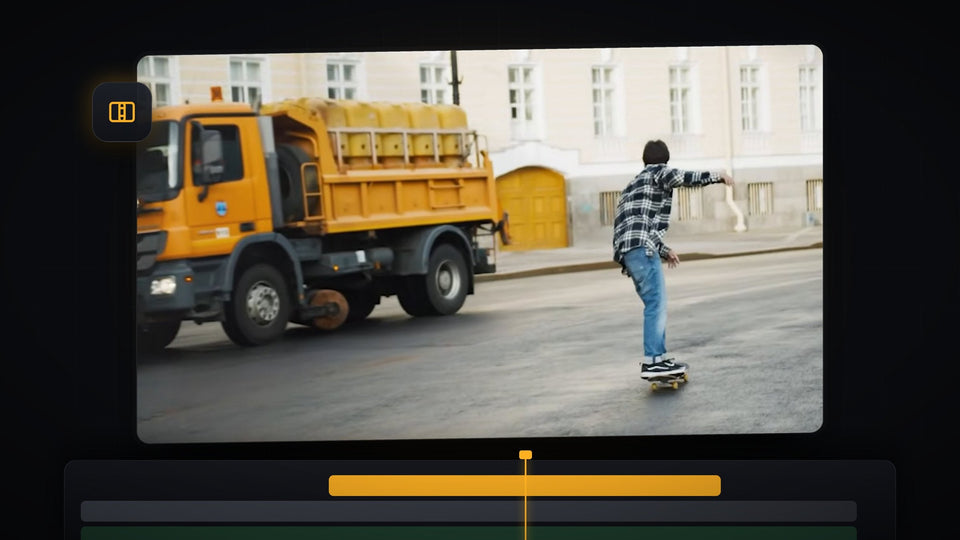
Shake transition in Premiere Pro showing an orange truck and a skateboarder in the Program Monitor mid-transition

Cara Menambahkan Transisi Goyang di Premiere Pro

Mountain landscape with colorful red, green and blue chromatic aberration fringing, made in Premiere Pro

Cara Membuat Efek Aberasi Kromatik di Premiere Pro

Web page screenshot covered with a fine pixel grid, made with the screen pixel effect in Premiere Pro

Cara Membuat Efek Piksel Layar di Premiere Pro

Fireball explosion keyed over footage of scientists in a lab in Premiere Pro

Cara Membuat Efek Ledakan Ala MrBeast di Premiere Pro
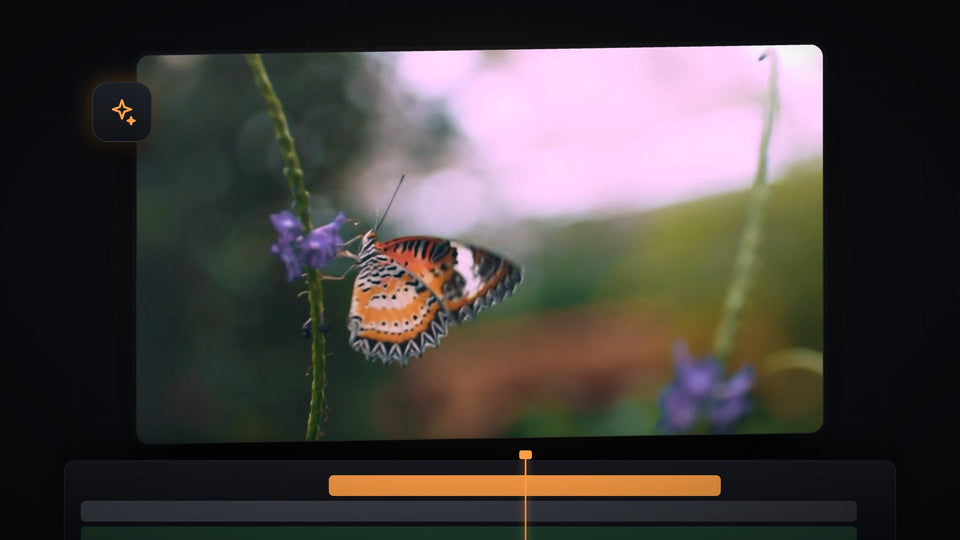
Close-up of a butterfly on a purple flower, the footage used for the eye blinking effect in Premiere Pro

Cara Membuat Efek Kedipan Mata di Premiere Pro

Portrait with a fine halftone dot pattern and a blue duotone tint in the Premiere Pro Program Monitor

Cara Membuat Efek Pola Halftone di Premiere Pro

Runner in a narrow alley highlighted with a pink and blue Object Mask overlay in Premiere Pro

Cara Membuat Efek Highlight Bercahaya di Premiere Pro

Premiere Pro File Import Failure window reading the file has an unsupported compression type for an MKV file

Cara Mengimpor File MKV di Premiere Pro
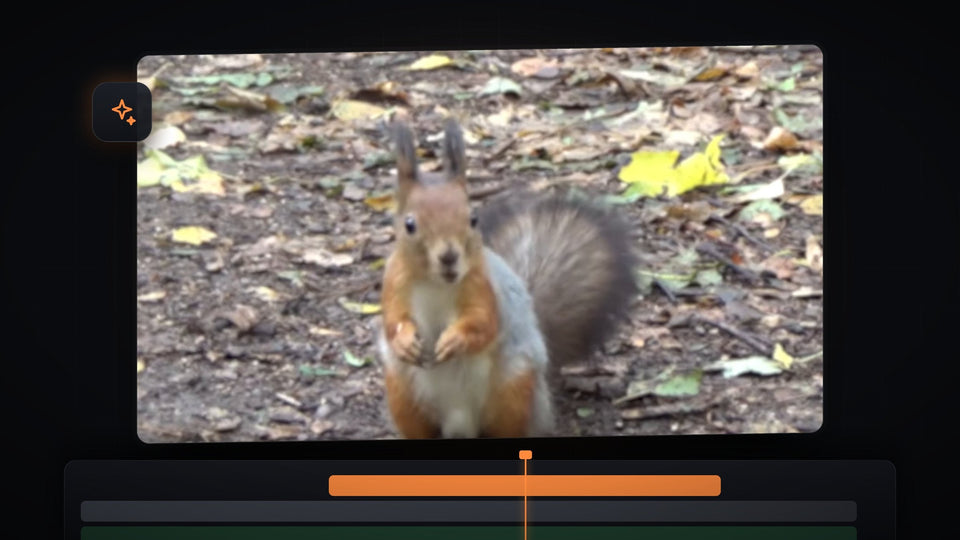
A squirrel zoomed in with soft blur, an example of the blur zoom effect in Premiere Pro

Cara Membuat Efek Blur Zoom di Premiere Pro
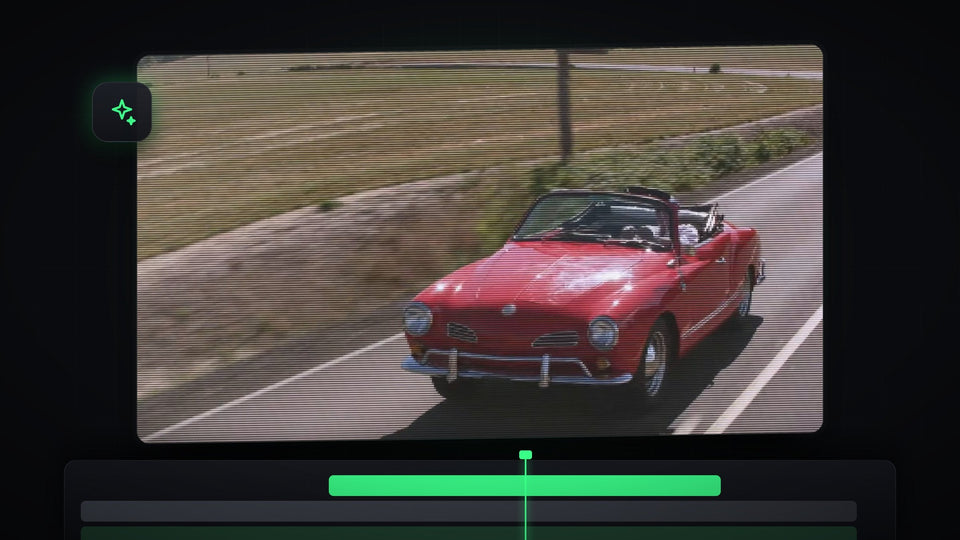
Red convertible driving on a road with a pixelated CRT scanline effect applied in Premiere Pro

Cara Membuat Efek CRT di Premiere Pro

Premiere Pro timeline with a drone shot of a jeep on a snowy road and a song clip ending in a reverb tail

Cara Mengakhiri Lagu dengan Reverb dan Echo di Premiere Pro

Premiere Pro Project Manager window with sequences selected and Collect Files and Copy to New Location chosen

Cara Membagikan Proyek di Premiere Pro

Premiere Pro workspace with an empty Effect Controls panel, program monitor and timeline

Cara Memperbaiki Effect Controls dan Toolbar yang Hilang di Premiere Pro

Close-up of an orange sports car headlight and wheel, zoomed in smoothly in Premiere Pro

Cara Membuat Zoom yang Halus di Premiere Pro

Premiere Pro Program Monitor showing bold white brush-style text on a black background for the floating text effect

Cara Membuat Teks Melayang di Premiere Pro

Red ring shape drawn around a lioness in the Premiere Pro Program Monitor

Cara Menambahkan Bentuk ke Video di Premiere Pro
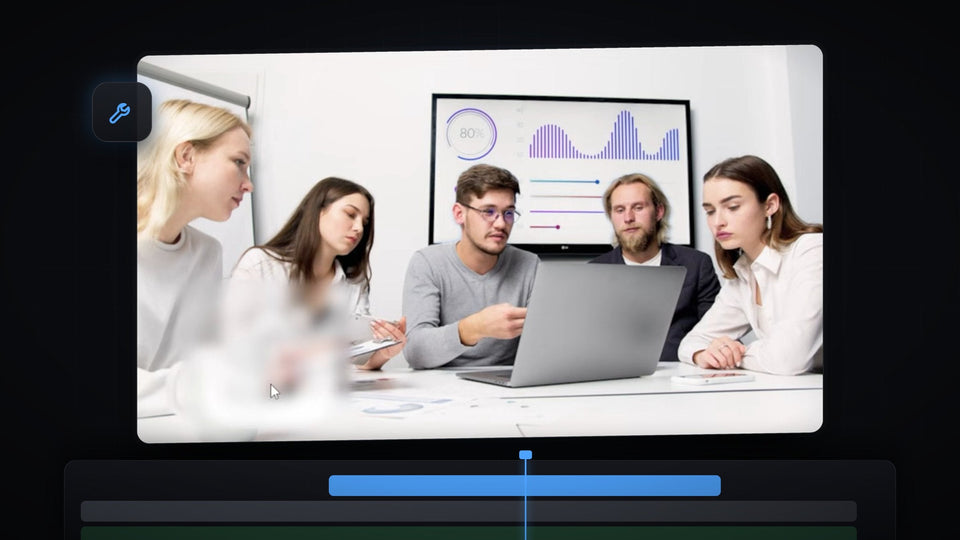
Premiere Pro Program Monitor showing a meeting scene with a watermark blurred into a soft patch

Cara Menghapus Watermark dari Video di Premiere Pro

The word Cinematic in large white letters over a mountain landscape, made with a cinematic text fade in Premiere Pro

Cara Membuat Efek Text Fade Sinematik di Premiere Pro
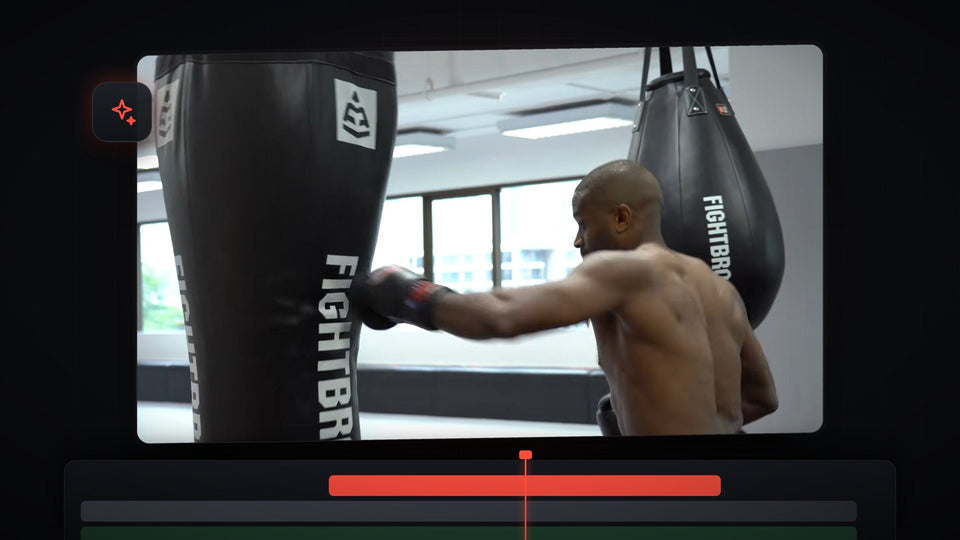
Boxer throwing a punch into a heavy bag in Premiere Pro, ready for an impact zoom effect

Cara Menambahkan Efek Impact di Premiere Pro
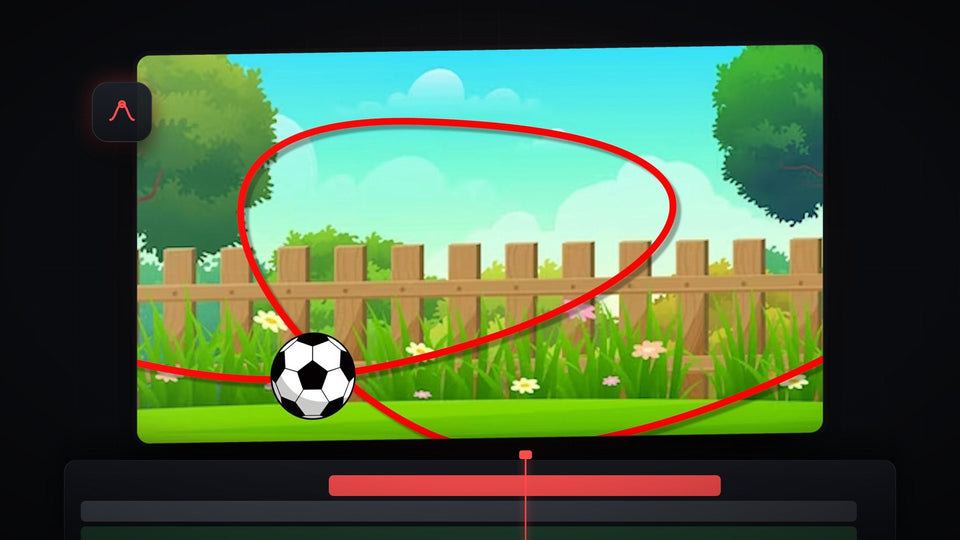
Football flying along a red curved path over a cartoon garden, an object animated along a path in Premiere Pro

Cara Menggerakkan Objek Mengikuti Jalur di Premiere Pro

The Error compiling movie, Frame Creation Error dialog from Adobe Media Encoder shown in Premiere Pro

Cara Memperbaiki Error Compiling Movie di Premiere Pro

Black and white flashback frame in Premiere Pro with the Lumetri Color panel open beside the Program Monitor

Cara Membuat Efek Flashback ala MrBeast di Premiere Pro

Frozen person with sunglasses and floating dollar bills in a freeze frame transition made in Premiere Pro

Cara Membuat Transisi Freeze Frame di Premiere Pro

A red rounded rectangle graphic over a talking head clip in the Premiere Pro Program Monitor, edited through After Effects Dynamic Link

Cara Menggunakan Premiere Pro dan After Effects Bersama

Sharp close-up portrait of a man's face in Premiere Pro after increasing the video quality

Cara Meningkatkan Kualitas Video di Premiere Pro