

Tutorial Premiere Pro

Tutorial Premiere Pro langkah demi langkah dengan tangkapan layar, dari efek teks hingga transisi dan audio.

Turquoise sea and rocky coast footage used to demonstrate video transitions in Premiere Pro

Cara Menambahkan Transisi Video di Premiere Pro

Text label Lamborghini tracking an orange sports car in Premiere Pro

Cara Melacak Teks di Premiere Pro

Mako for Premiere Pro feature overview: adjustment layers, color mattes, unnest, transparency grid, delete empty tracks and free

Mako: Panel Alat Satu Klik Gratis untuk Premiere Pro

Misty forest still frame shown in the Premiere Pro Program Monitor

Cara Mengambil Screenshot di Premiere Pro

Website page shown in the Premiere Pro Program Monitor for a smooth scrolling animation

Cara Membuat Scroll Website yang Halus di Premiere Pro

Skater crouching behind ripped white paper strips in a paper transition made in Premiere Pro

Cara Membuat Transisi Kertas Robek di Premiere Pro

Full moon over an aurora borealis landscape, an image animated in Premiere Pro

Cara Menggerakkan Gambar di Premiere Pro

Green night vision effect with scan lines on a forest scene made in Premiere Pro

Cara Membuat Efek Night Vision di Premiere Pro

Stacked outlined KINETIC text with glow over a blue and teal background made in Premiere Pro

Cara Membuat Efek Tipografi Kinetik di Premiere Pro

The word Glitched with red, blue and yellow colour split edges on a dark grid, made in Premiere Pro

Cara Membuat Efek Teks Glitch di Premiere Pro

Video clip with recovered audio waveform below it in the Premiere Pro timeline

Cara Menemukan Audio yang Hilang dari Video di Premiere Pro

Solid line turning into a dashed line in a three step diagram on a blue background, made in Premiere Pro

Cara Membuat Animasi Garis Putus-Putus di Premiere Pro

Row of circular profile pictures with red rings, one in focus and others blurred, in a Premiere Pro coin flip animation

Cara Membuat Animasi Coin Flip MrBeast di Premiere Pro

Camera focus effect with a sharp center and blurred edges on a webpage in Premiere Pro

Cara Membuat Efek Fokus Kamera di Premiere Pro

Before and after split screen of a woman applying makeup, made in Premiere Pro

Cara Membuat Efek Before vs After di Premiere Pro
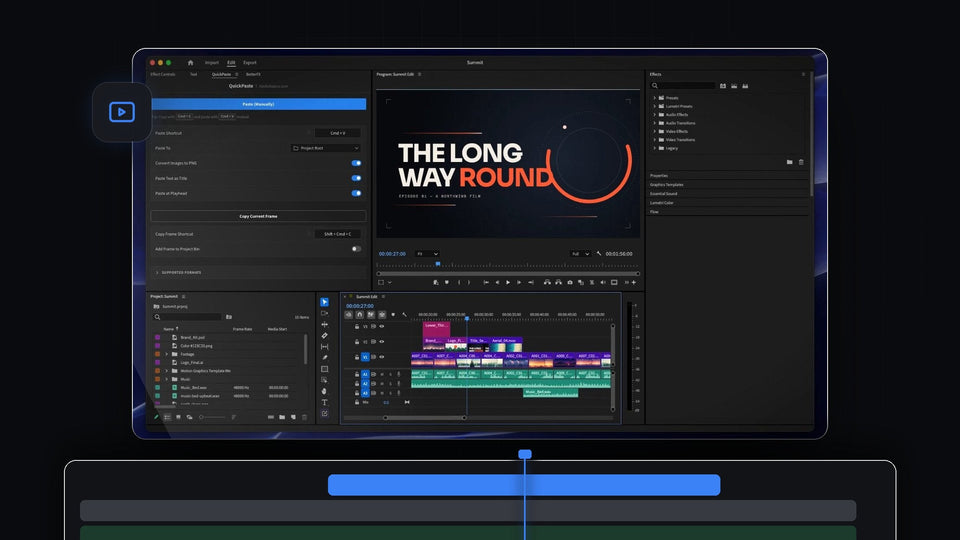
Premiere Pro with the QuickPaste panel open next to a title card and a timeline of pasted files

QuickPaste: Tempel Gambar, Warna, dan File ke Premiere Pro
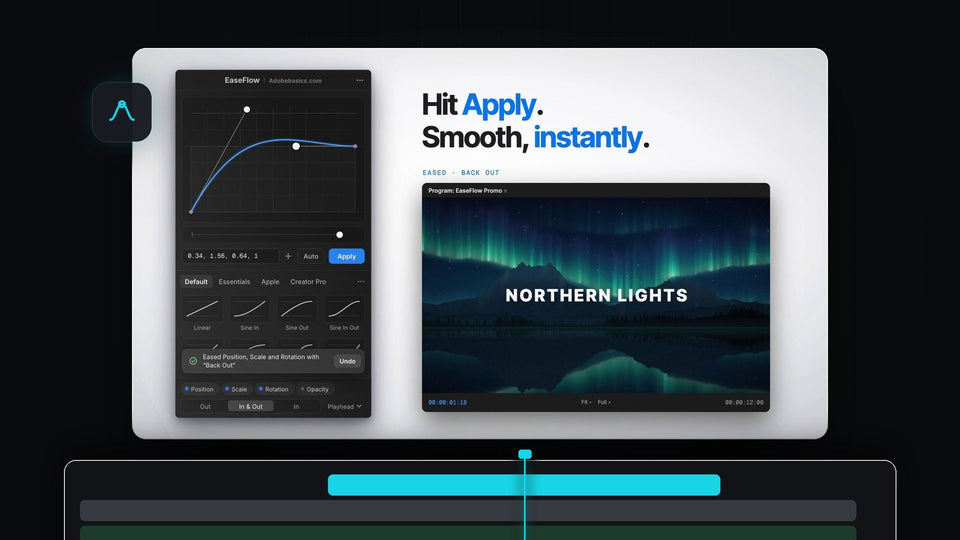
EaseFlow panel in Premiere Pro applying a Back Out easing curve to a Northern Lights title

EaseFlow: Kurva Easing Sungguhan untuk Keyframe Premiere Pro

BetterFX search bar in Glass mode with Gaussian Blur highlighted and nine accent colors for Premiere Pro

BetterFX: Cari dan Terapkan Efek Apa Pun di Premiere Pro

Cyclist riding past a brick wall in the Premiere Pro program monitor for a video wiggle effect

Cara Membuat Efek Wiggle Video di Premiere Pro

Glowing red route line curving across a black and white world map, made in Premiere Pro

Cara Membuat Animasi Peta Perjalanan di Premiere Pro

Premiere Pro New Team Project window with the Owner and Invite Pending collaborators listed

Cara Membuat Team Project di Premiere Pro
Bright cyan solid background with white text in the Premiere Pro program monitor

Cara Membuat Latar Belakang Warna Solid di Premiere Pro

Bold white Wheel of Doom title text on a black background in the Premiere Pro program monitor

Cara Membuat Efek Teks Ryan Trahan di Premiere Pro

Premiere Pro timeline with the playhead mid-clip and a green audio meter during J K L playback

Cara Memutar Video Terbalik di Premiere Pro

Premiere Pro Essential Sound panel with the Loudness Auto-Match button next to a voice-over clip on the timeline

Cara Menormalkan Audio di Premiere Pro