
Passa alle informazioni sul prodotto
Modello di timer per il conto alla rovescia

Modello di timer per il conto alla rovescia

$12.99
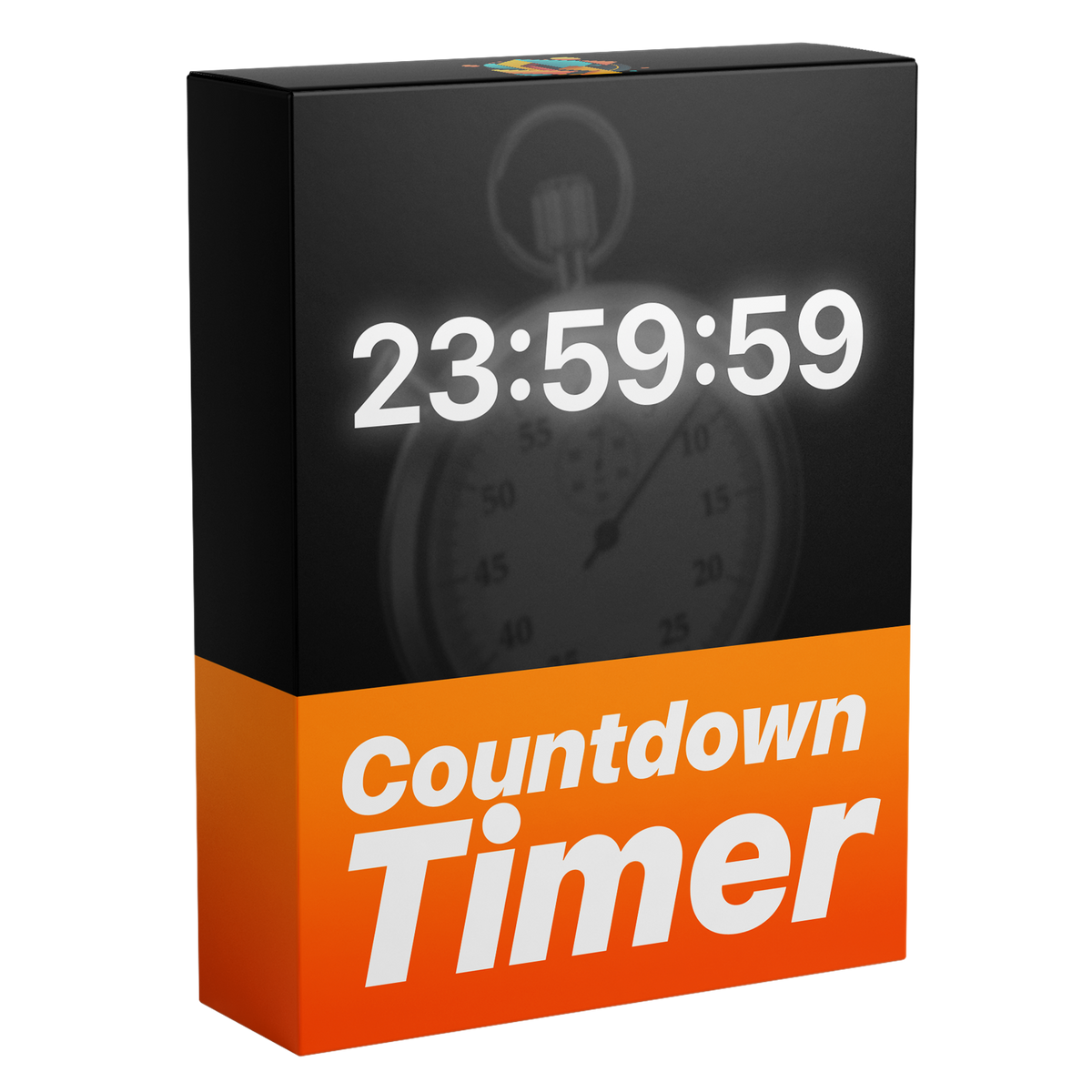
Ecco il timer per conto alla rovescia definitivo e completamente personalizzabile per Premiere Pro. Crea conti alla rovescia dinamici con il pieno controllo su tempo, millisecondi, font e una varietà di impostazioni di progettazione del testo, il tutto senza plugin.
  • Compatibile con Adobe Premiere Pro 2021 e versioni successive
  • Modello di grafica animata (.mogrt)
  • Progettato per Windows e macOS
Download istantaneo
Download istantaneo
Aggiornamenti a vita
Licenza commerciale
Licenza commerciale

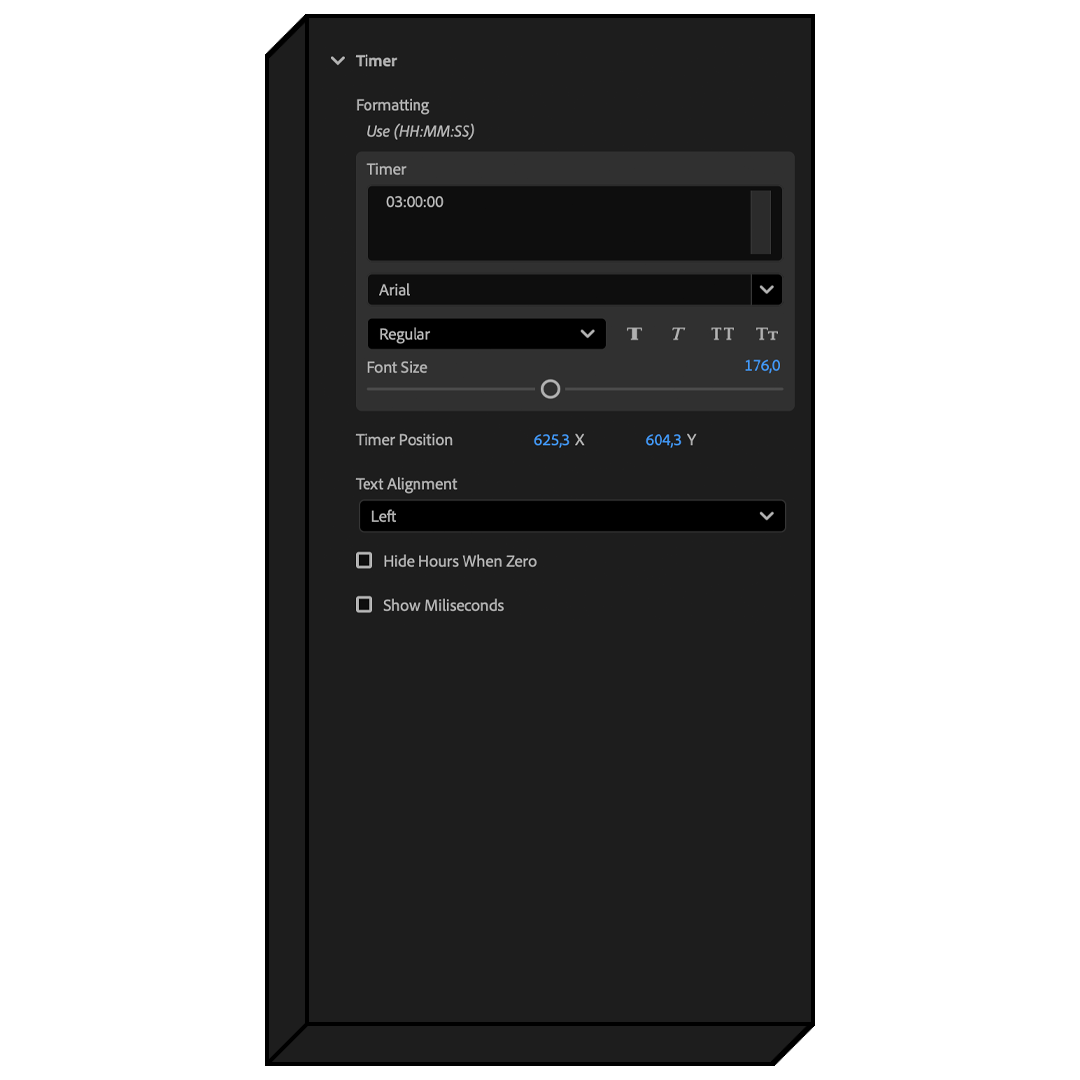
Timer Control.

Fine-tune every part of your countdown with full creative control. Whether it's hiding hours at zero or showing milliseconds for extra precision, every choice is in your hands.

Your Countdown. Your Style.

Your font, your feeling. Make every second of your countdown completely your own.

Dynamic Hours.

Keep your countdown clean and readable by hiding hours automatically. No more distracting zeros cluttering your design.

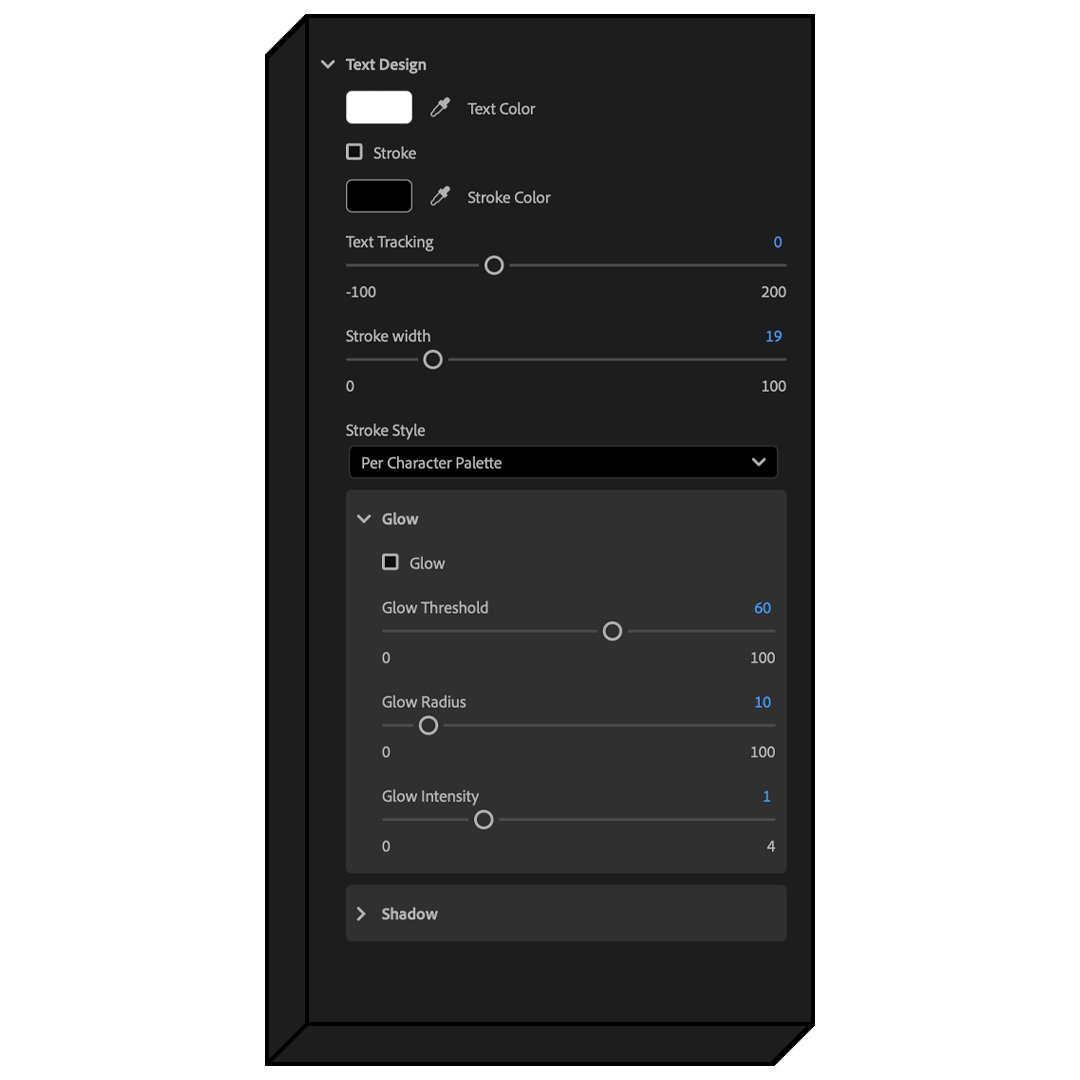
Text Design.

Choose your fill color and customize stroke styles and widths for a truly unique countdown design. Set the perfect look with a few simple adjustments.

Text Alignment.

Choose from left, center, or right alignment to position your countdown text perfectly. Adjust the placement in seconds.

Extreme Precision.

Take control of your timer with millisecond precision, offering an even finer level of detail in your countdown.

Text Tracking.

Adjust the space between characters to refine your countdown’s look. Customize the appearance of your timer effortlessly with a few simple clicks.

Shadow & Glow.

Elevate your text with built-in Glow and Shadow. Instantly add a glowing effect or smooth shadow to your text with just a few clicks—saving you time and making the process effortless.

Template Guide

Frequently asked questions

What software does this template work with?

This template works with Adobe Premiere Pro 2021, 2022, 2023, 2024, and 2025 — both licensed and cracked versions.

Is this template compatible with both Mac and Windows?

Yes. The template works perfectly on both Mac and Windows versions of Adobe Premiere Pro.

Does the template work with any language of Premiere Pro?

Yes. The Template is fully compatible with all language versions of Premiere Pro, so you can use it regardless of your software’s language settings.

How do I download my purchased files?

After completing your purchase, you will receive a download email with a direct link. You can also download your files immediately from the order confirmation page right after checkout.

How do I update the template if there’s a new version?

When a new version is released, you’ll receive an email with a download link. Simply download the updated template and replace the old one in Premiere Pro. You can also log in to your user account on our website anytime to download the latest version for completely free.

Do I need any plugins?

No. The template works natively in Adobe Premiere Pro—no plugins required. Just drag and drop it into the graphics templates window and you’re good to go.

Why is the layer limited to 3h?

The 3-hour limit is due hard-coded software restrictions on the duration for templates.

However, you can easily work around this by duplicating the timer layer and adjusting the countdown, allowing you to extend the timer beyond 3 hours without any problems.

Is the background transparent?

Yes. The template has a transparent background, so you can easily put it over any video or design without an unwanted background showing.

Does the template work with vertical video?

Yes. The template is designed to work seamlessly with any aspect ratio, including vertical, square, and widescreen formats.

What is a MOGRT?

A MOGRT, or Motion Graphics Template, is a customizable animation file used in Adobe Premiere Pro. It allows you to quickly add advanced animations and effects to your videos without needing advanced animation software.

How do I install the Motion Graphic Template in Premiere Pro?

For Premiere Pro 2018–2024, open the Essential Graphics panel by going to Window > Essential Graphics. Then, drag and drop your MOGRT file into the panel.

In Premiere Pro 2025, use the Graphics Templates tab instead—enable it via Window > Graphics Templates—and drag your MOGRT file there. After importing, you can add the MOGRT to your timeline and customize it.

For a complete step-by-step guide, visit: How to Install & Customize MOGRT Files

Altri hanno acquistato anche

Presets

Ultimate Premiere Pro Presets Pack

Ultimate Premiere Pro Presets Pack

43 recensioni

Ultimate Premiere Pro Presets Pack

$59.99
Pack Preset Colore Ultimate

Pack Preset Colore Ultimate

7 recensioni

Pack Preset Colore Ultimate

$34.99
Ultimate Text Preset Pack

Ultimate Text Preset Pack

1 recensioni

Ultimate Text Preset Pack

$27.99
Pacchetto Scuotimento Schermo per Premiere Pro

Pacchetto Scuotimento Schermo per Premiere Pro

11 recensioni

Pacchetto Scuotimento Schermo per Premiere Pro

$14.99

Modelli di grafica animata

Modello di animazione per il conteggio dei numeri

Modello di animazione per il conteggio dei numeri

35 recensioni

Modello di animazione per il conteggio dei numeri

$19.99
Modello di animazione del testo fluido

Modello di animazione del testo fluido

21 recensioni

Modello di animazione del testo fluido

$16.99
Modello di Animazione a Piegatura di Carta

Modello di Animazione a Piegatura di Carta

6 recensioni

Modello di Animazione a Piegatura di Carta

$12.99
Modello di animazione di notifica

Modello di animazione di notifica

8 recensioni

Modello di animazione di notifica

$12.99