

Mako
Gratis
Già nel tuo carrello
Anche gratis


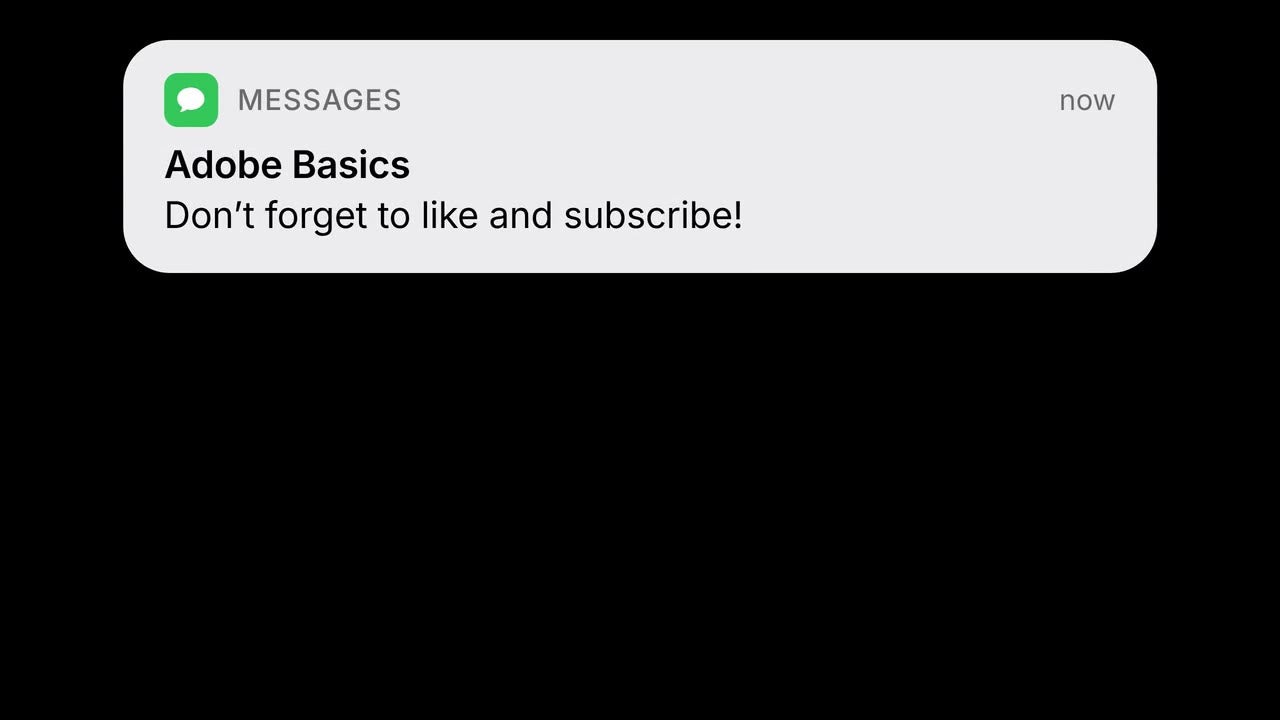
A frame made with Notification

Sembra vera. Scrivi il tuo messaggio.
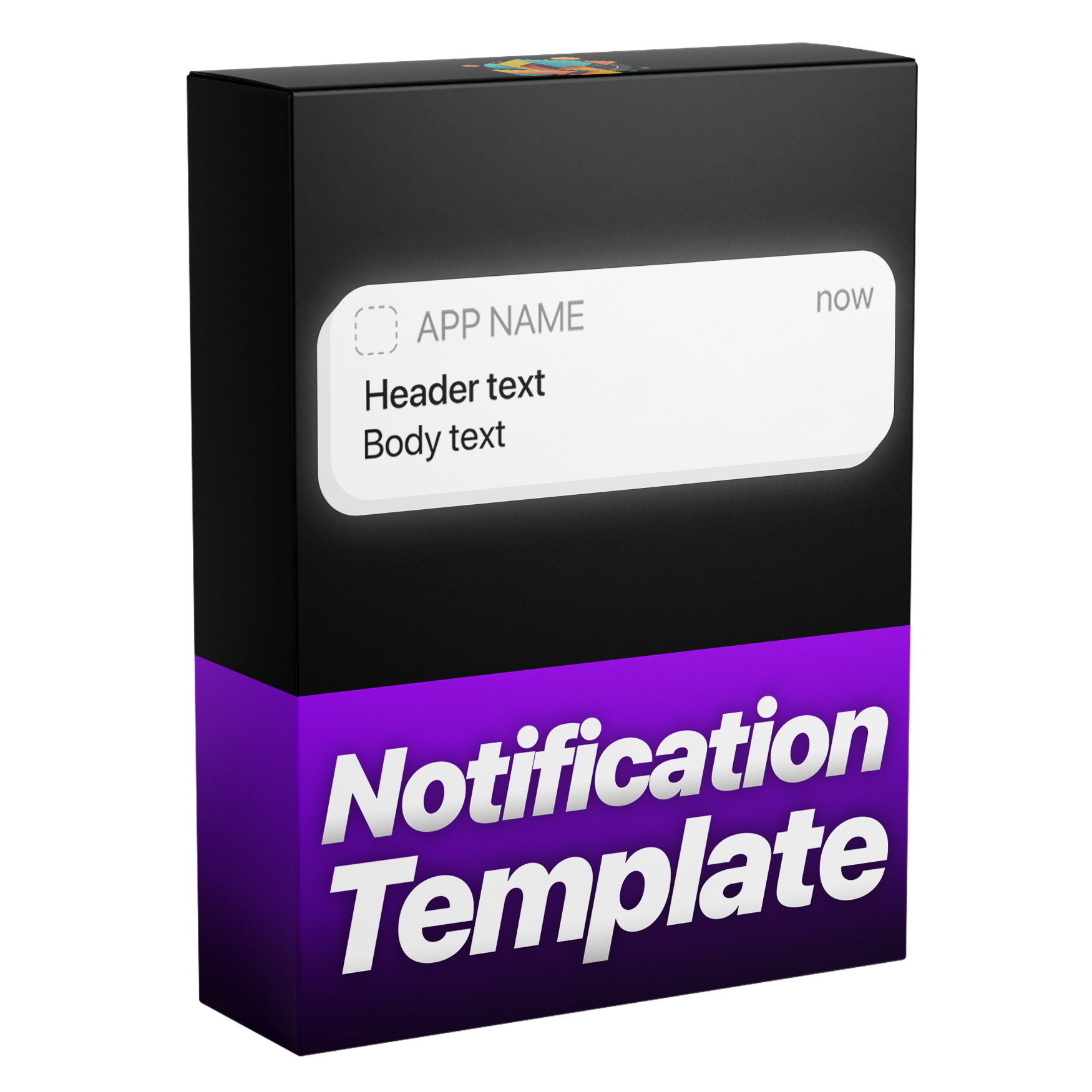
Aggiungi una notifica che sembra arrivare da un telefono vero. Inserisci l'icona di qualsiasi app e scrivi il tuo messaggio. Entra ed esce con sfocatura di movimento, segue il tuo taglio ed è disponibile in chiaro, scuro o qualsiasi colore.
 Premiere Pro 2021–2027
Garanzia di rimborso Non funziona nel tuo Premiere Pro? Scrivici entro 14 giorni.
Notification
Oltre 700 tutorial e migliaia di commenti ci hanno mostrato cosa rallenta gli editor. Così abbiamo creato gli strumenti che volevamo da editor: semplici e senza seccature.
Guarda i tutorial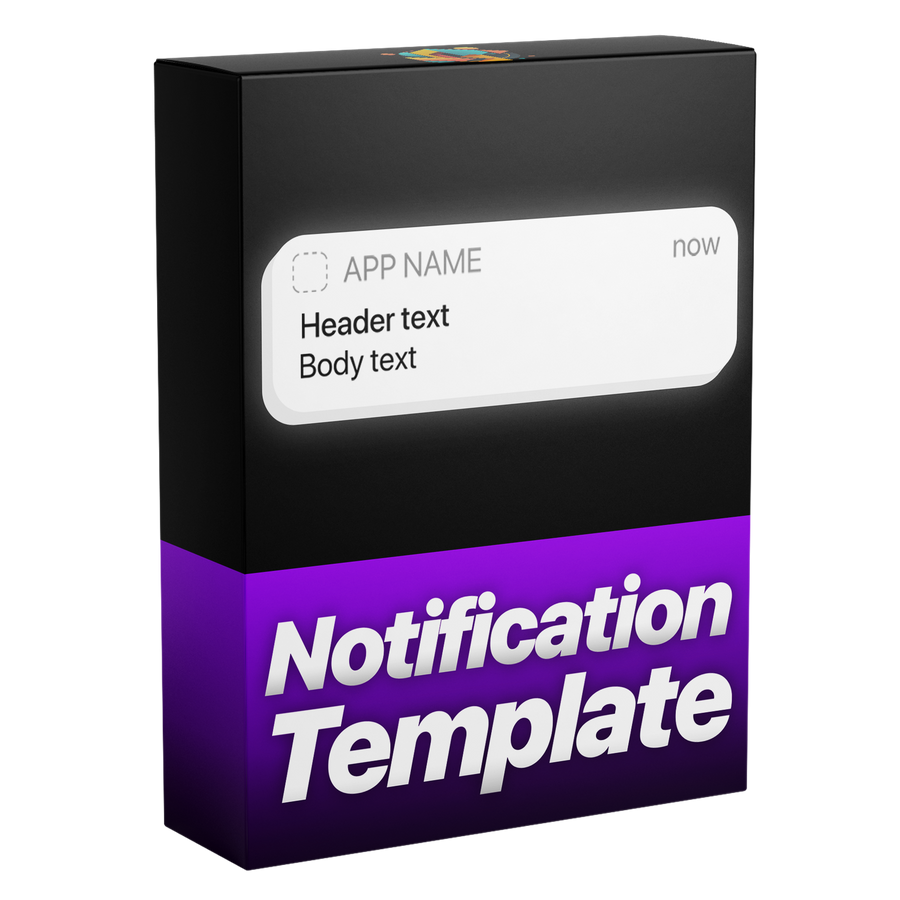

Perfetto al pixel, come la vera interfaccia dell'iPhone
Controlli
Crealo e modificalo in Premiere Pro.
Tutto in Grafica essenziale
Qualsiasi colore
Fatto per ogni montaggio.

Premiere Pro 2021–2027
Nessun plugin necessario.
Animazione
Con il motion blur. Poi resta e esce.
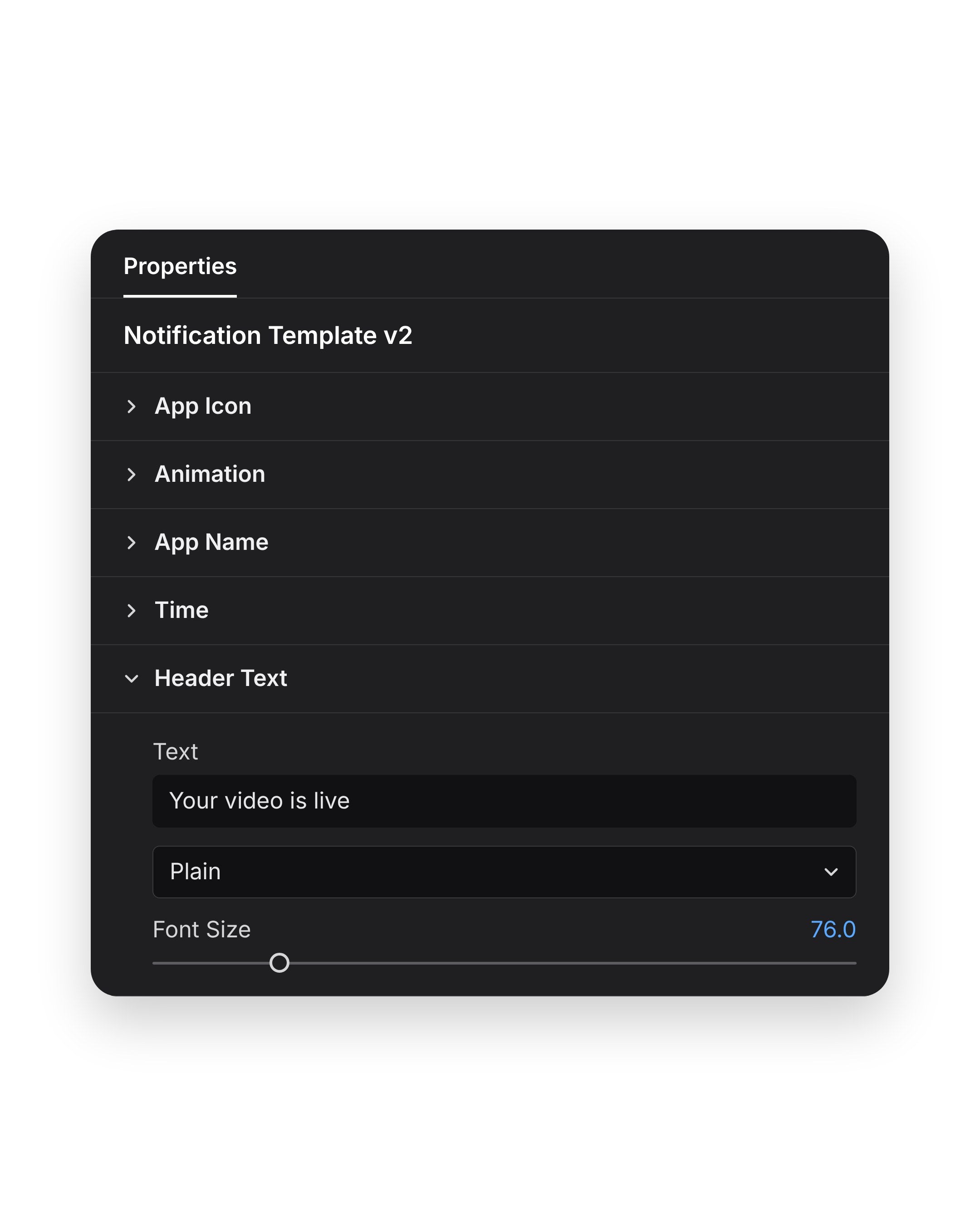
Il tuo messaggio
Poi imposta colore e opacità nello stesso pannello.
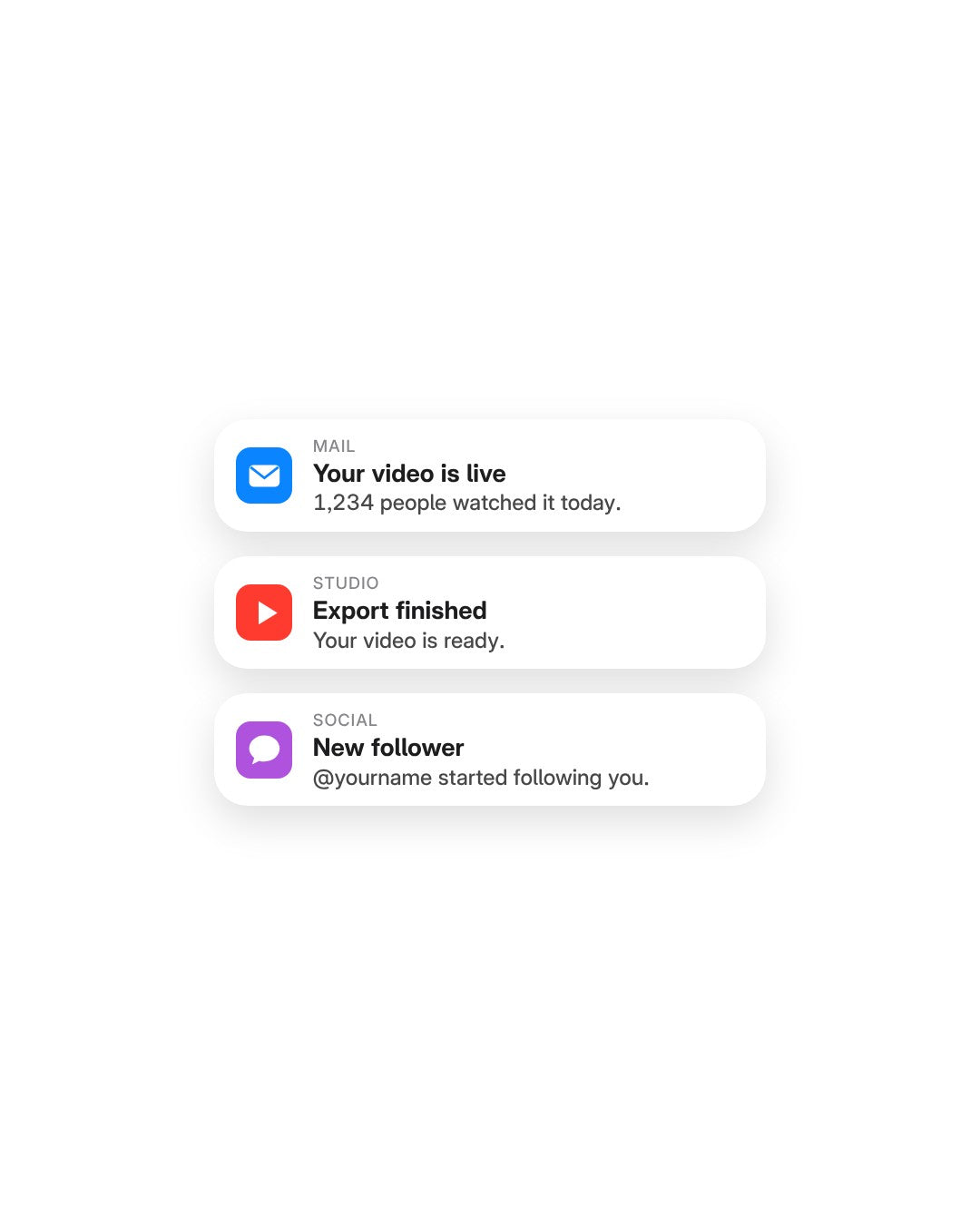
La tua icona
Oppure scegli un colore in linea con il tuo brand.
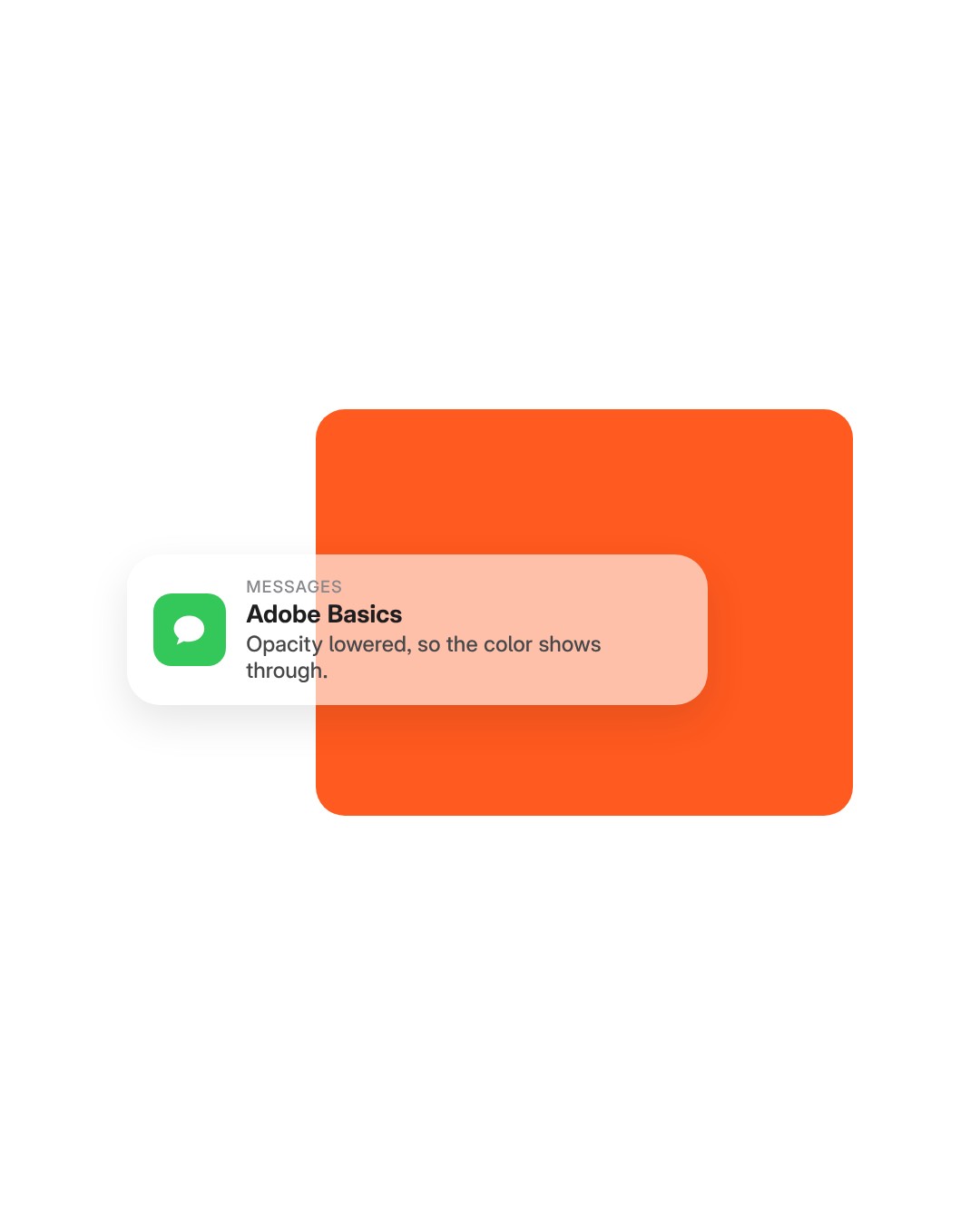
Opacity
Abbassa l’opacità per un banner trasparente.
File template
Un file template (.mogrt). Importalo una volta, poi trascinalo su qualsiasi timeline.
Motion
The banner slides in, holds on screen and slides out again. You set how fast it arrives and how fast it leaves, and motion blur is built in.
Timing
The banner stays for as long as the clip does. Trim the clip to 3 seconds or stretch it to 10, and the slide out moves with the end of the clip.

Light or dark
Match the banner to a phone in light or dark mode.

Any color
Pick any color for the message box, like your brand’s orange. Then set Opacity to choose how much of your footage shows through.

App icon
Drop in the icon of any app or brand as a picture, then type the app’s name next to it.

Your message
Three lines of text are yours: the app name, the title and the message. Type each one in the Essential Graphics panel in Premiere Pro. No After Effects needed.

Importa il template in Premiere Pro una volta. Niente plugin né configurazioni extra.
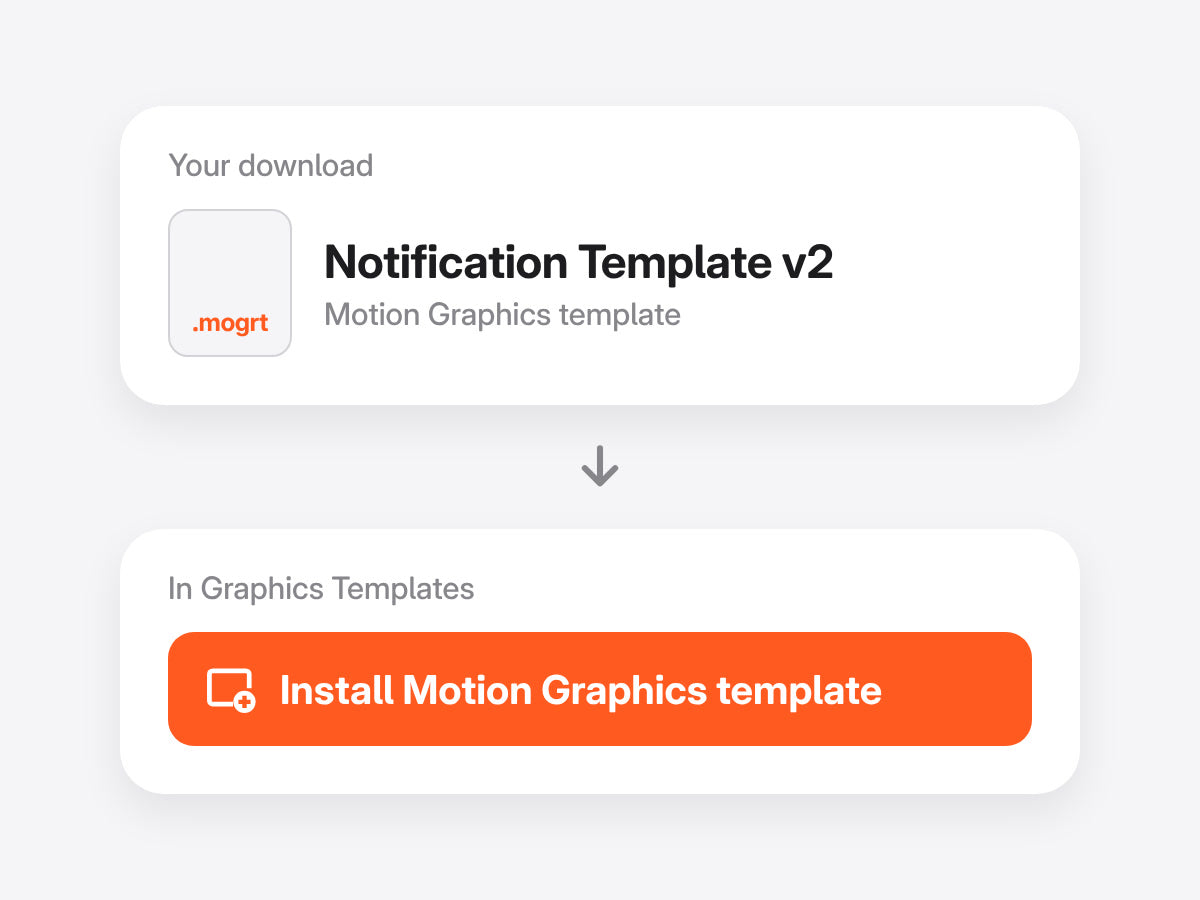
Apri Graphics Templates (Grafica essenziale nelle versioni precedenti) e importa il file .mogrt.
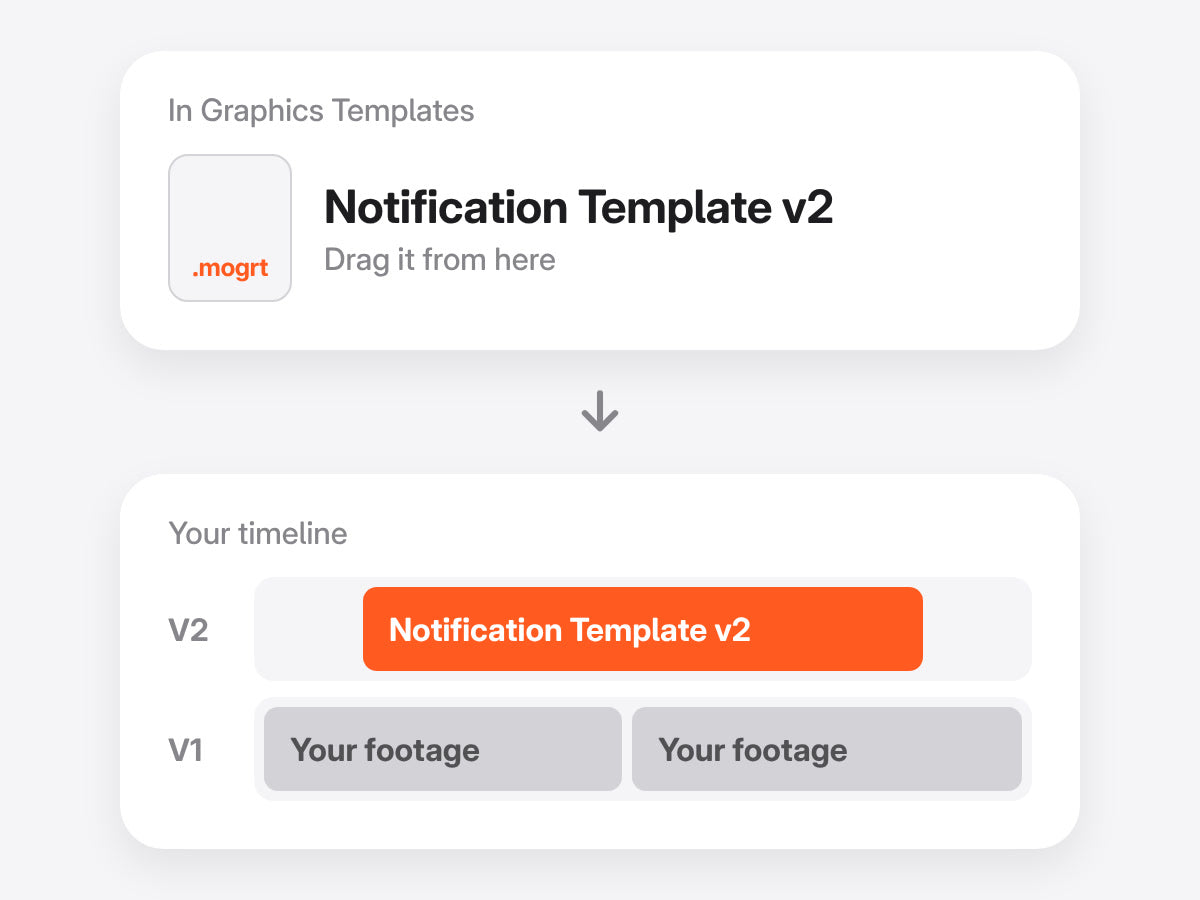
Rilasciala sopra il girato, poi tagliala come preferisci. L'animazione segue i punti di attacco e di stacco.
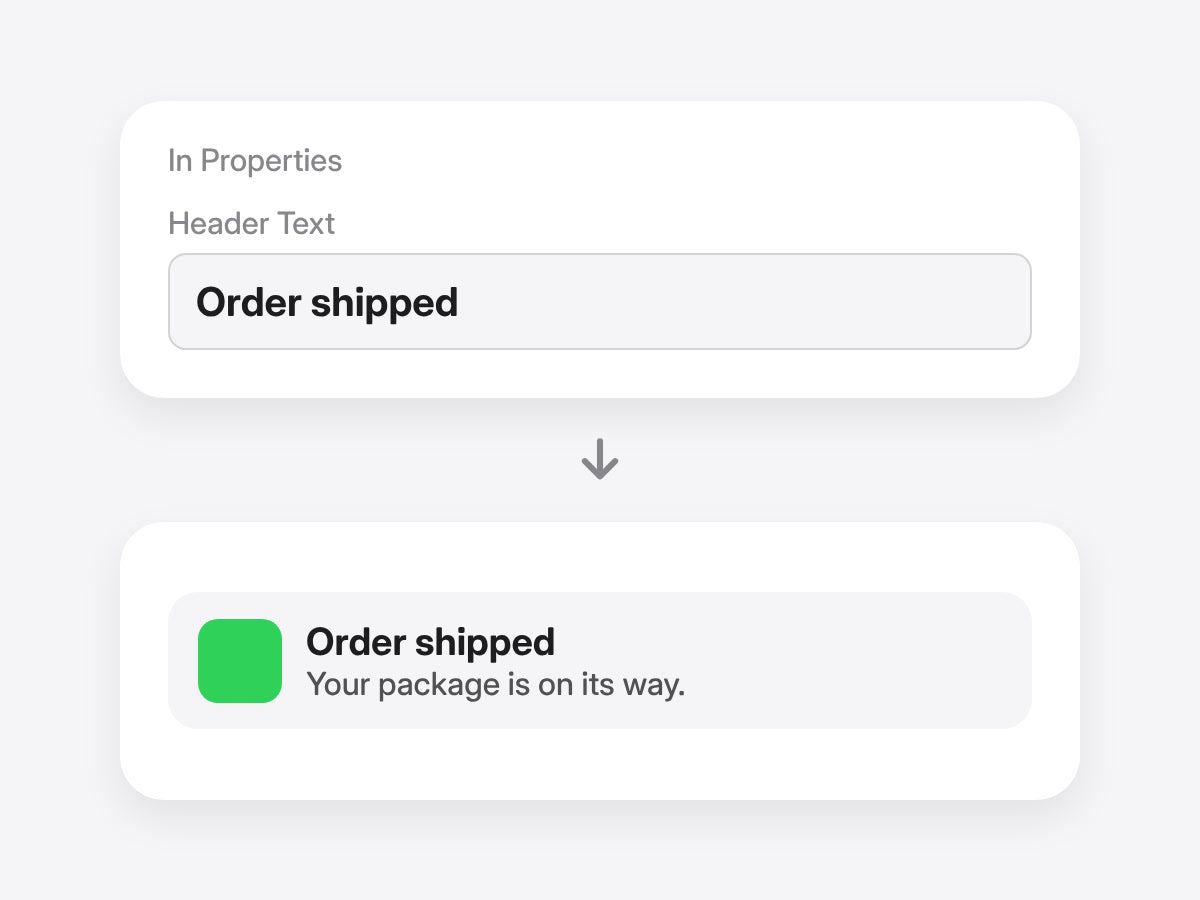
Scrivi intestazione e testo, cambia l’icona dell’app e scegli il colore del riquadro nel pannello Properties. Senza keyframe.
Premiere Pro 2021–2027 · Windows e Mac · Nessun plugin necessario · Download immediato
A mano, costruisci il banner con forme, testo e keyframe. Con il template, scrivi il tuo messaggio.
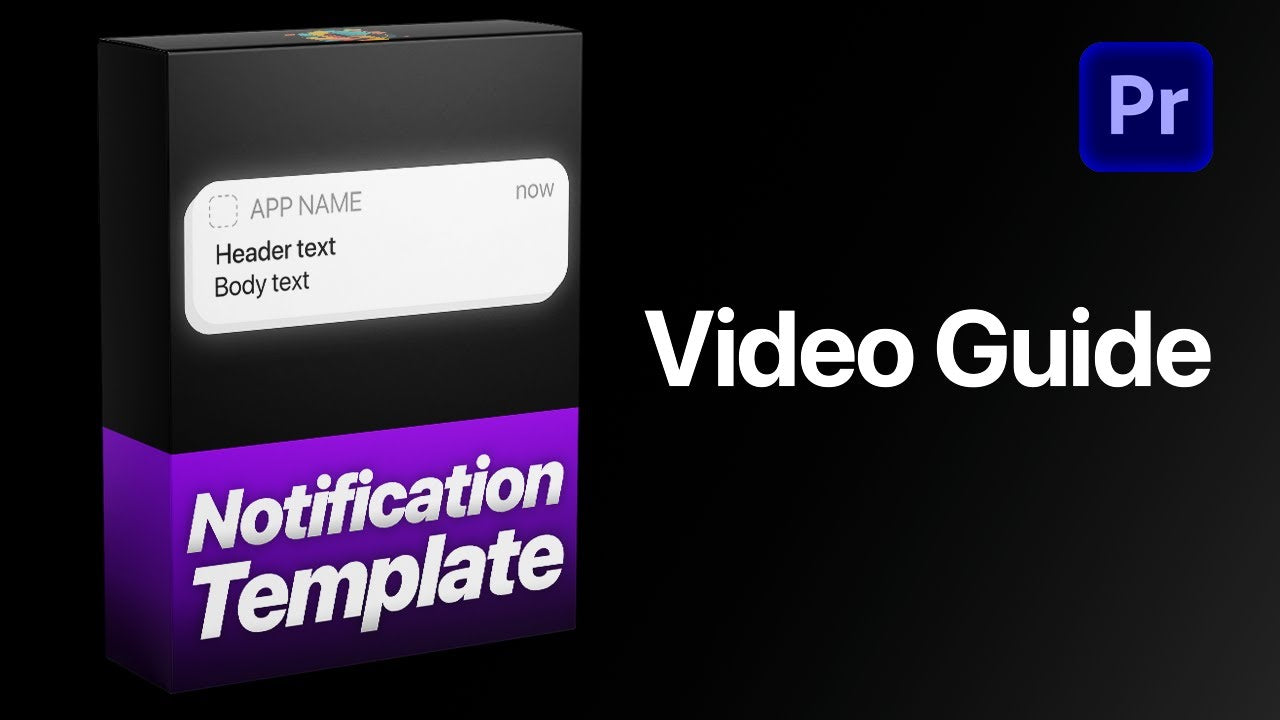

Notifiche in stile telefono, direttamente in Premiere Pro.
Garanzia di rimborso se non funziona


