





A frame made with Smooth Text

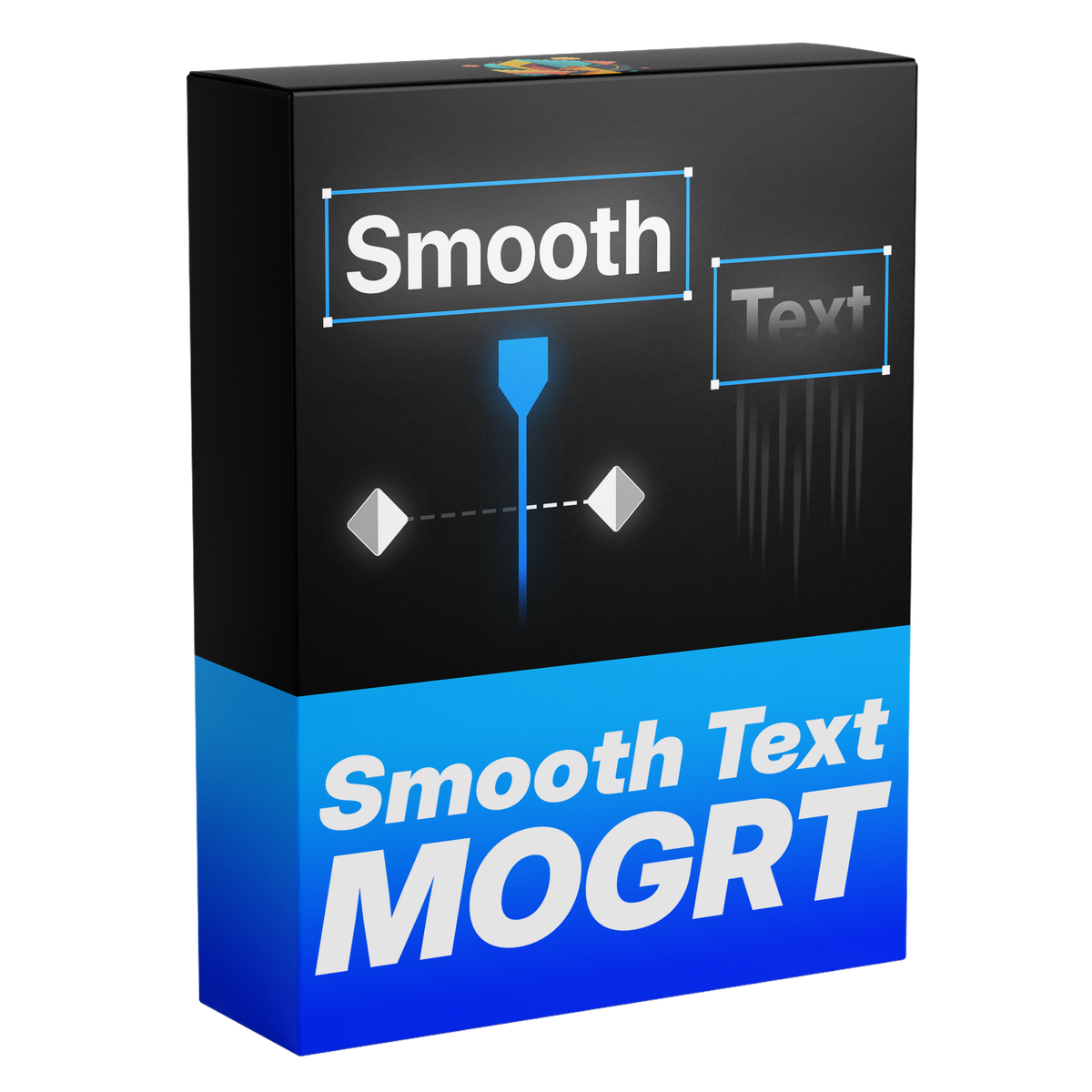
Smooth Text
なめらかなタイトルとキャプション。入力するだけ。
入力するだけで、ブラーからなめらかに現れるタイトルやキャプションに。テキストが文字・単語・行ごとにブラーから滑り込みます。方向、イージング、速度を選べば、タイミングはトリムに追従します。
 Premiere Pro 2021–2027
- WindowsとMac
- After Effects不要

返金保証 お使いのPremiere Proで動作しない場合は、14日以内にご連絡ください。
Smooth Text
作ったのは、 Premiere Proを教えている私たち。
700本以上のチュートリアルと数千件のコメントから、編集者の作業を遅くするものが見えてきました。 だから、編集者として欲しかったツールを作りました。シンプルで、手間いらず。
チュートリアルを見る- 200K+人の編集者が使用中
- 30M+回のYouTubeチュートリアル再生
- 90K+人のSNSフォロワー
- 37K+人の編集者がDiscordコミュニティに参加


すべるように現れるタイトル
コントロール
イージング
Premiere Proで作って、そのまま変更。
すべてエッセンシャルグラフィックスで
ひとつのテンプレートで、あらゆるテキストの動きを。
どんな編集にも。

Premiere Pro 2021–2027
プラグイン不要。
主な特長。
-
アニメーション
タイトルがぼかしの中から現れる。
1文字ずつ、イージング込みで。
-
文字、単語、行
動き方を選ぶ。
文字・単語・行ごとに、好きな方向から。
-
タイミング
長さもイージングも、思いどおりに。
テキストを入力したら、同じパネルで長さとイージングを設定。
ダウンロード内容
-
テンプレートファイル
テンプレートファイル(.mogrt)1つ。クライアント案件を含むすべての動画で再利用できます。
-

Glide
From a blur. Into focus.
Type your title in Premiere Pro. Each part starts blurred and away from its spot, then glides into place and sharpens. The easing is built in.
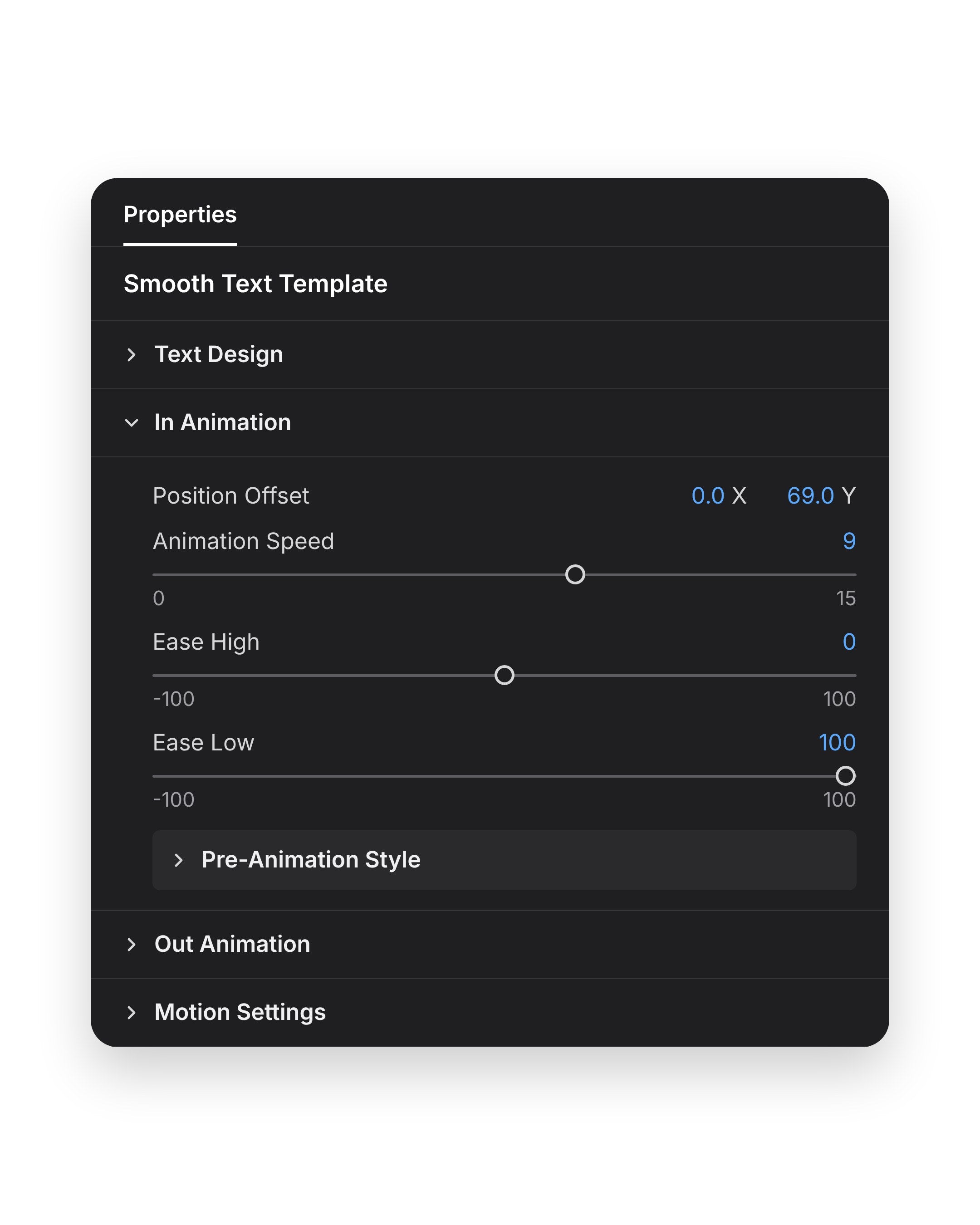
- EasingEase High and Ease Low, each from -100 to 100, shape how it starts and settles.
- Animation SpeedOne slider, from 0 to 15.
- Follows your trimIt keeps to your In and Out points.
Letters, words or lines
Letter by letter. Or line by line.
One menu sets what moves on its own: Characters, Words or Lines. Change it at any time without retyping the title.
- CharactersOne letter after another, for short titles.
- WordsOne word after another, for captions and quotes.
- LinesA whole line in one move, for longer text.
Direction
Any direction. In and out.
Position Offset sets where the text starts, as an X and a Y value. Use X to bring it in from the left or right, and Y from the top or bottom. It leaves the same smooth way.
- Position OffsetTwo numbers, X and Y, for the point the text glides in from.
- In and outIn Animation and Out Animation are separate groups, each with its own settings.
- Motion blurBuilt in, with control over shutter angle.
Essential Graphics
One panel. 49+ controls.
Every setting sits in Premiere Pro. No After Effects, no keyframes.

- Any fontFor titles and captions alike.
- Color and trackingSet the color and the letter spacing.
- TransformMove, scale and rotate the whole title.
49+のコントロール。パネルはひとつ。
モーション
- どの方向からでも. 左、右、上、下から。
- インとアウト. それぞれ個別に設定。
- イージング. 加速して落ち着く動き。
- モーションブラー. 内蔵済み、専用のコントロール付き。
テキスト
- どんなフォントでも. タイトルにもキャプションにも。
- 色とトラッキング. 色と文字の間隔を設定。
- トランスフォーム. どこにでも配置、拡大縮小、回転。
タイミング
- トリムに合わせて動く. アニメーションはインポイントとアウトポイントに合わせます。
- アニメーションの速さ. 速くも遅くも。
仕様
- 対応
- Premiere Pro 2021–2027、WindowsとMac
- 内容
- テンプレート1つ(.mogrt)、49+のコントロール
- 不要なもの
- After Effects、プラグイン
- アップデート
- 無料、注文ページから
- お支払い
- 買い切り、サブスクなし
- ダウンロード
- 購入後すぐ
3ステップ。キーフレームは不要。
テンプレートをPremiere Proに一度読み込むだけ。プラグインも追加設定も不要。
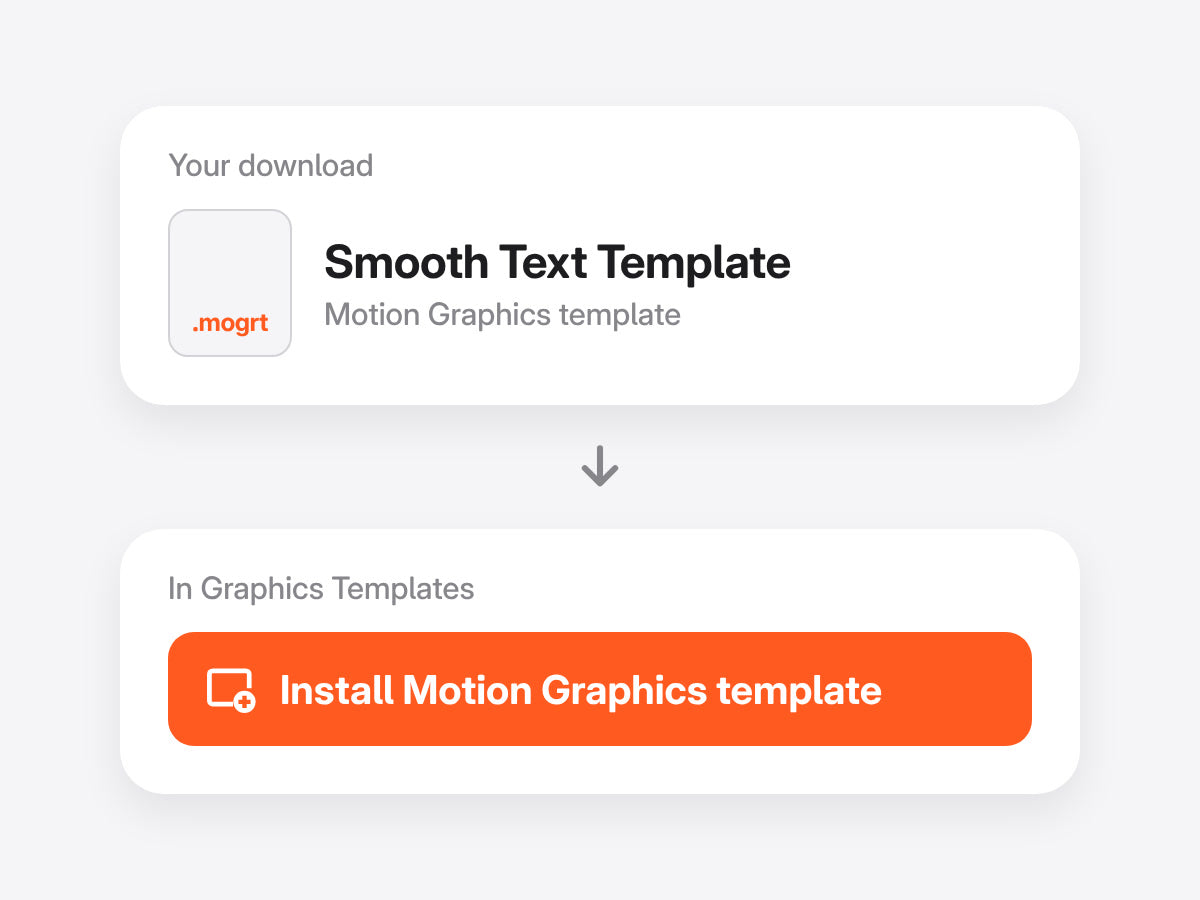
1テンプレートを読み込む
グラフィックテンプレートパネル(旧バージョンではエッセンシャルグラフィックス)を開き、.mogrtファイルを読み込みます。
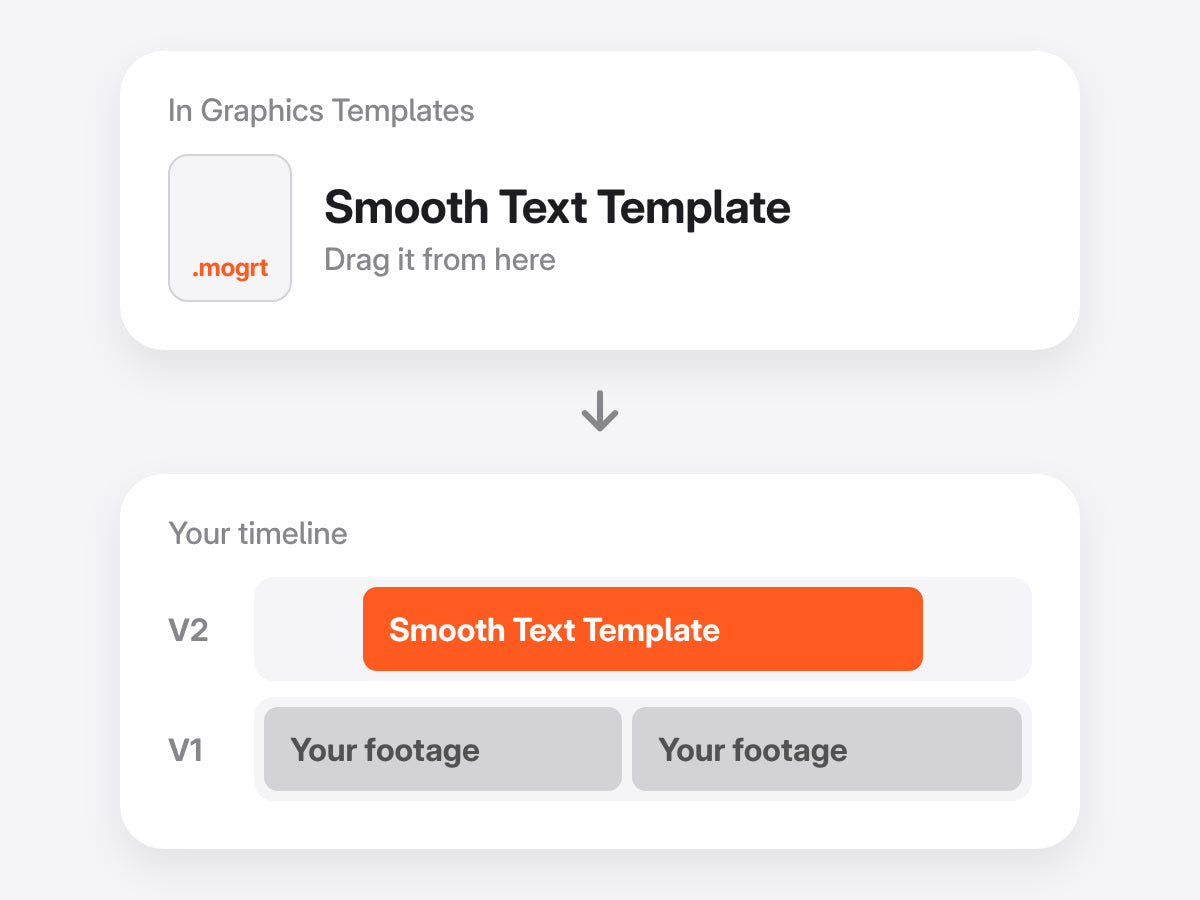
2タイムラインにドラッグ
映像の上のトラックにドロップしたら、好きなようにトリミング。アニメーションはイン点とアウト点に合わせて動きます。
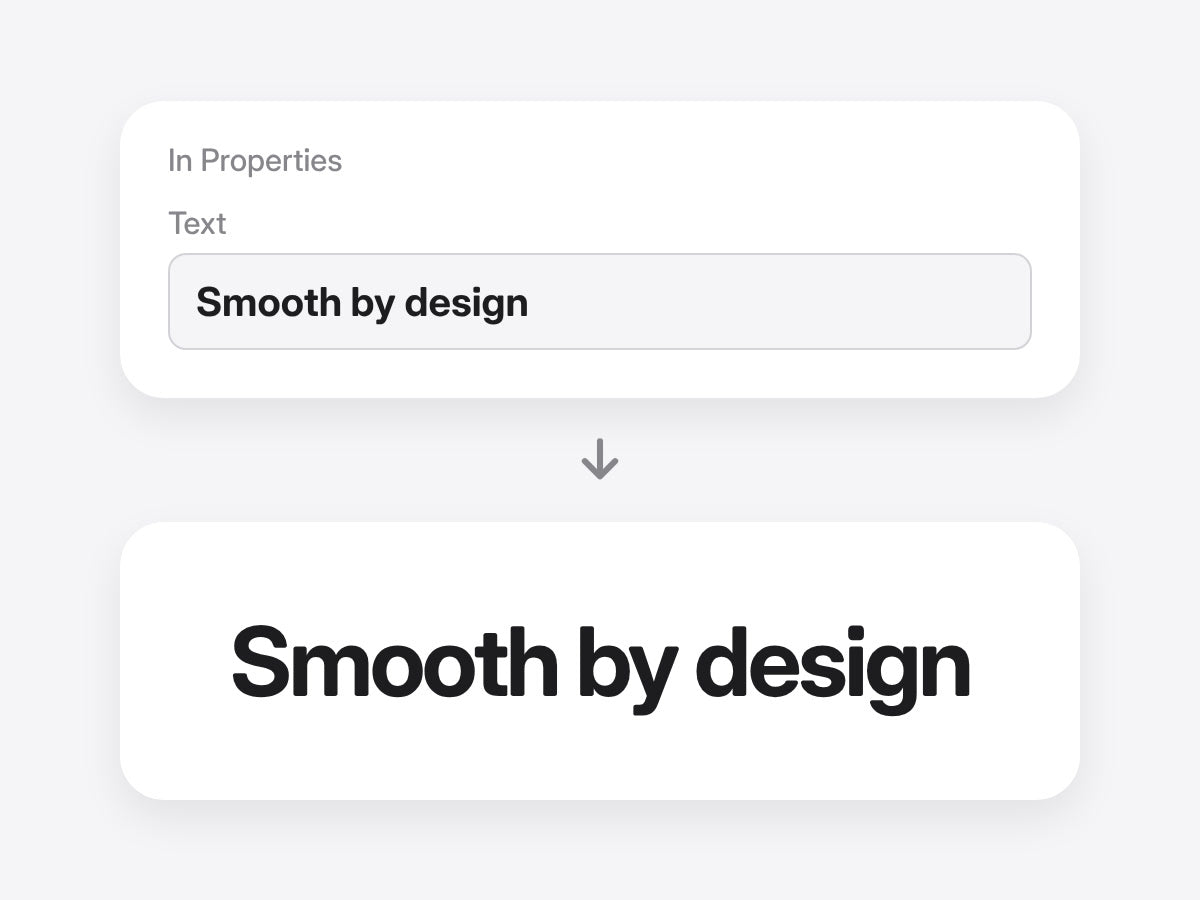
3テキストを入力
テキストを入力して、文字・単語・行から動き方を選ぶだけ。すべてPropertiesパネル(古いバージョンではEssential Graphics)にあります。
Premiere Pro 2021–2027 · WindowsとMac · プラグイン不要 · すぐにダウンロード
一度入力すれば、アニメーション。
手作業だと、テキストをクリップに分けて1つずつキーフレームを打ちます。テンプレートなら一度入力するだけ。


使い方を見る。

タイトルに、動きを。
49+のコントロールで、なめらかなテキストアニメーションをPremiere Proの中で。
- Premiere Pro 2021–2027
- WindowsとMac
返金保証 動作しない場合
- 購入から14日以内にご連絡ください。
- 24時間以内に解決をサポートします。
- 解決できない場合は返金します。