

Premiere Pro Eğitimleri

Ekran görüntüleriyle adım adım Premiere Pro eğitimleri: metin efektlerinden geçişlere ve sese kadar.

EaseFlow panel shaping an S-curve next to a Northern Lights shot in the Premiere Pro Program monitor

Premiere Pro 2022 için en iyi easing eklentisi

Dark blue gradient background with a faint wobbling grid made in Premiere Pro

Premiere Pro'da Izgara Arka Plan Nasıl Yapılır

A video game character on a jungle menu screen, ready for a stretched effect in Premiere Pro

Premiere Pro'da Esneme Efekti Nasıl Yapılır

Premiere Pro project with a worker in a hard hat holding a walkie talkie in the Program Monitor

Premiere Pro'da Telsiz Ses Efekti Nasıl Yapılır
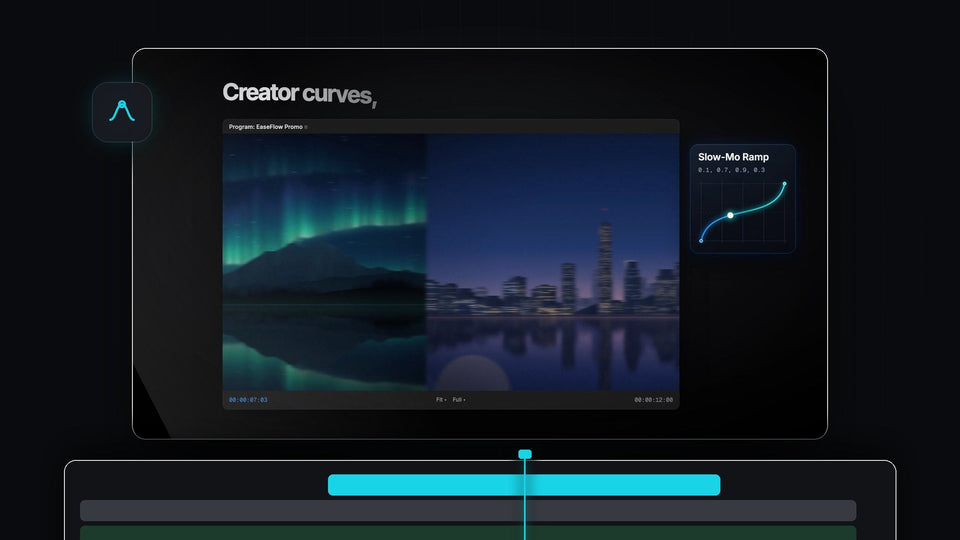
Premiere Pro Program monitor mid-transition between an aurora and a city skyline, with the EaseFlow Slow-Mo Ramp curve card

Premiere Pro için En İyi Keyframe Wingman Alternatifi: EaseFlow

Object flash transition with a white silhouette made in Premiere Pro

Premiere Pro'da Nesne Flaş Geçişi Nasıl Yapılır

Premiere Pro workspace with a dance clip, an adjustment layer with Directional Blur and short shake blocks on the timeline

Premiere Pro'da Kamera Sarsıntısı Efekti Nasıl Yapılır
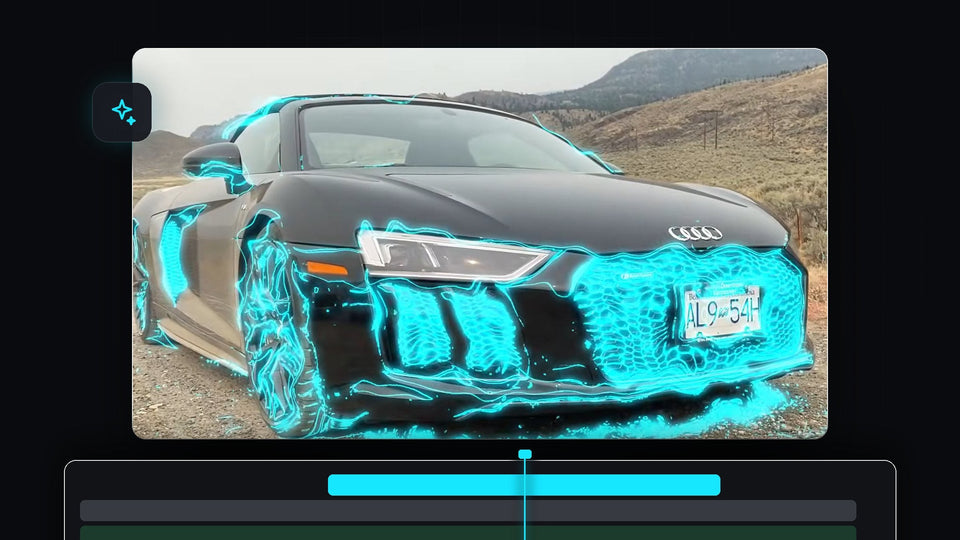
Black sports car covered in glowing cyan electric edges, the sweeping glowing edges effect in Premiere Pro

Premiere Pro'da Süpüren Parlayan Kenarlar Efekti Nasıl Yapılır

Introducing Mako, a free one-click tools panel for Premiere Pro

Premiere Pro 2025 için En İyi Ücretsiz Panel

Blurred portrait of a man beside the words TikTok Edit on a white background

Premiere Pro'da TikTok Edit Nasıl Yapılır
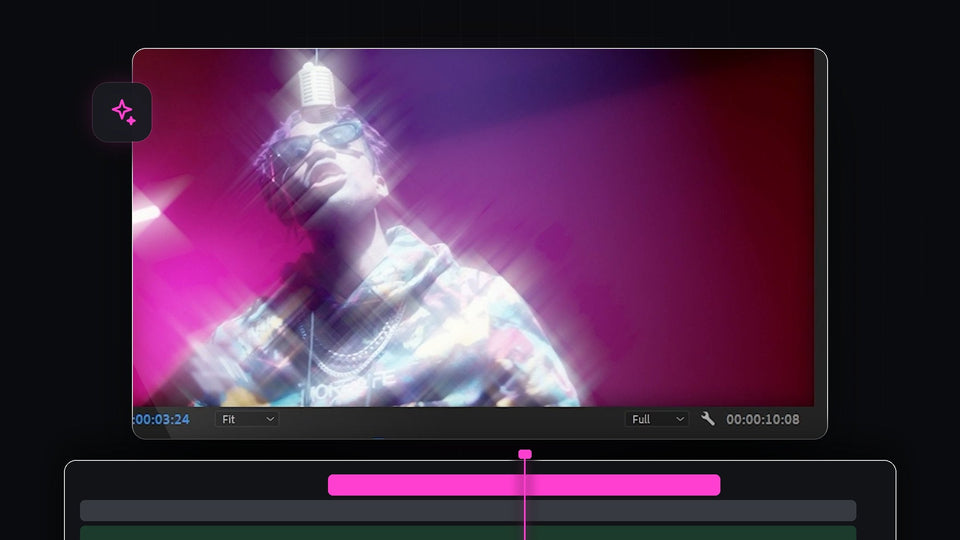
Man with sunglasses under a microphone surrounded by star-shaped light streaks and magenta glow

Premiere Pro'da Yıldız Filtresi Efekti Nasıl Yapılır
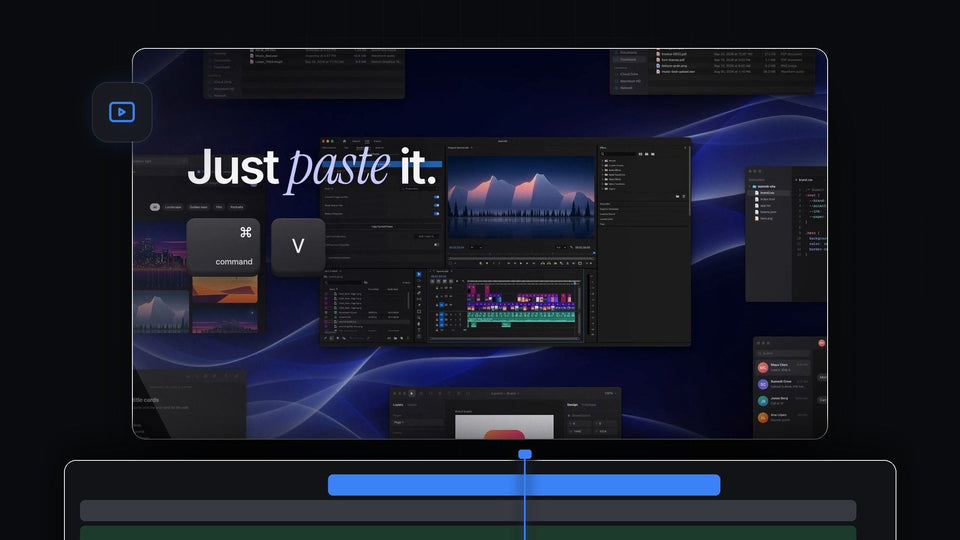
Just paste it: Cmd and V keys next to Premiere Pro with the QuickPaste panel, surrounded by Finder, browser and code windows

Premiere Pro için En İyi Watchtower Alternatifi: QuickPaste

Radial gradient background fading from bright cyan to deep blue, made with the Ramp effect in Premiere Pro

Premiere Pro'da Gradyan Arka Plan Nasıl Yapılır

Smiling woman with an enlarged head from the big brain effect, made with Spherize in Premiere Pro

Premiere Pro'da Big Brain Efekti Nasıl Yapılır

QuickPaste in Premiere Pro converting pasted images to PNG, with a portrait shot in the Program Monitor and pasted files on the timeline

Premiere Pro İçin En İyi AnyPaste Alternatifi: QuickPaste

A red sports car driving through a city at night, used to show the Morph Cut transition in Premiere Pro

Premiere Pro'da Morph Cut Geçişi Nasıl Yapılır
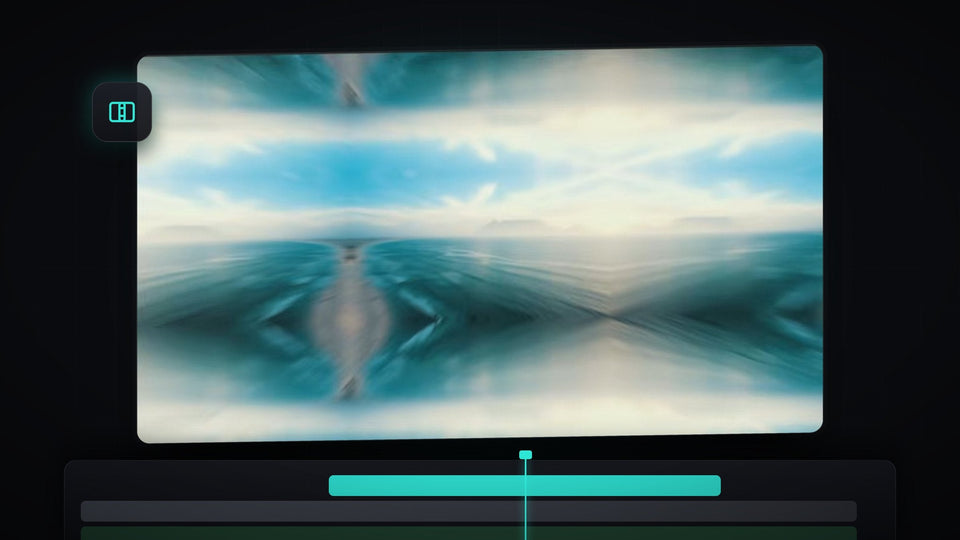
A blurred, mirrored ocean scene at the peak of a zoom transition in Premiere Pro

Premiere Pro'da MrBeast Tarzı Zoom Geçişi Nasıl Yapılır

House under a dark stormy sky after the sky was replaced in Premiere Pro

Premiere Pro'da Gökyüzü Nasıl Değiştirilir

Premiere Pro 2025 Program monitor with a copied chapter title on the clipboard, about to be pasted as a title with QuickPaste

Premiere Pro 2025 için en iyi yapıştırma eklentisi

Premiere Pro Program Monitor showing bold white brush-style text on a black background for the floating text effect

Premiere Pro'da Yüzen Metin Nasıl Yapılır

Person in red trousers walking past the camera on a city street, the start of a walk by transition made in Premiere Pro

Premiere Pro'da walk by geçişi nasıl yapılır

Athlete with a glowing red highlight on his biceps in a gym

Premiere Pro'da kaslar nasıl vurgulanır

The word Effect stretched wide in bold white text with a soft glow on a dark gray background

Premiere Pro'da Esneyen Yazı Efekti Nasıl Yapılır
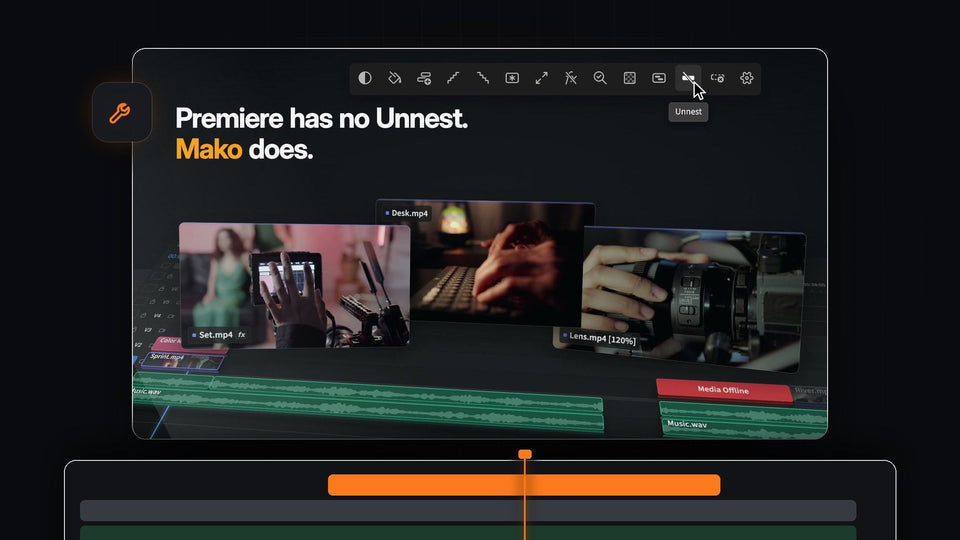
Mako Unnest putting the clips from a nested sequence back on their own tracks in Premiere Pro

Premiere Pro İçin En İyi Un-PreCompose Alternatifi: Mako

Green night vision effect with scan lines on a forest scene made in Premiere Pro

Premiere Pro'da Gece Görüşü Efekti Nasıl Yapılır