Hướng dẫn Premiere Pro

Hướng dẫn Premiere Pro từng bước kèm ảnh chụp màn hình, từ hiệu ứng chữ đến chuyển cảnh và âm thanh.

A red padlock over the Premiere Pro timeline with a video clip and its linked audio clip

Cách hủy liên kết video với âm thanh trong Premiere Pro
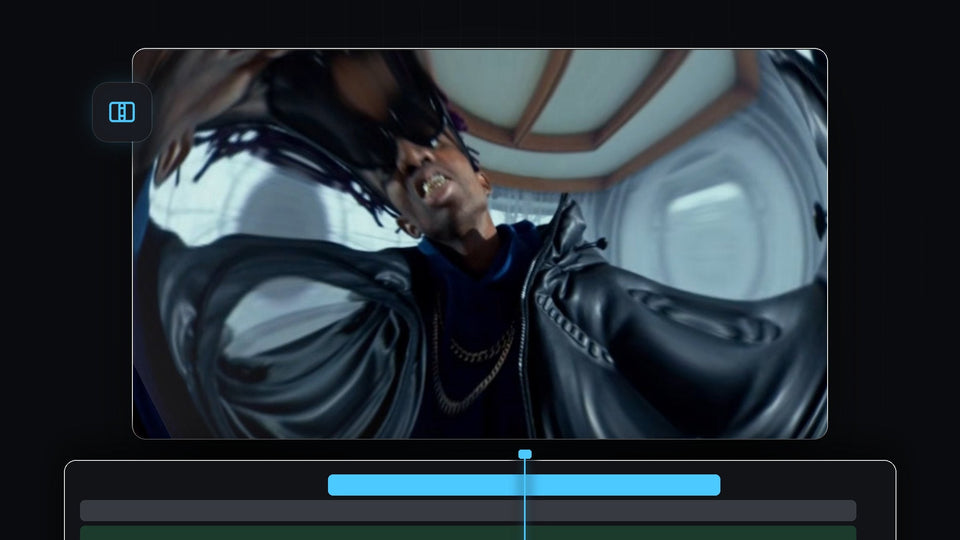
Fisheye lens distortion transition in Premiere Pro with the picture warped around a man in sunglasses and a leather jacket

Cách tạo chuyển cảnh Lens Distortion trong Premiere Pro

Skater crouching behind ripped white paper strips in a paper transition made in Premiere Pro

Cách tạo hiệu ứng chuyển cảnh giấy rách trong Premiere Pro
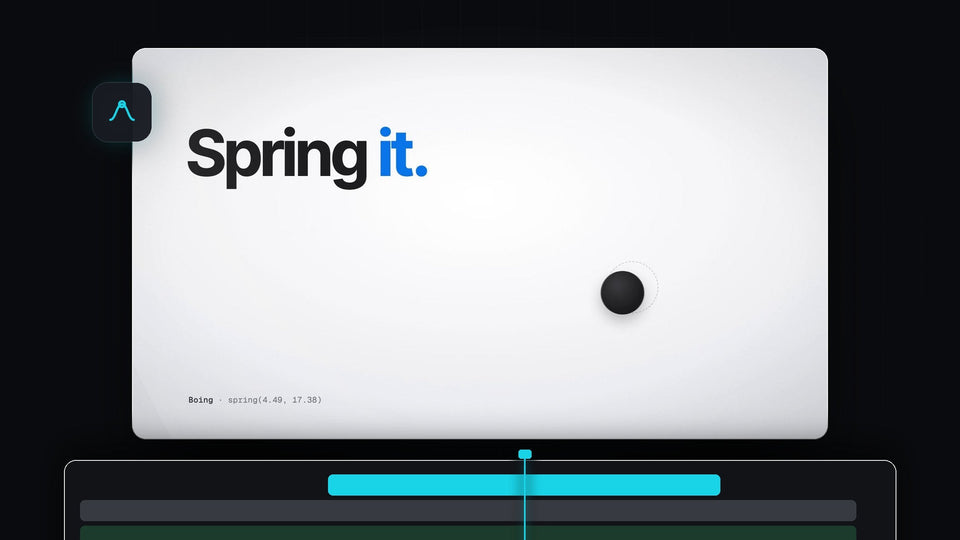
The words Spring it with a black ball settling on a light background, from the EaseFlow launch film

Thay thế Kease tốt nhất cho Premiere Pro: EaseFlow
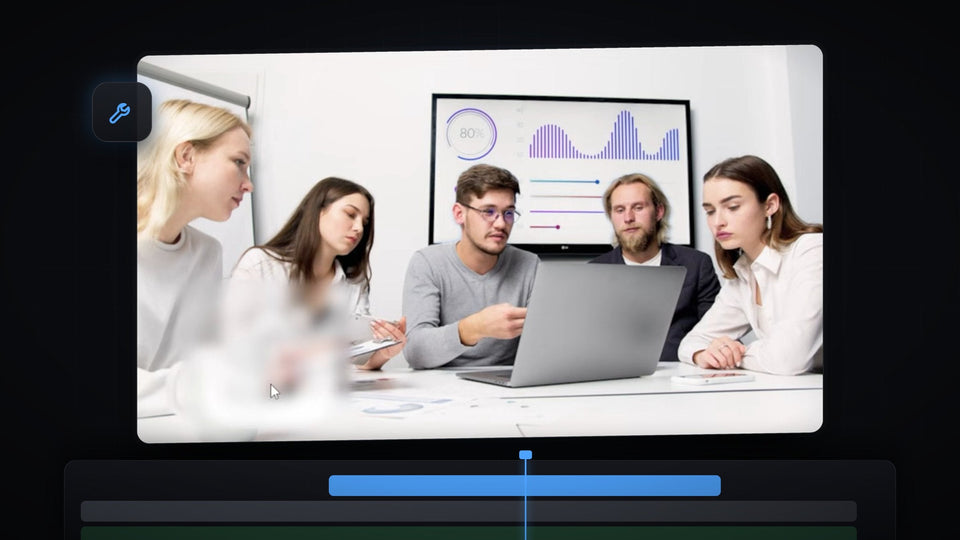
Premiere Pro Program Monitor showing a meeting scene with a watermark blurred into a soft patch

Cách xóa watermark khỏi video trong Premiere Pro

Black icon on a blue background in the Premiere Pro Program Monitor, used for the floating icon effect

Cách tạo biểu tượng bay lơ lửng trong Premiere Pro

A colorful logo pinned in perspective onto the wooden floor of a hallway in Premiere Pro

Cách gắn đối tượng vào bề mặt trong Premiere Pro

Mako, the free Premiere Pro panel with 13 one-click tools: adjustment layers, staircase, freeze frame, nest and unnest, colors and shortcuts

Panel Premiere Pro miễn phí tốt nhất: Mako, 13 công cụ chỉ một cú nhấp

Yellow brush highlight swiped across a line of text in Premiere Pro

Cách làm hiệu ứng highlight cọ vẽ trong Premiere Pro
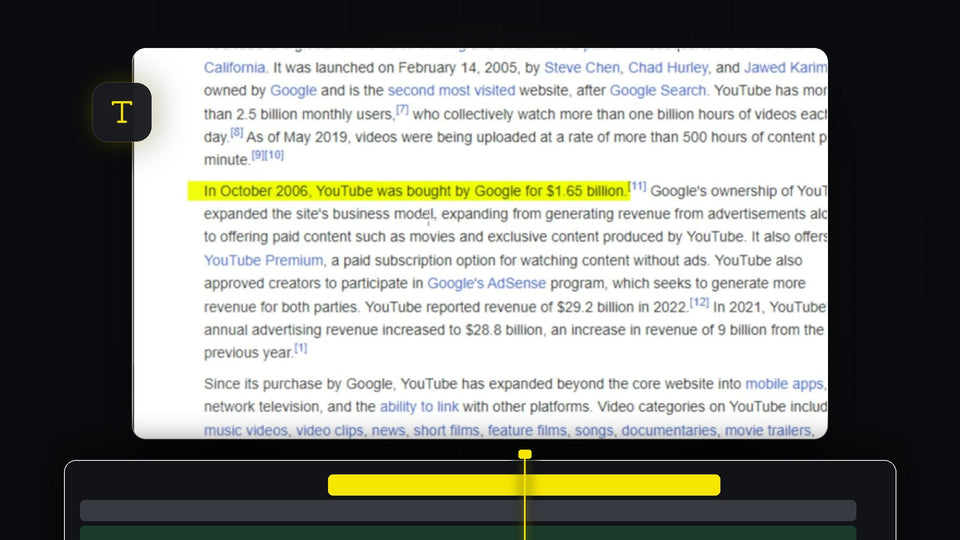
Yellow highlight effect over a sentence of text in the Premiere Pro Program Monitor

Cách làm nổi bật chữ trong Premiere Pro
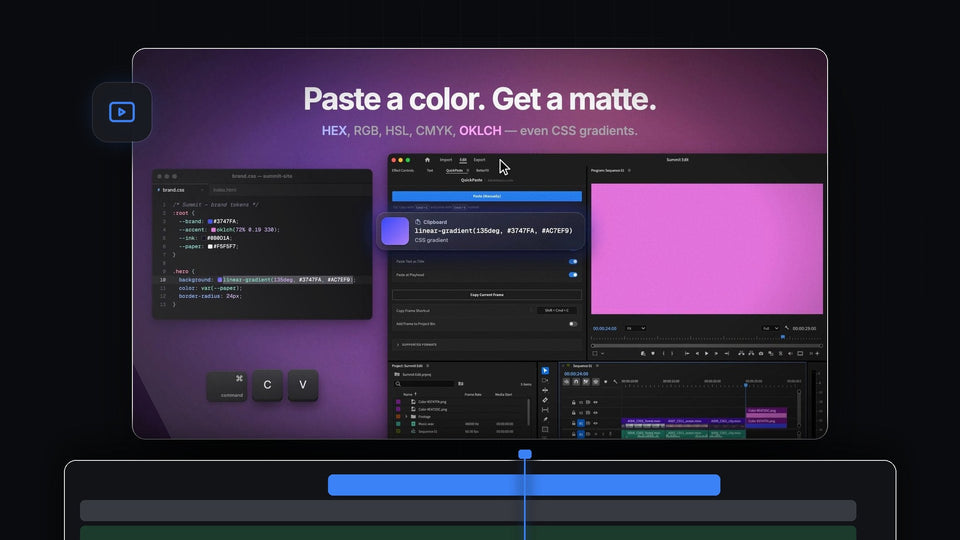
Paste a color, get a matte: a CSS gradient copied from a stylesheet and pasted into Premiere Pro with QuickPaste as a pink color

Lựa chọn thay thế ToothPaste tốt nhất cho Premiere Pro: QuickPaste

Premiere Pro workspace with an empty Effect Controls panel, program monitor and timeline

Cách khôi phục Effect Controls và thanh công cụ bị mất trong Premiere Pro

Premiere Pro timeline with a video clip and a green external audio clip synced by waveform

Cách đồng bộ âm thanh và video trong Premiere Pro
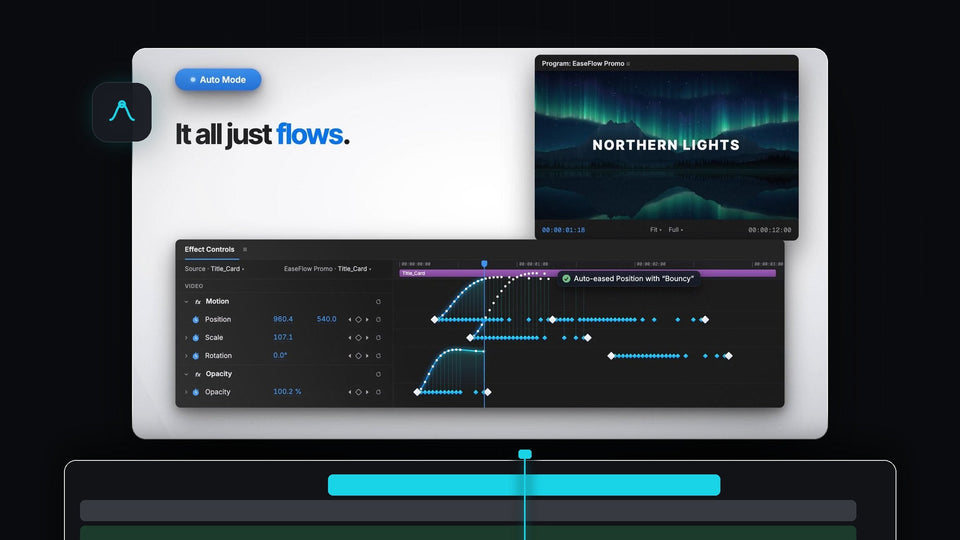
EaseFlow Auto Mode easing Position, Scale and Opacity keyframes in Premiere Pro Effect Controls under a Northern Lights title

Phương án thay thế Eaze tốt nhất cho Premiere Pro: EaseFlow

White Flicker Animation title text on a dark background for a Premiere Pro text flicker effect

Cách làm hiệu ứng chữ nhấp nháy trong Premiere Pro

A preset file icon on a green background for the free obsolete effects preset pack for Premiere Pro

Cách khôi phục các hiệu ứng cũ đã bị loại bỏ trong Premiere Pro

Four steps of an iPhone style notification, from rounded shape to app icon, text and animation, built in Premiere Pro

Cách tạo hiệu ứng thông báo iPhone trong Premiere Pro

Premiere Pro 2026 with the QuickPaste panel open and a client message asking for a still of the shot

Plugin dán tốt nhất cho Premiere Pro 2026
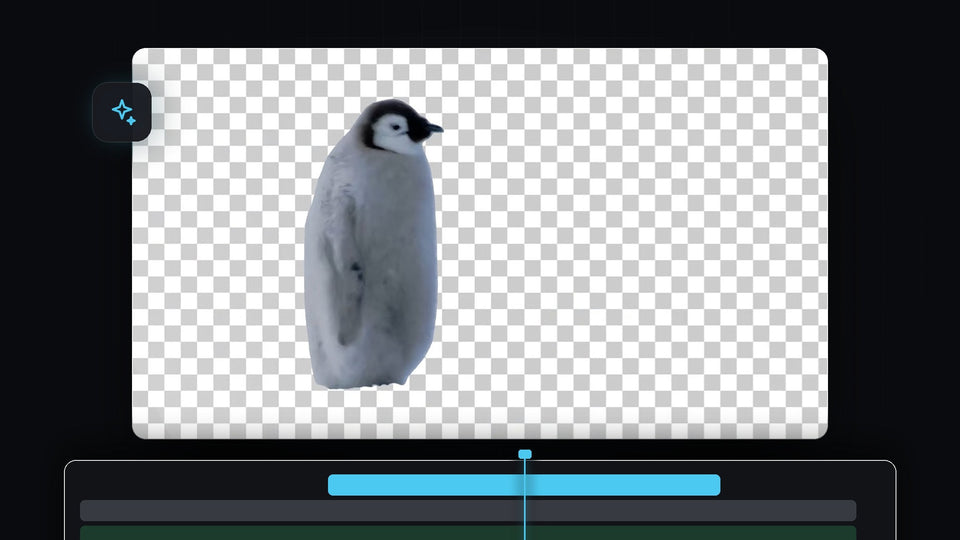
Penguin cut out from its background on a transparent checkerboard in Premiere Pro

Cách tự động xóa nền video trong Premiere Pro

A red rounded rectangle graphic over a talking head clip in the Premiere Pro Program Monitor, edited through After Effects Dynamic Link

Cách dùng Premiere Pro và After Effects cùng nhau

Small video clip floating in the middle of a black screen in the Premiere Pro Program Monitor

Cách tạo hiệu ứng Zoom Out đen trong Premiere Pro

Premiere Pro Preferences window on the Media Cache page with the Remove Media Cache Files Delete button

Cách xóa cache trong Premiere Pro

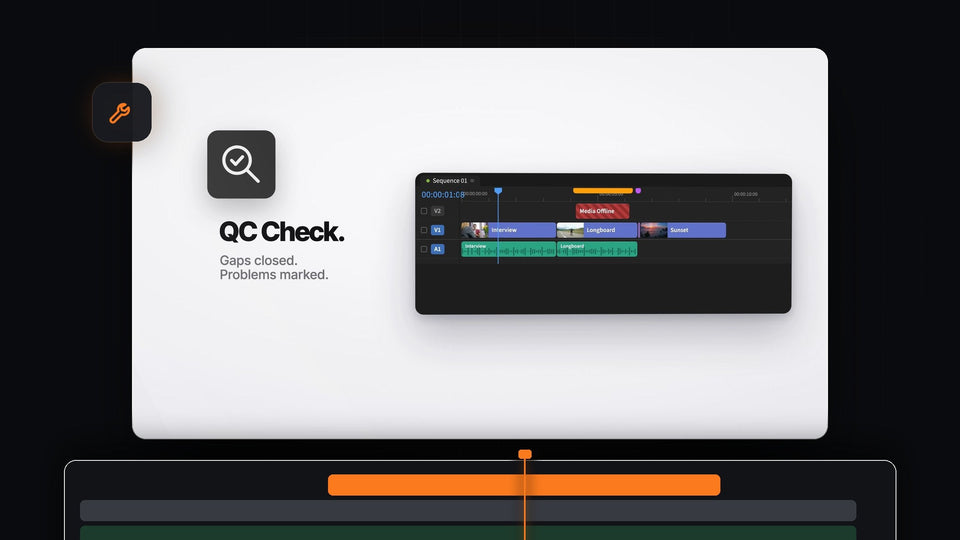
Mako QC Check for Premiere Pro: a timeline with gaps closed and markers over offline media and a tiny clip

Lựa chọn thay thế Sequence Inspector tốt nhất cho Premiere Pro: Mako

White GLOW text with a soft bright halo on a black background

Cách tạo hiệu ứng chữ phát sáng trong Premiere Pro

Distorted glitch effect with color fringing and pixel blocks over a basketball hoop and a smeared figure

Cách tạo hiệu ứng glitch trong Premiere Pro