

Hướng dẫn Premiere Pro

Hướng dẫn Premiere Pro từng bước kèm ảnh chụp màn hình, từ hiệu ứng chữ đến chuyển cảnh và âm thanh.

Misty forest still frame shown in the Premiere Pro Program Monitor

Cách chụp ảnh màn hình trong Premiere Pro

Premiere Pro New Team Project window with the Owner and Invite Pending collaborators listed

Cách tạo Team Project trong Premiere Pro
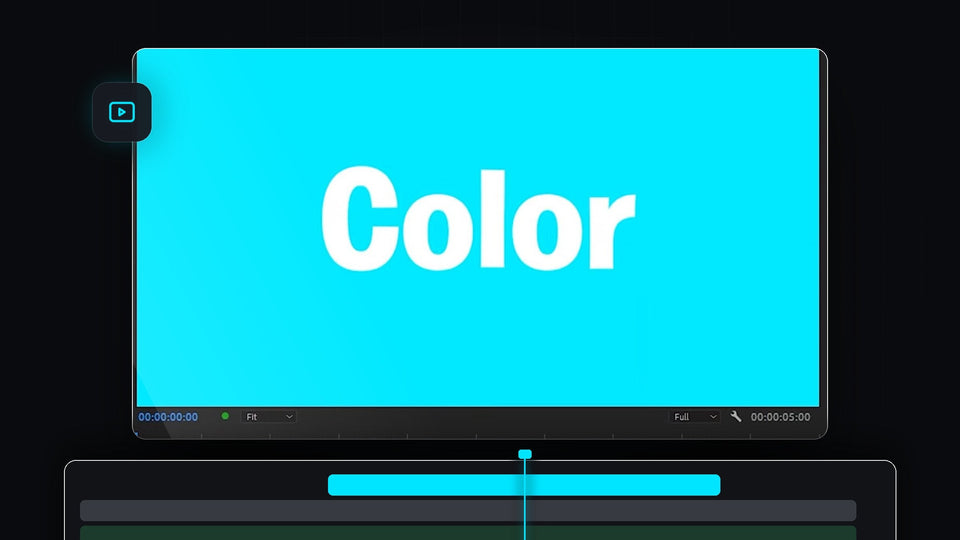
Bright cyan solid background with white text in the Premiere Pro program monitor

Cách tạo nền màu đơn sắc trong Premiere Pro

Premiere Pro timeline with the playhead mid-clip and a green audio meter during J K L playback

Cách phát video ngược trong Premiere Pro

Premiere Pro editing workspace with a cloud clip in the Program monitor and a timeline with all gaps closed

Cách đóng tất cả khoảng trống trong Premiere Pro chỉ với một cú nhấp

A snowy mountain peak under a teal sky from a photo slideshow made in Premiere Pro

Cách tạo trình chiếu ảnh trong Premiere Pro

An aerial view of waves hitting a rocky coast in a Premiere Pro project with merged clips

Cách ghép các clip trong Premiere Pro

Premiere Pro workspace with an autumn forest aerial clip in the Program Monitor and a clip on the timeline

Cách cắt video trong Premiere Pro

Premiere Pro Text panel with a highlighted transcript next to the Program Monitor and a multi-track timeline

Cách dùng chỉnh sửa dựa trên văn bản trong Premiere Pro

Red add b roll marker with its duration tooltip on the Premiere Pro timeline ruler

Cách tạo Marker trong Premiere Pro

Premiere Pro workspace with a long multi-track timeline and a product graphic in the Program Monitor

Cách cuộn timeline mượt trong Premiere Pro

The Premiere Pro timeline zoomed in far beyond frame level with audio time units on the ruler

Cách phóng to timeline sâu hơn nữa trong Premiere Pro

A red padlock over the Premiere Pro timeline with a video clip and its linked audio clip

Cách hủy liên kết video với âm thanh trong Premiere Pro

The Premiere Pro timeline panel recolored with a magenta highlight color

Cách đổi màu giao diện trong Premiere Pro
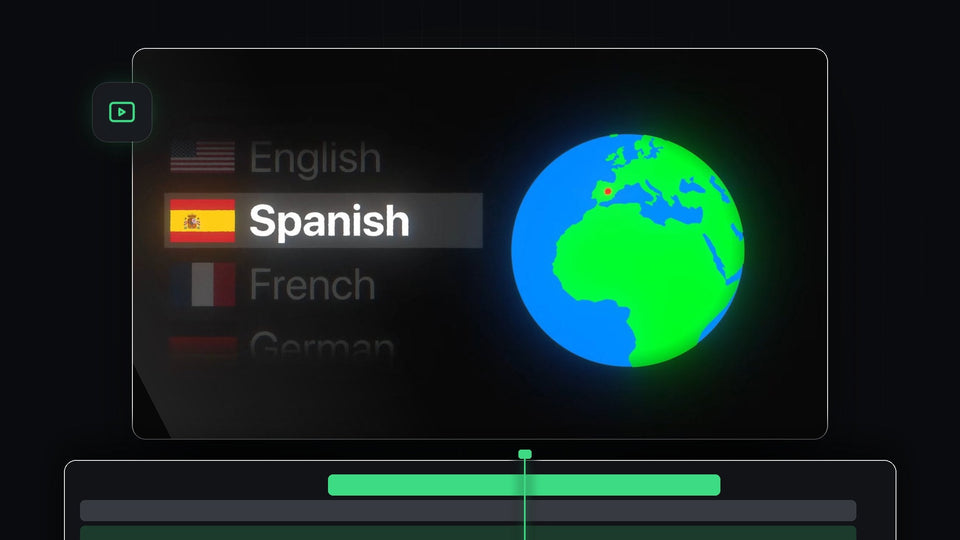
Spinning globe with a language list highlighting Spanish for changing the language in Premiere Pro

Cách đổi ngôn ngữ trong Premiere Pro
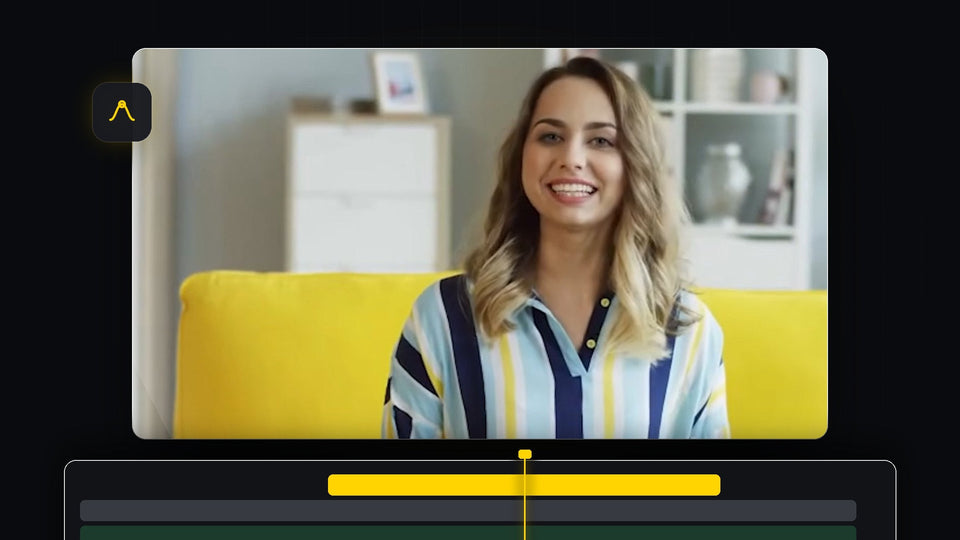
Smiling woman in a striped shirt on a yellow sofa, framed for a zoom in Premiere Pro

Cách zoom in vào video trong Premiere Pro

Premiere Pro timeline with clips recolored to yellow, green, orange and magenta labels

Cách đổi màu clip video trong Premiere Pro

A phone showing a vertical jellyfish video next to a landscape monitor showing the rotated version of the same clip

Cách chuyển video dọc thành video ngang trong Premiere Pro

A colorful app logo overlaid on drone footage of ocean waves and rocks in Premiere Pro

Cách chèn ảnh đè lên video trong Premiere Pro

Two men posing together in a 16:9 frame, used to demonstrate changing the aspect ratio in Premiere Pro

Cách thay đổi tỷ lệ khung hình trong Premiere Pro

Logo watermark placed in the bottom left corner of a forest stream video in Premiere Pro

Cách thêm hình mờ (watermark) trong Premiere Pro

Drift car sliding on a track in a clip being sped up in Premiere Pro

Cách tăng tốc clip chính xác trong Premiere Pro

Project template dropdown listing custom templates in the new project window in Premiere Pro

Cách tạo project template trong Premiere Pro

Premiere Pro workspace with a yellow gradient shape in the Program Monitor and Effect Controls open, used to create a preset

Cách tạo preset trong Premiere Pro

Premiere Pro timeline with an enlarged V1 video track and the audio tracks below it

Cách chỉnh chiều cao track trong Premiere Pro