

Hướng dẫn Premiere Pro

Hướng dẫn Premiere Pro từng bước kèm ảnh chụp màn hình, từ hiệu ứng chữ đến chuyển cảnh và âm thanh.

Premiere Pro Program Monitor with white crawl text on a dark bar along the bottom of a laptop clip

Cách tạo chữ chạy ngang trong Premiere Pro

Parkour athlete mid-flip with ghost trails from the shutter lag effect in Premiere Pro

Cách tạo hiệu ứng Shutter Lag trong Premiere Pro
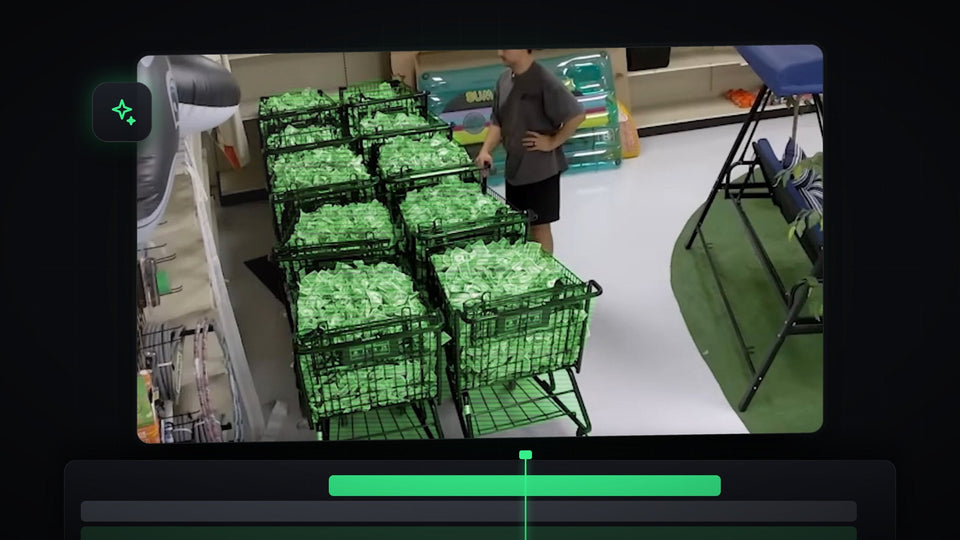
Shopping carts of cash glowing green with a hologram highlight effect made in Premiere Pro

Cách tạo hiệu ứng tô sáng hologram trong Premiere Pro

A glowing white word on black, the finished smooth caption effect in Premiere Pro

Cách tạo phụ đề TikTok mượt mà trong Premiere Pro

Film burn transition in Premiere Pro with an orange light leak covering a shot of a man leaning on a car

Cách thêm chuyển cảnh film burn trong Premiere Pro
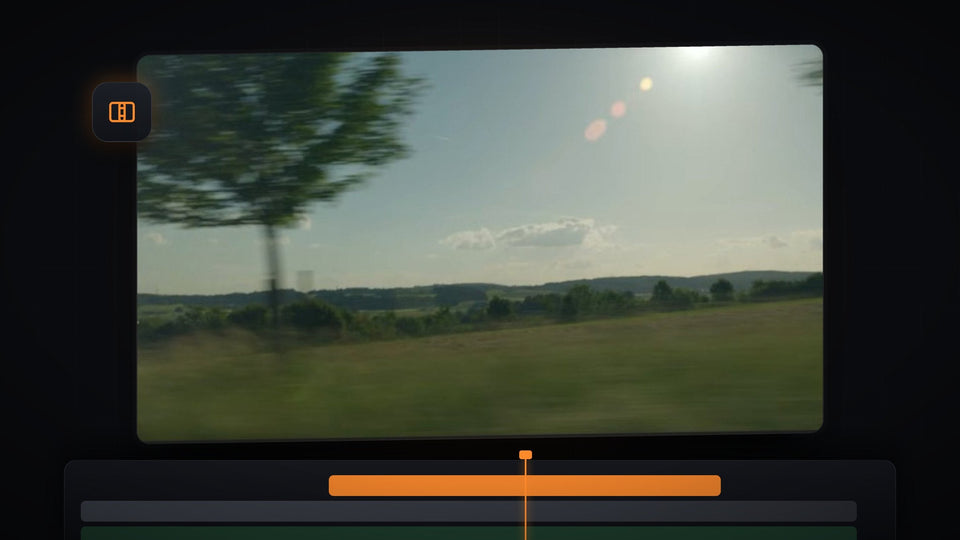
Sunny countryside shot with a bright lens flare in a Premiere Pro Program Monitor, ready for a light leak transition

Cách thêm hiệu ứng chuyển cảnh light leak trong Premiere Pro

Rainbow gradient wavy text spelling Wavy on a black background, made with Wave Warp in Premiere Pro

Cách tạo hiệu ứng chữ gợn sóng trong Premiere Pro

Aerial beach footage in Premiere Pro with the animated subtitle Make a speedramp over the water

Cách tạo hoạt ảnh cho phụ đề trong Premiere Pro

Black icon on a blue background in the Premiere Pro Program Monitor, used for the floating icon effect

Cách tạo biểu tượng bay lơ lửng trong Premiere Pro
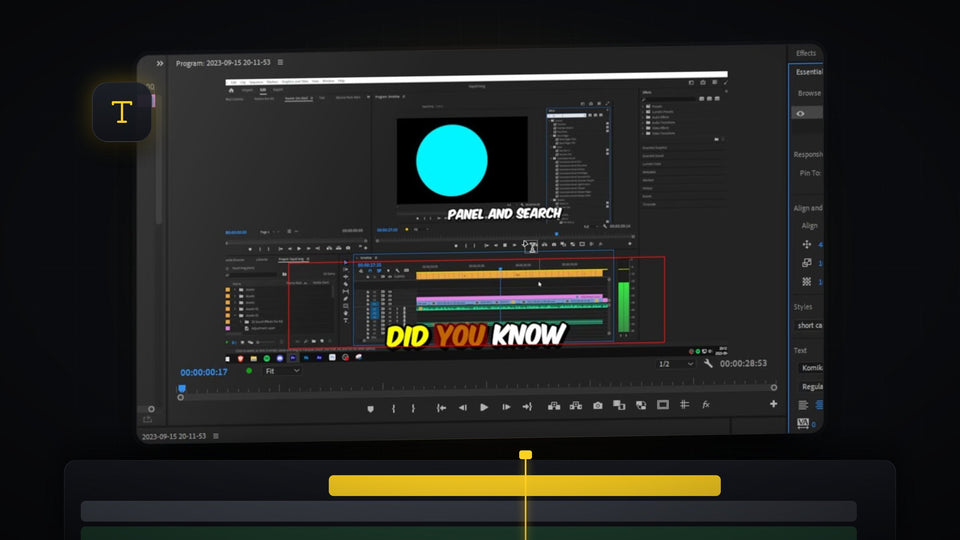
Karaoke text effect in Premiere Pro with the words Did You Know highlighted in yellow and orange over a screen recording

Cách tạo hiệu ứng chữ karaoke trong Premiere Pro

A dark cave opening onto a beach, used to show the echo voice effect in Premiere Pro

Cách tạo hiệu ứng tiếng vang trong Premiere Pro

Premiere Pro Program Monitor with a pen mask drawn around a yellow flower, ready to blur

Cách làm mờ đối tượng trong Premiere Pro

Premiere Pro logo icon with a soft bar of blue light sweeping across it in the Program Monitor

Cách tạo hiệu ứng ánh sáng lướt qua biểu tượng trong Premiere Pro

Bold black Text Distortion title on a white Program Monitor with slightly wobbly letter edges

Cách tạo hiệu ứng chữ rung (wiggle) trong Premiere Pro
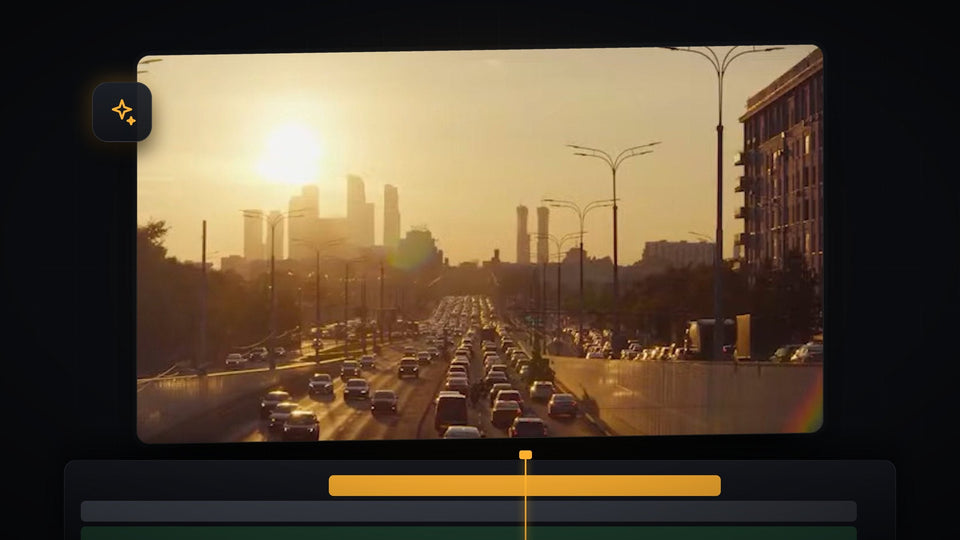
City highway at sunset with heavy traffic, footage used to make a timelapse in Premiere Pro

Cách tạo timelapse trong Premiere Pro

Premiere Pro Program Monitor with rulers showing a footballer and the ball, ready for motion tracking

Cách motion tracking đối tượng trong Premiere Pro

Graphics Templates panel in Premiere Pro with an installed MOGRT next to the Number Counter template

Cách cài file MOGRT trong Premiere Pro

Premiere Pro Effects panel with imported presets next to the Ultimate Premiere Pro Preset Pack

Cách import preset trong Premiere Pro

EaseFlow, BetterFX, QuickPaste and Mako plugin cartridges for Premiere Pro

Những plugin Premiere Pro tốt nhất năm 2026 (Miễn phí và trả phí)

Object flash transition with a white silhouette made in Premiere Pro

Cách làm chuyển cảnh chớp sáng vật thể trong Premiere Pro

Text outline effect with a cat walking in front of the words

Cách làm hiệu ứng viền chữ trong Premiere Pro

Video with a blurred background made in Premiere Pro

Cách làm mờ hậu cảnh (xóa phông) trong Premiere Pro

Group of people with blurred faces in a video edited in Premiere Pro

Cách làm mờ khuôn mặt trong Premiere Pro (Tự động track)

Text placed behind a person in a video made in Premiere Pro

Cách đặt chữ phía sau vật thể trong Premiere Pro
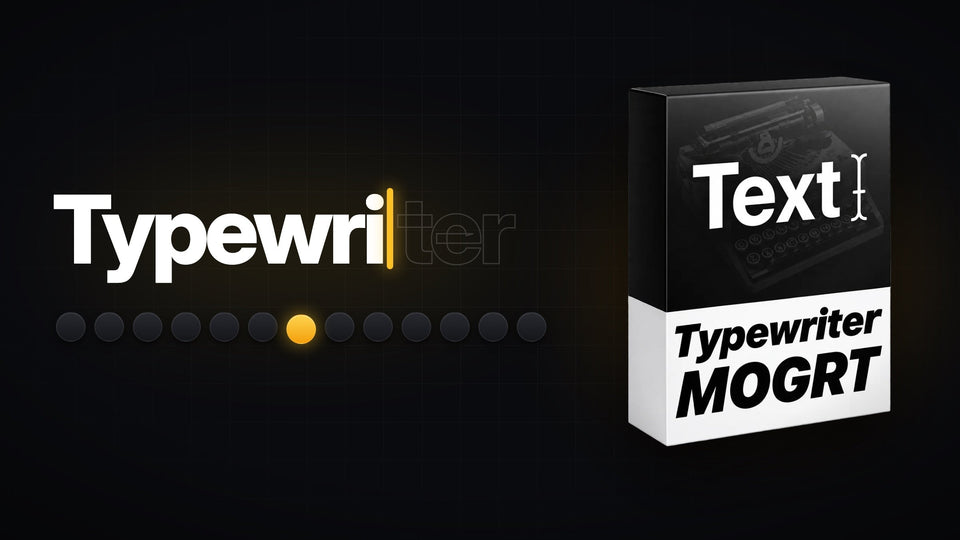
Typewriter text effect revealing a word letter by letter next to the Typewriter template for Premiere Pro

Cách làm hiệu ứng chữ đánh máy trong Premiere Pro