作者:
一個效果加一個面板,一次安裝
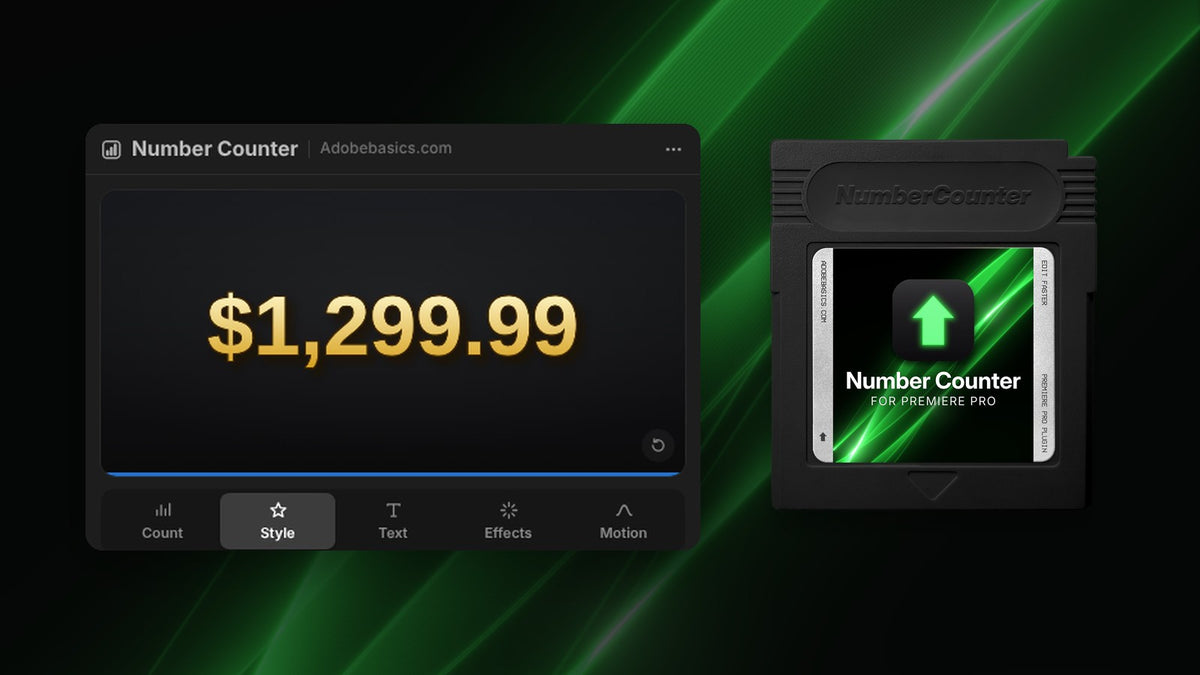
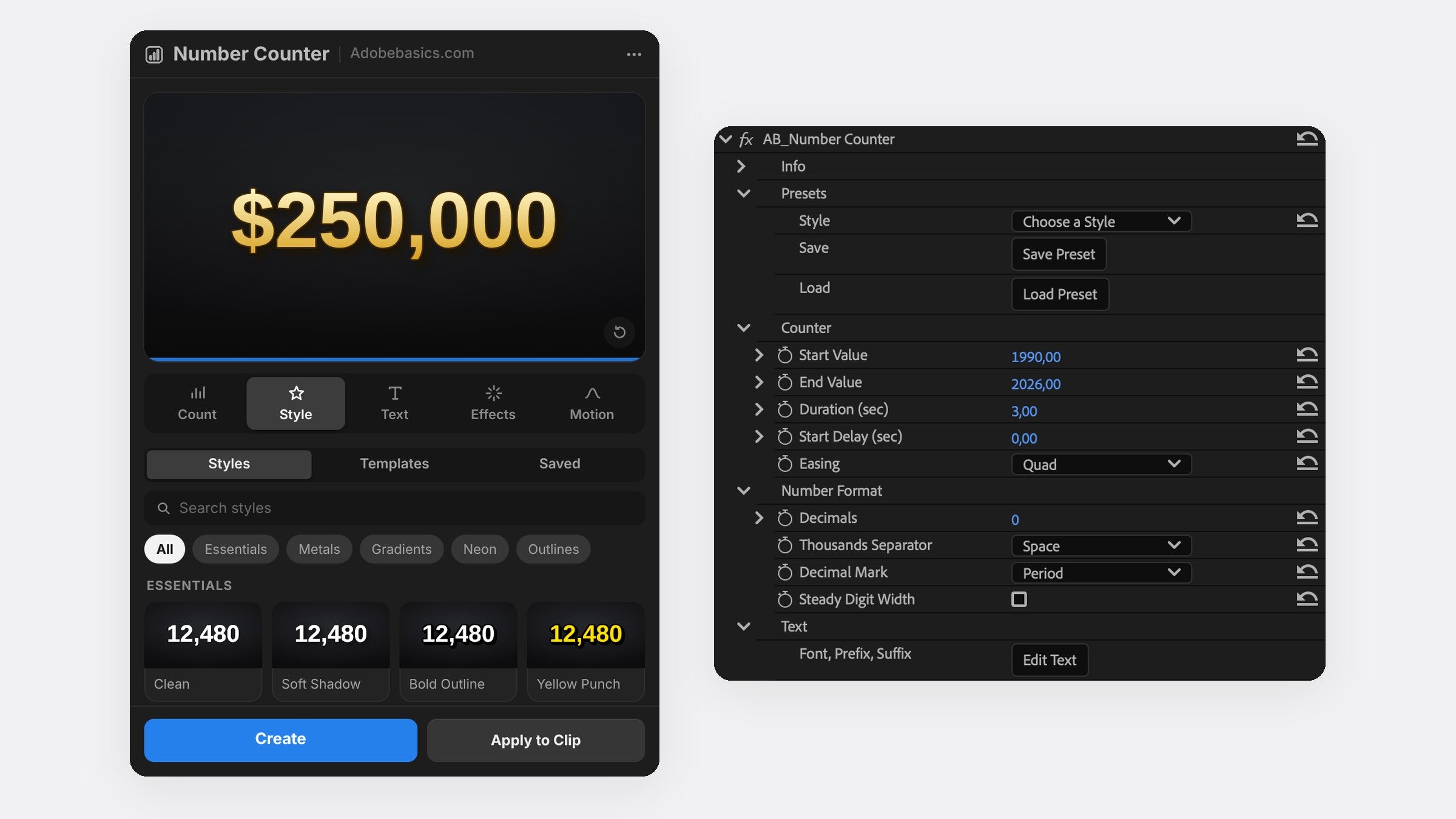
Number Counter 為 Premiere Pro 加入兩樣東西。Number Counter 效果位於效果面板中,和 Premiere Pro 內建效果一樣由顯示卡算圖。面板視窗則會透過即時預覽幫你做好計數器。
按下 Create 會把計數器放在新的軌道上,按下 Apply to Clip 則會把它疊在你的畫面上。之後再選取計數器,面板會重新載入它,隨時都能修改。
輸入兩個數字,它就會數。
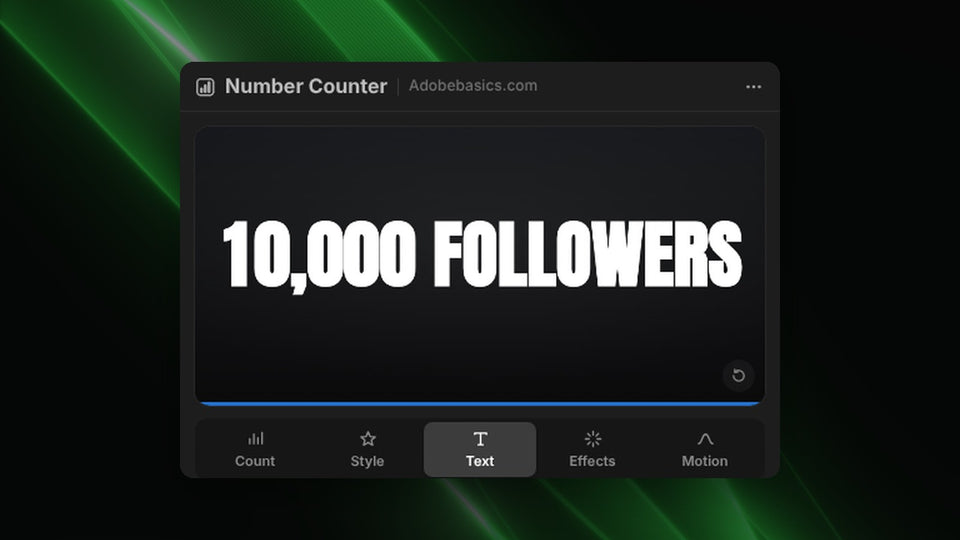
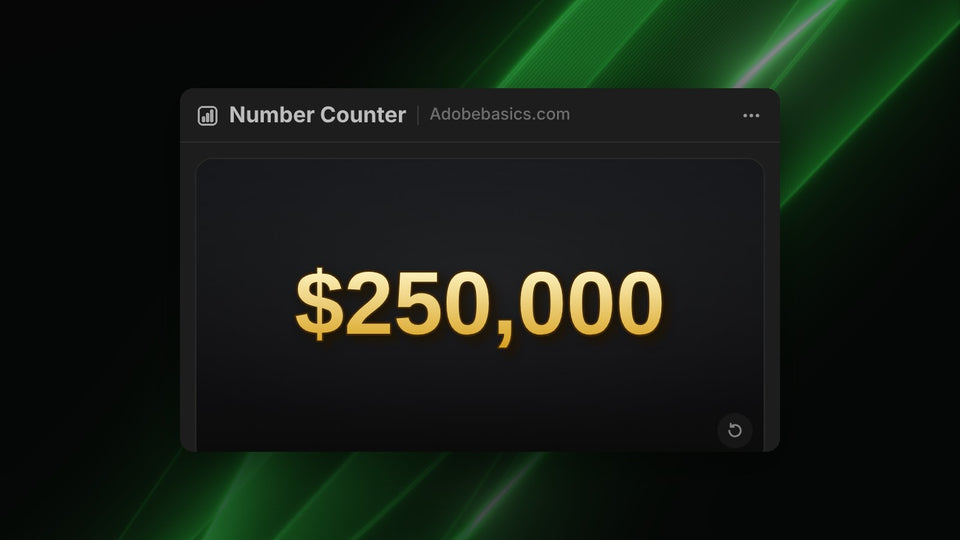
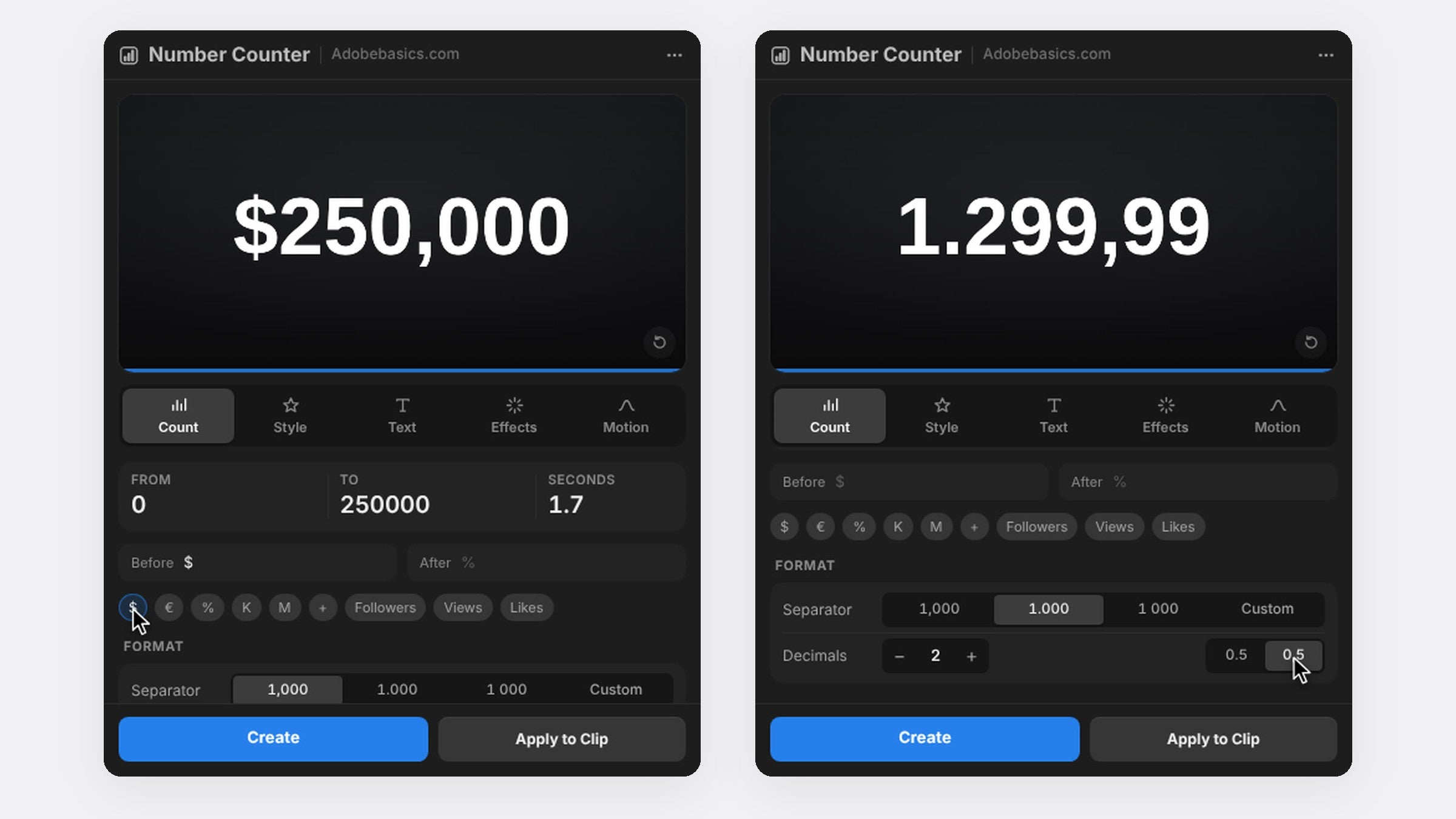
輸入 From 和 To 的數值,例如 0 和 250,000,再設定計數要花幾秒。可以往上數,也可以往下數。點一下就能在數字前後加上 $、€、%、K、M、Followers、Views 或 Likes。
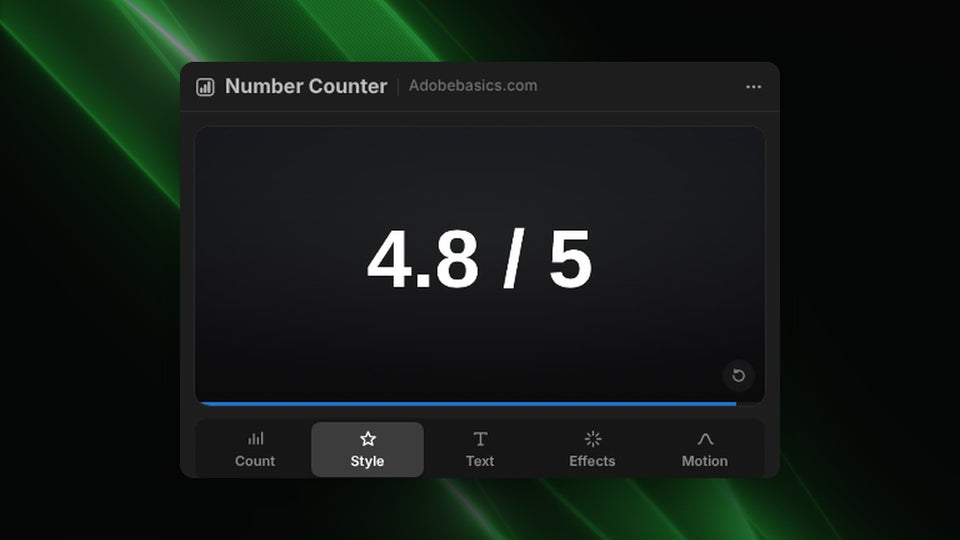
最多可顯示 10 位小數,千位分隔可用逗號、句點或空格。開啟 Steady Digit Width 後每個數字寬度相同,數字在計數時就不會左右晃動。
照你想要的方式動
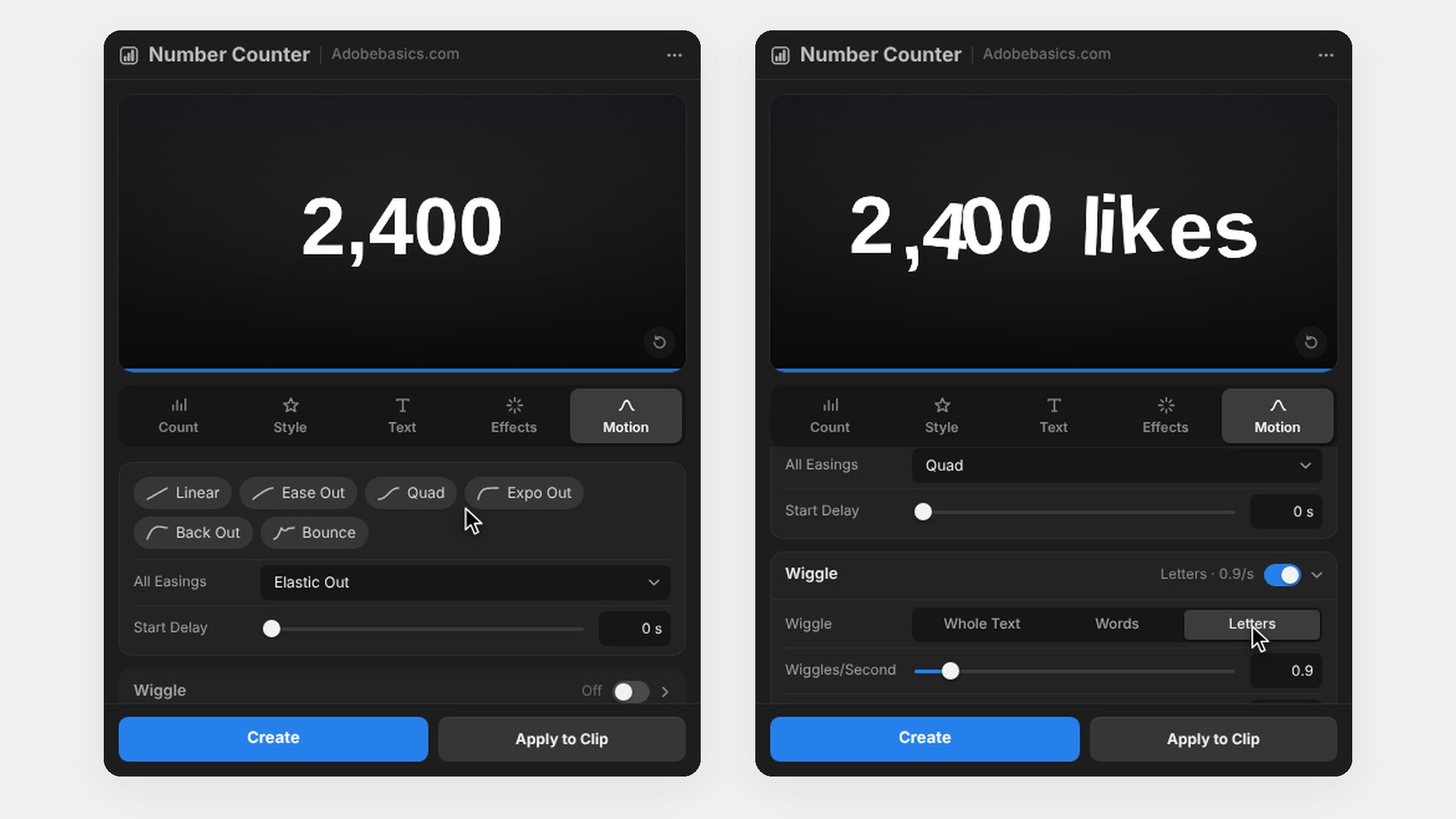
從 30 種緩動曲線中挑選。Expo 會平順地減速停在最後的數字,Back 和 Bounce 則會先衝過頭再回穩。還能加上起始延遲、可調快門角度的動態模糊,或讓整段文字、每個字詞、每個字母各自晃動。
你的字型,你的風格
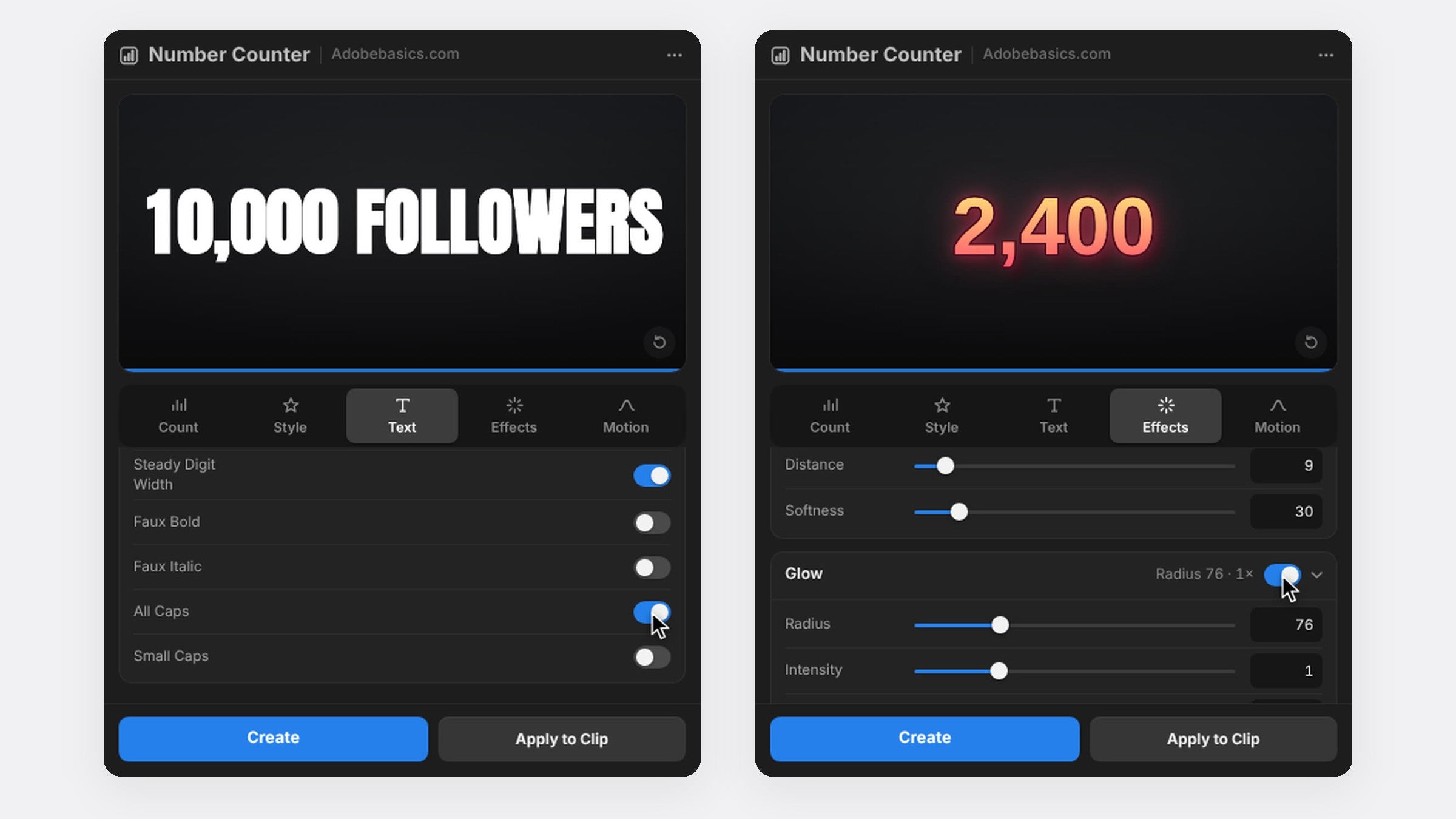
可使用電腦上安裝的任何字型,並在數字前後加上任何語言的文字。描邊、陰影、光暈和雙色漸層都已內建,各有一個開關,不必在片段上再疊其他效果。
Standard 與 Pro
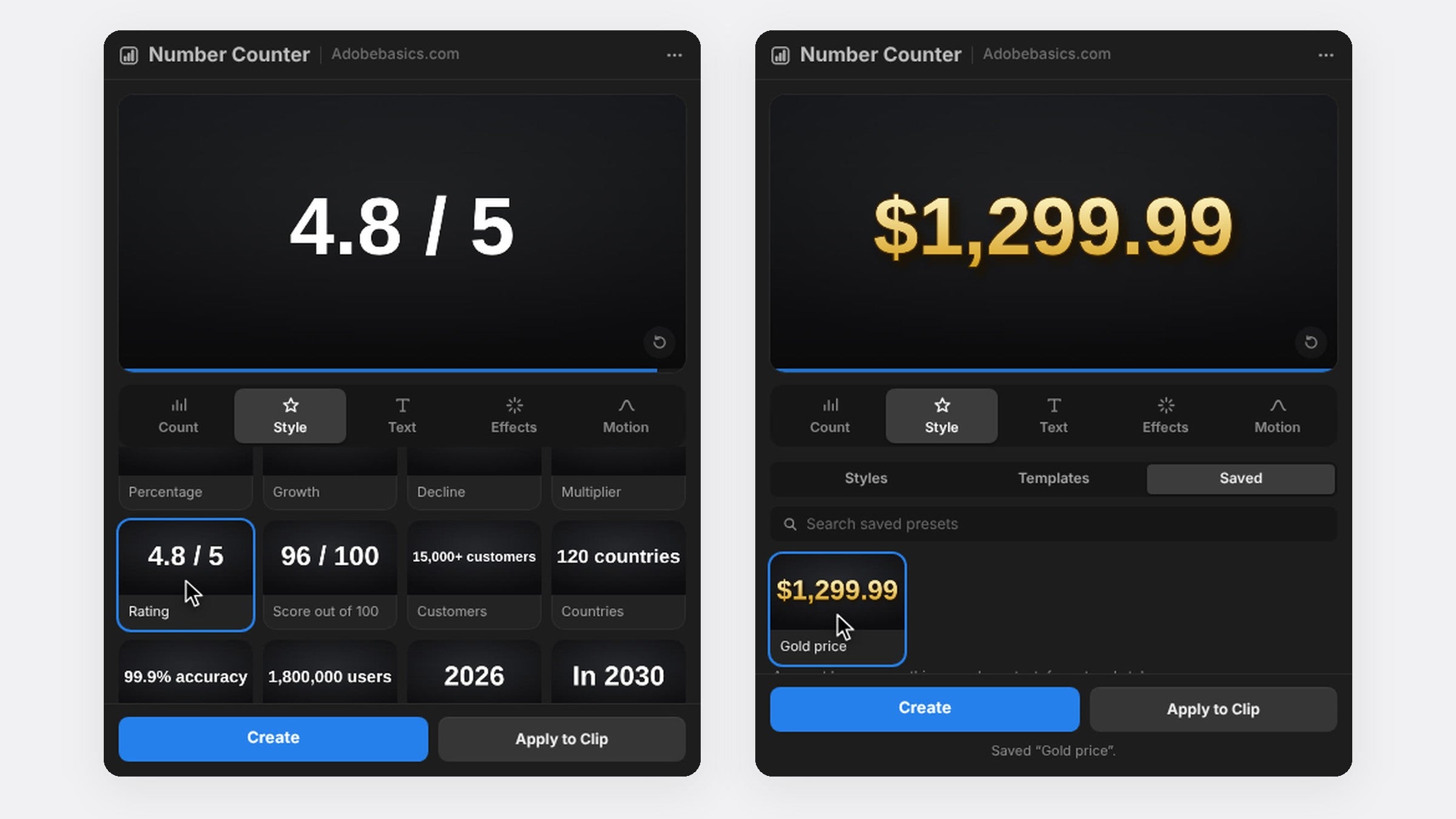
兩個版本都包含效果與面板。Standard 售價 $29.99,擁有所有設定。Pro 售價 $34.99,另外加入從金色、鉻色到霓虹的 58 種樣式,72 個用於追蹤人數、價格、數據和倒數的範本,以及可在每個專案中使用的已存預設。
常見問題
Number Counter 支援哪些 Premiere Pro 版本?
Premiere Pro 2021 到 2027,支援 Windows 10 與 11,以及 macOS 11 或更新版本。
需要 After Effects 嗎?
不需要。Number Counter 是 Premiere Pro 原生效果,所有設定都在 Premiere Pro 裡完成。
是訂閱制嗎?
不是。付費一次就能永久使用,更新免費,而且可以在兩台電腦上使用。
準備好讓你的數字動起來了嗎?取得 Premiere Pro 版 Number Counter。