What to look for
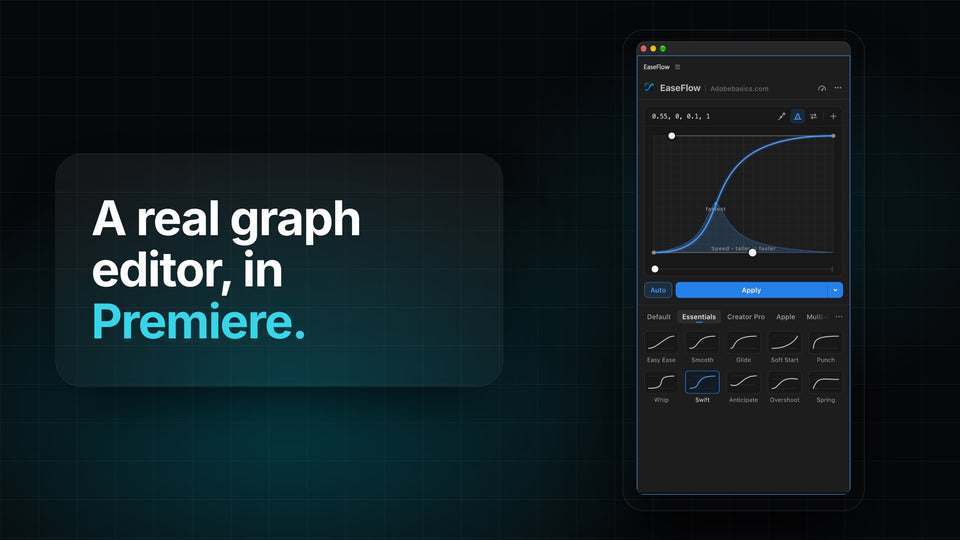
- A real curve. You should draw speed over time and see it, not nudge bezier handles on a rubber band.
- Ready-made ramps. Most ramps are one of a dozen shapes. Start from one and adjust.
- Control over length. Sometimes the clip should get longer when it slows down. Sometimes it has to keep its slot in the edit.
- Clean first and last frames. The cut in and out shouldn't jump.
- Your own presets. Your channel's ramp should be one click away.
- A way back. One bad ramp shouldn't cost you the project.
Our pick: EaseFlow
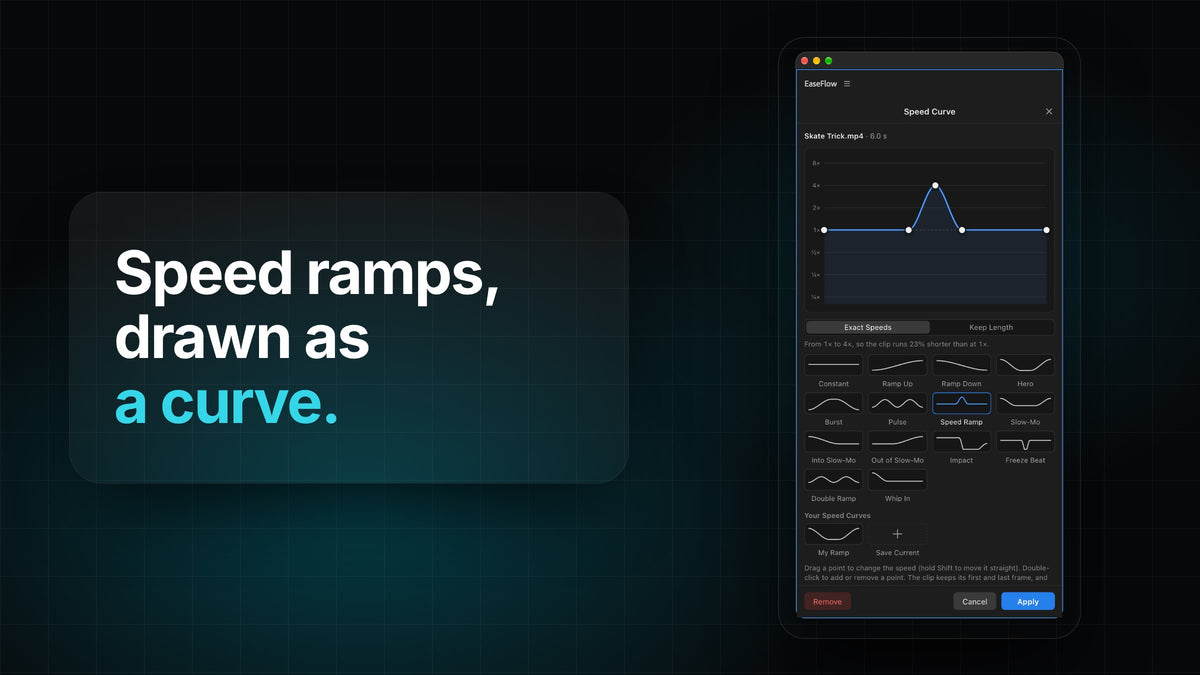
EaseFlow is best known for keyframe easing, and Pro includes Speed Curve, which speeds a whole clip up and slows it down smoothly. Select a clip, draw the speed in the graph or pick a preset, and press Apply.
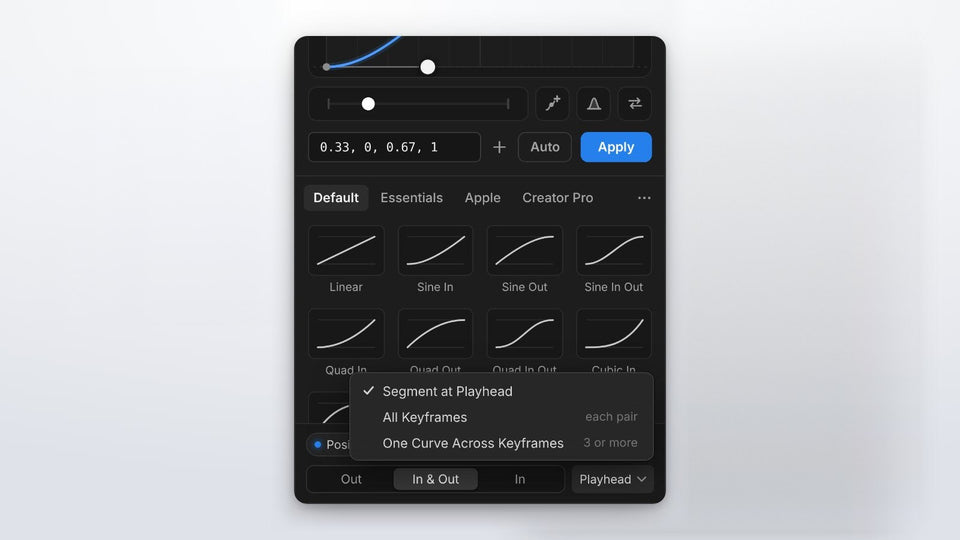
14 ramps to start from
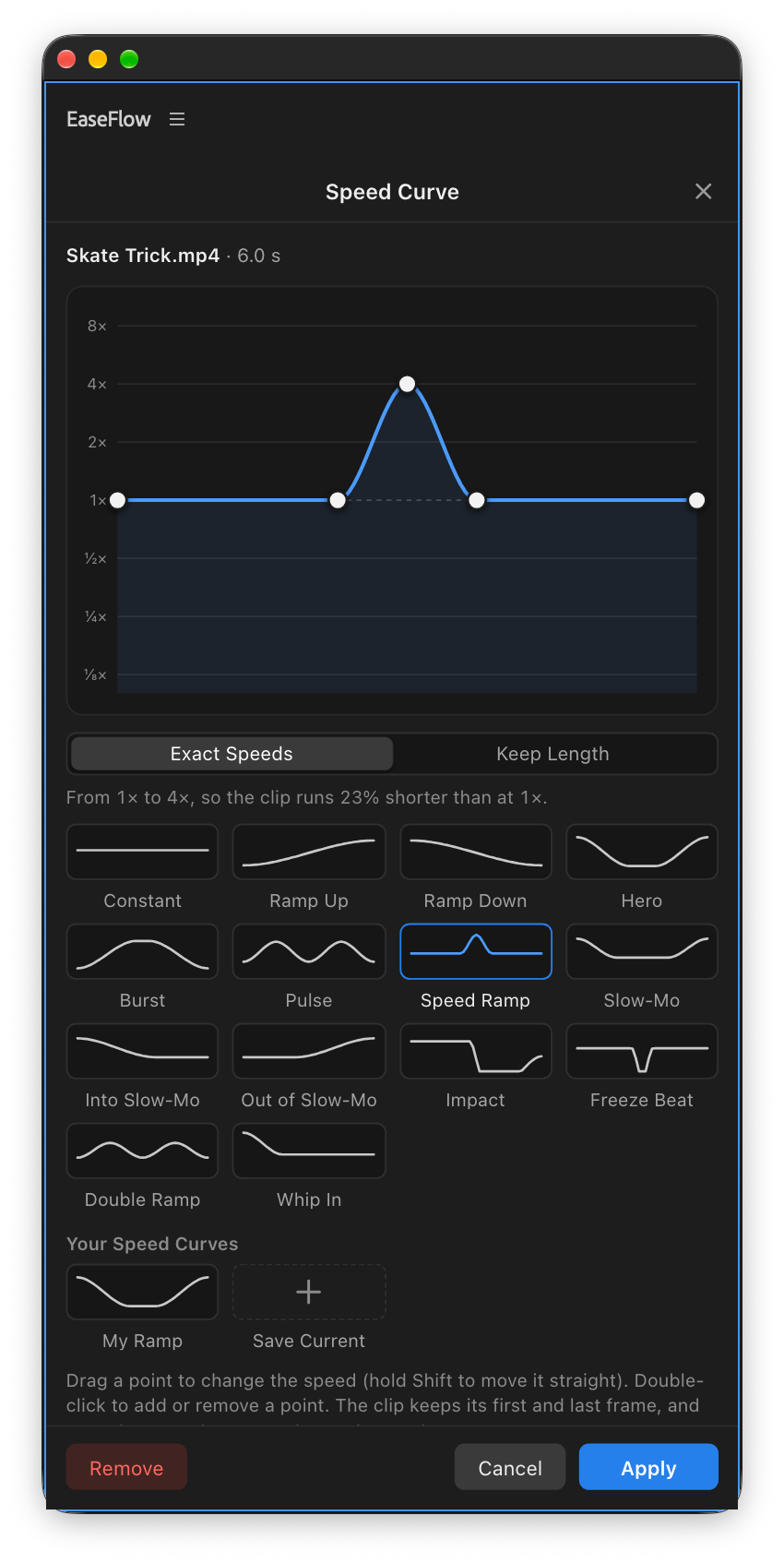
Constant, Ramp Up, Ramp Down, Hero, Burst, Pulse, Speed Ramp, Slow-Mo, Into Slow-Mo, Out of Slow-Mo, Impact, Freeze Beat, Double Ramp and Whip In. Each one's just a starting point, so you don't have to get it right first time. Drag a point to change the speed there, double-click to add or remove a point, and hold Shift to move one straight.
Exact Speeds or Keep Length
Exact Speeds plays every point at the speed you set, and the clip gets shorter or longer to fit. Keep Length scales the speeds so the clip keeps its length in the edit. Either way it keeps its first and last frame.
Save your ramps
Save the curve in the graph as one of Your Speed Curves and use it again with one click. Right-click a saved one to update, rename or delete it.
Safe to try
Premiere's scripting can't write Time Remapping directly, so EaseFlow saves your project, writes the speed change and reopens it. That takes a few seconds and clears Premiere's undo history, which is why EaseFlow keeps a copy from before in an EaseFlow Backups folder next to the project. To undo a ramp, use Remove and the clip plays at one steady speed again.
Price
EaseFlow Standard is $34.99. EaseFlow Pro is $44.99 and adds Speed Curve, curve points, the Essentials, Apple, Creator Pro and Multi-Point packs, and every pack added later. You pay once, updates are free, and you can upgrade from Standard to Pro later for $14.99.
EaseFlow runs in Premiere Pro 2021 to 2027 on Mac and Windows.
Want speed ramps you can draw? Get EaseFlow for Premiere Pro.