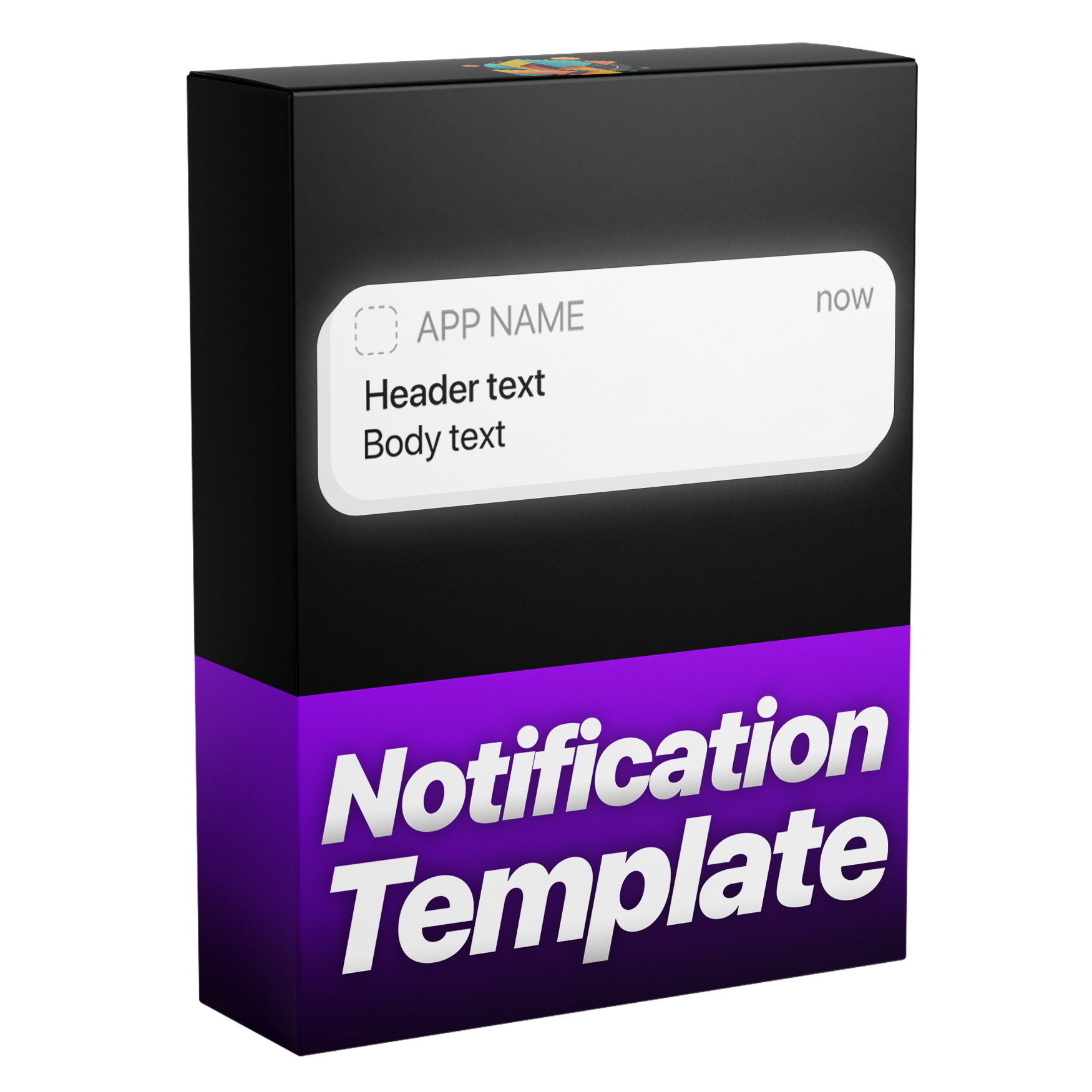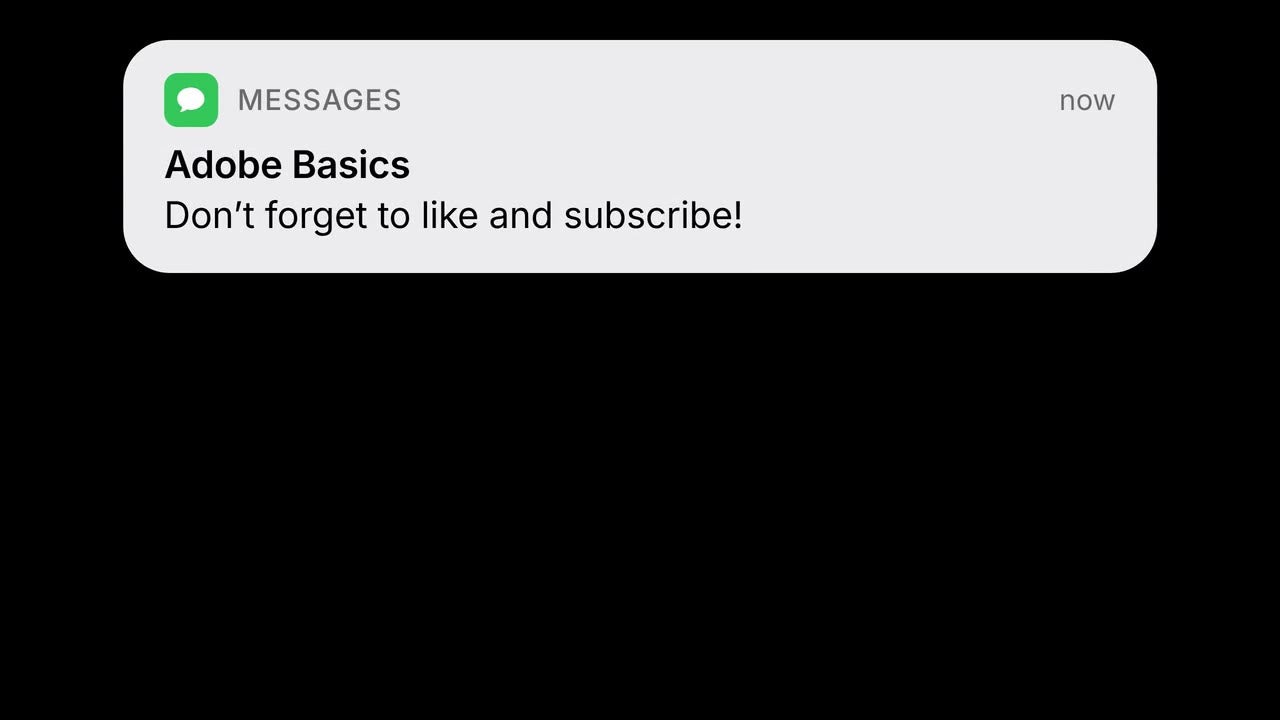

A frame made with Notification
Notification
Parece real. Escribe tu propio mensaje.
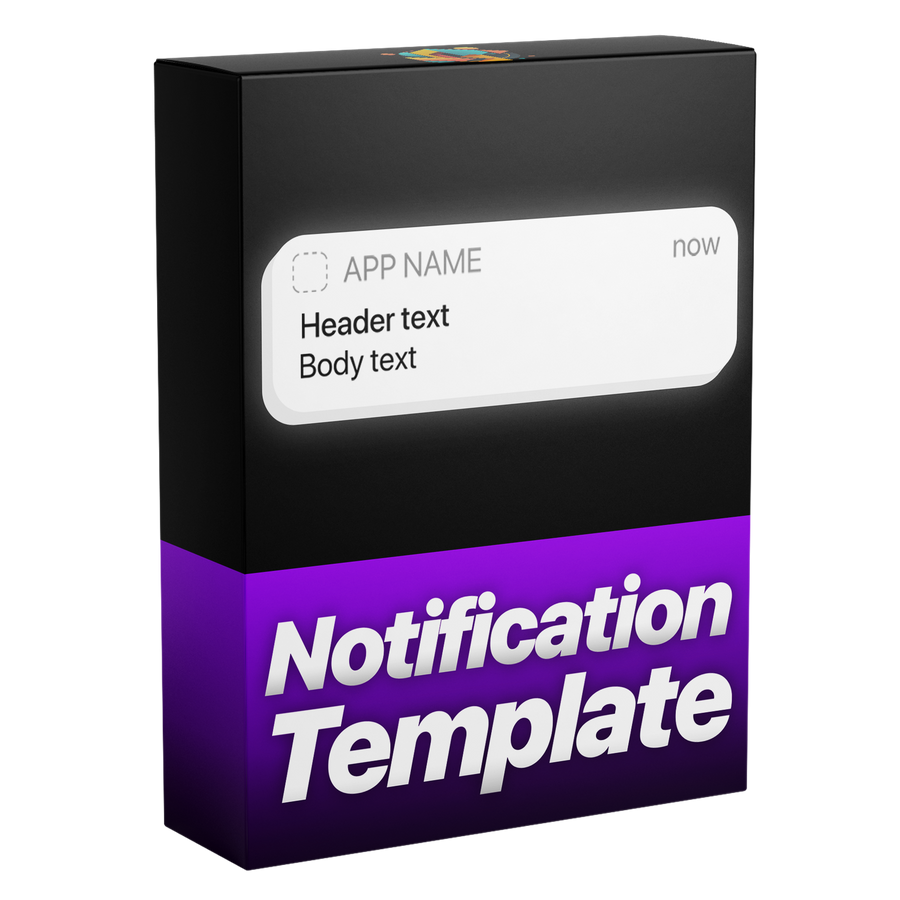
Añade una notificación que parece salida de un teléfono real. Coloca el icono de cualquier app y escribe tu propio mensaje. Entra y sale con desenfoque de movimiento, sigue tu recorte y viene en claro, oscuro o cualquier color.
Premiere Pro 2021–2027
- Windows y Mac
- Sin After Effects
Garantía de reembolso ¿No funciona en tu Premiere Pro? Escríbenos en un plazo de 14 días.

Notification
Hecho por quienes enseñan Premiere Pro.
Más de 700 tutoriales y miles de comentarios nos mostraron qué frena a los editores. Así que creamos las herramientas que queríamos como editores: simples y sin complicaciones.
Ver los tutoriales- 200K+editores usan nuestras herramientas
- 30M+visualizaciones de nuestros tutoriales en YouTube
- 90K+seguidores en redes sociales
- 37K+editores en nuestra comunidad de Discord


Al píxel, como la interfaz real del iPhone
Controles
Créalo y modifícalo en Premiere Pro.
Todo en Gráficos esenciales
Cualquier color
Hecho para cualquier edición.
Premiere Pro 2021–2027
Sin necesidad de plugins.
Lo más destacado.
-
Animación
Entra como la de verdad.
Con desenfoque de movimiento. Luego se queda y sale.
-
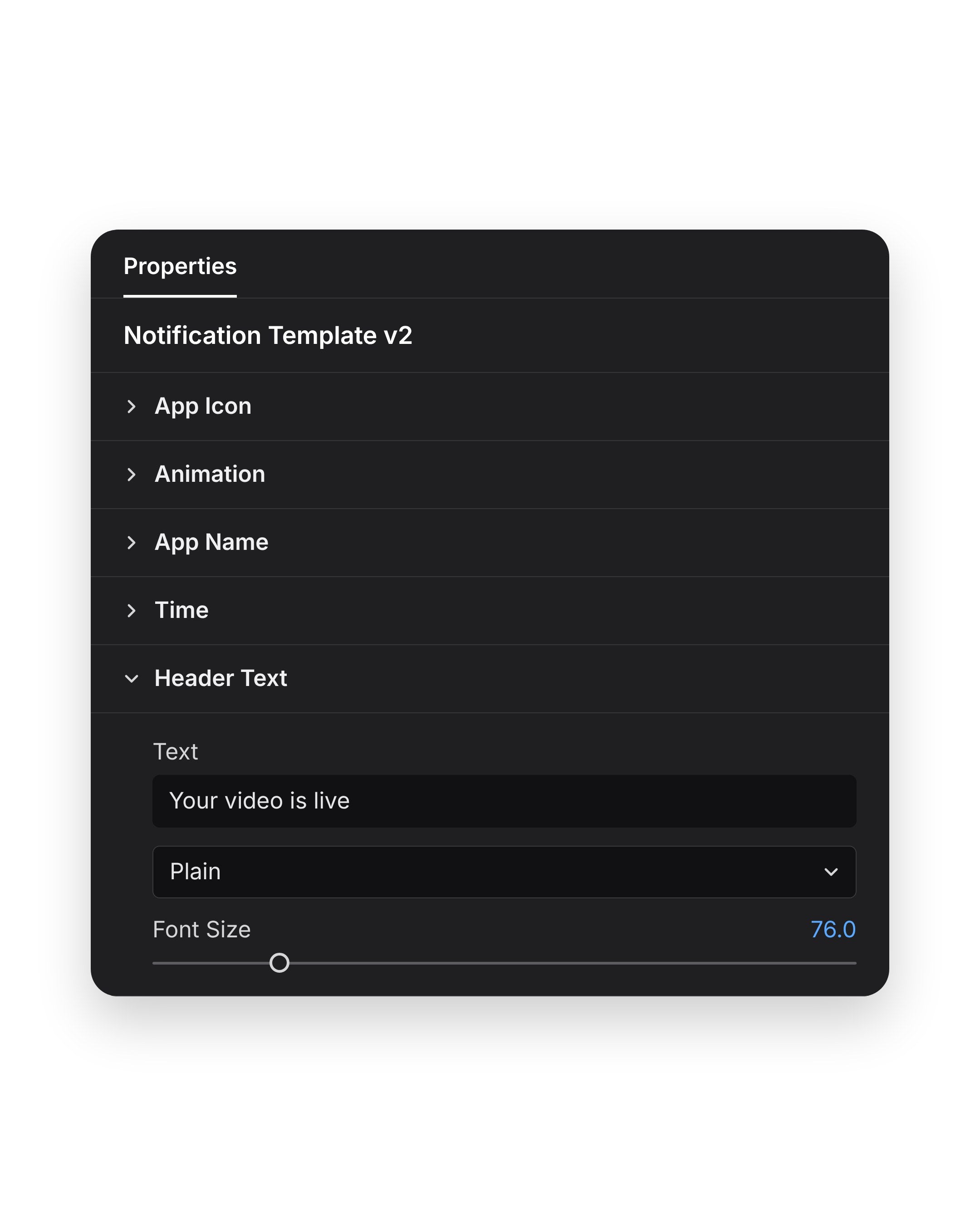
Tu mensaje
Escribe la app, el título y el mensaje.
Luego ajusta el color y la opacidad en el mismo panel.
-
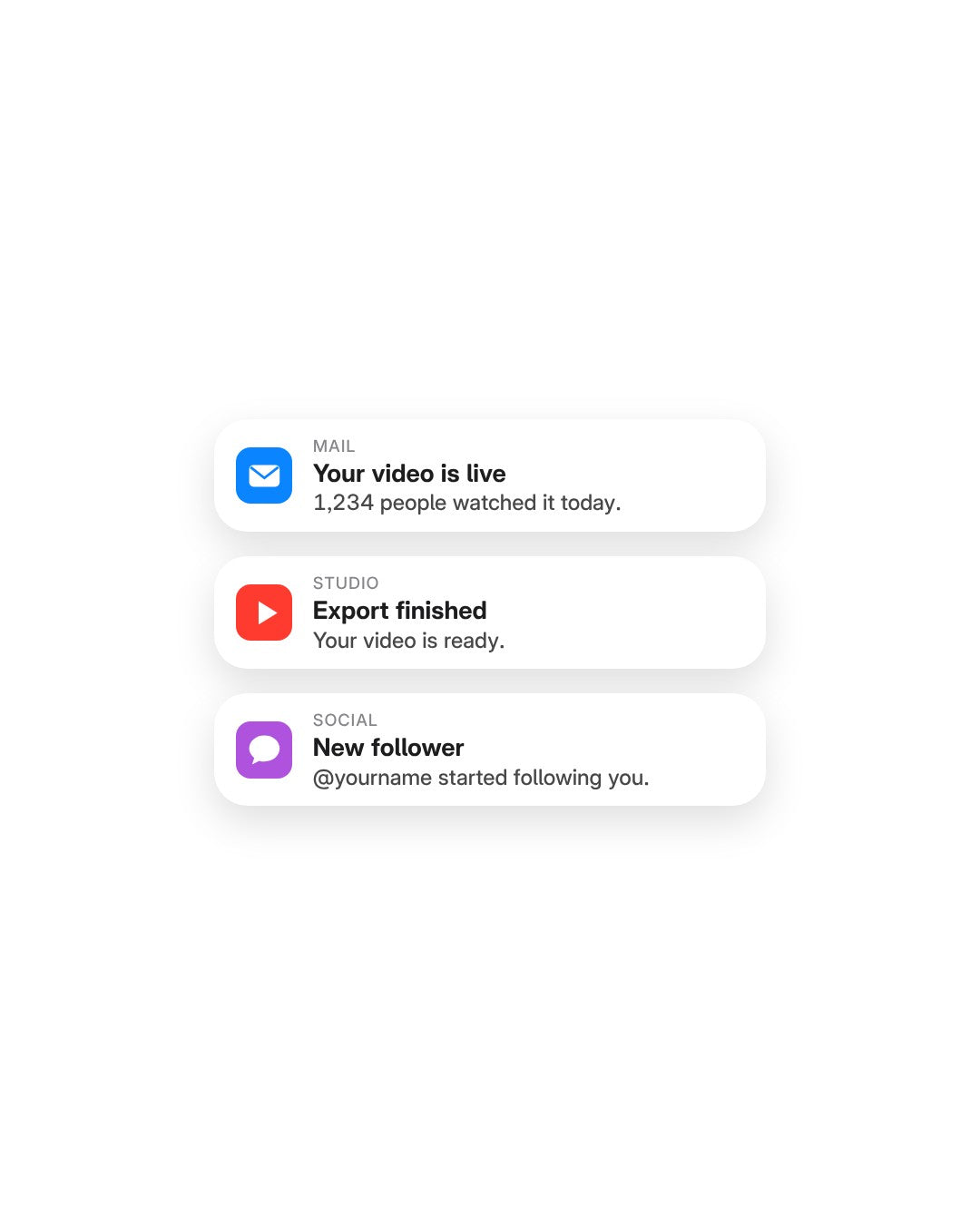
Tu icono
Cualquier icono de app, claro u oscuro.
O elige cualquier color a juego con tu marca.
-
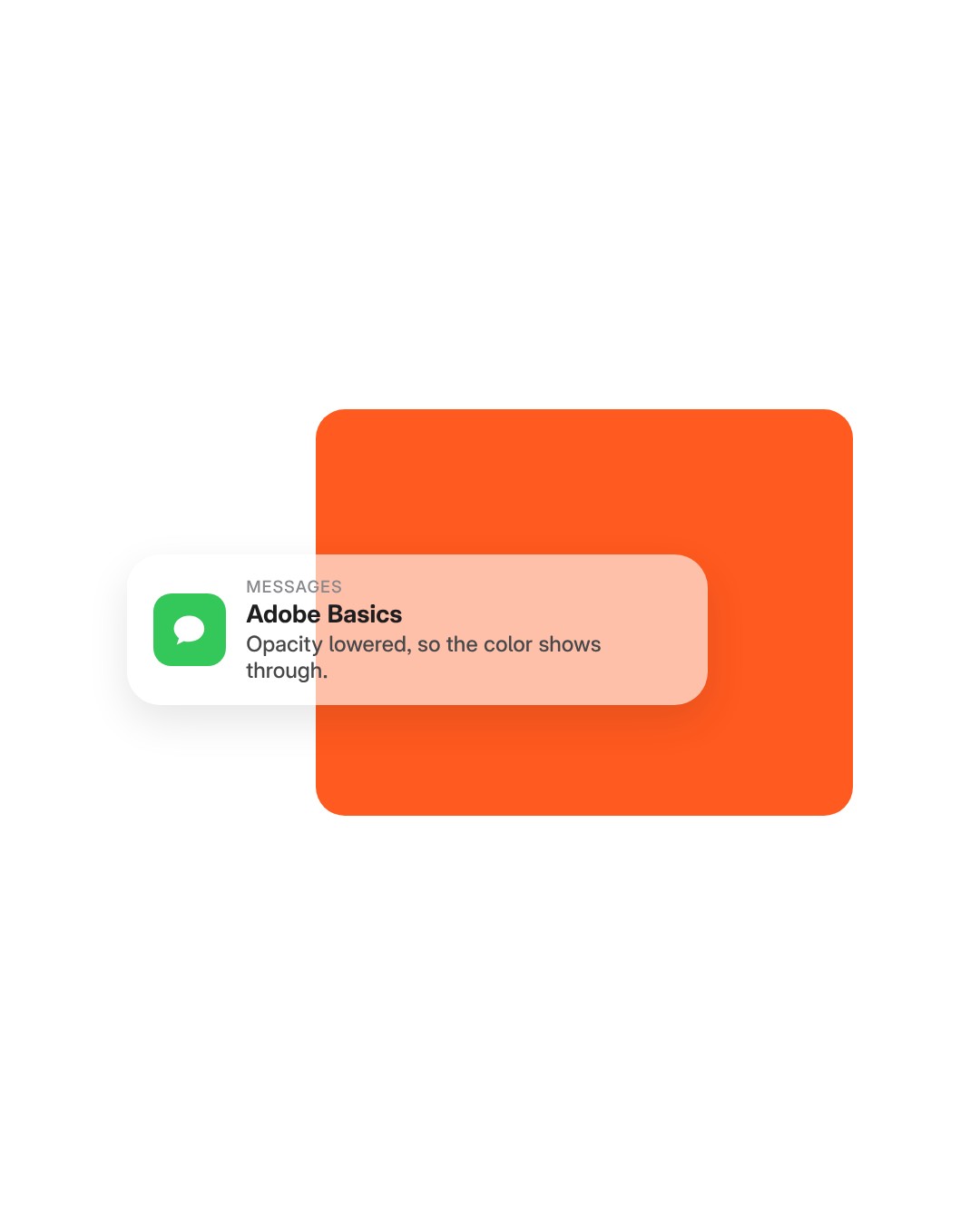
Opacity
Deja ver tus imágenes.
Baja la opacidad para un banner transparente.
En la descarga
-
Archivo de plantilla
Un archivo de plantilla (.mogrt). Impórtalo una vez y arrástralo a cualquier línea de tiempo.
-
Motion
It slides in. Holds. Slides out.
The banner slides in, holds on screen and slides out again. You set how fast it arrives and how fast it leaves, and motion blur is built in.
- Slides in and outAnd it holds on screen in between.
- In and out speedTwo separate speeds, one for arriving and one for leaving.
- Motion blurBuilt in. Tick Enable extra motion blur for more.
Timing
It follows your trim.
The banner stays for as long as the clip does. Trim the clip to 3 seconds or stretch it to 10, and the slide out moves with the end of the clip.
- Longer clipThe banner holds for longer.
- Shorter clipIt leaves sooner.
- No keyframesTrim the clip like any other.
Light or dark
Light mode. Dark mode.
Match the banner to a phone in light or dark mode.
- LightA white banner with dark text.
- DarkA dark banner with light text.
- Corner roundnessThe Roundness slider goes from sharp corners to fully round.
Any color
Or your brand’s color.
Pick any color for the message box, like your brand’s orange. Then set Opacity to choose how much of your footage shows through.
- Any colorThe Color control, under Message Box.
- Opacity88 by default. Lower it and more of your footage shows through.
- One groupColor, Opacity and Roundness sit together under Message Box.
App icon
Any app. Any icon.
Drop in the icon of any app or brand as a picture, then type the app’s name next to it.
- Any app iconDrop in the icon of any app or brand.
- App nameType it in the Name field, like MESSAGES.
- Light, dark or colorThe icon sits on any banner.
Your message
Your words. One panel.
Three lines of text are yours: the app name, the title and the message. Type each one in the Essential Graphics panel in Premiere Pro. No After Effects needed.
- Its own groupsApp Icon, App Name, Time and Header Text each open on their own.
- Any fontAny installed font.
- 43+ controlsAll in the Essential Graphics panel.
43+ controles. Un panel.
Mensaje
- Tu propio texto. Nombre de la app, título y mensaje, con tus palabras.
- Cualquier icono de app. Pon el icono de cualquier app o marca.
- Cualquier fuente. Elige cualquier fuente instalada.
Aspecto
- Claro u oscuro. O el color que tú elijas.
- Opacidad. Deja ver tus imágenes a través del banner.
- Redondeo de esquinas. De recto a suave.
Movimiento
- Entra y sale. Y se queda en pantalla entre medias.
- Velocidad de entrada y salida. Ajusta lo rápido que llega y se va.
- Desenfoque de movimiento. Incluido, para un movimiento natural.
- Sigue tu recorte. El timing se ajusta a tus puntos de entrada y salida.
Especificaciones
- Funciona con
- Premiere Pro 2021–2027, Windows y Mac
- Recibes
- 1 plantilla (.mogrt) con 43+ controles
- No necesitas
- After Effects ni plugins
- Actualizaciones
- Gratis, desde tu página de pedido
- Pago
- Único, sin suscripción
- Licencia
- Vídeos personales y comerciales ilimitados, un usuario
- Descarga
- Inmediata, tras la compra
Tres pasos. Sin keyframes.
Importa la plantilla en Premiere Pro una sola vez. Sin plugins ni configuración extra.
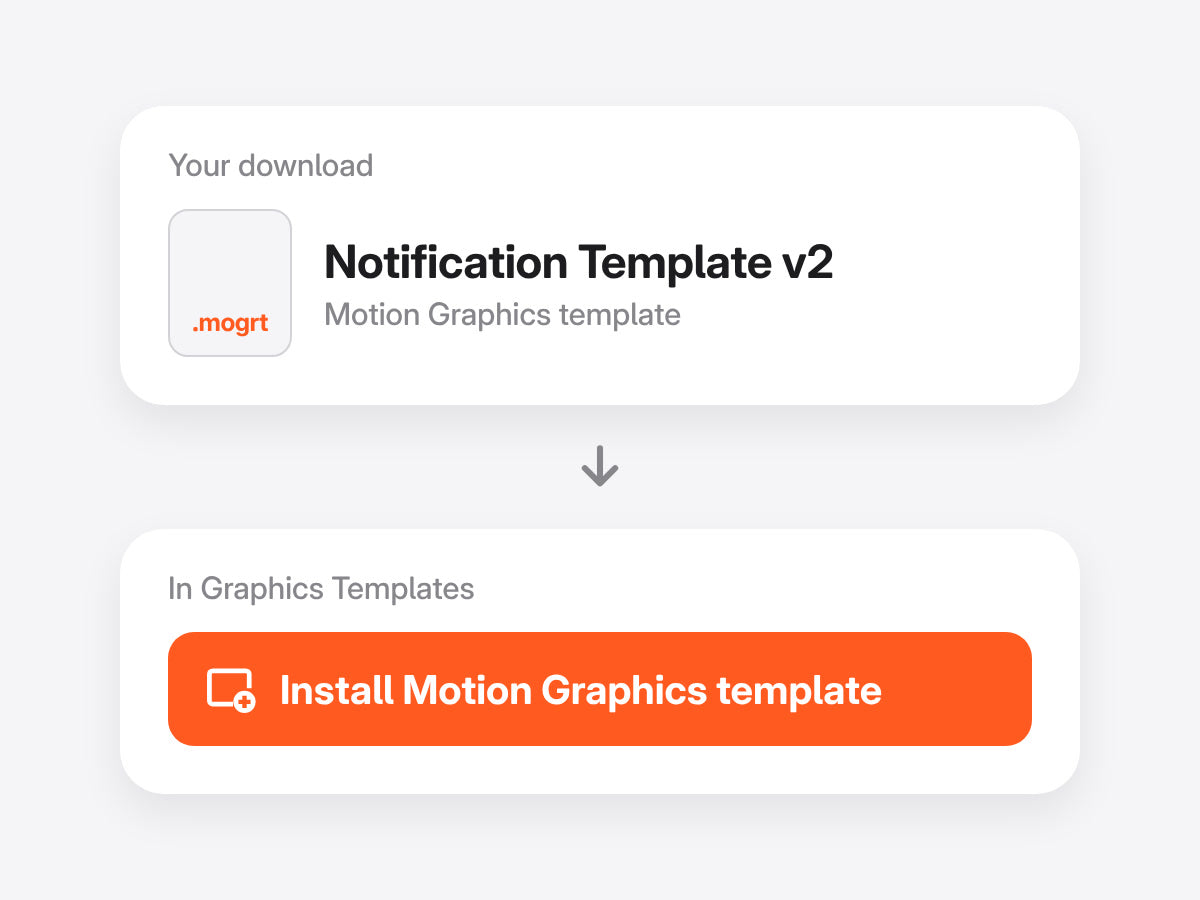
1Importa la plantilla
Abre Graphics Templates (Gráficos esenciales en versiones anteriores) e importa el archivo .mogrt.
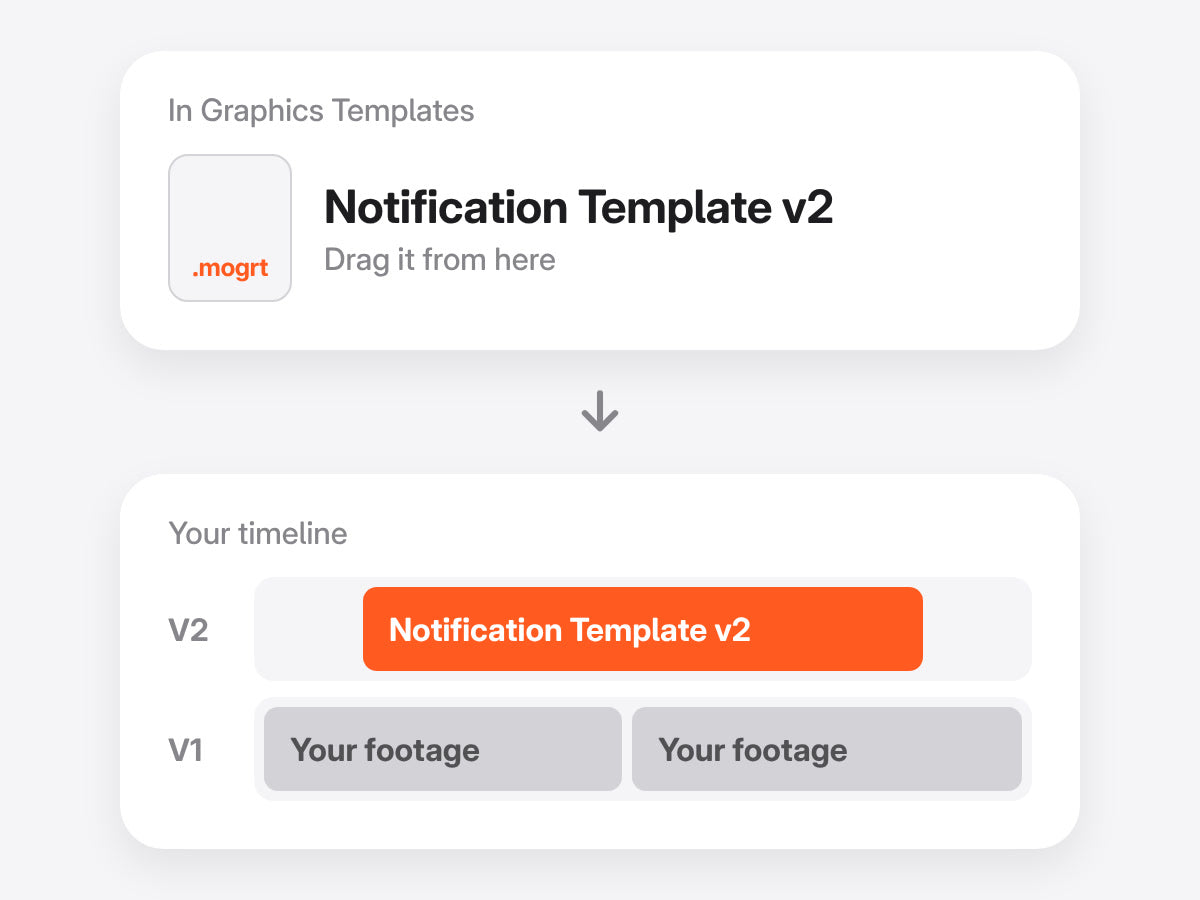
2Arrástrala a tu línea de tiempo
Suéltala encima de tus clips y recórtala como quieras. La animación sigue tus puntos de entrada y salida.
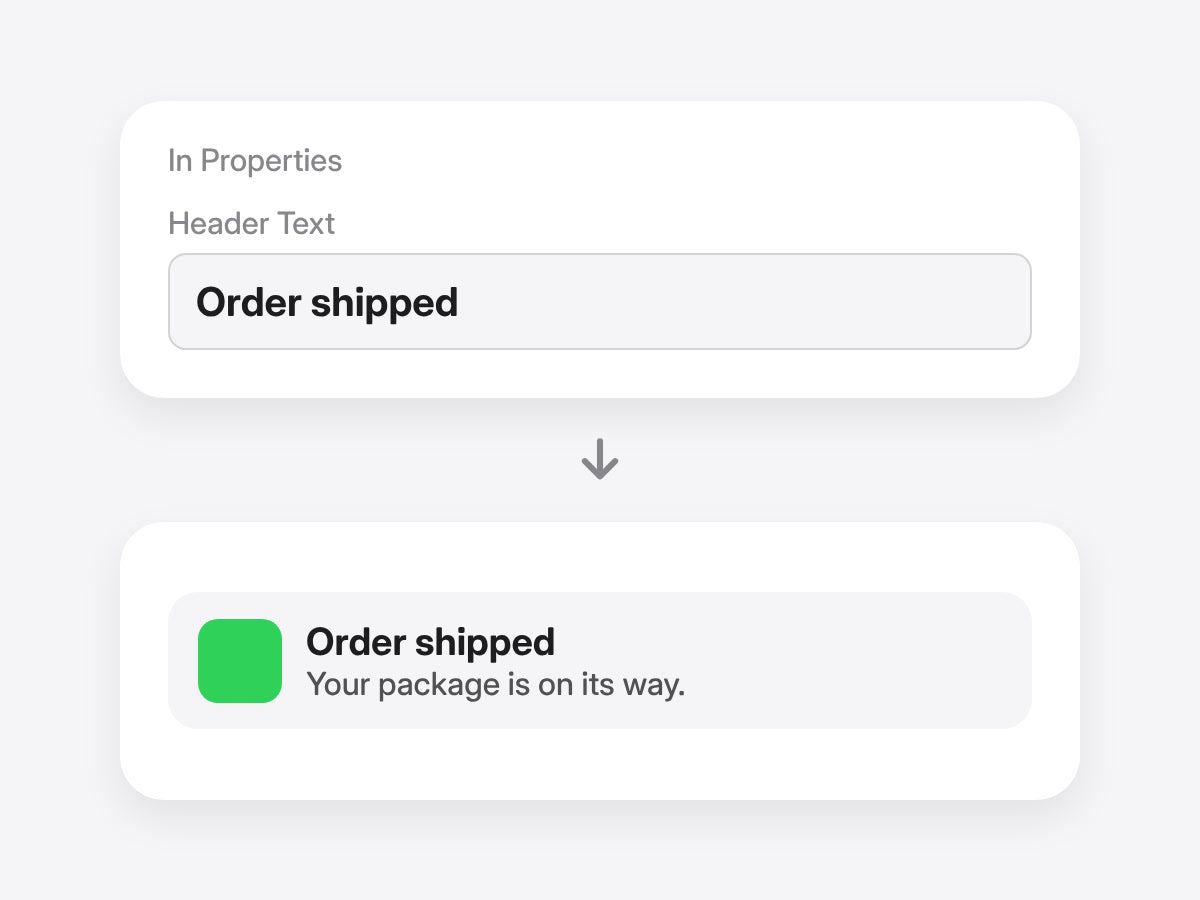
3Escribe tu mensaje
Escribe el encabezado y el texto, cambia el icono de la app y elige el color del recuadro en el panel Properties. Sin keyframes.
Premiere Pro 2021–2027 · Windows y Mac · Sin plugins · Descarga inmediata
Mira cómo funciona.

Escríbelo. Entra solo.
Notificaciones estilo móvil, dentro de Premiere Pro.
- Premiere Pro 2021–2027
- Windows y Mac
Garantía de reembolso si no funciona
- Escríbenos en un plazo de 14 días desde la compra.
- Ayuda en menos de 24 horas para solucionarlo.
- Si no podemos solucionarlo, te devolvemos el dinero.