

Tutorial Premiere Pro

Tutorial Premiere Pro langkah demi langkah dengan tangkapan layar, dari efek teks hingga transisi dan audio.

BetterFX tagline Less searching. More editing. in white and magenta for Premiere Pro 2026

Plugin pencarian efek terbaik untuk Premiere Pro 2026
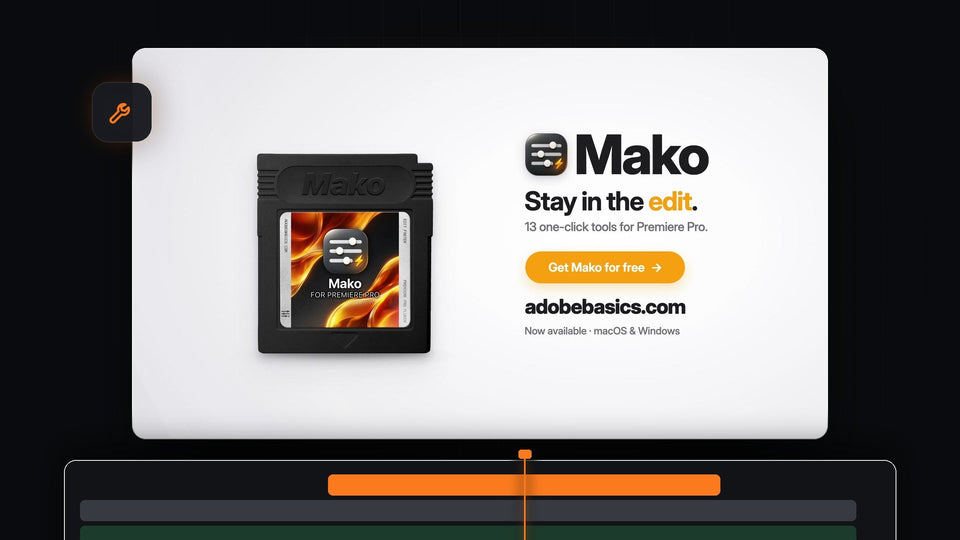
Mako for Premiere Pro: 13 one-click tools, free on macOS and Windows

Alternatif Spotlight FX Toolbox Terbaik untuk Premiere Pro: Mako
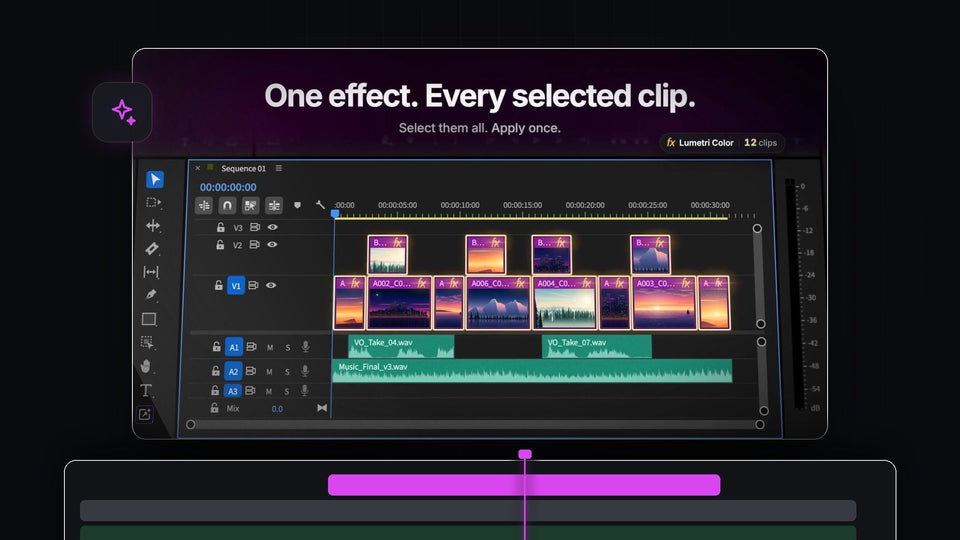
BetterFX applying Lumetri Color to twelve selected clips at once in the Premiere Pro timeline

Alternatif QuickFX Terbaik untuk Premiere Pro: BetterFX

EaseFlow easing preset library for Premiere Pro with Default, Essentials, Apple and Creator curves

Alternatif Ease and Wizz Terbaik untuk Premiere Pro: EaseFlow
The words Spring it with a black ball settling on a light background, from the EaseFlow launch film

Alternatif Kease Terbaik untuk Premiere Pro: EaseFlow
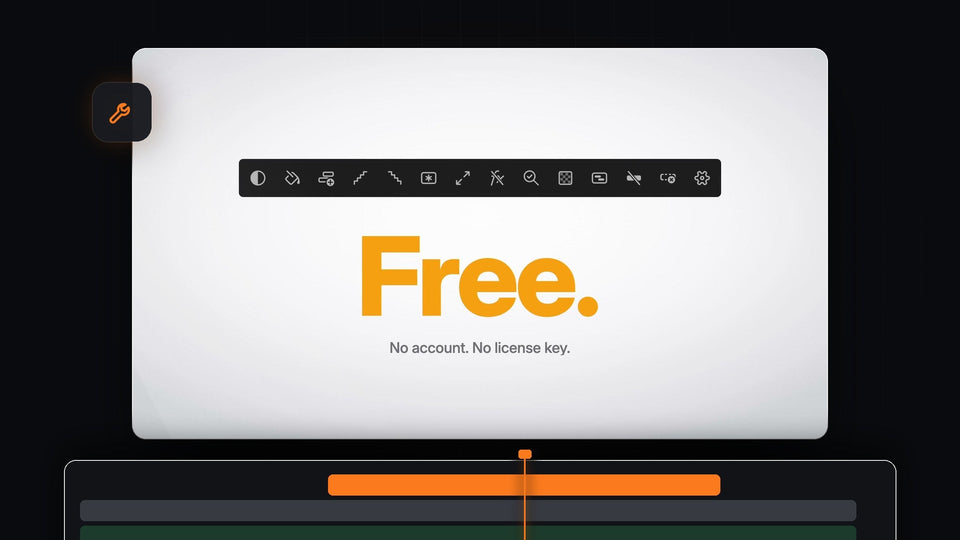
Mako for Premiere Pro is free, with no account and no license key

Panel Premiere Pro gratis terbaik: Mako, 13 tool dalam sekali klik
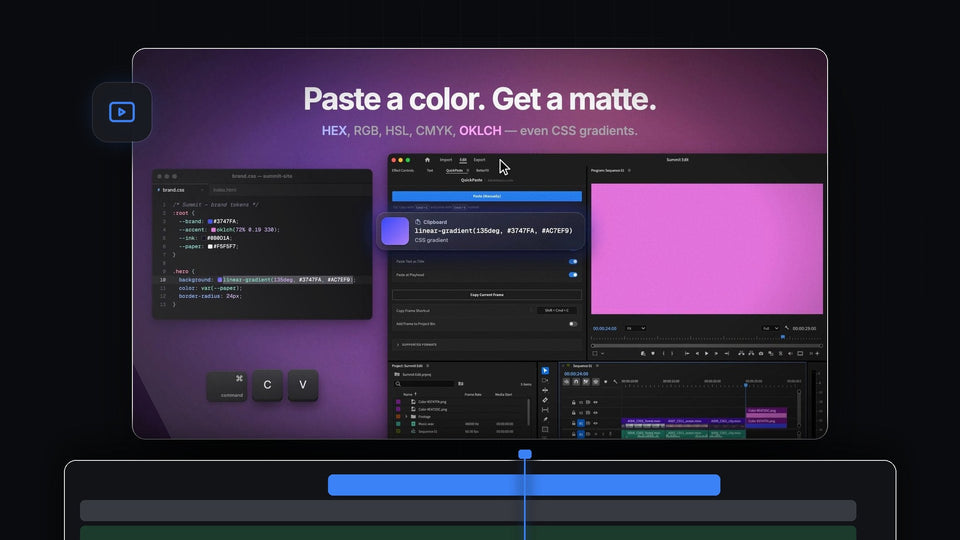
Paste a color, get a matte: a CSS gradient copied from a stylesheet and pasted into Premiere Pro with QuickPaste as a pink color

Alternatif ToothPaste Terbaik untuk Premiere Pro: QuickPaste
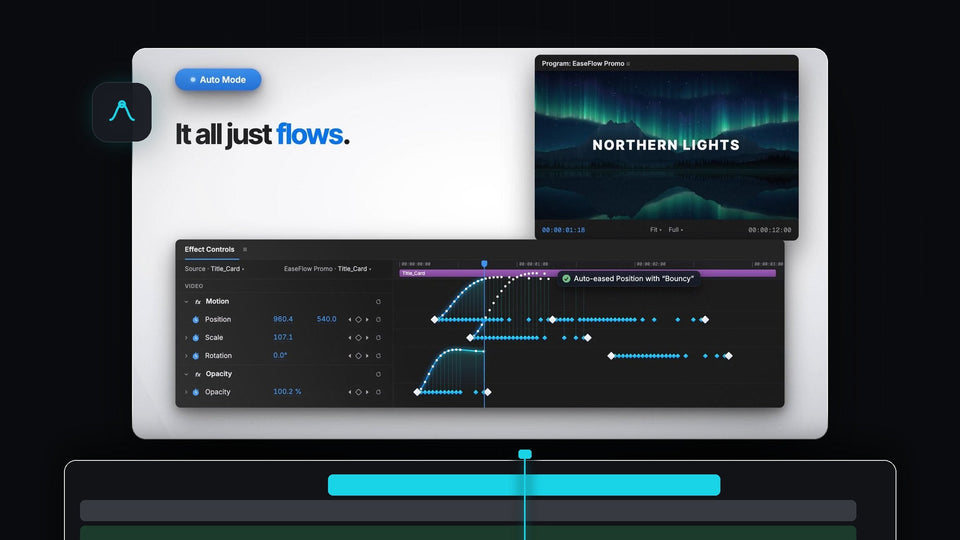
EaseFlow Auto Mode easing Position, Scale and Opacity keyframes in Premiere Pro Effect Controls under a Northern Lights title

Alternatif Eaze Terbaik untuk Premiere Pro: EaseFlow

Premiere Pro 2026 with the QuickPaste panel open and a client message asking for a still of the shot

Plugin paste terbaik untuk Premiere Pro 2026
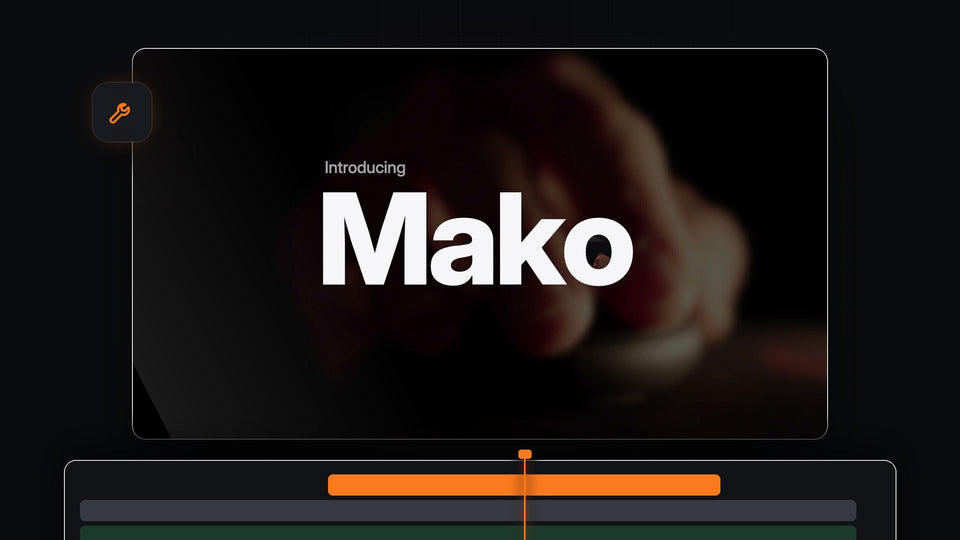
Introducing Mako, a free one-click tools panel for Premiere Pro

Alternatif Sequence Inspector Terbaik untuk Premiere Pro: Mako

Northern lights over mountains from the EaseFlow launch film, an eased shot for Premiere Pro 2025

Plugin easing terbaik untuk Premiere Pro 2025

Six copied files, PSD, AI, AEP, MOV, WAV and MOGRT, on the clipboard above an empty Premiere Pro timeline, ready to paste with Cmd V

Alternatif PasteX Terbaik untuk Premiere Pro: QuickPaste

Warp Stabilizer applied with a BetterFX shortcut in Premiere Pro 2024, shown in Effect Controls and the Program Monitor

Plugin pencarian efek terbaik untuk Premiere Pro 2024
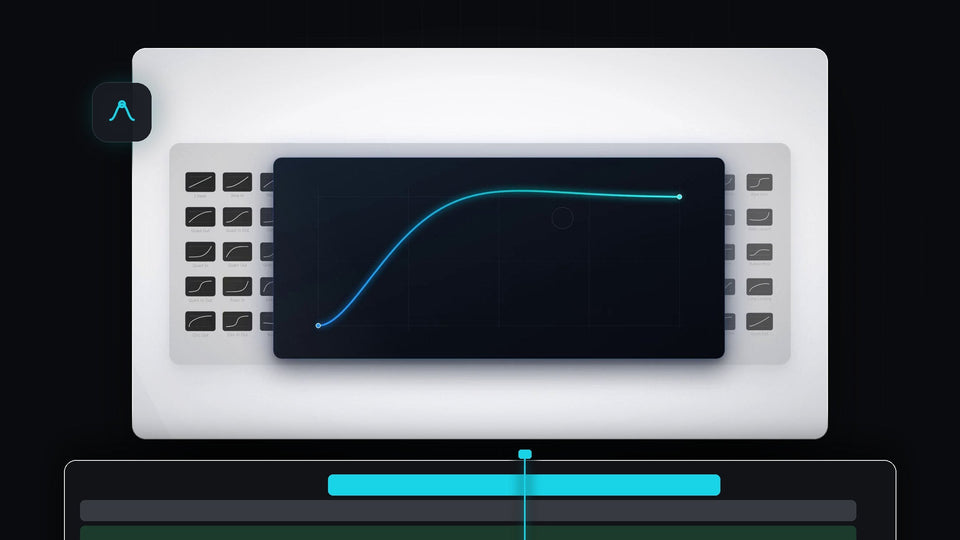
A glowing EaseFlow easing curve on a dark card in front of a grid of easing presets

Alternatif EaseCopy Terbaik untuk Premiere Pro: EaseFlow
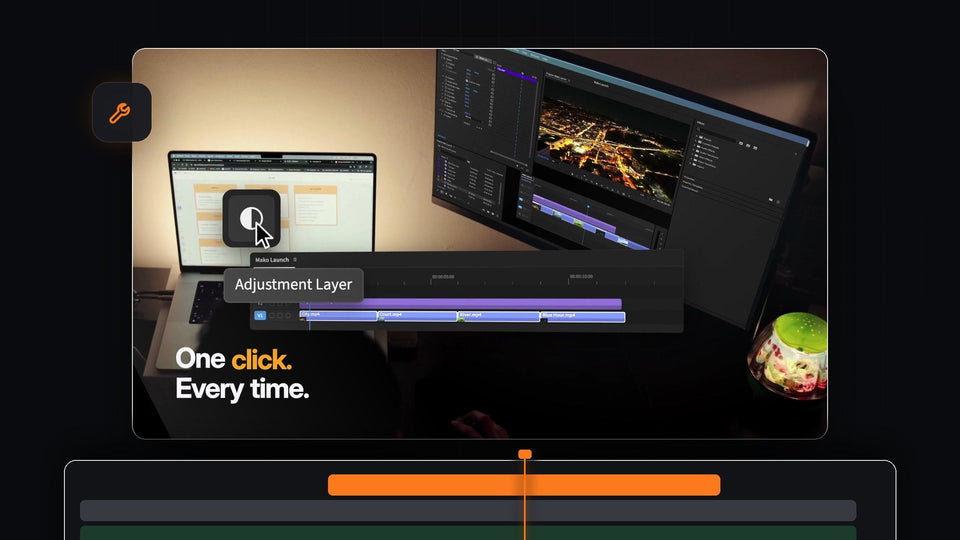
One click on the Mako Adjustment Layer button in Premiere Pro instead of four menu steps

Shortcut Adjustment Layer di Premiere Pro: Tambahkan dengan Satu Klik
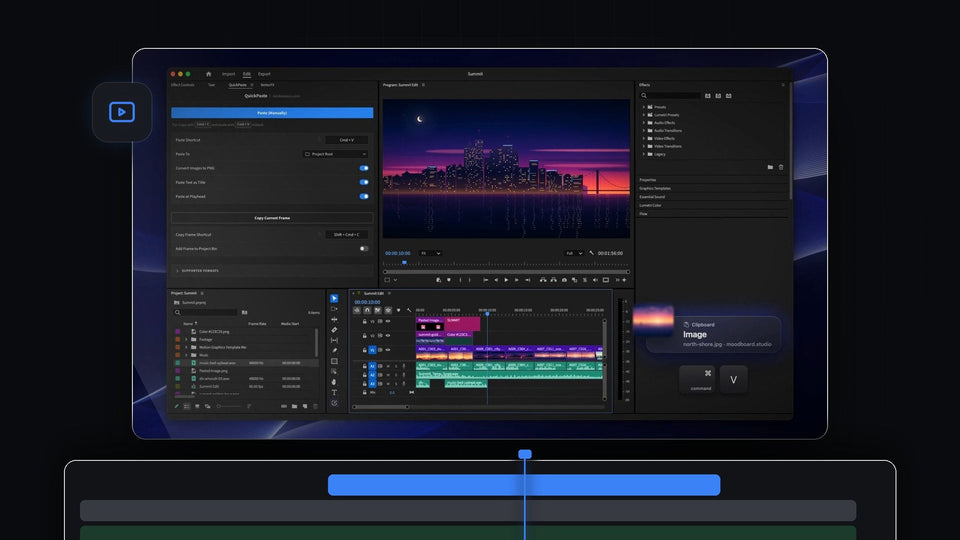
A copied image on the clipboard being pasted into Premiere Pro with Cmd plus V, the QuickPaste panel docked and a city skyline in the Program Monitor

Alternatif imgPaster Terbaik untuk Premiere Pro: QuickPaste
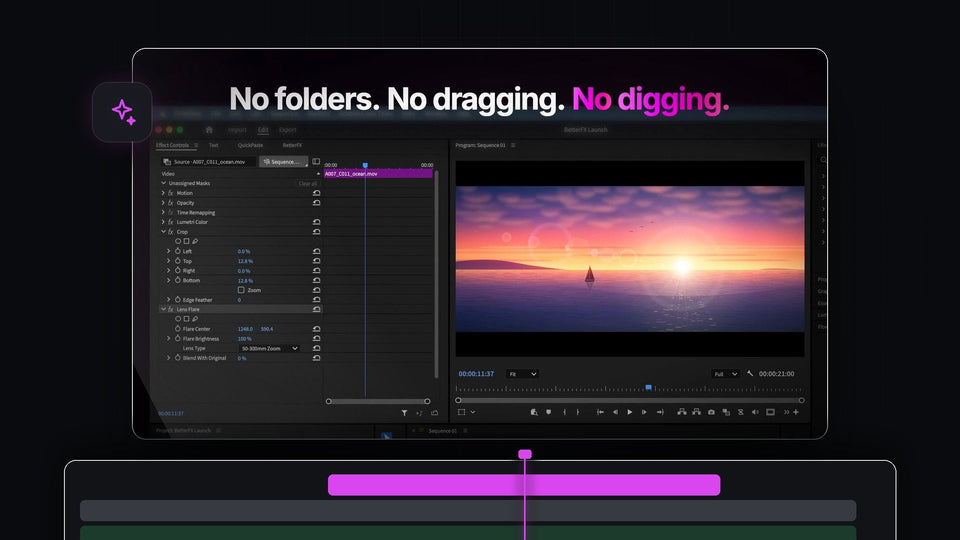
Premiere Pro with Crop and Lens Flare applied in Effect Controls through BetterFX

Alternatif SnapActions Terbaik untuk Premiere Pro: BetterFX

QuickPaste panel in Premiere Pro 2024 with a copied brand HEX color on the clipboard, ready to paste onto the timeline

Plugin paste terbaik untuk Premiere Pro 2024
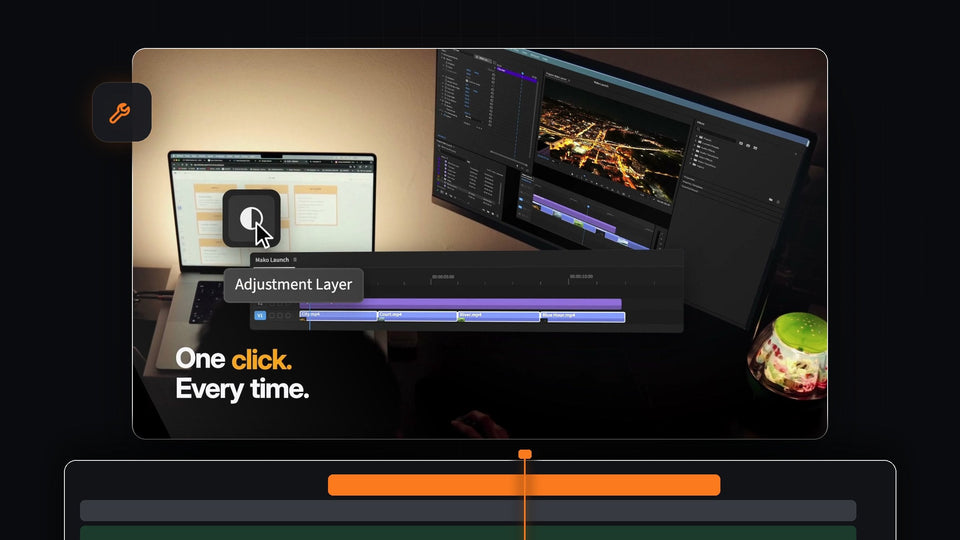
One click on the Mako Adjustment Layer button in Premiere Pro instead of four menu steps

Alternatif QuickNest Pro Terbaik untuk Premiere Pro: Mako

EaseFlow for Premiere Pro 2026 end card with the cartridge, Get EaseFlow button and macOS and Windows support

Plugin Easing Terbaik untuk Premiere Pro 2026
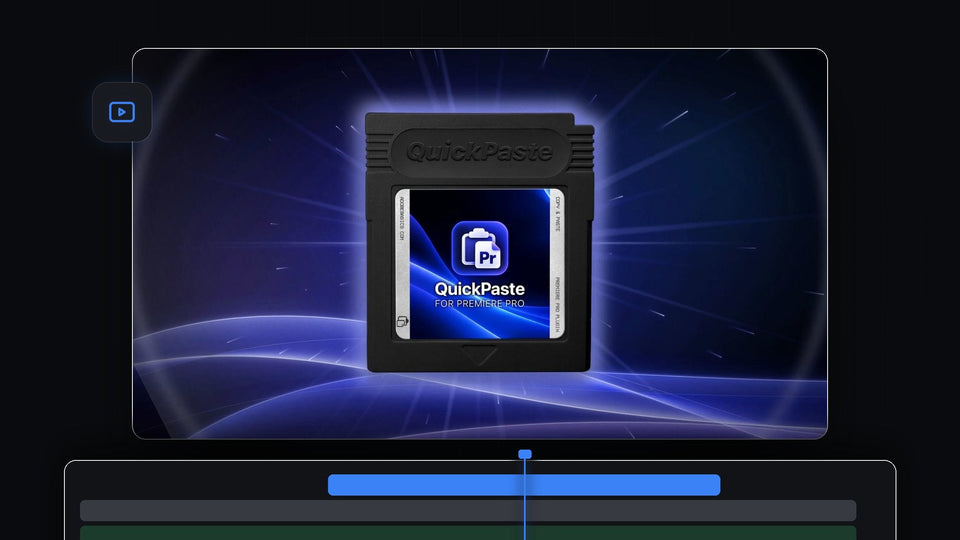
The QuickPaste for Premiere Pro cartridge glowing on a blue light streak background

Alternatif SVG2Premiere Terbaik untuk Premiere Pro: QuickPaste

EaseFlow Auto Mode in Premiere Pro auto-easing Scale keyframes with the Bouncy curve under the words Set two keyframes. Done.

Alternatif Smooth It Terbaik untuk Premiere Pro: EaseFlow

BetterFX search bar in Dark mode with Gaussian Blur highlighted and nine accent colors for Premiere Pro 2025

Plugin pencarian efek terbaik untuk Premiere Pro 2025
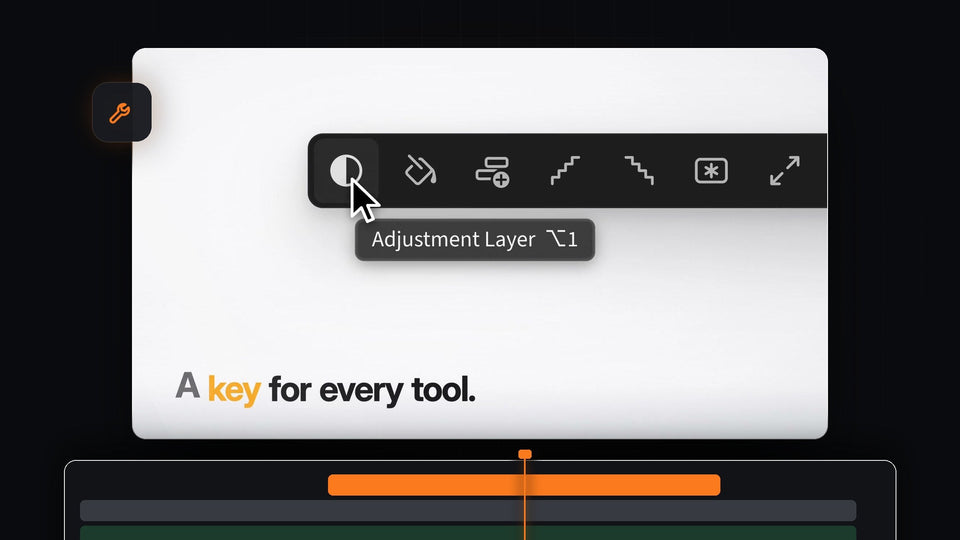
The Mako Adjustment Layer button showing its Option 1 keyboard shortcut in the tooltip

Alternatif Shortcutter Terbaik untuk Premiere Pro: Mako
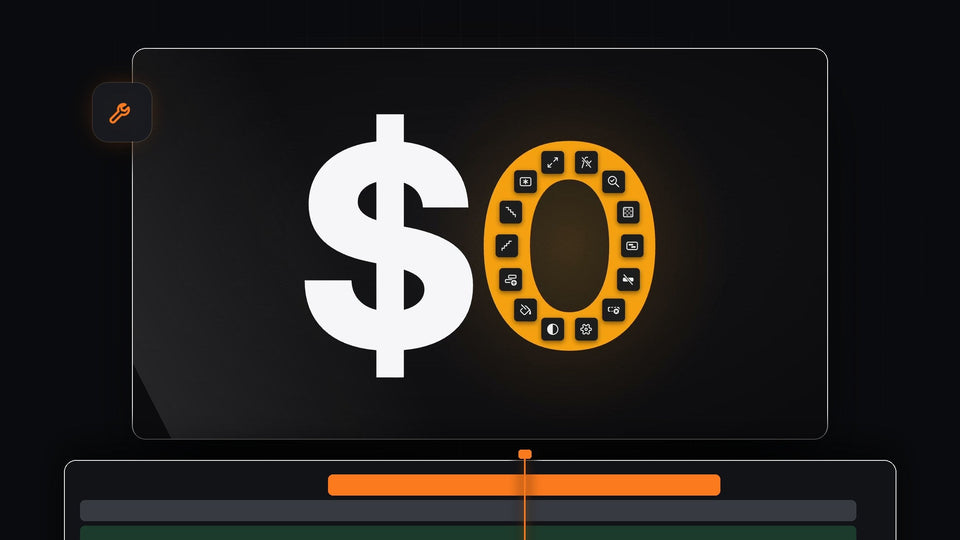
Mako costs $0: the 13 Mako tools forming the zero of $0

Panel Gratis Terbaik untuk Premiere Pro 2022