بقلم

The short answer
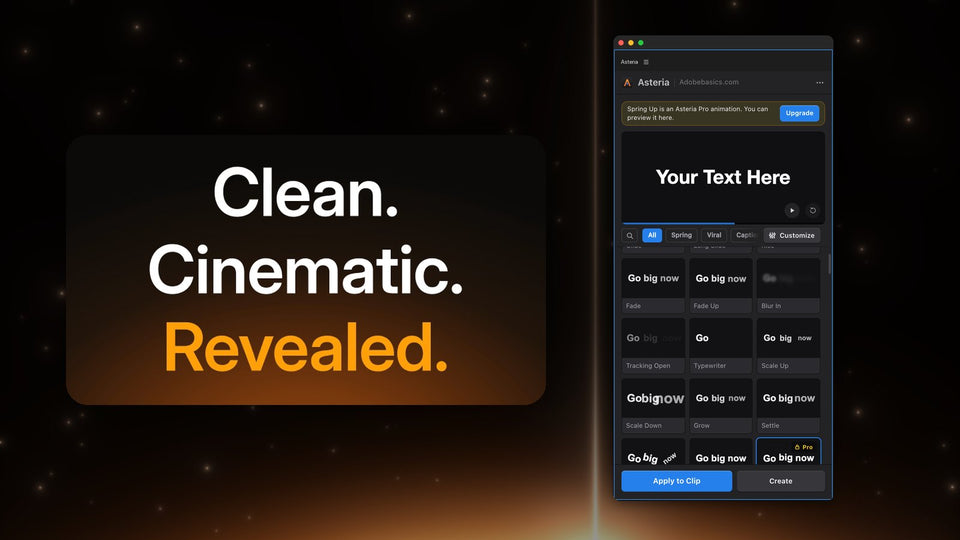
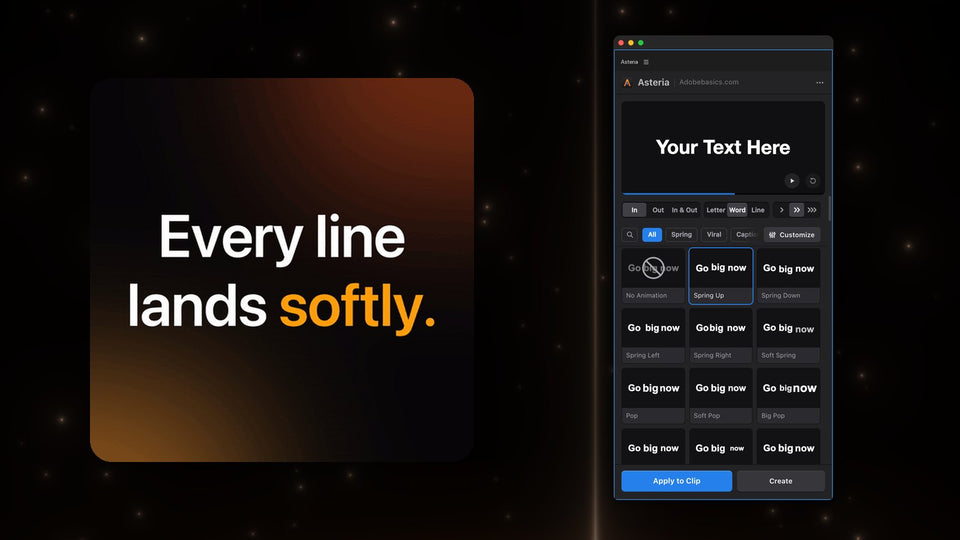
Select a text clip you made with Premiere's Type tool and click a tile in the Asteria panel. The animation lands on your clip and your words, font, size and position stay exactly as you set them.

Built around your own text
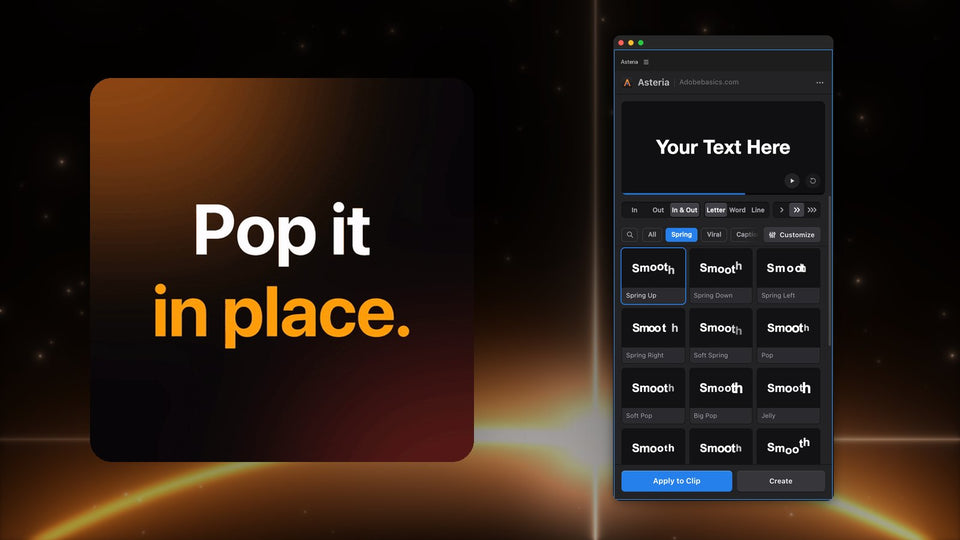
Many text animation packs come as presets or templates that you drop on a clip and then adjust. Asteria is one effect with its own panel, so every animation in the library works on any text clip, and one animation works three ways: by Letter, by Word or by Line.

What is in the library
- Springs and pops: Spring Up, Soft Spring, Pop, Big Pop, Jelly, Drop.
- Squash and stretch for playful, cartoon energy.
- Reveals that rise out of an invisible edge for cinematic titles.
- Typewriter, Decode and glitch hits.
- Word-by-word captions like Karaoke Box, Box Pop and Box Rise, in Pro.

Fine-tune and save
In Pro, Customize gives you the curve, Speed, Bounce, Stagger, Order and timing, with the preview following every change. Save it as a custom animation, star your favorites, and search all 206 animations by name.

Price and versions
Asteria Standard is $69.99 with 40 essential animations. Asteria Pro is $79.99 with all 206, the caption styles, animation settings and custom animations. Pay once, keep it, and get free updates. Premiere Pro 2021 to 2027, Windows and Mac.
AEJuice is a name of its owner. Asteria is made by Adobe Basics and is not affiliated with AEJuice.
Want to animate your own titles in one click? Get Asteria for Premiere Pro.