بقلم
The short answer
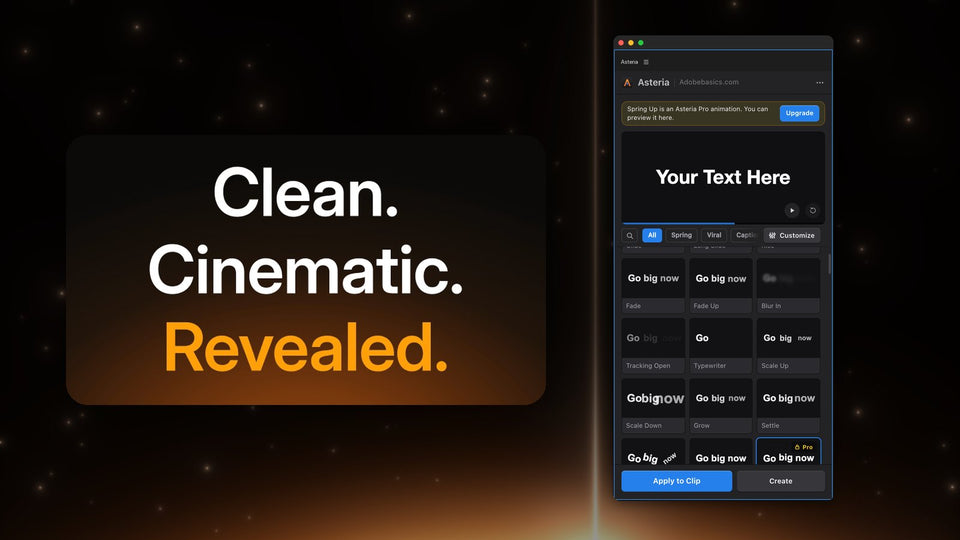
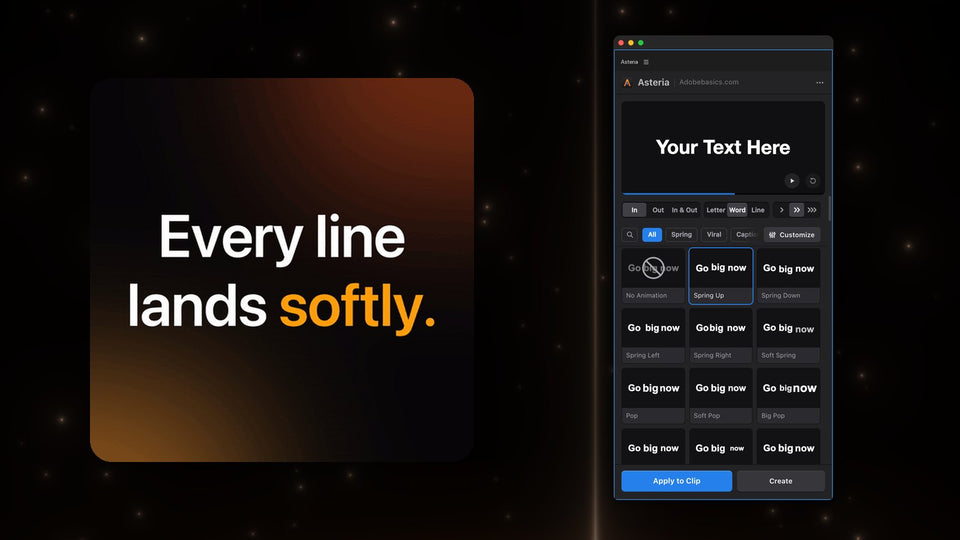
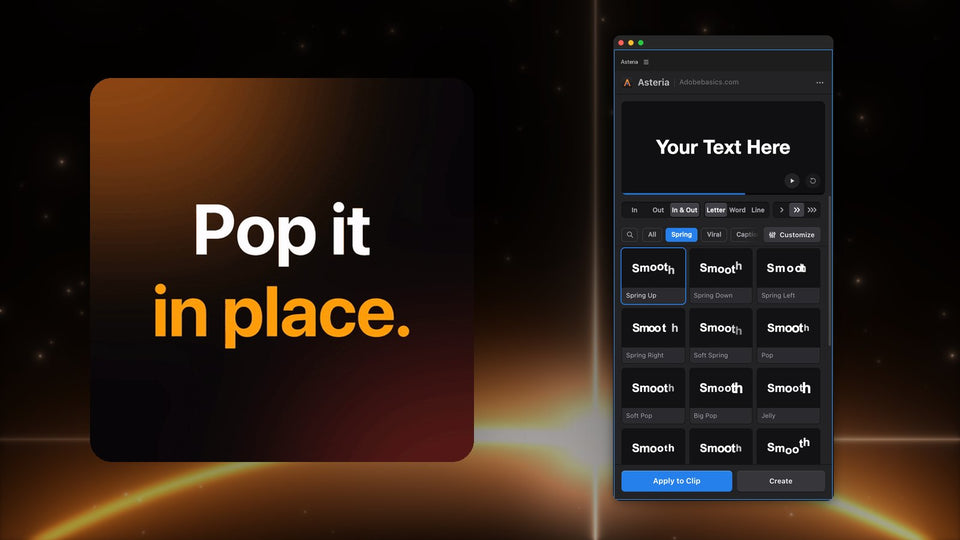
Make a title with Premiere's Type tool, select it and click an animation in the Asteria panel. Your words, font, size and position stay. Choose Letter, Word or Line, and In, Out or In & Out, and the same animation works for hooks, captions and lower thirds.

What Asteria does for your titles
- Up to 206 animations: springs, pops, drops, reveals, typewriter, decode and glitch.
- Word-by-word captions like Karaoke Box and Box Pop, in Pro.
- A live preview: every tile plays as you hover, on your own text.
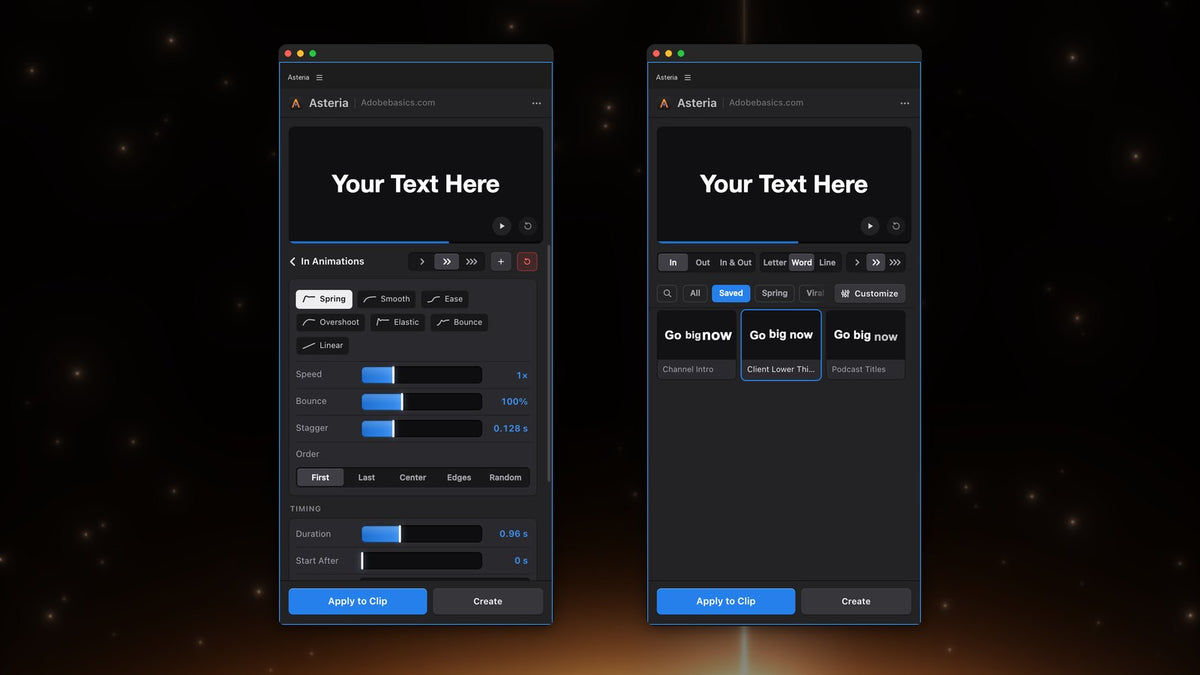
- Animation settings in Pro: curve, speed, bounce, stagger, order and timing.
- Custom animations and favorites you save once and reuse on every video.
- A native GPU effect with cached frames, so playback stays smooth.

How it works
- Select your text clip on the timeline.
- Open Window › Extensions › Asteria.
- Hover over the tiles, click one and press Apply to Clip.
That is the whole workflow. There is no template to open, no text to retype and no keyframes to set.

Price and versions
Asteria Standard is $69.99 with 40 essential animations. Asteria Pro is $79.99 with all 206, the caption styles, animation settings and custom animations. You pay once, updates are free, and you can upgrade from Standard to Pro later for $15. It works in Premiere Pro 2021 to 2027 on Windows and Mac.
Mister Horse and Text Presets for Premiere are names of their owners. Asteria is made by Adobe Basics and is not affiliated with them.
Want to animate the titles you already have? Get Asteria for Premiere Pro.