

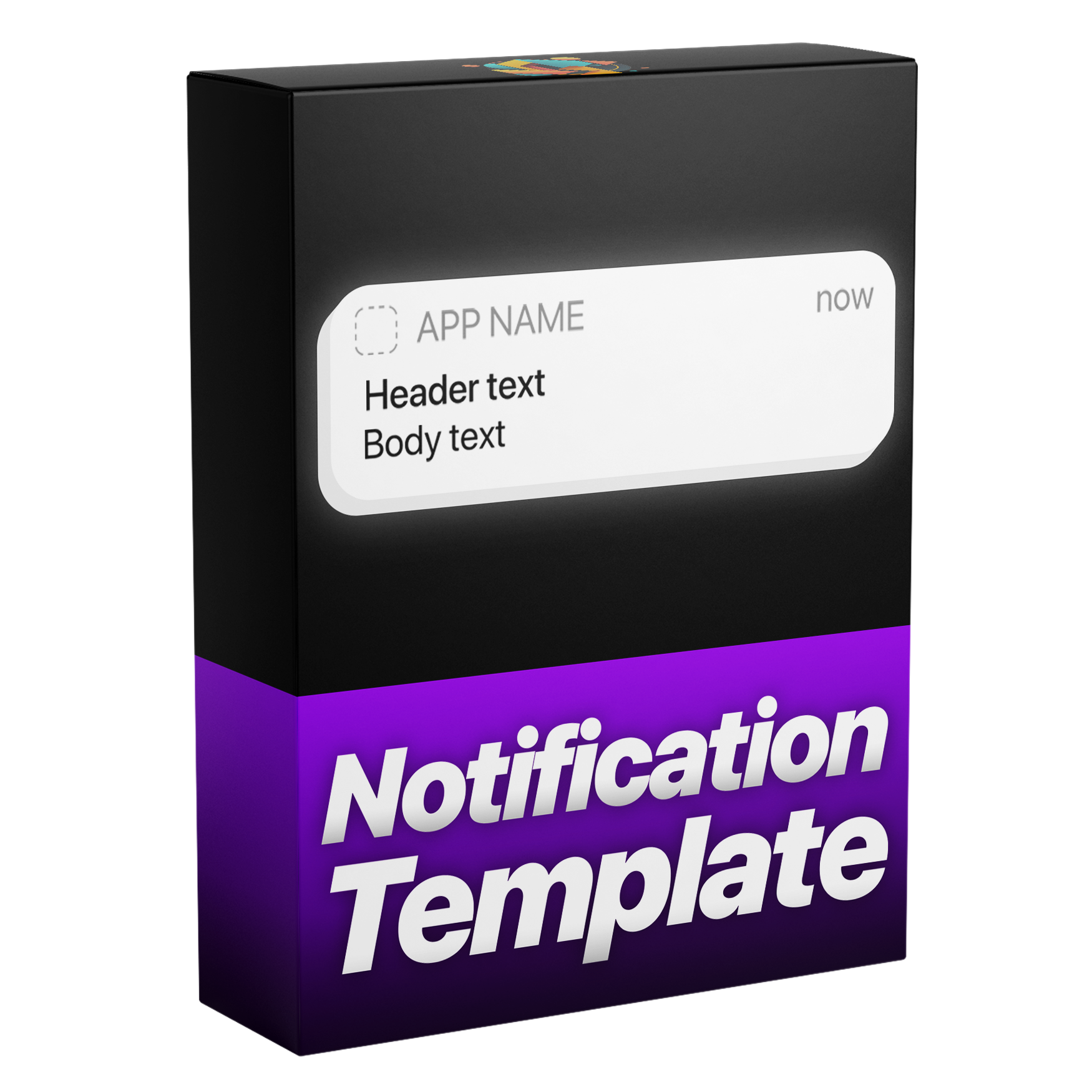

Notification Animation Template
Create sleek, professional notifications for your videos with this versatile template. Built with our Dynamic Layer Logic and custom In and Out speed controls, each animation automatically aligns with your layer’s timing for precise results every time. Easily customize text, icons, colors, and motion blur to design eye catching notifications that match your style, all in a simple, user friendly setup.
Works with Premiere Pro 2021-2026
Instant Download
Lifetime Access + Free updates
Commercial license
Notification Animation Template
Highlights
Fully customizable
Build iPhone notifications without a single keyframe.
No plugins
Runs natively in Premiere Pro.
Easy to use
Simple for beginners. Fast for pros.
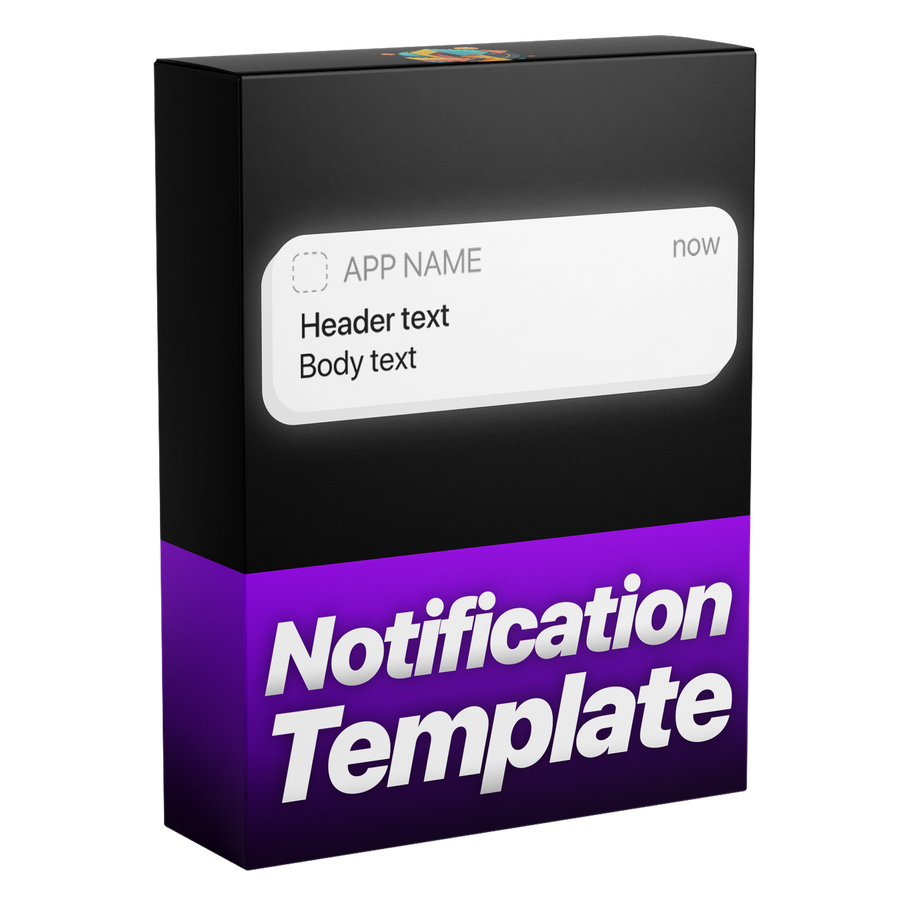

Pixel-perfect, like the real iPhone UI
Controls
Build it and change it in Premiere Pro.
Everything in Essential Graphics
Any color
Made for every edit.

Premiere Pro 2021–2026
No plugins needed.
iPhone-style notifications. In seconds.
Clean, realistic iPhone-style notifications, designed and animated in seconds. No keyframes, no extra work, all directly inside Premiere Pro.
Made for every edit
A notification for every story.
App stories, message scenes, social videos, tutorials and ads. Swap the icon, type your text, pick the color and opacity, and it slides in like the real thing.
-
Message scenes
Your own text -
Ads
Any color -
Social videos
Opacity -
Tutorials
Dark style
Fully customizable
Change anything. In Premiere Pro.
All in the Essential Graphics panel. No keyframes, no After Effects.
43+
controls in one template
-
App icon
Drop in any icon, from any app or brand.
-
Your text
Type your own app name, title and message.
-
Color
Light, dark or any brand color.
-
Opacity
Let your footage show through the banner.
-
Corner roundness
From sharp to soft, to match any look.
-
Transform
Place, scale and rotate it anywhere in frame.
-
Motion blur
Smooth, natural motion as it moves.
-
In and out
Slides in, holds, slides out. No keyframes.

Edit faster. Deliver sooner.
Build iPhone-style notifications right inside Premiere Pro, with no trips to After Effects. Save time on every project.
Every detail, your call.
More than 43 controls put every detail in your hands—text and app icons, colors, opacity and the overall style of every notification.
Pixel-perfect.
Every element is aligned to the pixel, so your notifications look clean, sharp and just like the real iPhone UI.
Pay once. Keep it forever.
One payment gets you lifetime access, with every future update included free. No subscription. No hidden fees.
Easy to use
Ready in three steps. No keyframes.
-
1
Import the template
Open Graphics Templates (Essential Graphics in older versions) and import the .mogrt file.
-
2
Drag it onto your timeline
Drop it above your footage, then trim it any way you like. The animation follows your In and Out points.
- 3
Type your message
Write your header and body text, swap the app icon and pick the box color in the Essential Graphics panel. No keyframes.
- Premiere Pro 2021–2026
- Windows and macOS
- No plugins needed
- Instant download
Simple from the start
Straight to your timeline.
Install the template in Premiere Pro once. No plugins or extra setup.

Premiere Pro 2021–2026 · Windows & macOS · No plugins needed
See the difference
A notification that feels native.
Get realistic proportions and flexible controls without rebuilding an interface from separate layers.


See how it works.

Notifications in seconds.
Clean, realistic iPhone-style notifications, right inside Premiere Pro.
- Instant download
- Lifetime access and free updates
- Premiere Pro 2021–2026
- Commercial license