

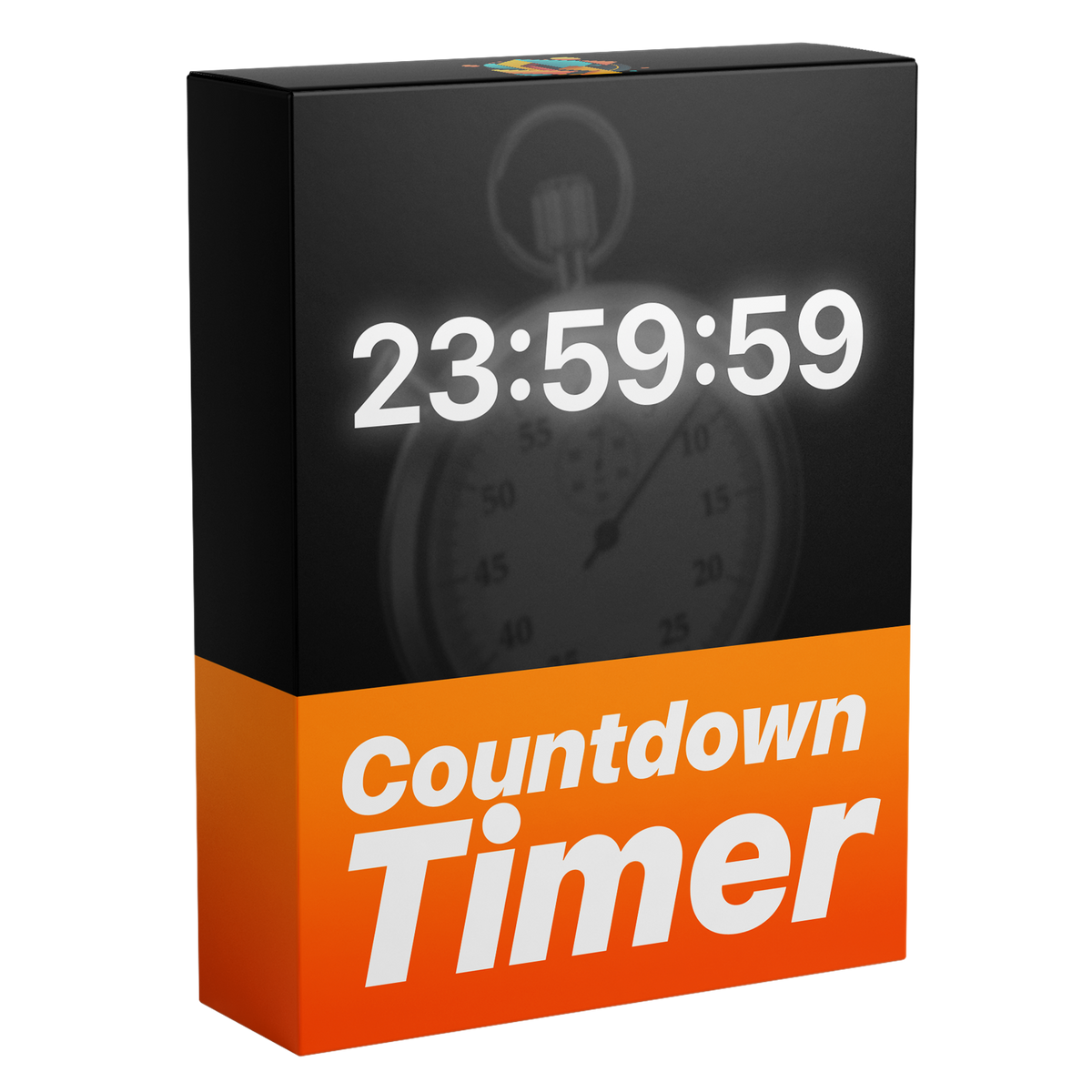

Countdown Timer Template
Introducing the ultimate fully customizable Countdown Timer for Premiere Pro. Create dynamic countdowns with full control over time, milliseconds, fonts, and a variety of text design settings — all without any plugins.

Works with Premiere Pro 2021-2026
Works with Windows & macOS
Instant Download
Lifetime Access + Free updates
Commercial license
Countdown Timer Template
Highlights
Fully customizable
Animate numbers without a single keyframe.
No plugins
Runs natively in Premiere Pro.
Easy to use
Simple for beginners. Fast for pros.


Any start time
Controls
Milliseconds
Build it and change it in Premiere Pro.
Everything in Essential Graphics
Show only the units you need
Made for every edit.

Premiere Pro 2021–2026
No plugins needed.
Made for every edit
A countdown for every moment.
Launches, challenges, sports edits, streams and explainers. Set the start time, show the units you need, and it counts down on its own.
-
Launches
Custom start time -
Sports edits
Milliseconds -
Challenges
Hours, minutes and seconds -
Streams
Stroke and glow
Smooth countdown timers. In seconds.
Clean, dynamic countdown timers, built in seconds. No keyframes, no extra work, all directly inside Premiere Pro.
Fully customizable
Change anything. In Premiere Pro.
All in the Essential Graphics panel. No keyframes, no After Effects.
32+
controls in one template
-
Custom start time
Ten seconds or an hour. Type it in and it counts.
-
Visible units
Minutes and seconds, with hours when you need them.
-
Milliseconds
Turn them on for every last split second.
-
Typography
Pick any font for a timer that fits your edit.
-
Color
Any color, to match your brand or your mood.
-
Stroke
An outline keeps it readable over any footage.
-
Shadow
A drop shadow lifts it off busy backgrounds.
-
Alignment
Line it up left, center or right.
Edit faster. Deliver sooner.
Build fully customizable countdown timers right inside Premiere Pro, with no trips to After Effects. Save time on every project.
Every detail, your call.
More than 32 controls put every detail in your hands—fonts and colors, stroke, custom time settings and more.
Pay once. Keep it forever.
One payment gets you lifetime access, with every future update included free. No subscription. No hidden fees.
Easy to use
Ready in three steps. No keyframes.
-
1
Import the template
Open Graphics Templates (Essential Graphics in older versions) and import the .mogrt file.
-
2
Drag it onto your timeline
Drop it above your footage like any other clip.
- 3
Set your time
Pick the start time, the units and the look in the Essential Graphics panel. It counts down on its own.
- Premiere Pro 2021–2026
- Windows and macOS
- No plugins needed
- Instant download
Simple from the start
From checkout to timeline. No installer needed.
Install the template in Premiere Pro once. No plugins or extra setup.


Premiere Pro 2021–2026 · Windows & macOS · No plugins needed
See the difference
More control over every second.
A reusable countdown with precise timing and design controls instead of a fixed animation.


See how it works.


Make every second count. Starting today.
Clean, fully customizable countdowns, built right inside Premiere Pro.
- Instant download
- Lifetime access and free updates
- Premiere Pro 2021–2026
- Commercial license